
Casual Mall Selfie Snapshot
Generates a realistic iPhone-style wide photo of a busy upscale shopping mall with a centered phone selfie subject and recognizable storefronts.
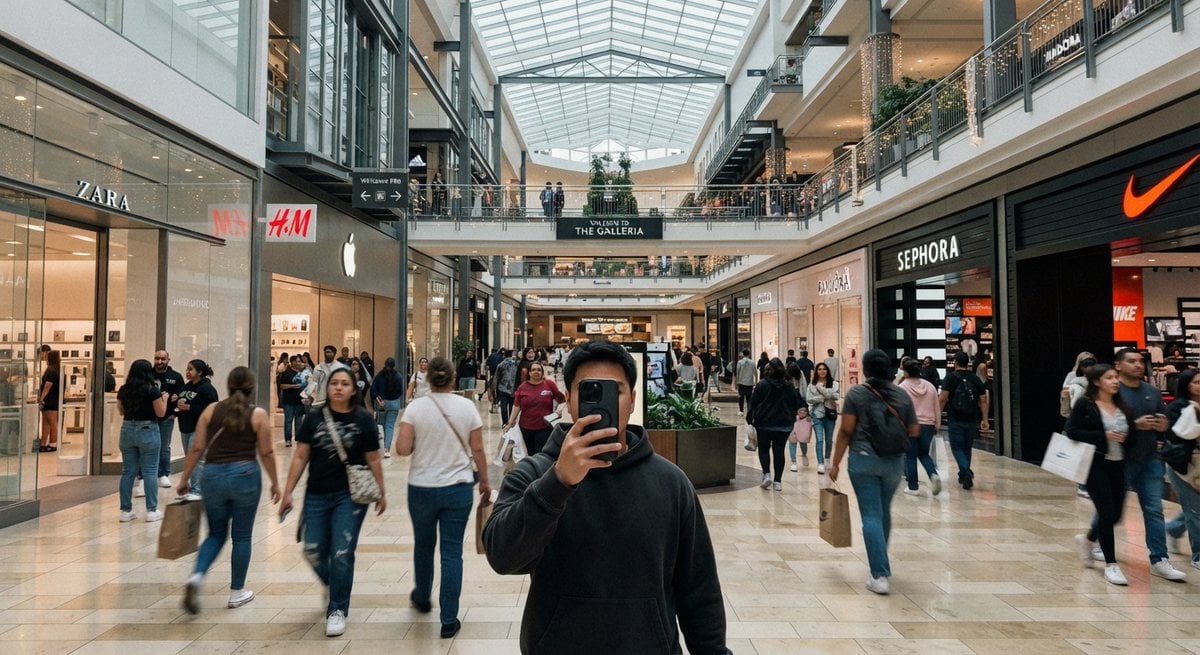
- Prompt included
- Model and format preset
- Free template
The prompt behind this image
Copy the exact prompt behind Casual Mall Selfie Snapshot, or open it in the studio and make it yours.
Create a casual iPhone-style ultra-wide photo taken inside a modern indoor shopping mall, as if shot at chest height by a person taking a mirrorless front-facing selfie with their phone. In the foreground, center a young man wearing a dark charcoal hoodie, holding a black smartphone directly in front of his face so his face is mostly hidden. The mall is bright and busy, with many shoppers walking in both directions, slight motion blur on moving people, and a polished beige stone tile floor reflecting soft overhead light. Use a wide 16:9 horizontal composition with strong central perspective leading down the main concourse. The architecture has two visible shopping levels, glass railings, dark metal beams, balconies, hanging warm string lights, planters with greenery, and a large geometric glass skylight ceiling. Include exactly five prominent recognizable storefront signs: ZARA on the left, H&M on the left-center, an Apple logo store on the left-center, SEPHORA on the right, and a Nike swoosh storefront on the far right. Add a central overhead sign reading {argument name="mall sign text" default="THE GALLERIA"}. Make the image look like a realistic casual smartphone snapshot rather than a staged commercial photo: natural indoor lighting, mild lens distortion, candid crowd spacing, imperfect framing, and documentary realism. The main customizable subject is {argument name="selfie subject" default="a young man in a dark charcoal hoodie"}; keep the setting as {argument name="mall type" default="a large upscale indoor shopping mall"}.
How to use Casual Mall Selfie Snapshot in 3 steps
- 1Upload ImagePNG, JPG or paste
Add your photo
Upload the photo the template builds on. The prompt, model and format are already set.
- 2…a portrait of your subject in softgolden-hour light, 85mm…
Personalize
Edit the subject and creative details for your destination.
- 3Generate
Generate
Press Generate — your image is created in PicX Studio, so you can compare it with the original and refine one variable at a time.
More like this
Templates with the same subject, style or setup. Open one to see its prompt.

Rooftop Fisheye — Cat-Ear Balaclava at Golden Hour

Felt & Knit 3D Character — Photo-Exact Face, Pixar-Quality Plush Figurine

Eid al-Adha Cute Chaos — Fisheye Selfie with Farm Selfie, Mosque & Animals

Cat Photobomb Selfie — 0.5x Wide Angle Café Chaos

Gen Z Triple Selfie Collage — Y2K Flash Photography

Surreal Cat Astronaut — Humanoid Face Freefall
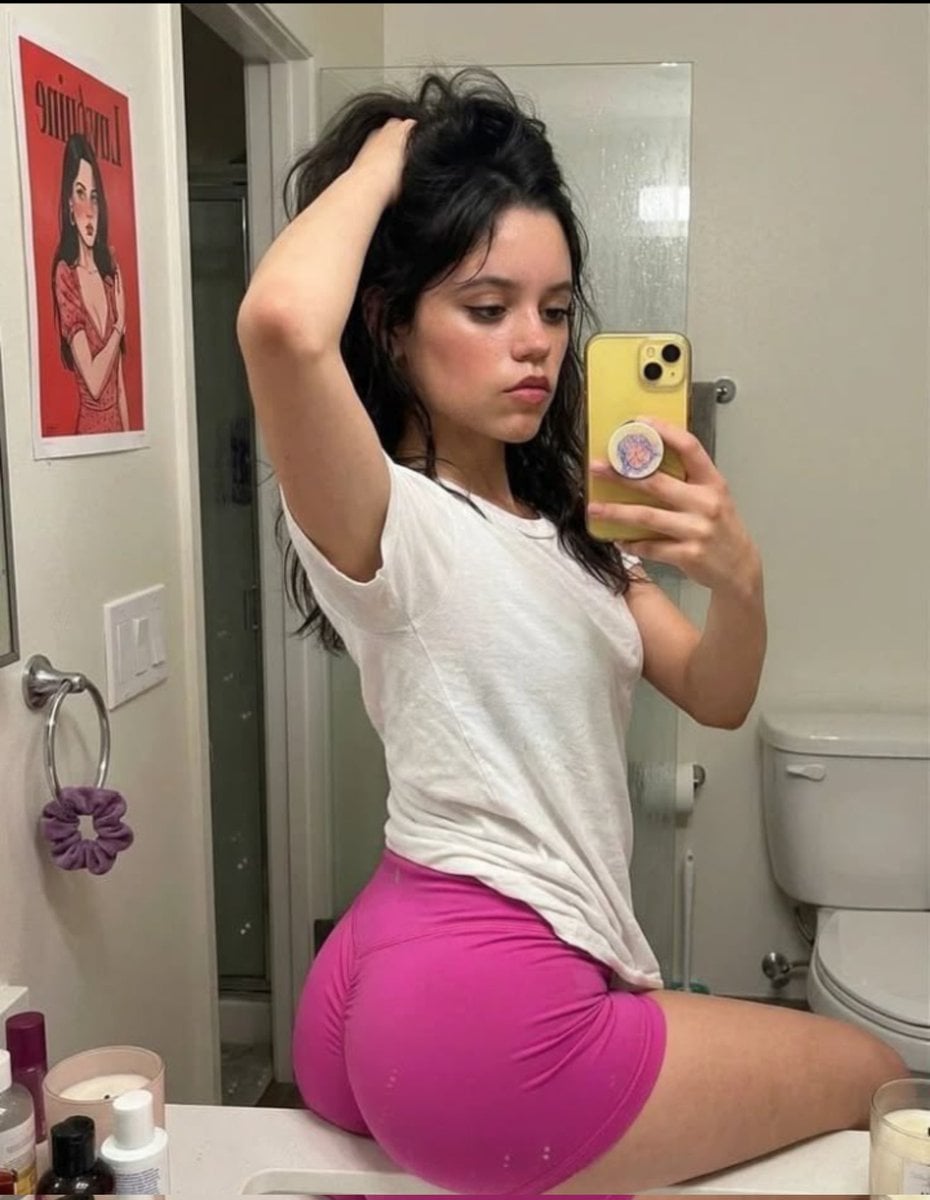
Casual Mirror Selfie Portrait
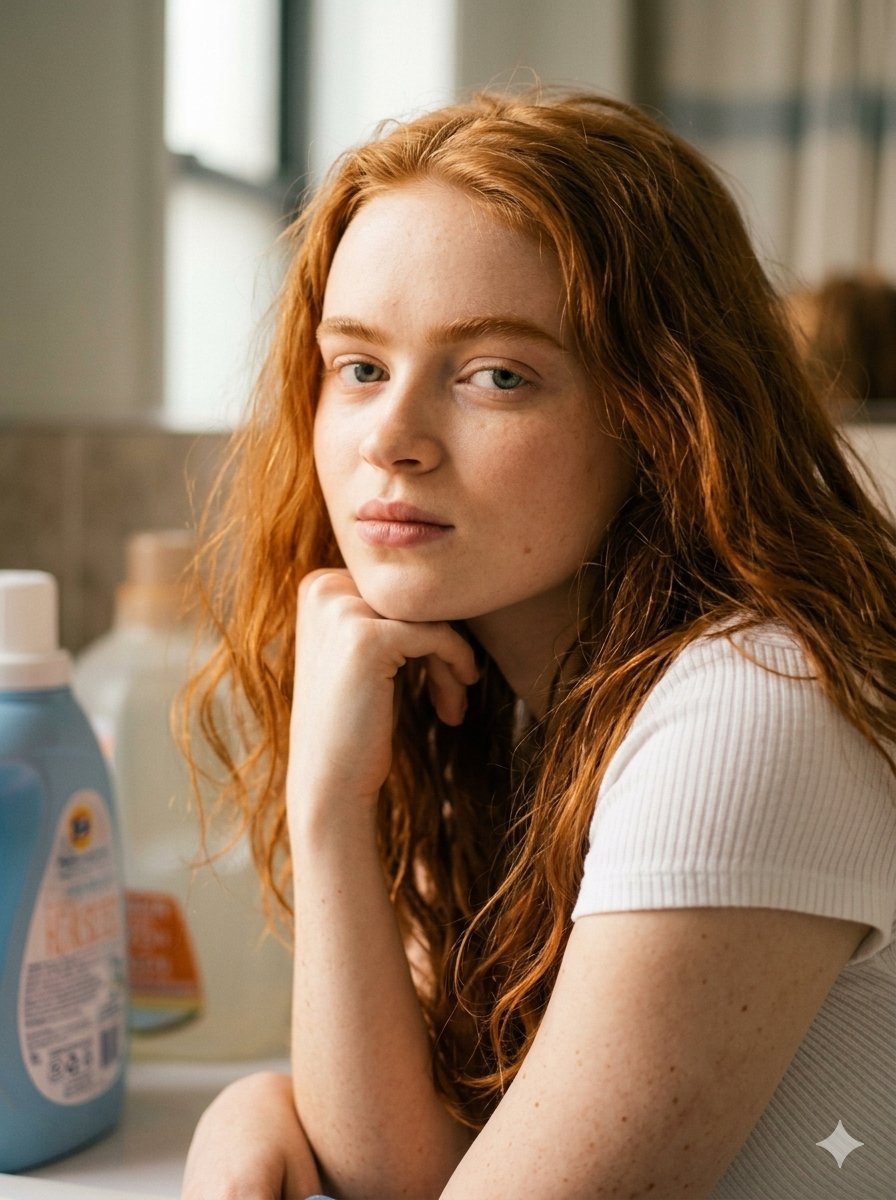
Casual Bathroom Selfie Aesthetic
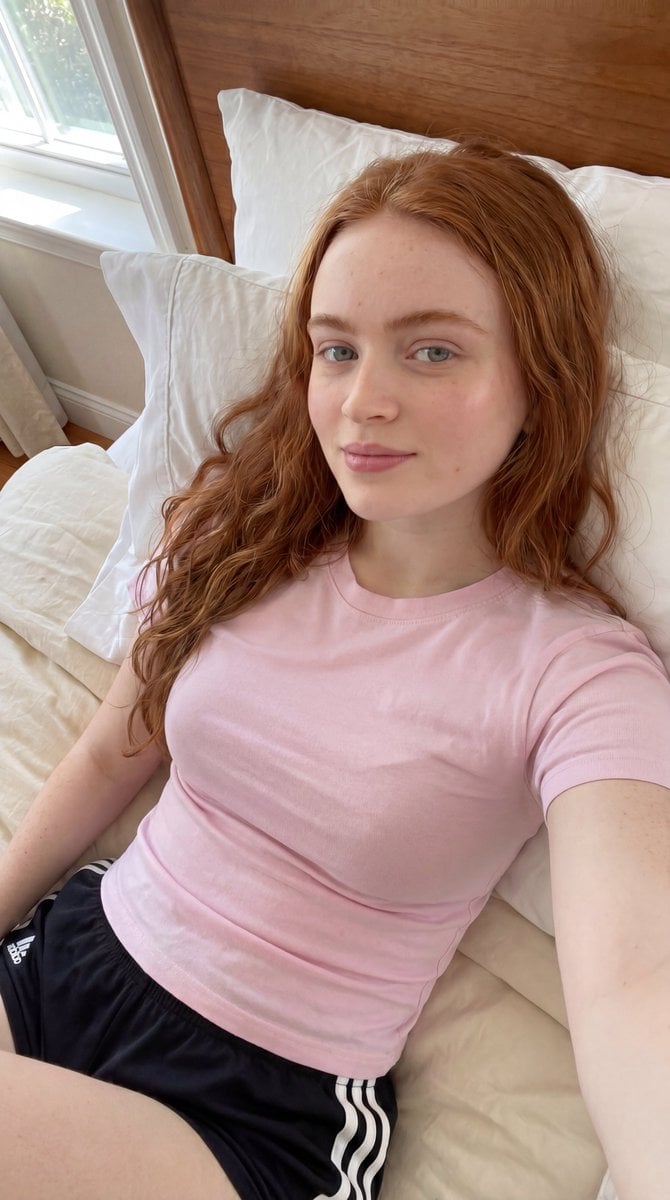
Casual Bedroom Selfie Portrait

Nostalgic Digicam Café Afternoon Portrait

Photoreal Village Lanterns Minecraft Scene

Photoreal Snow Biome Name Tag UI
Make it yours
Casual Mall Selfie Snapshot works as-is. These are the safest ways to change it without losing the look.
Change one field
Copy a single group, rewrite it, and generate again so you can see what that field is doing.
Keep the frame, change the subject
Hold the composition and light of Casual Mall Selfie Snapshot, then swap wardrobe, props or the person for a new take.
| If the result… | Why | Fix |
|---|---|---|
| The result drifts from the preview | Too many fields changed at once. | Reuse Casual Mall Selfie Snapshot as-is first, then change one group — subject, light, or setting. |
| The model over-stylizes the scene | The prose prompt leaves finish and camera underspecified. | Add one camera or lighting sentence and stay on GPT Image 2. |
More GPT Image 2 templates
Other prompts made for GPT Image 2.

Six VTuber Japanese Logo Sheet

Realistic Portrait of Woman and Deer

The Vista Modular Condo Poster

AI Model Routing Comparison Infographic

2.5D Anime Art Board

Isometric Productivity Desk Scene

New York Double Exposure Poster

Four-Panel AI Landscape Comparison

Japanese Tatami Lifestyle Magazine Cover

NESCAFÉ Coffee Map Poster
More image prompts
Fresh picks from across the catalog.
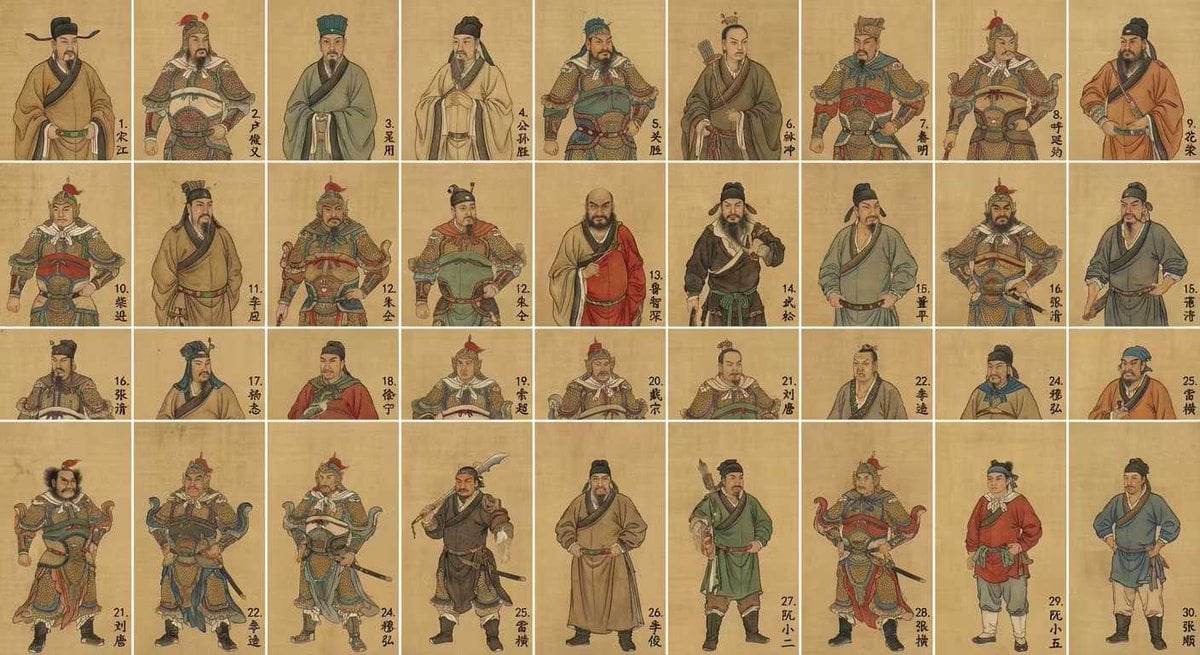
Water Margin top 30 characters grid in gongbi style
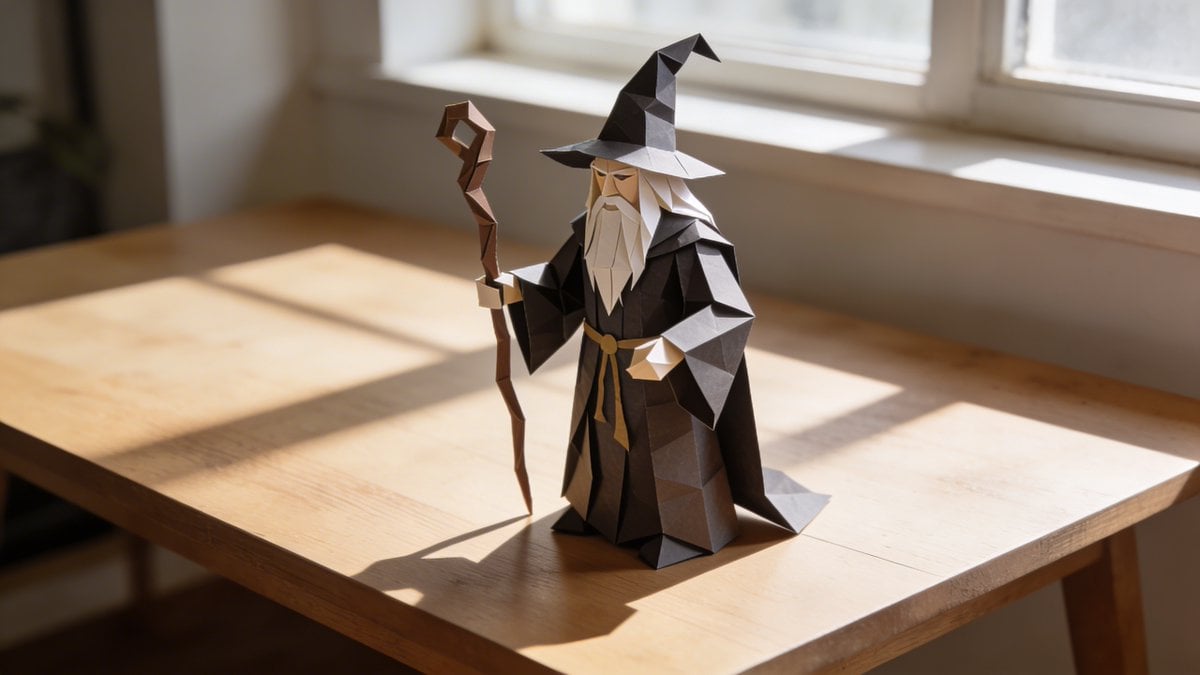
Hyper-realistic Origami Sculpture
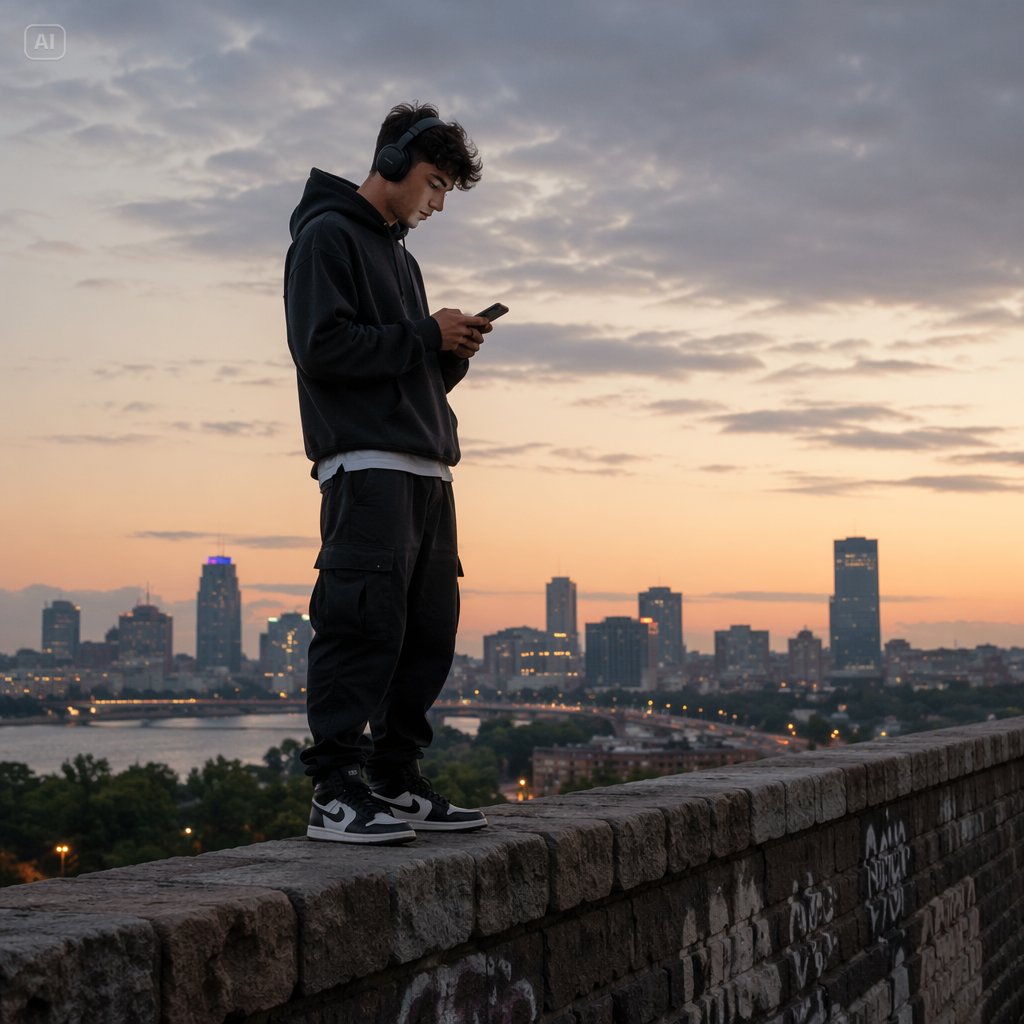
Man Texting on City Overlook
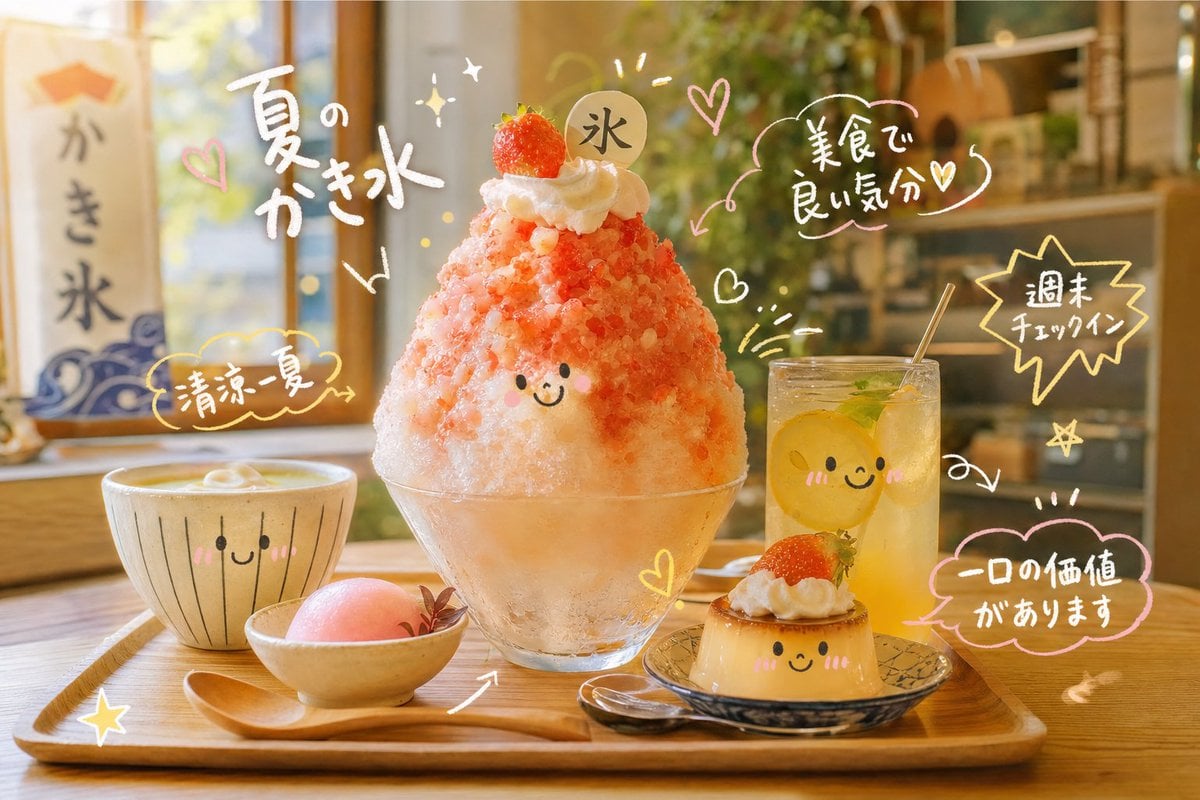
Cute Doodle Japanese Café Dessert Photo
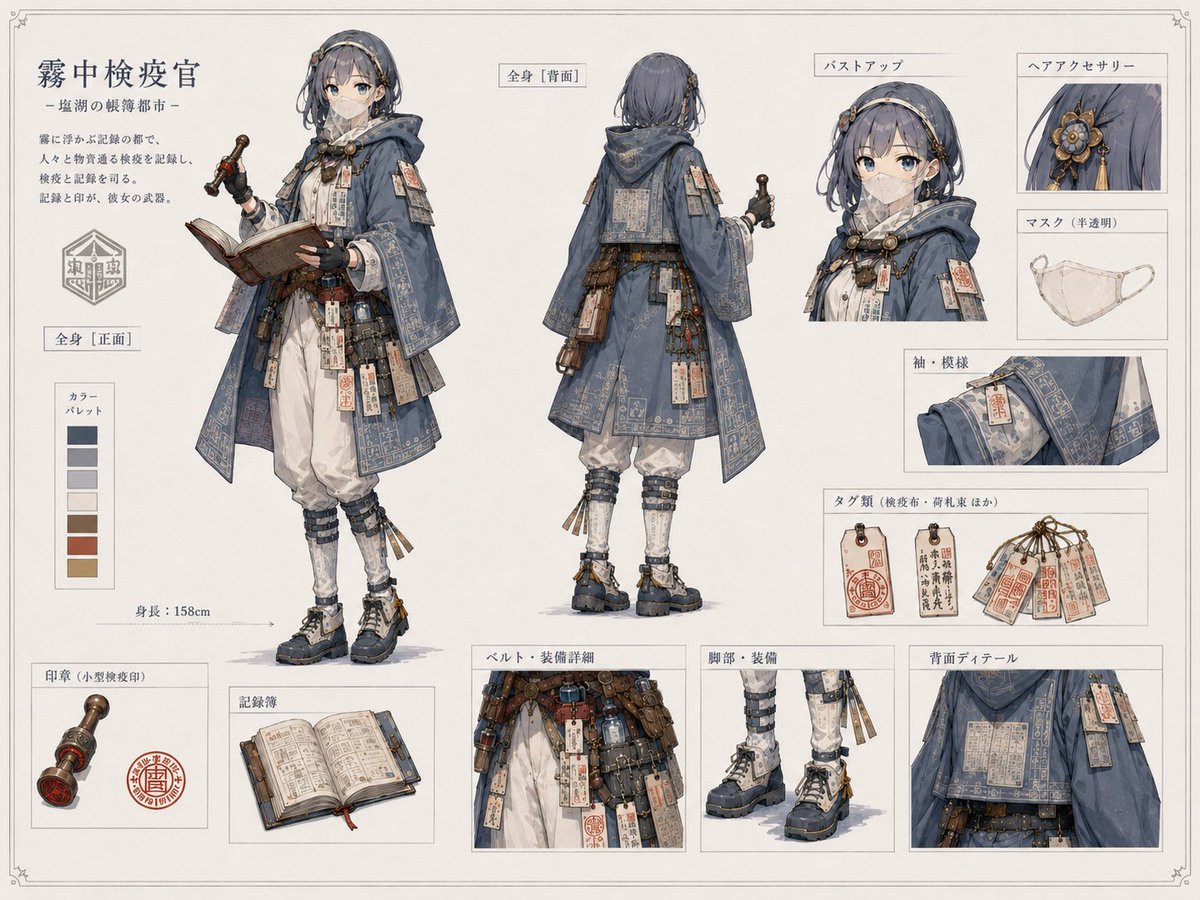
Realistic Character Proportion Adjustment
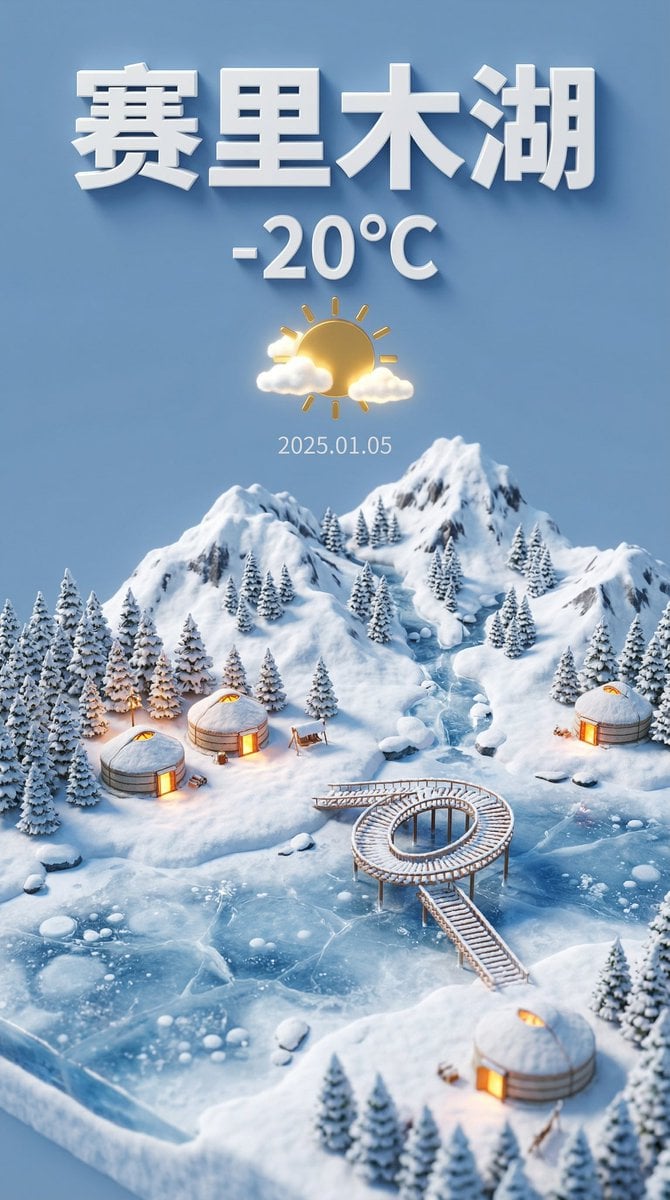
Tilt-Shift Miniature Landscape of Sayram Lake

Water Vs Thunder Breathing Anime Battle
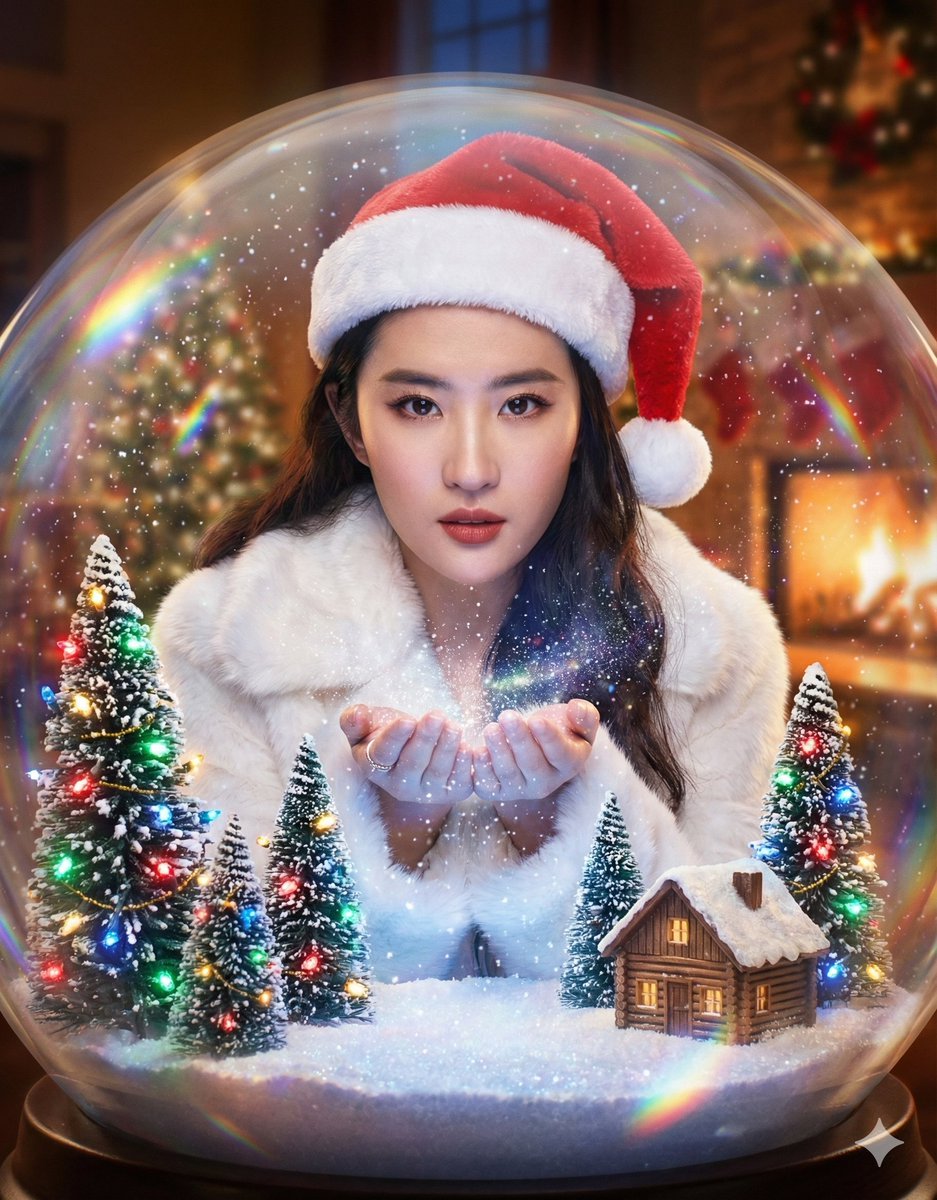
Surreal Character Trapped in a Giant Christmas Snow Globe
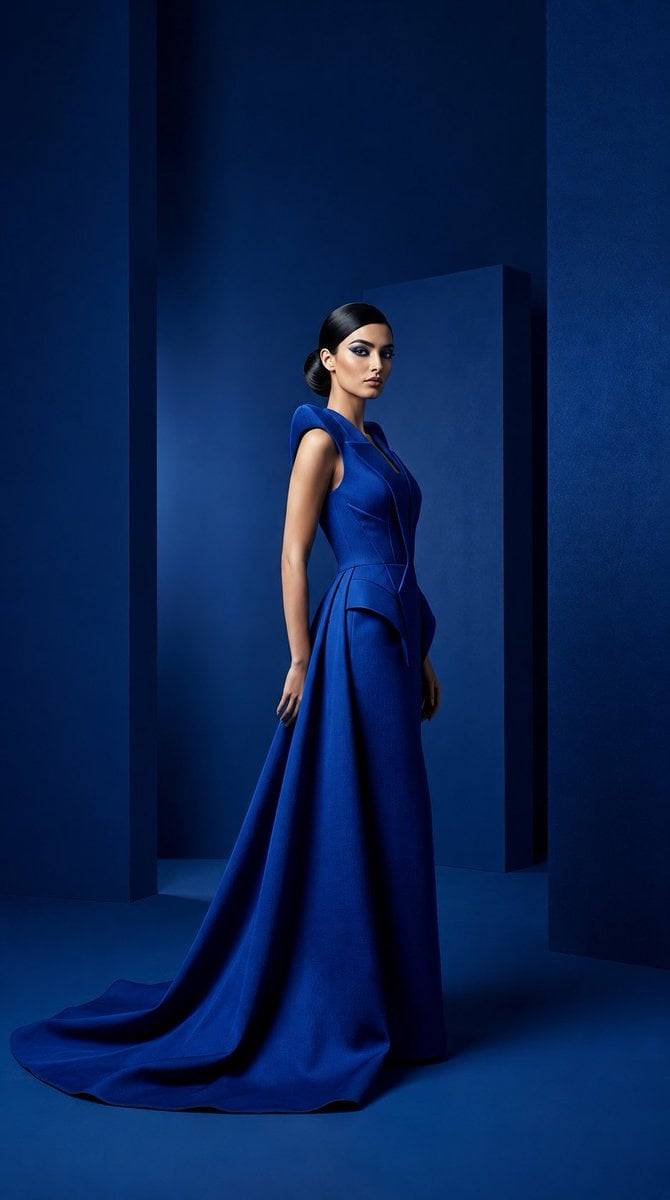
Cobalt Couture Editorial Portrait
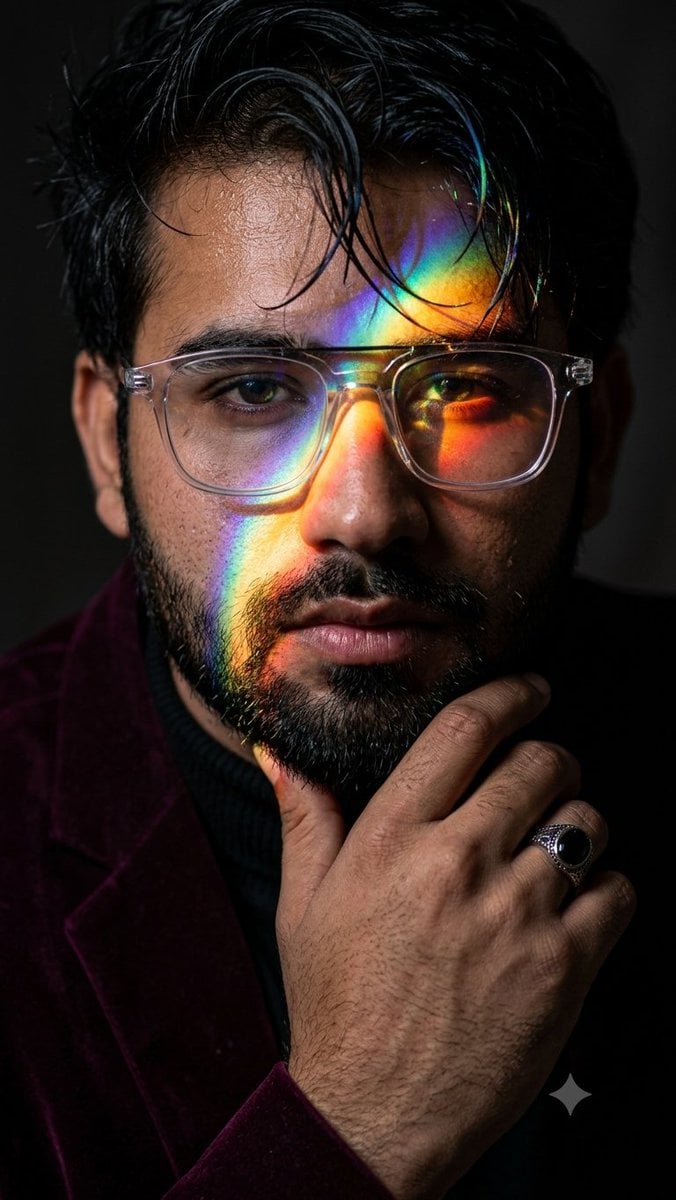
Prismatic Rainbow Light High Fashion Portrait
Browse template categories
Casual Mall Selfie Snapshot questions
How do I use the Casual Mall Selfie Snapshot template?
Add your photo if the template asks for one, edit the prompt if you like — the template's model and format are already selected — and press Generate. Your version opens in PicX Studio.
Can I customize the Casual Mall Selfie Snapshot template?
Yes. You can change the subject, setting, lighting, mood, format, and available model controls before creating your image.
Is the Casual Mall Selfie Snapshot template free?
Opening and editing this template is free. Generating uses credits, shown on the Generate button when you are signed in.
Which AI model should I use?
Start with GPT Image 2, which is the model associated with this template. You can compare another compatible model for a different finish.
Looking for something else? Browse all templates.

Your photo, any look
Thousands of ready templates for every top image and video model, from one credit balance.