
Casual Bedroom Selfie Portrait
An ultra-realistic casual selfie portrait of a young woman in a cozy bedroom setting with soft natural morning light.
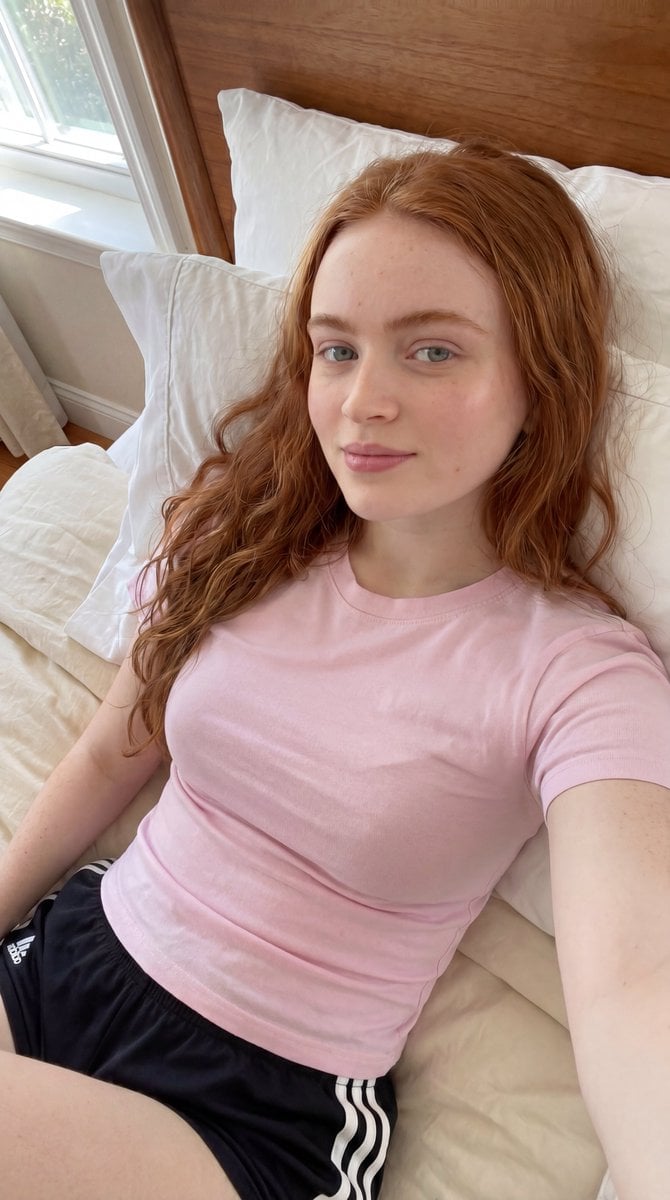
- Prompt included
- Model and format preset
- Free template
The prompt behind this image
Copy the exact prompt behind Casual Bedroom Selfie Portrait, or open it in the studio and make it yours.
{ "prompt": "Ultra-realistic casual selfie portrait of a young woman with {argument name="hair" default="long wavy auburn-red hair"} reclining comfortably on a neatly made bed beside bright natural window light. She wears a {argument name="outfit" default="fitted pastel pink crew-neck t-shirt and black athletic shorts with white side stripes"}. Natural makeup, soft freckles, clear skin texture, relaxed expression, and direct eye contact with the camera. Cozy modern bedroom with white pillows, cream bedding, and a warm wooden headboard. Morning sunlight streams through the nearby window, creating soft natural illumination and gentle shadows. Lifestyle photography, candid social media aesthetic, authentic everyday moment, highly detailed, photorealistic, clean and minimal interior, natural color grading.", "negative_prompt": "blurry, low resolution, distorted anatomy, extra limbs, extra fingers, duplicate person, unrealistic proportions, plastic skin, heavy makeup, cartoon, anime, CGI, painting, watermark, text, logo, motion blur, noisy image, cluttered room, harsh lighting, overexposed highlights", "style": "photorealistic", "camera": { "lens": "35mm", "aperture": "f/2.0", "angle": "high-angle handheld selfie perspective", "depth_of_field": "shallow" }, "lighting": { "type": "natural window light", "direction": "soft side lighting from nearby window", "mood": "calm, fresh, authentic" }, "composition": { "framing": "vertical portrait", "subject_position": "centered reclining on bed", "background": "white pillows, cream bedding, wooden headboard, bright window" }, "quality": { "resolution": "8k", "detail": "ultra high", "realism": "maximum" } }
How to use Casual Bedroom Selfie Portrait in 3 steps
- 1
Open
The prompt is already in the box next to the preview, with the template's model and format selected.
- 2…a portrait of your subject in softgolden-hour light, 85mm…
Personalize
Edit the subject and creative details for your destination.
- 3Generate
Generate
Press Generate — your image is created in PicX Studio, so you can compare it with the original and refine one variable at a time.
More like this
Templates with the same subject, style or setup. Open one to see its prompt.
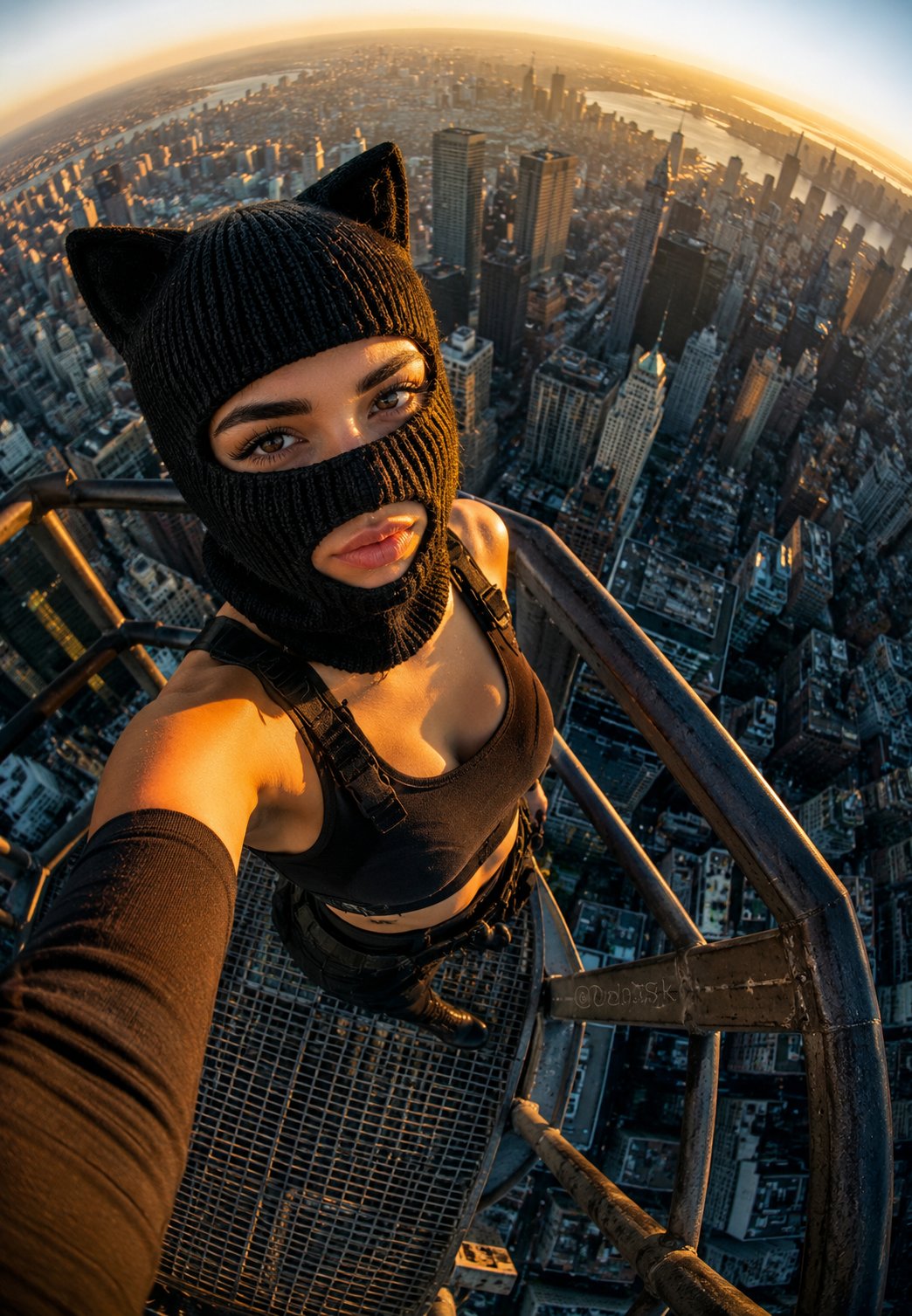
Rooftop Fisheye — Cat-Ear Balaclava at Golden Hour
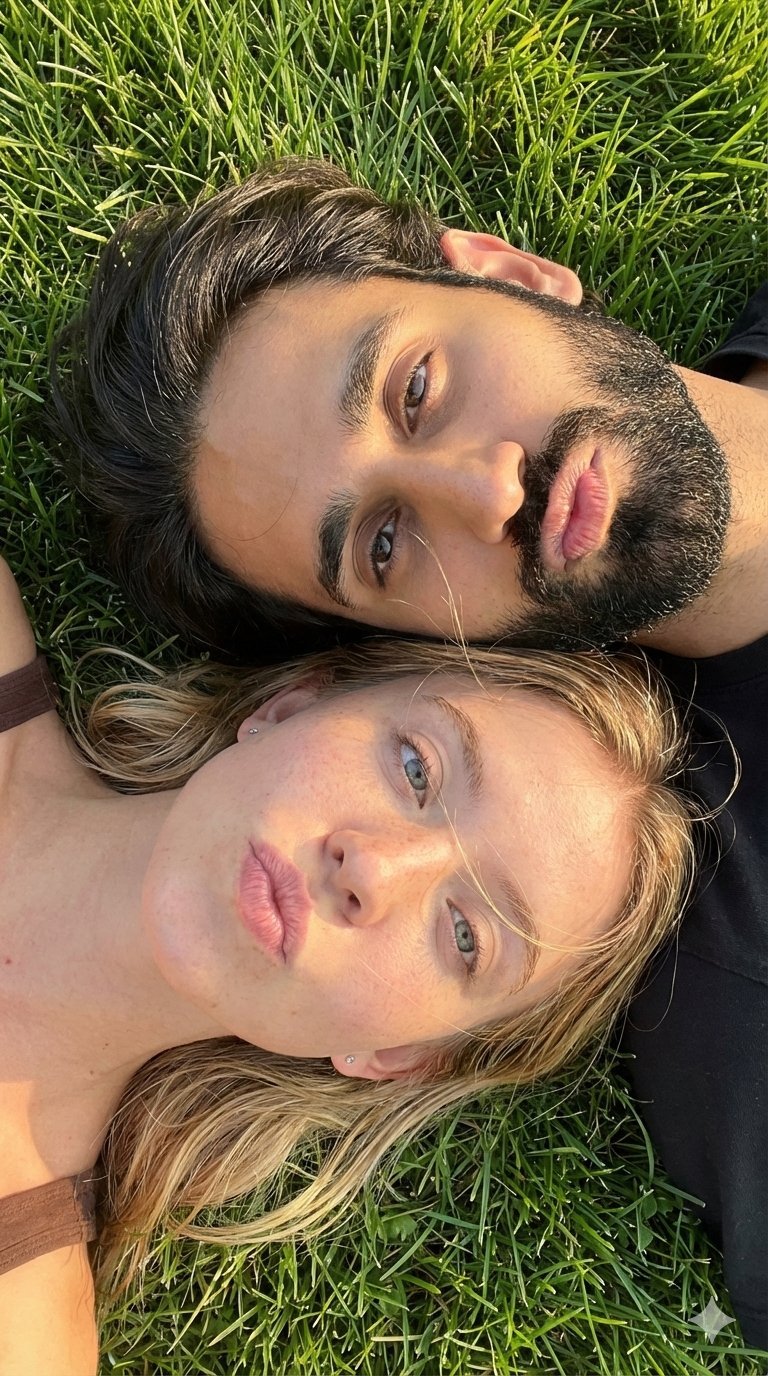
Selfie with Sydney Sweeney and Ana De Ar
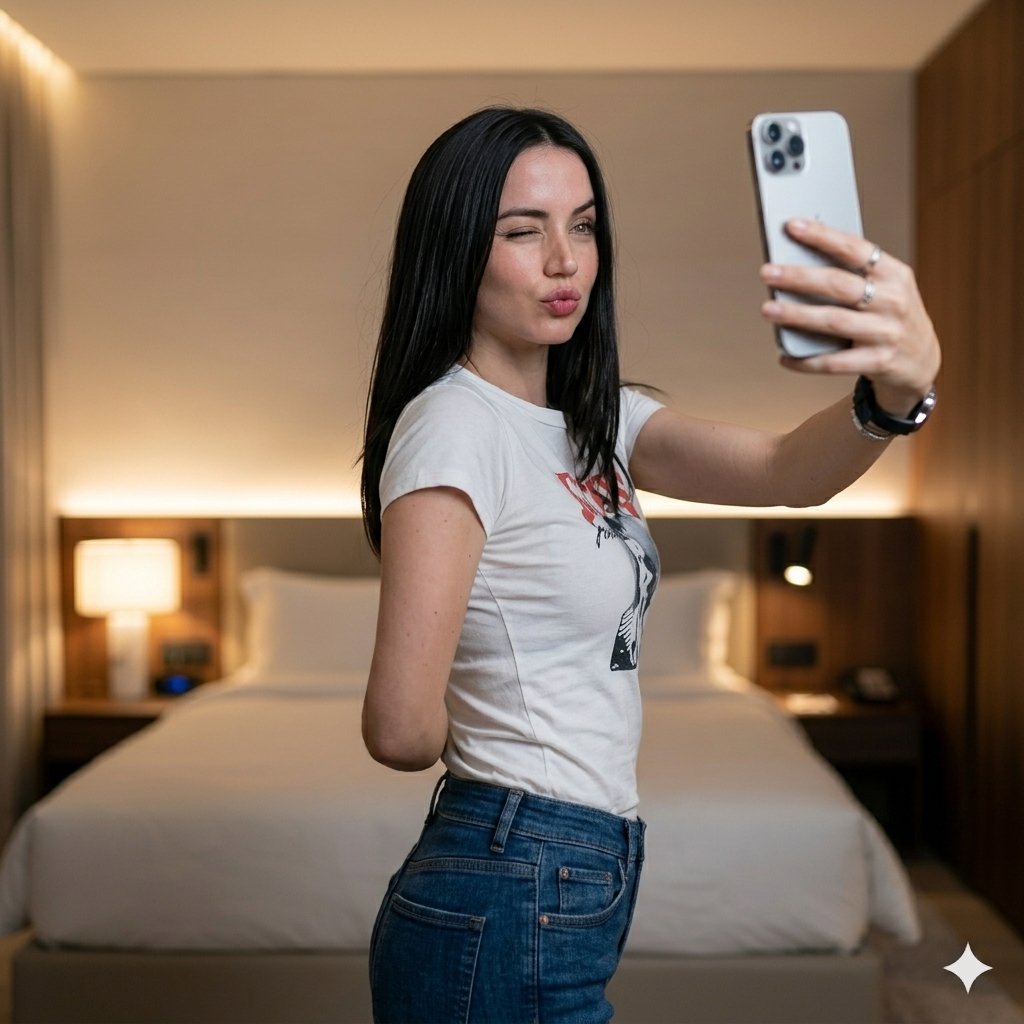
Luxury Bedroom Selfie Portrait
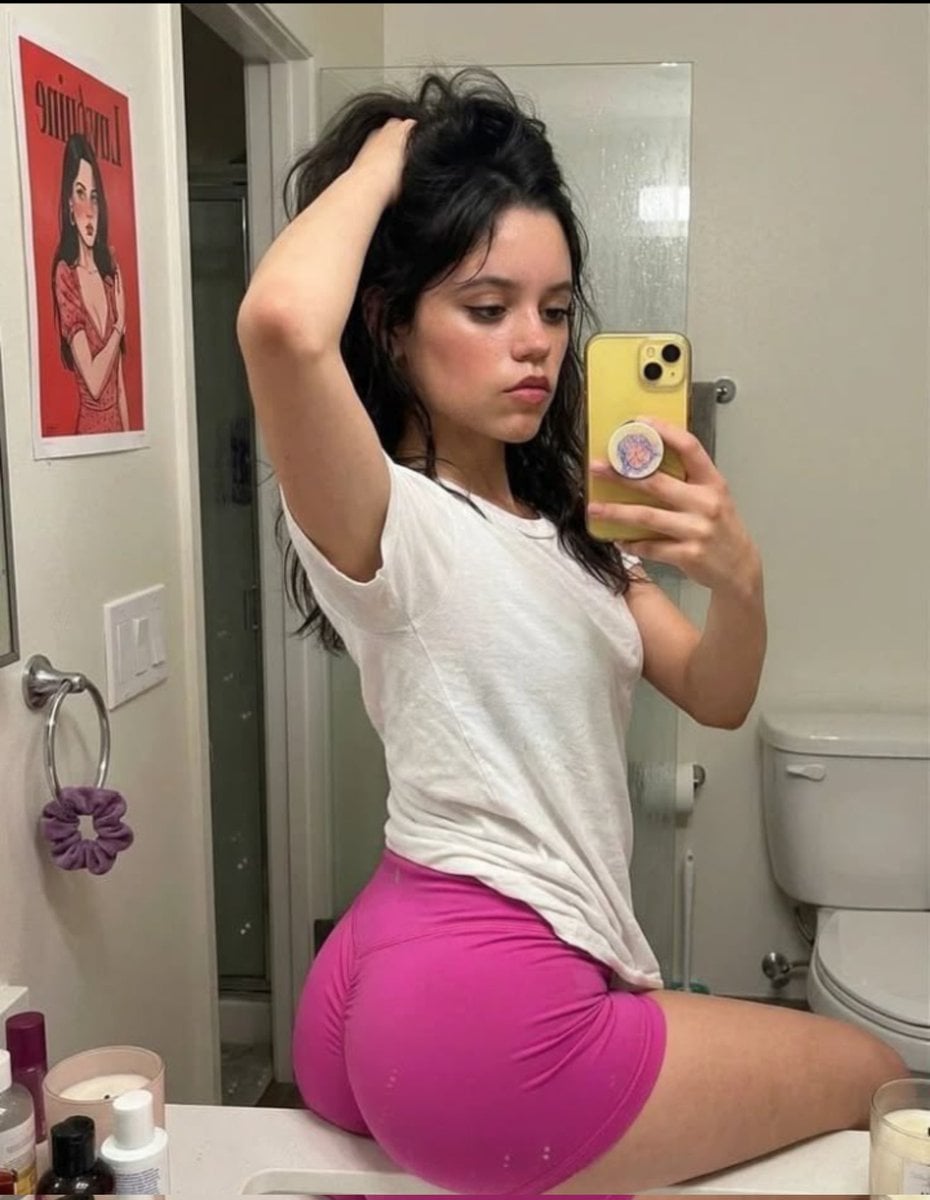
Casual Mirror Selfie Portrait
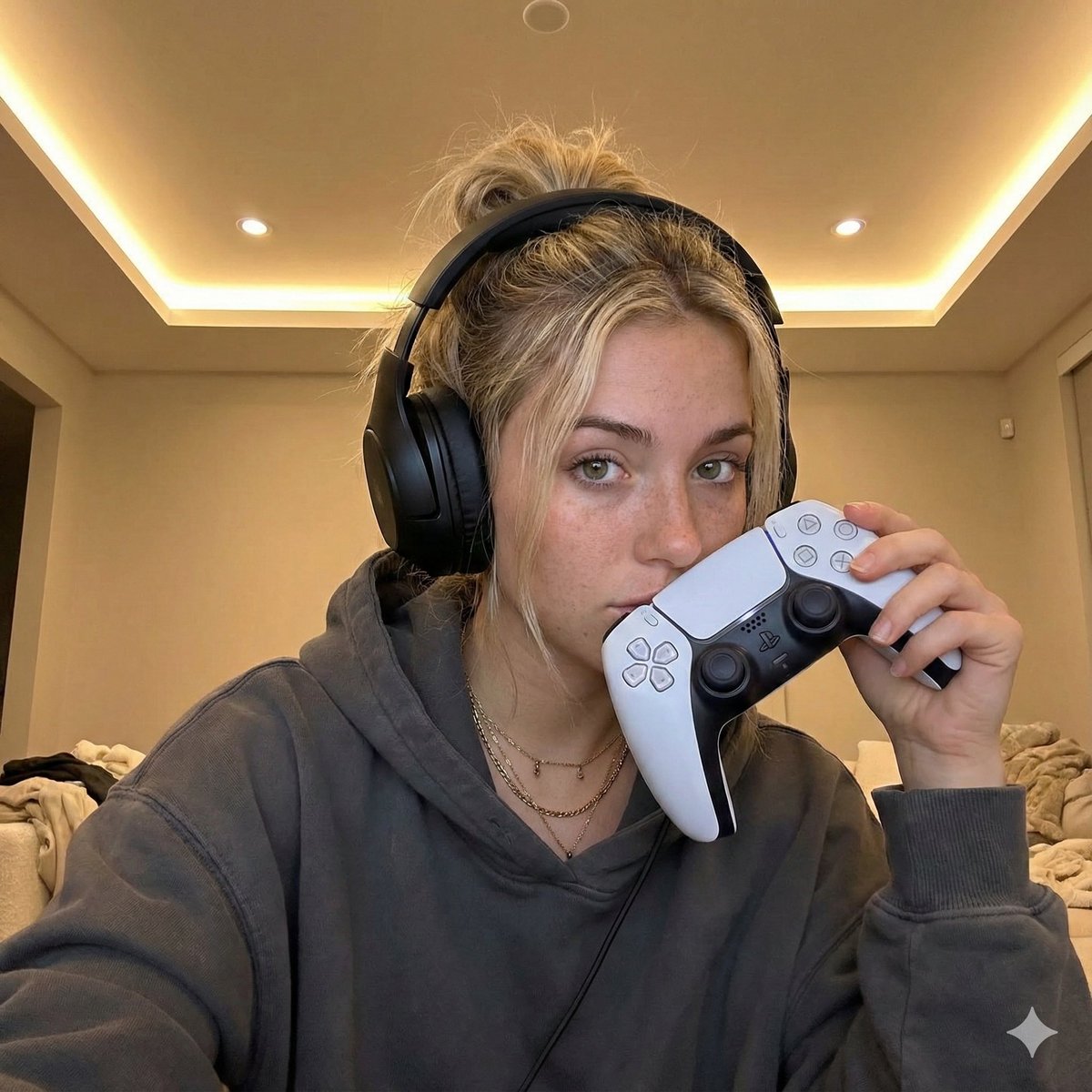
Casual Gamer Selfie Portrait
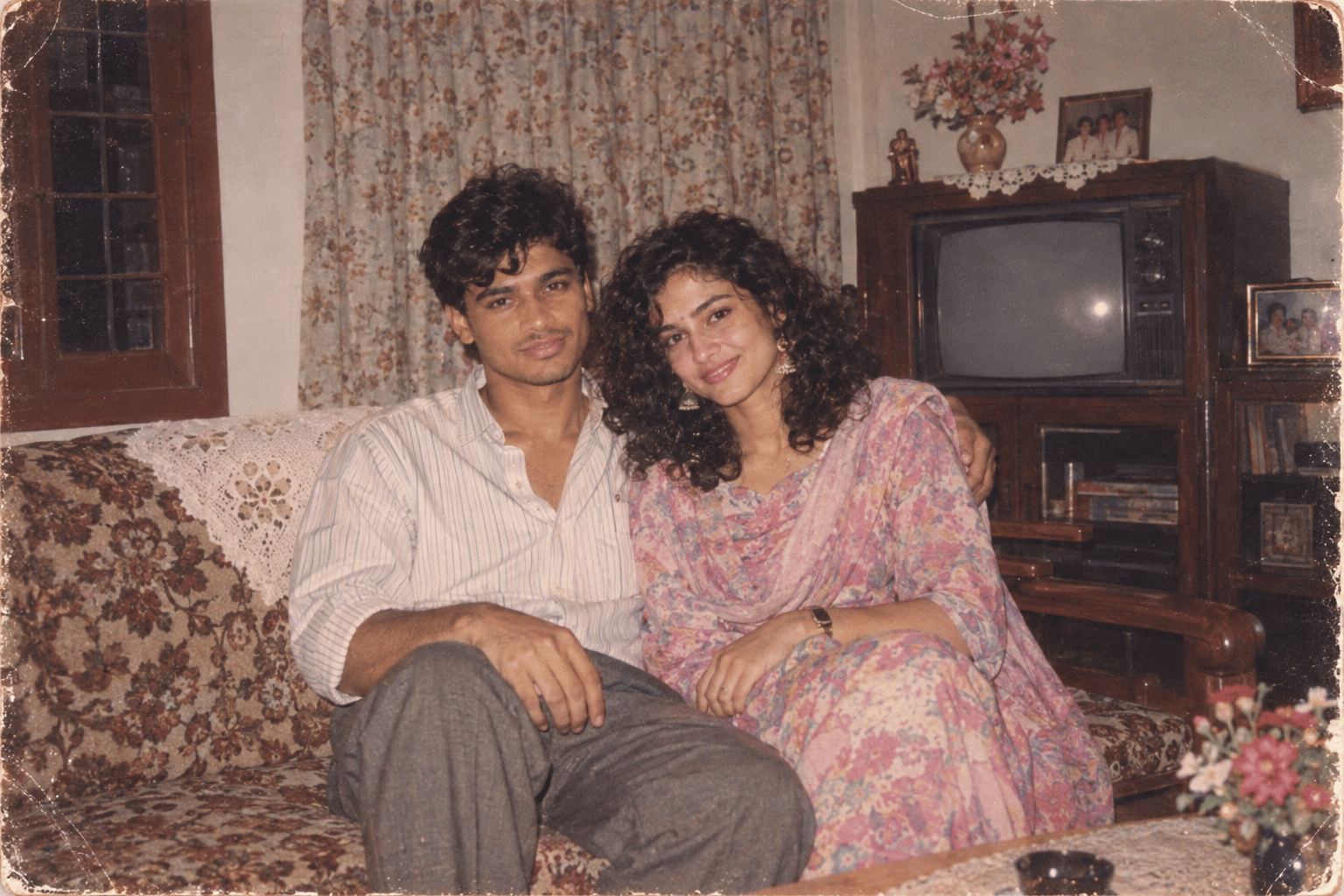
Found Photograph: Us, 1970
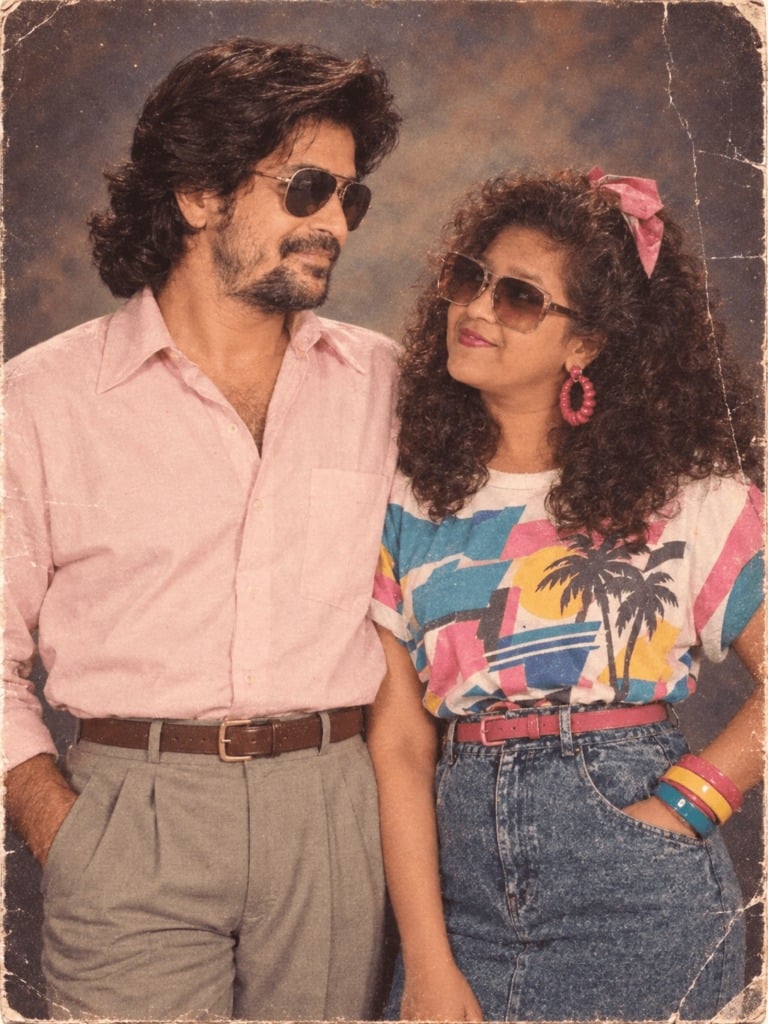
80s Couple Studio Portrait
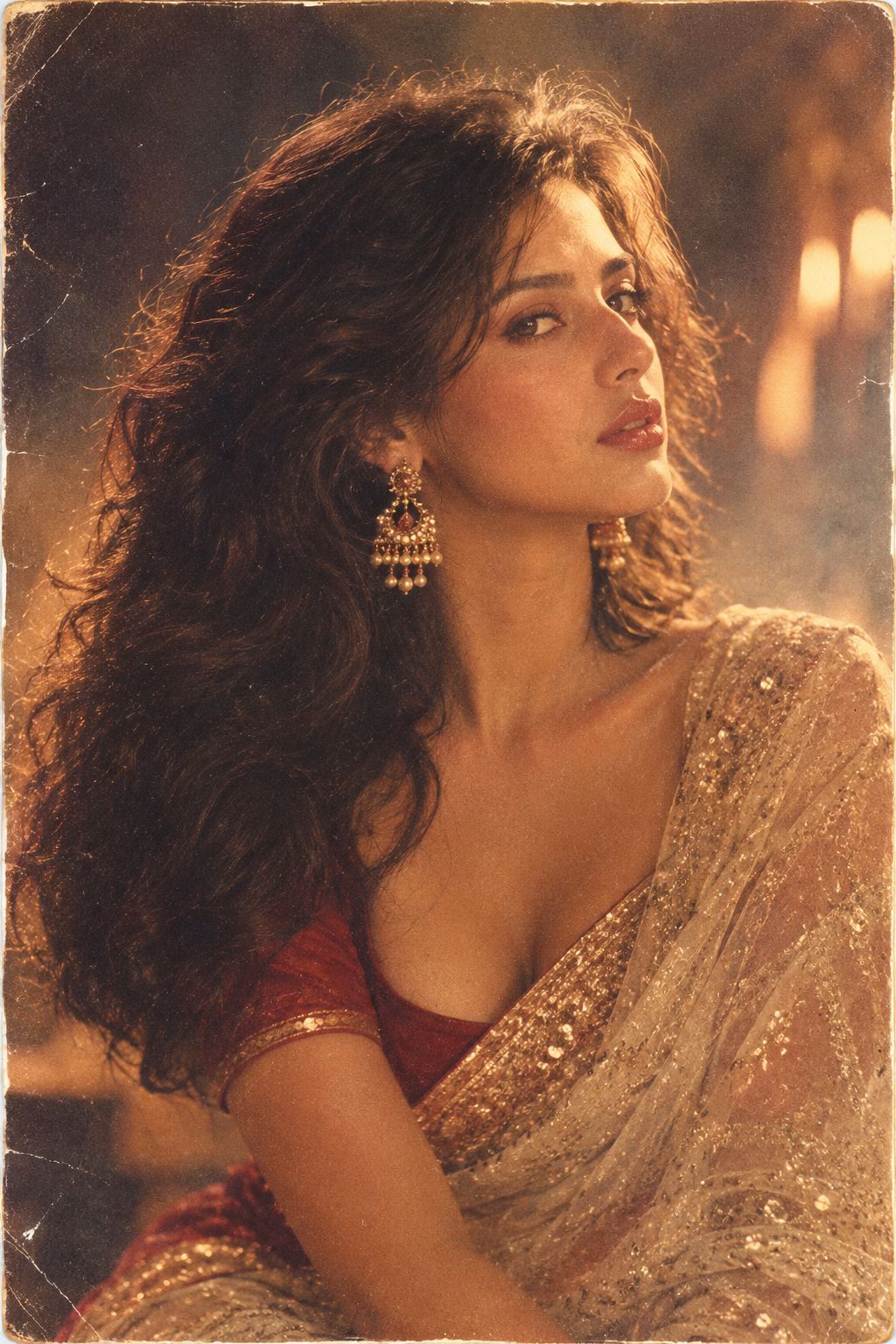
80s Bollywood Star
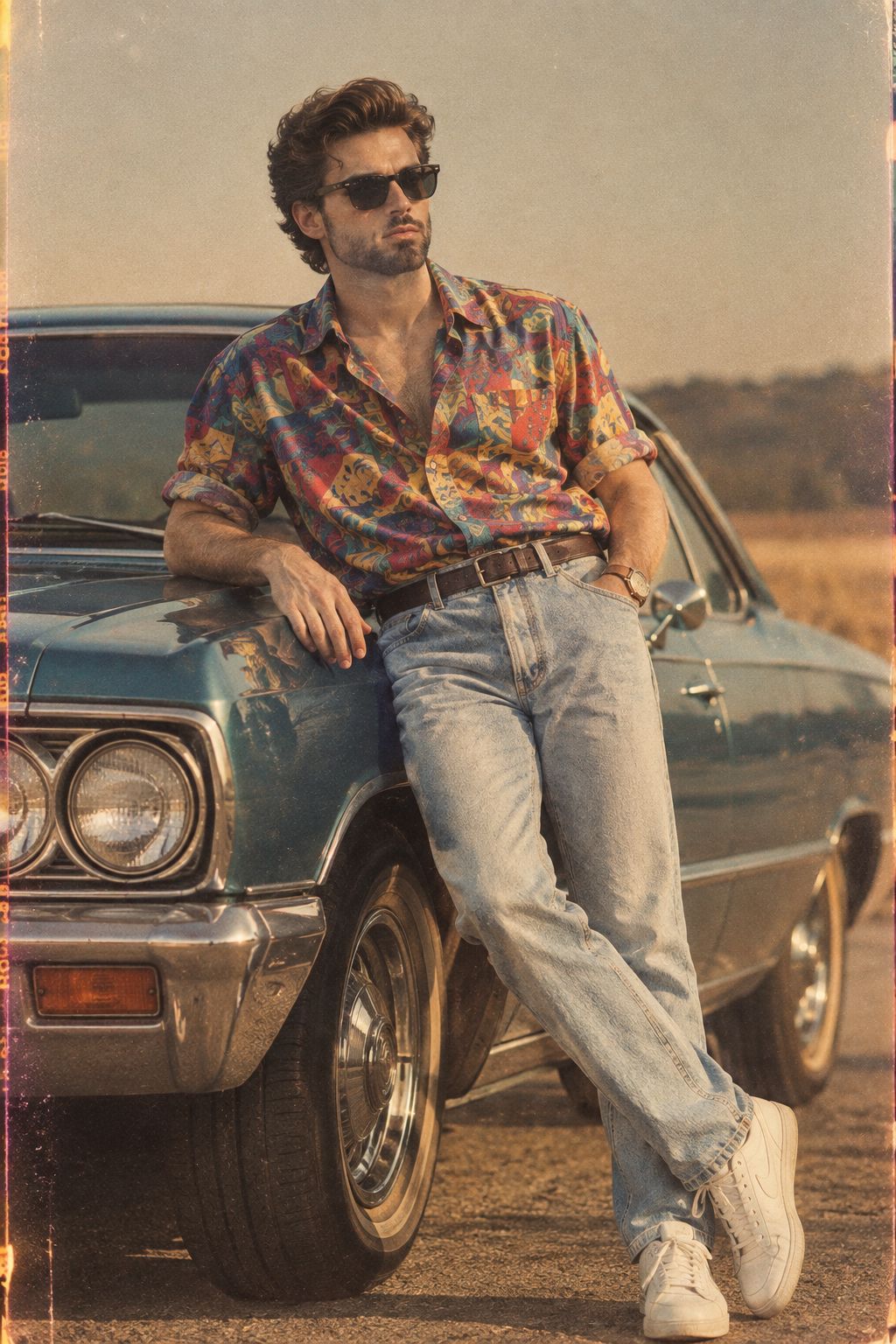
80s Golden Hour Cinema
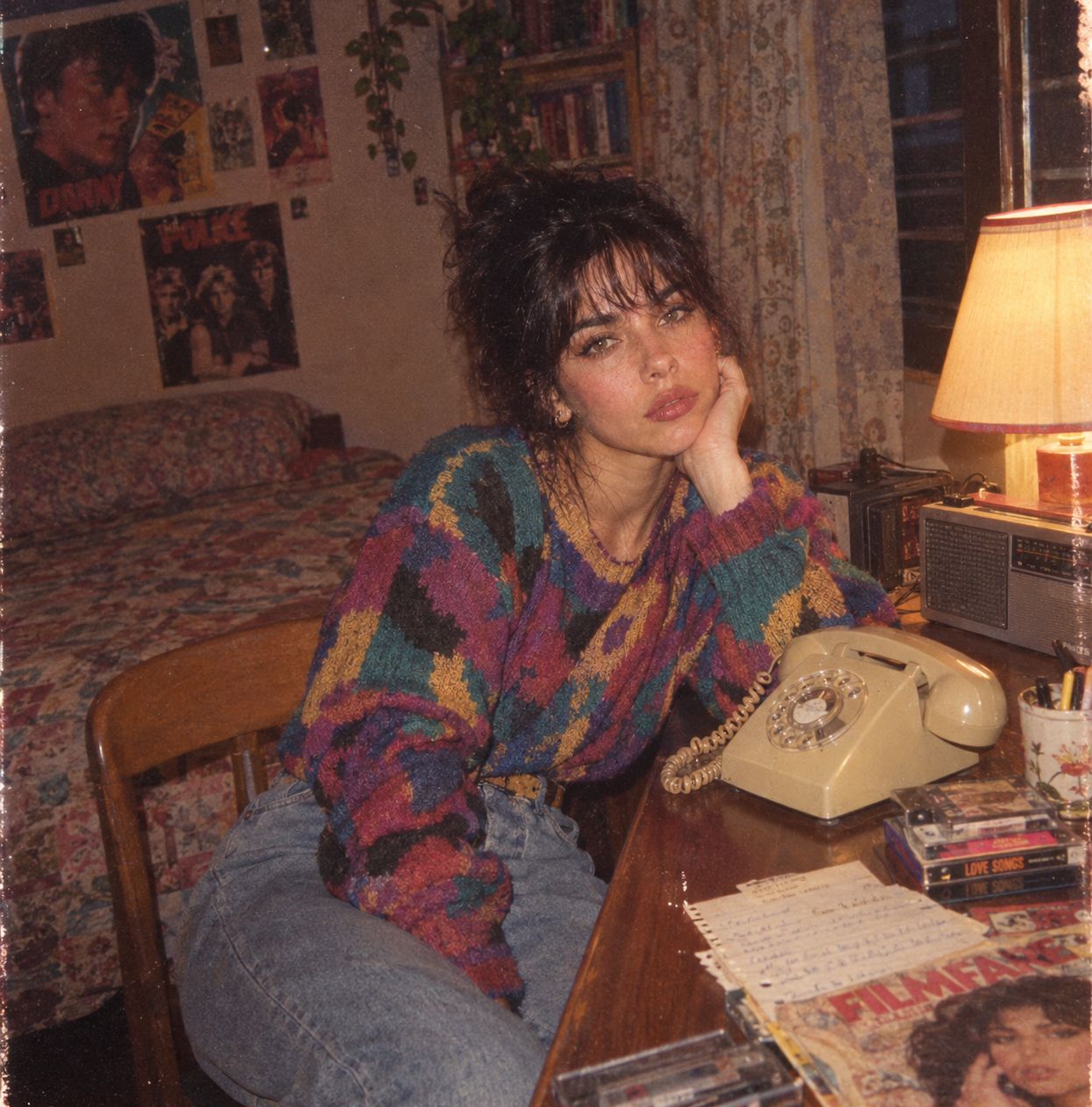
Me in 1985
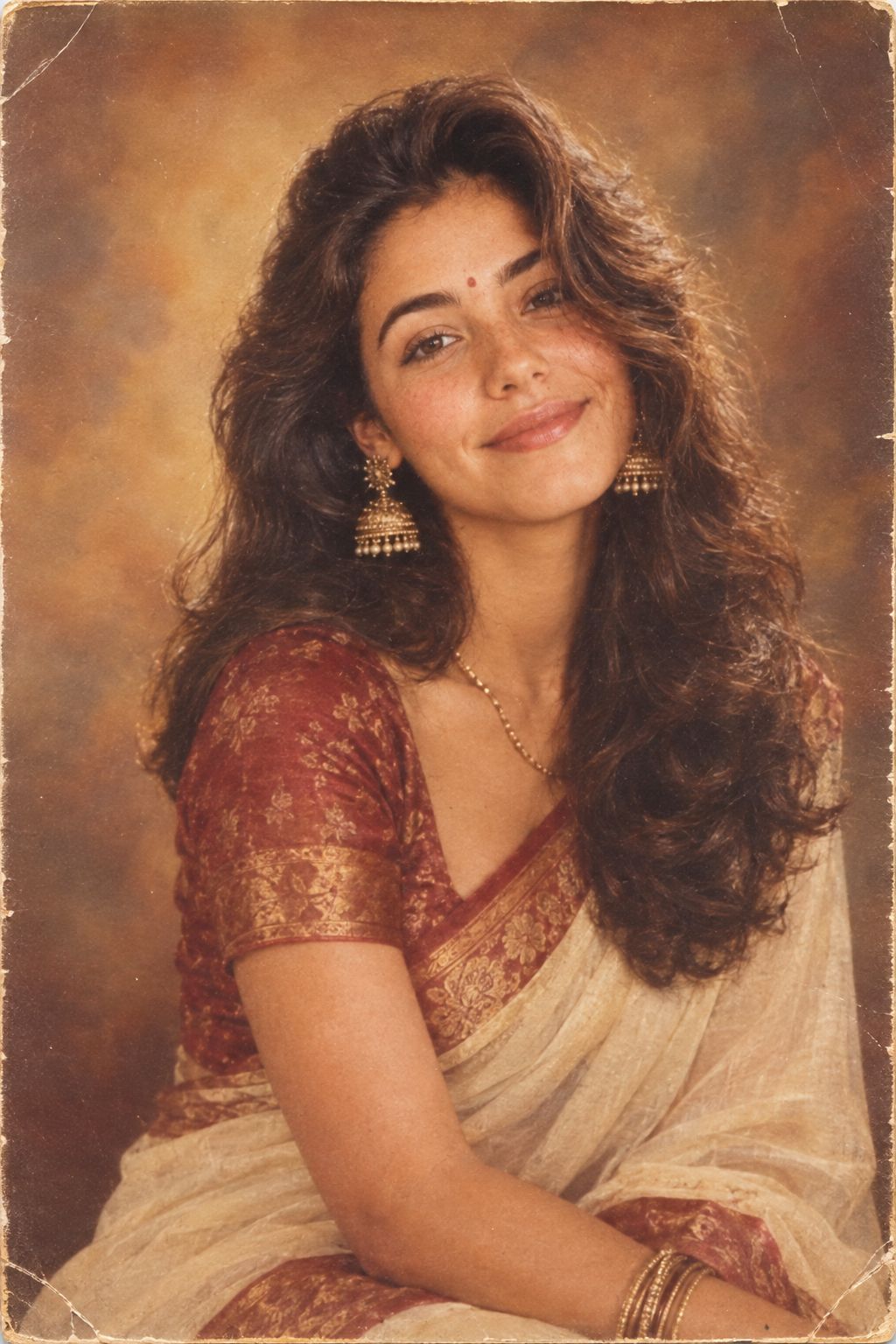
1985 Studio Portrait
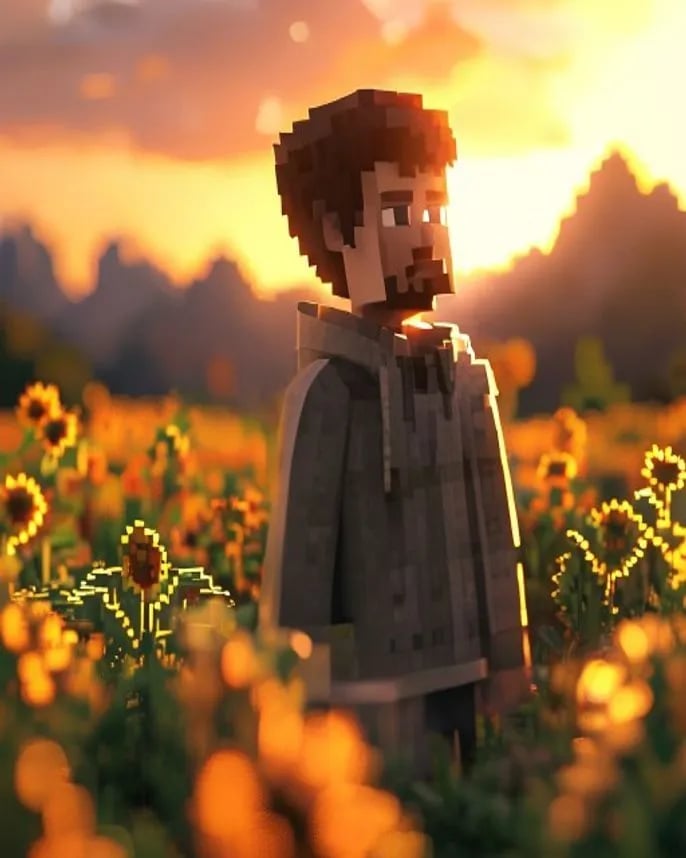
Hyper-Realistic Minecraft POV Portrait
Make it yours
Casual Bedroom Selfie Portrait works as-is. These are the safest ways to change it without losing the look.
Change one field
Copy a single group, rewrite it, and generate again so you can see what that field is doing.
Keep the frame, change the subject
Hold the composition and light of Casual Bedroom Selfie Portrait, then swap wardrobe, props or the person for a new take.
| If the result… | Why | Fix |
|---|---|---|
| The result drifts from the preview | Too many fields changed at once. | Reuse Casual Bedroom Selfie Portrait as-is first, then change one group — subject, light, or setting. |
| The model over-stylizes the scene | The prose prompt leaves finish and camera underspecified. | Add one camera or lighting sentence and stay on Nano Banana 2. |
More Nano Banana 2 templates
Other prompts made for Nano Banana 2.

Photorealistic Leaf Shaped Like a Dragon
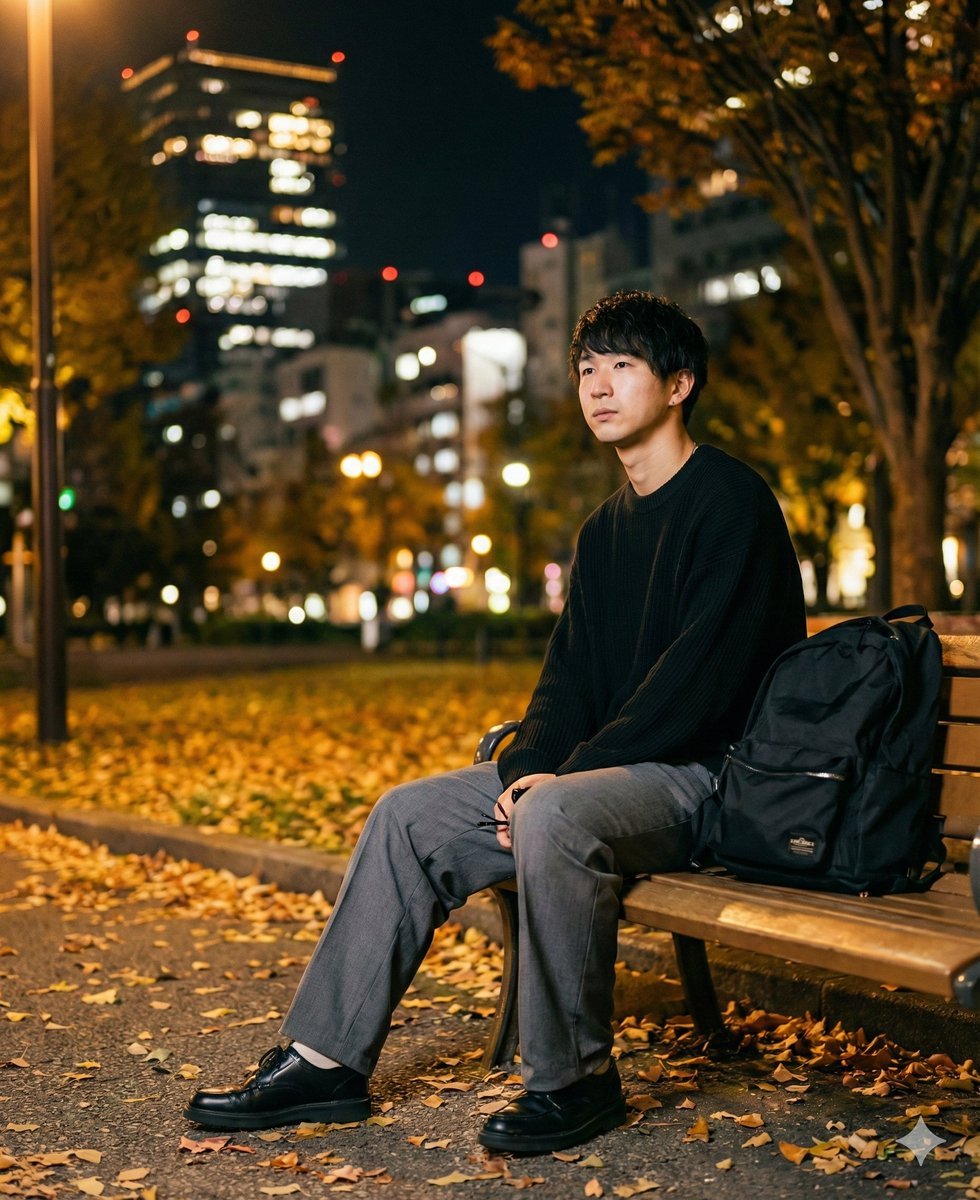
K-Pop Idol Portrait Grid for Rapid Selection
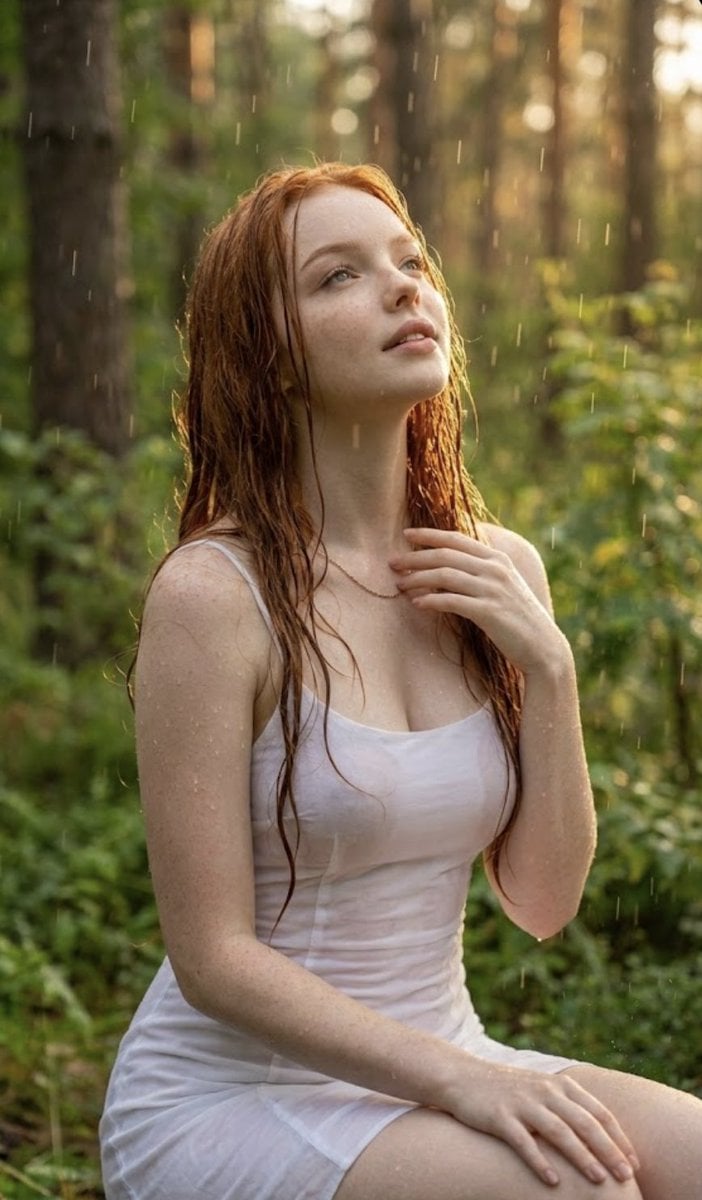
Poetic Rain Forest Portrait During Golden Hour
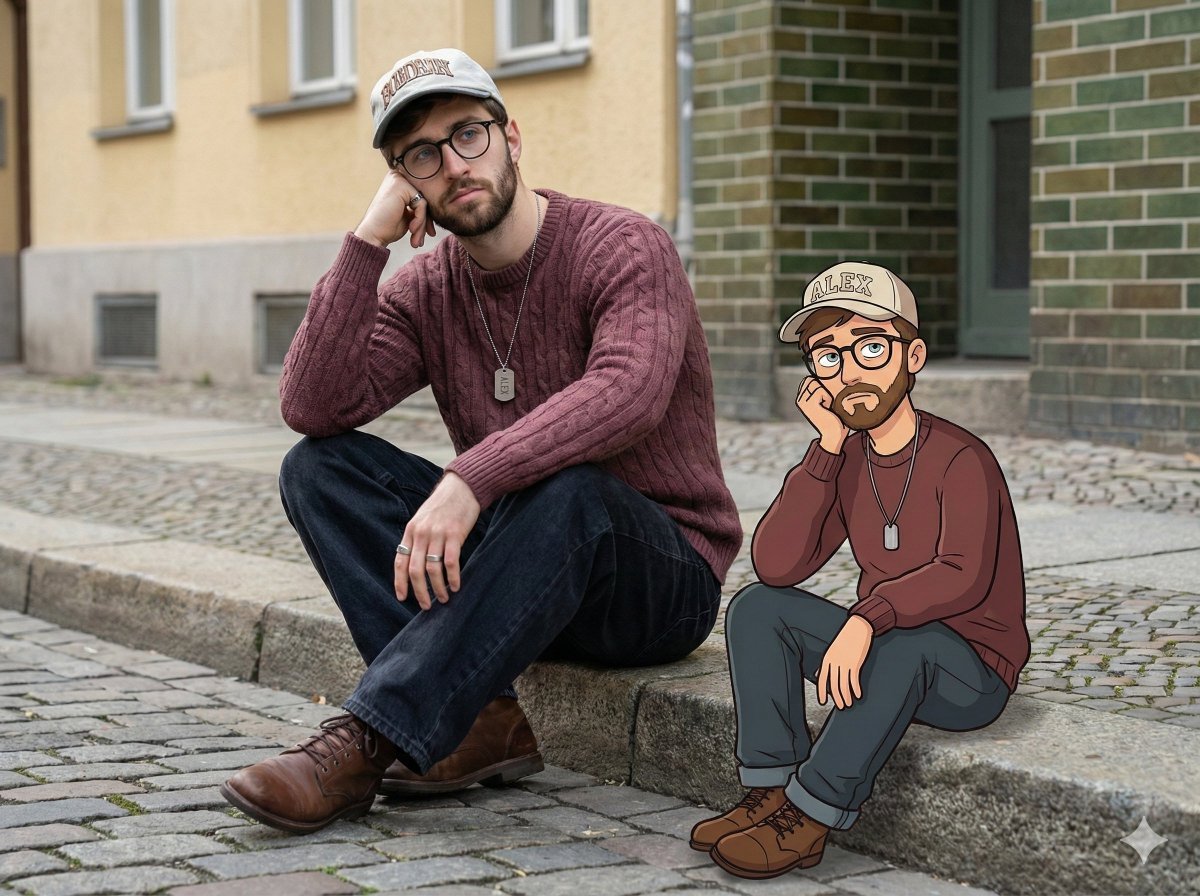
Urban Street Portrait with Cartoon Inner Self Duo
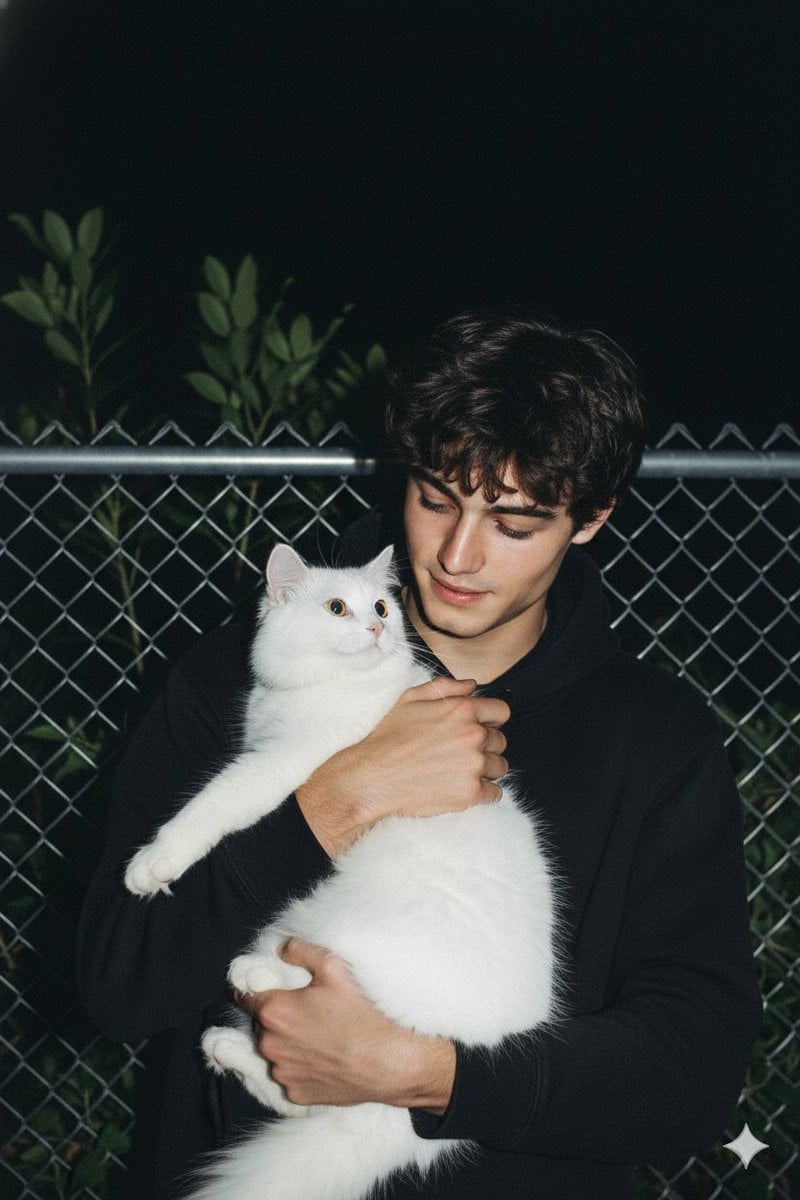
Candid Nighttime Photo with Cat Prompt
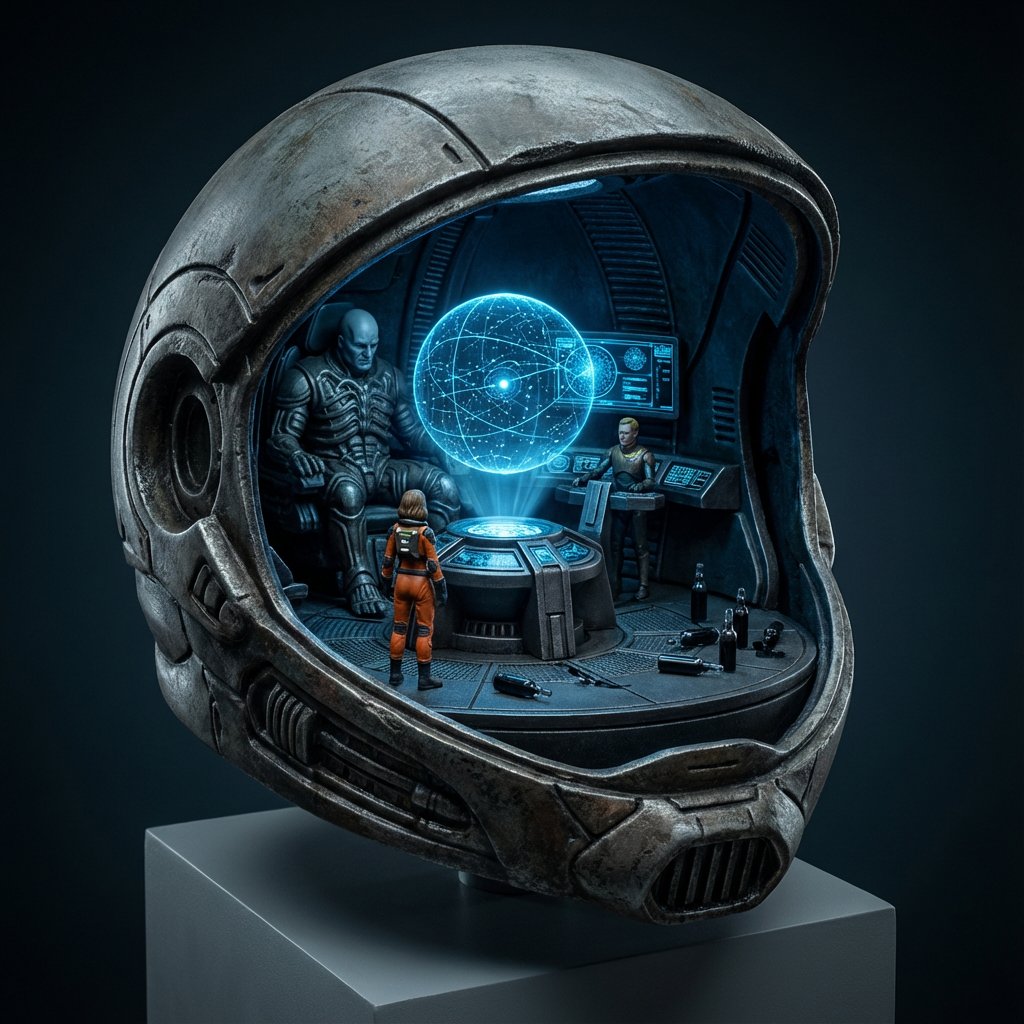
High-Concept 3D Diorama Generation Prompt
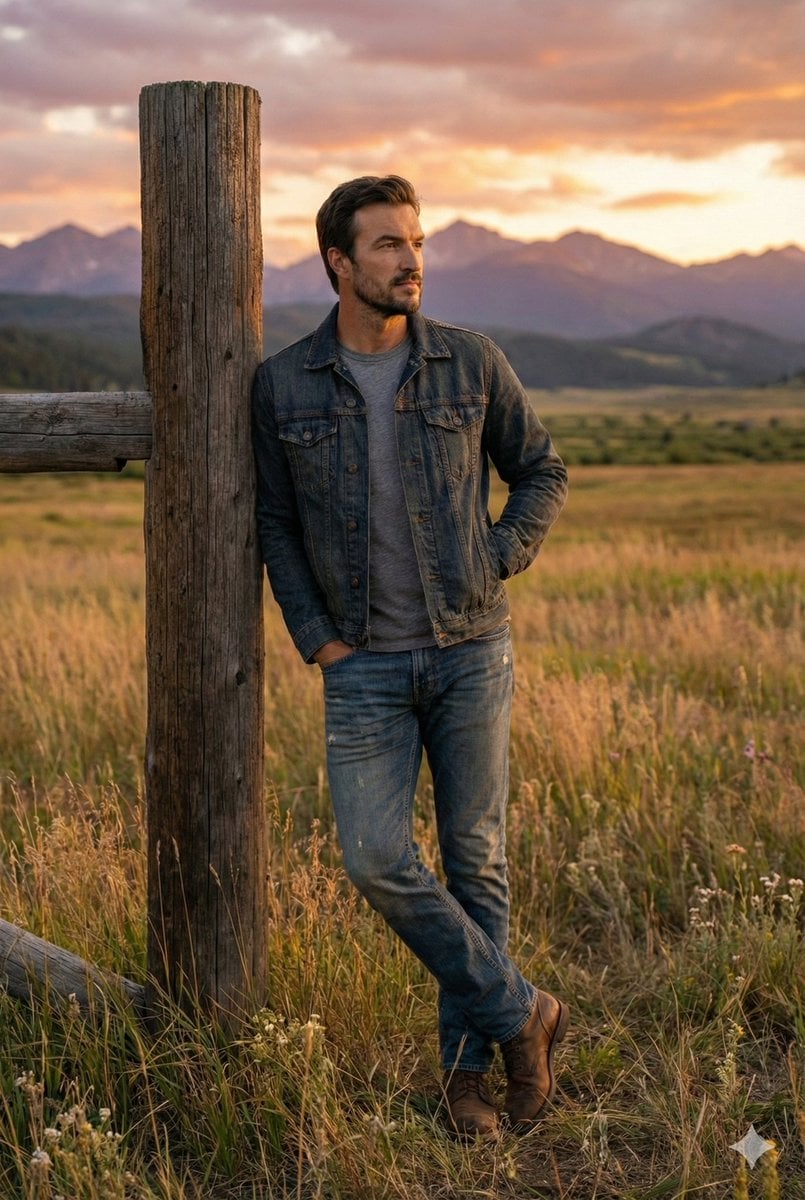
Cinematic Futuristic Studio Portrait Template
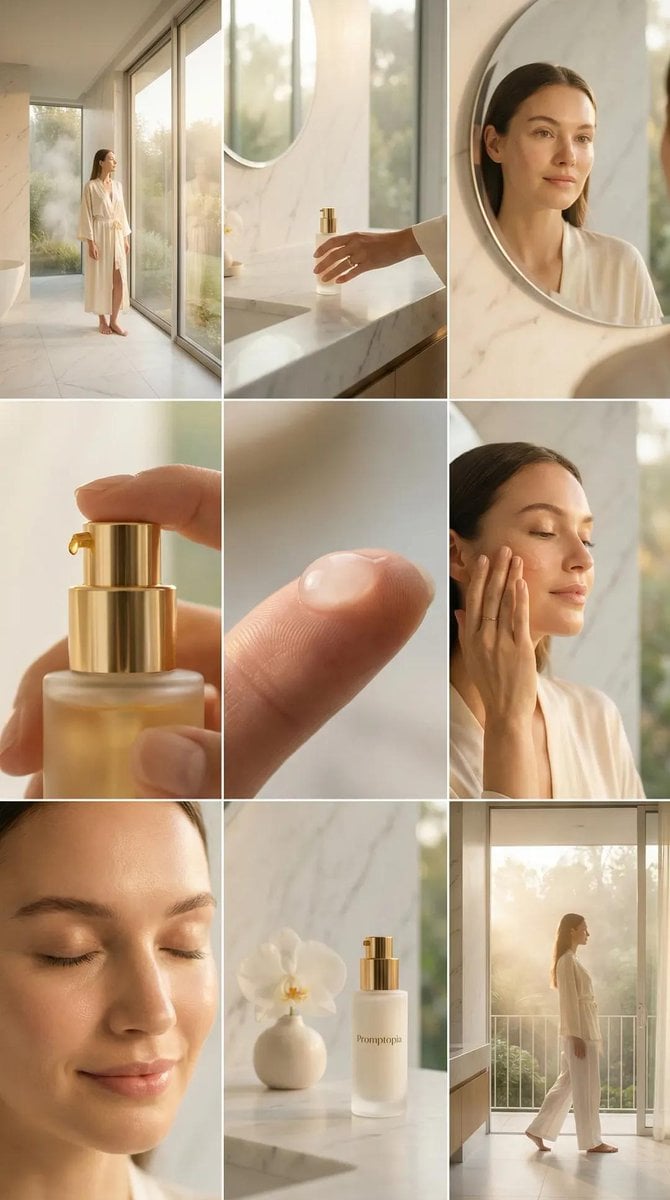
Skincare Editorial Photography Collage Prompt
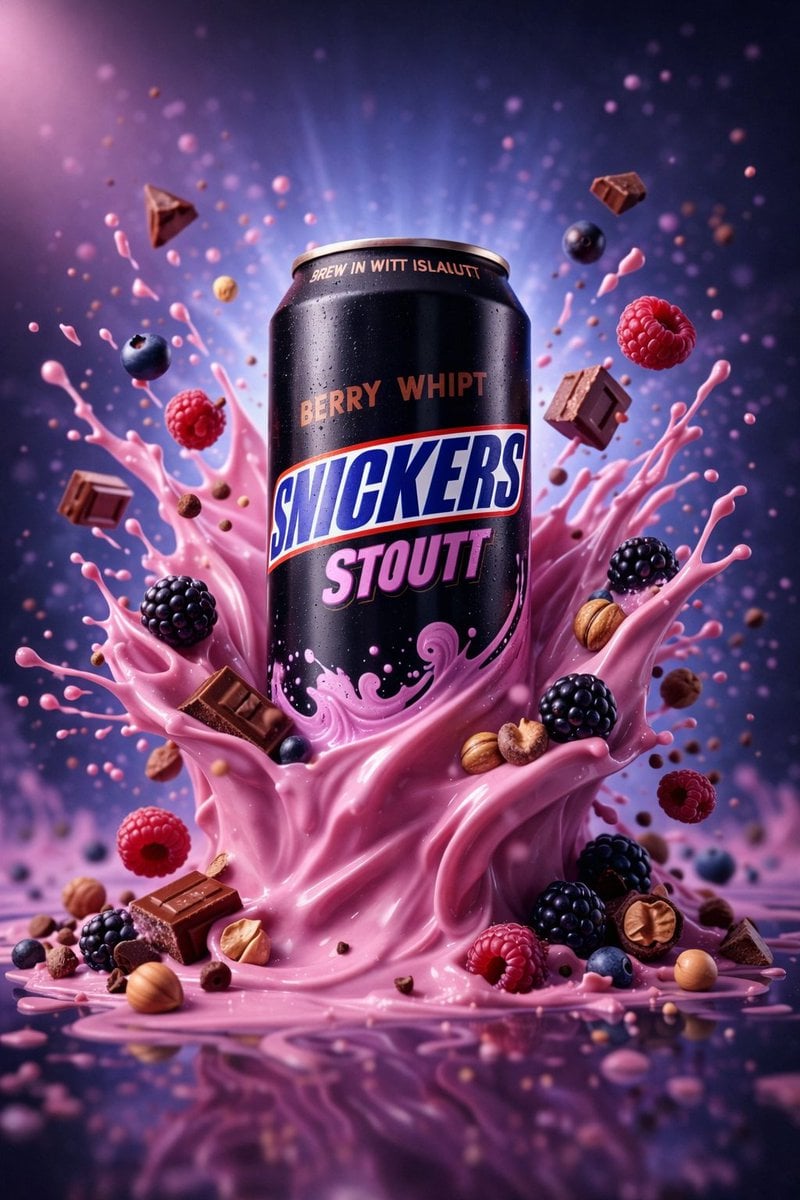
Hyper-Realistic Commercial Product Photography (Splash Effect)
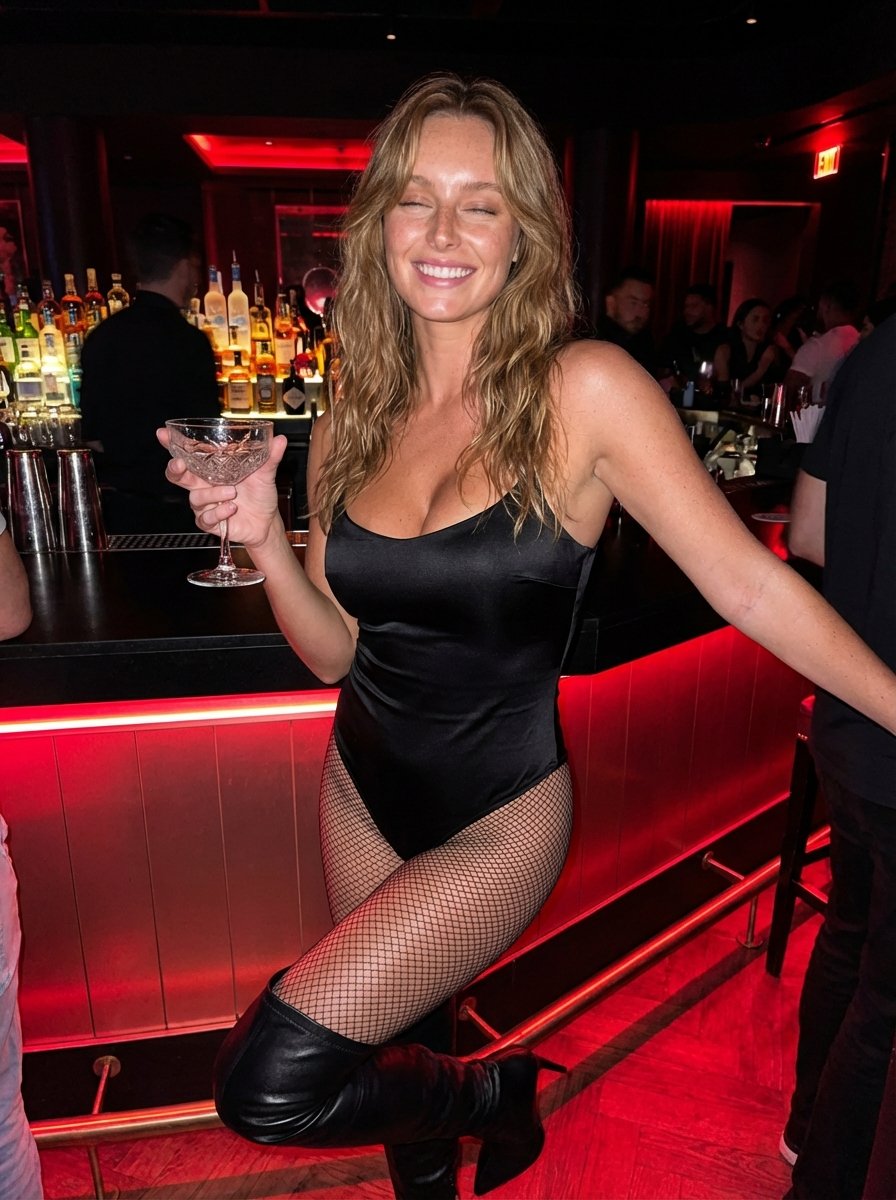
Hyper-Realistic Nightclub Portrait Prompt
More image prompts
Fresh picks from across the catalog.
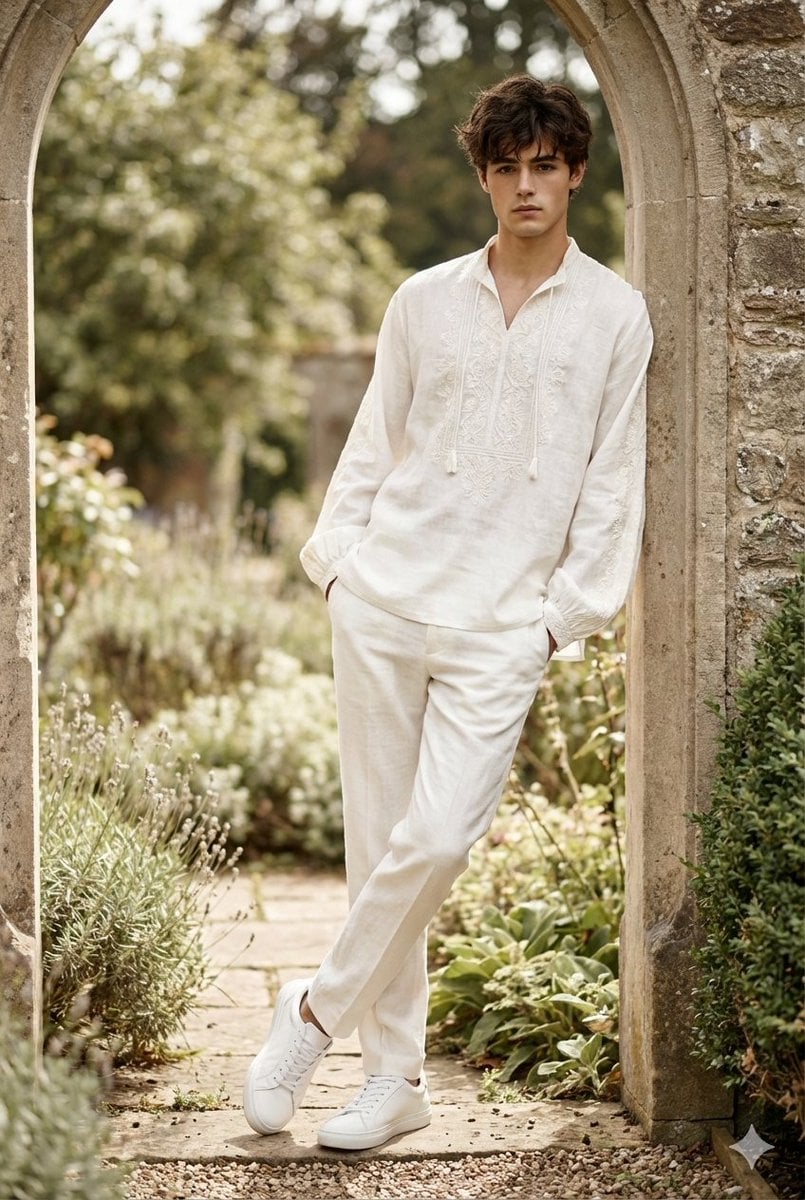
High-Fashion Boho Editorial Prompt
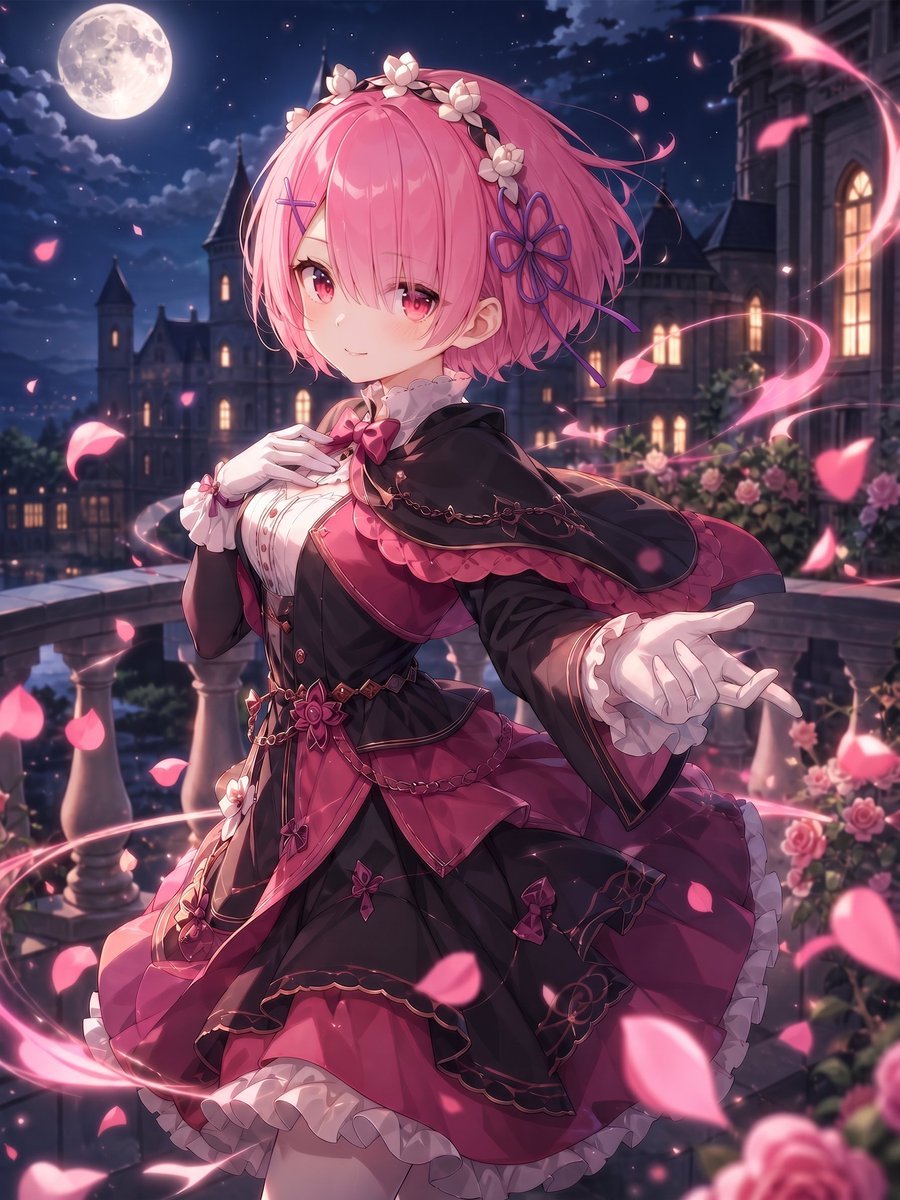
Moonlit Gothic Lolita Balcony
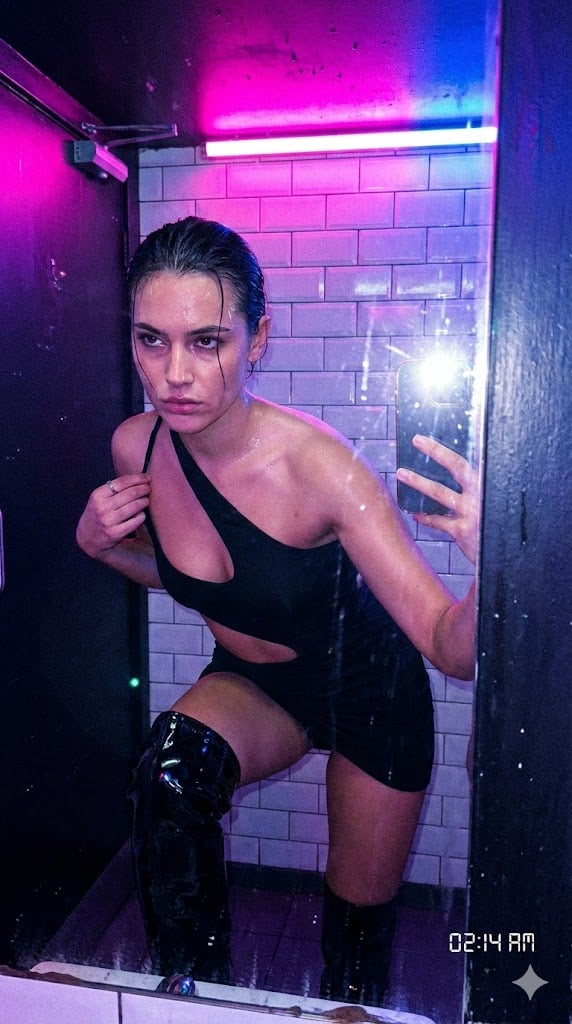
Authentic, Frantic Nightlife Selfie
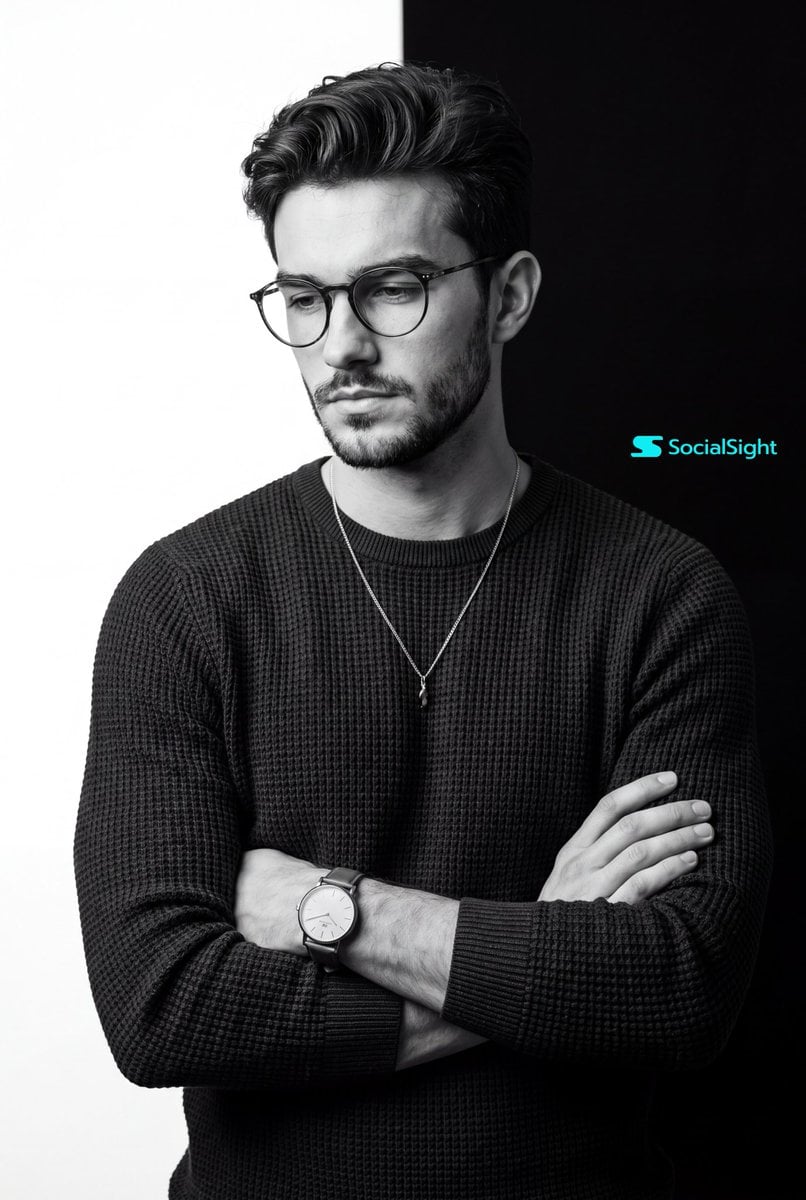
Monochrome Studio Portrait
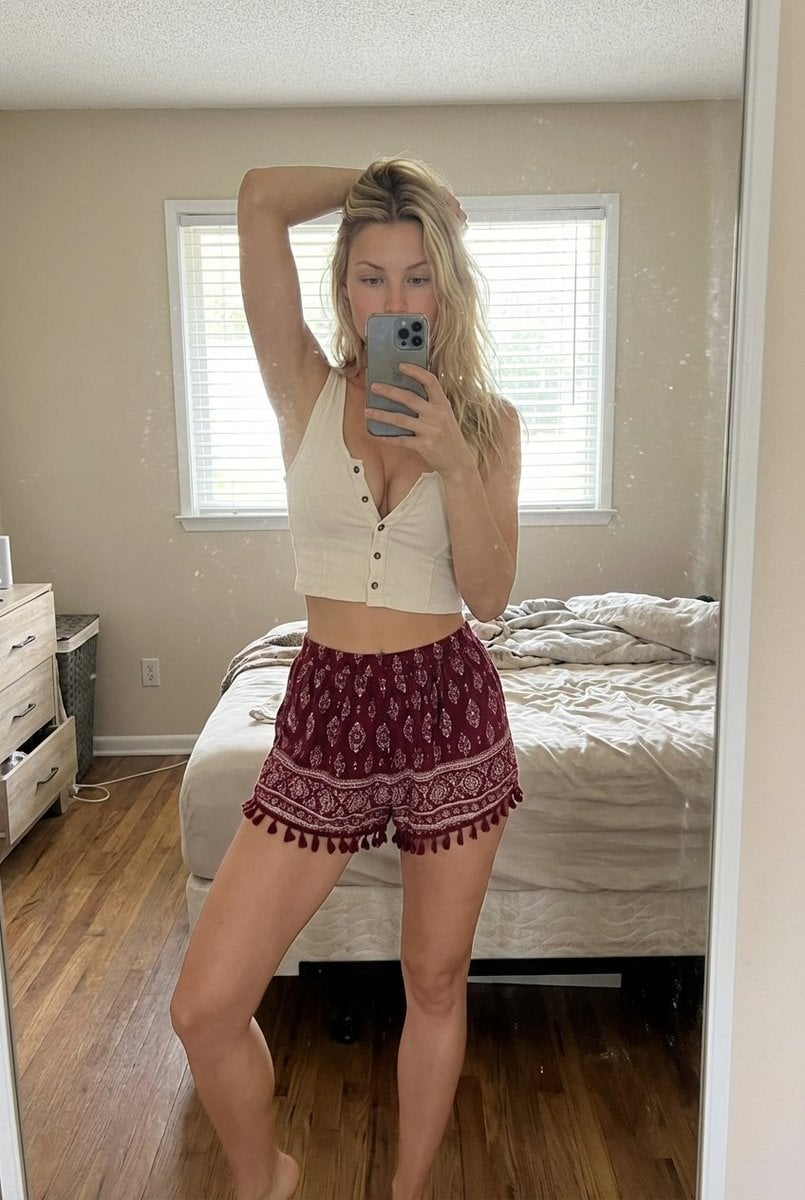
Indoor Bedroom Mirror Selfie Generation Prompt
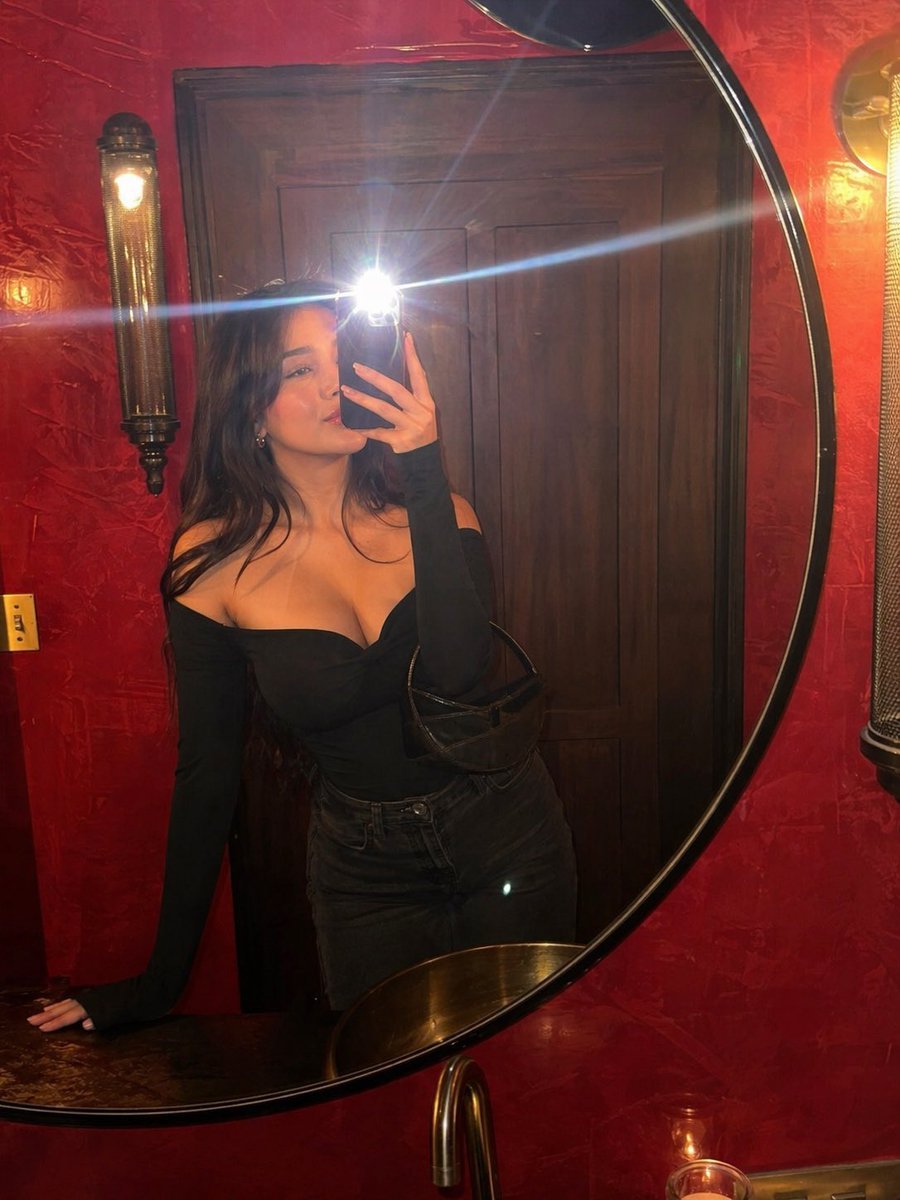
Flash Mirror Selfie in Red Restroom
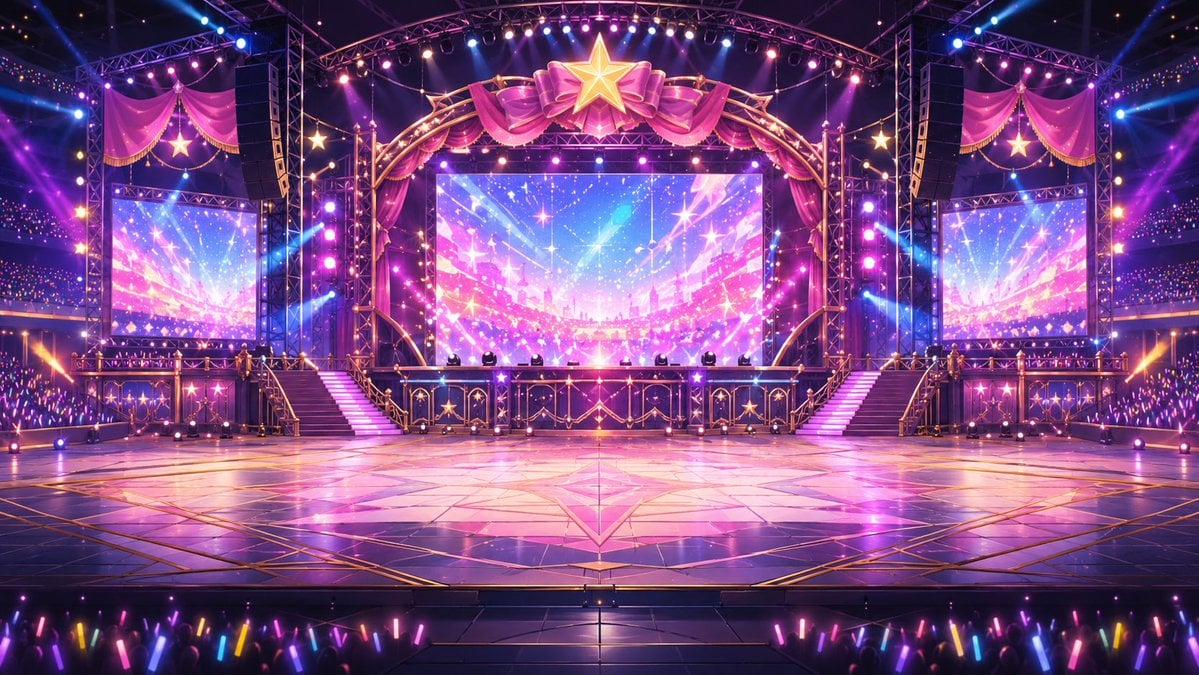
Neon VTuber Arena Stage
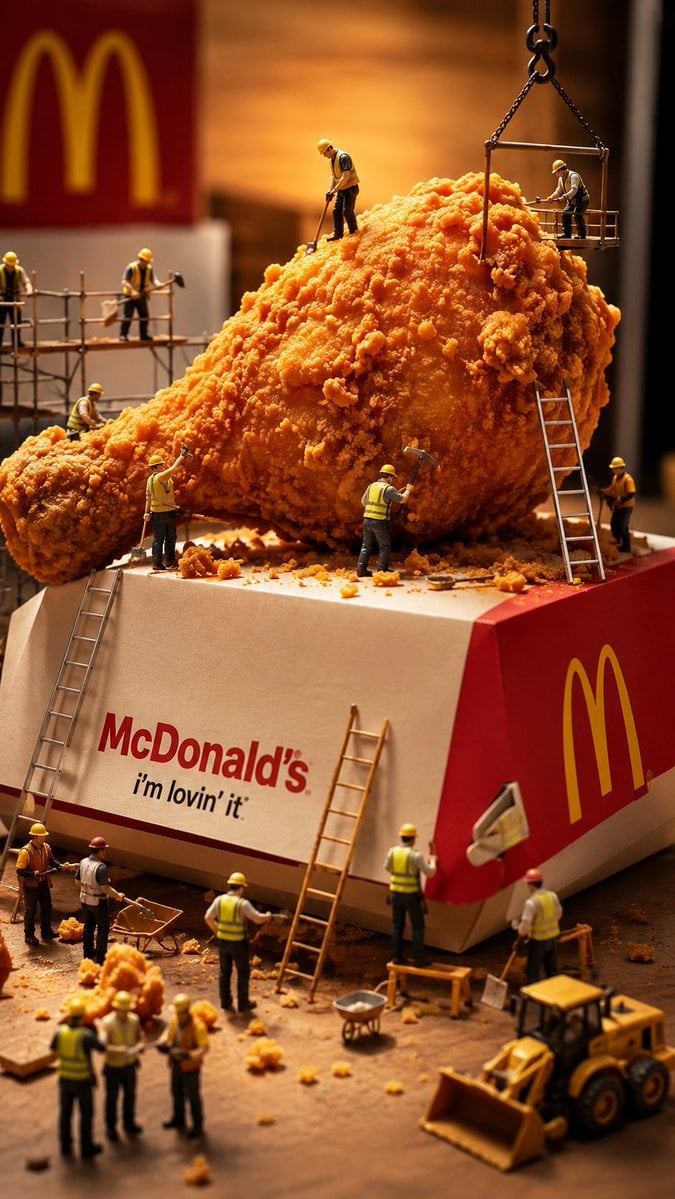
Miniature Workers Sculpt Giant McDonald's Drumstick
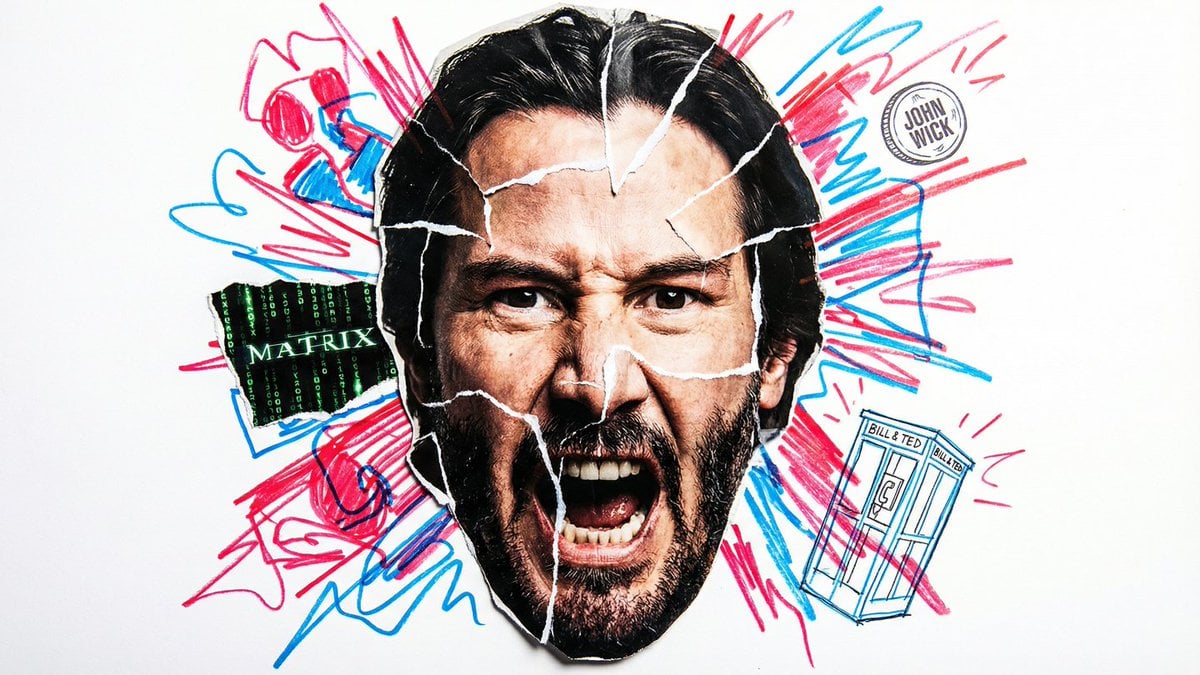
Simple Nano Banana Prompt for Urban Caricature
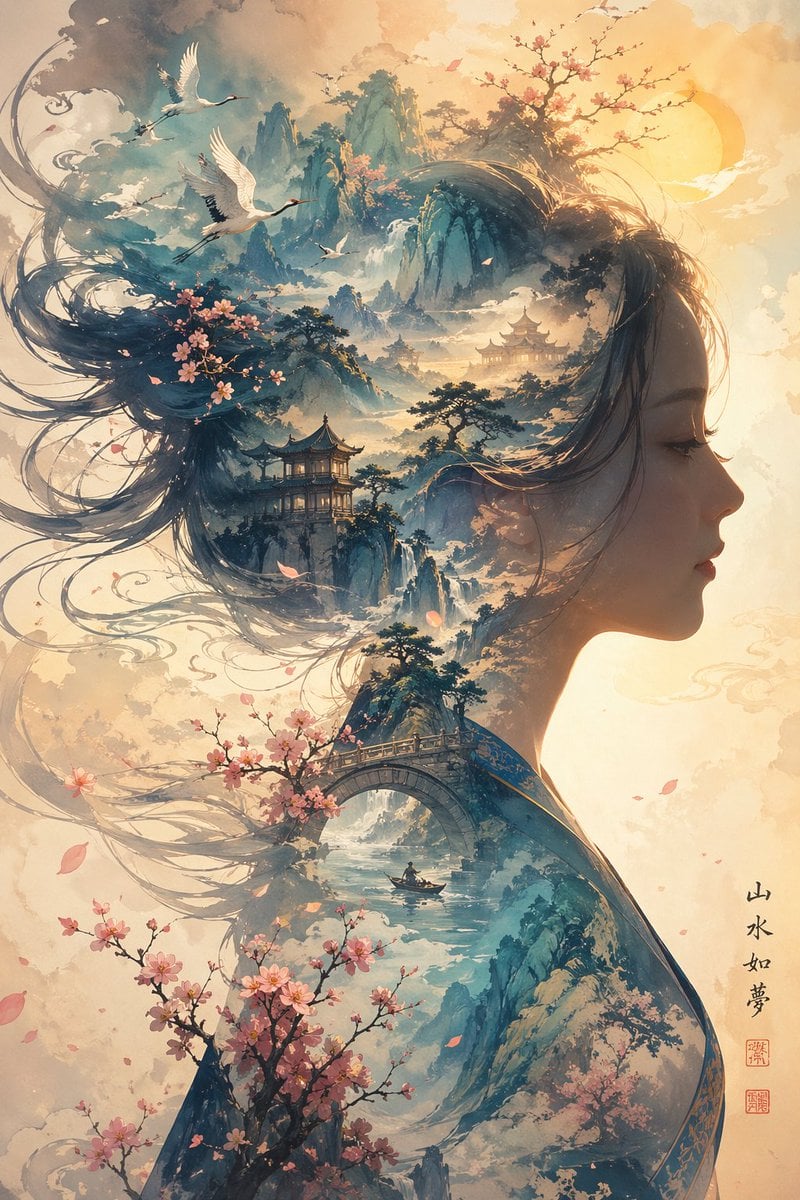
Dreamlike Shanshui Woman Silhouette
Browse template categories
Casual Bedroom Selfie Portrait questions
How do I use the Casual Bedroom Selfie Portrait template?
Add your photo if the template asks for one, edit the prompt if you like — the template's model and format are already selected — and press Generate. Your version opens in PicX Studio.
Can I customize the Casual Bedroom Selfie Portrait template?
Yes. You can change the subject, setting, lighting, mood, format, and available model controls before creating your image.
Is the Casual Bedroom Selfie Portrait template free?
Opening and editing this template is free. Generating uses credits, shown on the Generate button when you are signed in.
Which AI model should I use?
Start with Nano Banana 2, which is the model associated with this template. You can compare another compatible model for a different finish.
Looking for something else? Browse all templates.

Your photo, any look
Thousands of ready templates for every top image and video model, from one credit balance.