How do I use the Professional Business Opening Banner template?
Edit the prompt in the box under the preview — the template's model and format are already selected — and press Generate. Your version appears right on this page.
A professional design prompt for creating high-impact promotional banners with specific focus on visual hierarchy and marketing appeal.

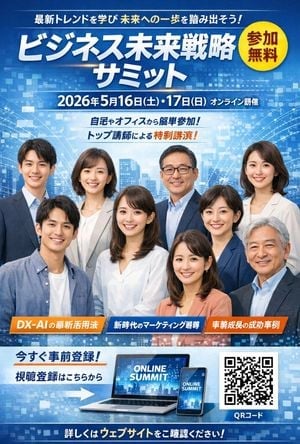
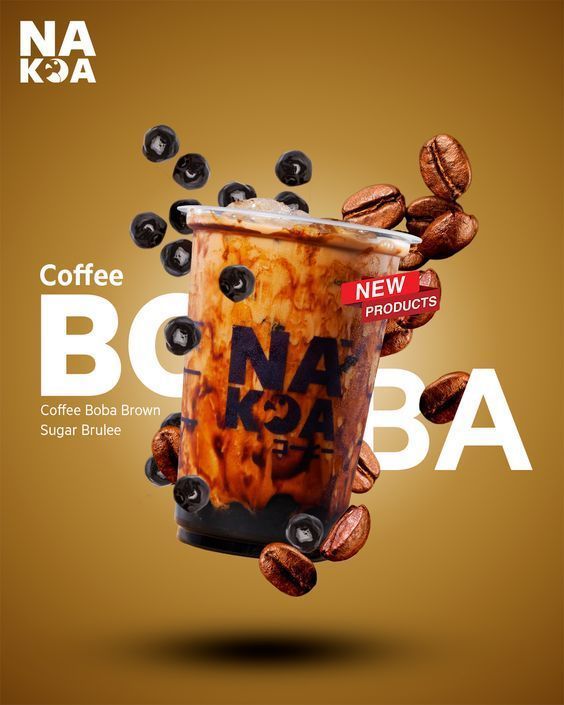
【{argument name="業種" default="ハンバーガーショップ"}】のオープン記念バナーを作ってください。 あなたはプロのデザイナーです。 以下内容を意識して、来店・購入を促す内容にしてください。 ・【{argument name="アピールポイント" default="ハンバーガーの大きさと肉厚感、チーズのとろける躍動感"}】 ・視線導線 ・訴求力が高い ・文字のジャンプ率やメリハリ ・グラフィック要素を入れて遊び心あるテキスト ・次回行動を促しやすくなるように見やすく分かりやすく指示
【{argument name="業種" default="ハンバーガーショップ"}】のオープン記念バナーを作ってください。 あなたはプロのデザイナーです。 以下内容を意識して、来店・購入を促す内容にしてください。 ・【{argument name="アピールポイント" default="ハンバーガーの大きさと肉厚感、チーズのとろける躍動感"}】 ・視線導線 ・訴求力が高い ・文字のジャンプ率やメリハリ ・グラフィック要素を入れて遊び心あるテキスト ・次回行動を促しやすくなるように見やすく分かりやすく指示
Edit the prompt in the box under the preview — the template's model and format are already selected — and press Generate. Your version appears right on this page.
Yes. You can change the subject, setting, lighting, mood, format, and available model controls before creating your image.
Opening and editing this template is free. Generating uses credits, shown on the Generate button when you are signed in.
Start with GPT Image 2, which is the model associated with this template. You can compare another compatible model for a different finish.
Follow a topic to a crawlable collection of related PicX Studio templates.