
Custom Character Latte Art Generation Prompt
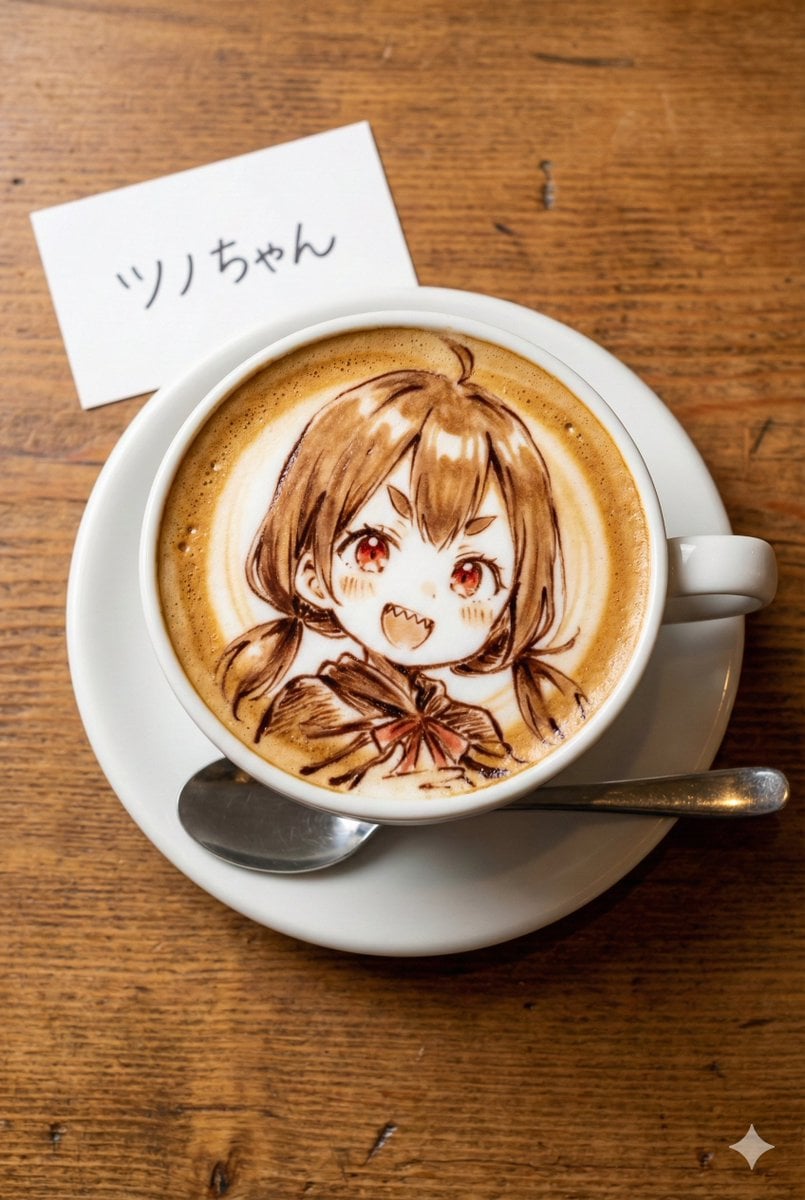
A structured prompt for Nano Banana Pro to generate a photorealistic image of latte art featuring a custom character.
- Prompt included
- Model and format preset
- Free template
The prompt behind this image
Copy the exact prompt behind Custom Character Latte Art Generation Prompt, or open it in the studio and make it yours.
[キャラクター設定部分] ※以下の【 】内を書き換えてください 【キャラクターの外見的特徴】: (例:ウィンクをして笑っている、明るい茶色のロングヘアのアニメ風の少女) {argument name="キャラクターの外見的特徴" default="茶色の髪、短いツインテール、赤い瞳、少し尖った歯(ギザ歯)。"} 【キャラクターの名前】: (例:Latte Chan) {argument name="キャラクターの名前" default="ツノちゃん"} [固定部分] 真上から撮影した、木製のテーブルの上に置かれたラテアートの写真。縦長のアスペクト比。 被写体: 白いセラミックのコーヒーカップに入ったカフェラテ。 カップの下には白いソーサーがあり、その横には銀色のスプーンが添えられている。 テーブルは質感のある木目調。 ラテアートの詳細: カップの表面のきめ細かいミルクの泡には、チョコレートソースとエスプレッソの濃淡を使って、「{argument name="キャラクターの外見的特徴" default="茶色の髪、短いツインテール、赤い瞳、少し尖った歯(ギザ歯)。"}」のイラストが繊細かつ芸術的に描かれている。 線は滑らかな茶色のシロップで描かれ、アニメスタイルの絵柄が再現されている。 小物の詳細: カップのすぐ横に、小さな白いメモ用紙(またはカード)が置かれている。 そのメモには「{argument name="キャラクターの名前" default="ツノちゃん"}」というテキストが、読みやすい手書き風の文字ではっきりと書かれている。 画質・スタイル: フォトリアリスティック、高解像度、温かみのあるカフェの照明、美味しそうな質感、フードフォトグラフィー。
How to use Custom Character Latte Art Generation Prompt in 3 steps
- 1
Open
The prompt is already in the box next to the preview, with the template's model and format selected.
- 2…a portrait of your subject in softgolden-hour light, 85mm…
Personalize
Edit the subject and creative details for your destination.
- 3Generate
Generate
Press Generate — your image is created in PicX Studio, so you can compare it with the original and refine one variable at a time.
More like this
Templates with the same subject, style or setup. Open one to see its prompt.
VTuber Streaming Screen Generation with Customizable Character and Theme

Tropical Hammock Latte — Nano Banana iPhone Style
Stirred Iced Honey Latte Close-Up
Tiny Traveler on Giant Latte
Itasha Car Customization
Candid Café Woman with Iced Latte
Custom Figurine on Creator Desk
Customizable Luxury FIFA Editorial Poster
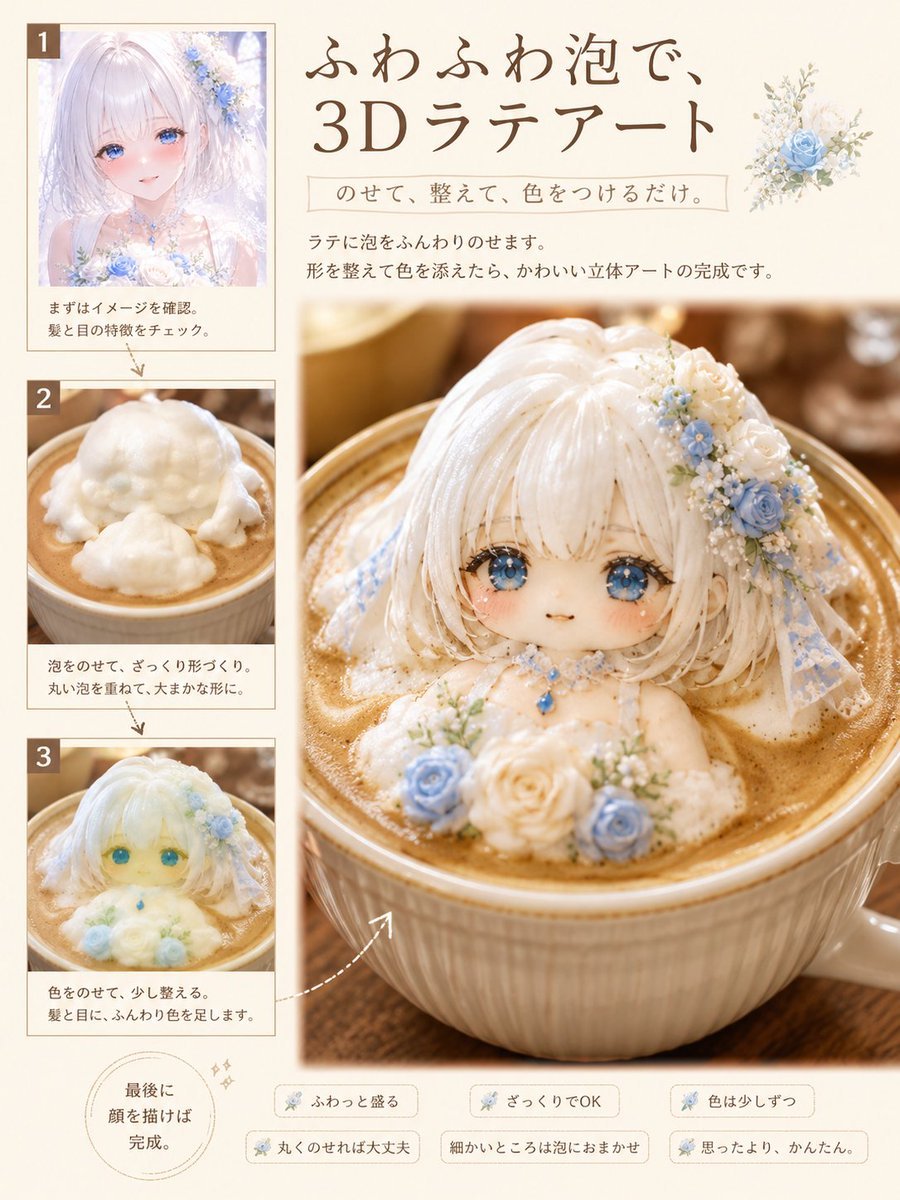
3D Latte Art Magazine Tutorial Layout
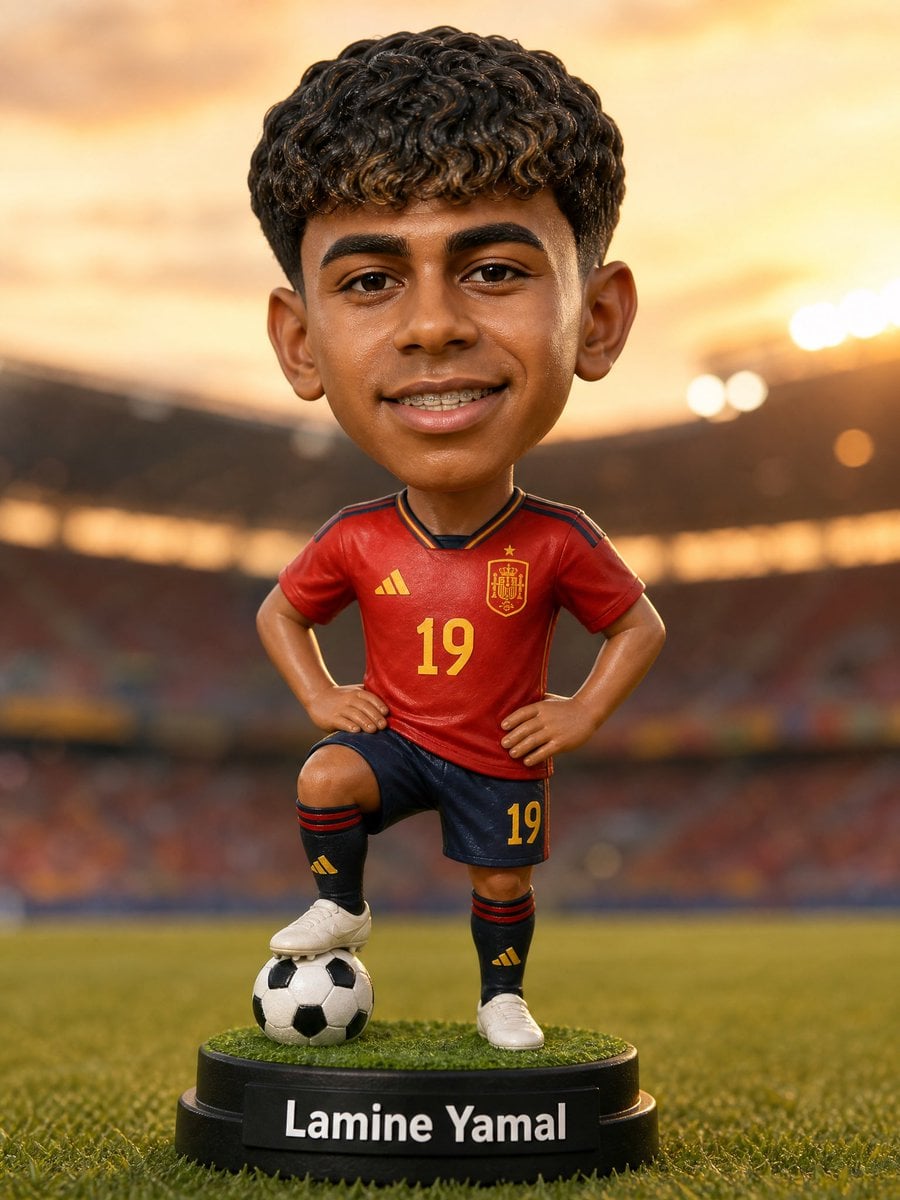
Custom Sports Bobblehead Figurine
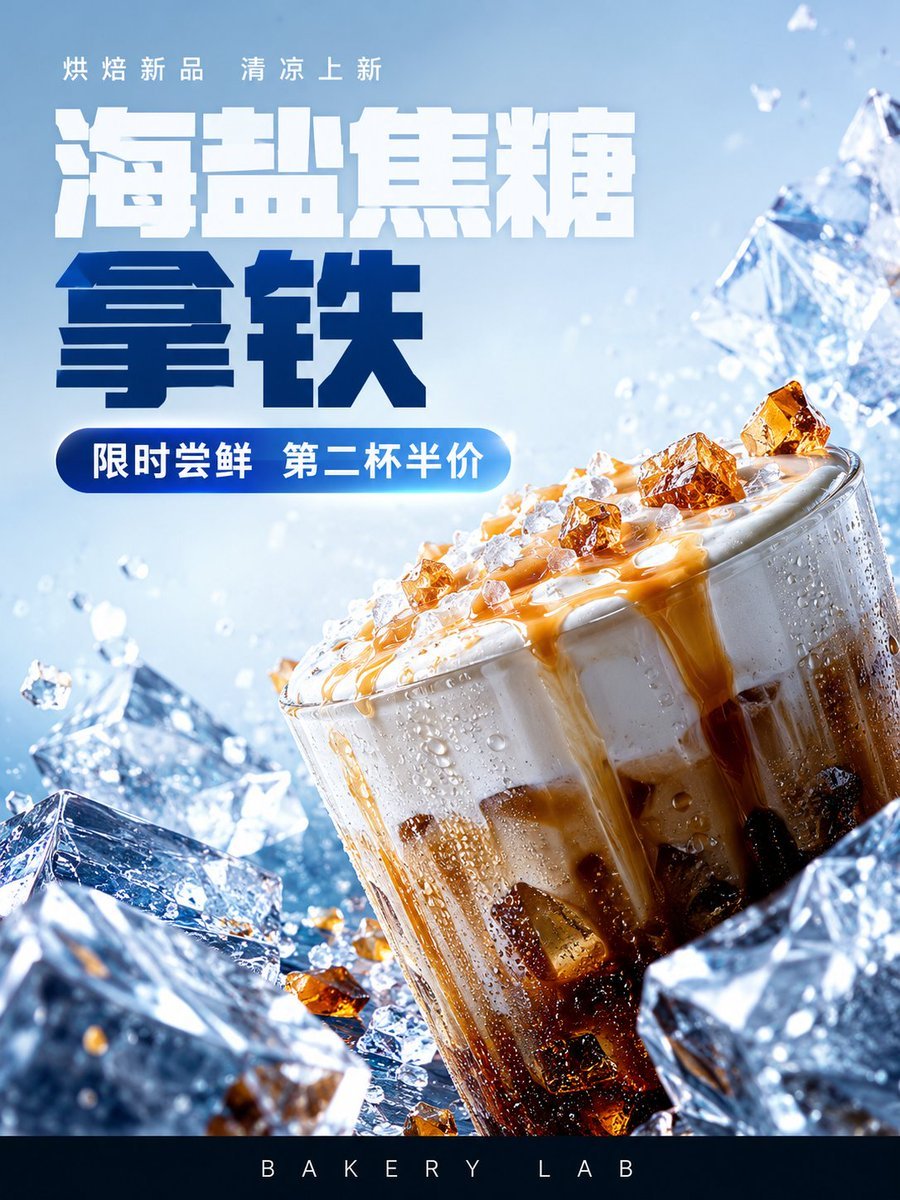
Iced Caramel Latte Poster

AI Chat Image Generation Screenshot
Make it yours
Custom Character Latte Art Generation Prompt works as-is. These are the safest ways to change it without losing the look.
Change one field
Copy a single group, rewrite it, and generate again so you can see what that field is doing.
Keep the frame, change the subject
Hold the composition and light of Custom Character Latte Art Generation Prompt, then swap wardrobe, props or the person for a new take.
| If the result… | Why | Fix |
|---|---|---|
| The result drifts from the preview | Too many fields changed at once. | Reuse Custom Character Latte Art Generation Prompt as-is first, then change one group — subject, light, or setting. |
| The model over-stylizes the scene | The prose prompt leaves finish and camera underspecified. | Add one camera or lighting sentence and stay on Nano Banana 2. |
More Nano Banana 2 templates
Other prompts made for Nano Banana 2.

Photorealistic Leaf Shaped Like a Dragon

K-Pop Idol Portrait Grid for Rapid Selection

Poetic Rain Forest Portrait During Golden Hour

Urban Street Portrait with Cartoon Inner Self Duo

Candid Nighttime Photo with Cat Prompt

High-Concept 3D Diorama Generation Prompt

Cinematic Futuristic Studio Portrait Template

Skincare Editorial Photography Collage Prompt

Hyper-Realistic Commercial Product Photography (Splash Effect)

Hyper-Realistic Nightclub Portrait Prompt
More image prompts
Fresh picks from across the catalog.
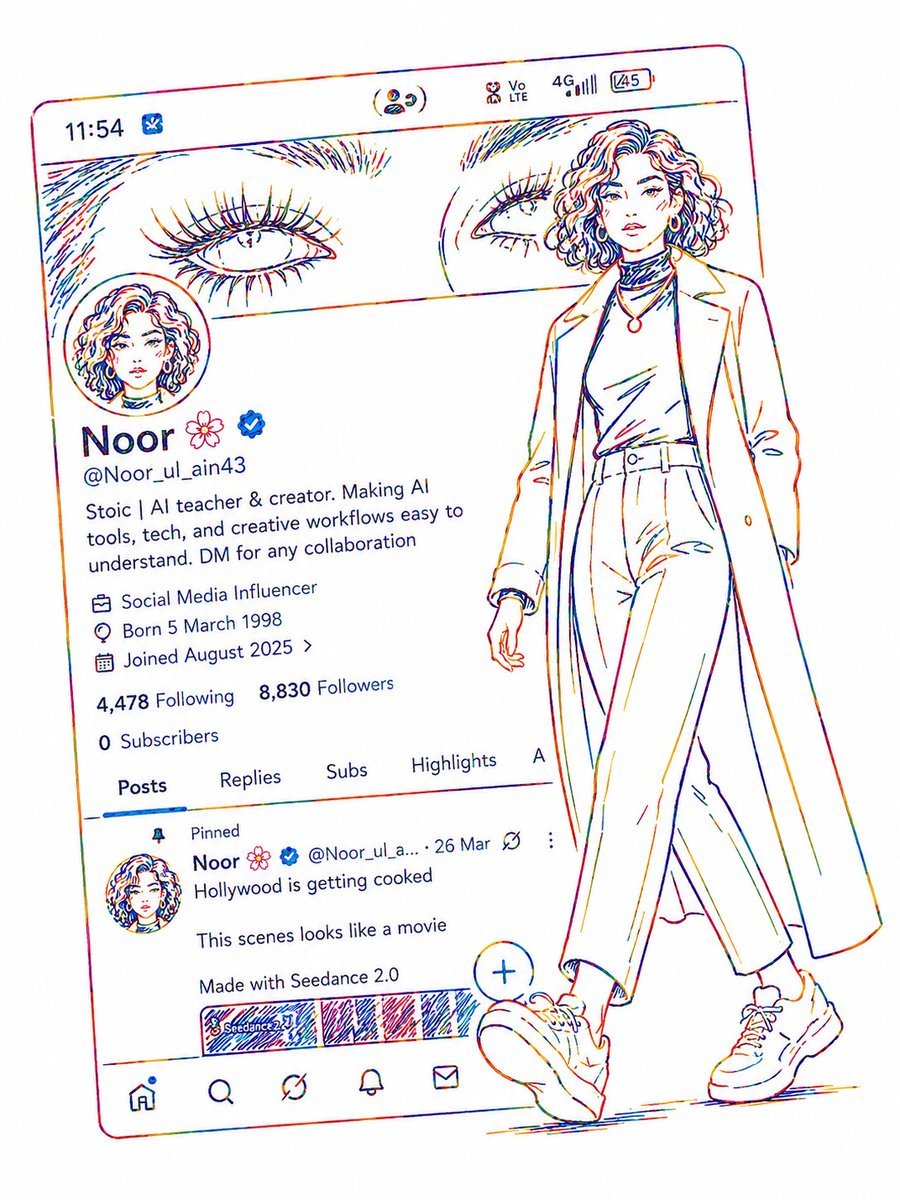
Minimalist Neon UI Character Illustration
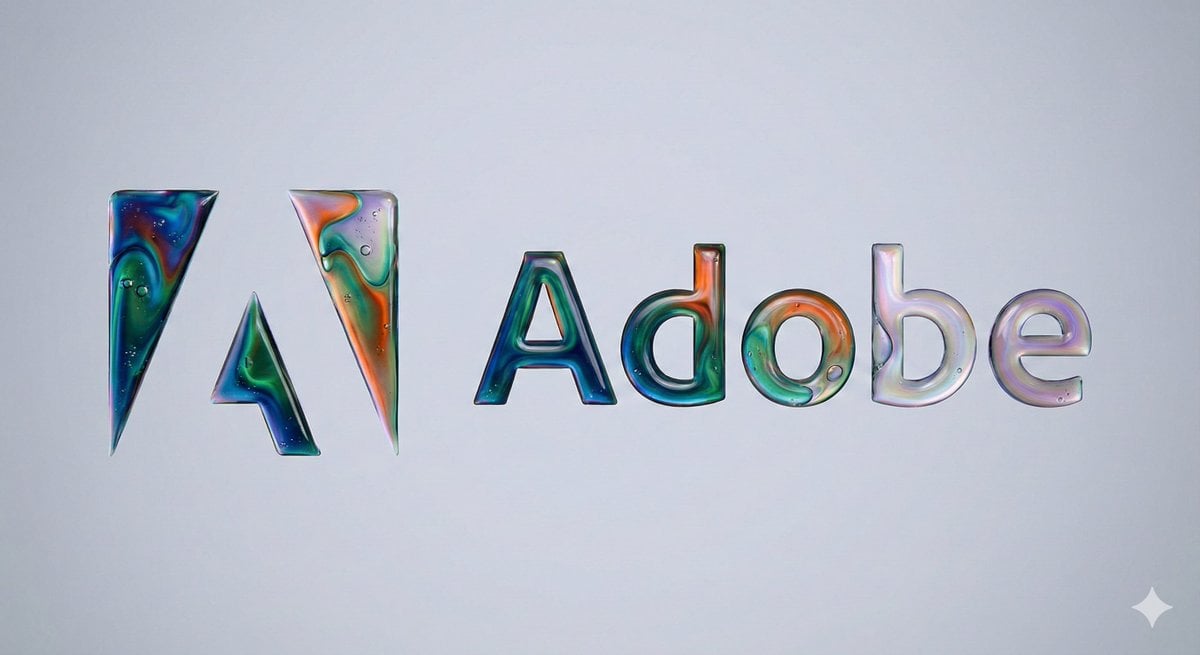
Oil-on-Water Logo Design Prompt

Luxury Holiday Couple Editorial Portrait
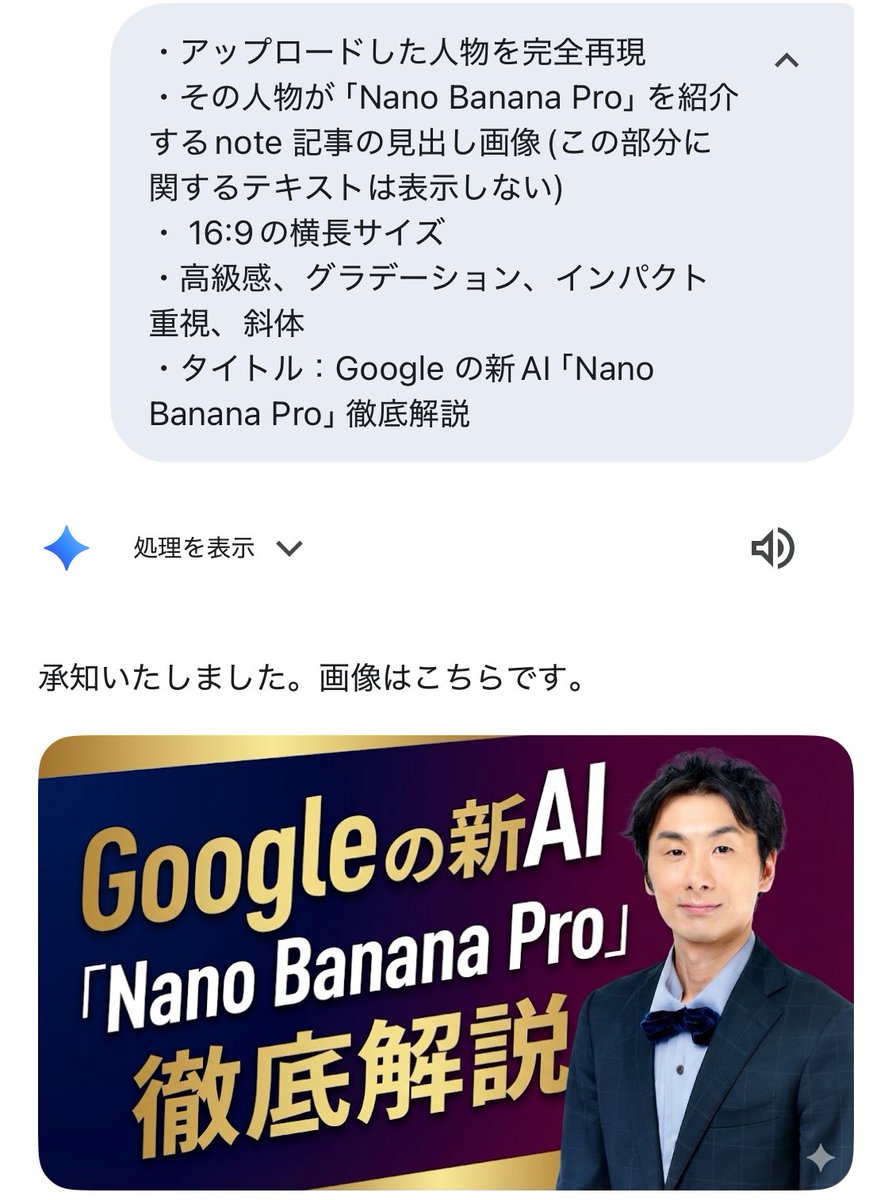
Luxurious header image with uploaded person for Nano Banana Pro article

Retro Digital Camera Screen Mockup
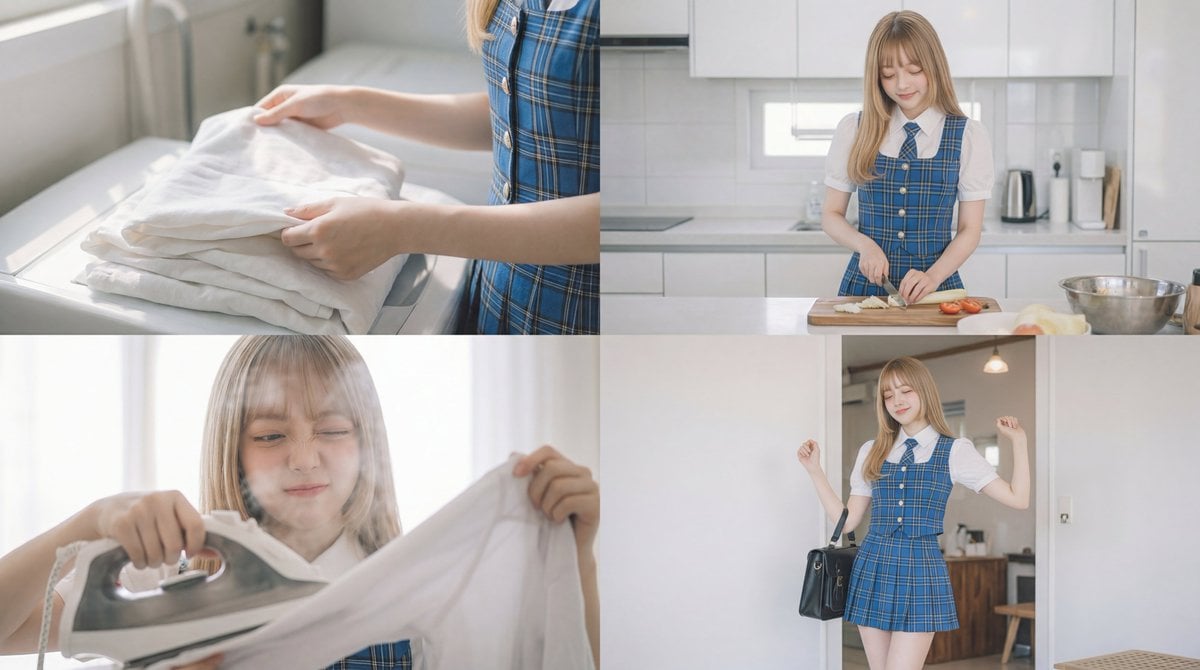
Cinematic Scene Prompt for Woman Doing Chores
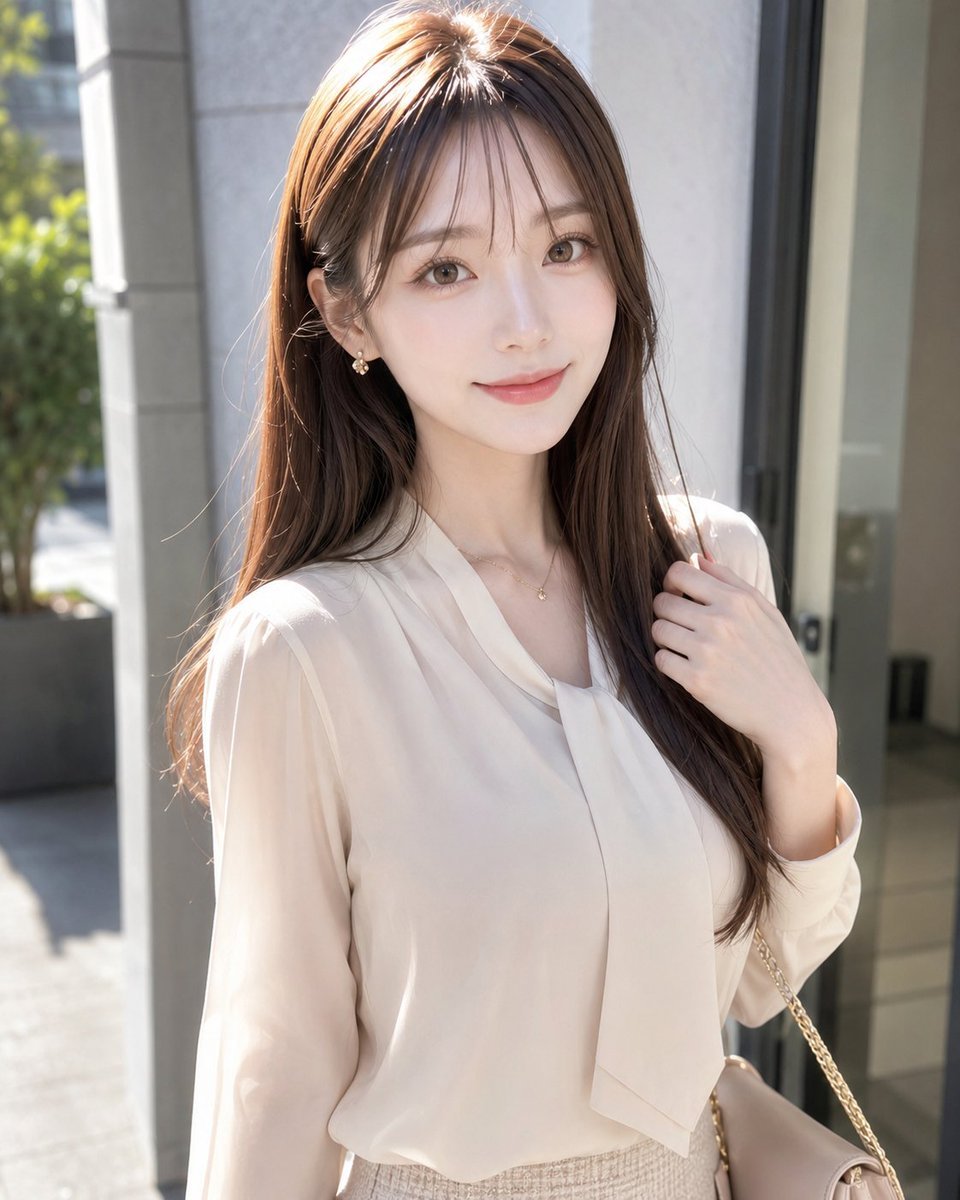
Sunlit Fashion Portrait with Privacy Block
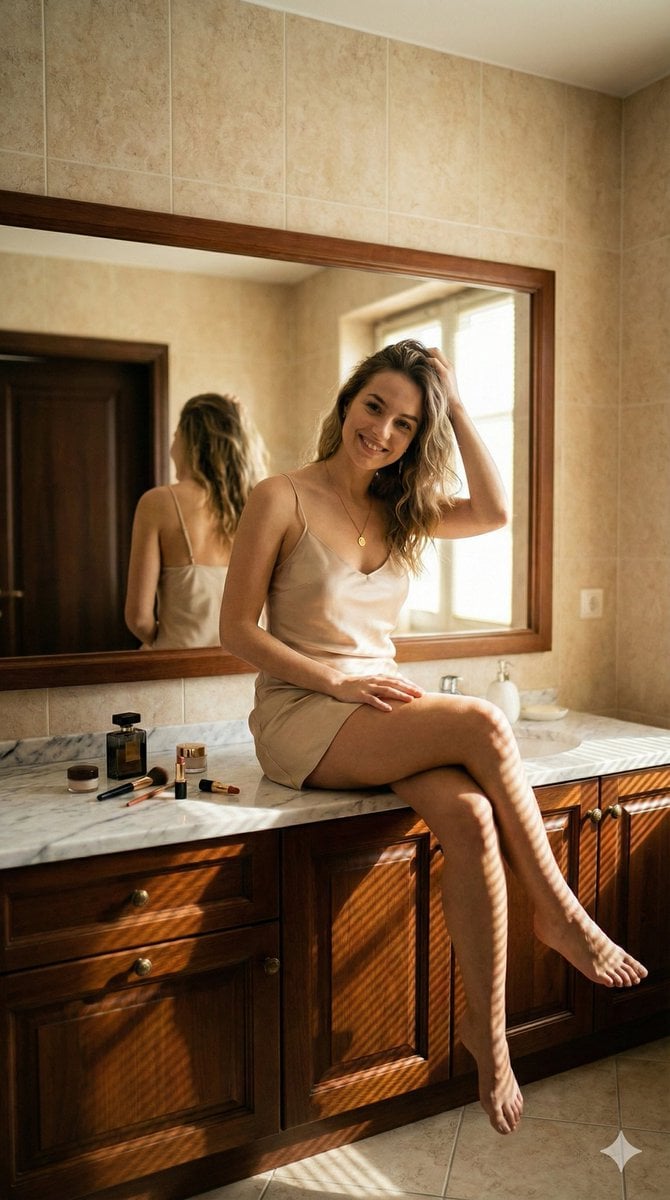
Hyper-Realistic Bathroom Vanity Portrait
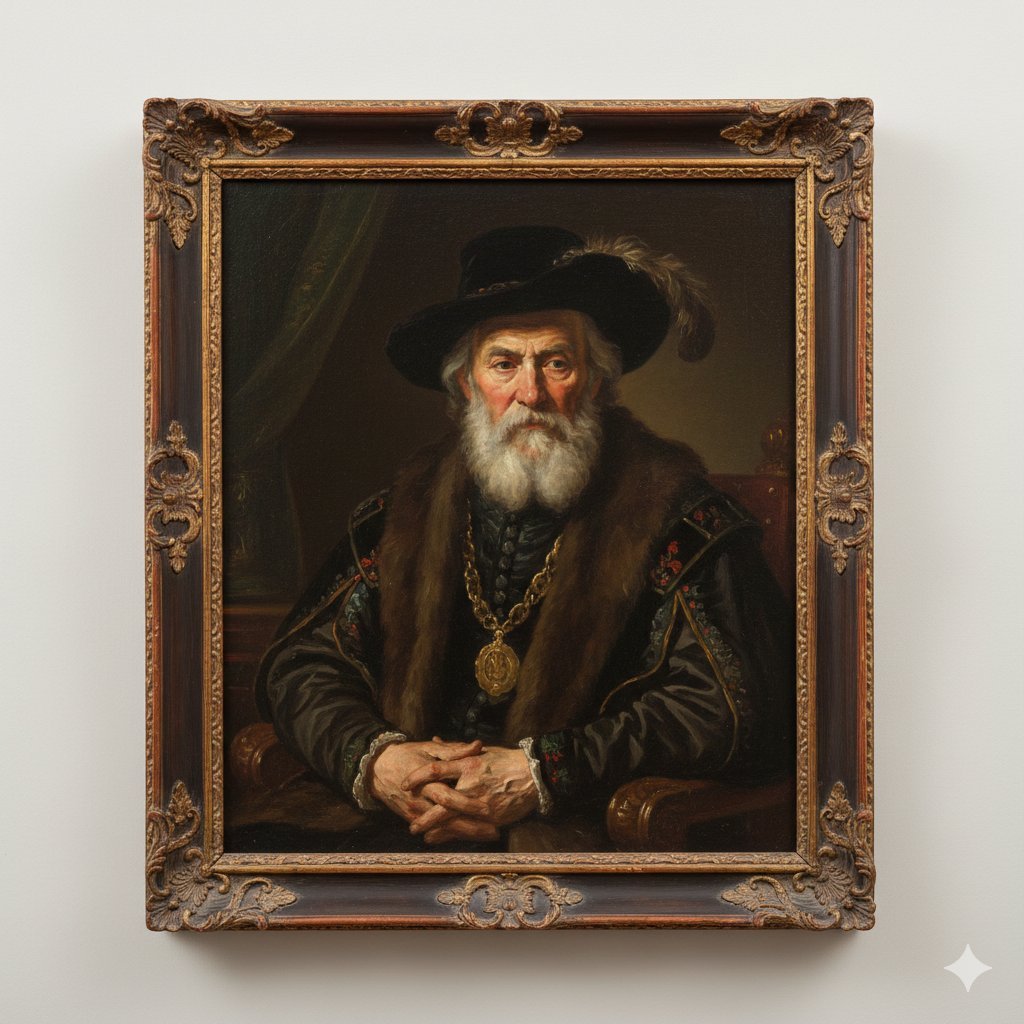
Image Generation Prompt: Rembrandt Style Painting
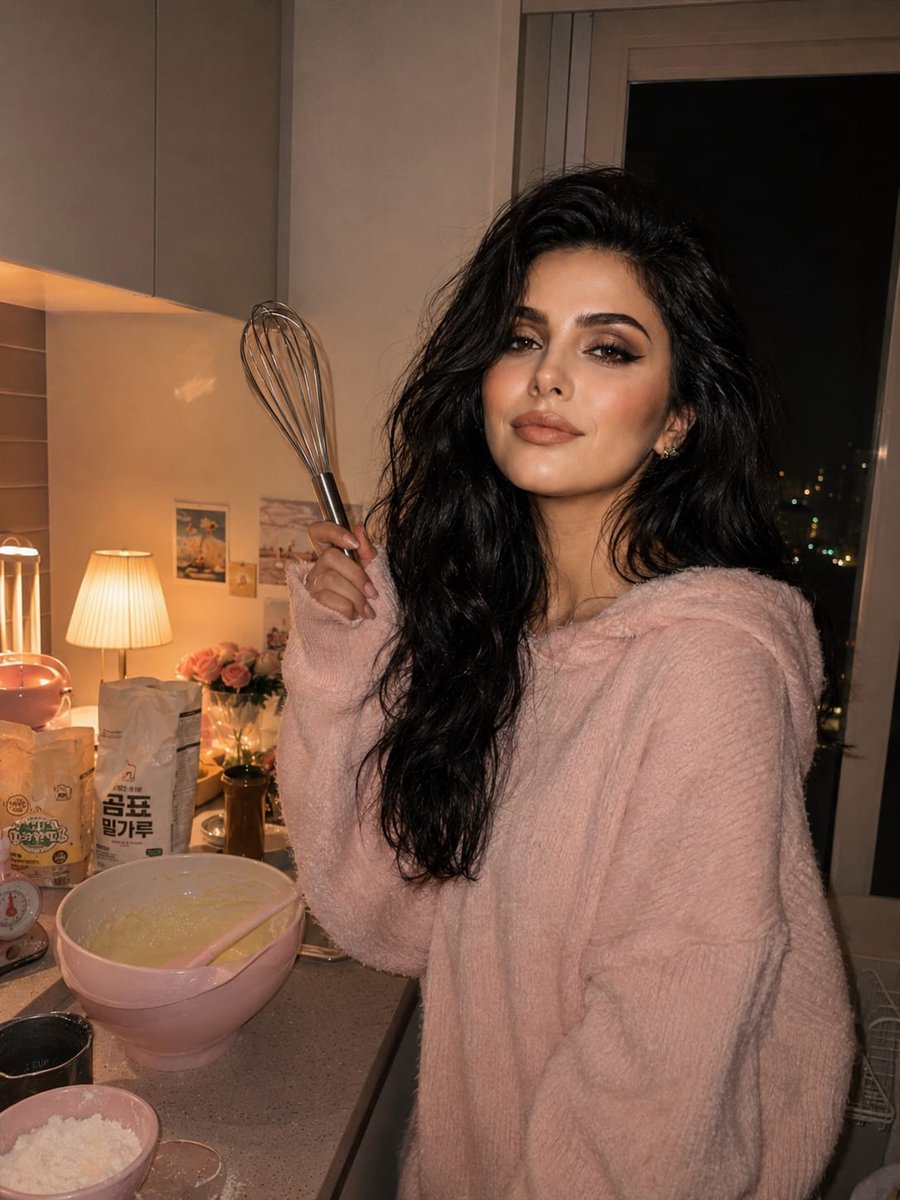
Cozy Kitchen Late Night Baking Portrait
Browse template categories
Custom Character Latte Art Generation Prompt questions
How do I use the Custom Character Latte Art Generation Prompt template?
Add your photo if the template asks for one, edit the prompt if you like — the template's model and format are already selected — and press Generate. Your version opens in PicX Studio.
Can I customize the Custom Character Latte Art Generation Prompt template?
Yes. You can change the subject, setting, lighting, mood, format, and available model controls before creating your image.
Is the Custom Character Latte Art Generation Prompt template free?
Opening and editing this template is free. Generating uses credits, shown on the Generate button when you are signed in.
Which AI model should I use?
Start with Nano Banana 2, which is the model associated with this template. You can compare another compatible model for a different finish.
Looking for something else? Browse all templates.

Your photo, any look
Thousands of ready templates for every top image and video model, from one credit balance.