
Mini-Me Character Composite Image
A complex prompt for creating a composite image with 3D chibi characters interacting with a real person isolated from a photo.
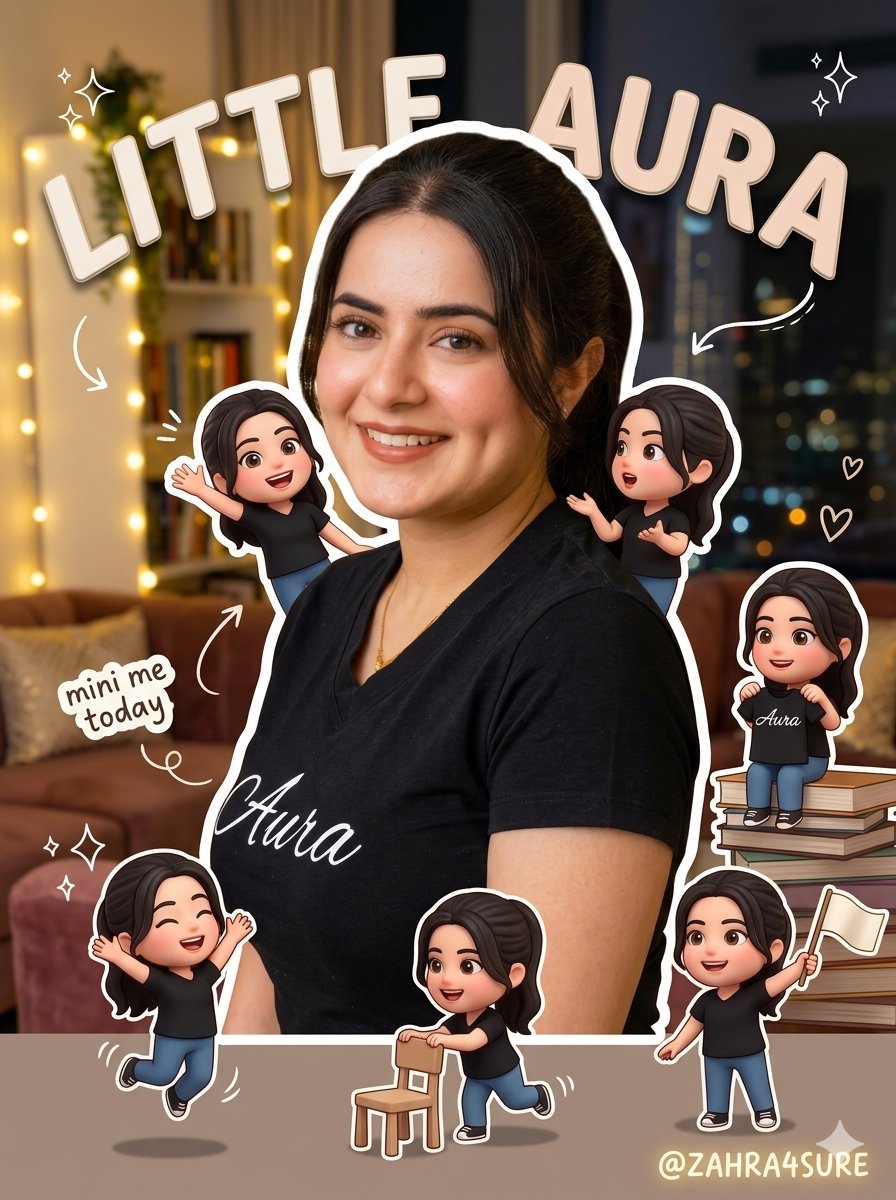
- Prompt included
- Model and format preset
- Free template
The prompt behind this image
Copy the exact prompt behind Mini-Me Character Composite Image, or open it in the studio and make it yours.
Based on this image, centering on the person in the photo, please generate an "emotional composite image where mini-me characters come alive and move around." [Core Concept] "My little alter-egos in my daily life" Cute, playful, yet aesthetic direction Instagram aesthetic + an image with a story [1. Person Processing - Crucial] The original person must be cut out/isolated from the background (Absolutely no changes to the face or pose allowed). Place the person in the center or slightly towards the front of the scene. Add natural shadows. Add a thin white border around the person's outline (like a sticker, but not too thick). [2. Mini-Me Character Generation - Core] Generate multiple "mini-me characters" based on the person. Style: {argument name="style" default="3D cute SD (Super Deformed/Chibi) characters (Roblox or pixel styles are acceptable)"}. Must reflect the exact facial features, hairstyle, and clothing of the person. [Mini-Me Characteristics] Small size (palm-sized feel). Multiple characters appearing ({argument name="count" default="around 3 to 7 characters"}). [3. Mini-Me Actions - Crucial] Each character must be actively doing something. Examples: {argument name="actions" default="Jumping and playing Waving hands Mimicking the person Sitting on an object Climbing on the person's shoulder or head Looking like they are talking to each other"} 👉 "Static/frozen characters are strictly prohibited" [4. Placement & Direction] Place them naturally on top of books / bags / shoulders / the floor / hands, etc. Place some in front of the person and some behind → to create a sense of depth and space. Add shadows as if they actually exist in the physical space. [5. Title Generation - Core Feature] Analyze the mood of the image and automatically generate a short, aesthetic text title. [Title Rules] 2 to 5 words long. Do not explain; just convey the "vibe." Avoid overly trendy internet slang. Natural and aesthetic tone. [Example Vibes/Titles] Today's moment Just a good day Little joys of the day My own timing Small happiness Recording this moment Just found it funny 👉 Must "generate a new title that fits the mood of the image" [6. Title Placement] Place some text behind the person. Place some text in front. 👉 Create a three-dimensional layered composition. Do not make the text too large (maintain the aesthetic vibe). Use a soft font style. [7. Doodles & Sticker Elements] Add handwritten-style doodles (thin pen feel). Examples: Arrows → Circles for emphasis Stars ✨ Hearts ♡ Dotted lines 👉 Only add 3 to 6 elements (do not overdo it) [8. Auxiliary Text (Optional)] Small sticker-like text. Examples: mini me today mood lol daily [9. Overall Style] Bright and warm tones. Maintain natural colors. Avoid looking too much like CG (computer graphics). Aim for a "real photo + cute composite" feel. [10. Prohibitions] No changing the person's face. No characters looking out of place or disconnected from the scene. No game UI styles. No excessive filters or effects. No card-news (infographic) style text blocks.
How to use Mini-Me Character Composite Image in 3 steps
- 1Upload ImagePNG, JPG or paste
Add your photo
Upload the photo the template builds on. The prompt, model and format are already set.
- 2…a portrait of your subject in softgolden-hour light, 85mm…
Personalize
Edit the subject and creative details for your destination.
- 3Generate
Generate
Press Generate — your image is created in PicX Studio, so you can compare it with the original and refine one variable at a time.
More like this
Templates with the same subject, style or setup. Open one to see its prompt.
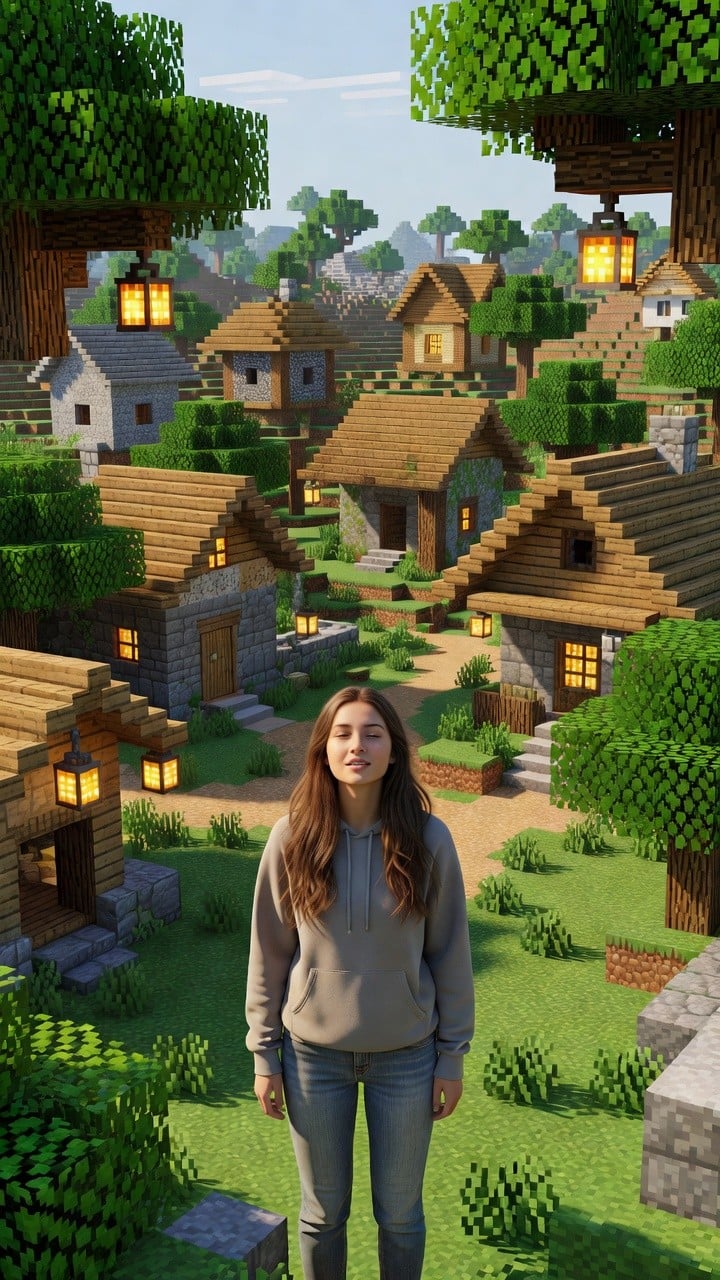
Photoreal Village Lanterns Minecraft Scene
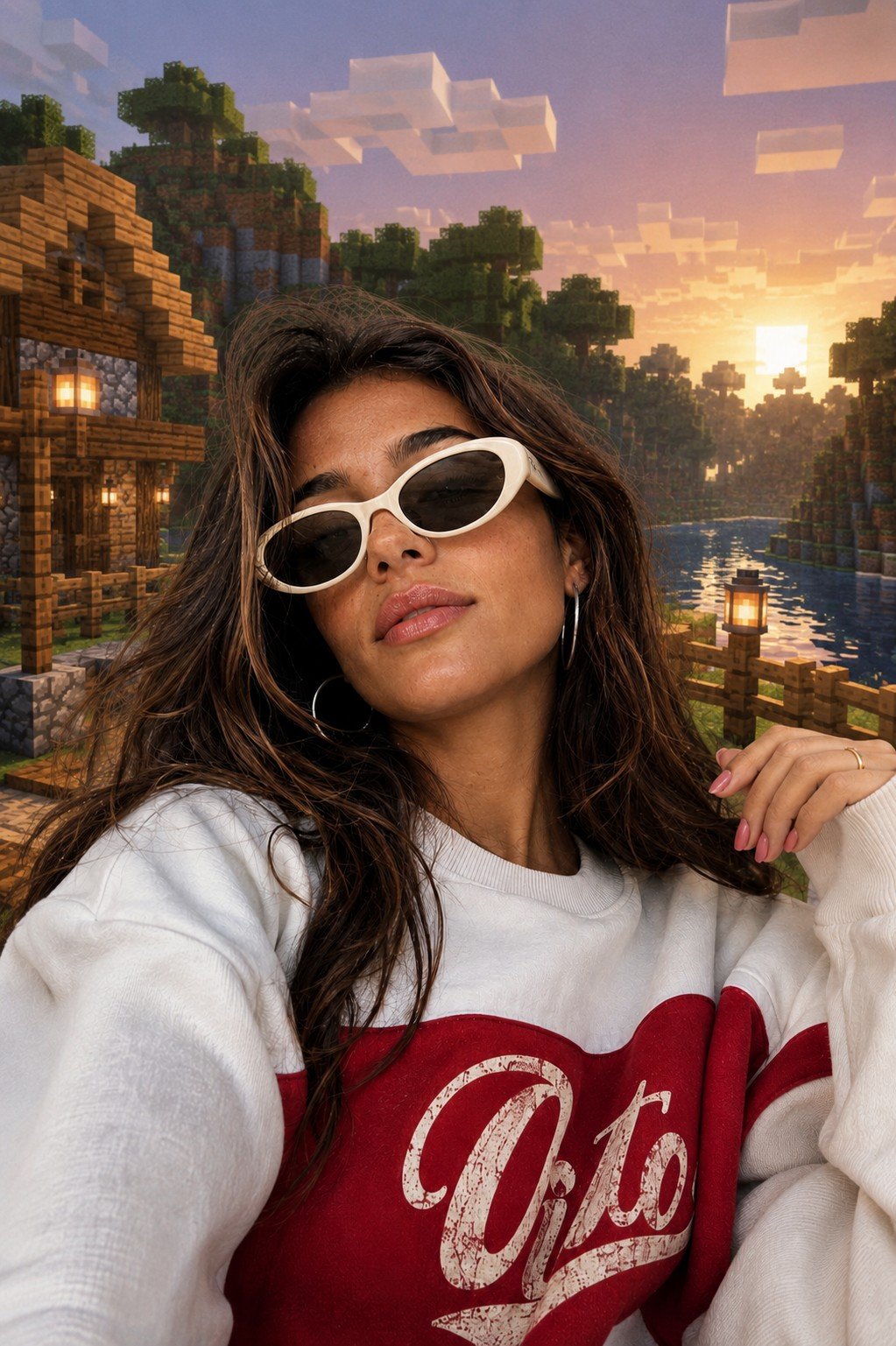
Photoreal Selfie Minecraft Block World
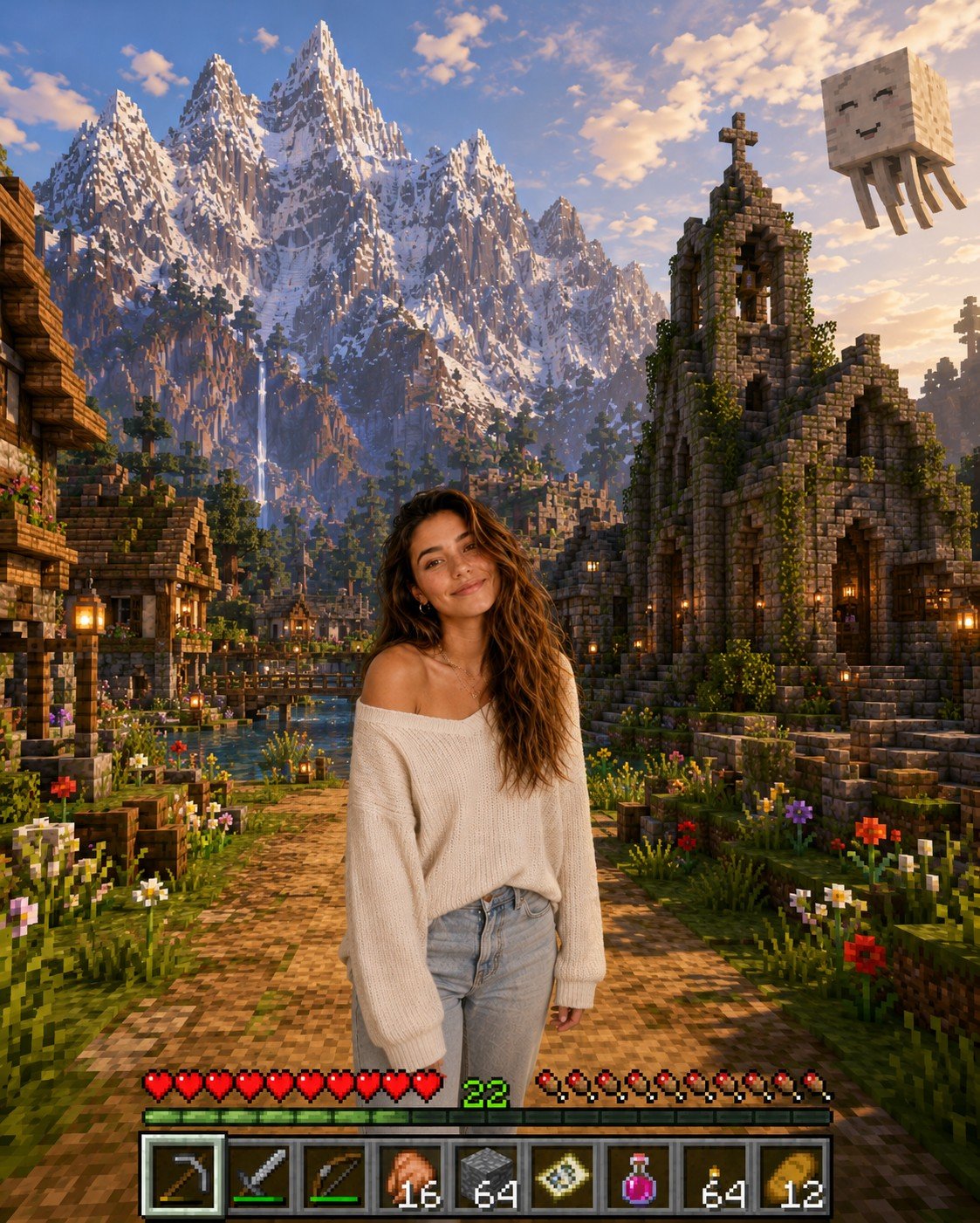
Photoreal Selfie Minecraft Village Ghast UI
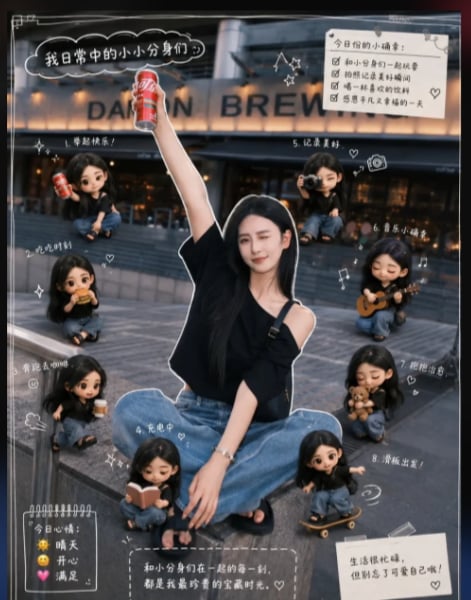
Mini Clone Cafe Selfie Composite
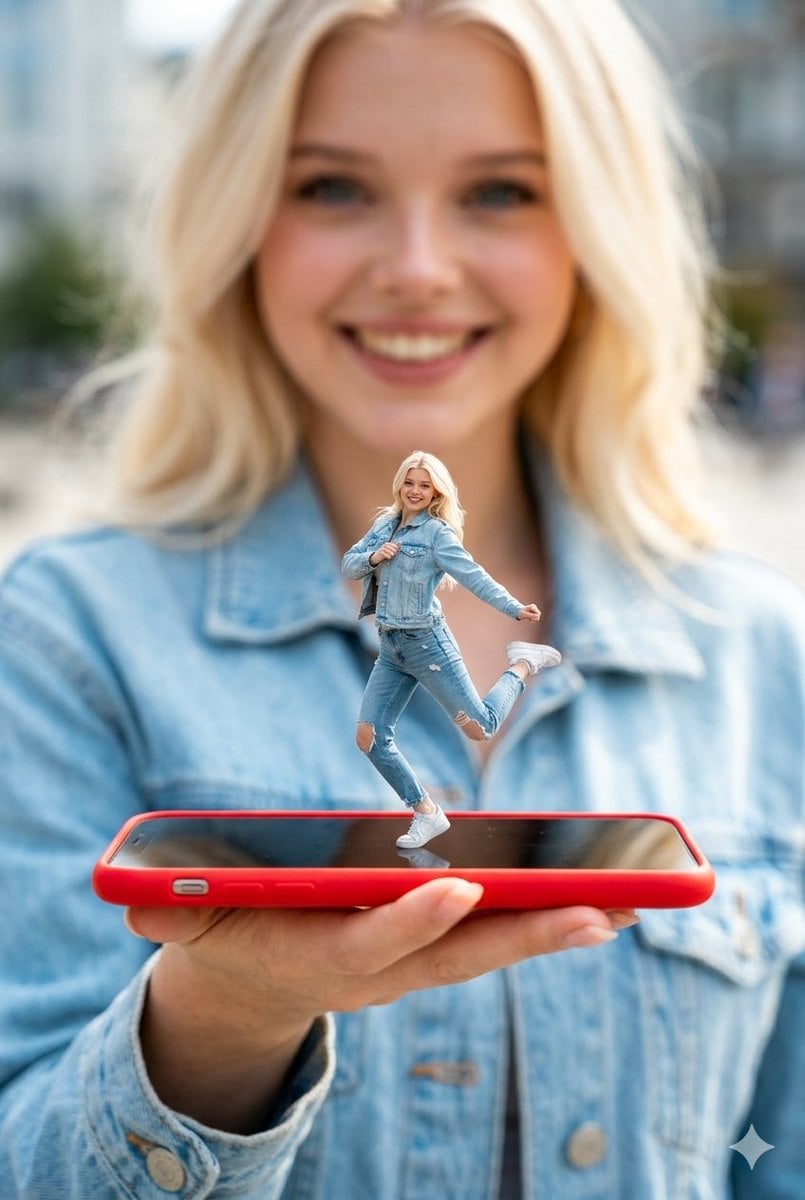
Surreal Miniature Dancing Composite Photo Prompt
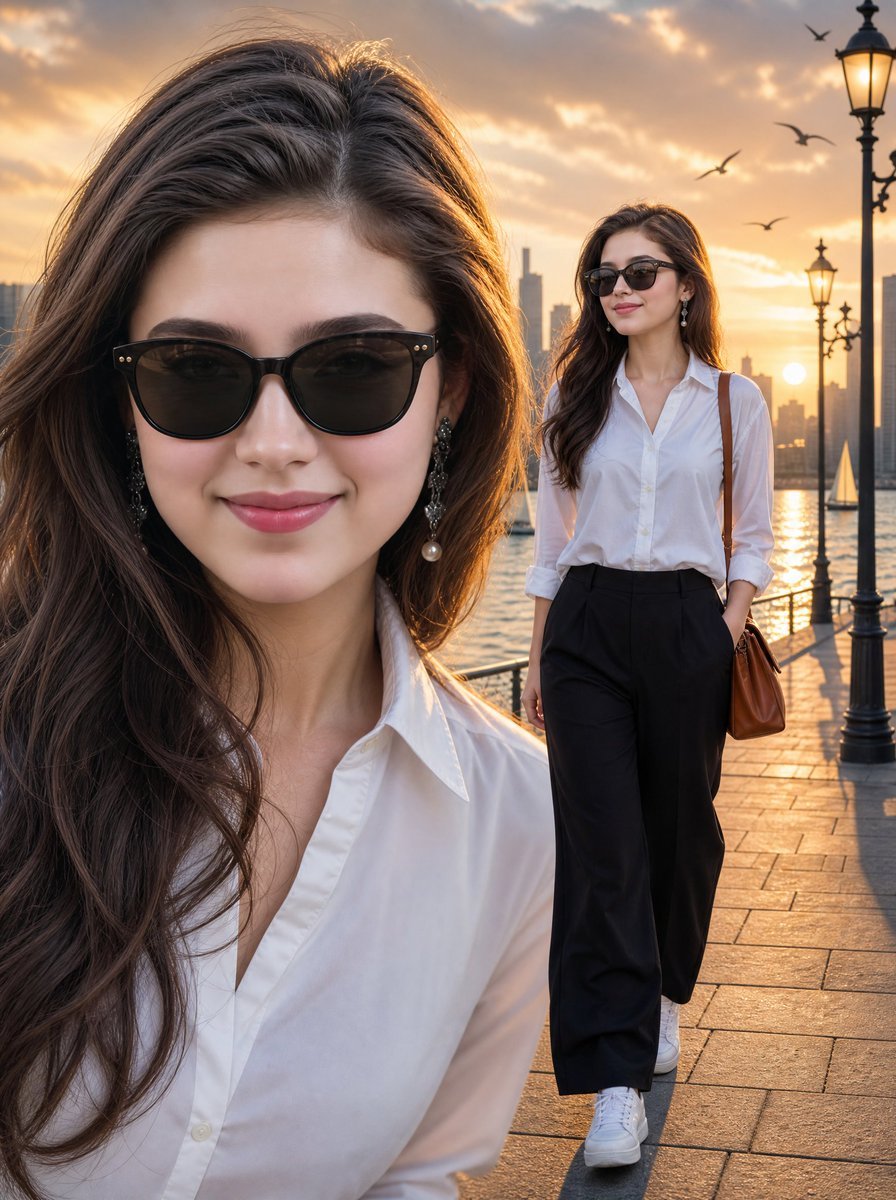
Sunset Waterfront Fashion Composite
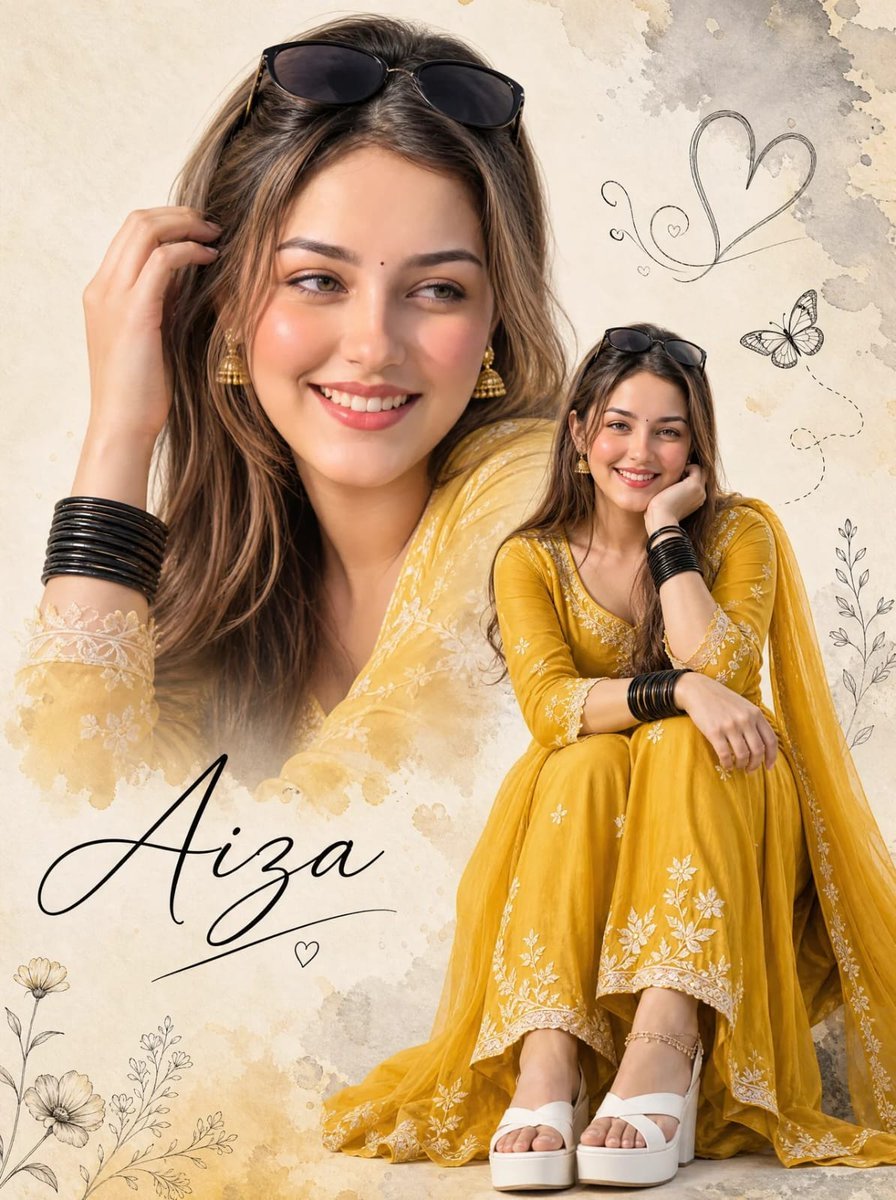
Double-Exposure Scrapbook Portrait Composite
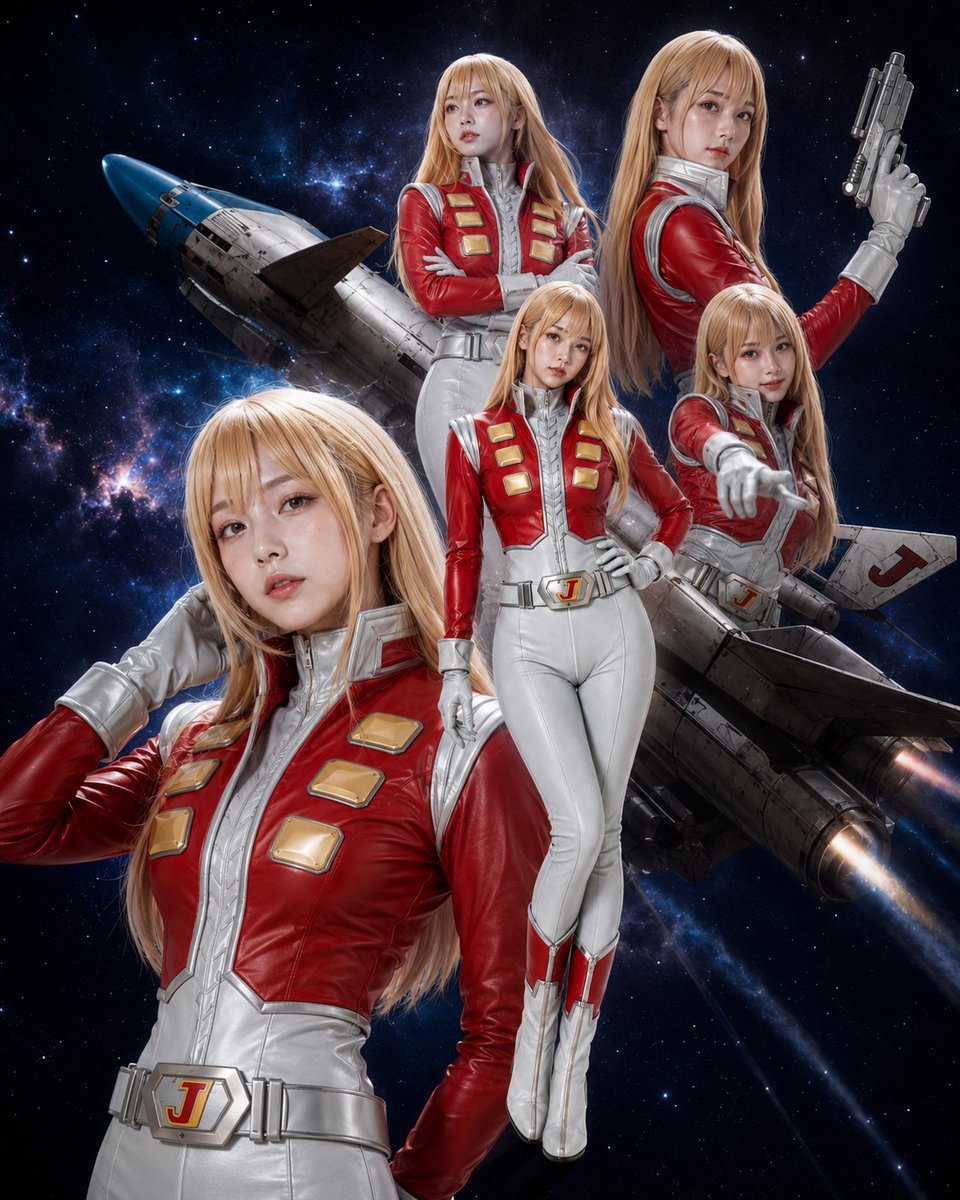
Alfin Space Anime Cosplay Composite

Real-Life and Anime Character Composite
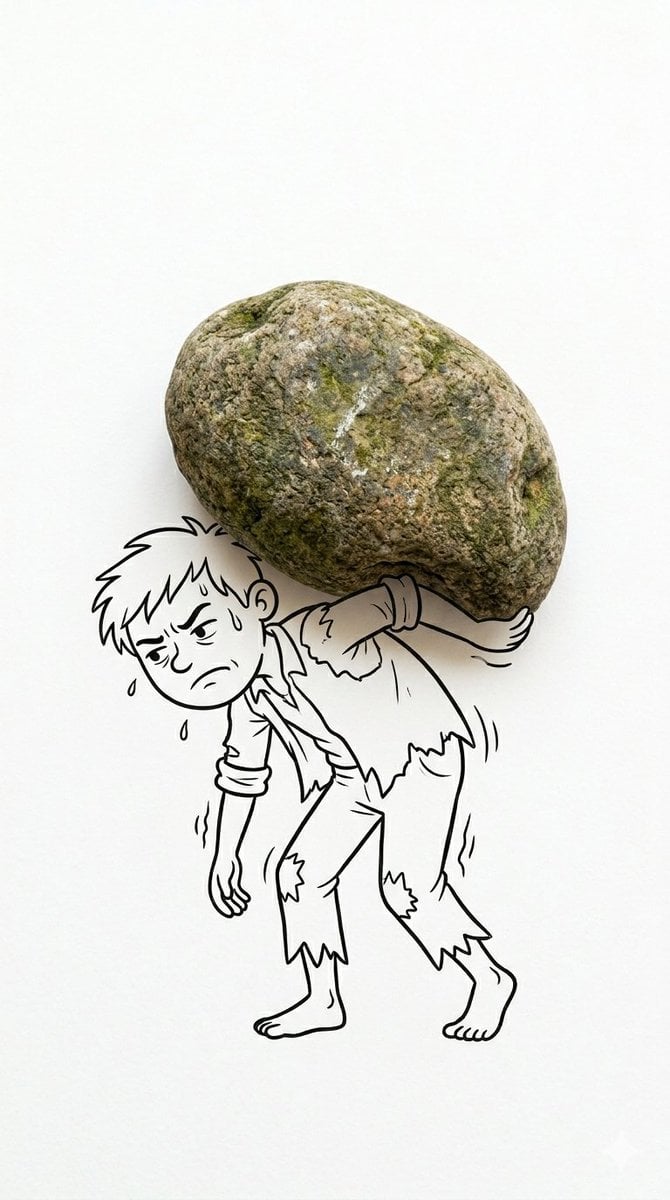
Mixed Reality Cartoon Composite
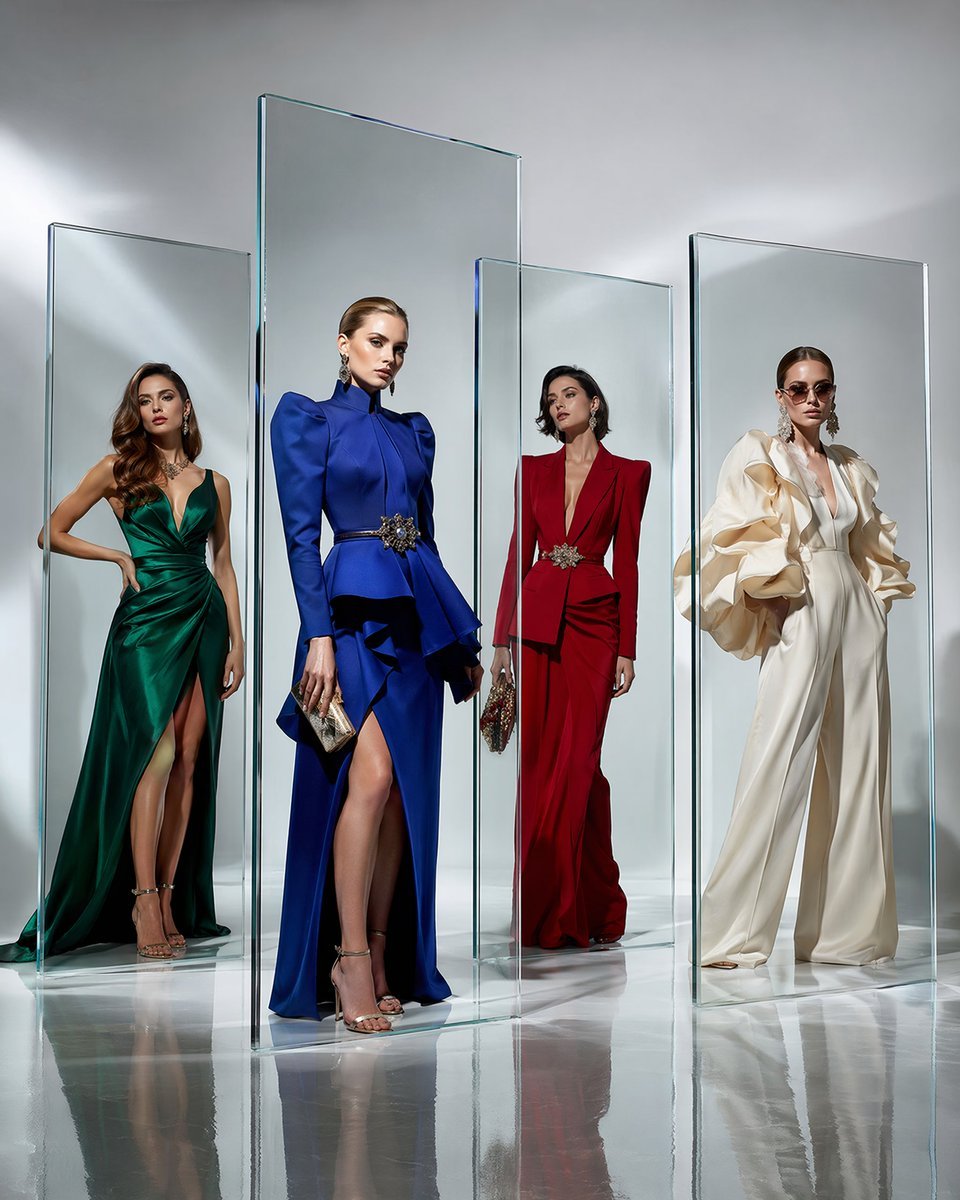
Crystal Panel European Couture Fashion Composite
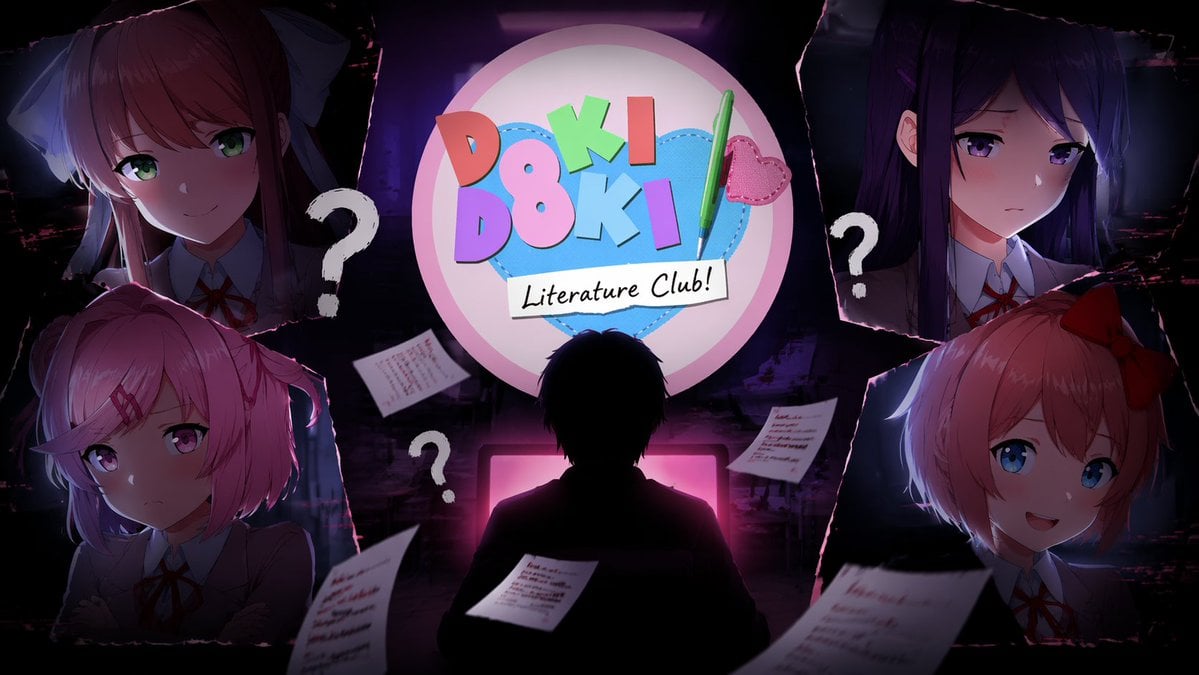
Visual Novel Composite Layout
Make it yours
Mini-Me Character Composite Image works as-is. These are the safest ways to change it without losing the look.
Change one field
Copy a single group, rewrite it, and generate again so you can see what that field is doing.
Keep the frame, change the subject
Hold the composition and light of Mini-Me Character Composite Image, then swap wardrobe, props or the person for a new take.
| If the result… | Why | Fix |
|---|---|---|
| The result drifts from the preview | Too many fields changed at once. | Reuse Mini-Me Character Composite Image as-is first, then change one group — subject, light, or setting. |
| The model over-stylizes the scene | The prose prompt leaves finish and camera underspecified. | Add one camera or lighting sentence and stay on Nano Banana 2. |
More Nano Banana 2 templates
Other prompts made for Nano Banana 2.

Photorealistic Leaf Shaped Like a Dragon

K-Pop Idol Portrait Grid for Rapid Selection

Poetic Rain Forest Portrait During Golden Hour

Urban Street Portrait with Cartoon Inner Self Duo

Candid Nighttime Photo with Cat Prompt

High-Concept 3D Diorama Generation Prompt

Cinematic Futuristic Studio Portrait Template

Skincare Editorial Photography Collage Prompt

Hyper-Realistic Commercial Product Photography (Splash Effect)

Hyper-Realistic Nightclub Portrait Prompt
More image prompts
Fresh picks from across the catalog.
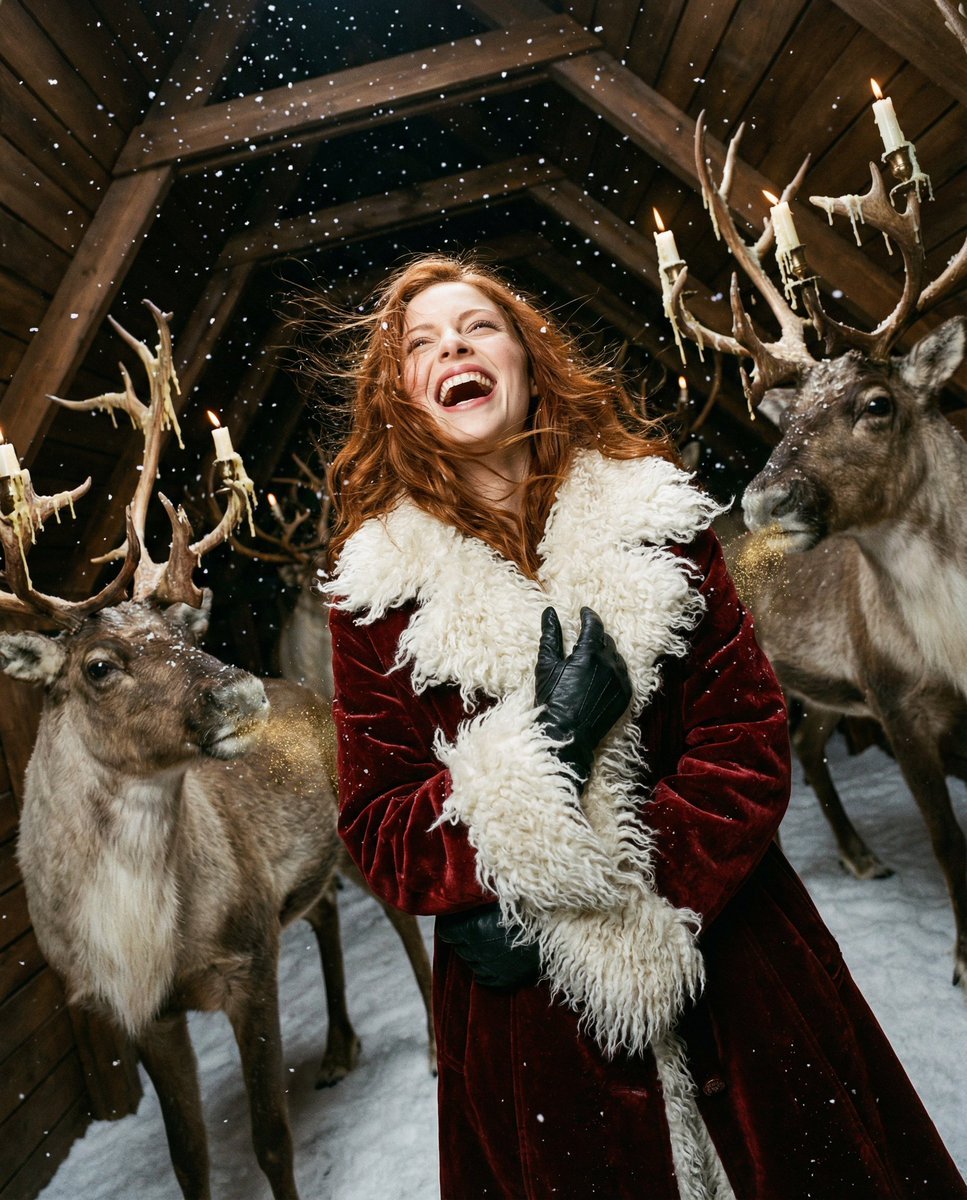
Christmas Vertigo: Surreal Avant-Garde Mrs. Claus
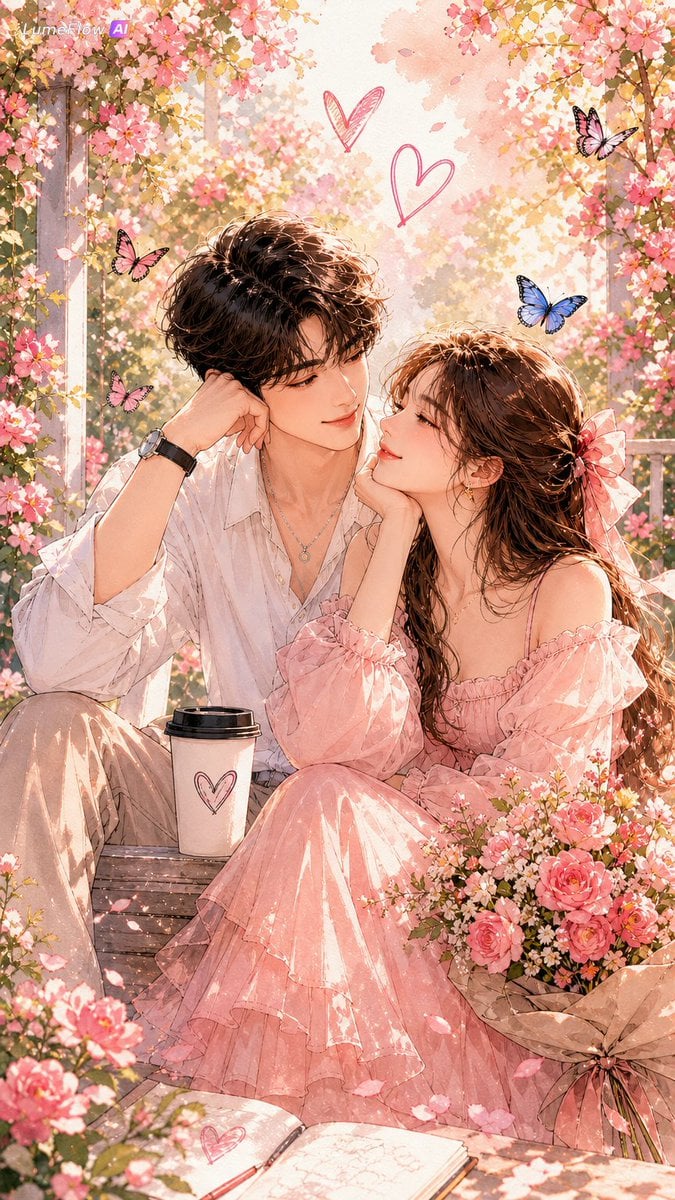
Watercolor Korean Couple Portrait
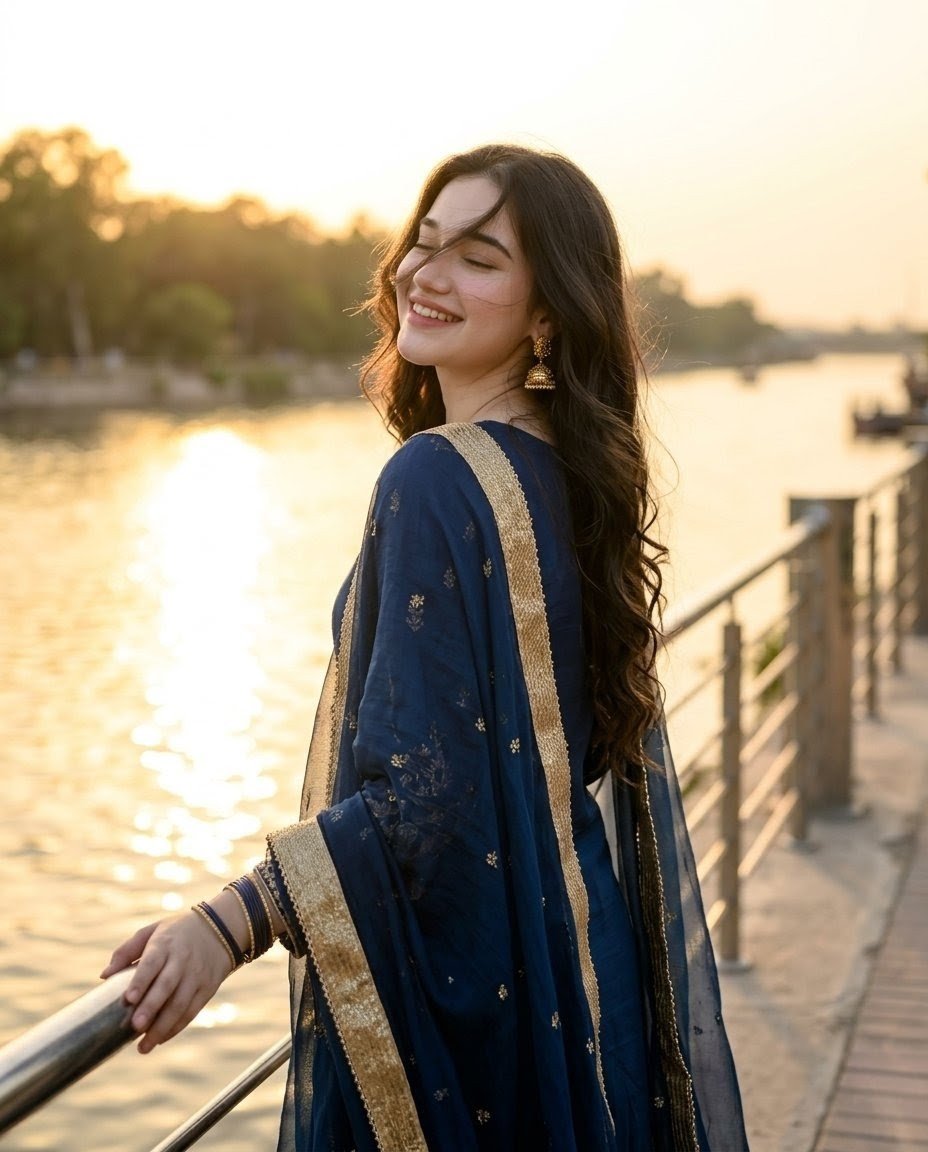
Golden Hour Riverside Portrait
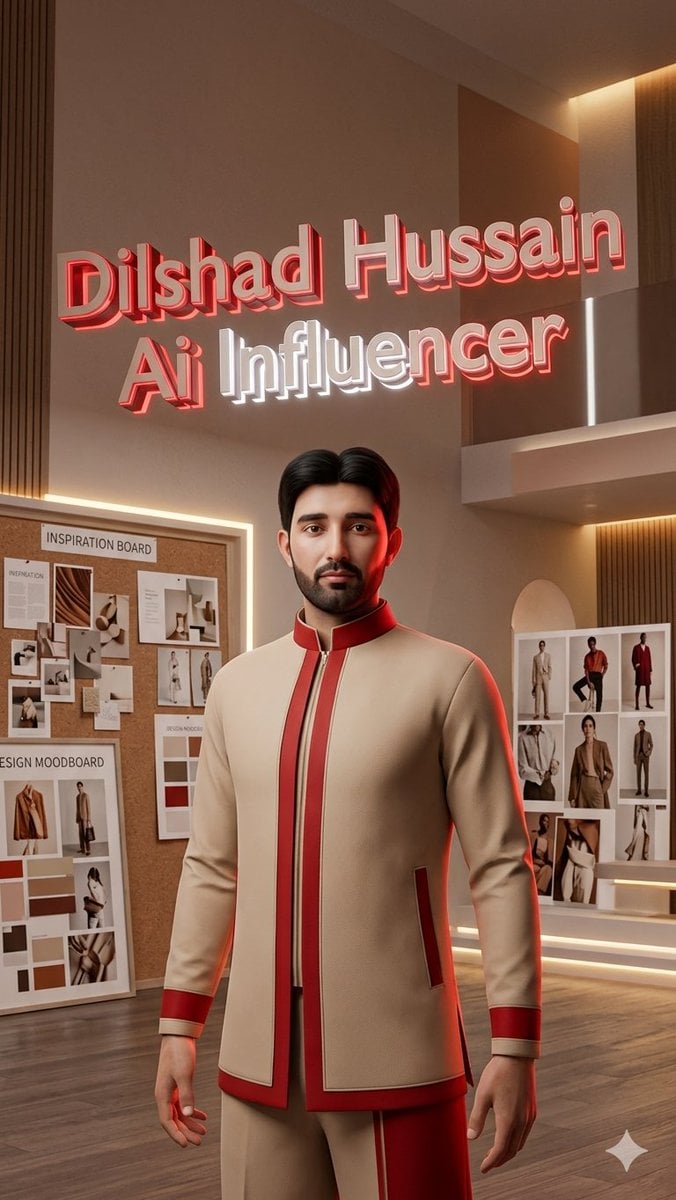
Luxury AI Influencer Workspace Render
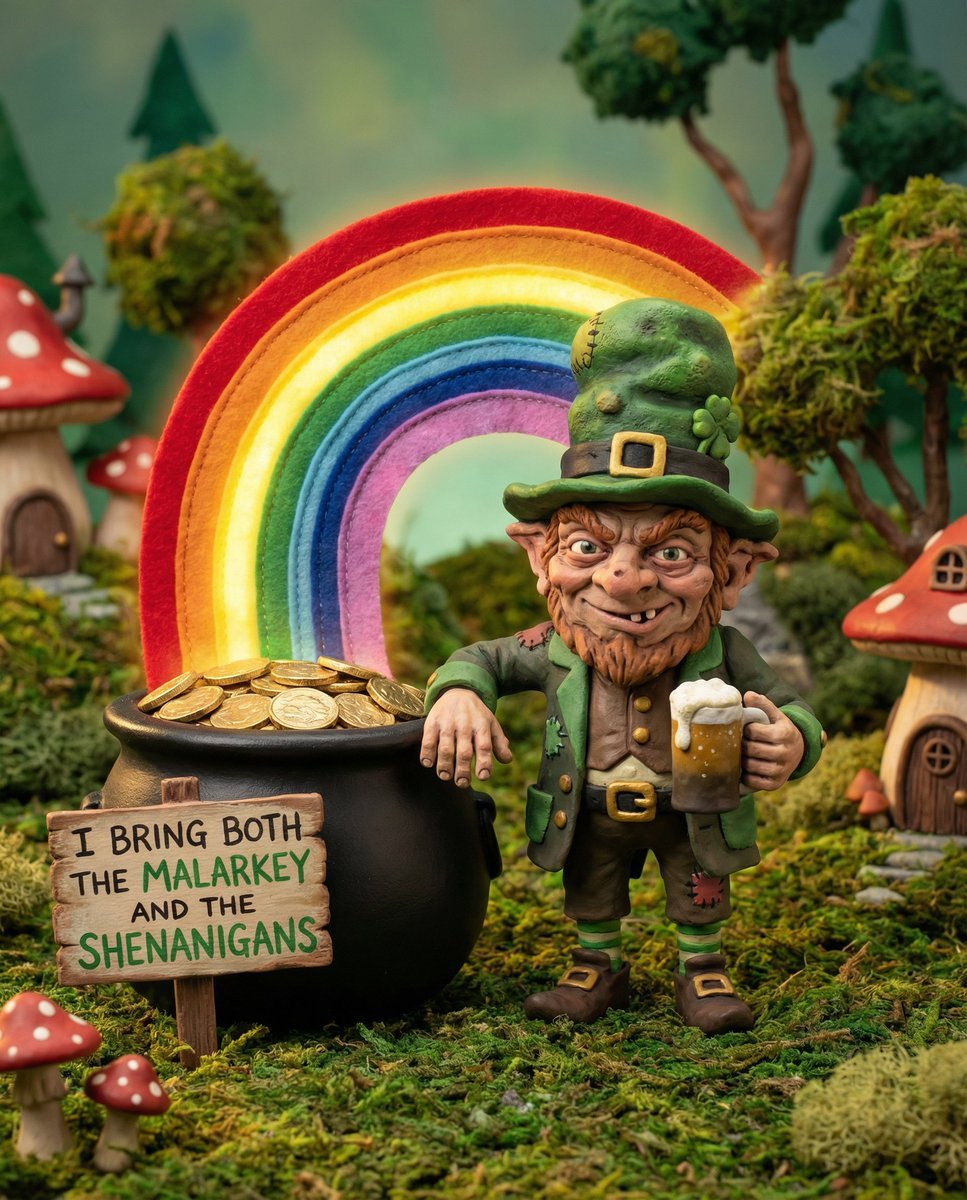
Leprechaun Illustration with Custom Style
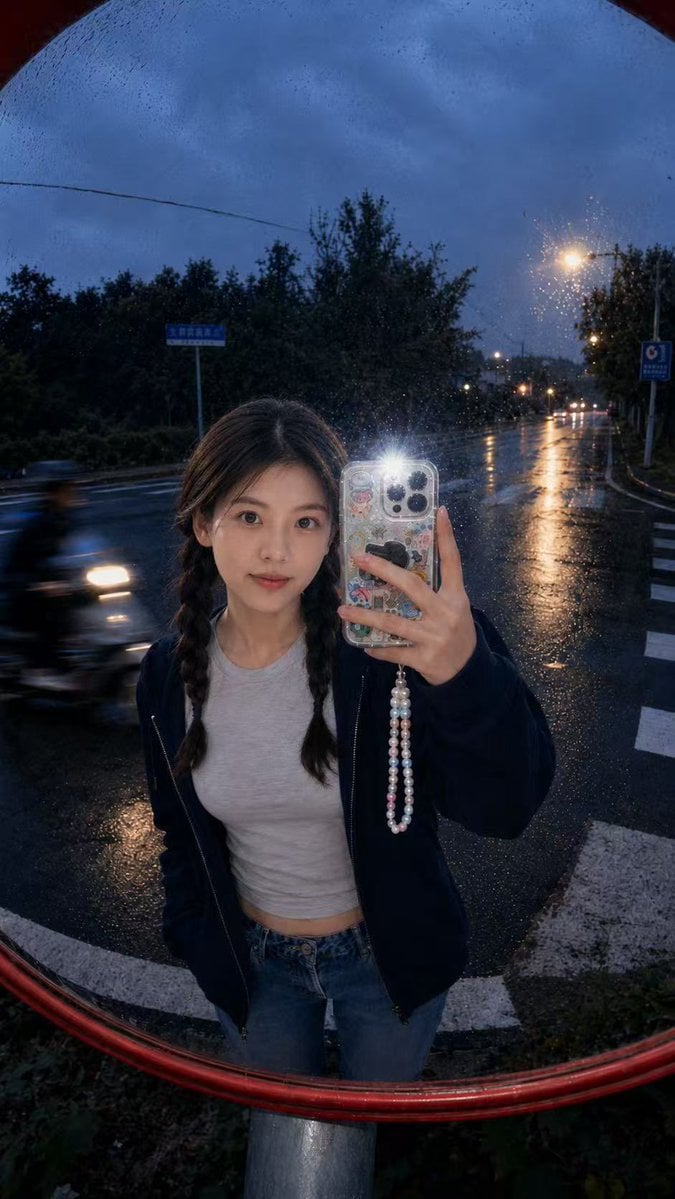
Hyper-Realistic Traffic Mirror Selfie
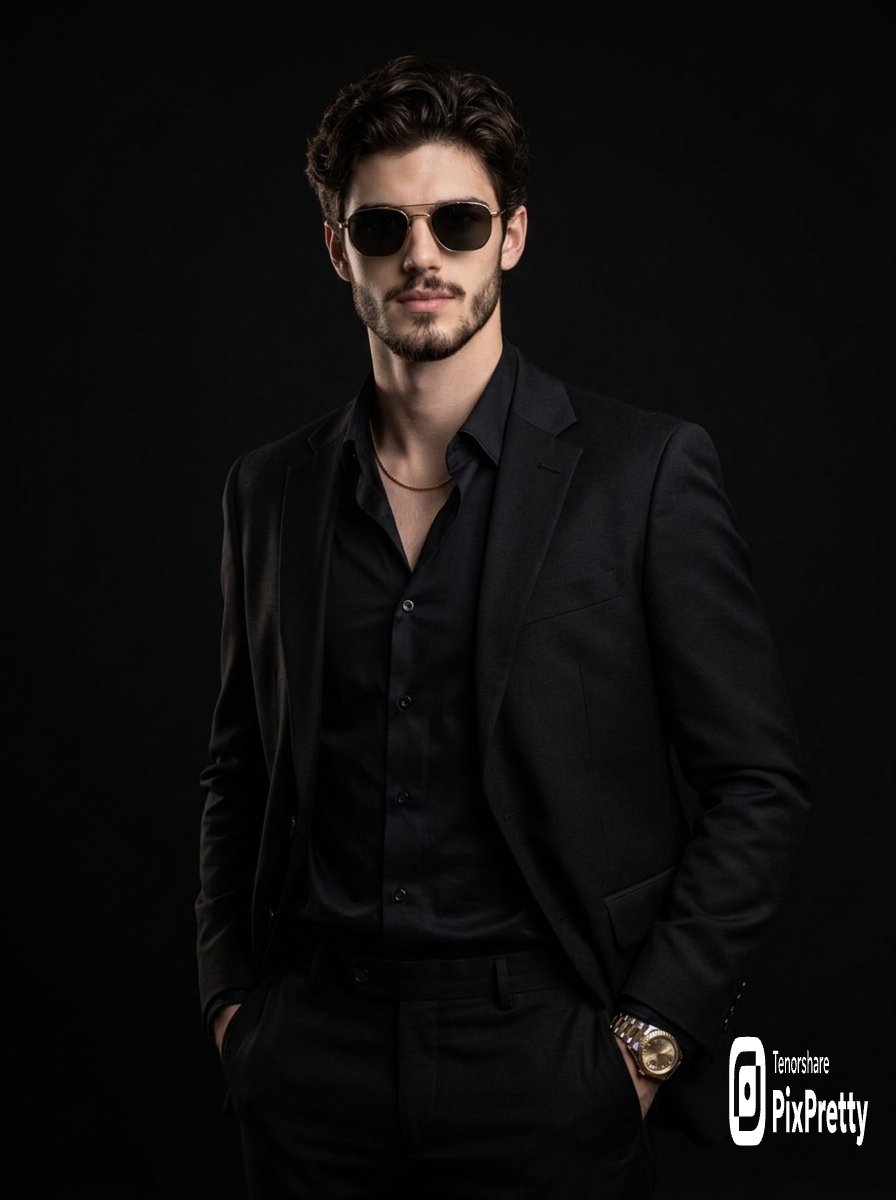
High-Fashion Editorial Prompt for Stylish Man
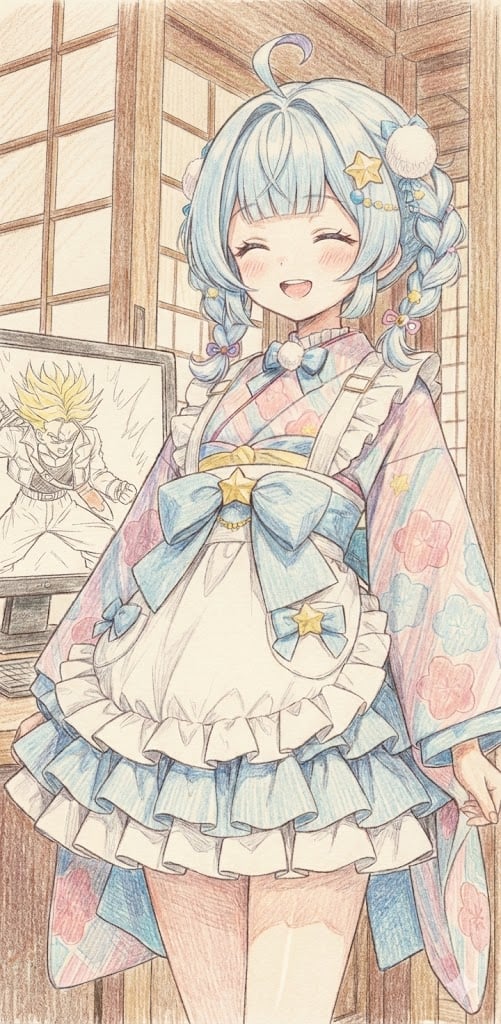
Image generation of Suu Mizumiya using Nano Banana Pro
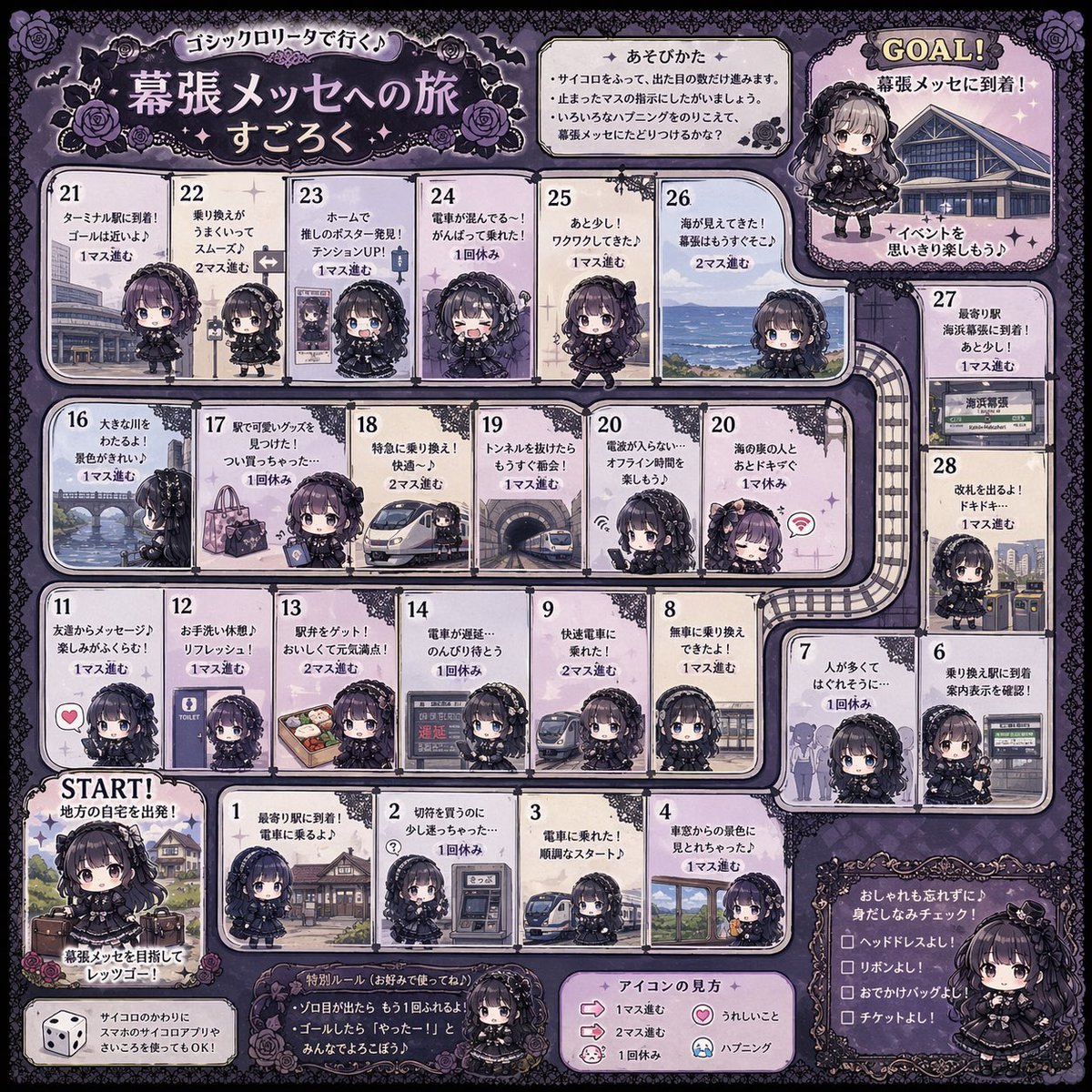
Gothic Lolita board game generator
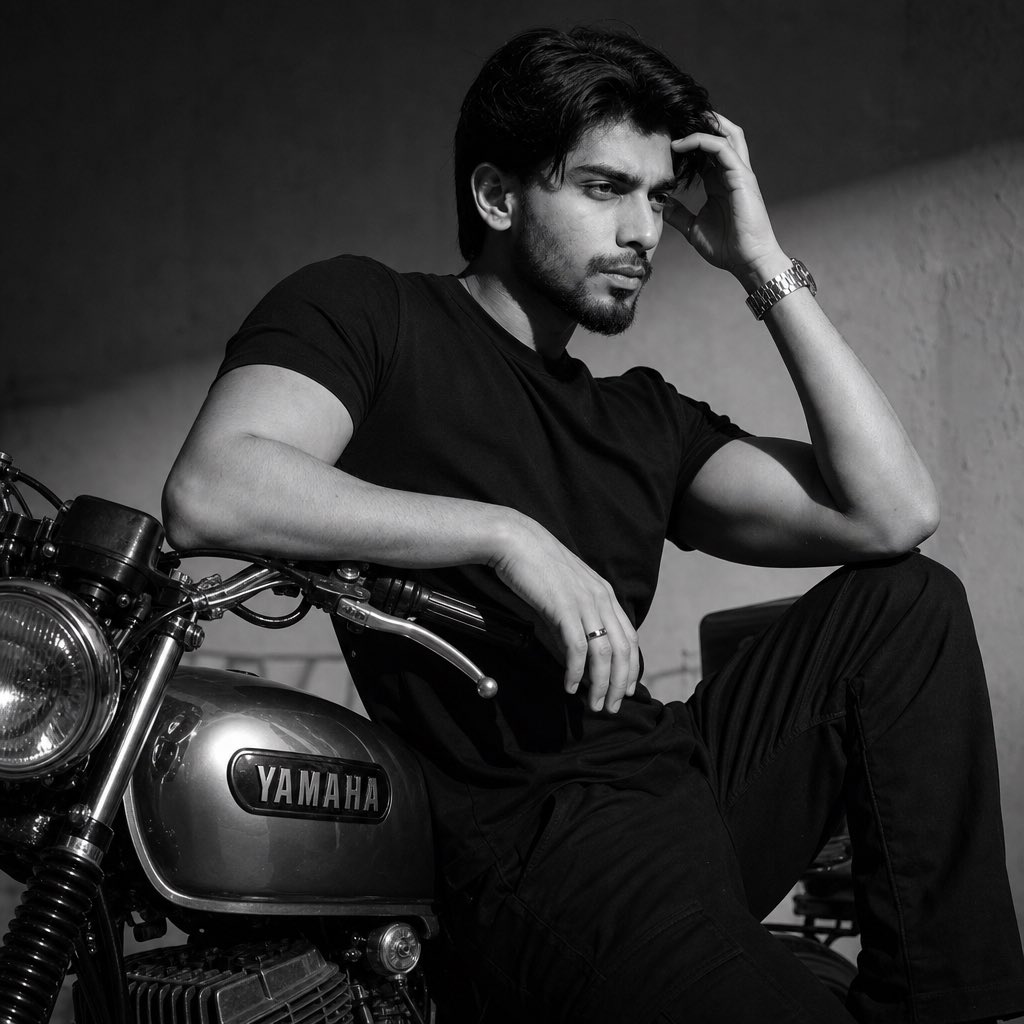
Nostalgic Black and White Portrait
Browse template categories
Mini-Me Character Composite Image questions
How do I use the Mini-Me Character Composite Image template?
Add your photo if the template asks for one, edit the prompt if you like — the template's model and format are already selected — and press Generate. Your version opens in PicX Studio.
Can I customize the Mini-Me Character Composite Image template?
Yes. You can change the subject, setting, lighting, mood, format, and available model controls before creating your image.
Is the Mini-Me Character Composite Image template free?
Opening and editing this template is free. Generating uses credits, shown on the Generate button when you are signed in.
Which AI model should I use?
Start with Nano Banana 2, which is the model associated with this template. You can compare another compatible model for a different finish.
Looking for something else? Browse all templates.

Your photo, any look
Thousands of ready templates for every top image and video model, from one credit balance.