
Moonlit Arabian Dancer
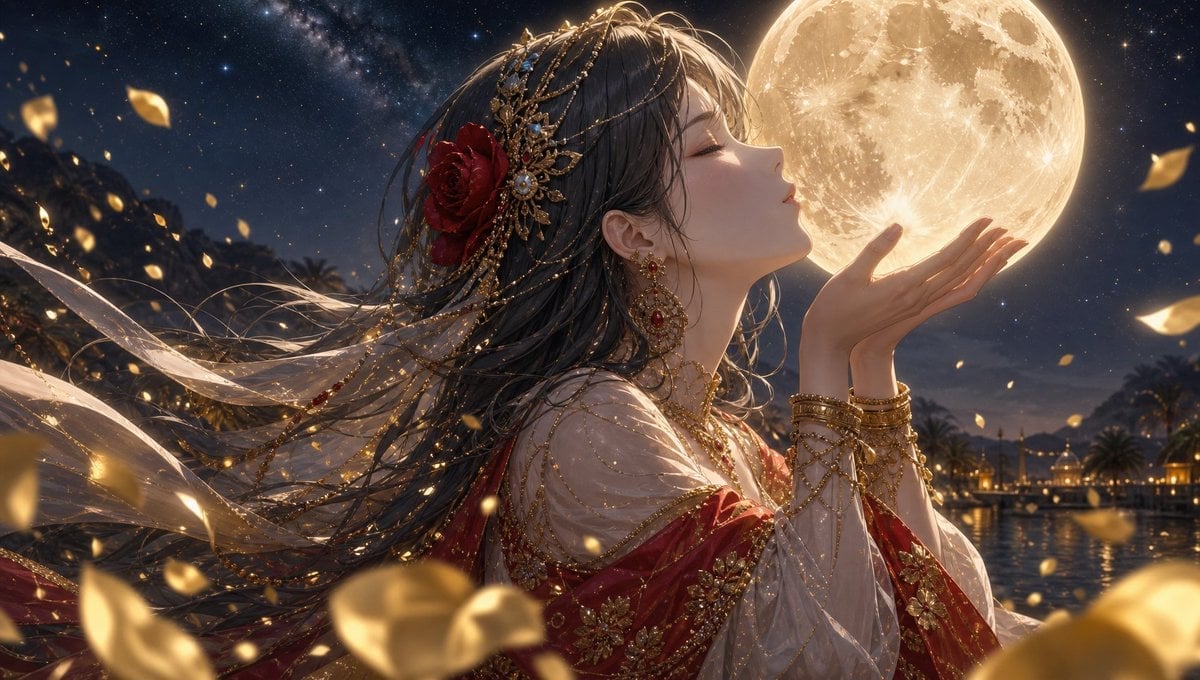
A cinematic fantasy anime prompt for creating an ornate dancer reaching toward a glowing full moon in a romantic desert night scene.
- Prompt included
- Model and format preset
- Free template
The prompt behind this image
Copy the exact prompt behind Moonlit Arabian Dancer, or open it in the studio and make it yours.
Create an ultra-detailed cinematic anime illustration of {argument name="character name" default="a graceful moonlit dancer"}, shown in close side profile from the waist up, facing right with eyes closed and lips softly parted as if kissing or offering a glowing full moon held just above her cupped hands. She has long flowing {argument name="hair color" default="dark ash-brown hair"} streaming dramatically to the left in the night wind, decorated with intricate gold chains, jeweled ornaments, pearls, and one large deep red rose near the back of her head. Dress her in an opulent Arabian-inspired dancer costume: translucent ivory veils, layered sheer sleeves, red silk fabric, heavy gold embroidery, floral appliqué, delicate chains across the shoulders and arms, stacked gold bangles, ornate red-and-gold earrings, and sparkling gemstones. The moon is enormous, warm golden, highly textured with visible craters, positioned in the upper right and acting as the main backlight, casting a radiant halo along her nose, fingers, hair, and jewelry. The background is a romantic desert oasis or palace harbor at night with palm silhouettes, distant lantern-lit buildings, dark mountains, calm reflective water, a star-filled sky, and a faint Milky Way. Fill the foreground and air with many windblown golden flower petals and glowing bokeh flecks, with larger blurred petals crossing the bottom edge for depth. Use a horizontal wide canvas, dramatic composition, shallow depth of field, luminous gold-and-navy color palette, soft volumetric moonlight, sparkling highlights, delicate fabric transparency, elegant fantasy realism, high detail, polished digital painting, no text, no watermark.
How to use Moonlit Arabian Dancer in 3 steps
- 1Upload ImagePNG, JPG or paste
Add your photo
Upload the photo the template builds on. The prompt, model and format are already set.
- 2…a portrait of your subject in softgolden-hour light, 85mm…
Personalize
Edit the subject and creative details for your destination.
- 3Generate
Generate
Press Generate — your image is created in PicX Studio, so you can compare it with the original and refine one variable at a time.
More like this
Templates with the same subject, style or setup. Open one to see its prompt.

Dancer Character - Four View Reference Sheet
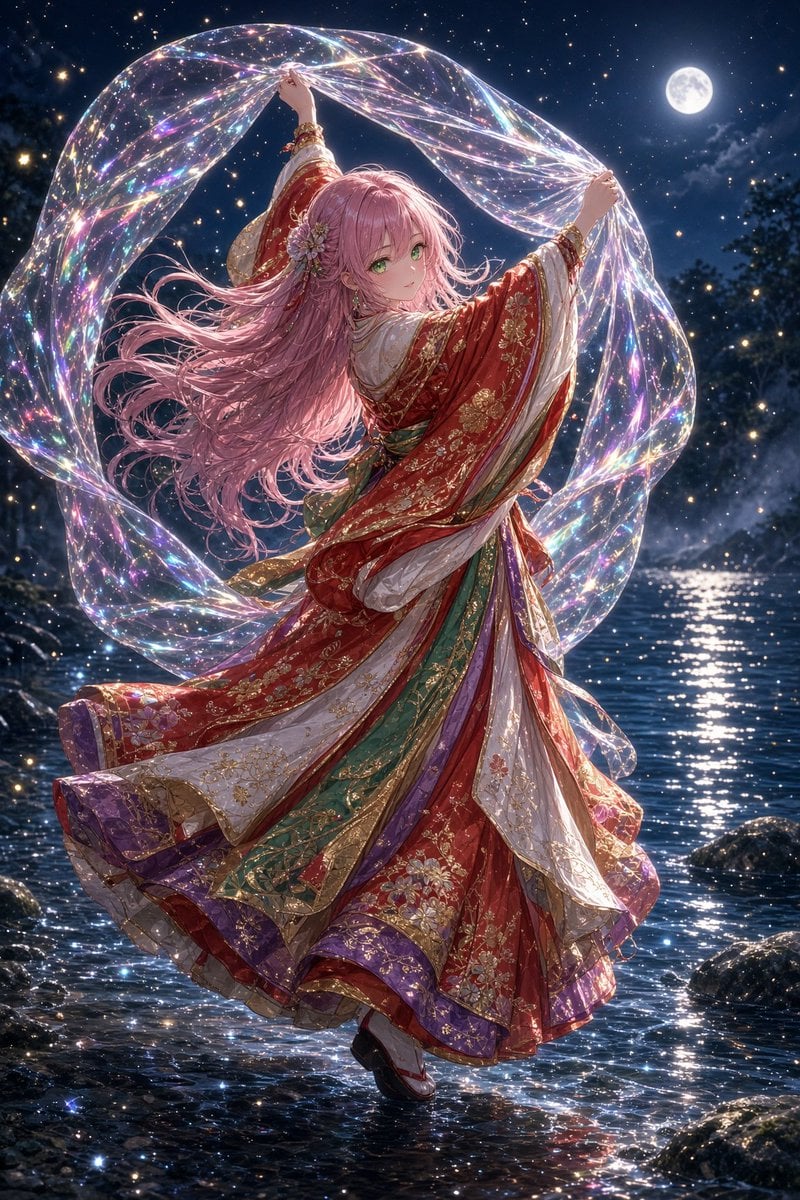
Moonlit Prism Veil Kimono Dancer
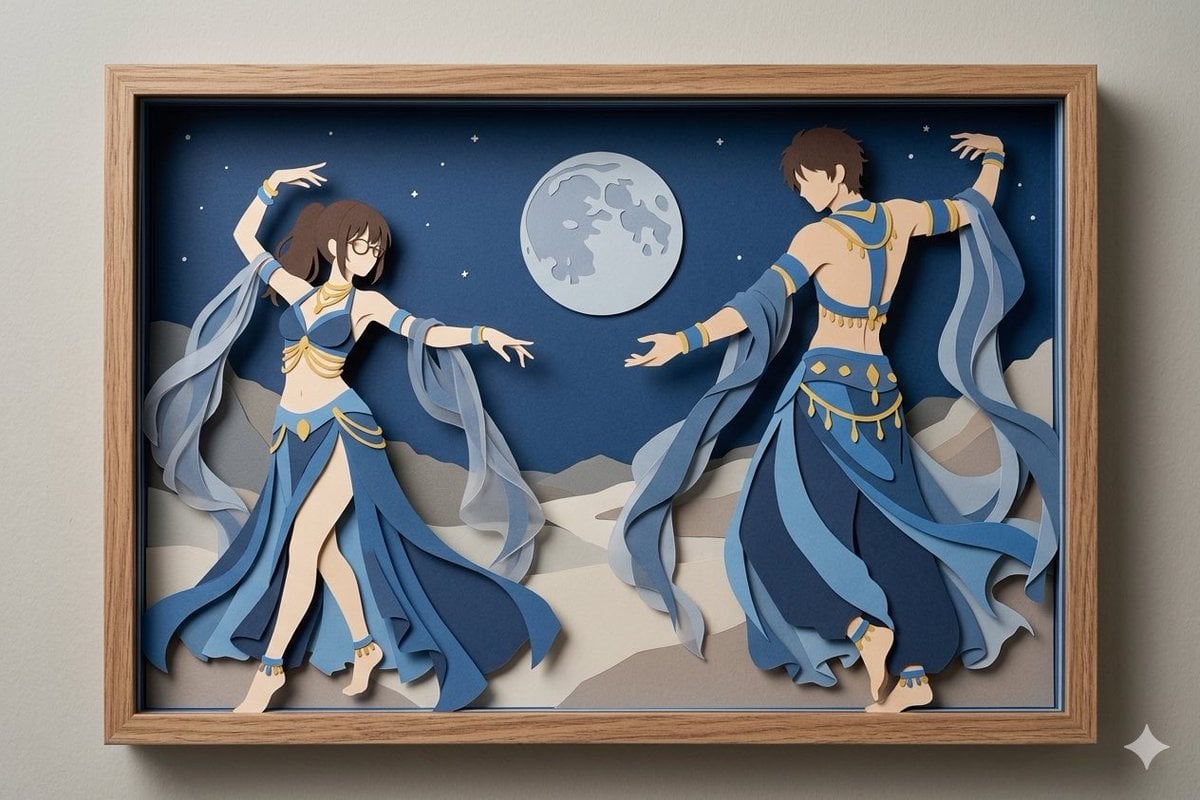
Moonlit Dancer Shadow Box
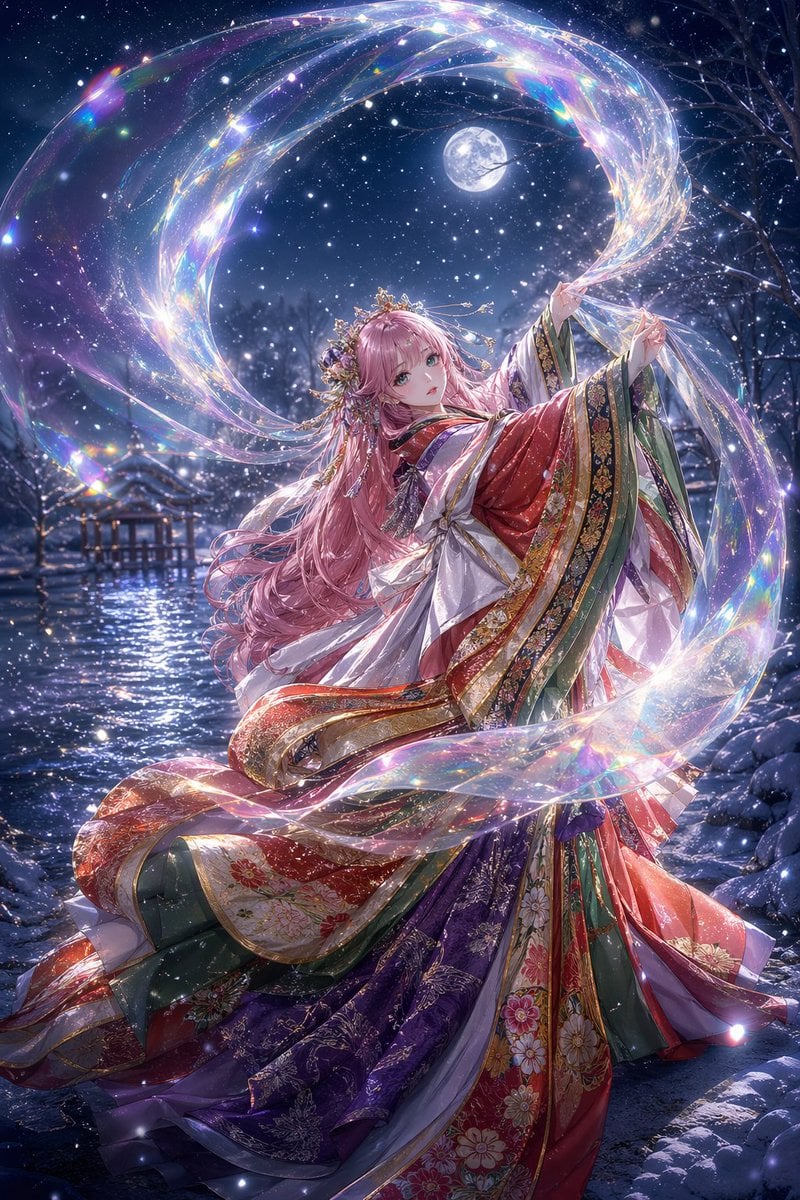
Moonlit Celestial Kimono Dancer
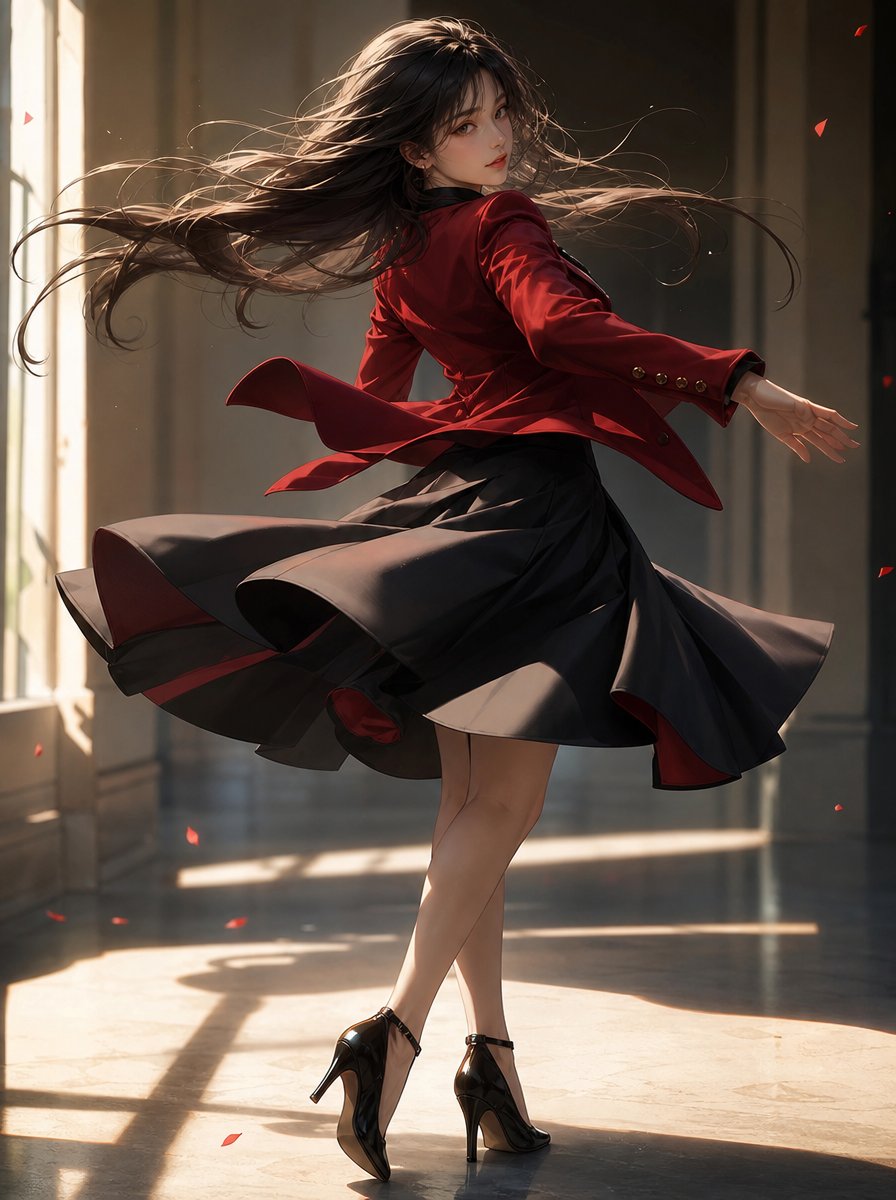
Elegant Pivot Turn Anime Dancer
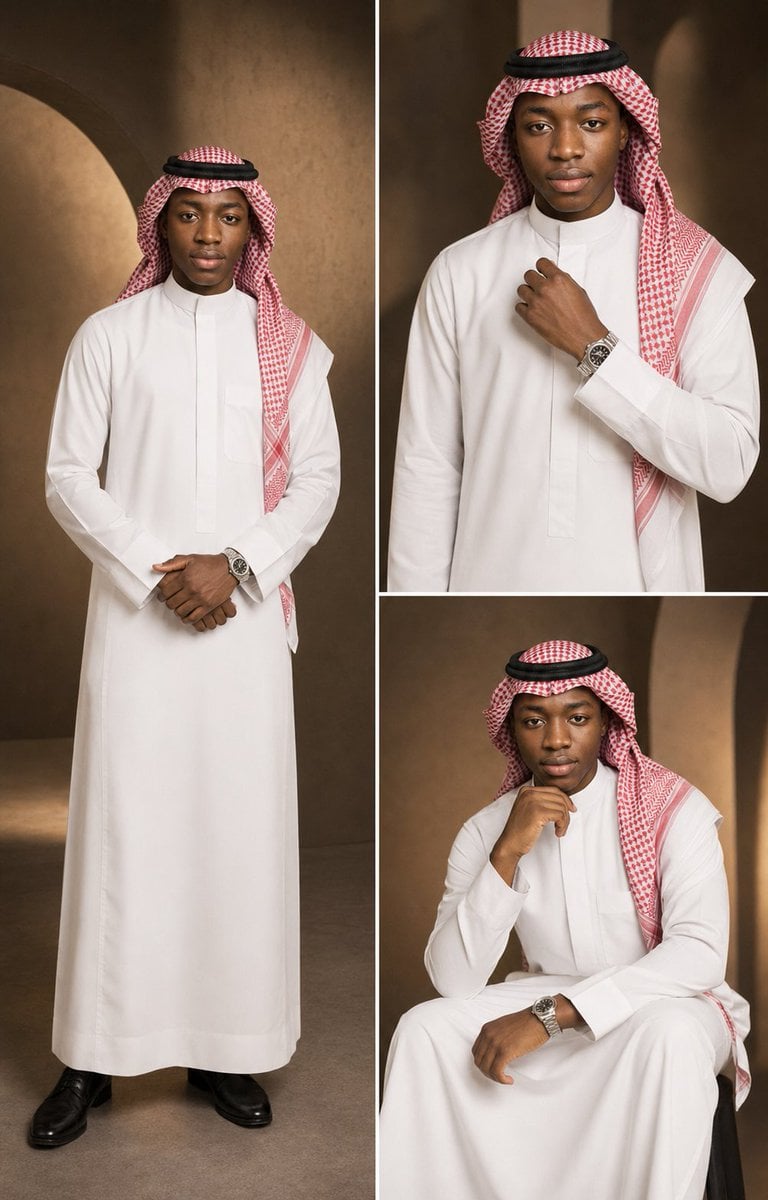
Luxury Arabian Fashion Editorial Triptych
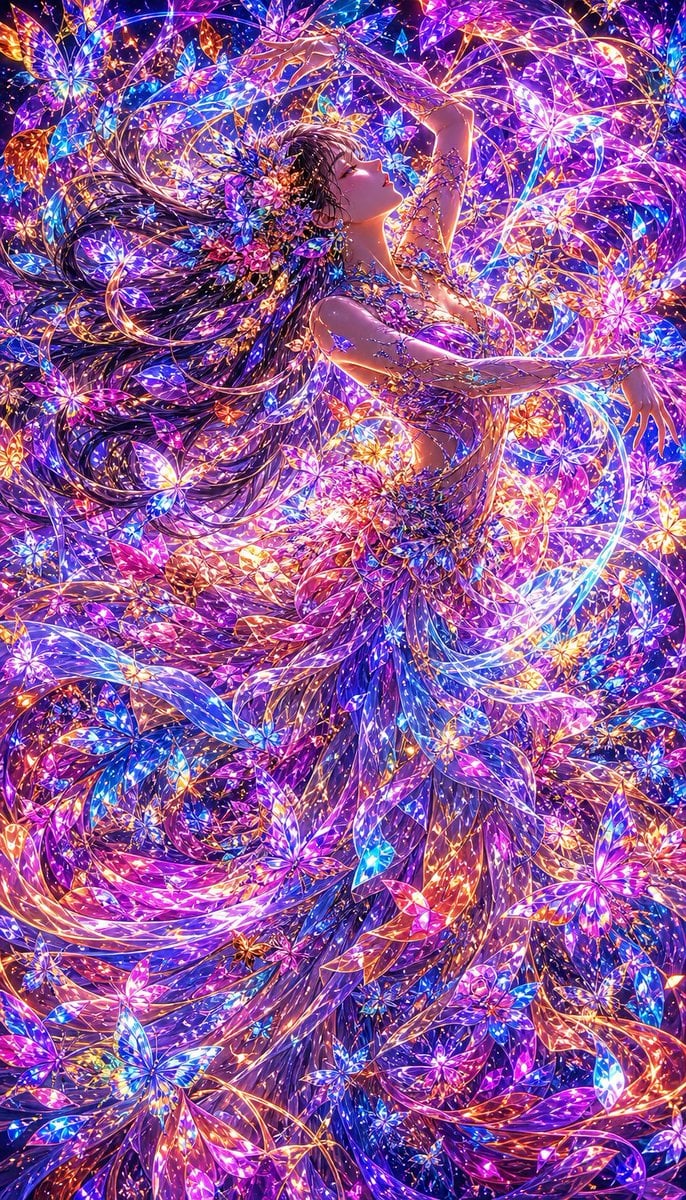
Neon Butterfly Fairy Dancer
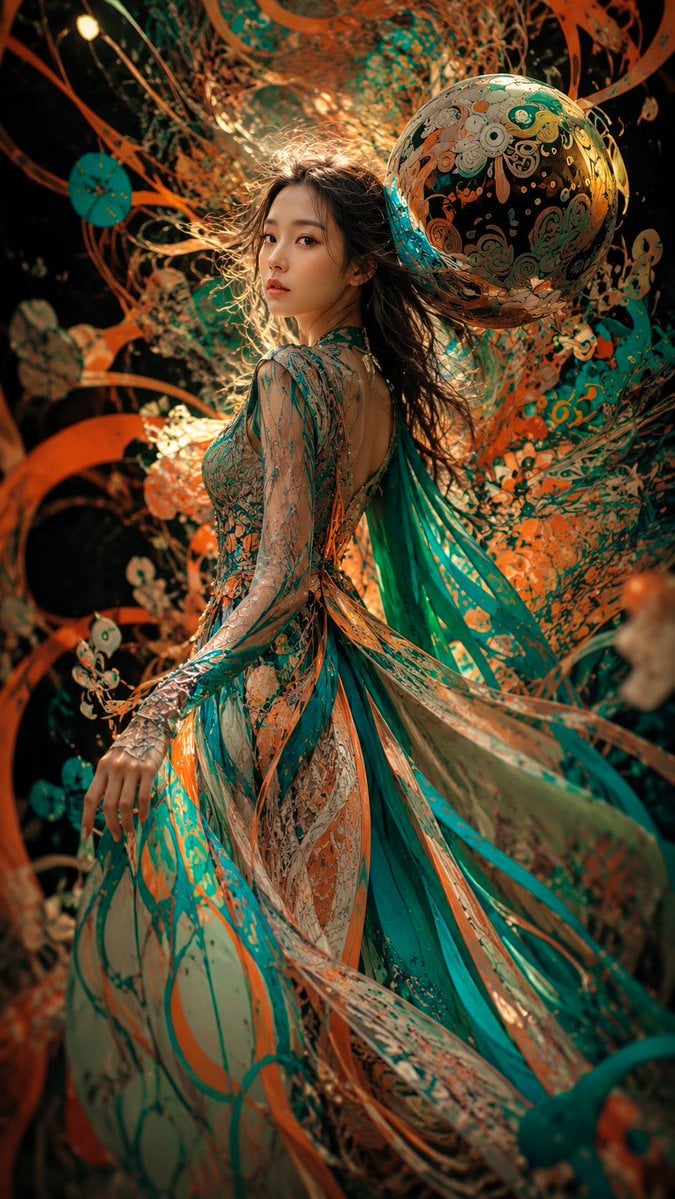
Surreal Couture Dancer Portrait
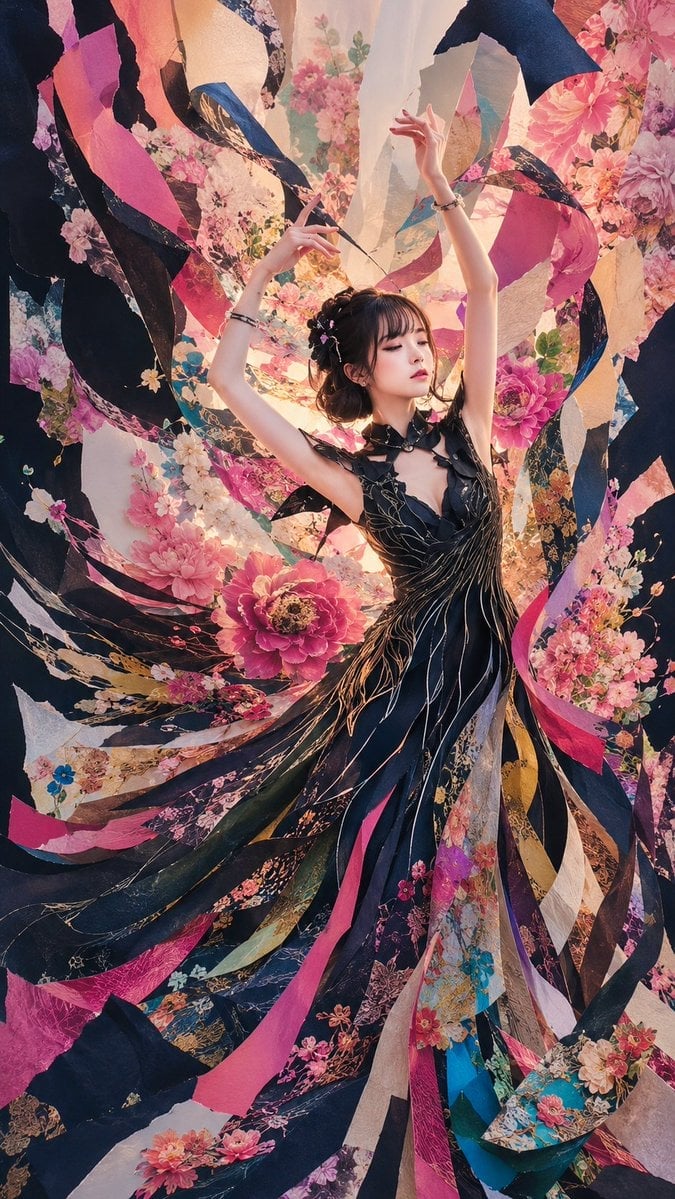
Floral Ribbon Couture Dancer
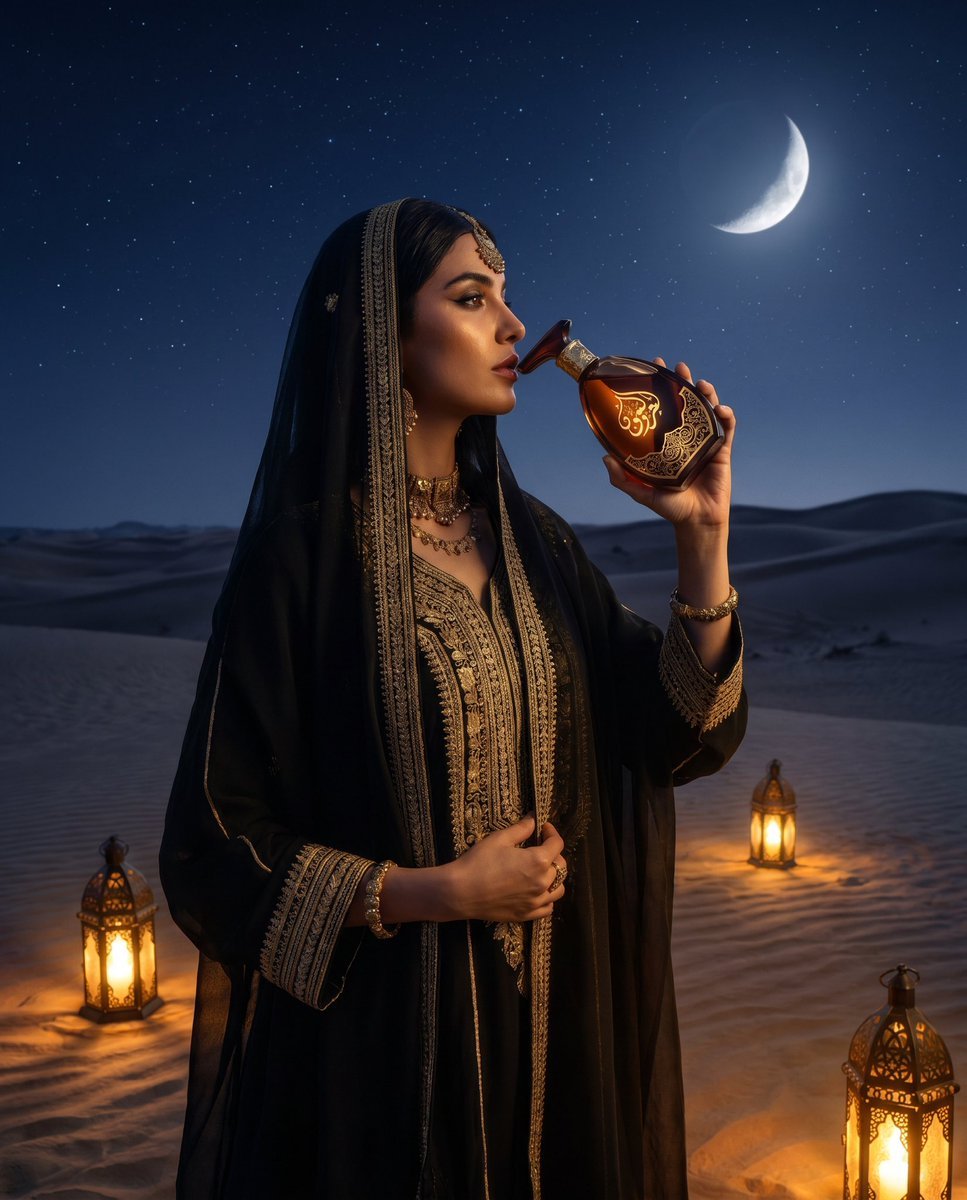
Arabian Desert Luxury Product Shot
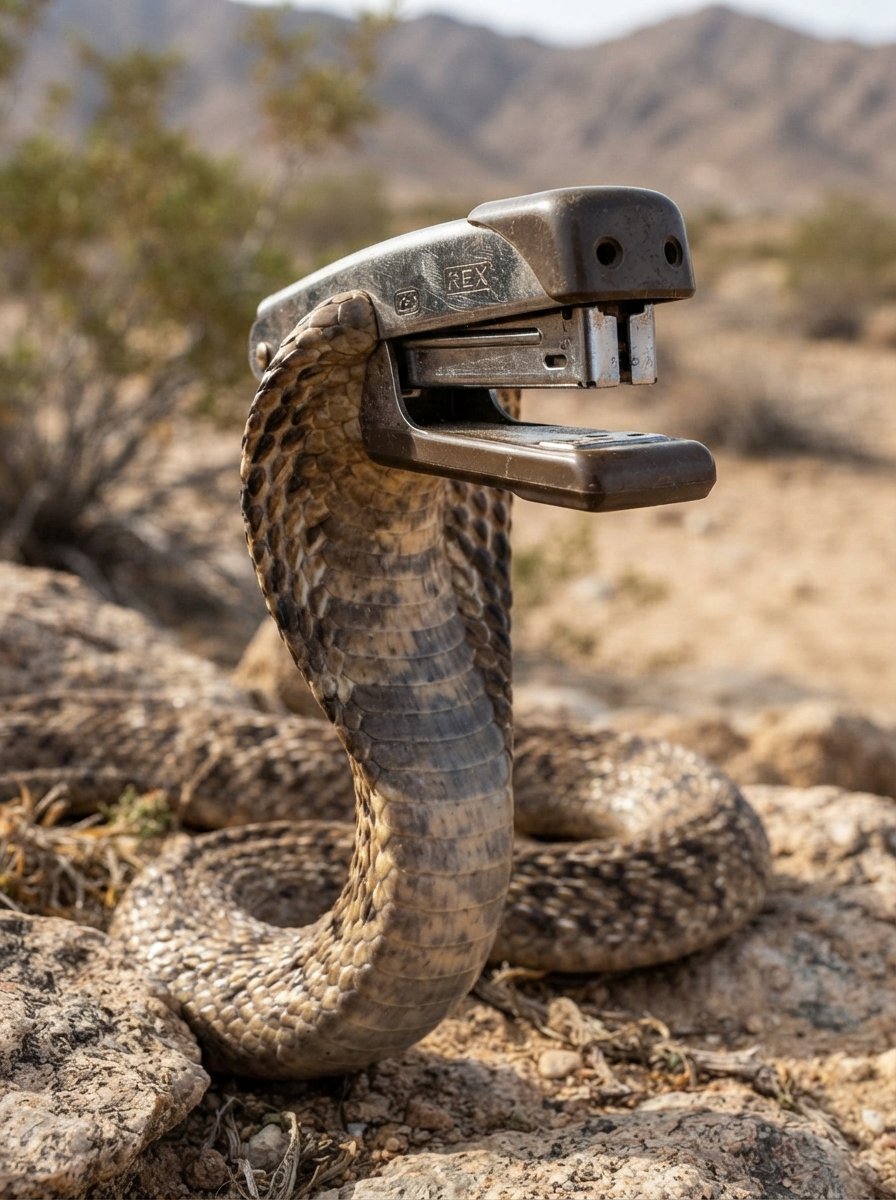
Arabian Cobra Stapler Hybrid
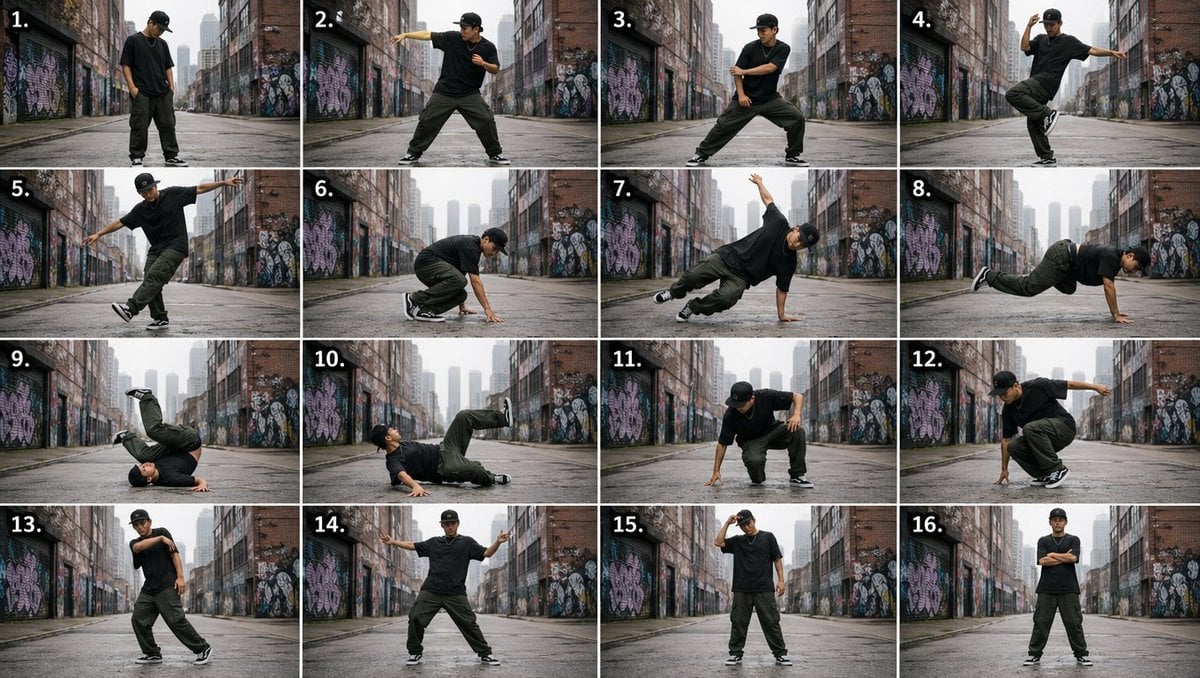
Urban Dancer Image Grid
Make it yours
Moonlit Arabian Dancer works as-is. These are the safest ways to change it without losing the look.
Change one field
Copy a single group, rewrite it, and generate again so you can see what that field is doing.
Keep the frame, change the subject
Hold the composition and light of Moonlit Arabian Dancer, then swap wardrobe, props or the person for a new take.
| If the result… | Why | Fix |
|---|---|---|
| The result drifts from the preview | Too many fields changed at once. | Reuse Moonlit Arabian Dancer as-is first, then change one group — subject, light, or setting. |
| The model over-stylizes the scene | The prose prompt leaves finish and camera underspecified. | Add one camera or lighting sentence and stay on GPT Image 2. |
More GPT Image 2 templates
Other prompts made for GPT Image 2.

Six VTuber Japanese Logo Sheet

Realistic Portrait of Woman and Deer

The Vista Modular Condo Poster

AI Model Routing Comparison Infographic

2.5D Anime Art Board

Isometric Productivity Desk Scene

New York Double Exposure Poster

Four-Panel AI Landscape Comparison

Japanese Tatami Lifestyle Magazine Cover

NESCAFÉ Coffee Map Poster
More image prompts
Fresh picks from across the catalog.
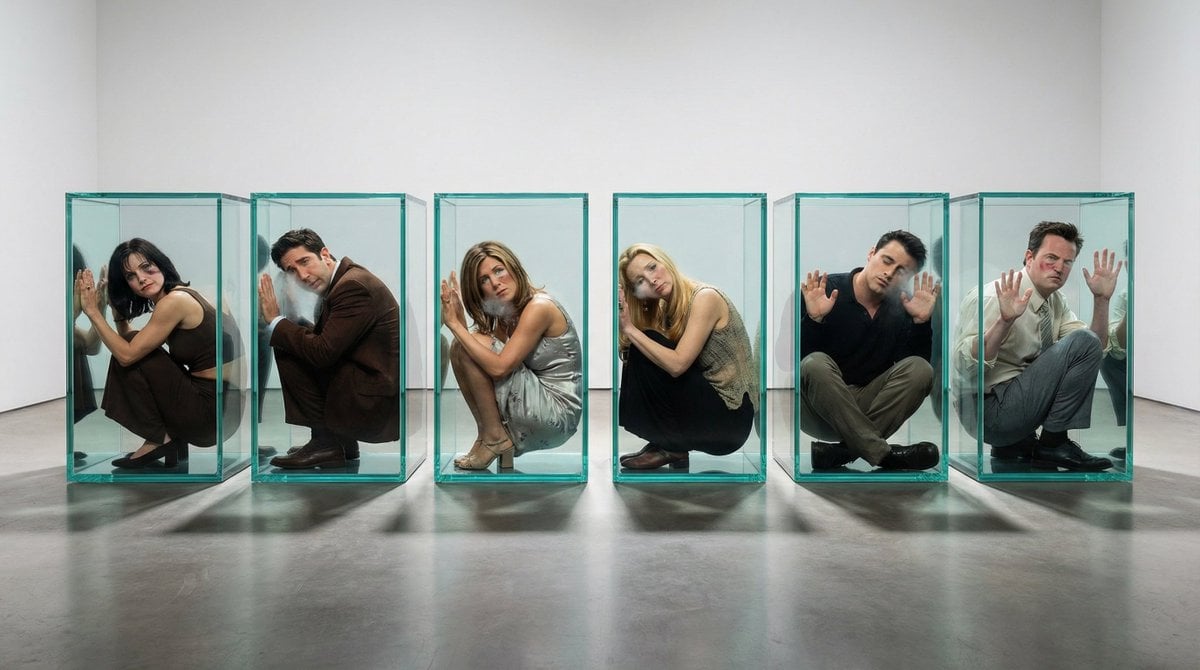
Image-to-Image Transformation: 'Boxed' Effect
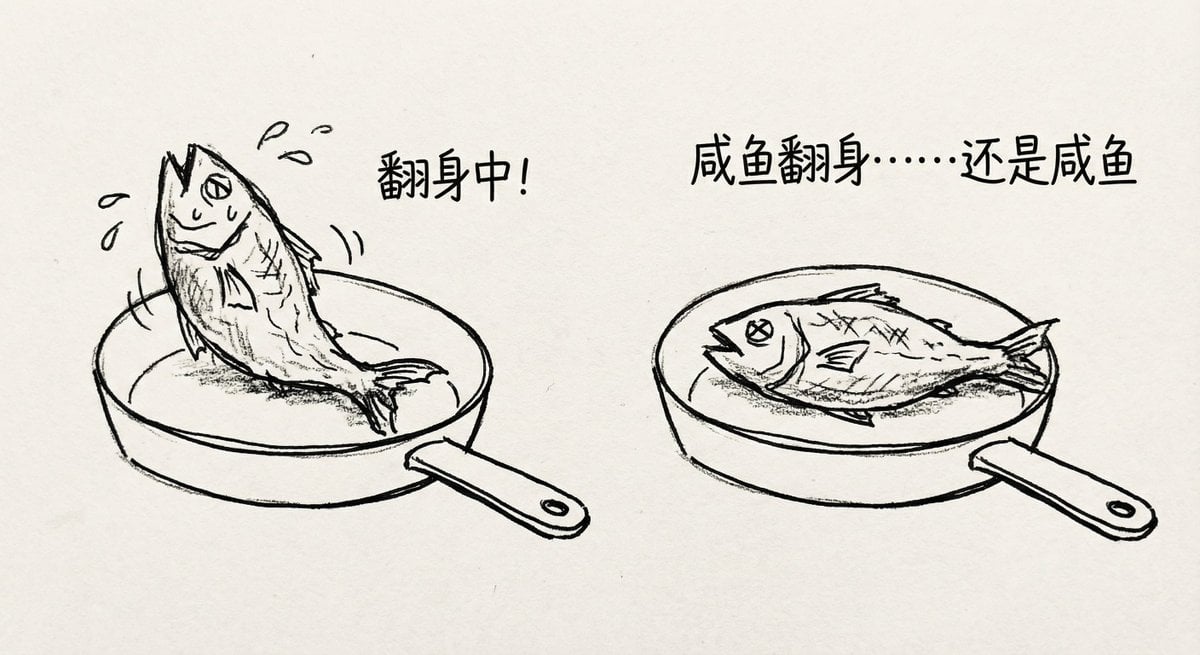
Salted fish trying to flip in a pan

Japanese Supermarket Sale Flyer
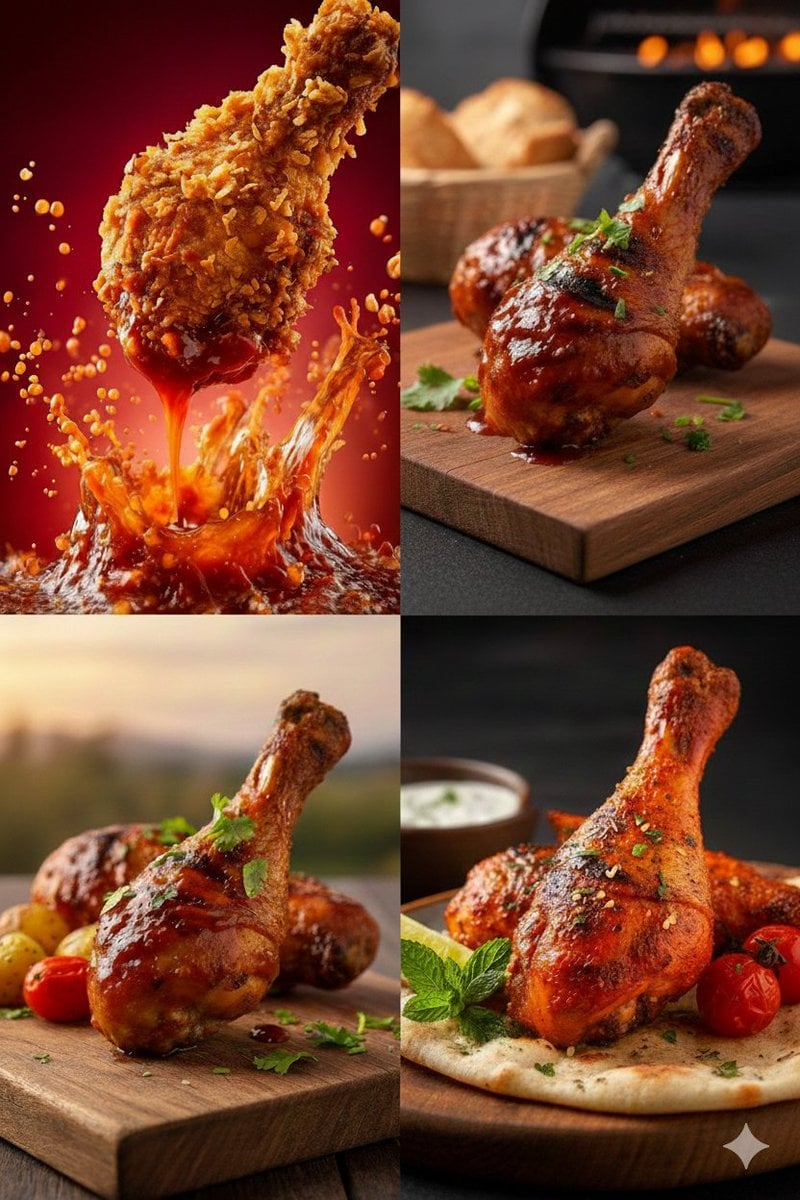
High-Definition Culinary Photography: Chicken Drumsticks
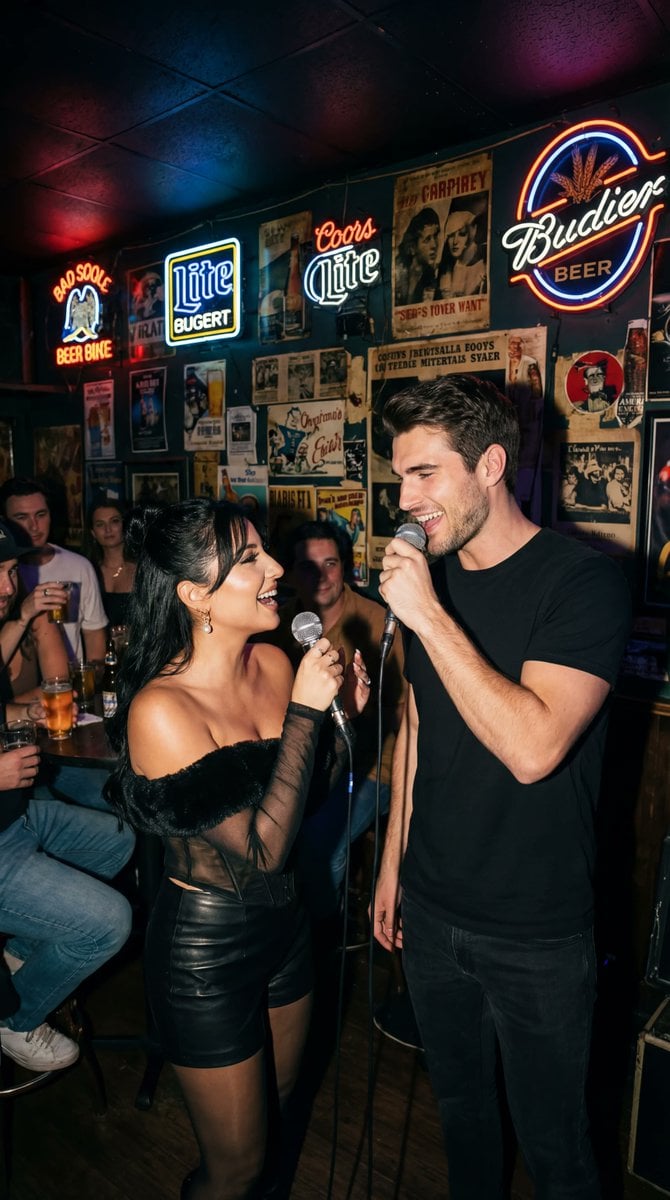
Photorealistic Flash Karaoke Duet Prompt
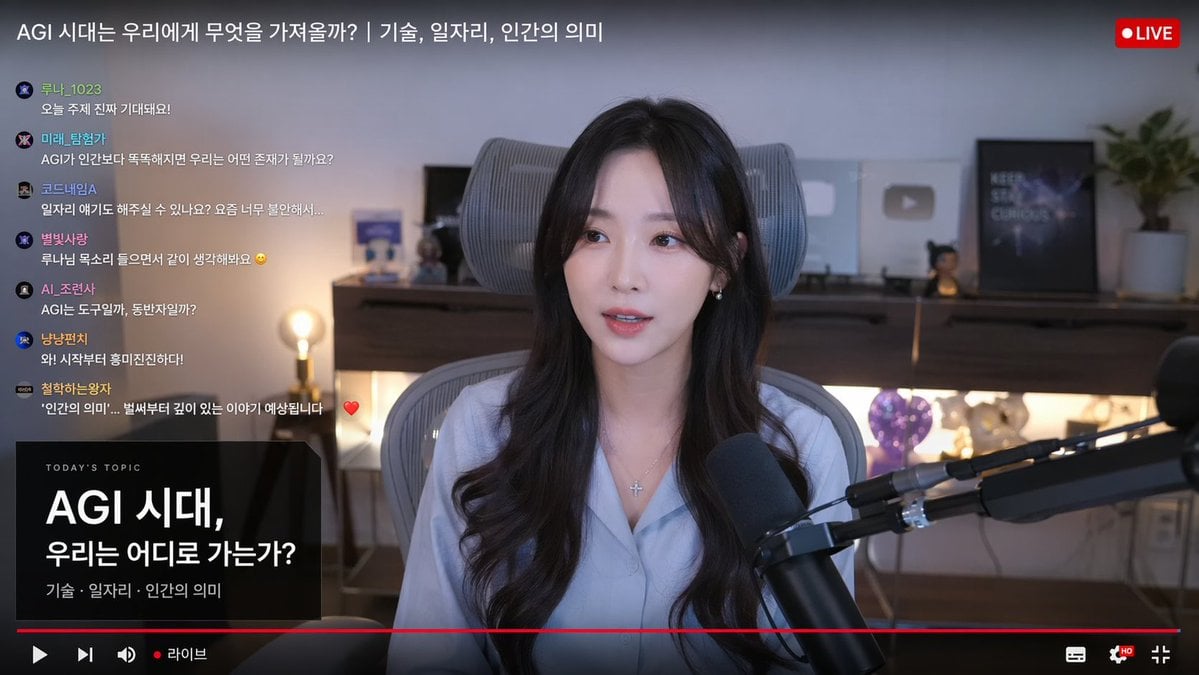
Live Stream Interface Mockup
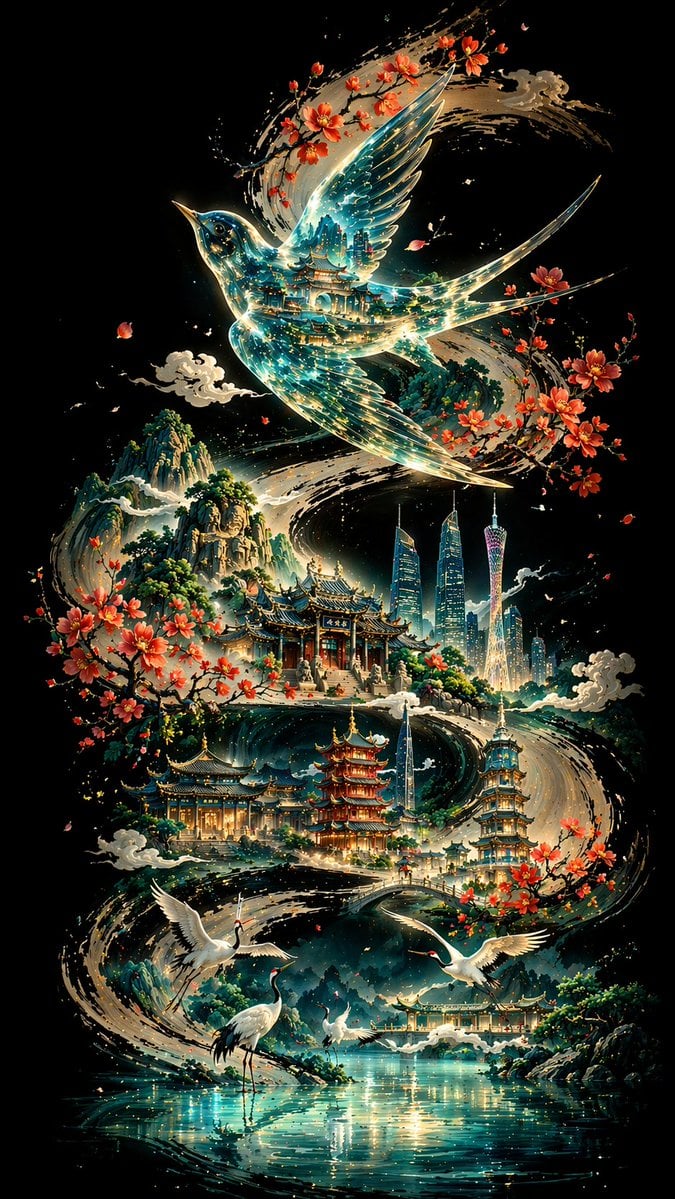
Calligraphic City Impression Poster
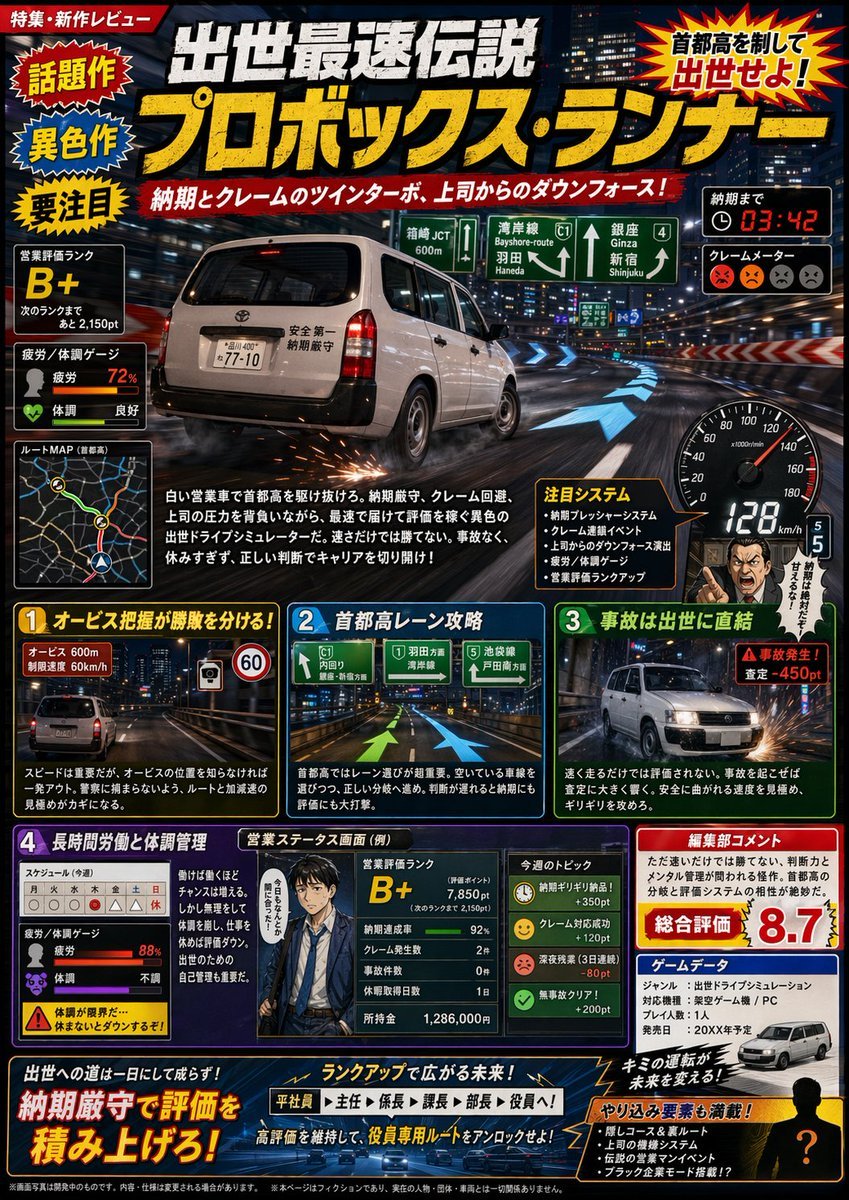
Fictional Japanese Driving Game Magazine Page
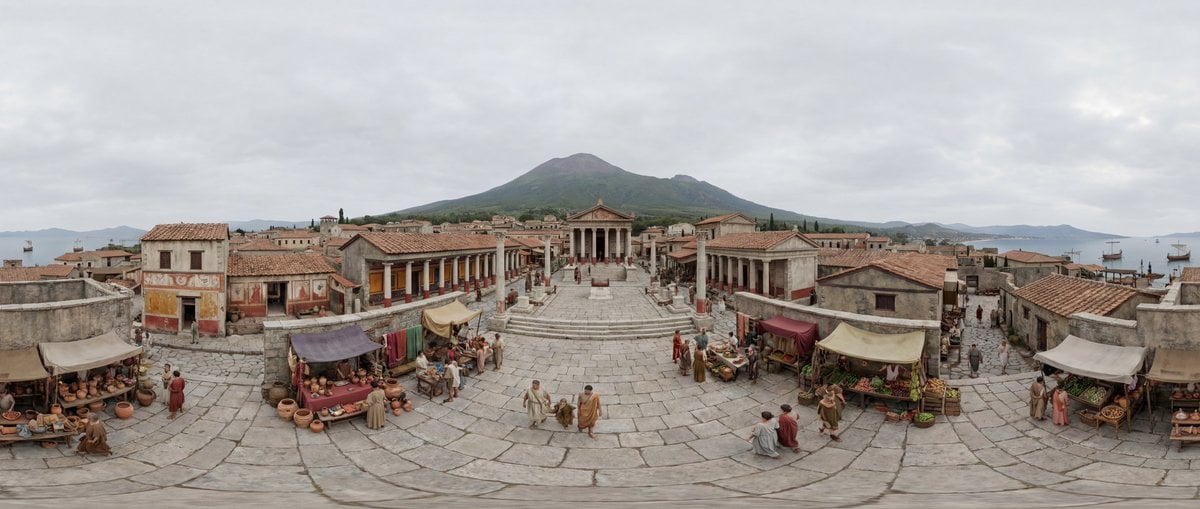
Degree Equirectangular Panorama Prompt
Comic Cartoon Video Call
Browse template categories
Moonlit Arabian Dancer questions
How do I use the Moonlit Arabian Dancer template?
Add your photo if the template asks for one, edit the prompt if you like — the template's model and format are already selected — and press Generate. Your version opens in PicX Studio.
Can I customize the Moonlit Arabian Dancer template?
Yes. You can change the subject, setting, lighting, mood, format, and available model controls before creating your image.
Is the Moonlit Arabian Dancer template free?
Opening and editing this template is free. Generating uses credits, shown on the Generate button when you are signed in.
Which AI model should I use?
Start with GPT Image 2, which is the model associated with this template. You can compare another compatible model for a different finish.
Looking for something else? Browse all templates.

Your photo, any look
Thousands of ready templates for every top image and video model, from one credit balance.