
Elegant Pivot Turn Anime Dancer
A cinematic anime illustration prompt for creating a graceful woman spinning in a sunlit hall with flowing hair, flared skirt, and dramatic fabric motion.
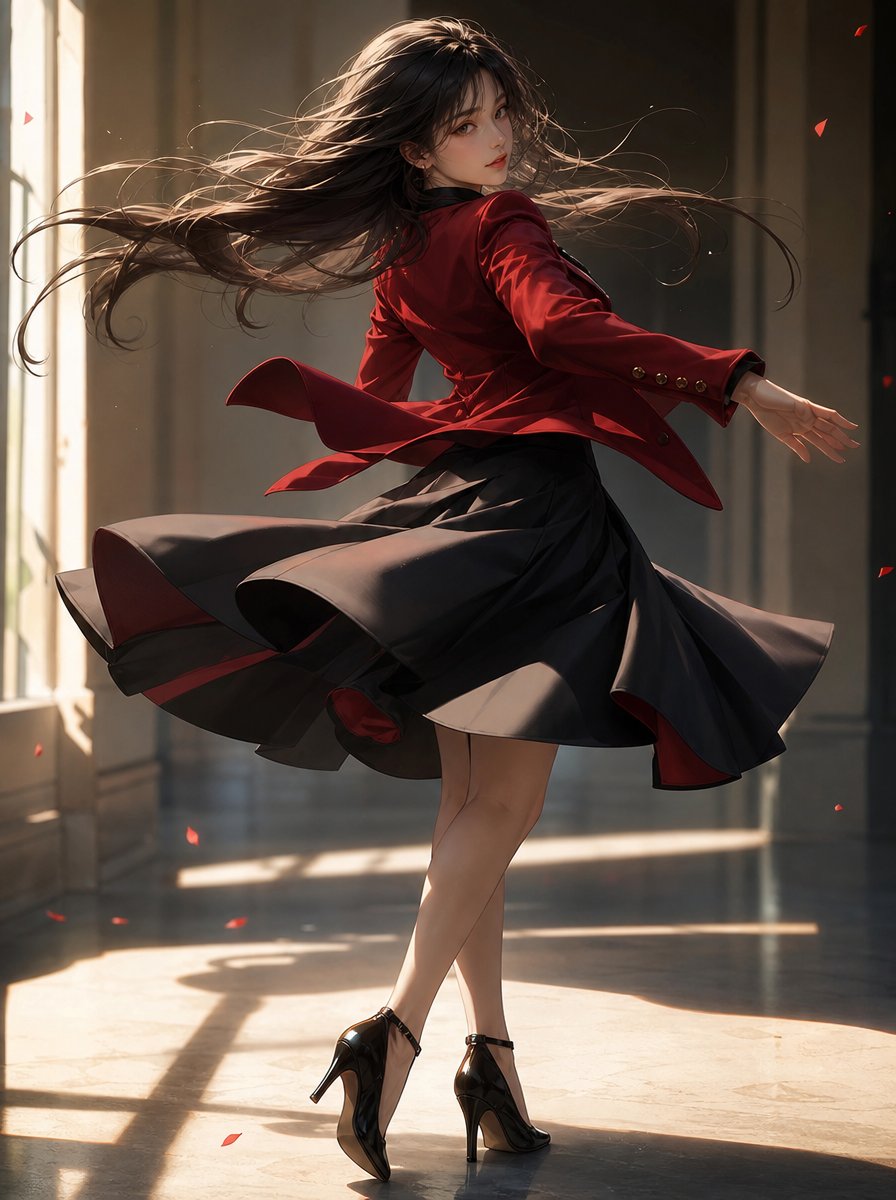
- Prompt included
- Model and format preset
- Free template
The prompt behind this image
Copy the exact prompt behind Elegant Pivot Turn Anime Dancer, or open it in the studio and make it yours.
Create a cinematic anime-style full-body illustration of {argument name="character name" default="a graceful young woman"} captured mid pivot turn in an elegant sunlit hall. She is looking back over her shoulder toward the viewer with a calm, slightly wistful expression, her body twisted dynamically as if dancing. She has {argument name="hair color" default="long dark brown hair"} flowing dramatically in wide arcs from the spin, with many fine loose strands catching the light. Her outfit is a fitted {argument name="jacket color" default="deep crimson red"} tailored blazer with gold buttons on the cuffs, flaring open at the hem from the motion, paired with a voluminous black knee-length skirt with a subtle red inner lining; the skirt is lifted and spiraling outward from the pivot. She wears glossy black ankle-strap high heels, one foot planted and the other crossing behind, emphasizing the elegant turn. The scene is an interior corridor or ballroom with tall windows on the left, warm late-afternoon sunlight streaming in, long rectangular shadows on a polished reflective floor, and softly blurred dark architectural columns in the background. Add exactly 7 small red flower petals drifting through the air around her, enhancing the sense of motion. Use a dramatic backlit composition, warm rim lighting on hair and fabric edges, realistic fabric folds, flowing cloth dynamics, delicate facial features, painterly yet highly detailed rendering, shallow depth of field, vertical portrait framing, no text, no watermark.
How to use Elegant Pivot Turn Anime Dancer in 3 steps
- 1Upload ImagePNG, JPG or paste
Add your photo
Upload the photo the template builds on. The prompt, model and format are already set.
- 2…a portrait of your subject in softgolden-hour light, 85mm…
Personalize
Edit the subject and creative details for your destination.
- 3Generate
Generate
Press Generate — your image is created in PicX Studio, so you can compare it with the original and refine one variable at a time.
More like this
Templates with the same subject, style or setup. Open one to see its prompt.












Make it yours
Elegant Pivot Turn Anime Dancer works as-is. These are the safest ways to change it without losing the look.
Change one field
Copy a single group, rewrite it, and generate again so you can see what that field is doing.
Keep the frame, change the subject
Hold the composition and light of Elegant Pivot Turn Anime Dancer, then swap wardrobe, props or the person for a new take.
| If the result… | Why | Fix |
|---|---|---|
| The result drifts from the preview | Too many fields changed at once. | Reuse Elegant Pivot Turn Anime Dancer as-is first, then change one group — subject, light, or setting. |
| The model over-stylizes the scene | The prose prompt leaves finish and camera underspecified. | Add one camera or lighting sentence and stay on GPT Image 2. |
More GPT Image 2 templates
Other prompts made for GPT Image 2.

Six VTuber Japanese Logo Sheet

Realistic Portrait of Woman and Deer

The Vista Modular Condo Poster

AI Model Routing Comparison Infographic

2.5D Anime Art Board

Isometric Productivity Desk Scene

New York Double Exposure Poster

Four-Panel AI Landscape Comparison

Japanese Tatami Lifestyle Magazine Cover

NESCAFÉ Coffee Map Poster
More image prompts
Fresh picks from across the catalog.
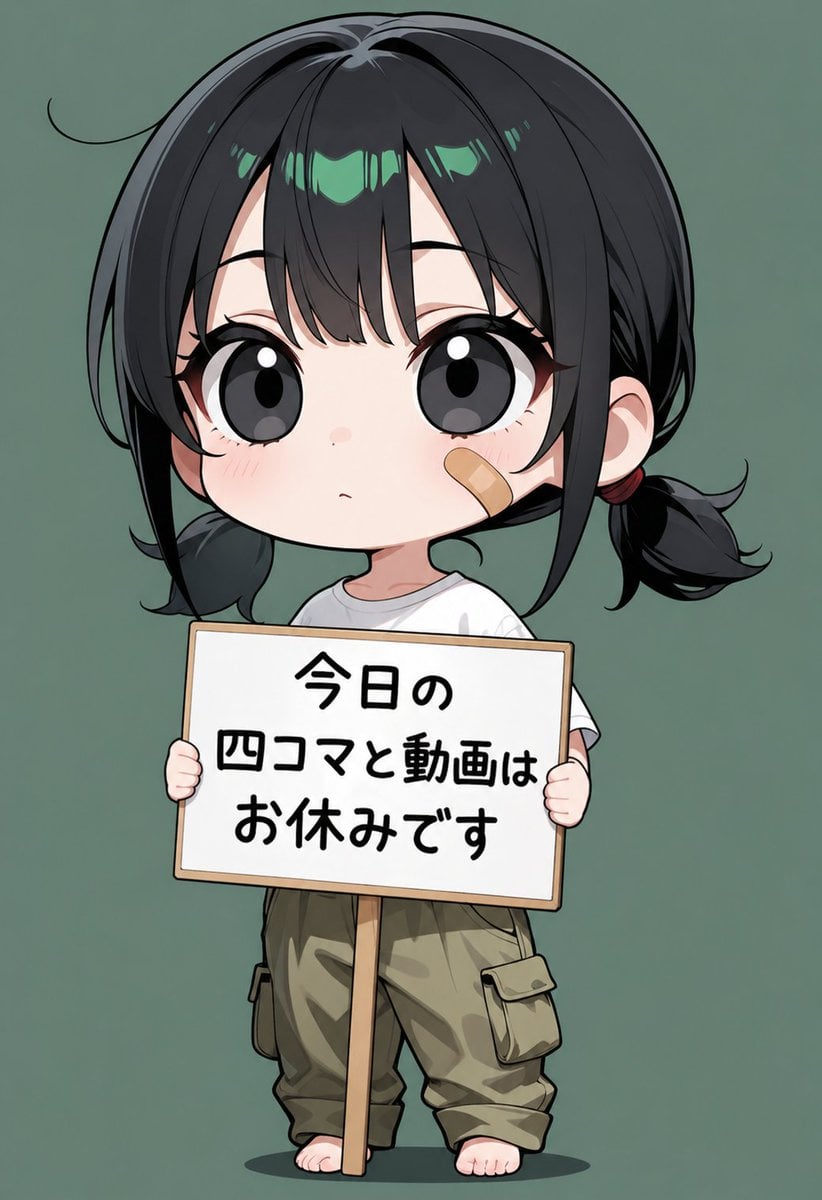
Chibi Girl Holding Japanese Notice Sign
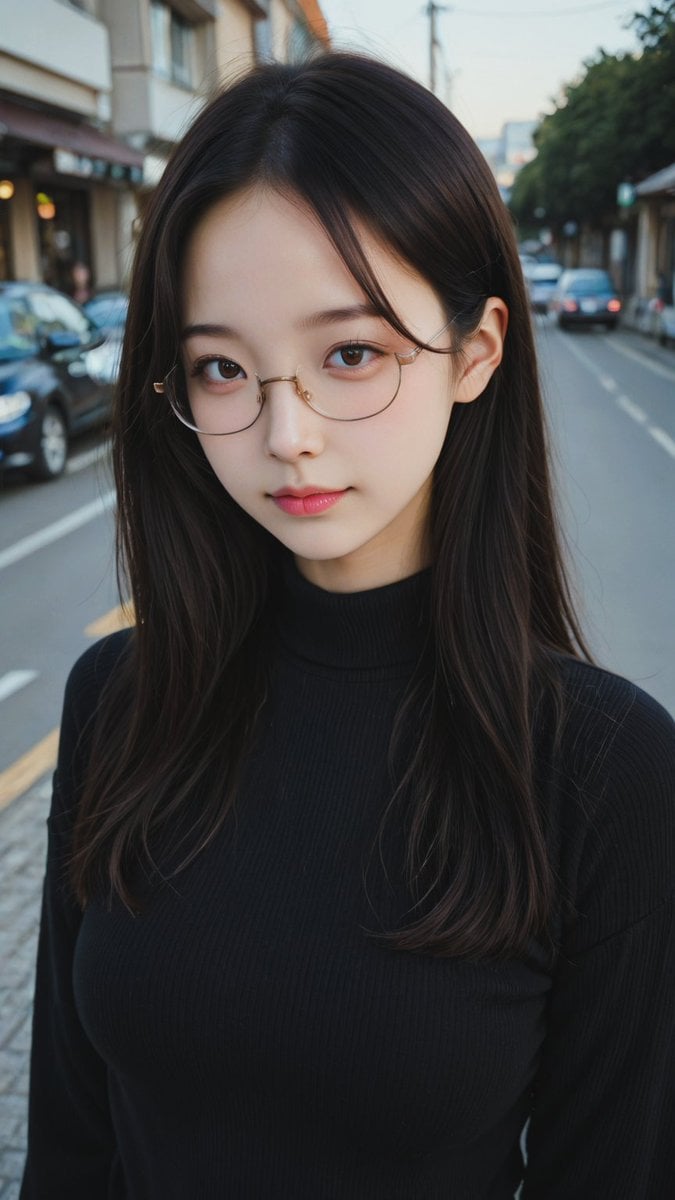
Moody Street Portrait at Dusk
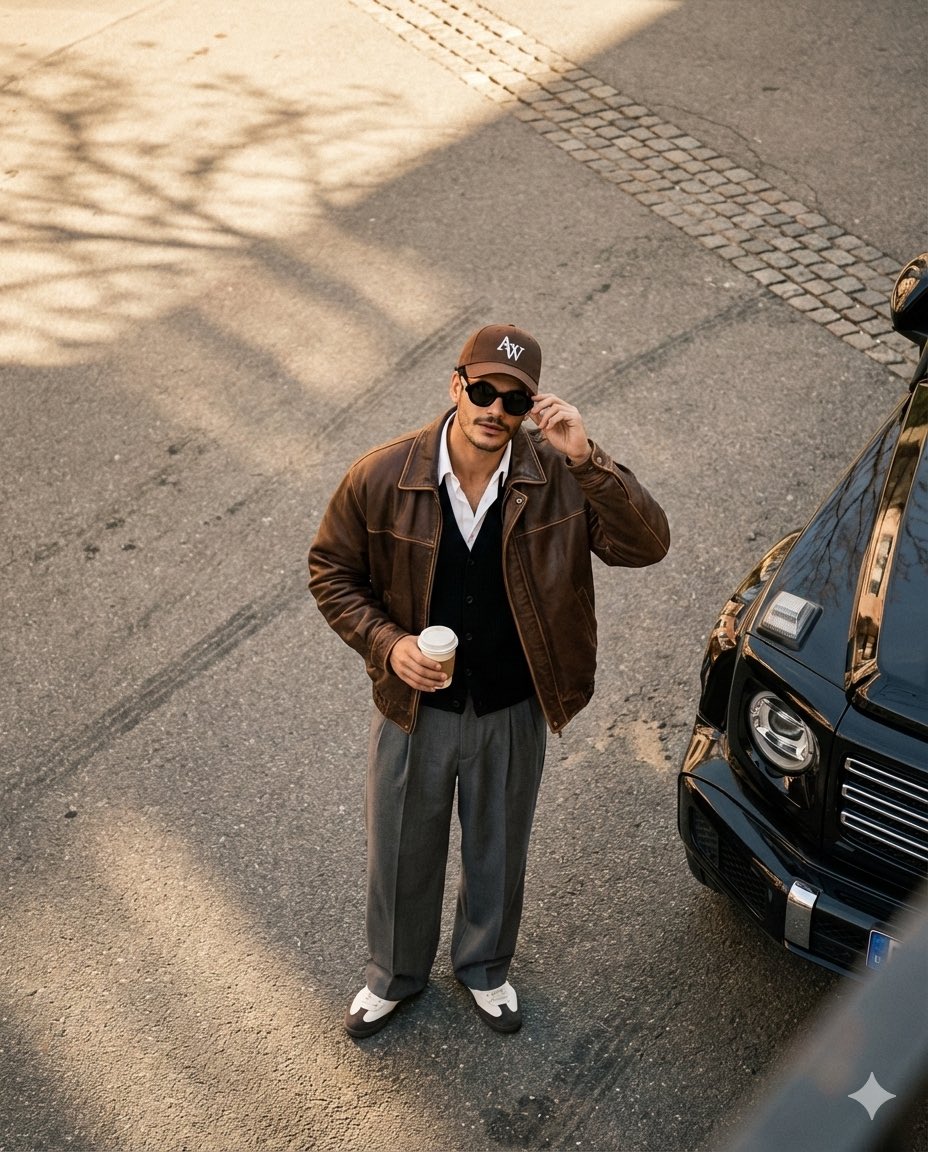
High-Angle Editorial Street-Style Photo
Cinematic Mirror Selfie: Batman and Catwoman Cosplay
Beauty Landing Page Hero Section
Premium Smartphone Ad Poster
Neon Geometric Confetti Abstract

Levitating Bottled Water Commercial Prompt
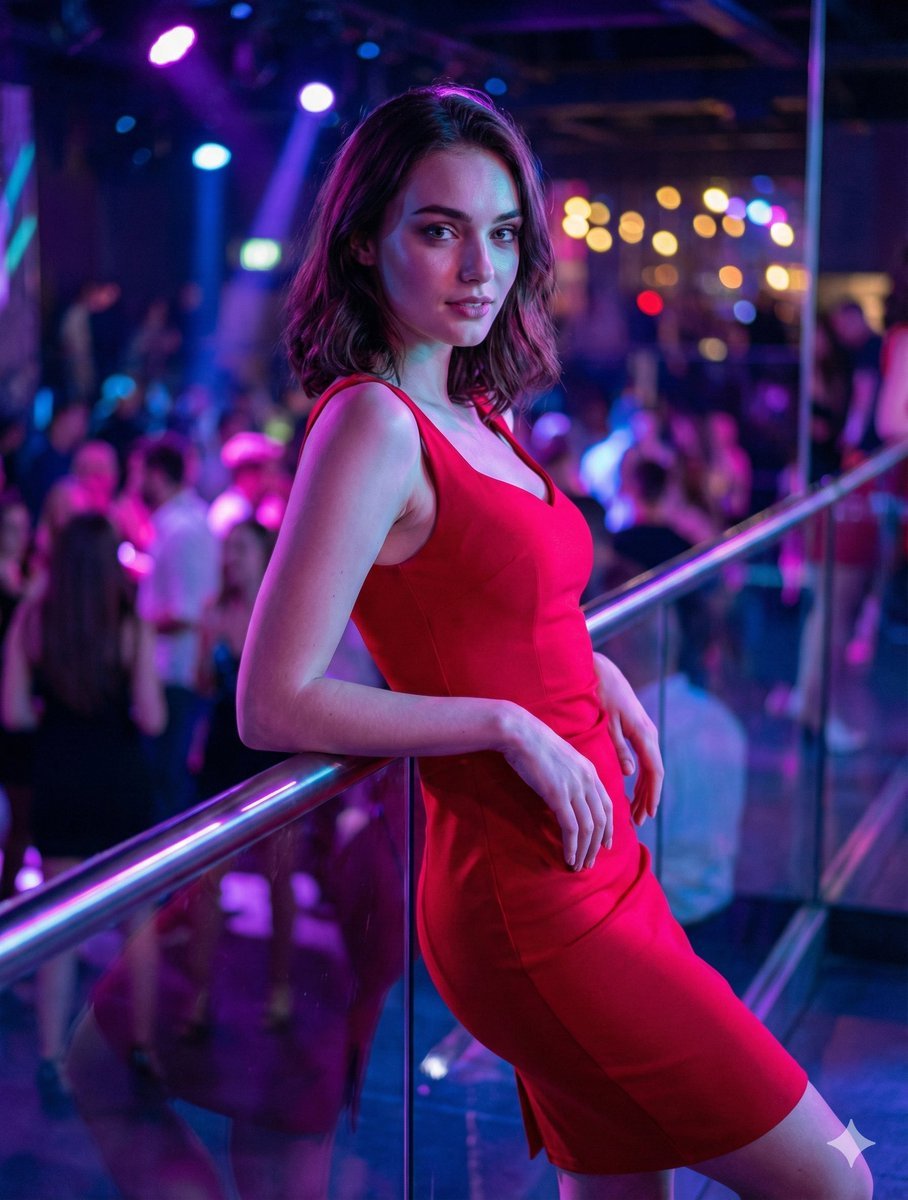
Identity-Preserving Portrait Prompts for Nightclub and Festive Scenes

Candid Photo of Woman Working on Laptop Prompt
Browse template categories
Elegant Pivot Turn Anime Dancer questions
How do I use the Elegant Pivot Turn Anime Dancer template?
Add your photo if the template asks for one, edit the prompt if you like — the template's model and format are already selected — and press Generate. Your version opens in PicX Studio.
Can I customize the Elegant Pivot Turn Anime Dancer template?
Yes. You can change the subject, setting, lighting, mood, format, and available model controls before creating your image.
Is the Elegant Pivot Turn Anime Dancer template free?
Opening and editing this template is free. Generating uses credits, shown on the Generate button when you are signed in.
Which AI model should I use?
Start with GPT Image 2, which is the model associated with this template. You can compare another compatible model for a different finish.
Looking for something else? Browse all templates.

Your photo, any look
Thousands of ready templates for every top image and video model, from one credit balance.