
Moonlit Prism Veil Kimono Dancer
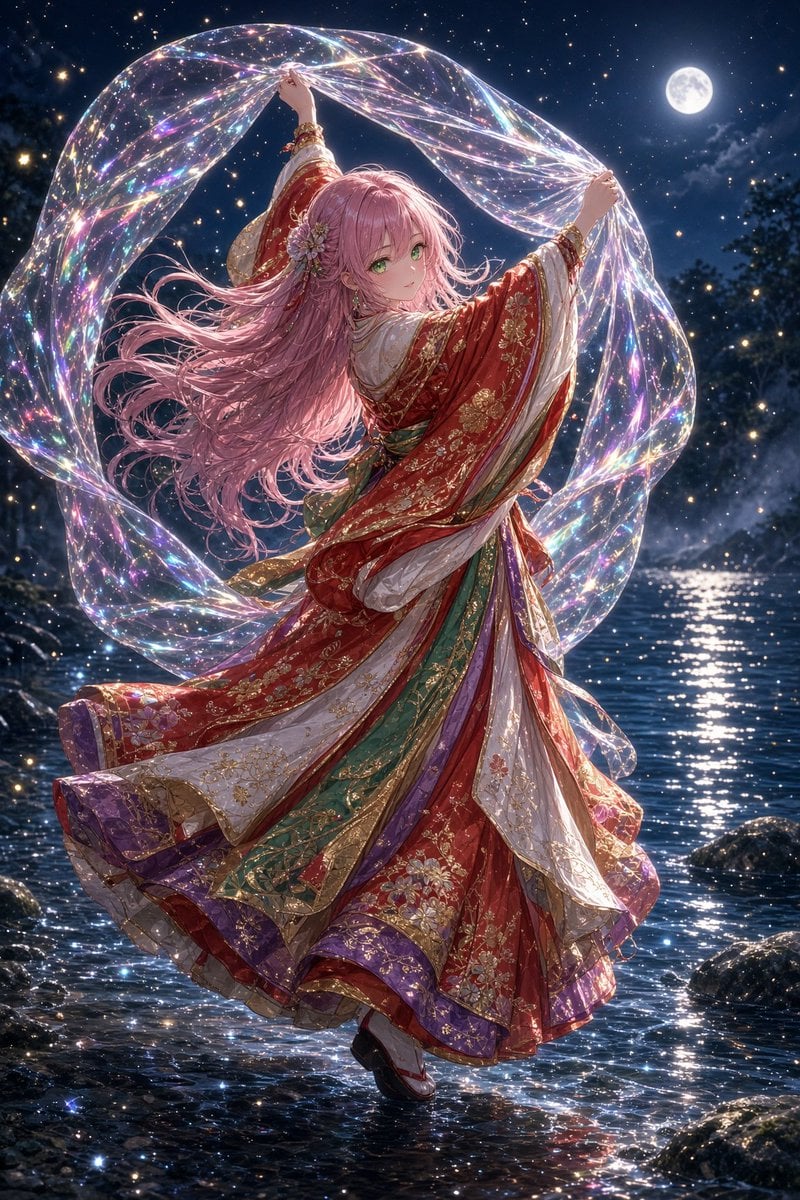
Generates a cinematic anime fantasy scene of a kimono-clad dancer holding an iridescent veil under a full moon.
- Prompt included
- Model and format preset
- Free template
The prompt behind this image
Copy the exact prompt behind Moonlit Prism Veil Kimono Dancer, or open it in the studio and make it yours.
Create a highly detailed vertical anime fantasy illustration of a graceful young woman named {argument name="character name" default="a pink-haired shrine maiden princess"} dancing on a shallow moonlit river at night. She has very long flowing {argument name="hair color" default="rose-pink"} hair, soft green eyes, a delicate smile, and a floral hair ornament near one ear. Show her full body in a dynamic turning pose, looking back over her shoulder toward the viewer while holding a single huge translucent iridescent veil above and around her with both raised hands; the veil forms one luminous looping arc like a prism ribbon, filled with rainbow refractions, sparkling star points, and glassy soap-bubble highlights. Dress her in an ornate layered {argument name="kimono colors" default="red, white, emerald green, purple, and gold"} ceremonial kimono with elaborate gold embroidery, floral brocade, wide flowing sleeves, stacked skirt panels, decorative sashes, bracelets, and traditional sandals. The scene contains exactly one full moon in the upper right, a dark star-filled sky, distant trees and rocks, and shimmering water reflecting moonlight and multicolored sparkles around her feet. Use a cinematic vertical composition, backlit moon glow, glittering particles, ultra-fine fabric details, elegant motion in the hair and sleeves, romantic magical realism, polished high-end anime art, luminous colors, sharp focus on the character, and no text or watermark.
How to use Moonlit Prism Veil Kimono Dancer in 3 steps
- 1Upload ImagePNG, JPG or paste
Add your photo
Upload the photo the template builds on. The prompt, model and format are already set.
- 2…a portrait of your subject in softgolden-hour light, 85mm…
Personalize
Edit the subject and creative details for your destination.
- 3Generate
Generate
Press Generate — your image is created in PicX Studio, so you can compare it with the original and refine one variable at a time.
More like this
Templates with the same subject, style or setup. Open one to see its prompt.
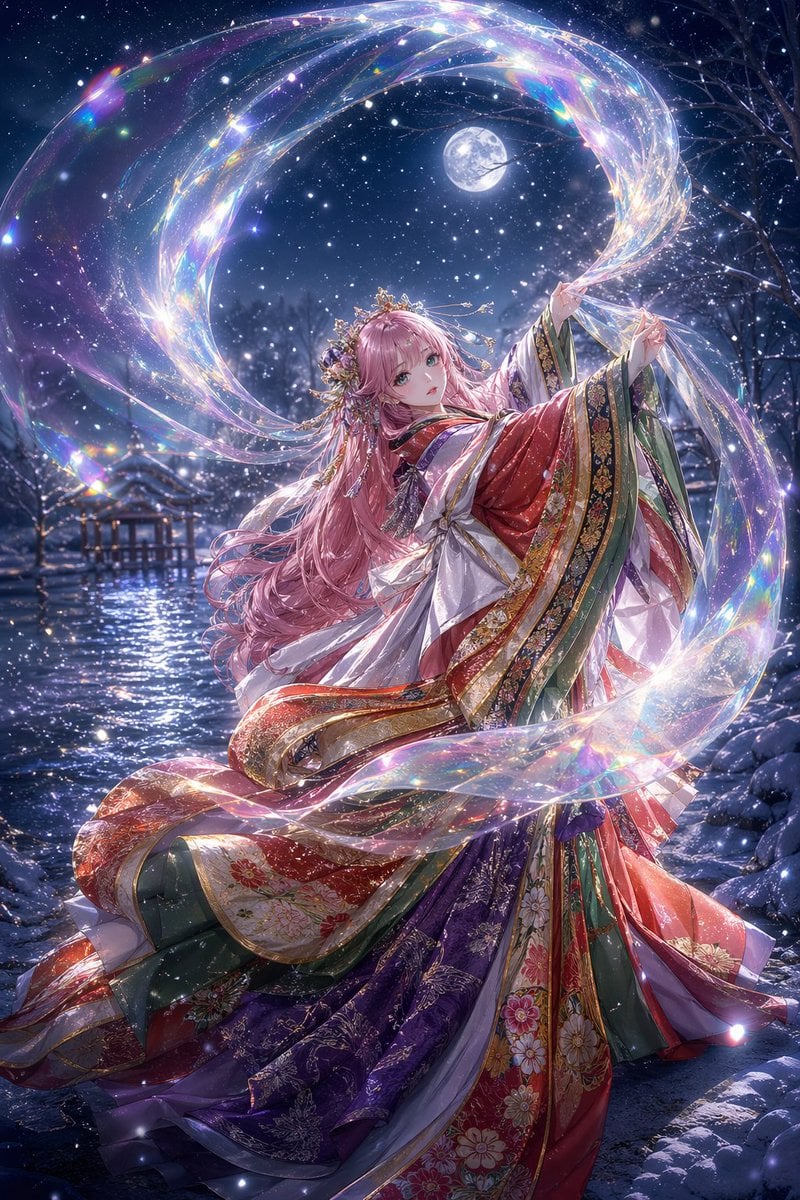
Moonlit Celestial Kimono Dancer
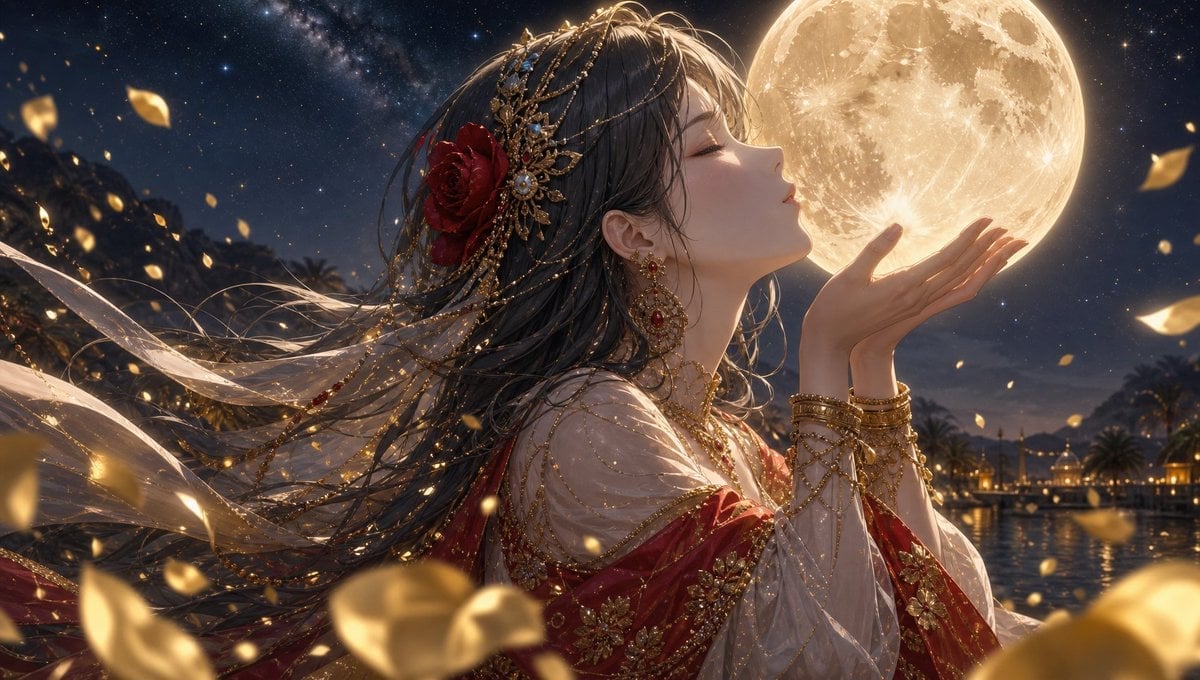
Moonlit Arabian Dancer
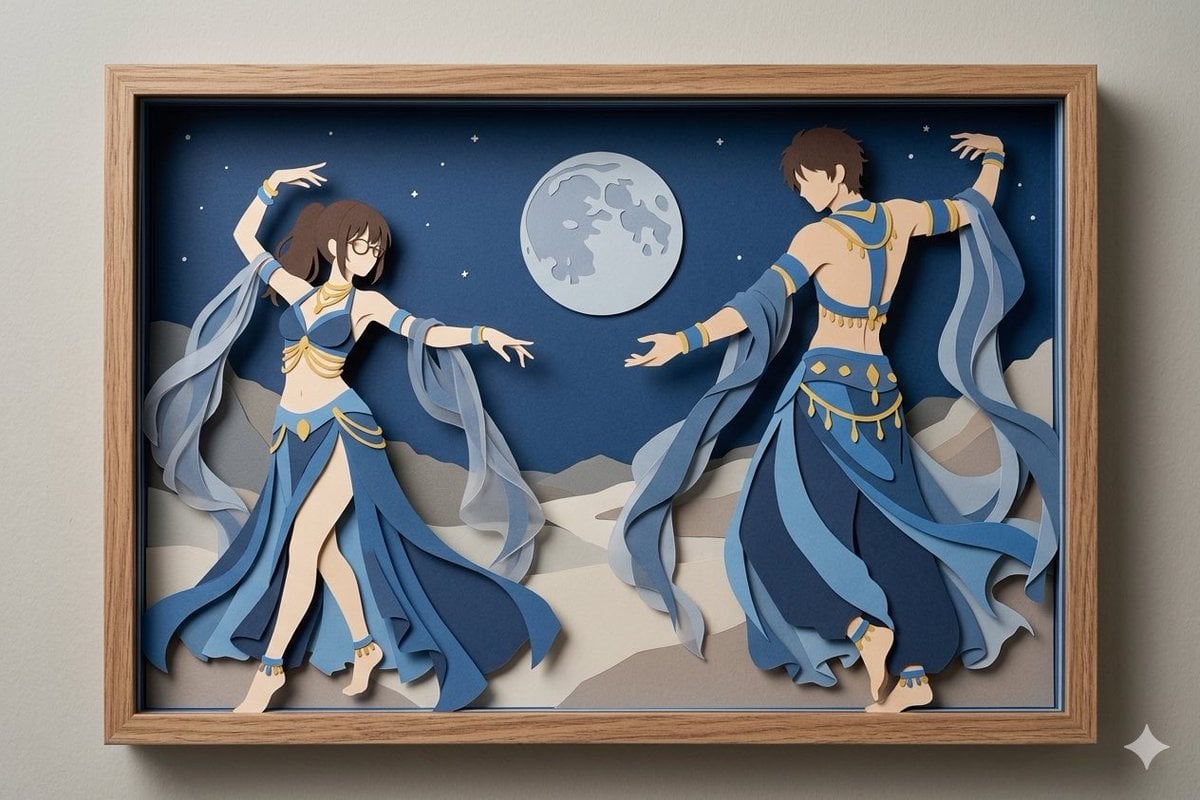
Moonlit Dancer Shadow Box

Dancer Character - Four View Reference Sheet
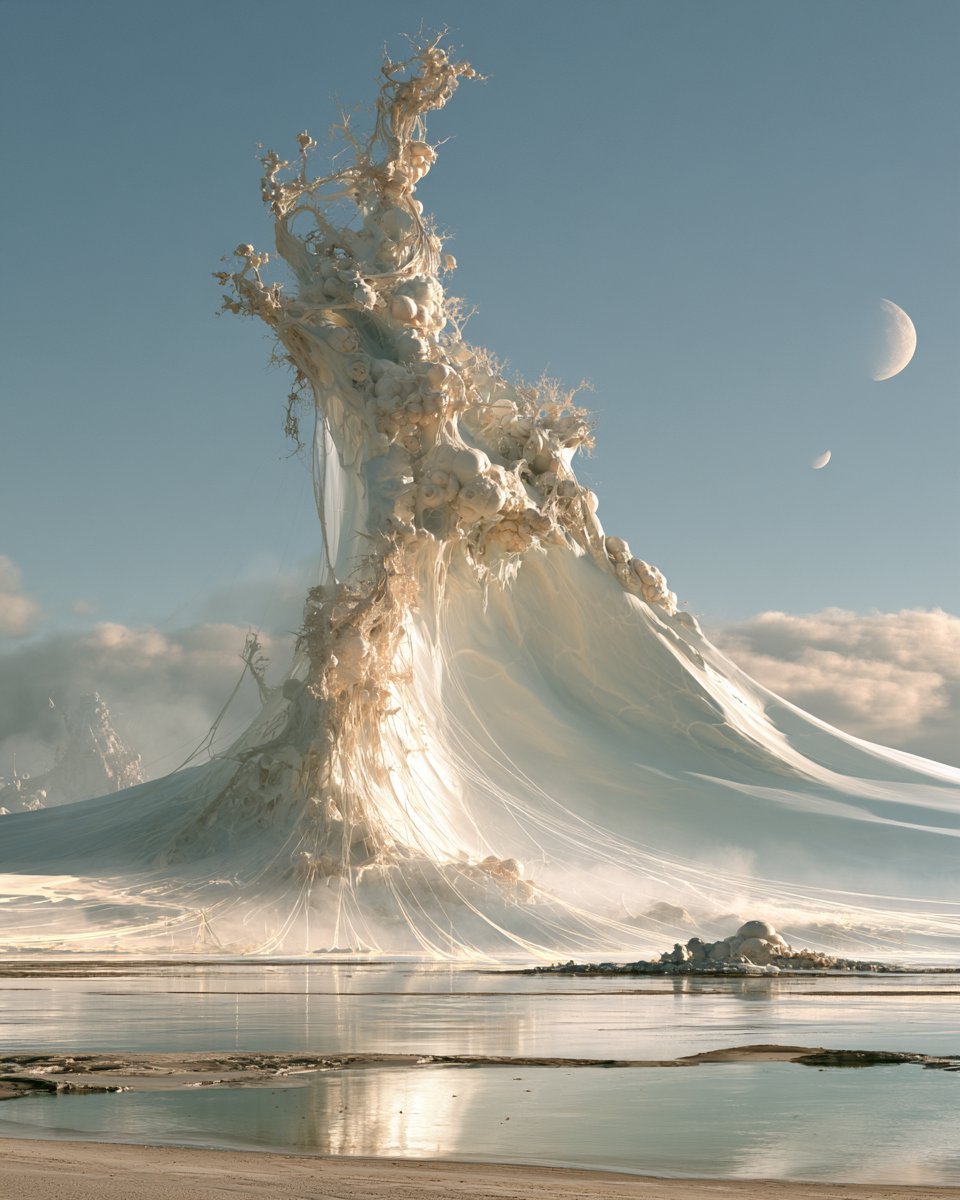
Surreal White Veil Mountain Landscape

Moonlit Fox Mask Night Market

Lone Mountaineer in Moonlit Snow

Moonlit Ghost Lotus Anime Portrait
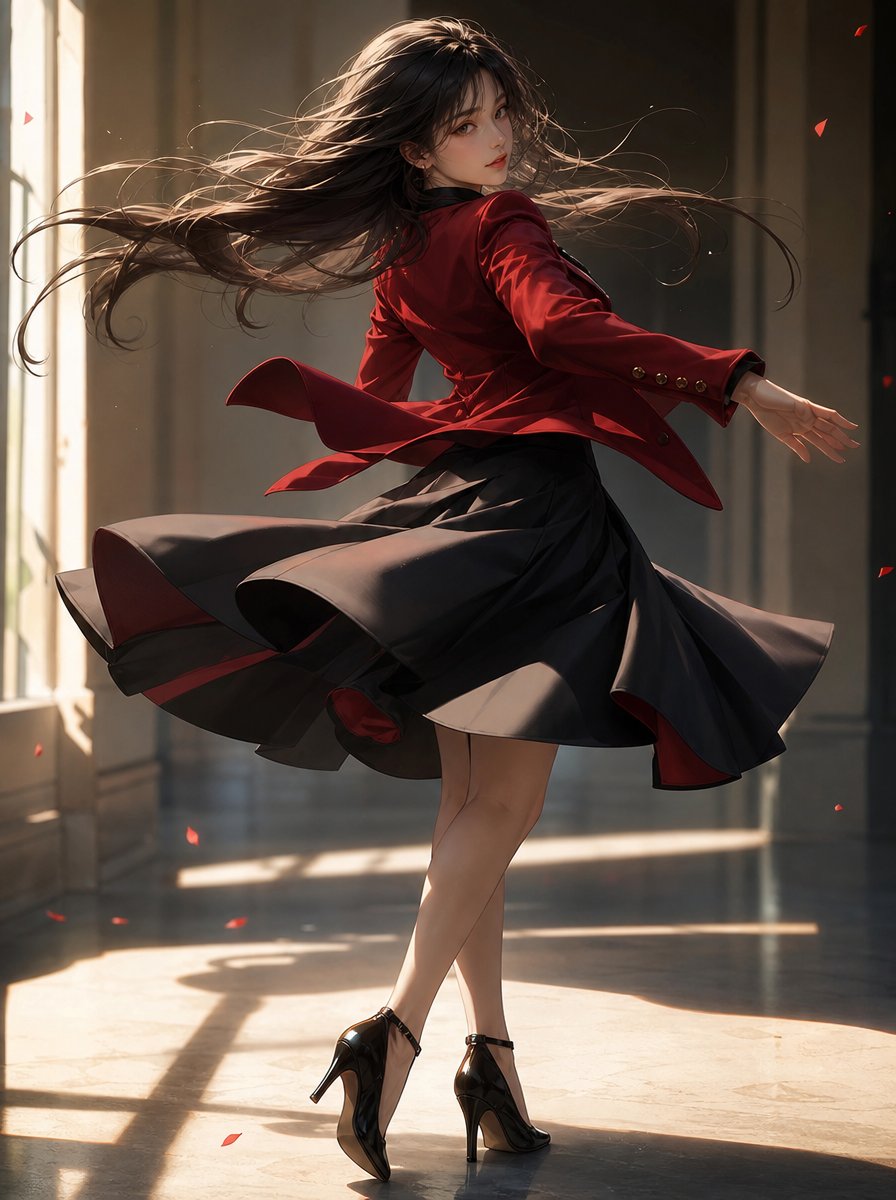
Elegant Pivot Turn Anime Dancer

Celestial Sakura Kimono Maiden
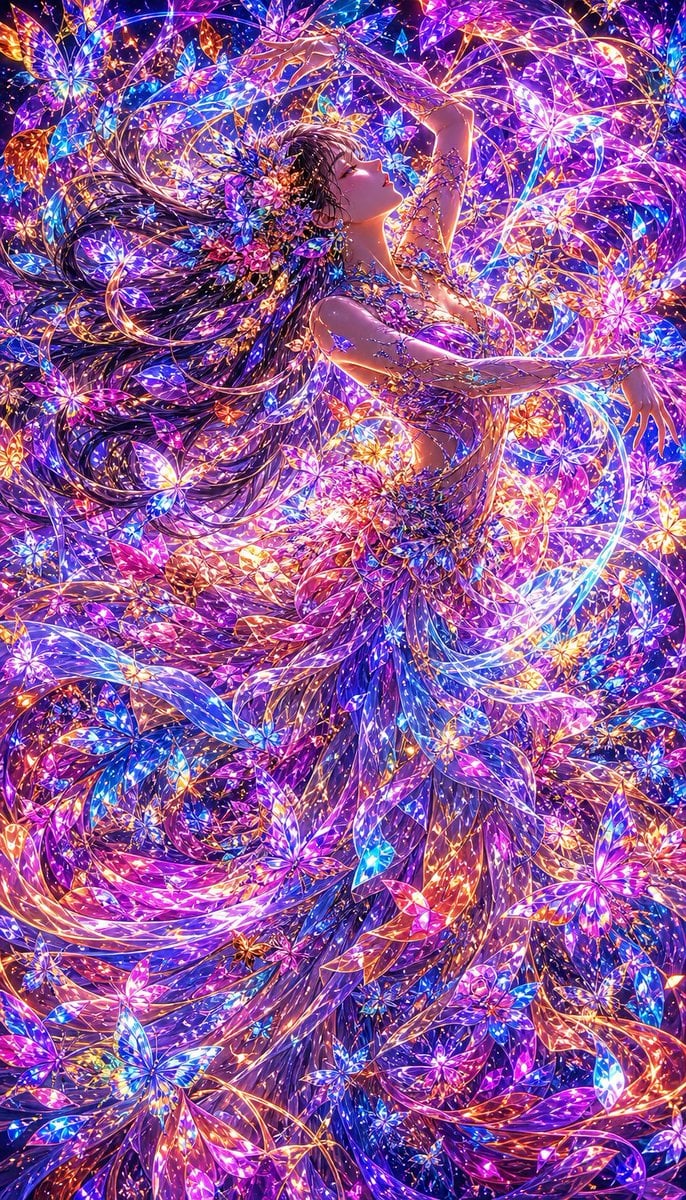
Neon Butterfly Fairy Dancer
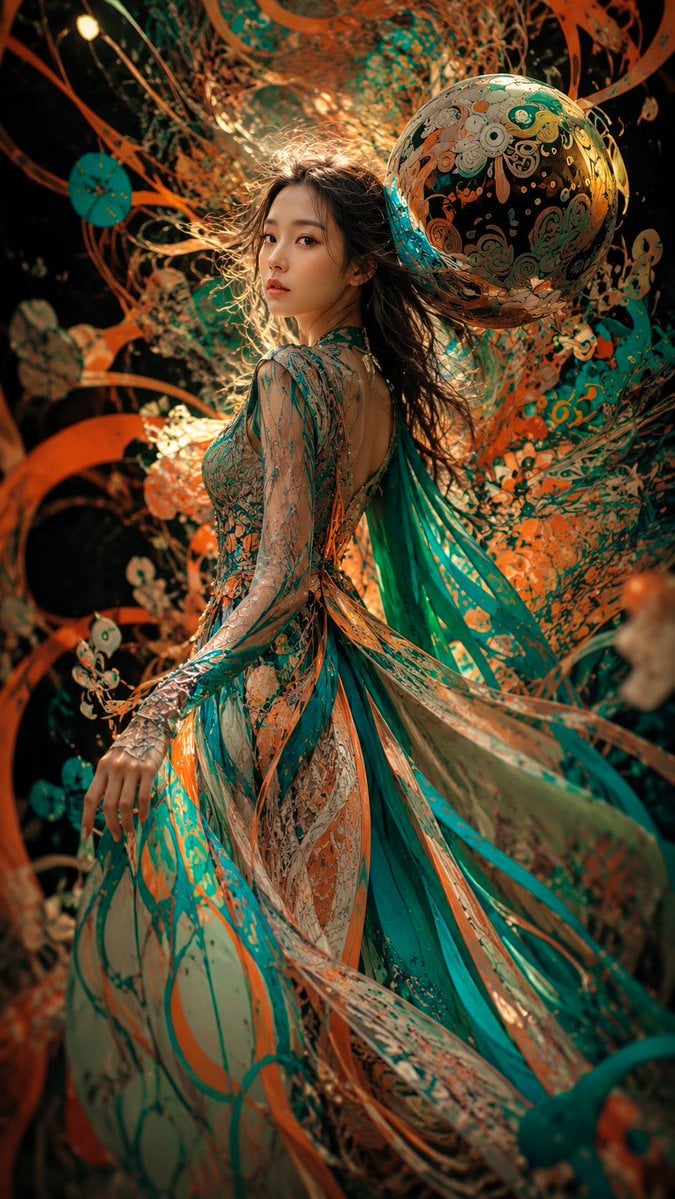
Surreal Couture Dancer Portrait
Make it yours
Moonlit Prism Veil Kimono Dancer works as-is. These are the safest ways to change it without losing the look.
Change one field
Copy a single group, rewrite it, and generate again so you can see what that field is doing.
Keep the frame, change the subject
Hold the composition and light of Moonlit Prism Veil Kimono Dancer, then swap wardrobe, props or the person for a new take.
| If the result… | Why | Fix |
|---|---|---|
| The result drifts from the preview | Too many fields changed at once. | Reuse Moonlit Prism Veil Kimono Dancer as-is first, then change one group — subject, light, or setting. |
| The model over-stylizes the scene | The prose prompt leaves finish and camera underspecified. | Add one camera or lighting sentence and stay on GPT Image 2. |
More GPT Image 2 templates
Other prompts made for GPT Image 2.

Six VTuber Japanese Logo Sheet

Realistic Portrait of Woman and Deer

The Vista Modular Condo Poster

AI Model Routing Comparison Infographic

2.5D Anime Art Board

Isometric Productivity Desk Scene

New York Double Exposure Poster

Four-Panel AI Landscape Comparison

Japanese Tatami Lifestyle Magazine Cover

NESCAFÉ Coffee Map Poster
More image prompts
Fresh picks from across the catalog.
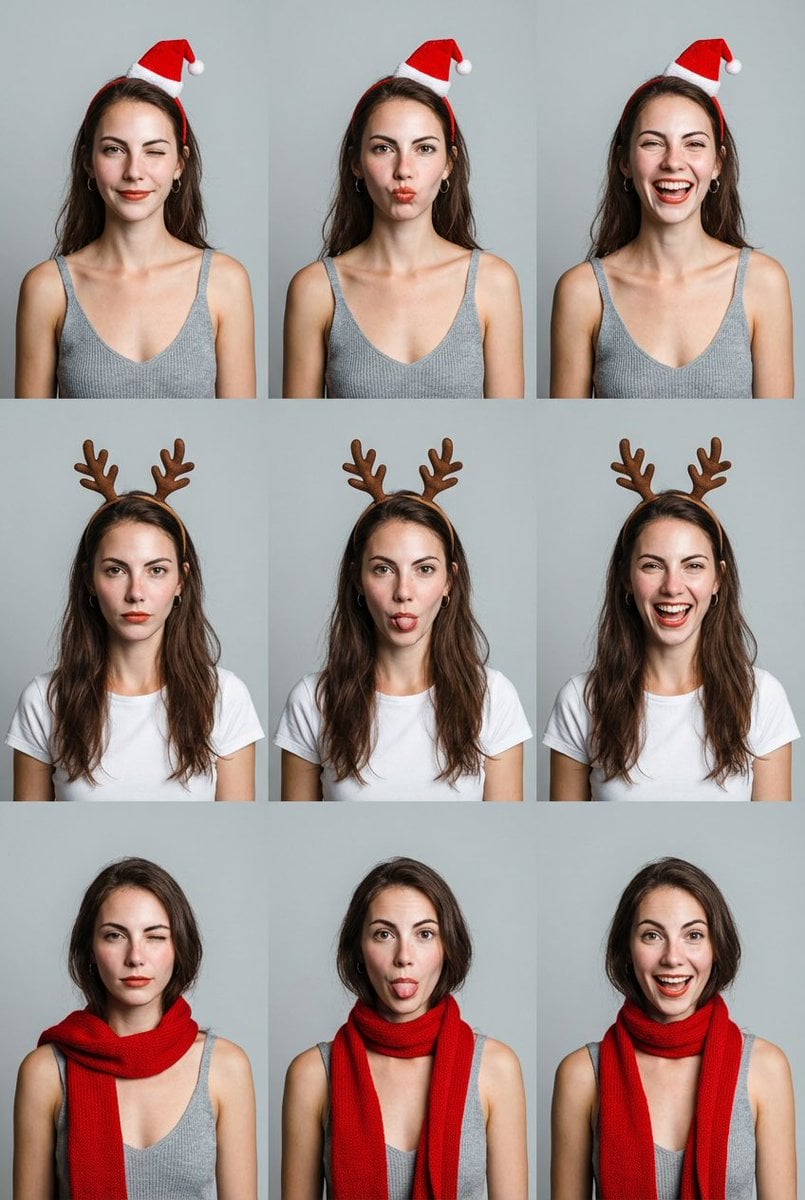
Grid Minimalist Christmas Portrait Prompt
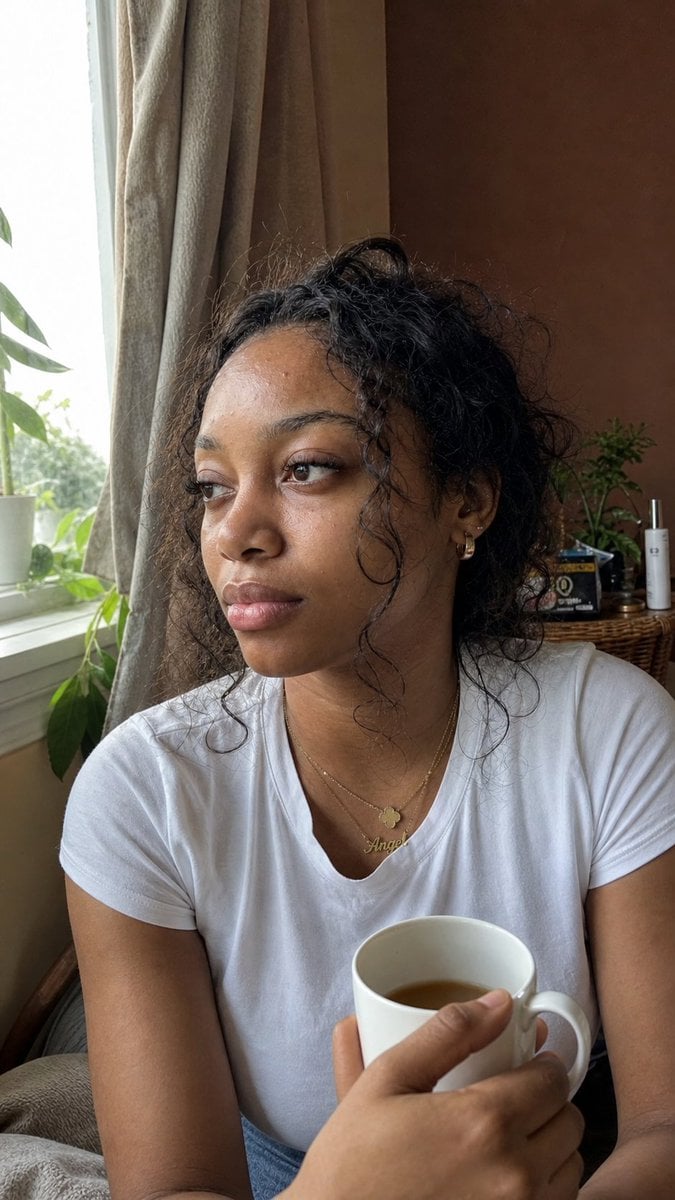
Authentic iPhone Portrait of African Woman

AI Coding Assistant Promo Infographic
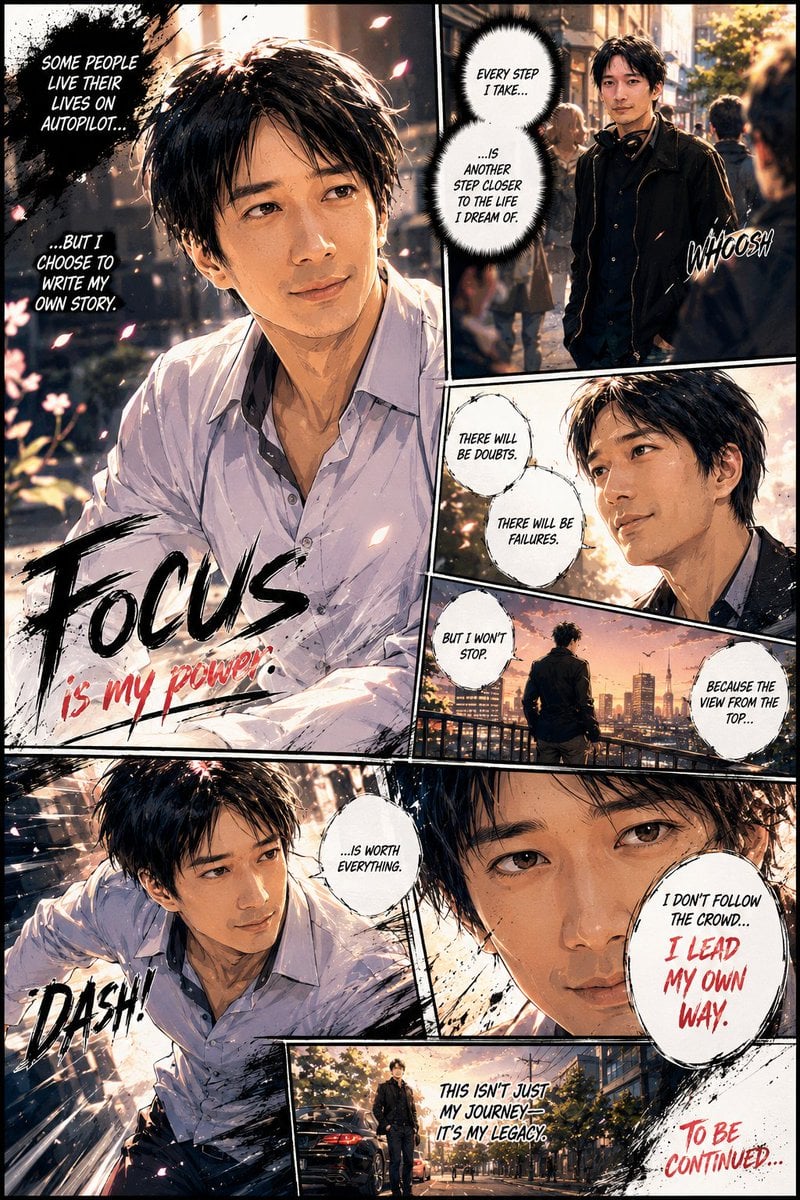
Personalized Manga Storyboard Page
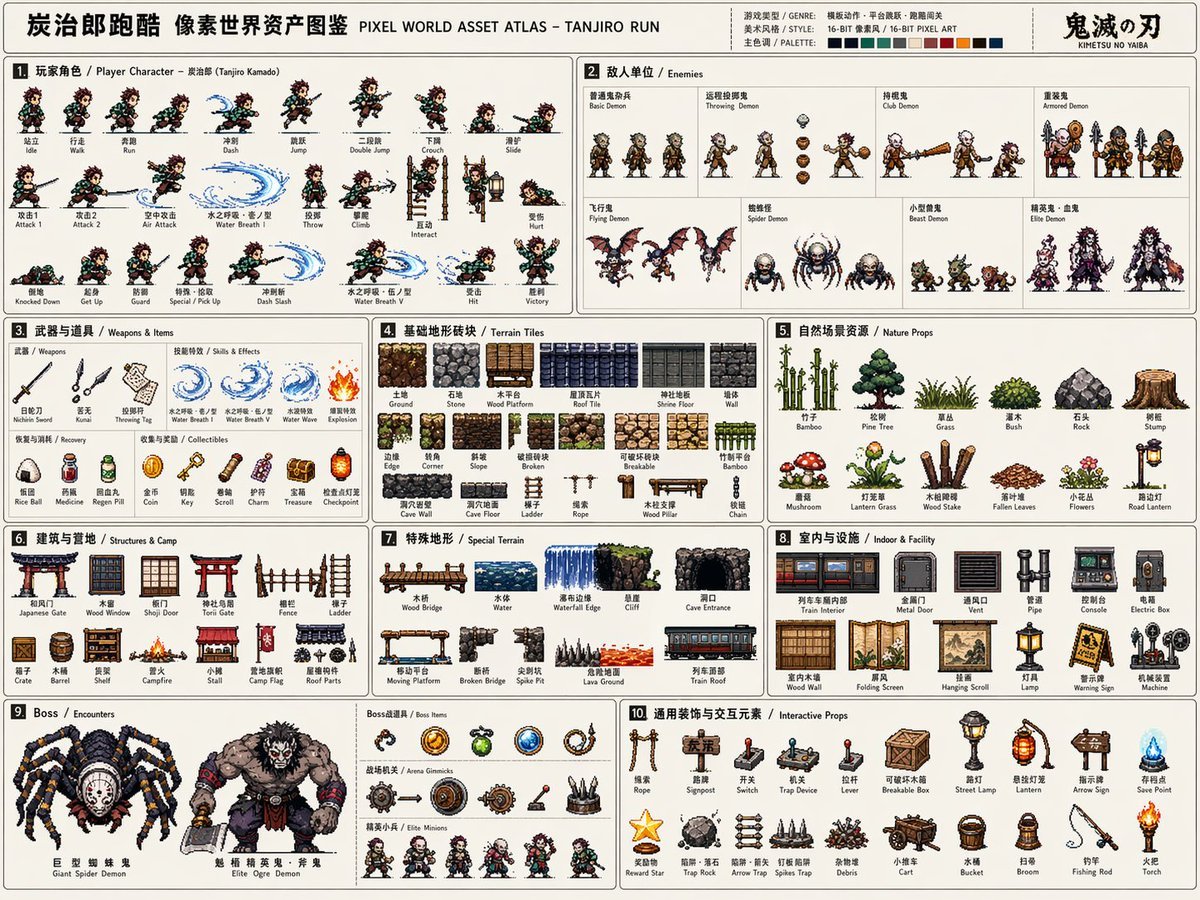
Pixel Game Asset Atlas Template

AI Model Router App Store Screenshot
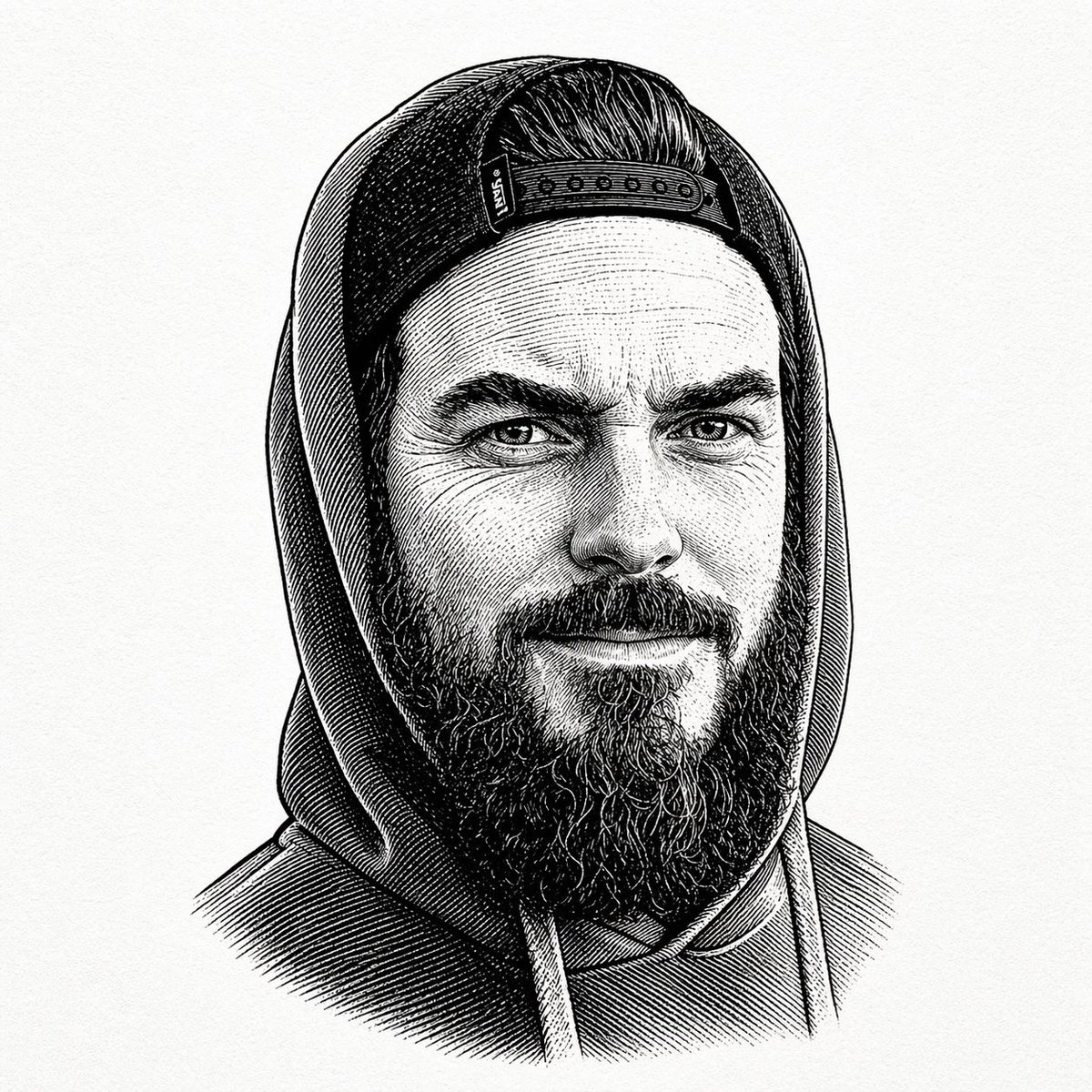
Gpt2 Profile Avatar Vintage Engraved Hoodie Portrait
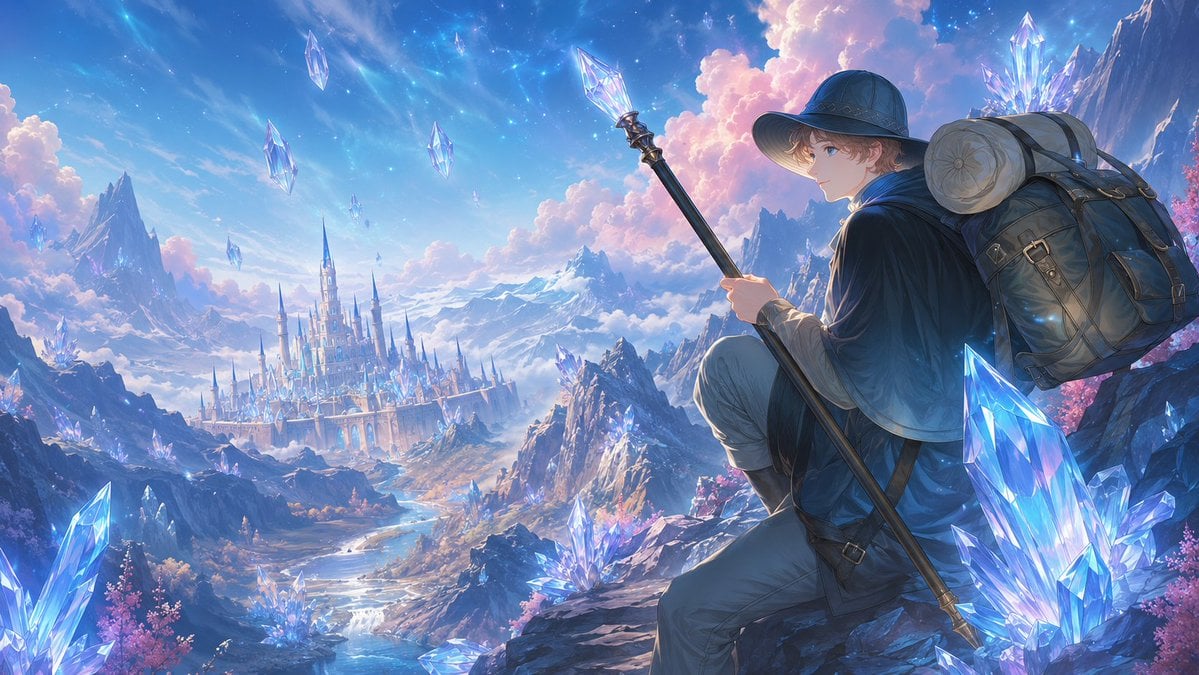
Traveler Over Crystal Mountain Valley
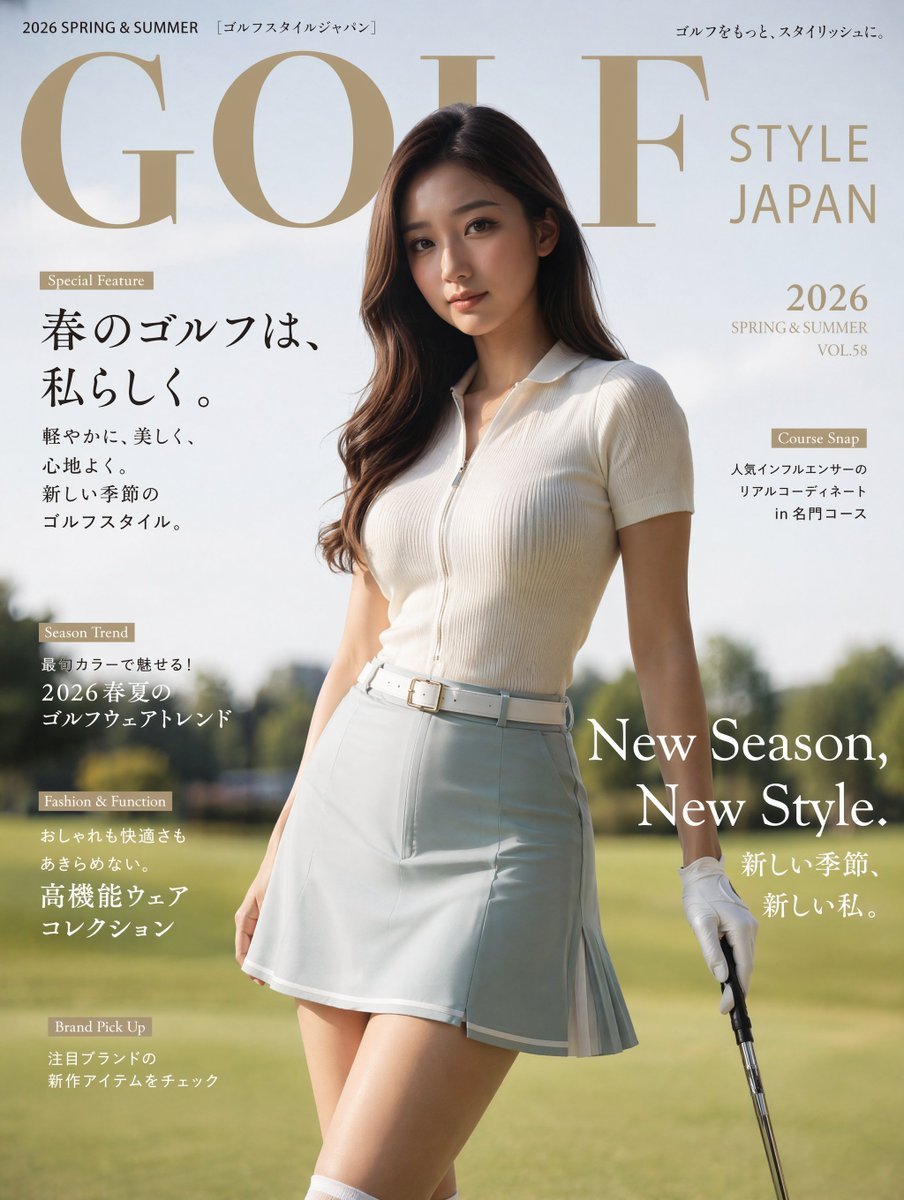
Japanese Golf Fashion Magazine Cover

Americana Dive Bar Editorial Scene
Browse template categories
Moonlit Prism Veil Kimono Dancer questions
How do I use the Moonlit Prism Veil Kimono Dancer template?
Add your photo if the template asks for one, edit the prompt if you like — the template's model and format are already selected — and press Generate. Your version opens in PicX Studio.
Can I customize the Moonlit Prism Veil Kimono Dancer template?
Yes. You can change the subject, setting, lighting, mood, format, and available model controls before creating your image.
Is the Moonlit Prism Veil Kimono Dancer template free?
Opening and editing this template is free. Generating uses credits, shown on the Generate button when you are signed in.
Which AI model should I use?
Start with GPT Image 2, which is the model associated with this template. You can compare another compatible model for a different finish.
Looking for something else? Browse all templates.

Your photo, any look
Thousands of ready templates for every top image and video model, from one credit balance.