
Shanghai Morning Calendar Poster
A sophisticated vertical good-morning city daily poster with Shanghai skyline photography, calendar details, and elegant editorial typography.
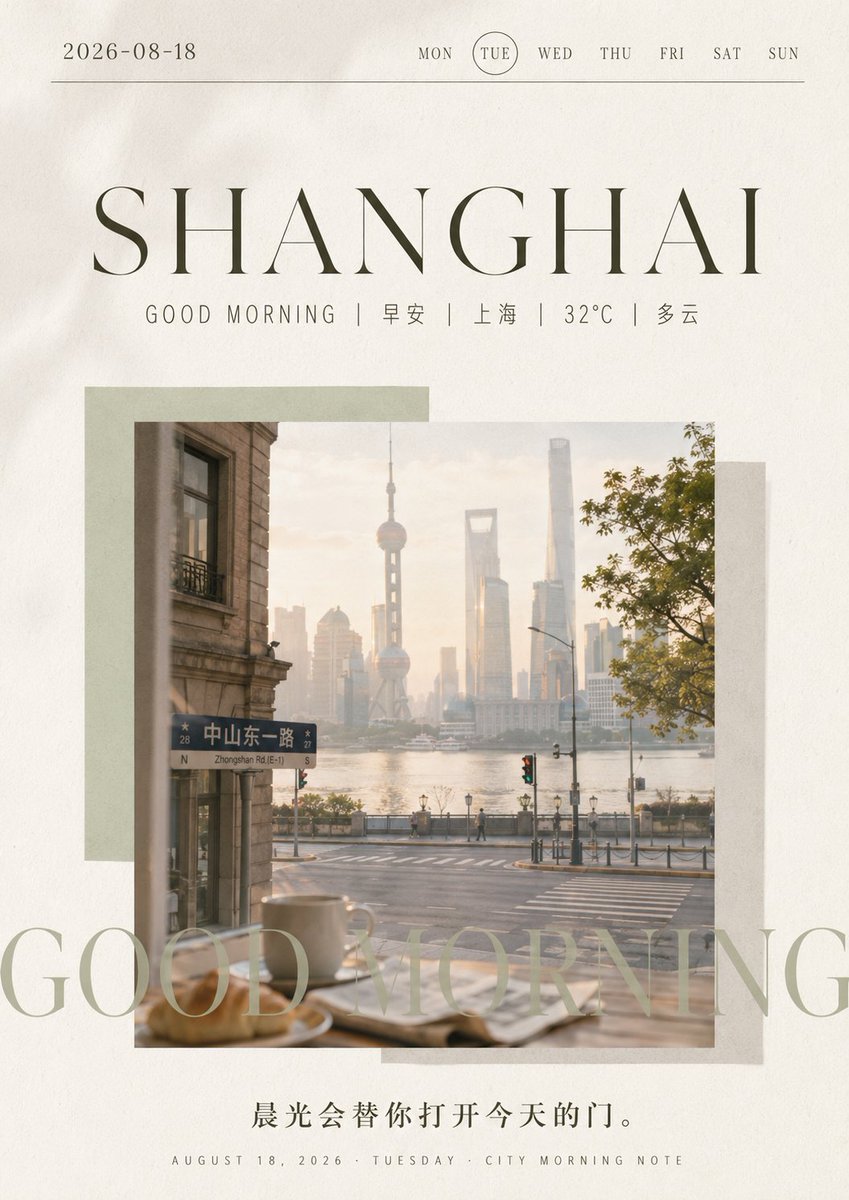
- Prompt included
- Model and format preset
- Free template
The prompt behind this image
Copy the exact prompt behind Shanghai Morning Calendar Poster, or open it in the studio and make it yours.
Goal: Create a refined vertical morning daily calendar poster for {argument name="city name" default="SHANGHAI"}, blending editorial travel photography with minimalist date-card design. Canvas: Portrait 4:5 poster, warm off-white paper background with subtle grain and slight vignette, elegant airy margins, muted beige/olive/gray palette. Top header: At the very top left place the date “{argument name="date" default="2026-08-18"}”. Across the top right place exactly 7 weekday labels in small uppercase serif text: MON, TUE, WED, THU, FRI, SAT, SUN, with TUE circled by a thin outline. Draw one thin horizontal rule beneath the header spanning almost the full width. Main typography: Center a huge high-contrast thin serif title “{argument name="city name" default="SHANGHAI"}” in dark olive-gray, widely spaced, occupying the upper third. Directly underneath, add a small spaced subtitle line: “GOOD MORNING | 早安 | 上海 | 32°C | 多云”. Keep the Chinese text crisp and minimal. Photo collage: In the middle, place one large square photograph with a soft warm morning look. The photo shows a calm Shanghai street viewed from inside a cafe or window: a coffee cup and pastry blurred in the foreground on a table, a street intersection and riverside promenade outside, the Oriental Pearl Tower and modern Lujiazui skyline in hazy sunrise light, a street sign reading “中山东一路 / Zhongshan Rd.(E-1)” on the left, tree foliage on the right, soft golden atmosphere. Behind the photo, add exactly 3 offset translucent rectangular paper blocks: a pale sage rectangle behind the upper-left area, a light gray rectangle behind the right side, and a beige-gray rectangle behind the lower-right area. Overlay text: Across the lower part of the photo and extending beyond it, add very large semi-transparent serif text “GOOD MORNING” in pale sage, cropped by the poster edges and photo, like a decorative watermark. Bottom text: Center a Chinese quote below the image: “{argument name="morning quote" default="晨光会替你打开今天的门。"}” in dark gray. At the very bottom, add a tiny uppercase footer: “AUGUST 18, 2026 · TUESDAY · CITY MORNING NOTE”. Visual style: Premium lifestyle magazine layout, quiet luxury, soft film photography, realistic but slightly dreamy, shallow depth of field, elegant serif type, clean spacing, no people as main subjects, no logos or watermarks, preserve the exact visible text hierarchy and the single-photo collage composition.
How to use Shanghai Morning Calendar Poster in 3 steps
- 1Upload ImagePNG, JPG or paste
Add your photo
Upload the photo the template builds on. The prompt, model and format are already set.
- 2…a portrait of your subject in softgolden-hour light, 85mm…
Personalize
Edit the subject and creative details for your destination.
- 3Generate
Generate
Press Generate — your image is created in PicX Studio, so you can compare it with the original and refine one variable at a time.
More like this
Templates with the same subject, style or setup. Open one to see its prompt.
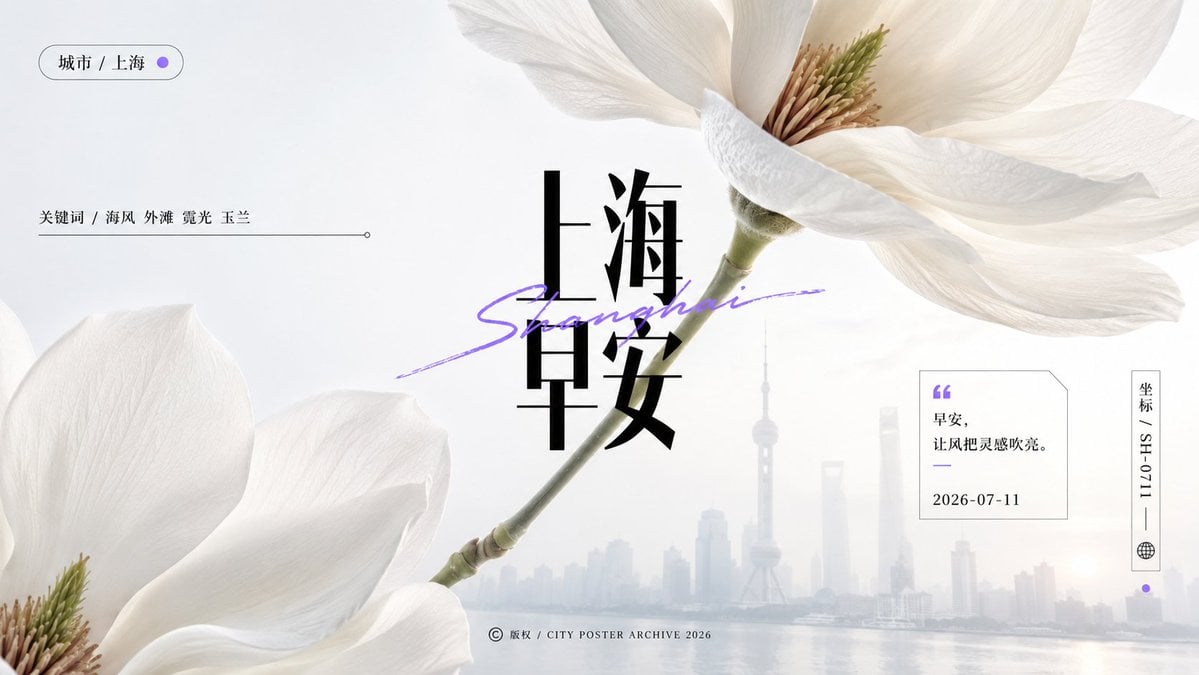
Shanghai Magnolia Morning Poster
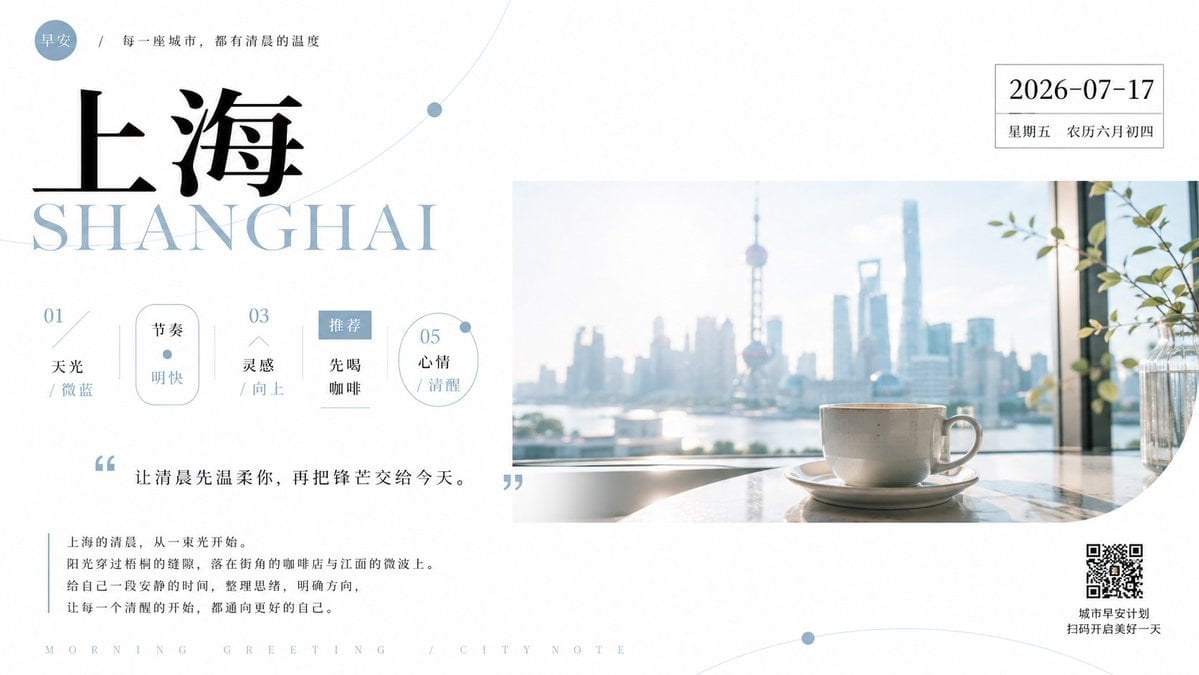
Shanghai Morning Greeting Poster
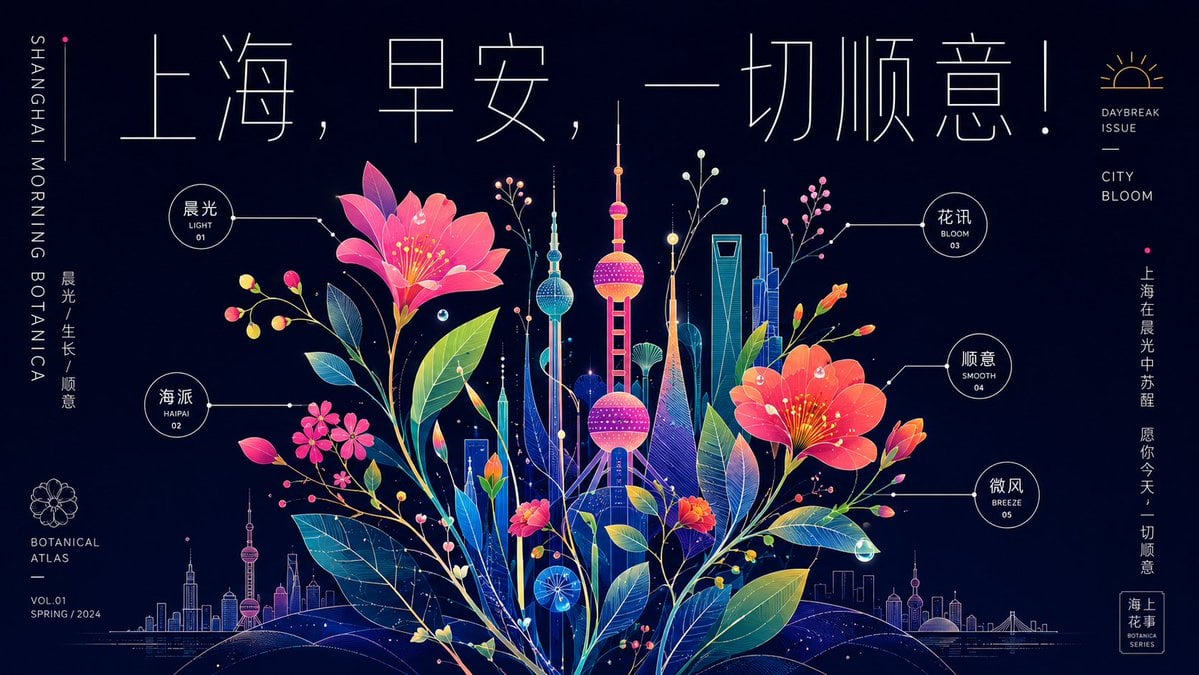
Neon Shanghai Botanical Morning Poster

Japan Travel Brochure Poster

Cartoon TV Show Poster Pack

Trendy Cafe Drink Promo Poster

Urban Fashion Editorial Collage Streetwear Poster

Premium Fashion Editorial Cover Layout System

Polo Ralph Lauren Luxury American Heritage Fashion Campaign

Monochrome Halftone Editorial Fashion Poster

Retro Mirror Luxury Fashion Campaign Poster

Luxury Fashion Campaign Typography Poster System
Make it yours
Shanghai Morning Calendar Poster works as-is. These are the safest ways to change it without losing the look.
Change one field
Copy a single group, rewrite it, and generate again so you can see what that field is doing.
Keep the frame, change the subject
Hold the composition and light of Shanghai Morning Calendar Poster, then swap wardrobe, props or the person for a new take.
| If the result… | Why | Fix |
|---|---|---|
| The result drifts from the preview | Too many fields changed at once. | Reuse Shanghai Morning Calendar Poster as-is first, then change one group — subject, light, or setting. |
| The model over-stylizes the scene | The prose prompt leaves finish and camera underspecified. | Add one camera or lighting sentence and stay on GPT Image 2. |
More GPT Image 2 templates
Other prompts made for GPT Image 2.

Six VTuber Japanese Logo Sheet

Realistic Portrait of Woman and Deer

The Vista Modular Condo Poster

AI Model Routing Comparison Infographic

2.5D Anime Art Board

Isometric Productivity Desk Scene

New York Double Exposure Poster

Four-Panel AI Landscape Comparison

Japanese Tatami Lifestyle Magazine Cover

NESCAFÉ Coffee Map Poster
More image prompts
Fresh picks from across the catalog.
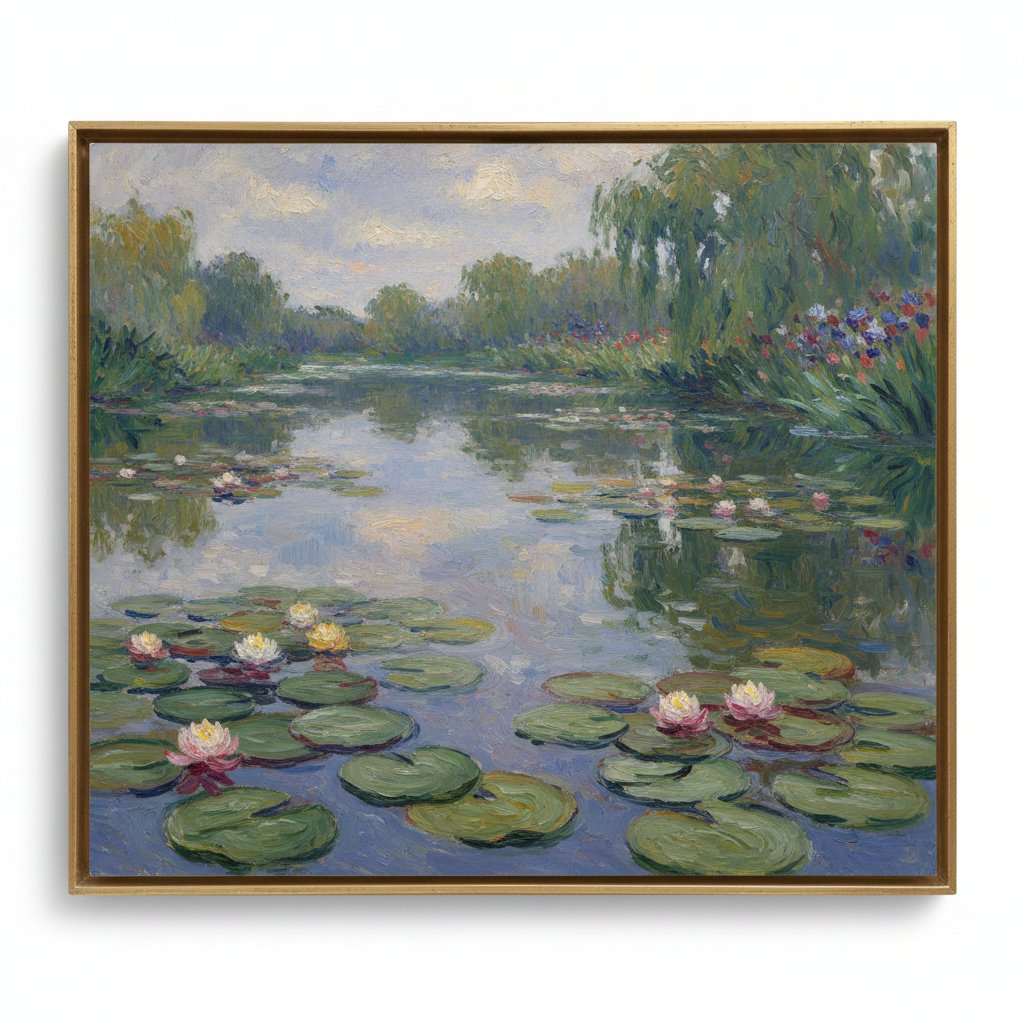
Image Generation Prompt: Monet's Water Lilies Style
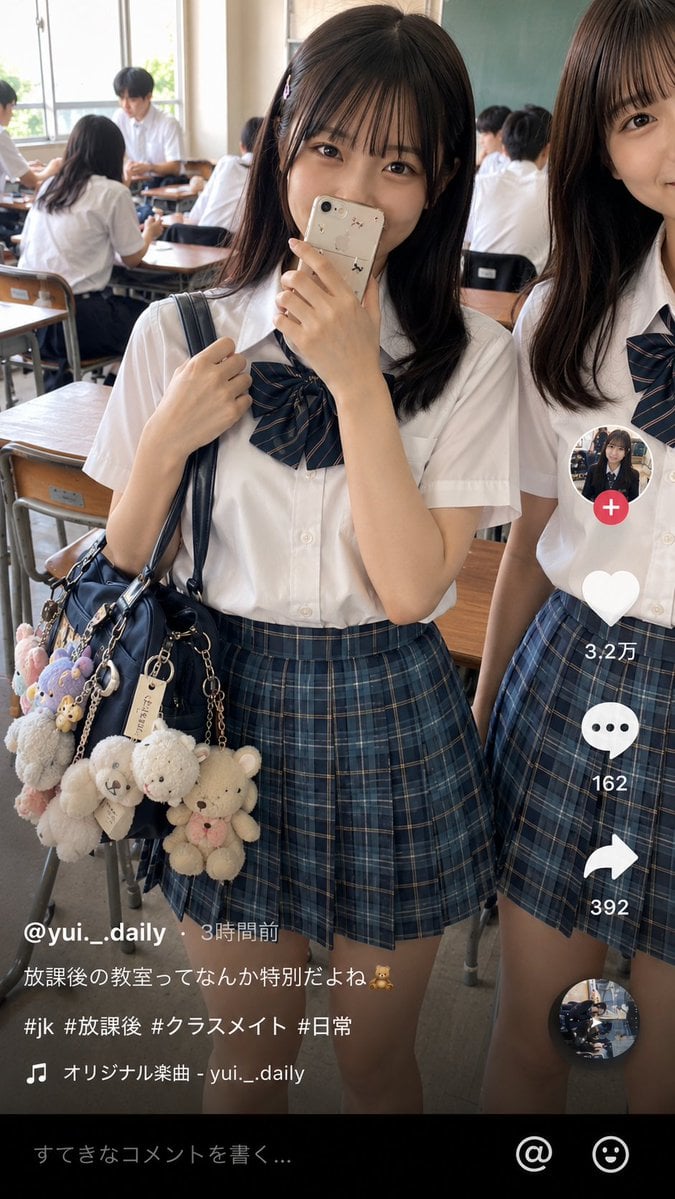
Japanese Classroom Short Video Screenshot
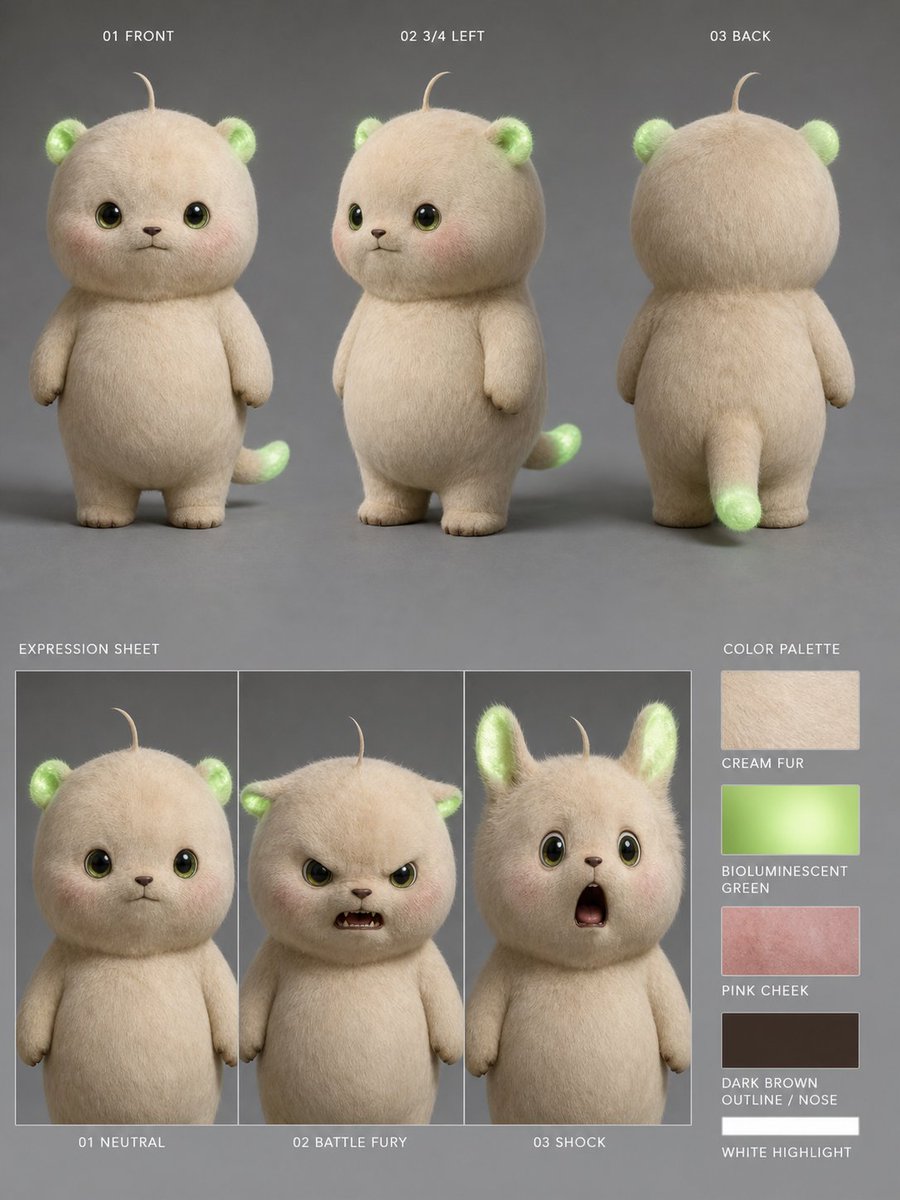
Bioluminescent Plush Creature Sheet
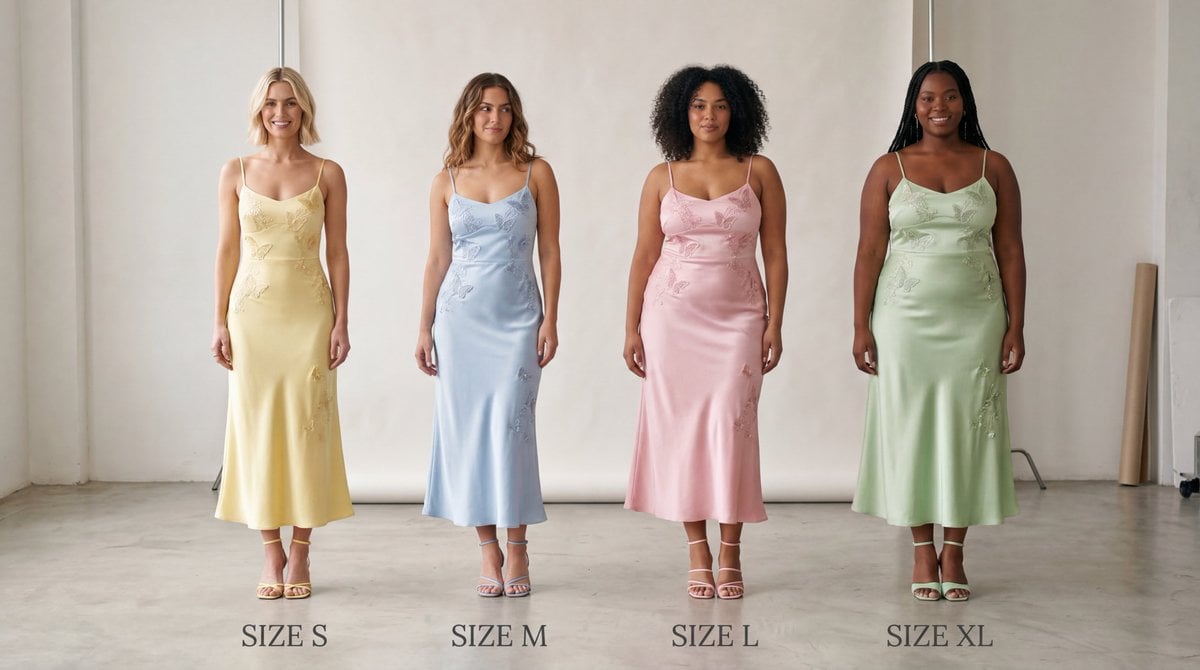
Realistic Size Range Fashion Lineup
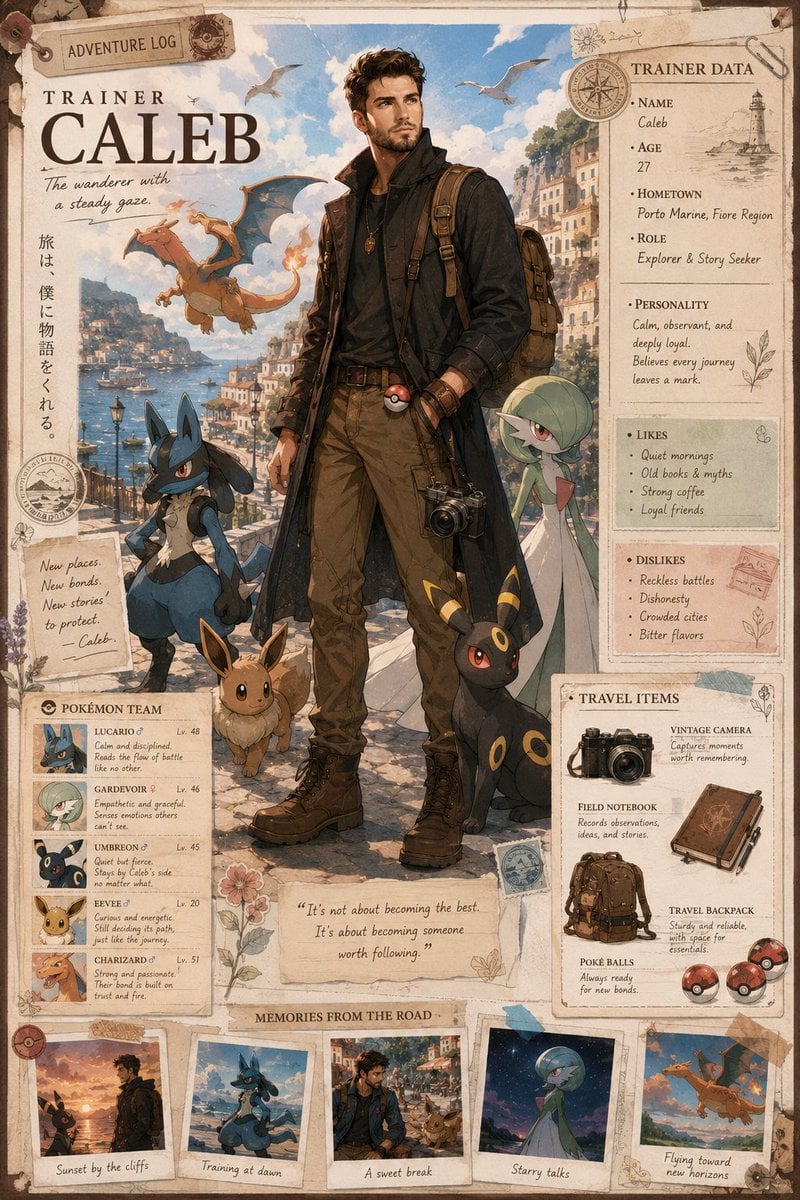
Anime Trainer Character Poster
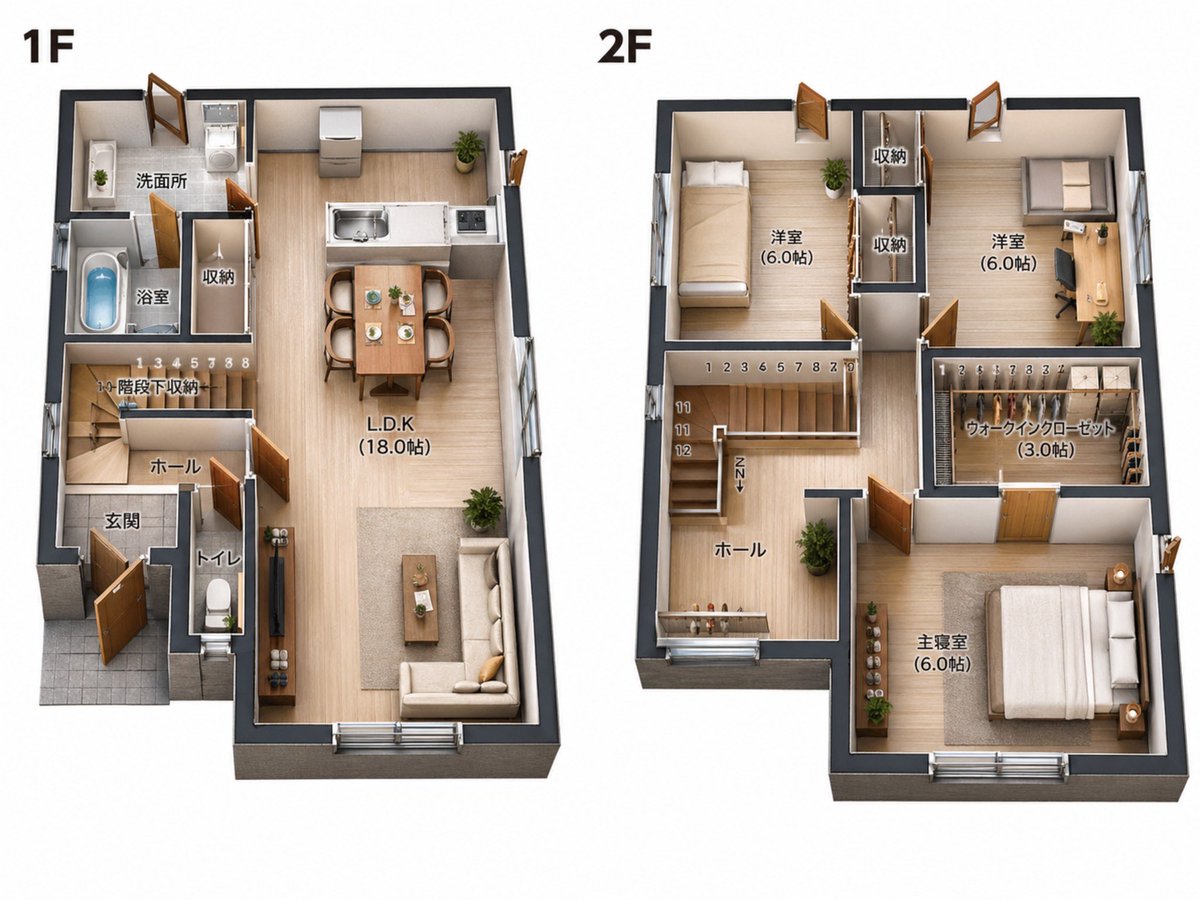
2D Floor Plan to 3D Real Estate Render
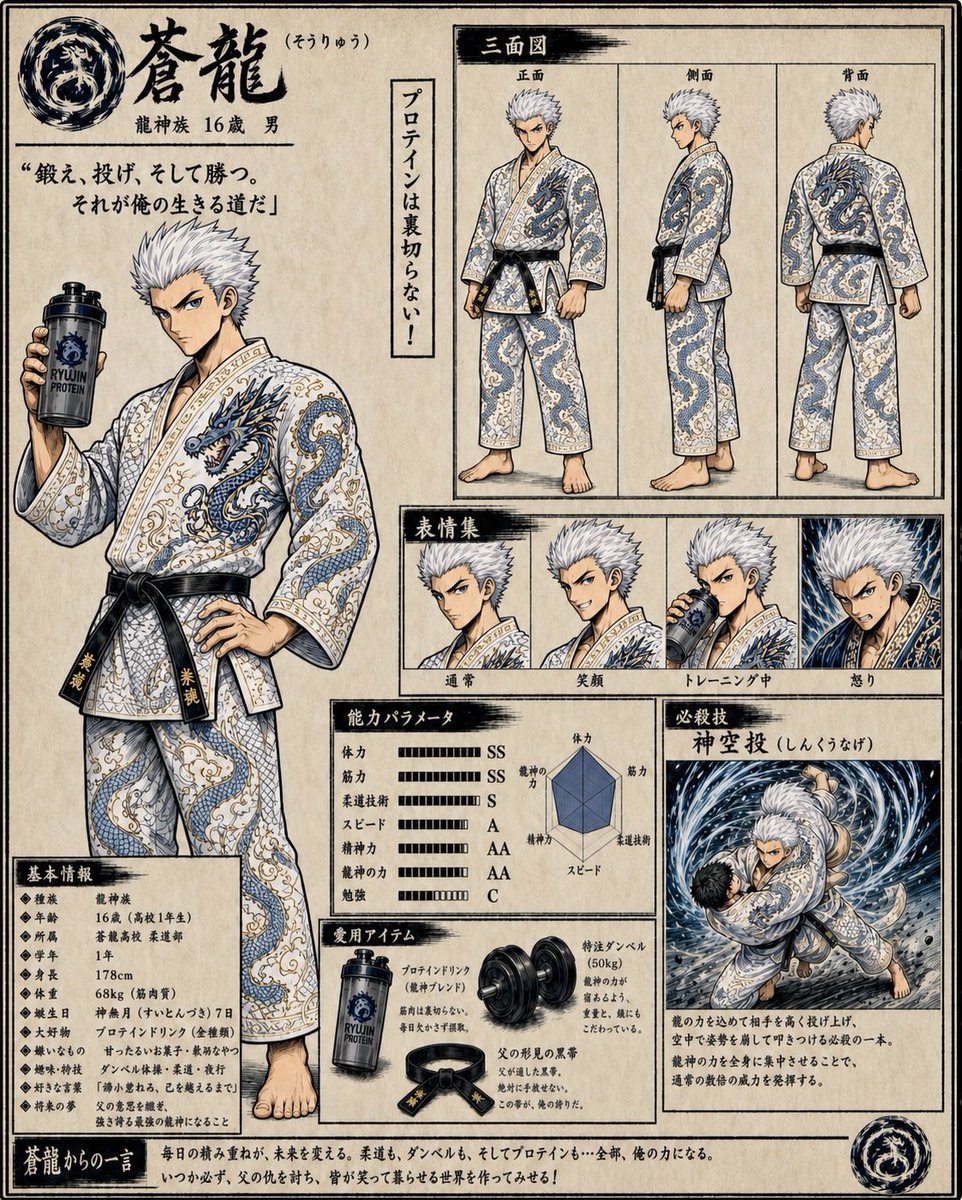
Fantasy Judo Anime Character Sheet
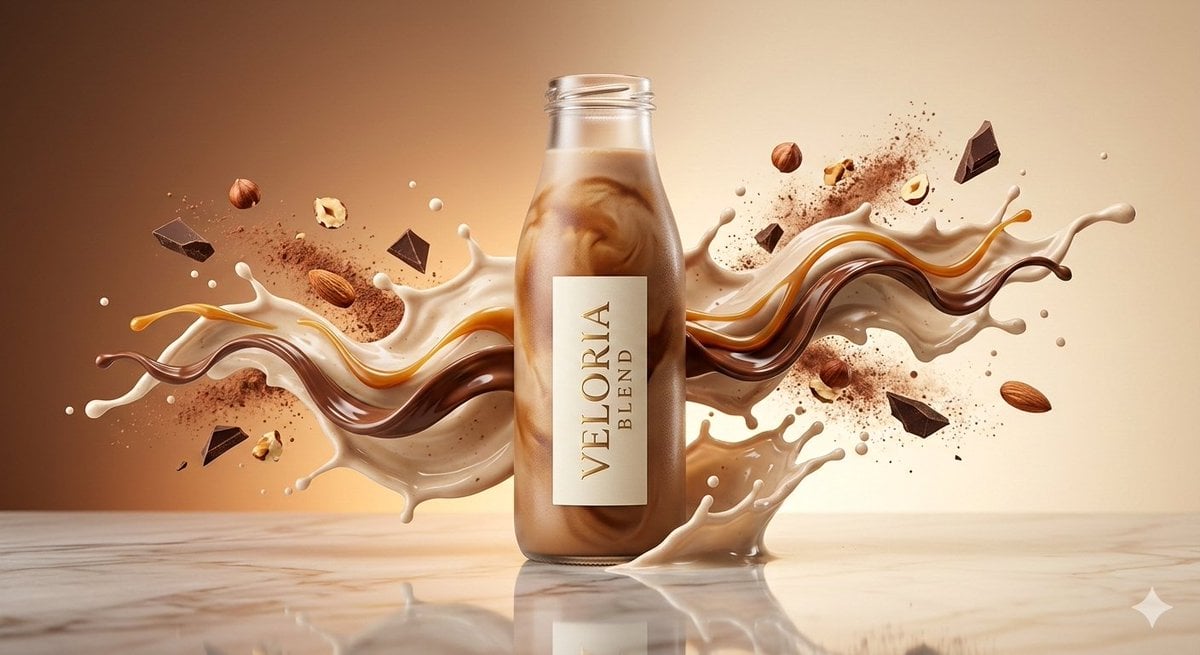
Luxury High-Speed Commercial Shake Photography Prompt
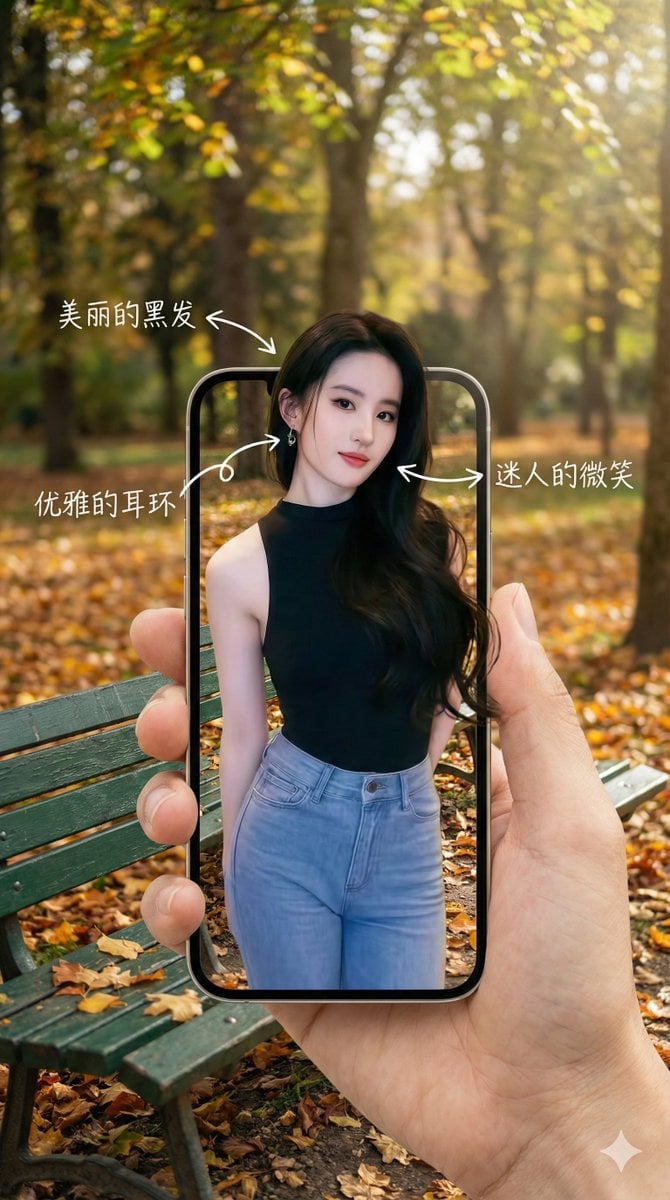
3D Pop-Out Phone Screen Photo Effect Template (Template)
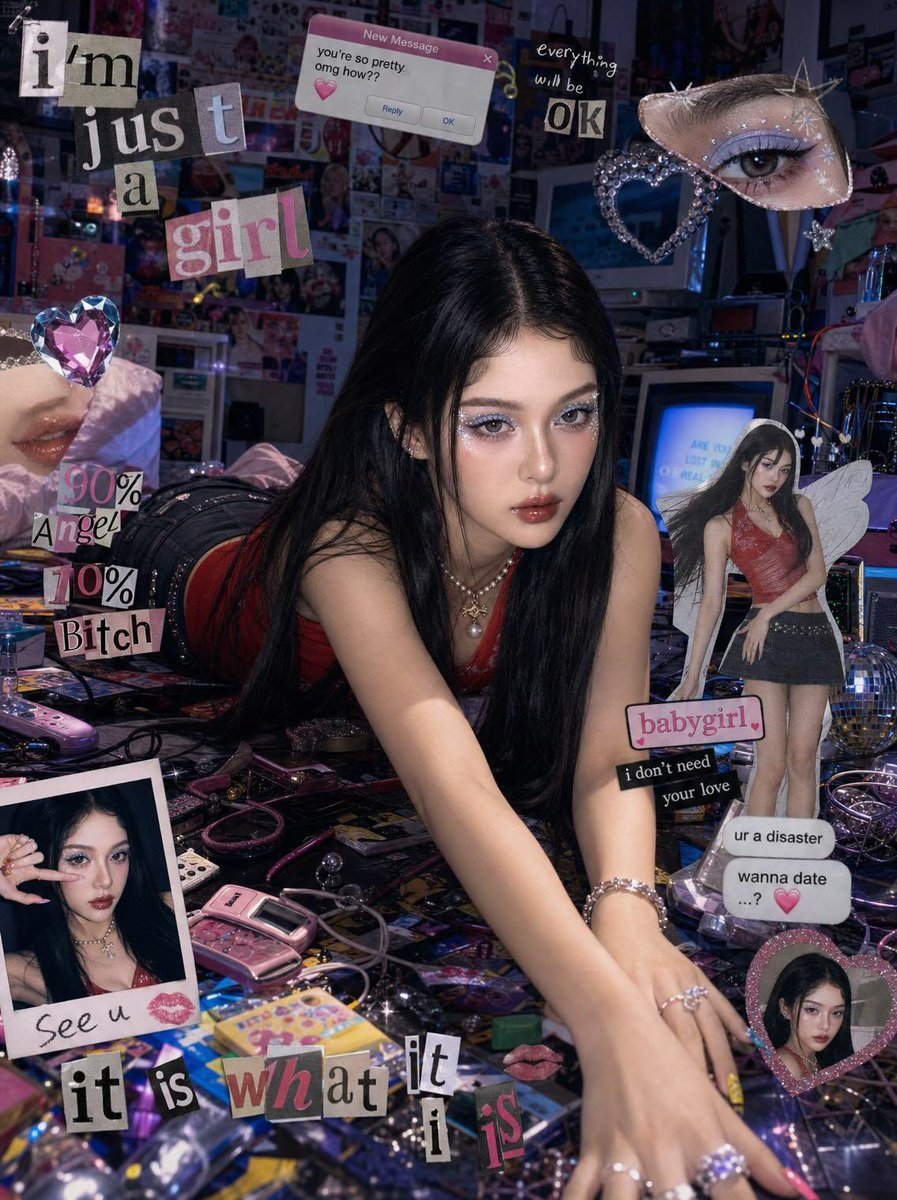
Chaotic Y2K Cyber-Pop Editorial Portrait
Browse template categories
Shanghai Morning Calendar Poster questions
How do I use the Shanghai Morning Calendar Poster template?
Add your photo if the template asks for one, edit the prompt if you like — the template's model and format are already selected — and press Generate. Your version opens in PicX Studio.
Can I customize the Shanghai Morning Calendar Poster template?
Yes. You can change the subject, setting, lighting, mood, format, and available model controls before creating your image.
Is the Shanghai Morning Calendar Poster template free?
Opening and editing this template is free. Generating uses credits, shown on the Generate button when you are signed in.
Which AI model should I use?
Start with GPT Image 2, which is the model associated with this template. You can compare another compatible model for a different finish.
Looking for something else? Browse all templates.

Your photo, any look
Thousands of ready templates for every top image and video model, from one credit balance.