
Shanghai Magnolia Morning Poster
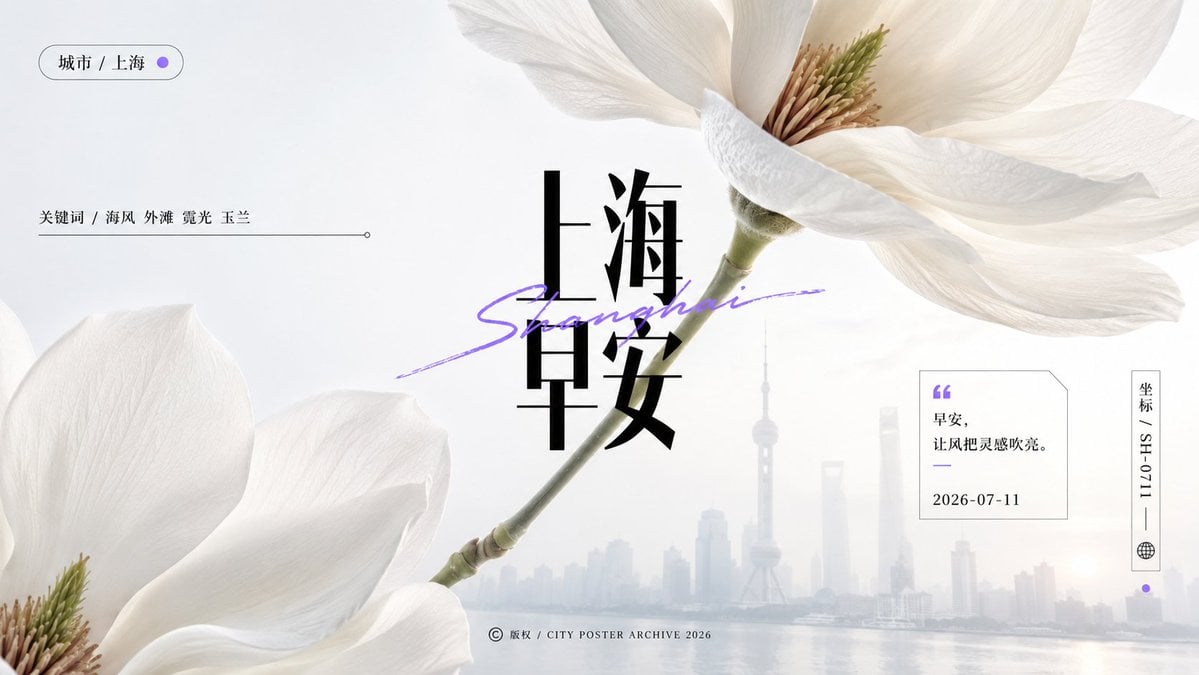
A high-key editorial city poster featuring giant white magnolias, misty Shanghai skyline, and refined Chinese morning typography.
- Prompt included
- Model and format preset
- Premium template
The prompt behind this image
Copy the exact prompt behind Shanghai Magnolia Morning Poster, or open it in the studio and make it yours.
Goal: Create a refined horizontal city morning poster for {argument name="city name" default="Shanghai"}, combining macro botanical photography with a quiet editorial information layer and a misty urban skyline. Canvas: Wide 16:9 poster, clean off-white and pale gray background, airy negative space, soft morning light, premium magazine layout. Main subject: Use exactly 2 oversized white magnolia blossoms with realistic macro texture: 1 large cropped blossom entering from the upper-right corner with translucent ivory petals and visible beige-green stamens, and 1 large cropped blossom entering from the lower-left corner. A slender green magnolia stem runs diagonally from the upper-right flower down toward the lower-left flower, lightly crossing the center and creating suspended tension. Background: Faint low-contrast Shanghai skyline along the lower third, softened by haze and sea mist, with the Oriental Pearl Tower visible near the center-right. Add a calm reflective waterfront at the bottom, extremely subtle and desaturated. Central typography: Place large black vertical Chinese title text “上海” above “早安” in the center, bold high-contrast serif style. Overlay a purple handwritten italic script reading “Shanghai” diagonally across the title, as if drawn with a marker. Keep the typography sharp and balanced against the soft flowers. Information layer: Include exactly 5 small editorial UI/text elements: 1 rounded pill at top-left reading “城市 / 上海” with a small purple dot; 1 keyword line at left reading “关键词 / 海风 外滩 霞光 玉兰” followed by a thin horizontal rule and small endpoint circle; 1 quote card at right with a purple quotation mark, the text “早安,让风把灵感吹亮。” and date “2026-07-11”; 1 vertical coordinate tag at far right reading “坐标 / SH-0711” with a small globe icon and purple dot below; 1 bottom-center copyright line reading “© 版权 / CITY POSTER ARCHIVE 2026”. Visual style: Minimal Chinese editorial poster, macro physical texture, elegant high-key lighting, shallow depth of field, soft fog, crisp black typography, small purple accent color, abundant breathing room, precise alignment, no clutter. Constraints: Keep all visible text exactly as specified, use exactly 2 magnolia blossoms and exactly 5 information elements, avoid extra logos or watermarks, avoid saturated colors, maintain a calm premium morning aesthetic.
How to use Shanghai Magnolia Morning Poster in 3 steps
- 1Upload ImagePNG, JPG or paste
Add your photo
Upload the photo the template builds on. The prompt, model and format are already set.
- 2…a portrait of your subject in softgolden-hour light, 85mm…
Personalize
Edit the subject and creative details for your destination.
- 3Generate
Generate
Press Generate — your image is created in PicX Studio, so you can compare it with the original and refine one variable at a time.
More like this
Templates with the same subject, style or setup. Open one to see its prompt.
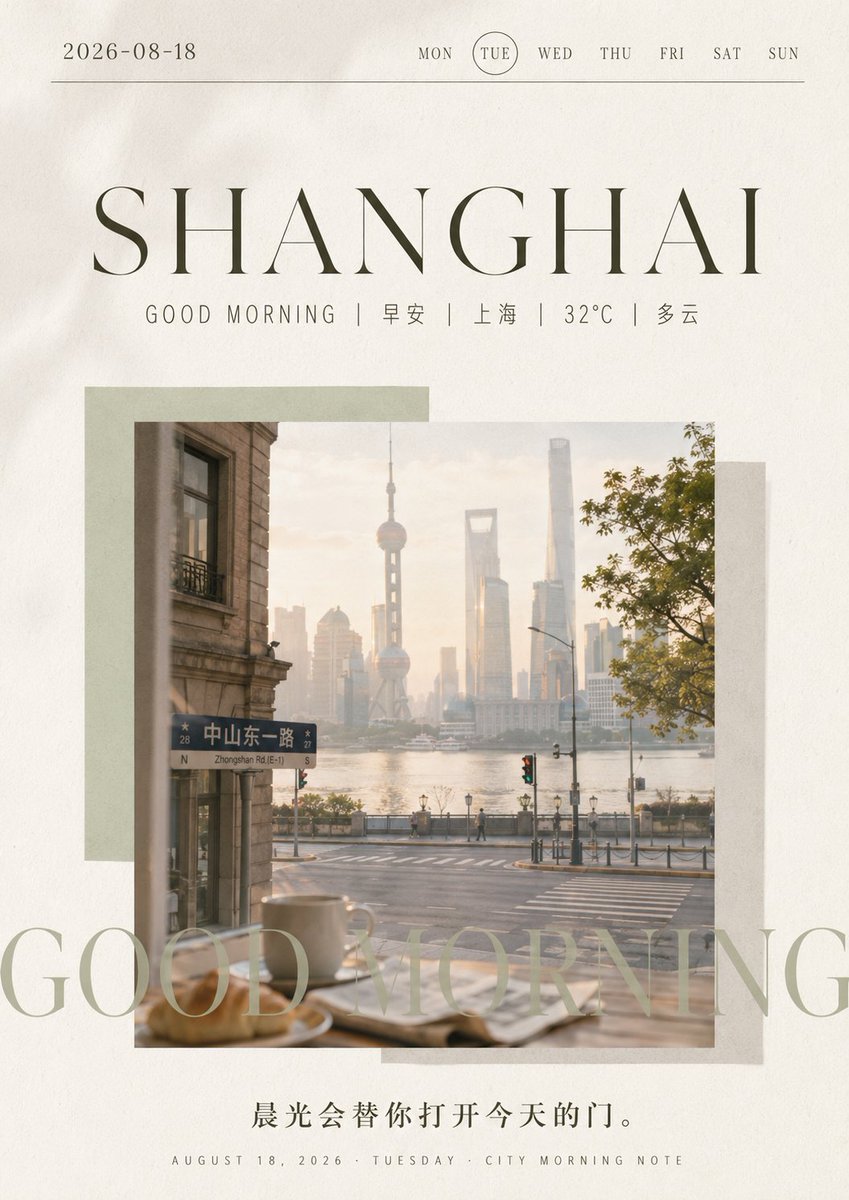
Shanghai Morning Calendar Poster
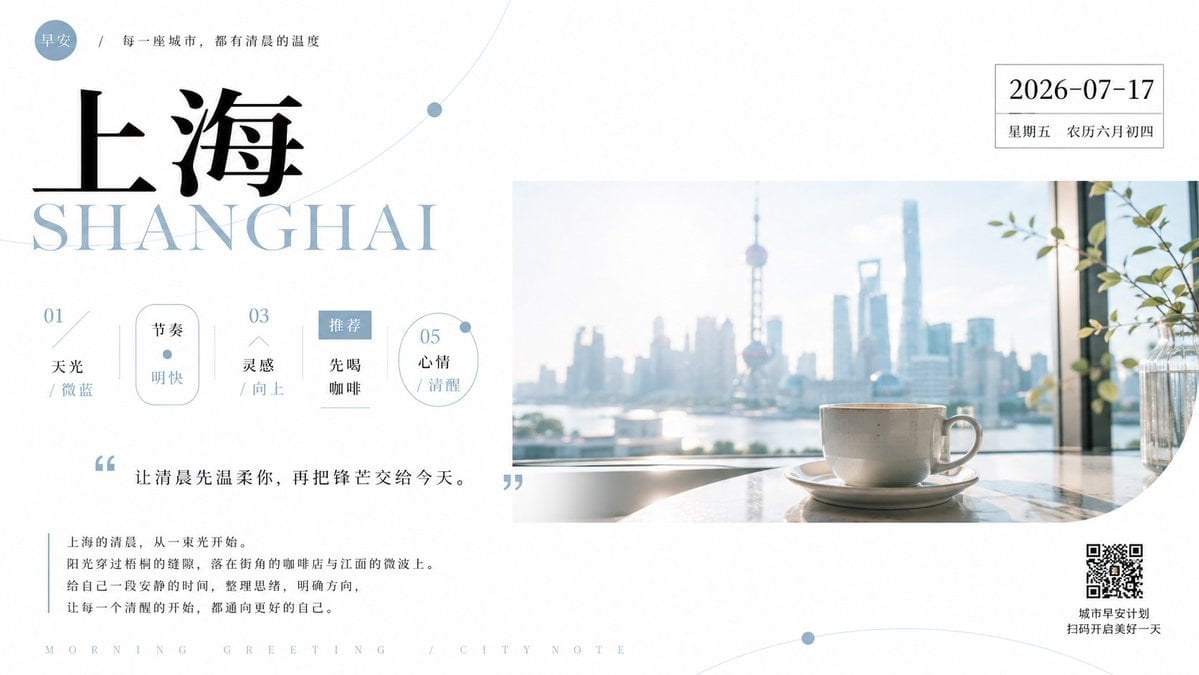
Shanghai Morning Greeting Poster
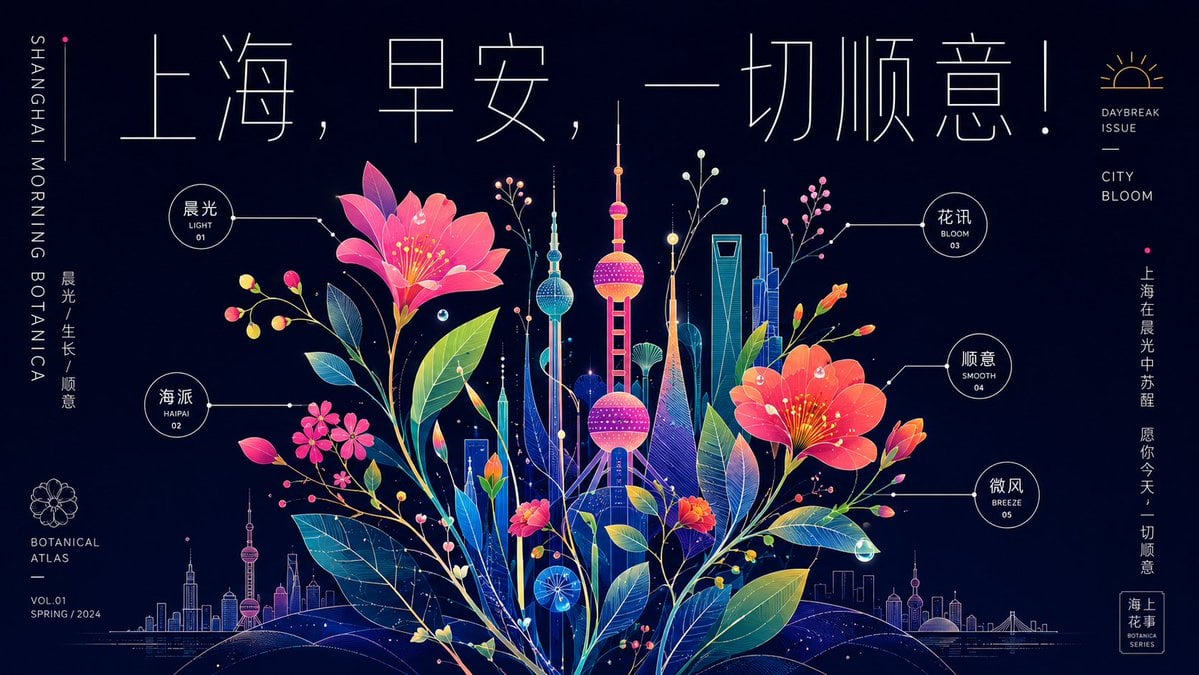
Neon Shanghai Botanical Morning Poster

Japan Travel Brochure Poster

Cartoon TV Show Poster Pack

Trendy Cafe Drink Promo Poster

Urban Fashion Editorial Collage Streetwear Poster

Premium Fashion Editorial Cover Layout System

Polo Ralph Lauren Luxury American Heritage Fashion Campaign

Monochrome Halftone Editorial Fashion Poster

Retro Mirror Luxury Fashion Campaign Poster

Luxury Fashion Campaign Typography Poster System
Make it yours
Shanghai Magnolia Morning Poster works as-is. These are the safest ways to change it without losing the look.
Change one field
Copy a single group, rewrite it, and generate again so you can see what that field is doing.
Keep the frame, change the subject
Hold the composition and light of Shanghai Magnolia Morning Poster, then swap wardrobe, props or the person for a new take.
| If the result… | Why | Fix |
|---|---|---|
| The result drifts from the preview | Too many fields changed at once. | Reuse Shanghai Magnolia Morning Poster as-is first, then change one group — subject, light, or setting. |
| The model over-stylizes the scene | The prose prompt leaves finish and camera underspecified. | Add one camera or lighting sentence and stay on GPT Image 2. |
More GPT Image 2 templates
Other prompts made for GPT Image 2.

Six VTuber Japanese Logo Sheet

Realistic Portrait of Woman and Deer

The Vista Modular Condo Poster

AI Model Routing Comparison Infographic

2.5D Anime Art Board

Isometric Productivity Desk Scene

New York Double Exposure Poster

Four-Panel AI Landscape Comparison

Japanese Tatami Lifestyle Magazine Cover

NESCAFÉ Coffee Map Poster
More image prompts
Fresh picks from across the catalog.
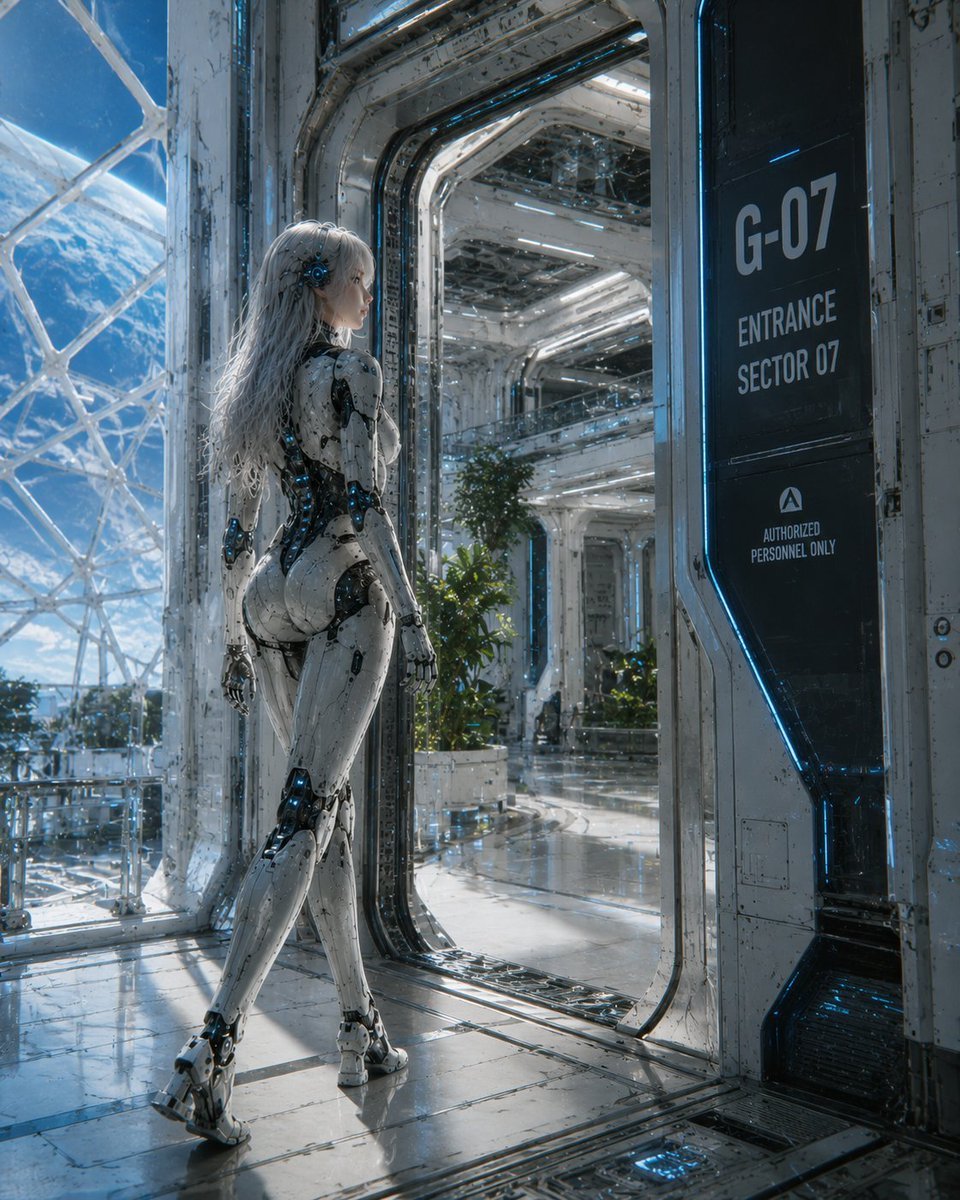
Female Android at Space Station Entrance
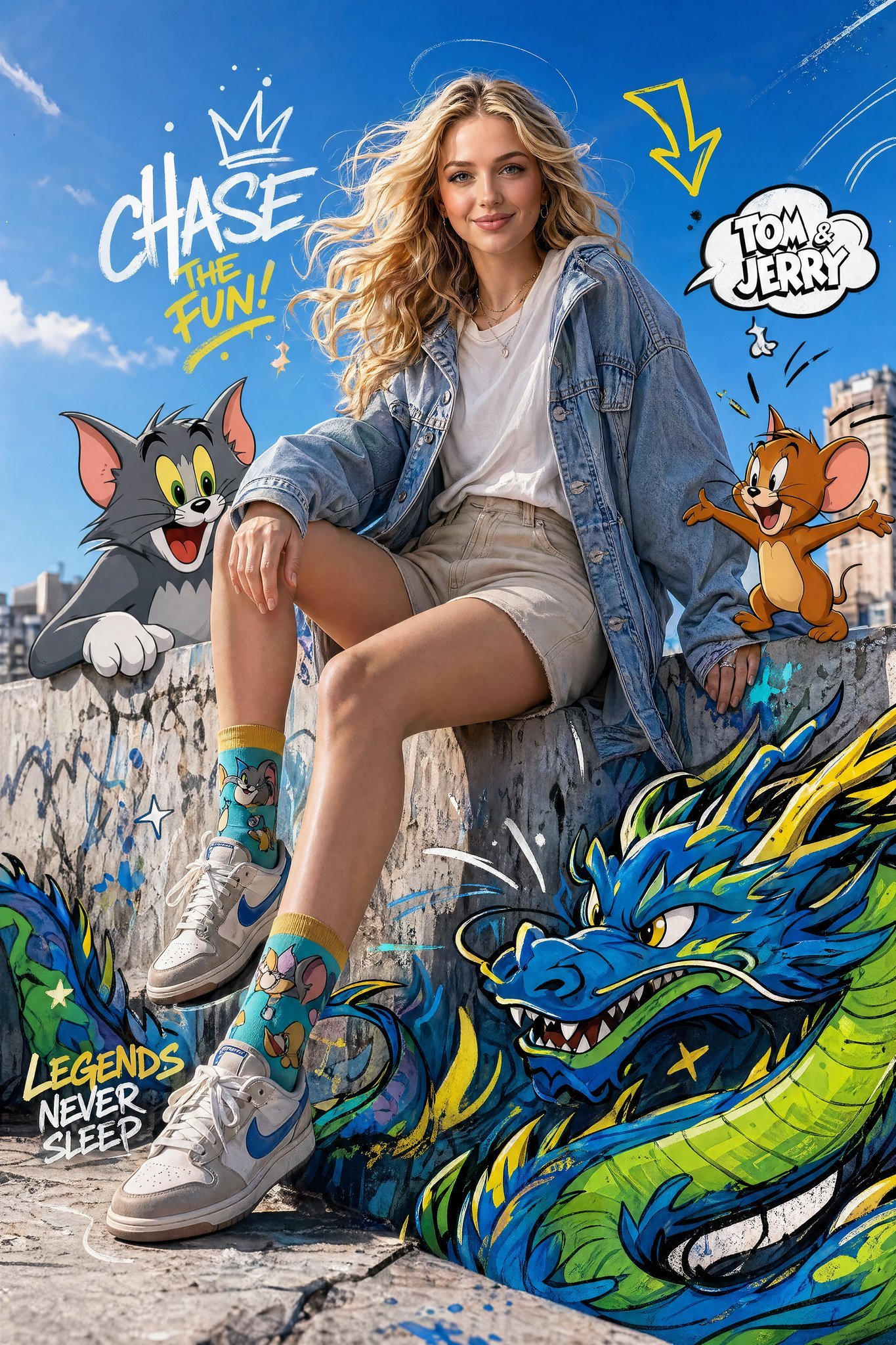
X Just Sharon7 What Were Your Favourite Childhood Cartoons
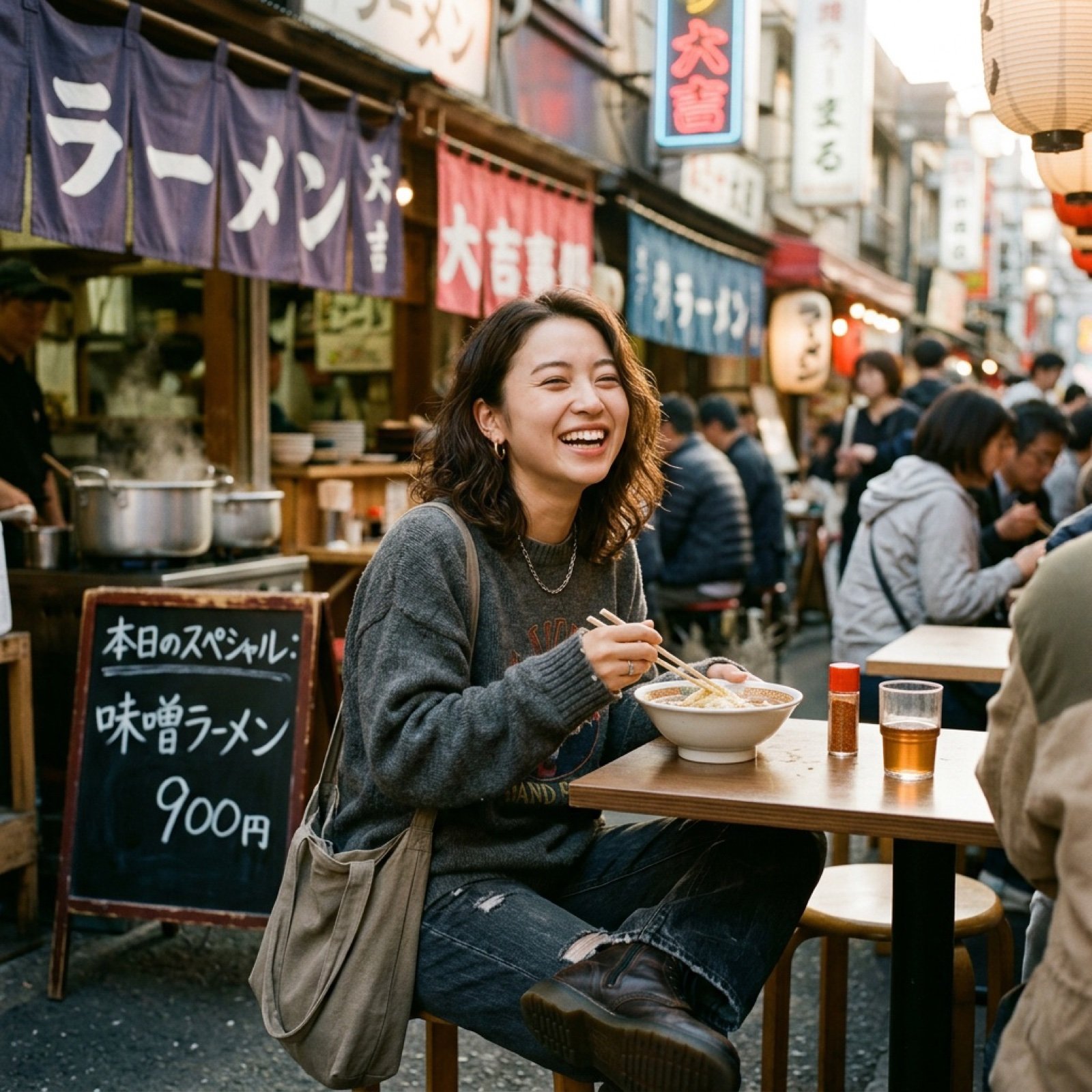
Nano Banana Image Generation Prompt Rules (JSON Schema)

Anime VTuber Reaction Thumbnail
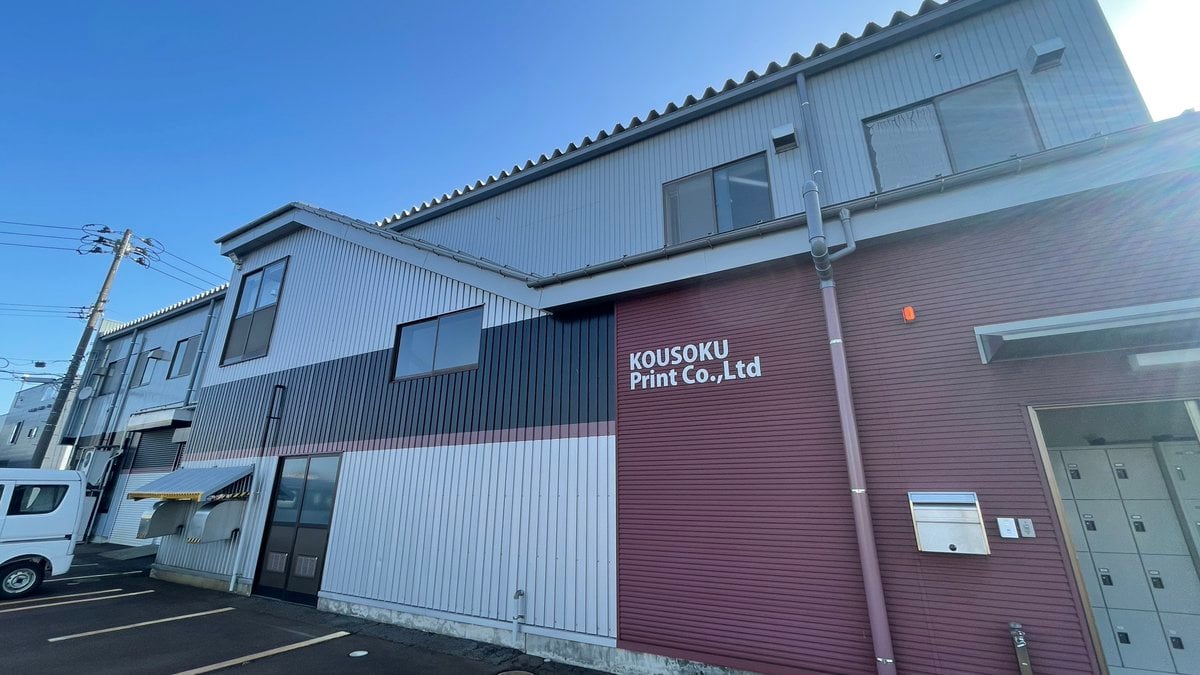
Transforming a Company Building into a Transformer
Surreal Studio Fashion Portrait
Anime Girl Floating Over Niseko
Luxury Fashion Editorial Advertisement Poster
Rainy Sakura Schoolgirl Portrait
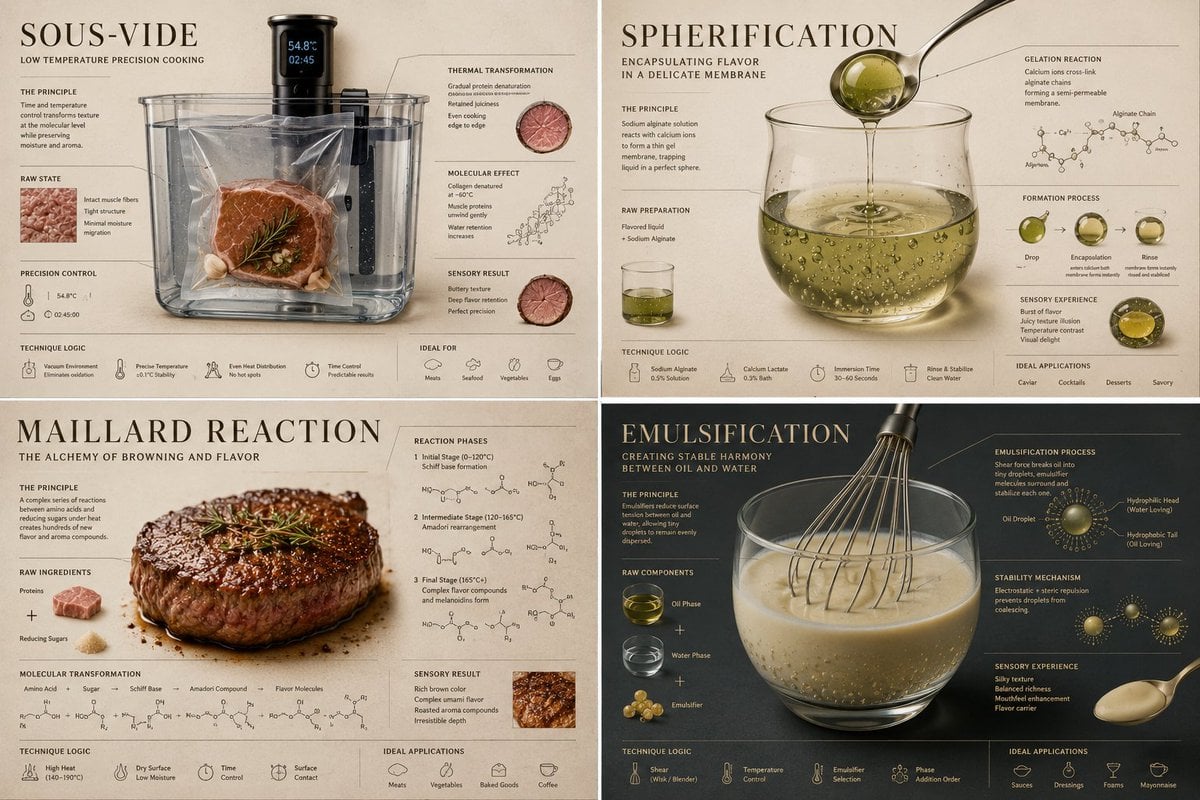
Luxury Culinary Chemistry Poster
Browse template categories
Shanghai Magnolia Morning Poster questions
How do I use the Shanghai Magnolia Morning Poster template?
Add your photo if the template asks for one, edit the prompt if you like — the template's model and format are already selected — and press Generate. Your version opens in PicX Studio.
Can I customize the Shanghai Magnolia Morning Poster template?
Yes. You can change the subject, setting, lighting, mood, format, and available model controls before creating your image.
Is the Shanghai Magnolia Morning Poster template free?
Opening and editing this template is free. Generating uses credits, shown on the Generate button when you are signed in.
Which AI model should I use?
Start with GPT Image 2, which is the model associated with this template. You can compare another compatible model for a different finish.
Looking for something else? Browse all templates.

Your photo, any look
Thousands of ready templates for every top image and video model, from one credit balance.