How do I use the Anime Subway Fashion Noir template?
Choose the primary action to open PicX Studio with the available template settings. Review the model and format, personalize the creative direction, and generate when ready.
A cinematic vertical anime fashion scene featuring an elegant woman on a neon-lit subway platform for stylish character or poster artwork. Change the subject, setting, or lighting one variable at a time.
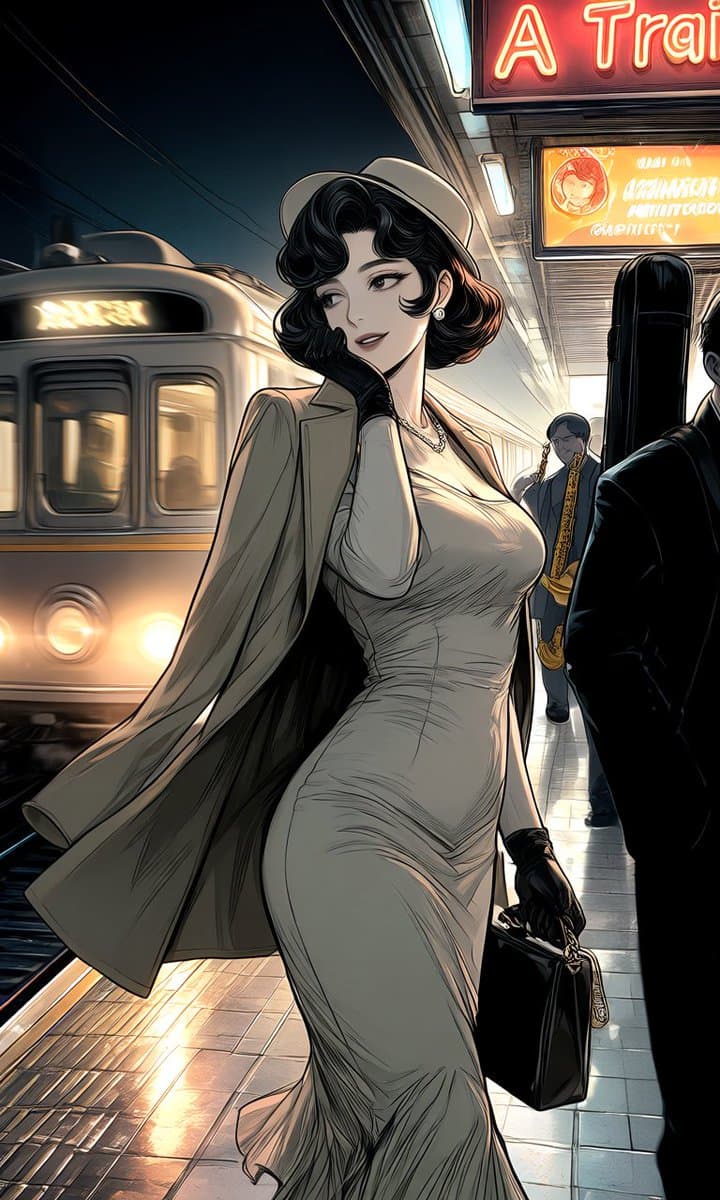
Create a dramatic vertical anime-style fashion illustration of an elegant adult woman standing on a nighttime subway platform, with her face intentionally obscured by a soft rectangular gray blur for anonymity. She has {argument name="hair color" default="glossy black wavy bob hair with warm brown highlights"}, wears a {argument name="outfit" default="form-fitting ivory ruched midi dress, light beige trench coat draped open, pale wide-brim hat, black gloves, pearl earrings, and a delicate necklace"}, and carries one structured black handbag with a small gold chain charm in her right hand. The scene contains exactly one train on the left, arriving or passing with two bright round headlights and glowing destination text; exactly two background commuters on the right side, one suited figure partly cropped in the foreground and one smaller figure farther back; and exactly two illuminated overhead signs, a large red neon sign cropped at the top reading {argument name="top sign text" default="A Trai"} and a smaller orange advertisement sign beneath it with mostly unreadable stylized lettering and a circular portrait icon. Use a low-angle three-quarter composition emphasizing the woman's full-body silhouette and flowing coat, glossy tiled floor reflections, motion blur on the train, dark overhead cables, cinematic rim lighting, warm station lights against deep blue-black shadows, highly detailed manga linework, polished digital painting, urban noir atmosphere, sharp clothing folds, elegant high-fashion mood, portrait 9:16 aspect ratio.
Choose the primary action to open PicX Studio with the available template settings. Review the model and format, personalize the creative direction, and generate when ready.
Yes. You can change the subject, setting, lighting, mood, format, and available model controls before creating your image.
This template is free to open and customize. Generation usage is shown in PicX Studio before you create.
Start with GPT Image 2, which is the model associated with this template. You can compare another compatible model for a different finish.
© 2026 PicX Studio. All rights reserved.

Follow a topic to a crawlable collection of related PicX Studio templates.
43,474 public templates available. Verified via the PicX Studio public templates API; refreshed hourly.













![Minimalist Flat Vector Travel Poster — Premium minimalist flat-vector travel poster for {argument name="city name" default="[CITY_NAME]"}, 3:4 vertical format.](https://cms-assets.youmind.com/media/1787917359711_3ug846_HQX205cbMAA6F6S-300x400.jpg)






















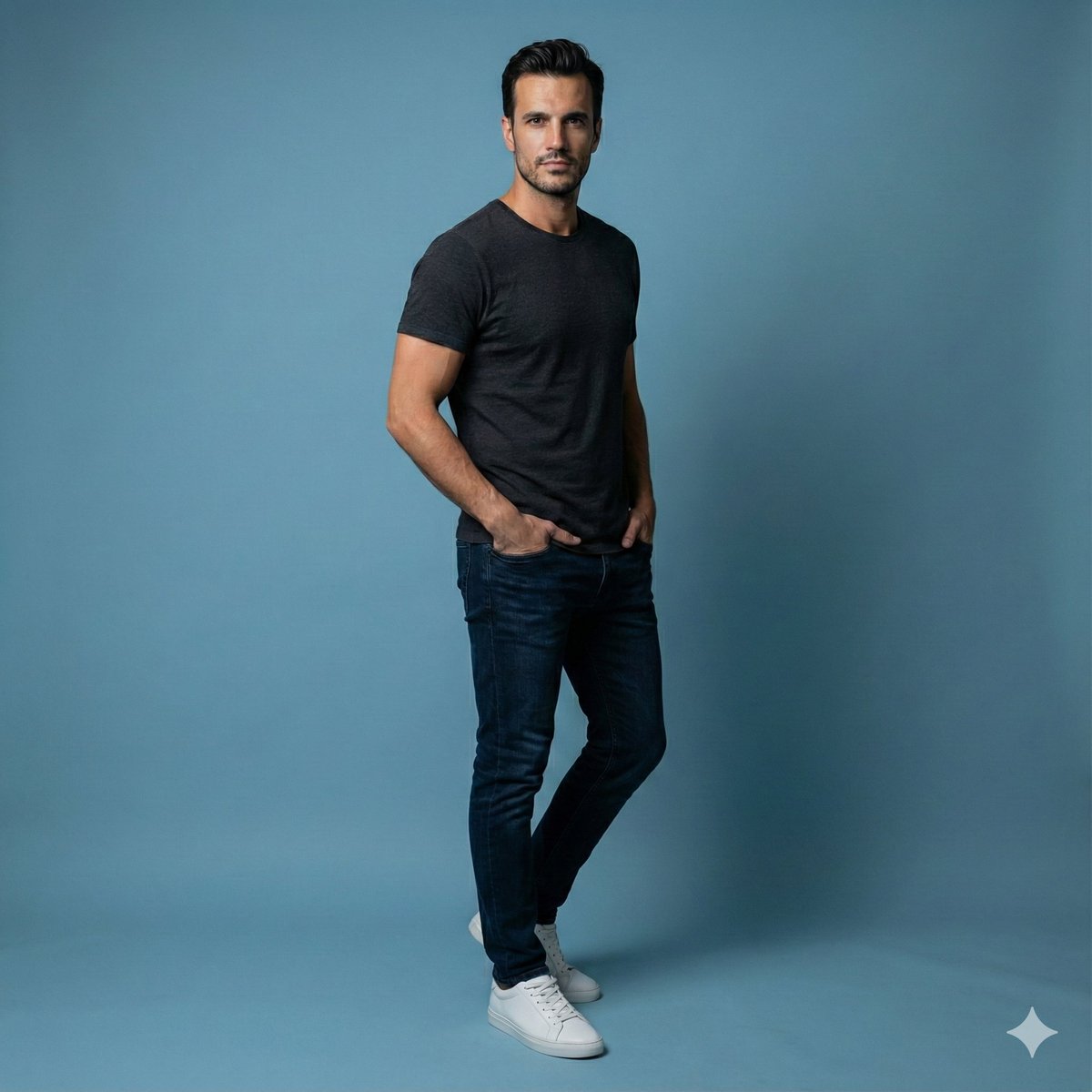

![High-Fidelity Athletic Portrait with Strict Identity and Physics Control — [Header] (9:16)
Raw high-fidelity photograph, iPhone 17 Pro sensor simulation, high-a](https://pbs.twimg.com/media/G_358CxWoAAHlY_.jpg)