How do I use the UGC Creator Character Template template?
Choose the primary action to open PicX Studio with the available template settings. Review the model and format, personalize the creative direction, and generate when ready.
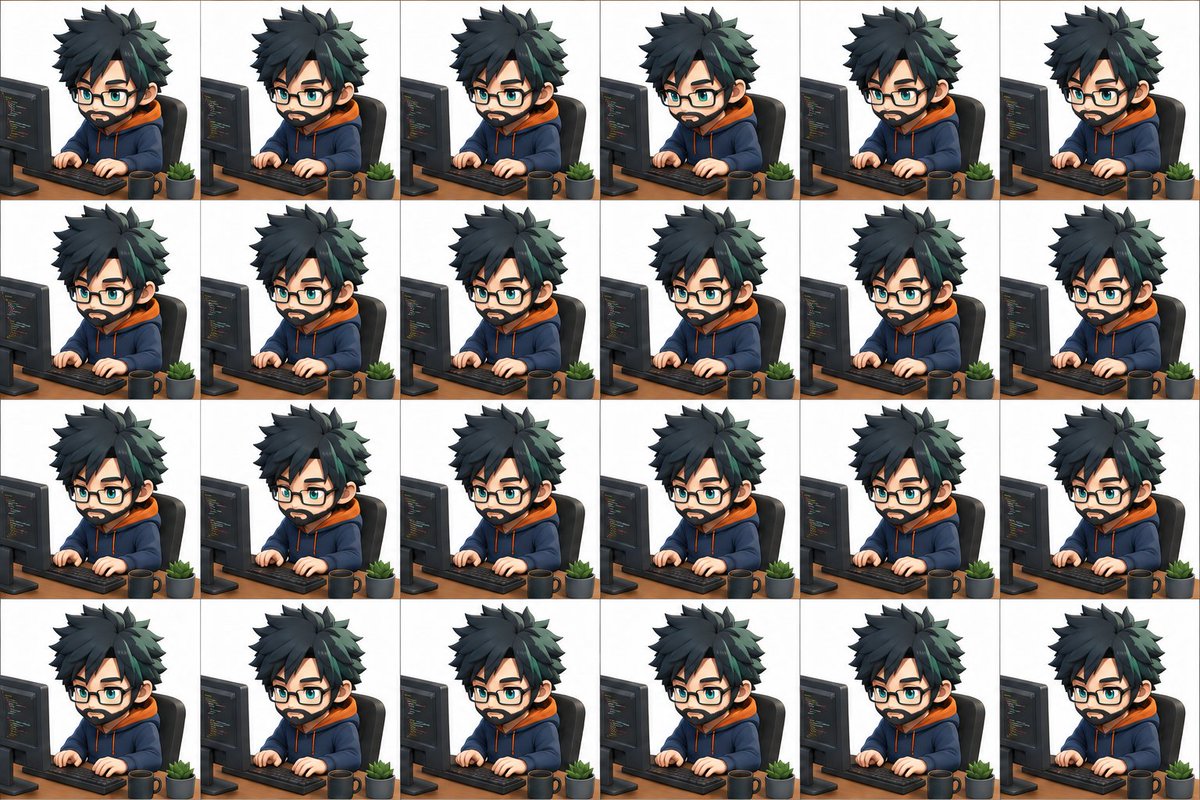
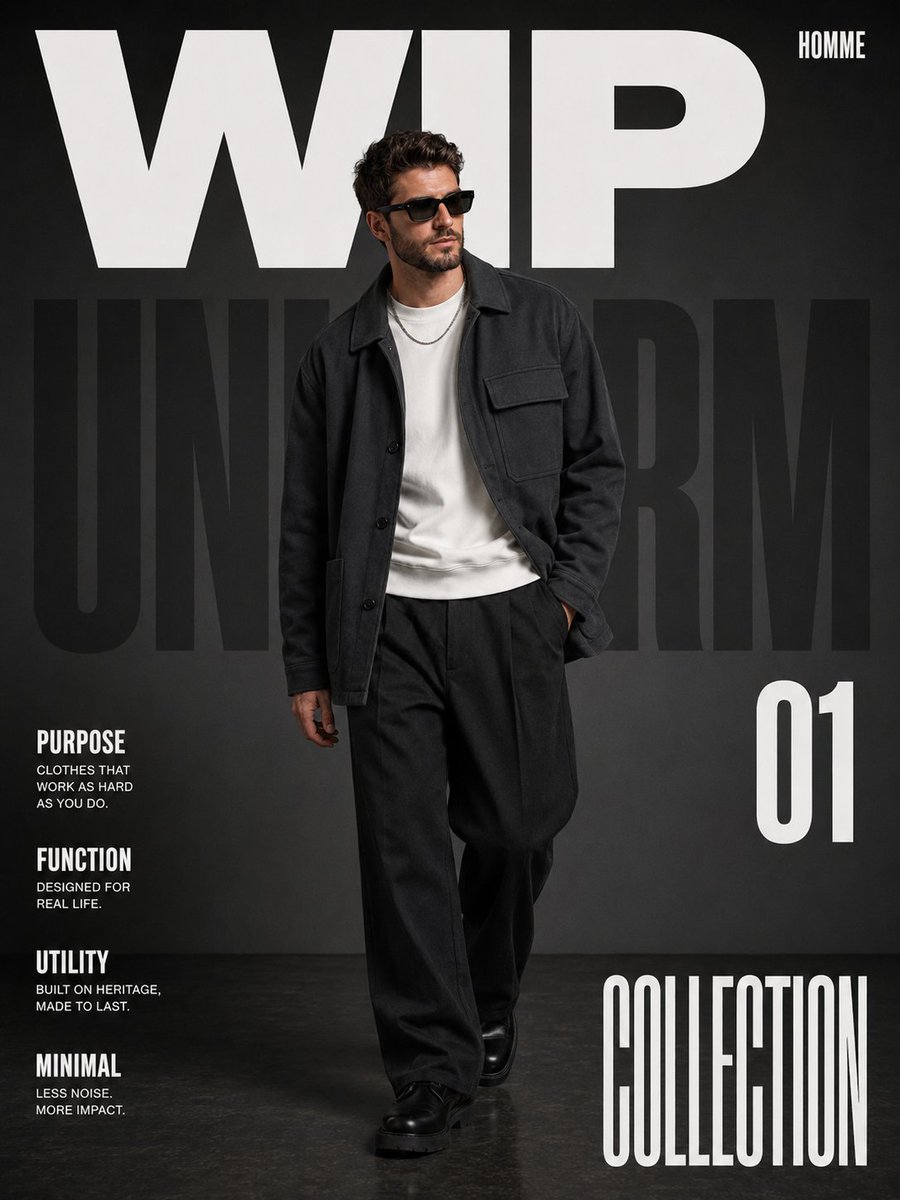
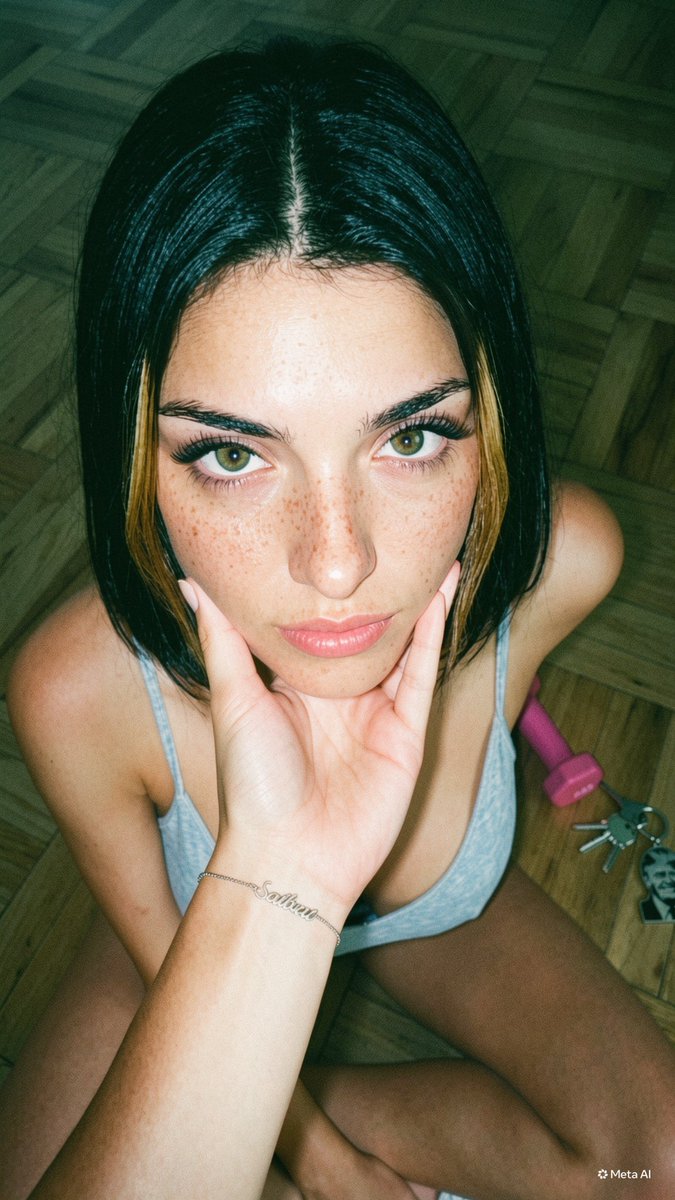
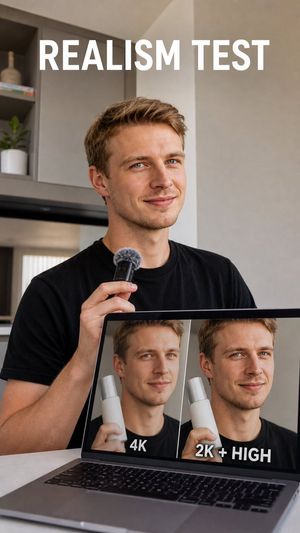
A comprehensive JSON-structured prompt for generating consistent user-generated content (UGC) characters with a realistic smartphone camera aesthetic. Change the subject, setting, or lighting one variable at a time.

{ "character_anchor": { "identity": "Original adult male UGC creator", "age": "{argument name="age" default="28"}", "ethnicity": "{argument name="ethnicity" default="European"}", "build": "Athletic but realistic, lean natural physique", "height": "180cm", "face_shape": "Balanced masculine facial structure, defined jawline, natural cheekbones", "skin": "Natural healthy skin with realistic pores, slight texture, subtle imperfections, authentic complexion", "eyes": "Warm blue eyes, expressive and trustworthy", "eyebrows": "Natural masculine eyebrows, well groomed", "nose": "Straight proportionate nose", "lips": "Natural masculine lips", "hair": { "color": "{argument name="hair color" default="Dark brown"}", "style": "Short textured hairstyle with natural volume", "texture": "Realistic individual strands" }, "facial_hair": "Light stubble beard, neatly maintained", "expression": "Friendly, approachable, confident, authentic", "vibe": "Successful entrepreneur, relatable creator, trustworthy spokesperson", "consistency_lock": [ "same face", "same hairstyle", "same beard", "same body", "same skin tone", "same proportions", "same age", "same identity" ] }, "style": { "category": "UGC creator", "aesthetic": "Authentic social media content", "realism": "Photorealistic", "camera_feel": "Smartphone camera realism", "editing": "Minimal editing, natural colors", "quality": "High quality but believable" }, "clothing": { "top": "Fitted neutral t-shirt, beige, white, black or navy", "bottom": "Casual jeans or chinos", "accessories": "Minimal watch", "branding": "No visible logos" }, "environment": { "location": "{argument name="location" default="Modern apartment or home office"}", "background": "Clean but lived-in environment", "details": [ "desk", "laptop", "plant", "soft natural light" ] }, "lighting": { "type": "Natural window light", "quality": "Soft diffused daylight", "mood": "Friendly, trustworthy, professional" }, "camera": { "device": "iPhone 15 Pro front camera", "lens": "24mm equivalent", "angle": "Arm-length selfie or chest-height tripod", "framing": "Medium close-up", "focus": "Face priority", "depth": "Natural smartphone depth" }, "negative_prompt": [ "male model", "runway model", "perfect skin", "plastic skin", "AI influencer", "overly muscular", "bodybuilder", "cartoon", "anime", "CGI", "3D render", "studio glamour", "luxury photoshoot", "heavy retouching", "unrealistic proportions" ] }
Choose the primary action to open PicX Studio with the available template settings. Review the model and format, personalize the creative direction, and generate when ready.
Yes. You can change the subject, setting, lighting, mood, format, and available model controls before creating your image.
This template is free to open and customize. Generation usage is shown in PicX Studio before you create.
Start with GPT Image 2, which is the model associated with this template. You can compare another compatible model for a different finish.
© 2026 PicX Studio. All rights reserved.

Follow a topic to a crawlable collection of related PicX Studio templates.
43,474 public templates available. Verified via the PicX Studio public templates API; refreshed hourly.












![Minimalist Flat Vector Travel Poster — Premium minimalist flat-vector travel poster for {argument name="city name" default="[CITY_NAME]"}, 3:4 vertical format.](https://cms-assets.youmind.com/media/1787917359711_3ug846_HQX205cbMAA6F6S-300x400.jpg)

























![Hyper-Realistic Studio Portrait with Floating Ring Prop Prompt — A hyper-realistic studio full-body portrait of {argument name="character" default="[CHARACTER]"](https://pbs.twimg.com/media/G_YNBm7XMAAffYp.jpg)