How do I use the Wellness Magazine Lifestyle Cover template?
Edit the prompt in the box under the preview — the template's model and format are already selected — and press Generate. Your version appears right on this page.
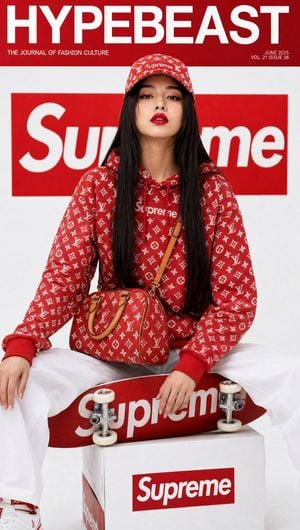
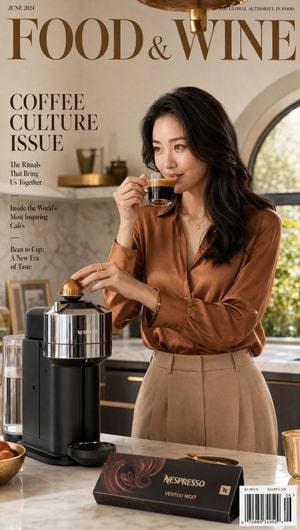
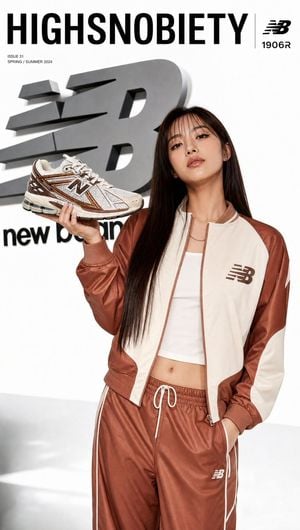
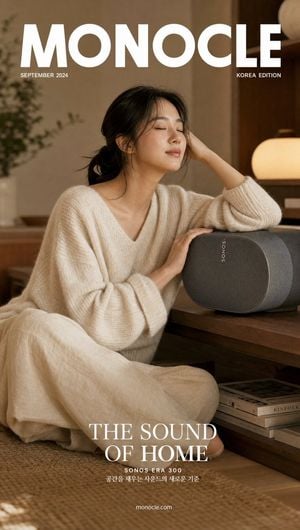
Generates a clean and aesthetic wellness magazine cover in the style of VOGUE, featuring a Korean woman in a California farmers market setting.

Ultra-realistic wellness lifestyle magazine cover featuring a glowing Korean woman in a white linen co-ord matching set, holding a beautifully designed {argument name="brand name" default="Erewhon"}-branded adaptogen wellness tonic bottle in both hands at chest level, warm serene smile. Luminous hydrated glass skin, zero-makeup fresh look, natural tinted lip balm. Soft beachy waves. Background: bright California farmers market aesthetic — blurred baskets of fresh produce, warm morning sun streaming through, clean vibrant healthy energy. "{argument name="magazine title" default="VOGUE LIVING"}" masthead in clean modern serif with "WELLNESS ISSUE" callout. 50mm lens, ultra-detailed bottle label and glass texture, 8K photorealistic wellness lifestyle. Negative: cartoon, blurry, fake label, watermark, cluttered.
Ultra-realistic wellness lifestyle magazine cover featuring a glowing Korean woman in a white linen co-ord matching set, holding a beautifully designed {argument name="brand name" default="Erewhon"}-branded adaptogen wellness tonic bottle in both hands at chest level, warm serene smile. Luminous hydrated glass skin, zero-makeup fresh look, natural tinted lip balm. Soft beachy waves. Background: bright California farmers market aesthetic — blurred baskets of fresh produce, warm morning sun streaming through, clean vibrant healthy energy. "{argument name="magazine title" default="VOGUE LIVING"}" masthead in clean modern serif with "WELLNESS ISSUE" callout. 50mm lens, ultra-detailed bottle label and glass texture, 8K photorealistic wellness lifestyle. Negative: cartoon, blurry, fake label, watermark, cluttered.
Edit the prompt in the box under the preview — the template's model and format are already selected — and press Generate. Your version appears right on this page.
Yes. You can change the subject, setting, lighting, mood, format, and available model controls before creating your image.
Opening and editing this template is free. Generating uses credits, shown on the Generate button when you are signed in.
Start with GPT Image 2, which is the model associated with this template. You can compare another compatible model for a different finish.
Follow a topic to a crawlable collection of related PicX Studio templates.