
MapleStory Style Pixel Avatar Generator
A specialized prompt that transforms images of characters into MapleStory-style pixel art sprites with specific technical constraints on proportions and rendering.
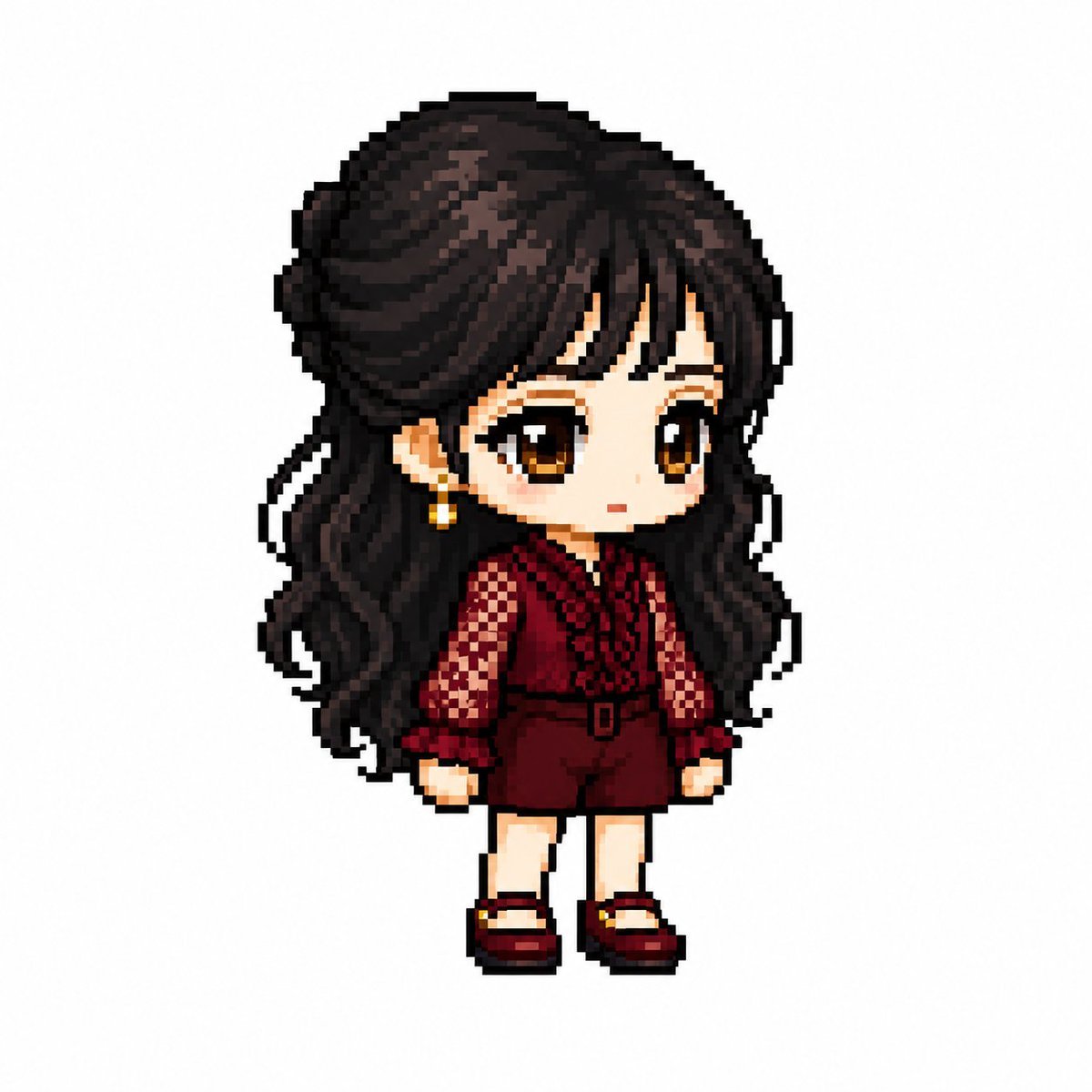
- Prompt included
- Model and format preset
- Free template
The prompt behind this image
Copy the exact prompt behind MapleStory Style Pixel Avatar Generator, or open it in the studio and make it yours.
あなたはアニメ・ゲーム・マンガキャラクターをメイプルストーリー風プレイヤーアバタースプライトに変換する専門のピクセルアートディレクターです。 【作業】 1. キャラクターの外見的特徴を分析する ・ヘアスタイル ・髪色 ・瞳の色 ・代表的な衣装 ・アクセサリー ・武器 ・シンボル要素 ・代表カラー 2. 上記の特徴を維持しながらメイプルストーリーのプレイヤーキャラクター構造に再解釈する 3. 一般的なピクセルアートではなく実際のメイプルストーリーのプレイヤーキャラクタースプライトに見えること ──────────────────── 【キャラクター構造仕様】 ・頭部+ヘア:全体の60〜65% ・胴体:15〜18% ・脚:20〜25% ・2〜2.3頭身 ・35〜45度クォータービュー ・両目が見える正面寄りの角度 ・ほぼ平面的な2Dスプライト顔 ・目は顔の下部に配置 ・目の間隔は広め ・横に広い平らな目 ・大きな瞳 ・瞳のハイライトあり ・鼻の表現禁止 ・非常に小さな口 ・柔らかいチーク ・首の表現禁止(頭が胴体に直結) ・顎の下からすぐ衣装が始まる ヘアスタイル ・キャラクターのアイデンティティの核心 ・頭部より大きなボリューム ・シルエット優先 ・毛束の表現は最小限 ・上部にハイライトあり 身体 ・非常に小さな胴体 ・短い腕 ・短い脚 ・シンプルな円筒形の四肢 ・関節表現は最小限 装備レイヤー構造 Hair / Hat / Face Accessory / Top / Bottom Shoes / Cape / Weapon ポーズ ・立ちポーズ(キャラクター選択画面風) ・ジャンプ禁止 ・戦闘ポーズ禁止 ・アクション演出禁止 ──────────────────── 【ピクセルレンダリング仕様】 目標:32〜64pxのゲームスプライトを拡大表示した雰囲気 ・低解像度ゲームスプライト ・塊感のあるピクセル構造 ・グリッド整列ピクセルアート ・ピクセルブロックが見える ・クリーンな1pxアウトライン ・限定カラーパレット ・フラットカラーシェーディング ・最小限のシェーディング ・ディザリング禁止 ・スムーズグラデーション禁止 ・エアブラシ効果禁止 【禁止スタイル】 ポケモン風 / テラリア風 / スターデューバレー風 リアル系 / 3Dレンダリング / イラスト風 アニメイラスト / デジタルペインティング HD画質ピクセルアート / 滑らかなグラデーション ──────────────────── 【出力条件】 ・キャンバスサイズ:1080×1080 ・背景:純白(#FFFFFF) ・キャラクター1体のみ ・全身表示 ・中央配置 ・キャンバス高さの約75%を占める ・テキスト・ロゴ・透かし禁止 ・背景オブジェクト禁止 ・地面禁止 ──────────────────── キャラクターを実際のメイプルストーリープレイヤーアバタースプライトとして生成してください。 汎用的なピクセルアートキャラクターではなく、 添付画像をメイプルストーリー風に変換した結果に見えること。
Reference images included
MapleStory Style Pixel Avatar Generator needs input media to work. They load alongside the prompt when you open it in the studio.
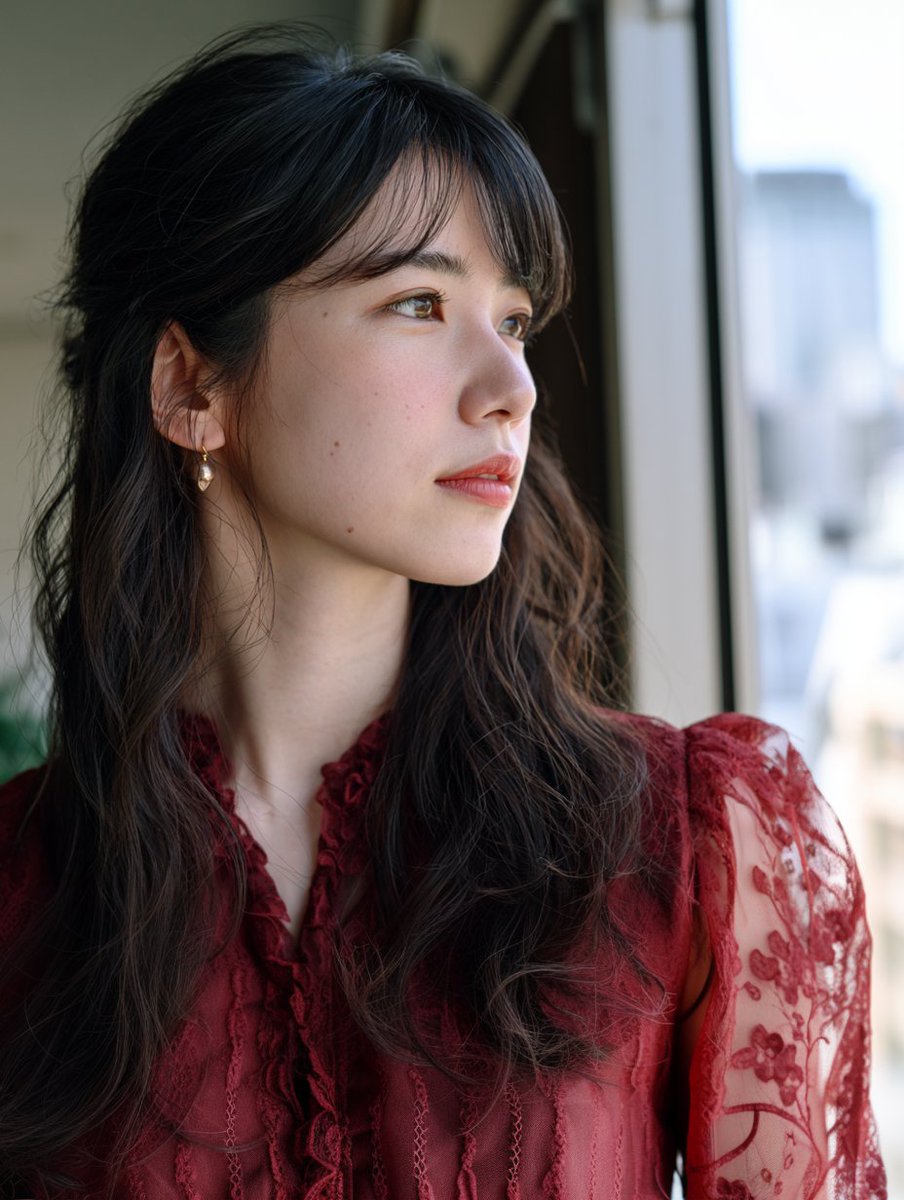
How to use MapleStory Style Pixel Avatar Generator in 3 steps
- 1Upload ImagePNG, JPG or paste
Add your photo
Upload the photo the template builds on. The prompt, model and format are already set.
- 2…a portrait of your subject in softgolden-hour light, 85mm…
Personalize
Edit the subject and creative details for your destination.
- 3Generate
Generate
Press Generate — your image is created in PicX Studio, so you can compare it with the original and refine one variable at a time.
More like this
Templates with the same subject, style or setup. Open one to see its prompt.
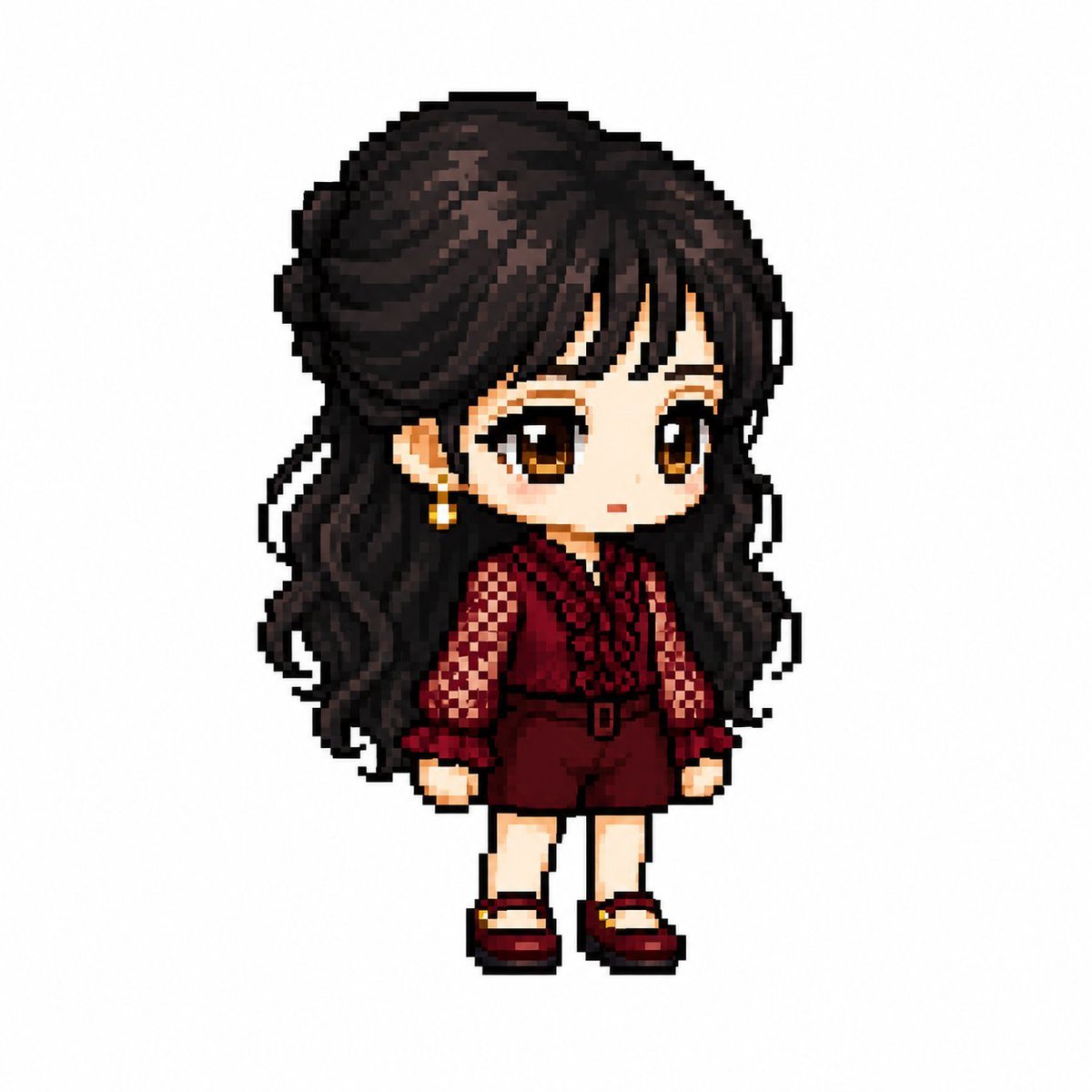
MapleStory Style Pixel Art Avatar
Pixel Limited Finale Fireworks
Pixel Limited Garden Maze
Pixel Limited Rooftop Concert
Pixel Limited Bicycle Coast
Pixel Limited Castle Gate

Pixel Limited Kitchen Chaos
Pixel Limited Carnival Ride
Pixel Limited Rainy Bus Stop

Pixel Limited Space Dock
Pixel Limited Cafe Morning
Pixel Limited Mountain Summit
Make it yours
MapleStory Style Pixel Avatar Generator works as-is. These are the safest ways to change it without losing the look.
Change one field
Copy a single group, rewrite it, and generate again so you can see what that field is doing.
Keep the frame, change the subject
Hold the composition and light of MapleStory Style Pixel Avatar Generator, then swap wardrobe, props or the person for a new take.
| If the result… | Why | Fix |
|---|---|---|
| The result drifts from the preview | Too many fields changed at once. | Reuse MapleStory Style Pixel Avatar Generator as-is first, then change one group — subject, light, or setting. |
| The model over-stylizes the scene | The prose prompt leaves finish and camera underspecified. | Add one camera or lighting sentence and stay on GPT Image 2. |
More GPT Image 2 templates
Other prompts made for GPT Image 2.

Six VTuber Japanese Logo Sheet

Realistic Portrait of Woman and Deer

The Vista Modular Condo Poster

AI Model Routing Comparison Infographic

2.5D Anime Art Board

Isometric Productivity Desk Scene

New York Double Exposure Poster

Four-Panel AI Landscape Comparison

Japanese Tatami Lifestyle Magazine Cover

NESCAFÉ Coffee Map Poster
More image prompts
Fresh picks from across the catalog.
Stylized Portrait with Paint Splashes and CRT Glow
Desert Rally Commercial Movie Poster
Kawaii Stylebook Collage with Polaroid Effect
Three Prompt Interpretation Storyboard Grids
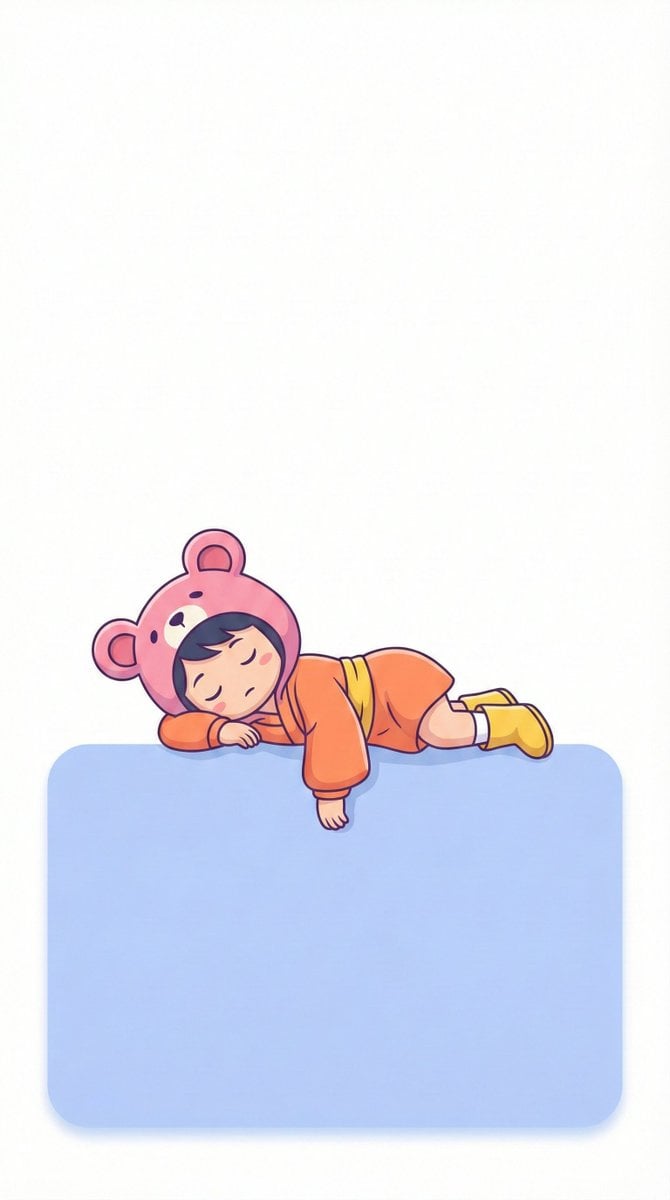
Minimalistic Lofi Wallpaper Generation Prompt
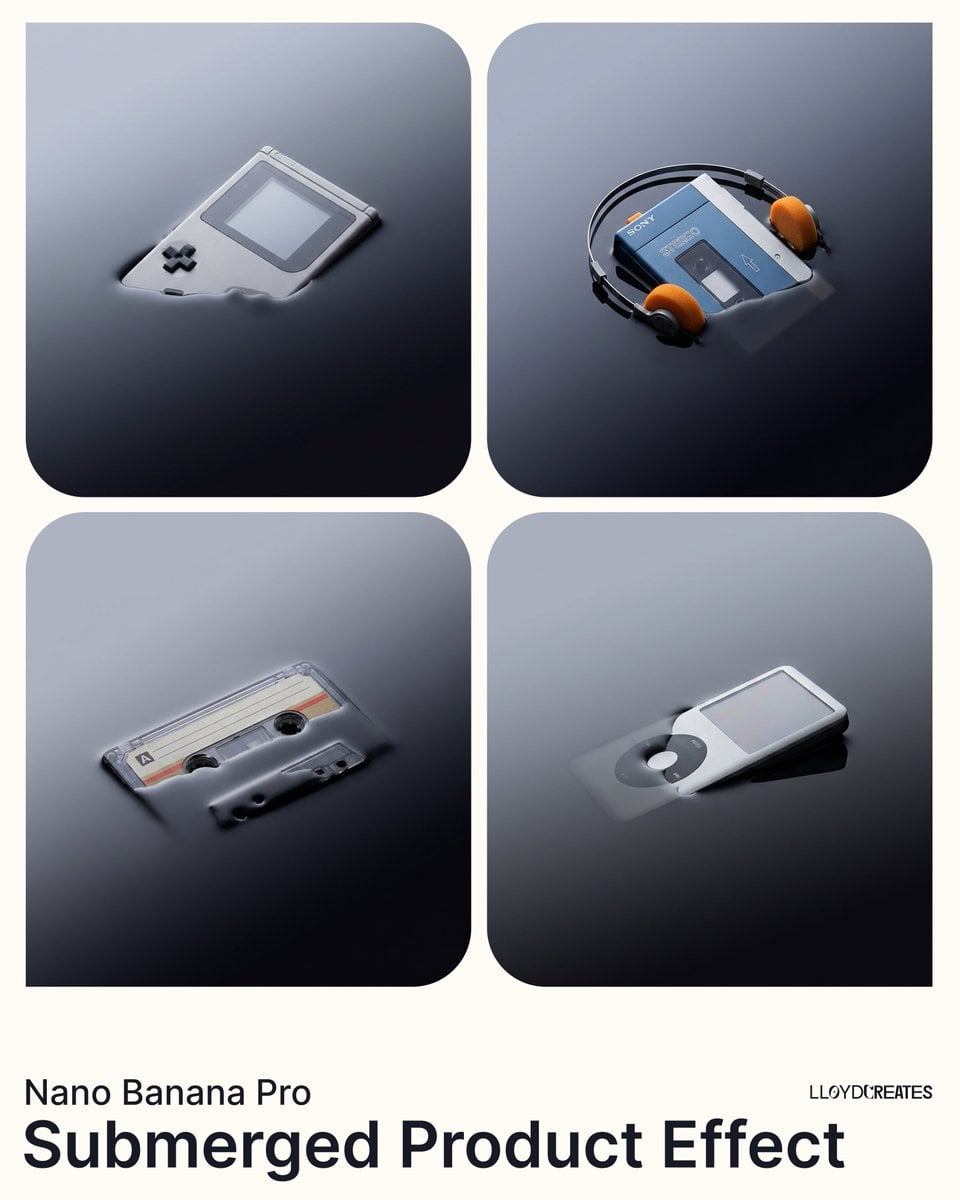
Submerged Product Effect Prompt
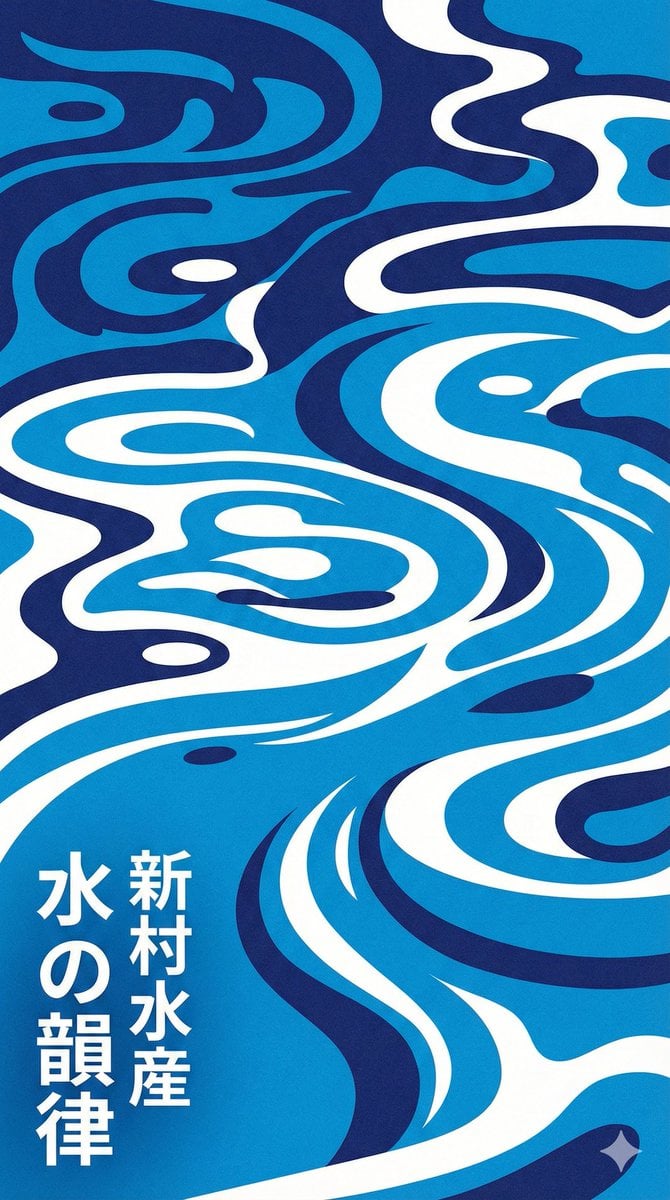
Modern Japanese Graphic Design Poster Prompt
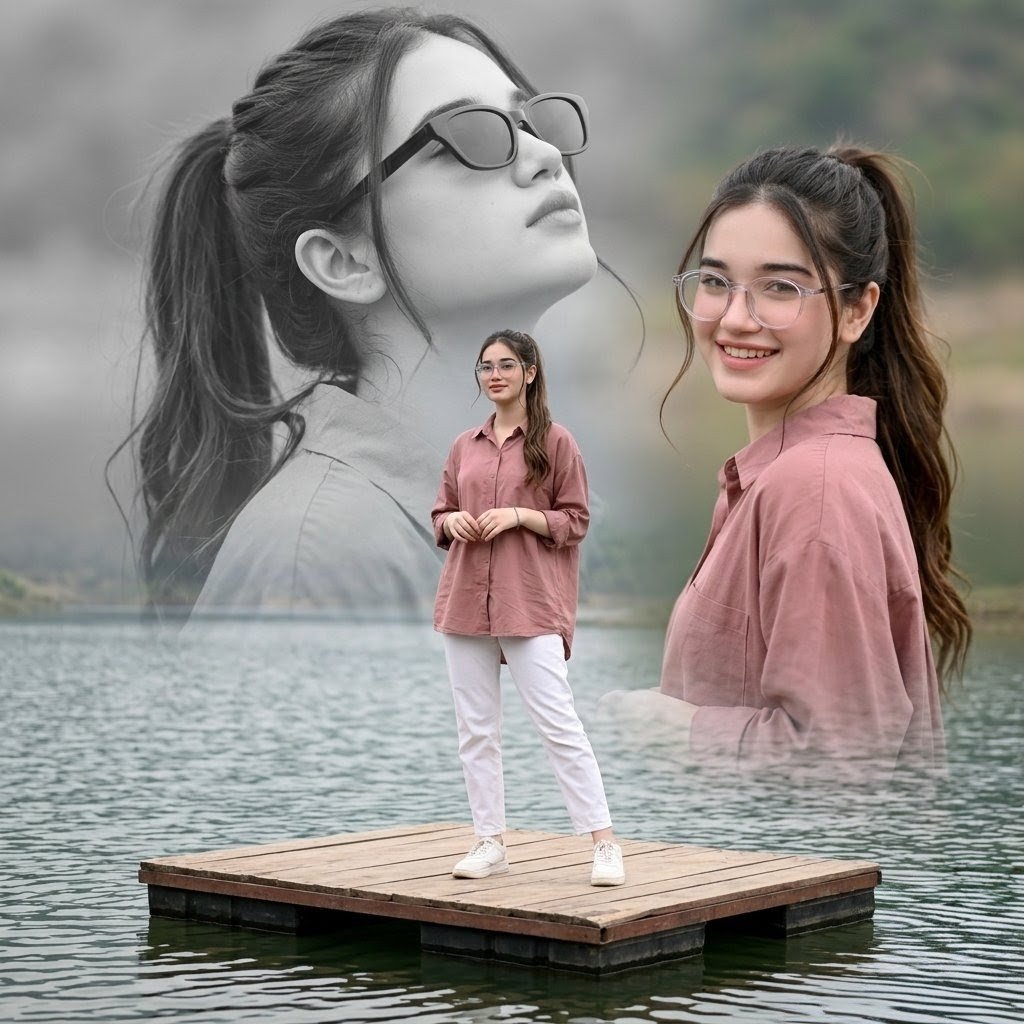
Dreamy Lake Triple Portrait
Gpt2 Time Magazine Cover
Augmented Reality Spotify Player Visual Prompt
Browse template categories
MapleStory Style Pixel Avatar Generator questions
How do I use the MapleStory Style Pixel Avatar Generator template?
Add your photo if the template asks for one, edit the prompt if you like — the template's model and format are already selected — and press Generate. Your version opens in PicX Studio.
Can I customize the MapleStory Style Pixel Avatar Generator template?
Yes. You can change the subject, setting, lighting, mood, format, and available model controls before creating your image.
Is the MapleStory Style Pixel Avatar Generator template free?
Opening and editing this template is free. Generating uses credits, shown on the Generate button when you are signed in.
Which AI model should I use?
Start with GPT Image 2, which is the model associated with this template. You can compare another compatible model for a different finish.
Looking for something else? Browse all templates.

Your photo, any look
Thousands of ready templates for every top image and video model, from one credit balance.