
Anime Ice Dragon Hunt Quest Screen
Creates a wide fantasy RPG quest splash screen with a demon hunter, a colossal ice dragon, and ornate Japanese game UI panels.
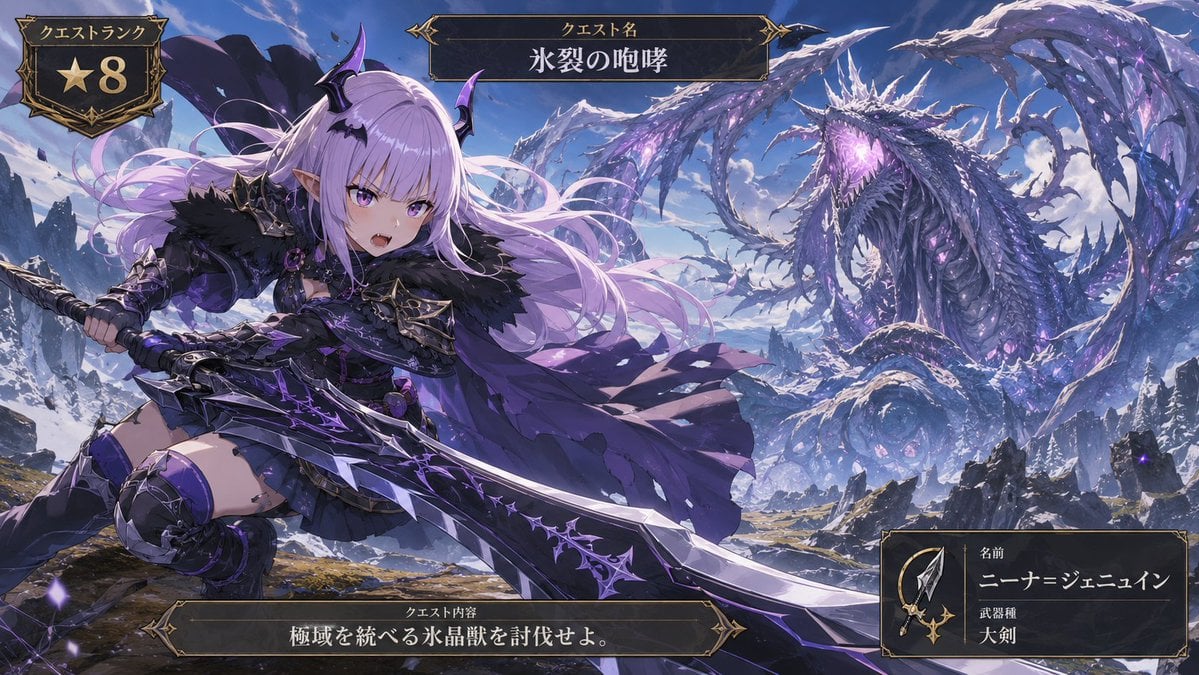
- Prompt included
- Model and format preset
- Premium template
The prompt behind this image
Copy the exact prompt behind Anime Ice Dragon Hunt Quest Screen, or open it in the studio and make it yours.
Goal: Create a cinematic anime fantasy RPG quest screen showing a young demon-like hunter challenging a colossal ice dragon in a frozen mountain wilderness. Canvas: Wide 16:9 game UI illustration, high-detail anime key art, dramatic perspective, crisp fantasy rendering, violet and icy blue color palette, snowy peaks under a bright blue sky. Main subject: In the left foreground, show {argument name="character name" default="Nina Jenewine"}, a fierce petite anime hunter girl with very long flowing {argument name="hair color" default="pale lavender"} hair, purple eyes, pointed elf ears, small black-and-purple demon horns, and a confident open-mouthed battle expression. She wears dark gothic hunter armor: black fur shoulder mantle, purple-black chest armor, short black skirt, armored thigh-high boots, gauntlets, bat-wing accents, spiked trim, violet gemstones, and a tattered flowing purple cape. Pose her low and dynamic as if lunging forward, gripping an enormous jagged greatsword with both hands. The greatsword is oversized, black steel and silver with glowing purple runic cracks and thorn-like ornamentation, extending diagonally across the lower half of the image. Monster and environment: In the right background, show one gigantic serpentine ice crystal dragon, vastly larger than the hunter, coiled through the sky and mountains. It has a long body, wing-like icy fins, many jagged frozen spines, dark blue scales, luminous violet crystal growths, and a roaring open mouth glowing purple. Surround it with blowing snow, ice shards, ruined rocky cliffs, distant snowy mountains, and scattered purple magical particles. Emphasize scale: the dragon fills the upper-right half while the hunter dominates the left foreground. UI layout: Add exactly 4 ornate dark fantasy game interface panels with gold filigree borders. Panel 1: top-left quest rank badge, shield-shaped, containing the Japanese label 「クエストランク」 and a large gold star with the number 「8」. Panel 2: top-center title plaque with the Japanese label 「クエスト名」 and the quest title {argument name="quest title" default="氷裂の咆哮"}. Panel 3: bottom-center objective plaque with the Japanese label 「クエスト内容」 and objective text {argument name="objective text" default="極域を統べる氷晶獣を討伐せよ。"}. Panel 4: bottom-right hunter information card containing a small spear-and-sword icon, the Japanese labels 「名前」 and 「武器種」, the displayed name {argument name="displayed hunter name" default="ニーナ=ジェニュイン"}, and weapon type 「大剣」. Visual style: Premium Japanese mobile RPG / monster hunting quest splash screen, ornate medieval UI, dark gold borders, epic action composition, high contrast lighting, detailed fabric and armor, glowing purple magic, snow mist, painterly anime finish. Constraints: Keep the image text legible and placed inside the four specified UI panels only. Do not add extra UI cards, extra characters, watermarks, logos, or modern objects.
How to use Anime Ice Dragon Hunt Quest Screen in 3 steps
- 1Upload ImagePNG, JPG or paste
Add your photo
Upload the photo the template builds on. The prompt, model and format are already set.
- 2…a portrait of your subject in softgolden-hour light, 85mm…
Personalize
Edit the subject and creative details for your destination.
- 3Generate
Generate
Press Generate — your image is created in PicX Studio, so you can compare it with the original and refine one variable at a time.
More like this
Templates with the same subject, style or setup. Open one to see its prompt.
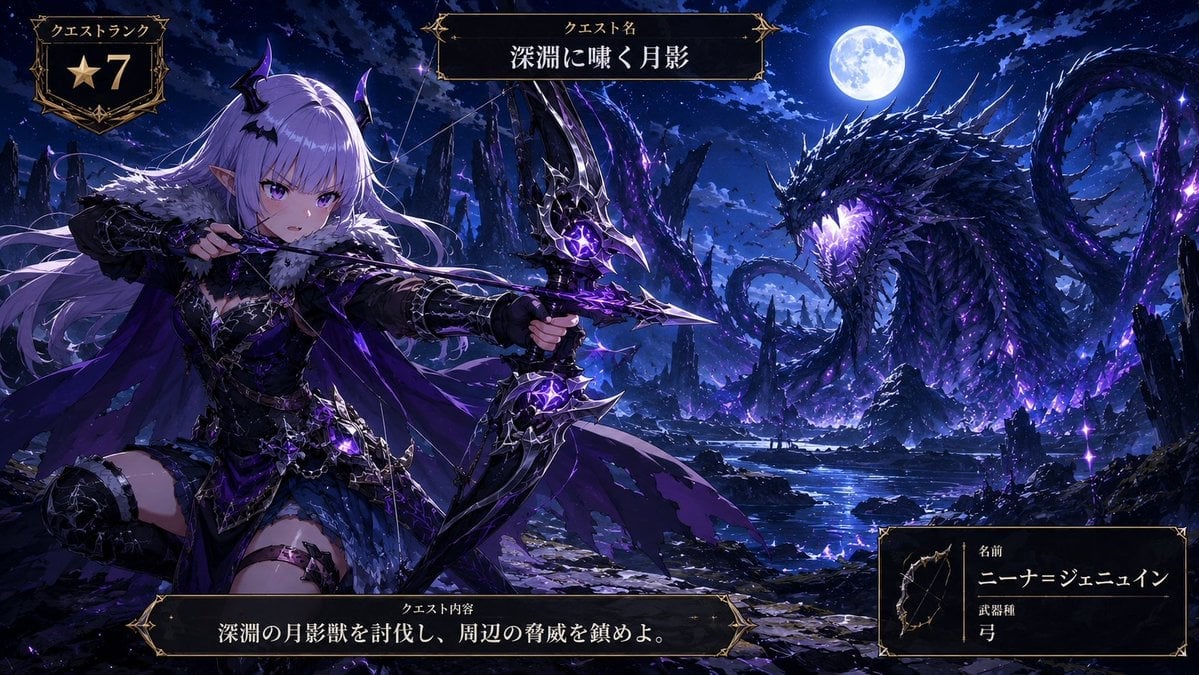
Anime Monster Hunter Quest Card

Anime Hidden Mickey Hunt
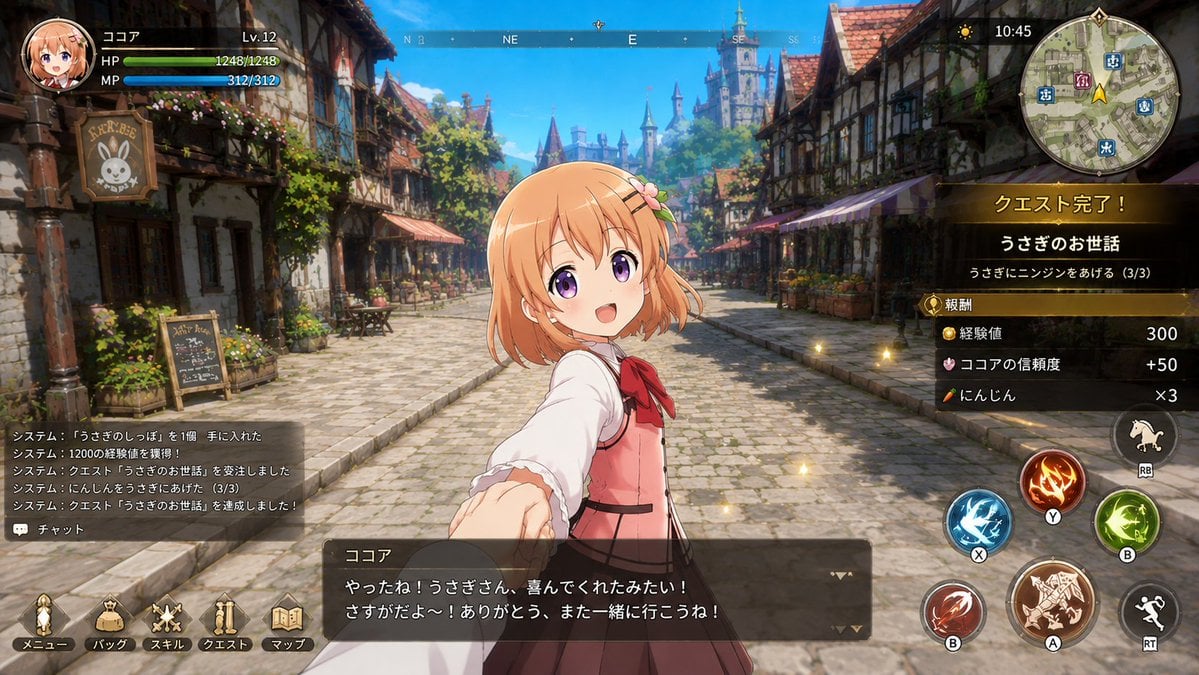
Anime Fantasy RPG Quest Complete Screen
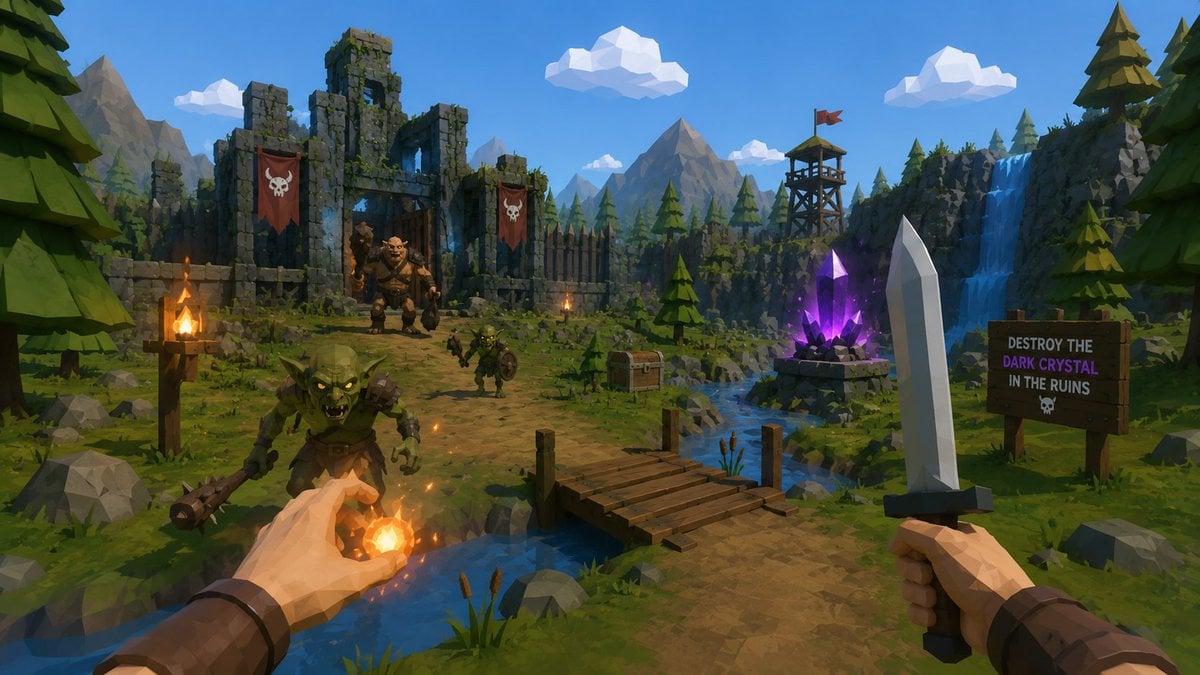
Low-Poly Fantasy Quest Screenshot
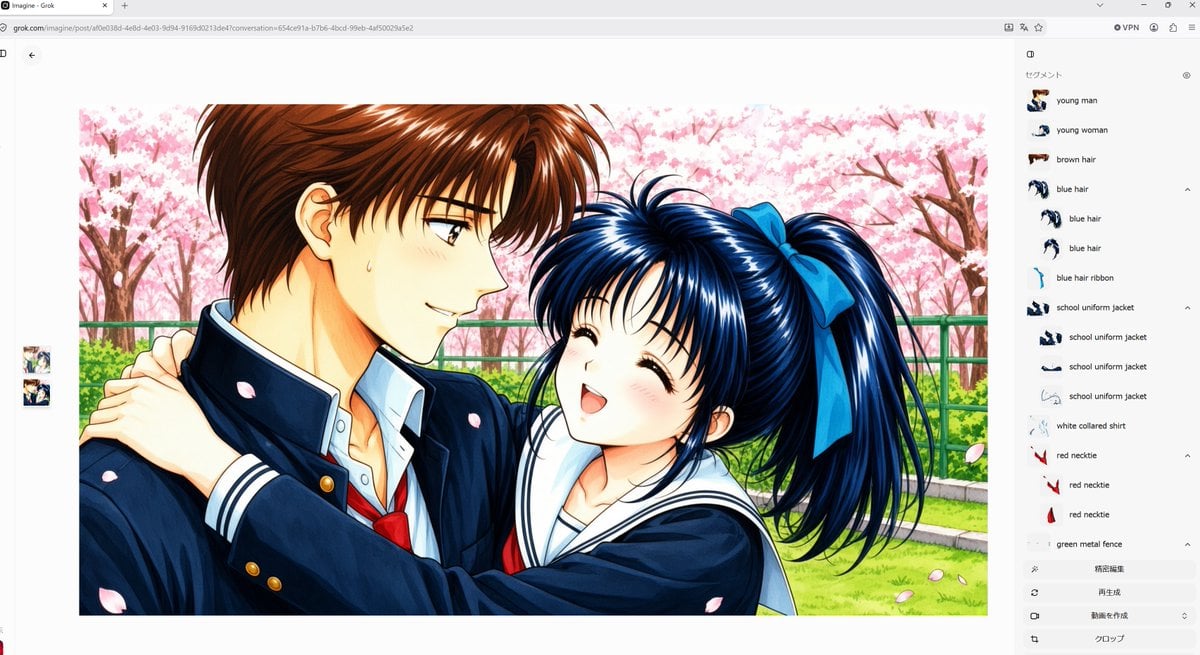
Anime Couple Segmentation UI Screenshot

Nice Day Anime Poster

Cel 2D Finale Fireworks

Cel 2D Garden Maze

Cel 2D Rooftop Concert

Cel 2D Bicycle Coast

Cel 2D Castle Gate

Cel 2D Kitchen Chaos
Make it yours
Anime Ice Dragon Hunt Quest Screen works as-is. These are the safest ways to change it without losing the look.
Change one field
Copy a single group, rewrite it, and generate again so you can see what that field is doing.
Keep the frame, change the subject
Hold the composition and light of Anime Ice Dragon Hunt Quest Screen, then swap wardrobe, props or the person for a new take.
| If the result… | Why | Fix |
|---|---|---|
| The result drifts from the preview | Too many fields changed at once. | Reuse Anime Ice Dragon Hunt Quest Screen as-is first, then change one group — subject, light, or setting. |
| The model over-stylizes the scene | The prose prompt leaves finish and camera underspecified. | Add one camera or lighting sentence and stay on GPT Image 2. |
More GPT Image 2 templates
Other prompts made for GPT Image 2.

Six VTuber Japanese Logo Sheet

Realistic Portrait of Woman and Deer

The Vista Modular Condo Poster

AI Model Routing Comparison Infographic

2.5D Anime Art Board

Isometric Productivity Desk Scene

New York Double Exposure Poster

Four-Panel AI Landscape Comparison

Japanese Tatami Lifestyle Magazine Cover

NESCAFÉ Coffee Map Poster
More image prompts
Fresh picks from across the catalog.
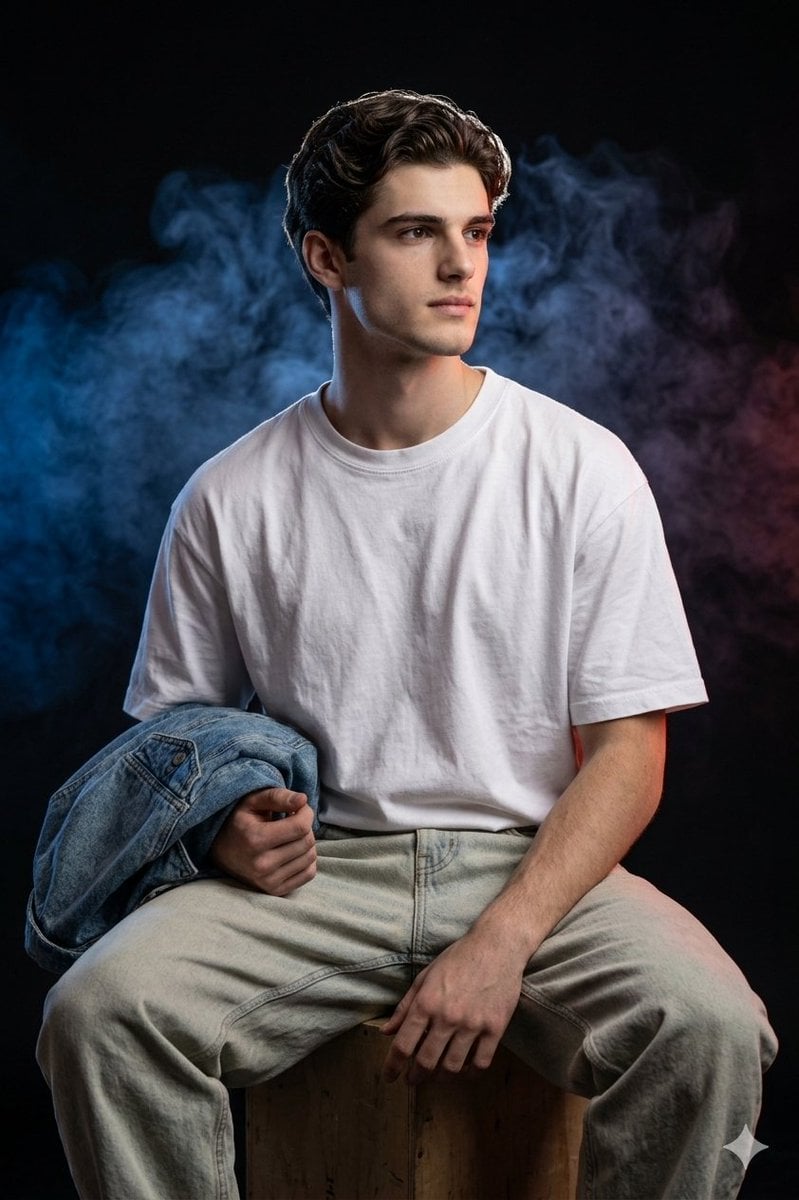
Cinematic Portrait Prompt for Gemini Nano Banana Pro
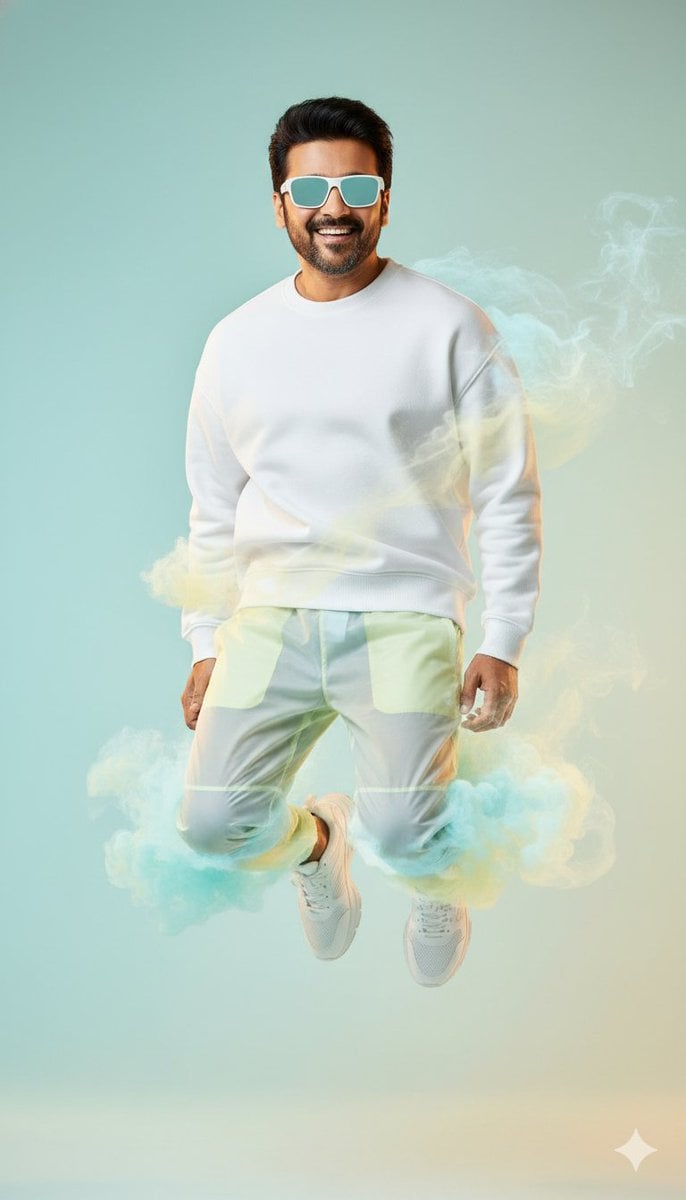
High-Fashion Sportswear Editorial Jump Shot
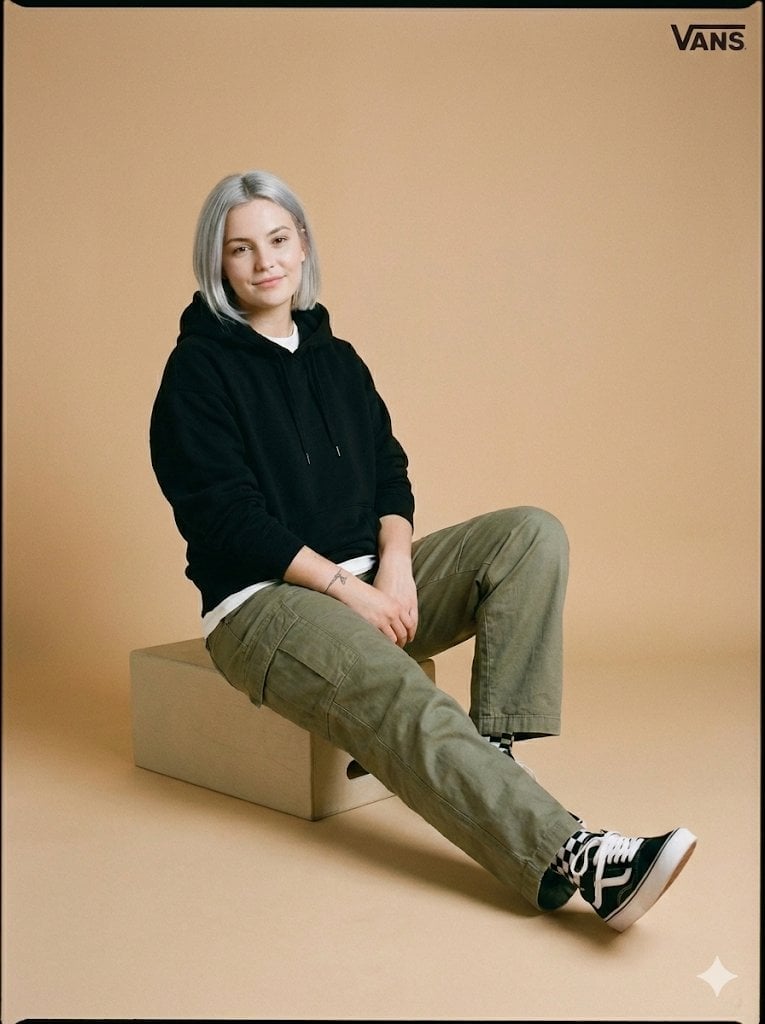
Full-Body Studio Photo in Streetwear
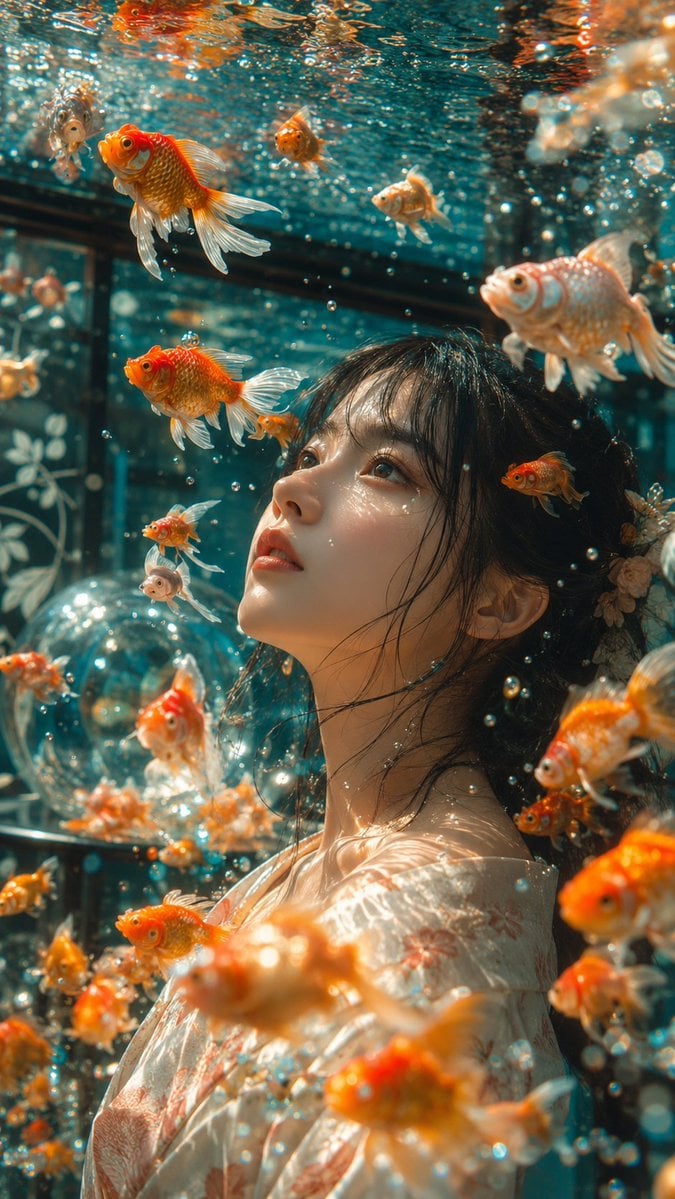
Japanese Goldfish Aquarium Portrait
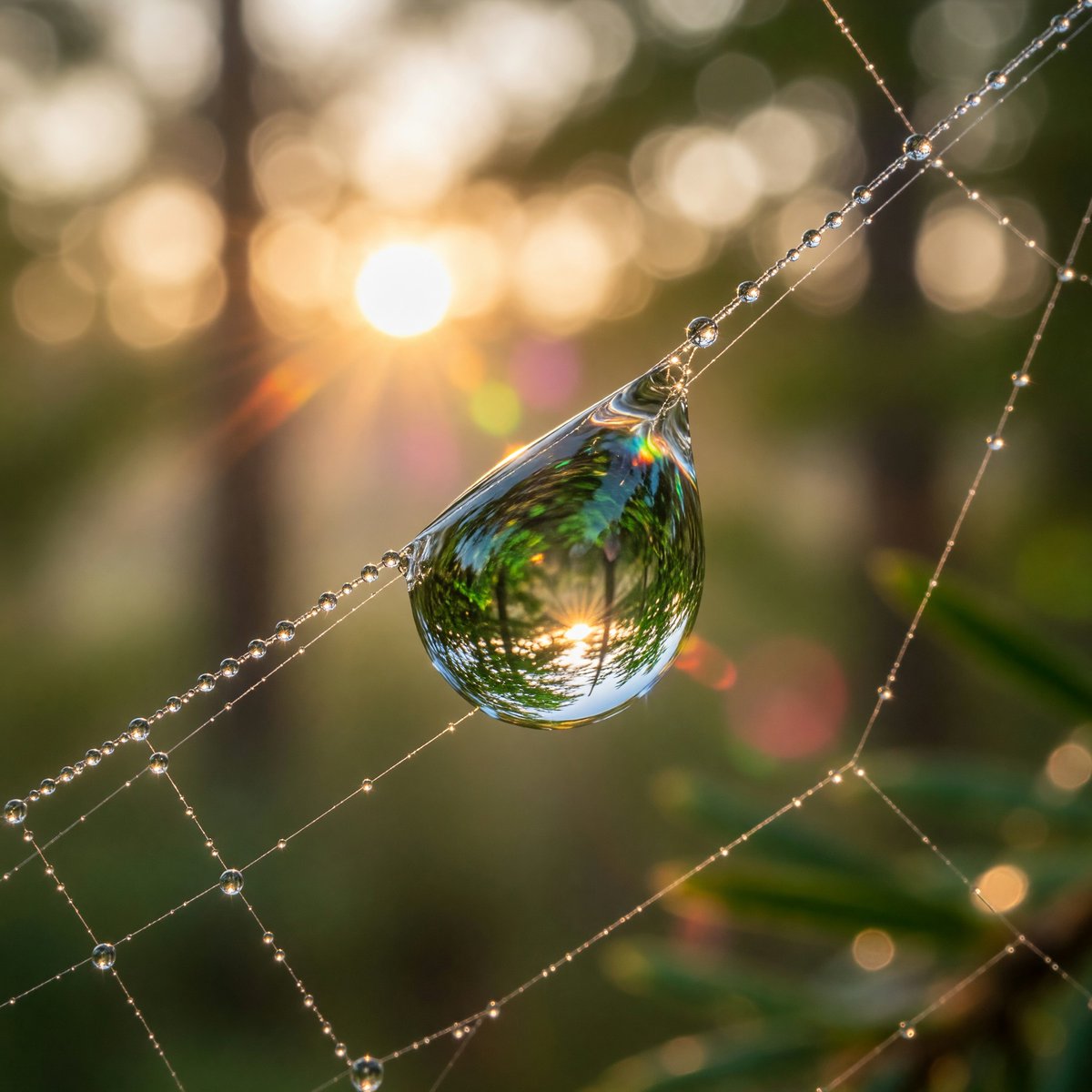
Macro Dewdrop on Spider Web
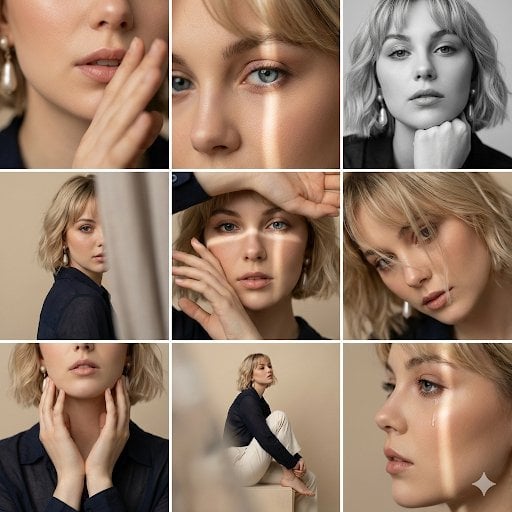
Editorial 3x3 Photo Grid of Intimate Portraits

Pregnant Selfie with Unimpressed Partner
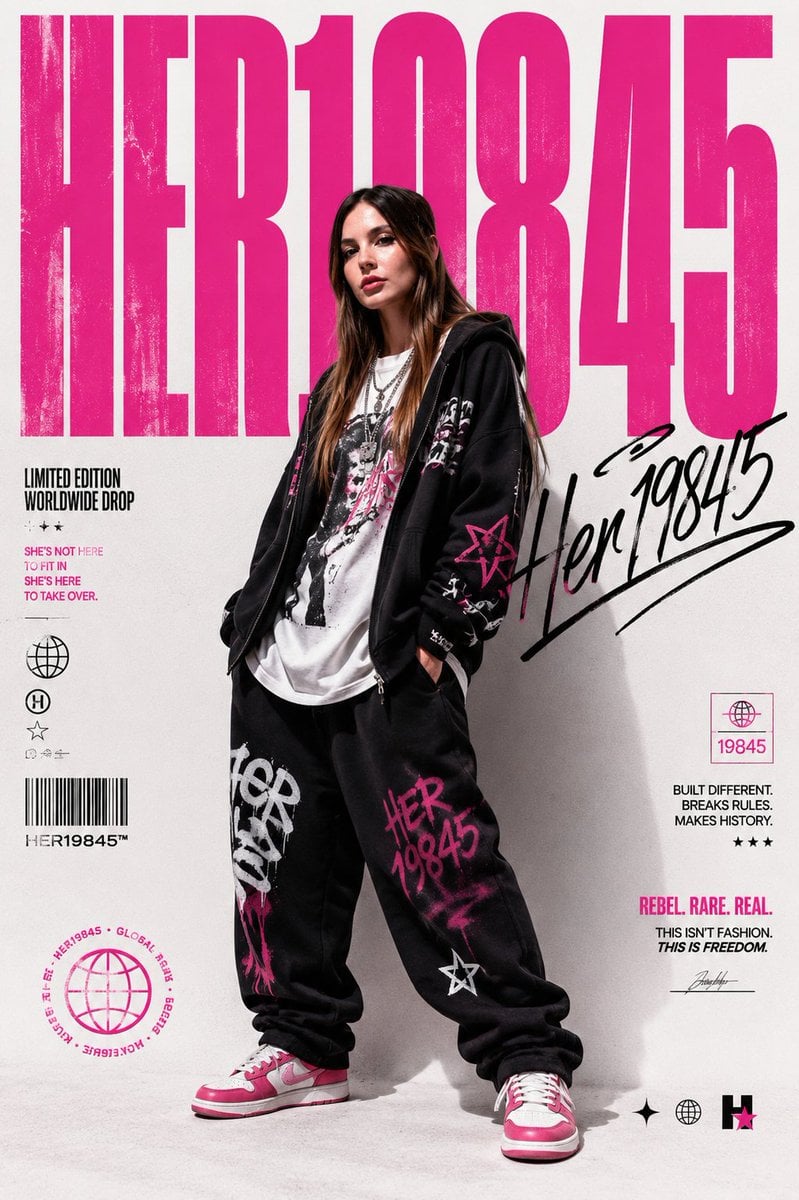
Streetwear Brand Drop Collage Poster
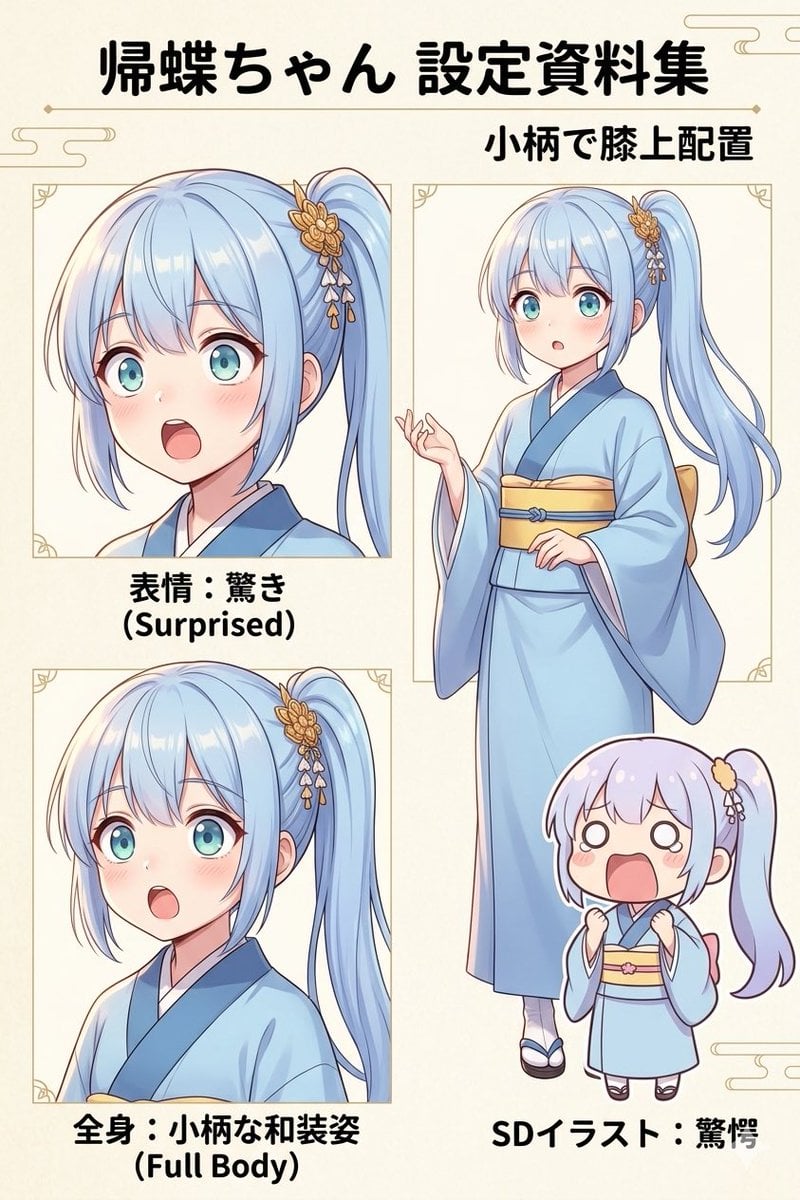
Japanese Anime Character Sheet Prompt
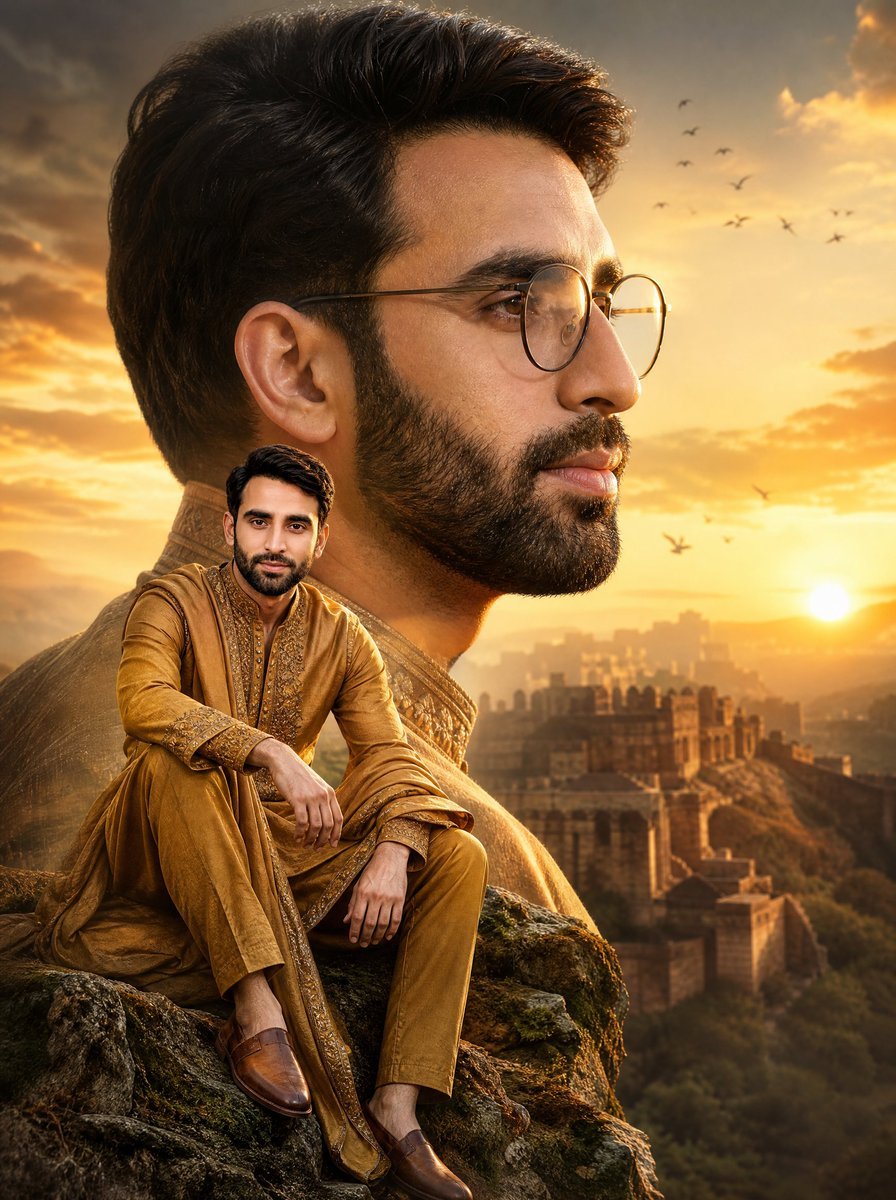
Cinematic Royal Double Exposure Portrait
Browse template categories
Anime Ice Dragon Hunt Quest Screen questions
How do I use the Anime Ice Dragon Hunt Quest Screen template?
Add your photo if the template asks for one, edit the prompt if you like — the template's model and format are already selected — and press Generate. Your version opens in PicX Studio.
Can I customize the Anime Ice Dragon Hunt Quest Screen template?
Yes. You can change the subject, setting, lighting, mood, format, and available model controls before creating your image.
Is the Anime Ice Dragon Hunt Quest Screen template free?
Opening and editing this template is free. Generating uses credits, shown on the Generate button when you are signed in.
Which AI model should I use?
Start with GPT Image 2, which is the model associated with this template. You can compare another compatible model for a different finish.
Looking for something else? Browse all templates.

Your photo, any look
Thousands of ready templates for every top image and video model, from one credit balance.