
Anime Fantasy RPG Quest Complete Screen
Generates a fictional JRPG gameplay screenshot with an anime heroine, medieval town background, Japanese quest completion HUD, dialogue box, minimap, and action controls.
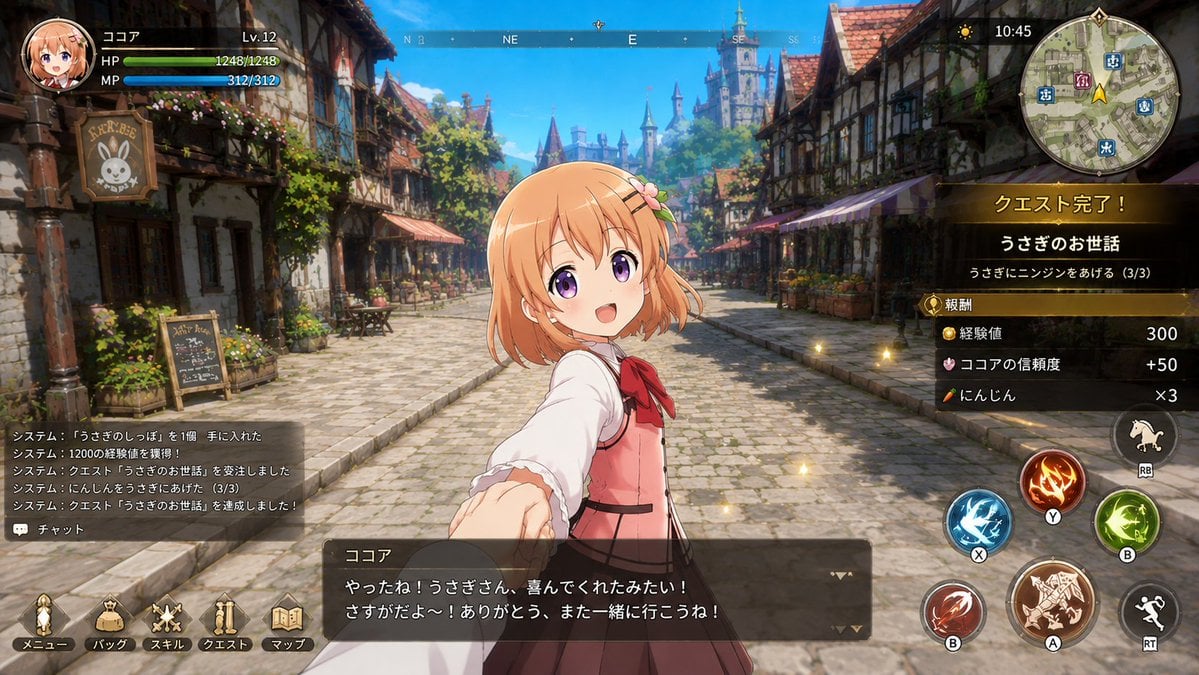
- Prompt included
- Model and format preset
- Free template
The prompt behind this image
Copy the exact prompt behind Anime Fantasy RPG Quest Complete Screen, or open it in the studio and make it yours.
- Type
- fictional anime fantasy RPG gameplay screenshot
- Aspect Ratio
- 16:9 widescreen
- Style
- high-quality JRPG interface mockup, anime character composited over painterly 3D fantasy town background, bright sunny lighting, crisp HUD elements, slightly glossy game UI, looks like an in-game quest completion screen
- Scene › Setting
- a cheerful medieval European-style town street with cobblestone road, half-timbered houses, flower boxes, shop signs, awnings, outdoor cafe tables, distant blue-roofed castle towers, clear blue sky
- Scene › Camera
- third-person player camera facing down the street, character centered in foreground, wide field of view
- Scene › Atmosphere
- warm adventure-game ambience with small golden sparkle particles floating near the quest panel
- Main Character › Name
- {argument name="character name" default="ココア"}
- Main Character › Appearance
- cute young anime girl with peach-orange bobbed hair, small flower hair clip, petite build, wearing a white blouse with frilled sleeves, pink pinafore-style vest dress, red bow at the collar, dark skirt, and backpack straps
- Main Character › Pose
- standing in the center foreground, turned slightly sideways, reaching one hand toward the viewer as if inviting the player to go together
- Main Character › Face
- face intentionally covered by a solid square censor block in a peach skin-tone color, placed over the center of the head
- Hud › Top Left › Count
- 3
- Hud › Top Left › Elements
- circular anime portrait icon of the same orange-haired girl, player name text: ココア and level text: Lv.12, two horizontal status bars labeled HP and MP with numeric values 1248/1248 and 312/312
- Hud › Top Center › Count
- 1
- Hud › Top Center › Elements
- thin compass bar with cardinal directions N, NE, E, SE and small tick marks
- Hud › Top Right › Count
- 3
- Hud › Top Right › Elements
- small sun/weather icon and digital time 10:45, large circular minimap showing town streets, icons, a yellow quest arrow, and decorative rim, quest completion panel on the right
- Hud › Quest Completion Panel › Title
- {argument name="quest completion title" default="クエスト完了!"}
- Hud › Quest Completion Panel › Quest Name
- {argument name="quest name" default="うさぎのお世話"}
- Hud › Quest Completion Panel › Objective
- うさぎにニンジンをあげる(3/3)
- Hud › Quest Completion Panel › Reward Count
- 3
- Hud › Quest Completion Panel › Rewards
- 経験値 300, ココアの信頼度 +50, にんじん ×3
- Hud › Bottom Left › Count
- 2
- Hud › Bottom Left › Elements
- semi-transparent system log box with 5 Japanese notification lines about obtaining an item, gaining 12000 experience, accepting the quest, feeding carrots to rabbits, and completing the quest, chat button labeled チャット
- Hud › Bottom Menu › Count
- 5
Raw JSON
{"type":"fictional anime fantasy RPG gameplay screenshot","aspect_ratio":"16:9 widescreen","style":"high-quality JRPG interface mockup, anime character composited over painterly 3D fantasy town background, bright sunny lighting, crisp HUD elements, slightly glossy game UI, looks like an in-game quest completion screen","scene":{"setting":"a cheerful medieval European-style town street with cobblestone road, half-timbered houses, flower boxes, shop signs, awnings, outdoor cafe tables, distant blue-roofed castle towers, clear blue sky","camera":"third-person player camera facing down the street, character centered in foreground, wide field of view","atmosphere":"warm adventure-game ambience with small golden sparkle particles floating near the quest panel"},"main_character":{"name":"{argument name=\"character name\" default=\"ココア\"}","appearance":"cute young anime girl with peach-orange bobbed hair, small flower hair clip, petite build, wearing a white blouse with frilled sleeves, pink pinafore-style vest dress, red bow at the collar, dark skirt, and backpack straps","pose":"standing in the center foreground, turned slightly sideways, reaching one hand toward the viewer as if inviting the player to go together","face":"face intentionally covered by a solid square censor block in a peach skin-tone color, placed over the center of the head"},"hud":{"top_left":{"count":3,"elements":["circular anime portrait icon of the same orange-haired girl","player name text: ココア and level text: Lv.12","two horizontal status bars labeled HP and MP with numeric values 1248/1248 and 312/312"]},"top_center":{"count":1,"elements":["thin compass bar with cardinal directions N, NE, E, SE and small tick marks"]},"top_right":{"count":3,"elements":["small sun/weather icon and digital time 10:45","large circular minimap showing town streets, icons, a yellow quest arrow, and decorative rim","quest completion panel on the right"]},"quest_completion_panel":{"title":"{argument name=\"quest completion title\" default=\"クエスト完了!\"}","quest_name":"{argument name=\"quest name\" default=\"うさぎのお世話\"}","objective":"うさぎにニンジンをあげる(3/3)","reward_count":3,"rewards":["経験値 300","ココアの信頼度 +50","にんじん ×3"]},"bottom_left":{"count":2,"elements":["semi-transparent system log box with 5 Japanese notification lines about obtaining an item, gaining 12000 experience, accepting the quest, feeding carrots to rabbits, and completing the quest","chat button labeled チャット"]},"bottom_menu":{"count":5,"labels":["メニュー","バッグ","スキル","クエスト","マップ"],"description":"five gold-toned icon buttons along the lower-left edge"},"bottom_center":{"count":1,"elements":["large dark translucent dialogue box with nameplate ココア, two lines of Japanese dialogue, and small triangular advance indicators"]},"dialogue":{"speaker":"{argument name=\"dialogue speaker\" default=\"ココア\"}","text":"{argument name=\"dialogue text\" default=\"やったね!うさぎさん、喜んでくれたみたい!\\nさすがだよ〜!ありがとう、また一緒に行こうね!\"}"},"right_controls":{"count":7,"elements":["blue circular skill button labeled X with water/ice slash icon","red circular skill button labeled B with claw slash icon","large brown circular attack button labeled A with ornate beast/weapon icon","orange circular fire skill button labeled Y with flame icon","green circular skill button labeled B with wind/leaf icon","small horse mount button labeled RB","black running/dodge button labeled RT"]}},"composition_notes":"Keep the interface readable and information-dense like a real console RPG screenshot. Use Japanese text exactly where specified. The character should overlap the street background and dialogue box, with the censor square clearly hiding the face. No real game logos or copyrighted UI names."}How to use Anime Fantasy RPG Quest Complete Screen in 3 steps
- 1Upload ImagePNG, JPG or paste
Add your photo
Upload the photo the template builds on. The prompt, model and format are already set.
- 2…a portrait of your subject in softgolden-hour light, 85mm…
Personalize
Edit the subject and creative details for your destination.
- 3Generate
Generate
Press Generate — your image is created in PicX Studio, so you can compare it with the original and refine one variable at a time.
More like this
Templates with the same subject, style or setup. Open one to see its prompt.
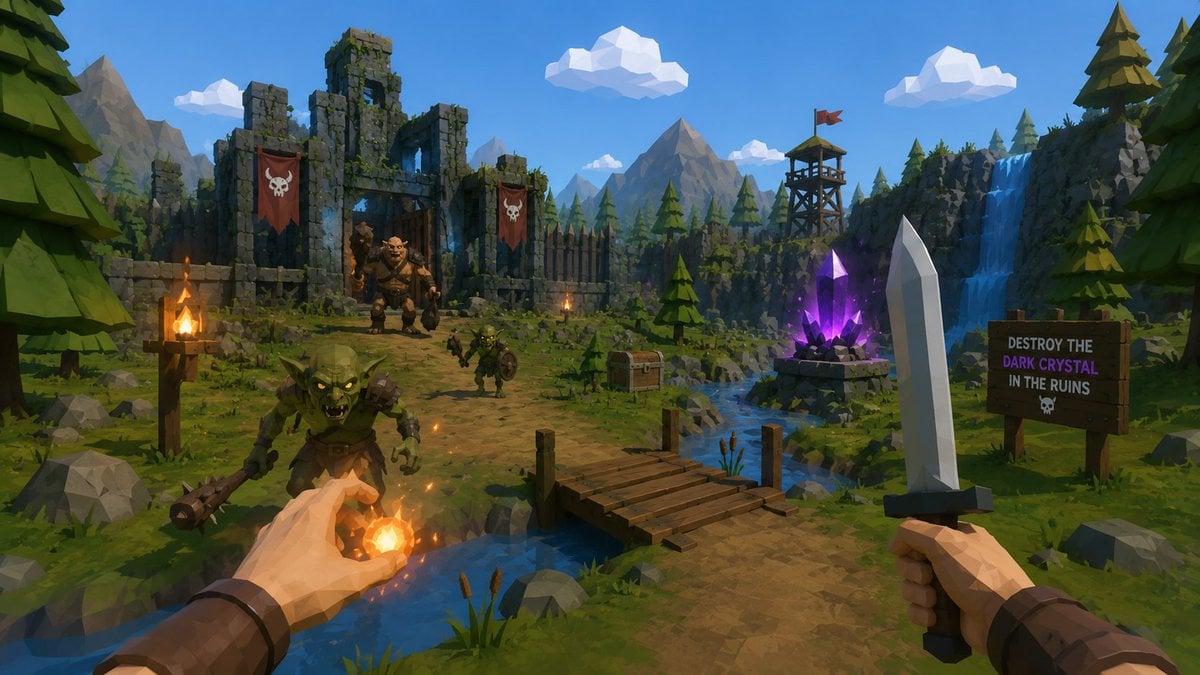
Low-Poly Fantasy Quest Screenshot
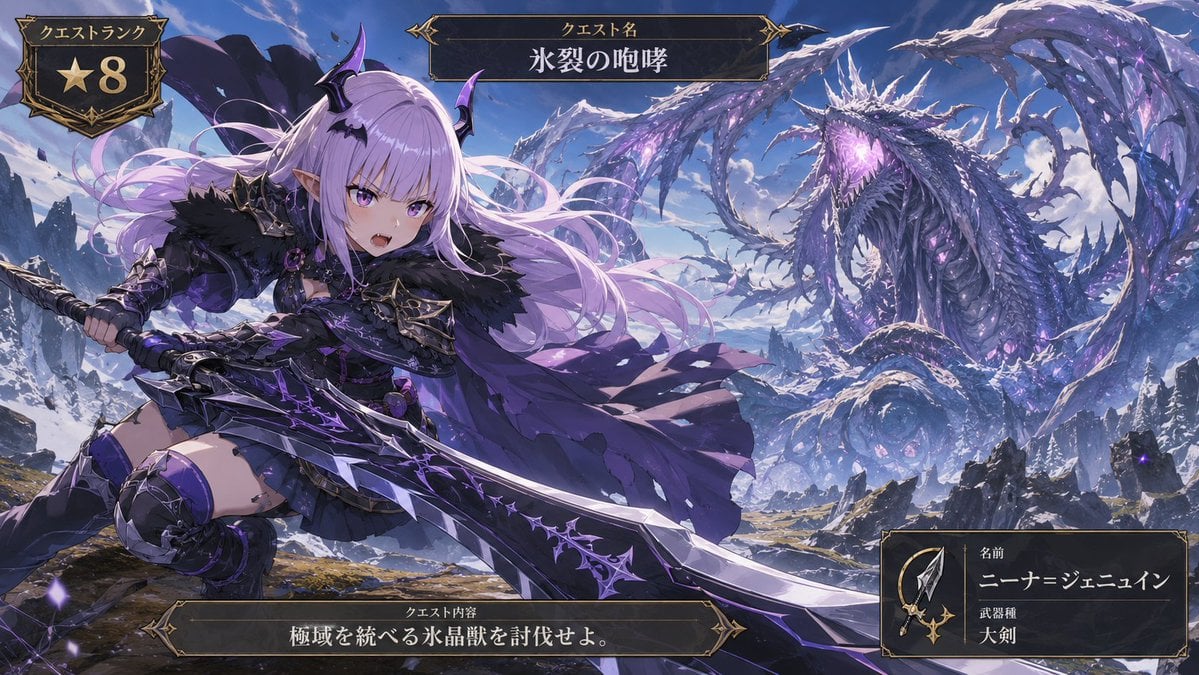
Anime Ice Dragon Hunt Quest Screen
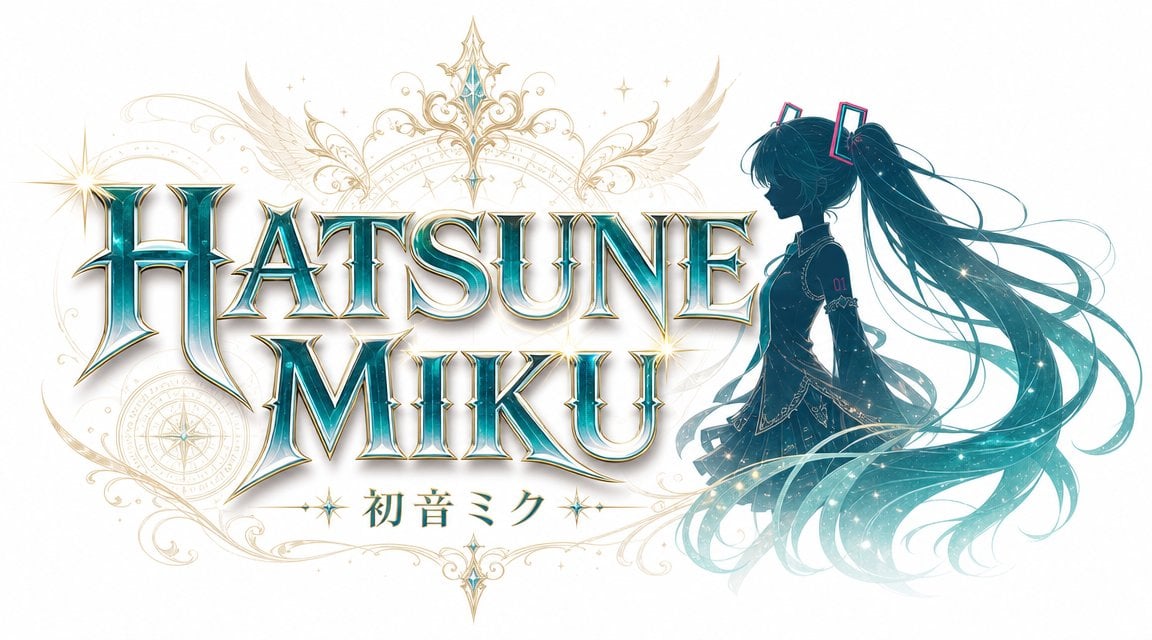
JRPG Fantasy Title Logo Splash Screen
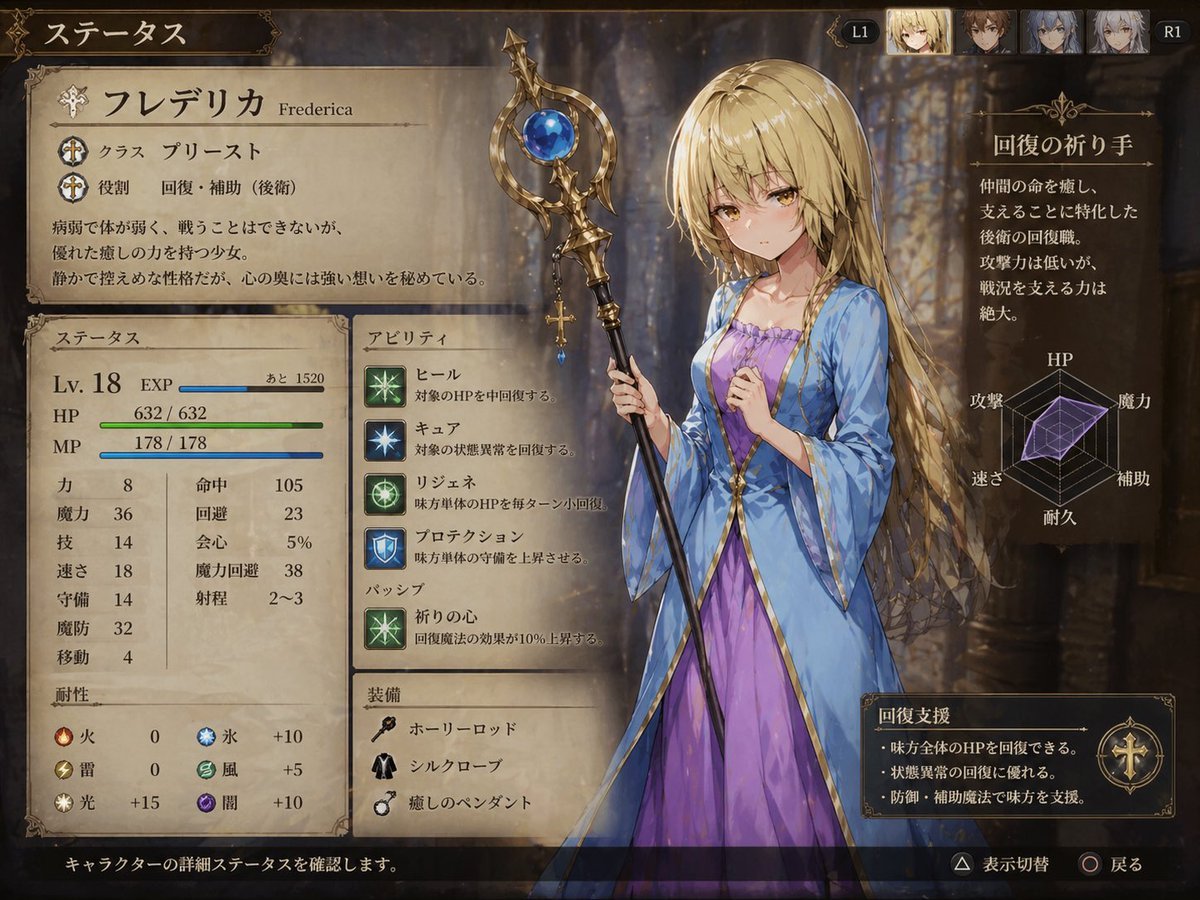
Fantasy JRPG Priest Status Screen
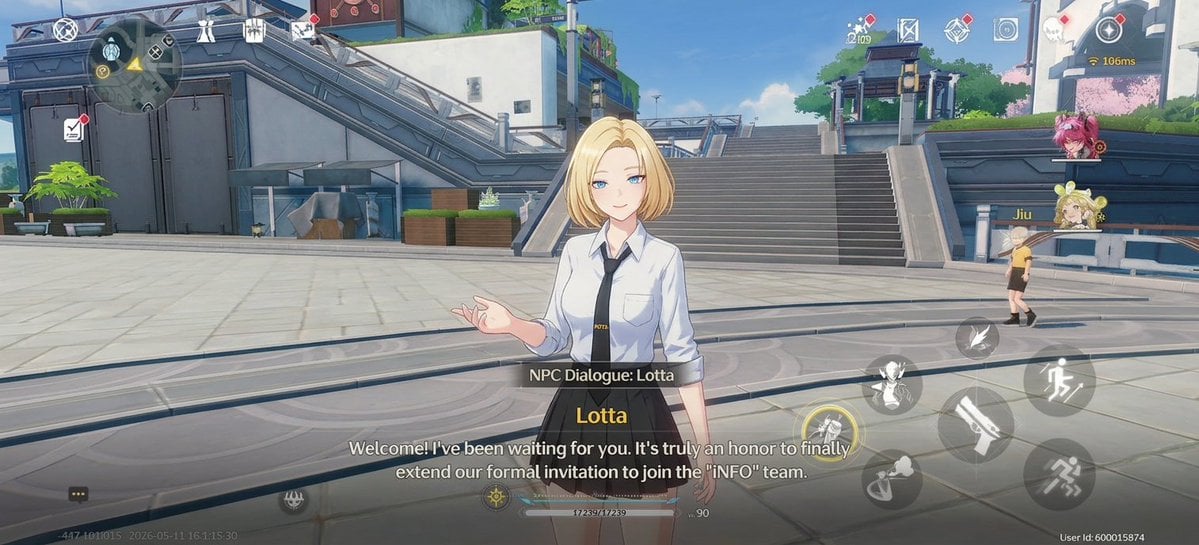
Anime RPG Dialogue Screenshot
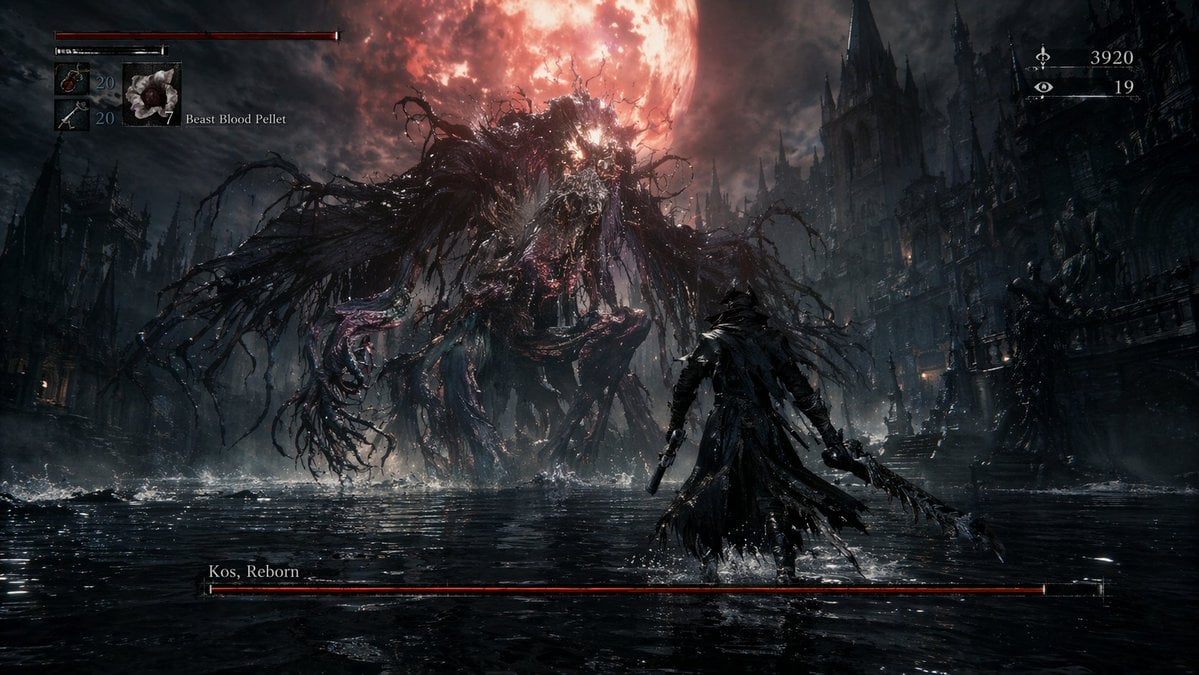
Dark Fantasy RPG Boss Fight Screenshot
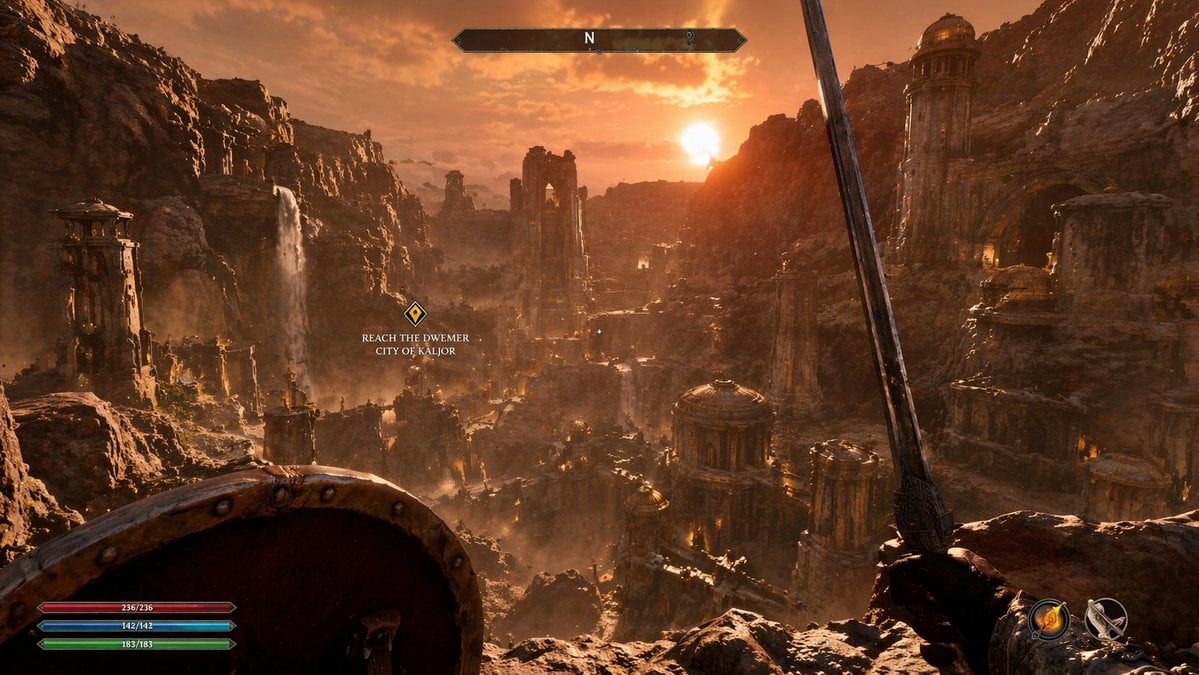
First-Person Fantasy RPG Screenshot
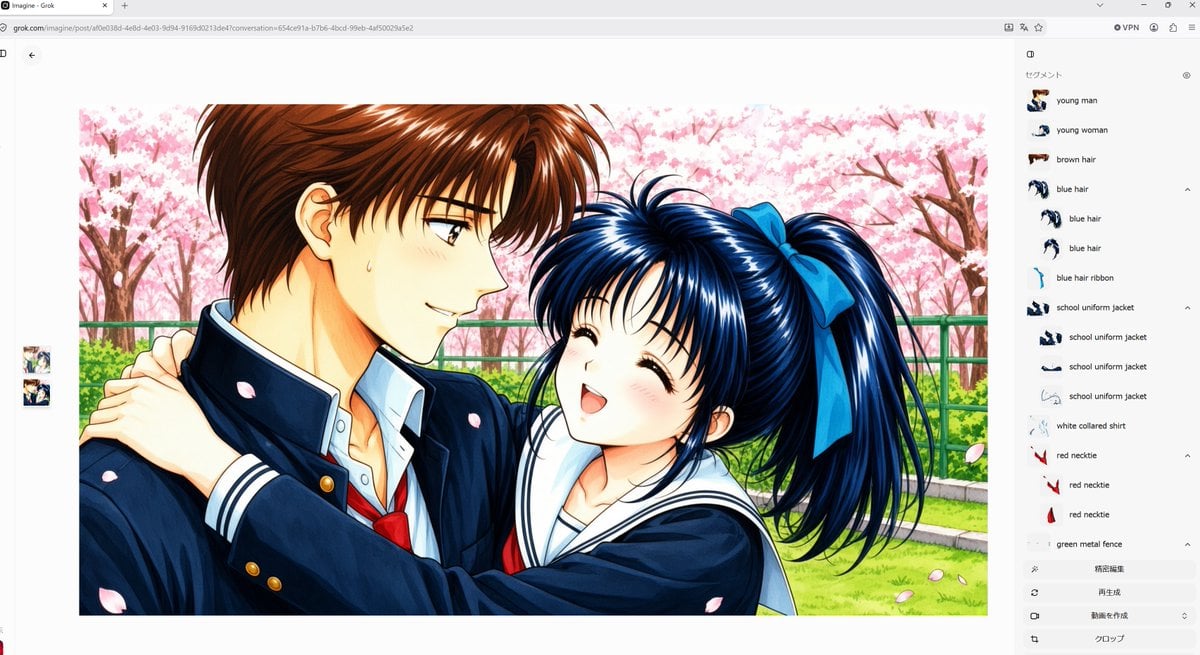
Anime Couple Segmentation UI Screenshot
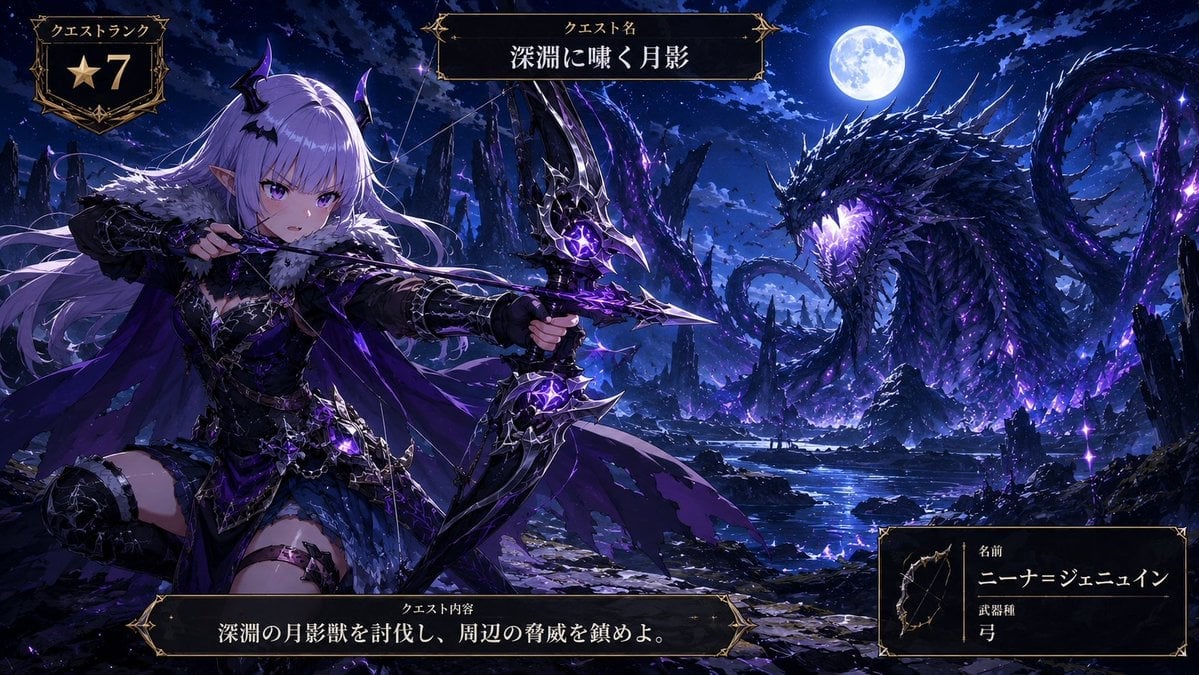
Anime Monster Hunter Quest Card
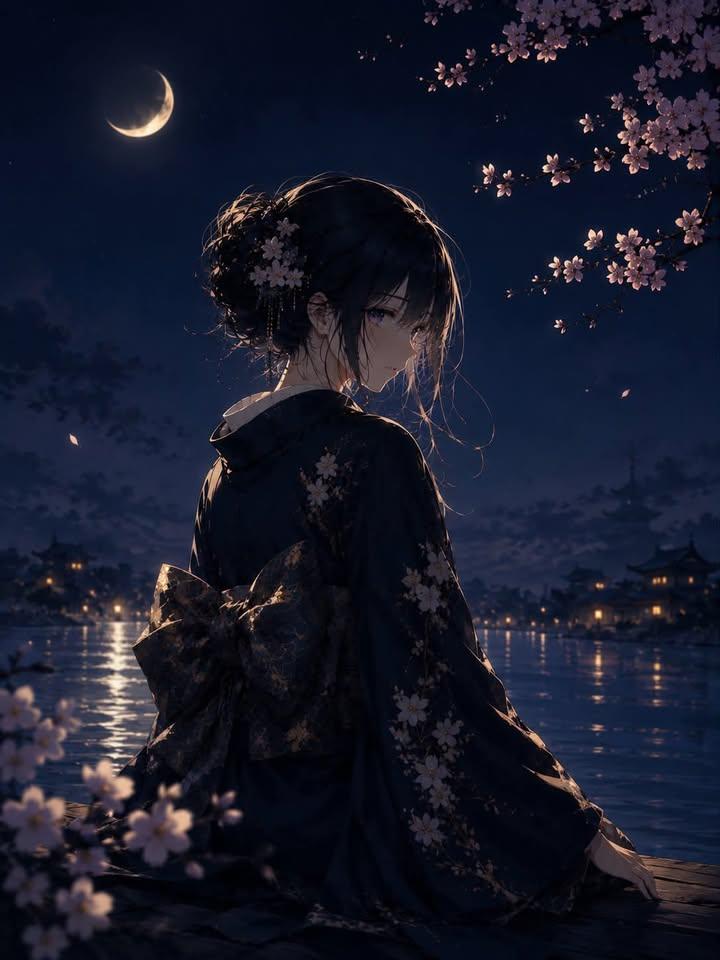
Luxury Japanese Fantasy Anime Kimono
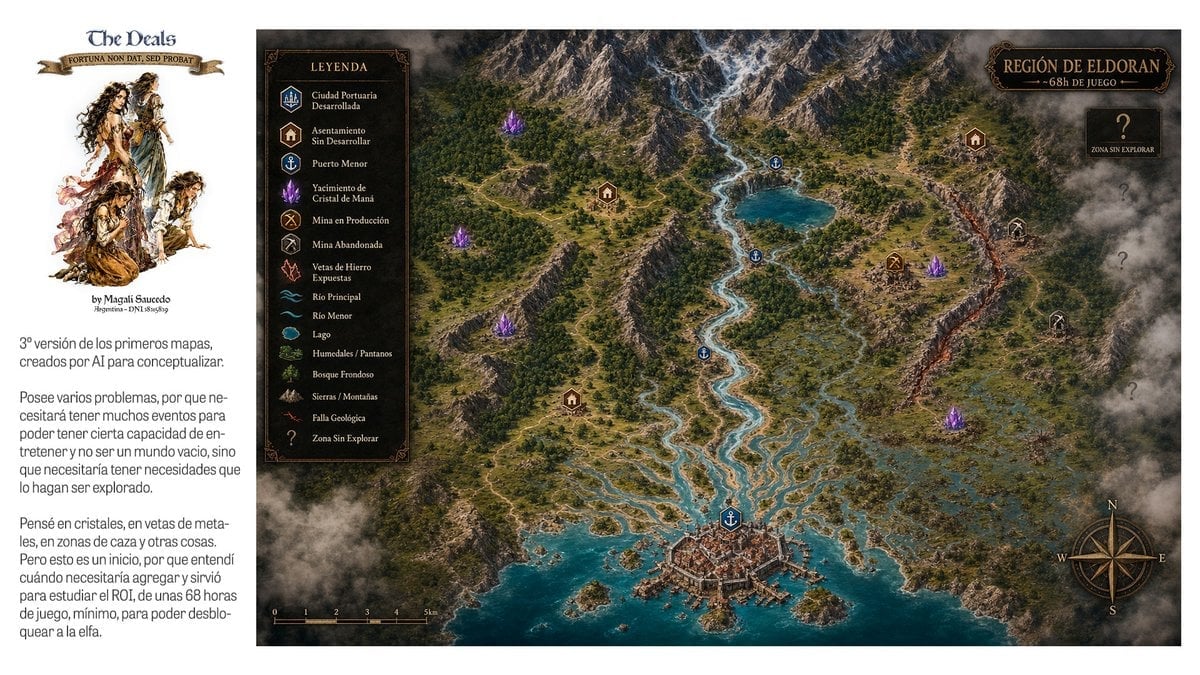
Fantasy RPG Region Map Sheet
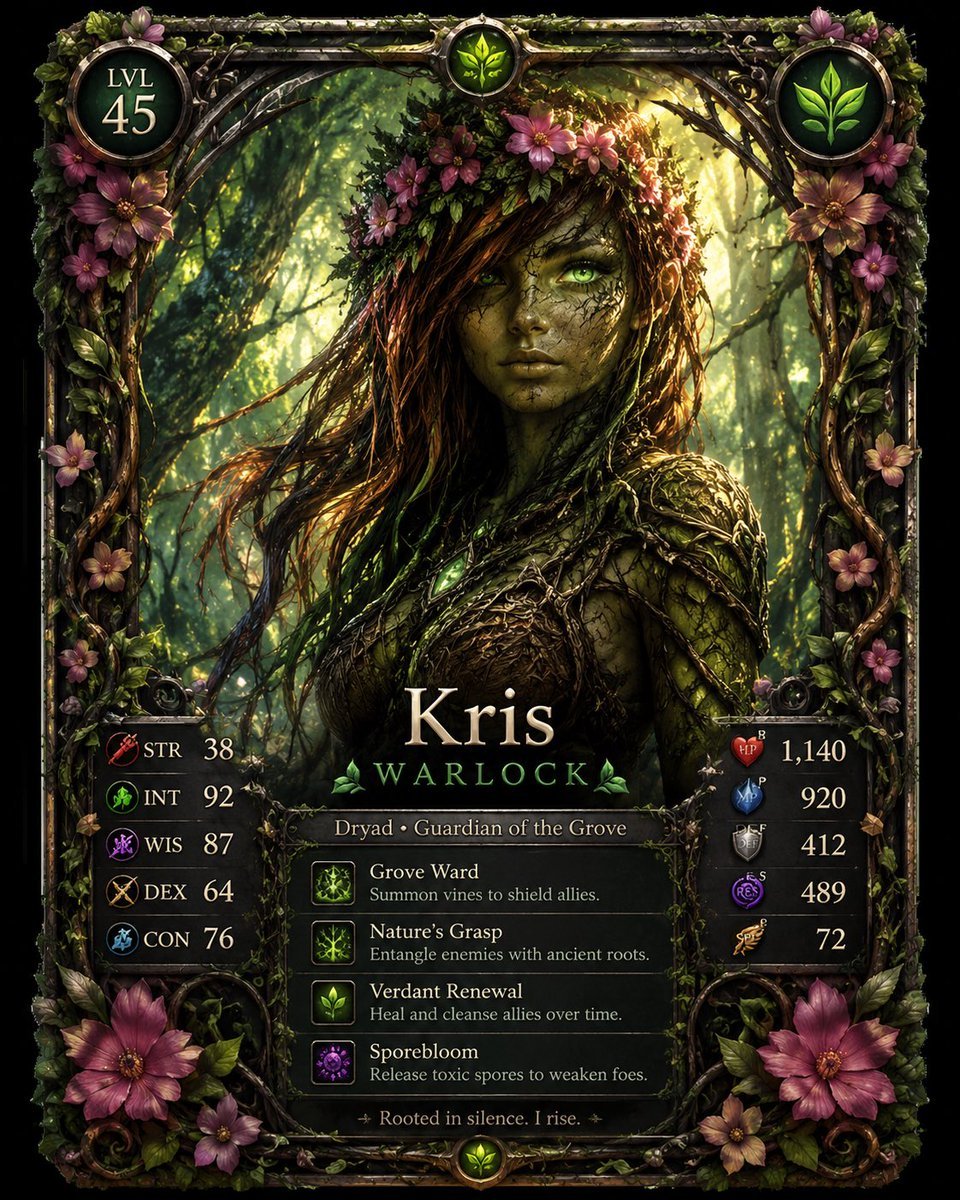
Fantasy Dryad RPG Character Card
Make it yours
Anime Fantasy RPG Quest Complete Screen works as-is. These are the safest ways to change it without losing the look.
Swap the setting
Keep the rest of the prompt and replace the location block. The current setting is “a cheerful medieval European-style town street with cobblestone road, half-timbe”.
Change one field
Copy a single group, rewrite it, and generate again so you can see what that field is doing.
Keep the frame, change the subject
Hold the composition and light of Anime Fantasy RPG Quest Complete Screen, then swap wardrobe, props or the person for a new take.
| If the result… | Why | Fix |
|---|---|---|
| The result drifts from the preview | Too many fields changed at once. | Reuse Anime Fantasy RPG Quest Complete Screen as-is first, then change one group — subject, light, or setting. |
| GPT Image 2 ignores part of the JSON | Some models flatten or skip nested keys. | Keep the same values and paste them as a short paragraph instead. |
More GPT Image 2 templates
Other prompts made for GPT Image 2.

Six VTuber Japanese Logo Sheet

Realistic Portrait of Woman and Deer

The Vista Modular Condo Poster

AI Model Routing Comparison Infographic

2.5D Anime Art Board

Isometric Productivity Desk Scene

New York Double Exposure Poster

Four-Panel AI Landscape Comparison

Japanese Tatami Lifestyle Magazine Cover

NESCAFÉ Coffee Map Poster
More image prompts
Fresh picks from across the catalog.
Nano Banana Pro Image Prompt for Video Generation
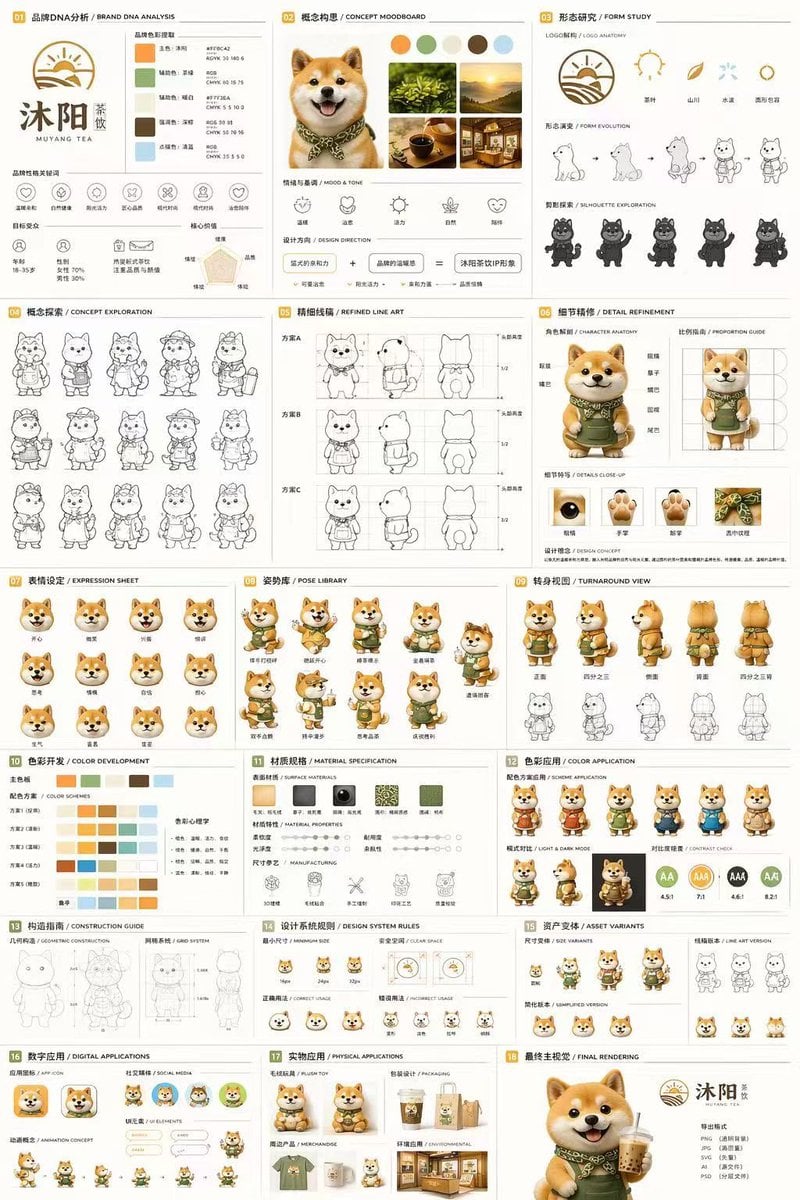
Gpt2 Product Marketing 18 Panel Mascot Brand Identity Document
Gothic Rose Ballroom Duo
Olive Satin Couture Editorial
Semi-Pixel Armored Warrior
Hyper-Realistic Composite Macro Photography Prompt
Dark Fantasy Game HUD on Green Screen
Cosmic Gravity Glass UI System
Editorial Perfume Shot on Moss
Mystical Smoke Style Diviner
Browse template categories
Anime Fantasy RPG Quest Complete Screen questions
How do I use the Anime Fantasy RPG Quest Complete Screen template?
Add your photo if the template asks for one, edit the prompt if you like — the template's model and format are already selected — and press Generate. Your version opens in PicX Studio.
Can I customize the Anime Fantasy RPG Quest Complete Screen template?
Yes. You can change the subject, setting, lighting, mood, format, and available model controls before creating your image.
Is the Anime Fantasy RPG Quest Complete Screen template free?
Opening and editing this template is free. Generating uses credits, shown on the Generate button when you are signed in.
Which AI model should I use?
Start with GPT Image 2, which is the model associated with this template. You can compare another compatible model for a different finish.
Looking for something else? Browse all templates.

Your photo, any look
Thousands of ready templates for every top image and video model, from one credit balance.