
Urban Fashion Elevator Portrait
A highly detailed prompt for an urban fashion portrait set in a modern elevator, featuring a male subject with a golden hour lighting effect.
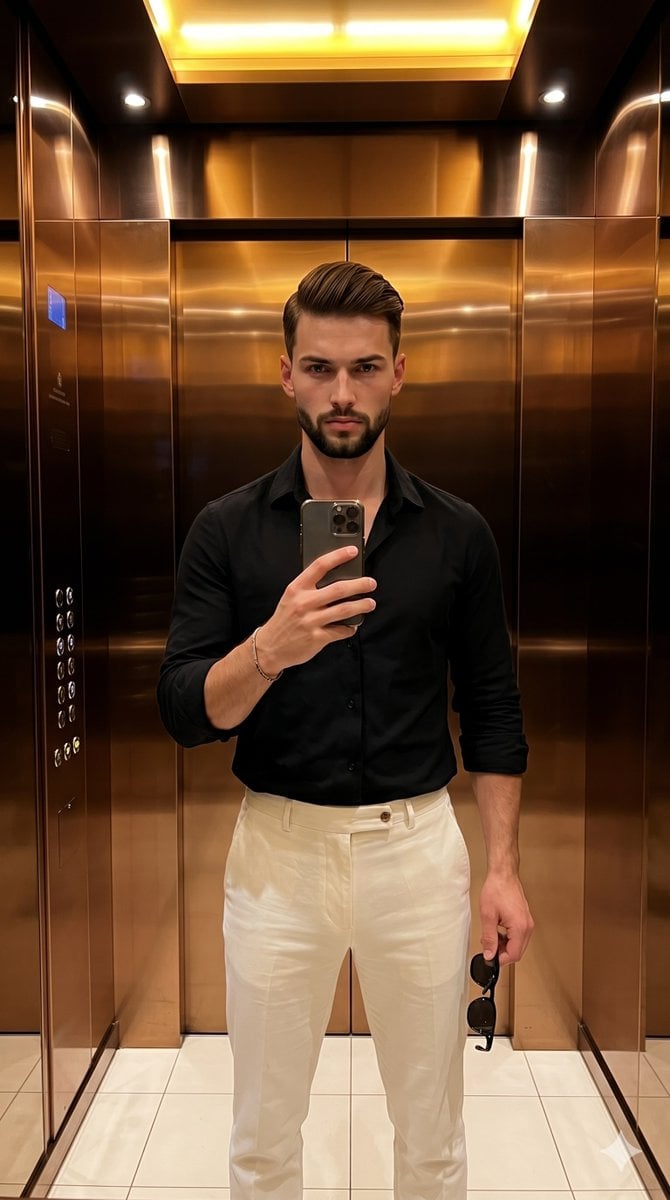
- Prompt included
- Model and format preset
- Free template
The prompt behind this image
Copy the exact prompt behind Urban Fashion Elevator Portrait, or open it in the studio and make it yours.
A young male stands facing the camera in a deliberately posed, serious stance, his weight shifted slightly onto his right leg with perfectly level shoulders. He is dressed in a {argument name="shirt style" default="stark black shirt"} and {argument name="pants style" default="crisp off-white pants"}. His hair is cut short with a fade on the sides. His relaxed face features a closed, neutral mouth and calm eyebrows as his direct gaze locks onto his smartphone screen. His left hand is elevated to his mid-chest, gripping the smartphone by its side edges with his index finger resting gently near the top frame, a thin dark bracelet encircling his wrist. His right hand hangs relaxed near his upper thigh, fingers slightly curled inward as they loosely hold the frame of black sunglasses. He is positioned center within the sleek confines of a {argument name="location" default="modern indoor elevator"}. The midground features the subtle reflection of a vertical stack of newly illuminated floor buttons to the left, while the medium-depth background is dominated by perfectly smooth, glossy copper and bronze metallic wall panels joined by a pristine vertical seam, their mirror-like reflectivity capturing the space behind the photographer. Beneath his feet, off-white grid tiles map out the floor. The atmosphere is thoroughly polished, urban, and modern, bathed in warm, golden artificial light emitting from multiple overhead directional sources. This hard, bright top-lighting casts dramatic, deep black shadows with harsh defined edges that pool under his chin, nestle deep within the folds of his black shirt, and angle slightly downward from the surrounding objects. Vivid specular highlights strike his forehead and the bridge of his nose, bouncing intensely off the gradient copper walls and light floor tiles. A complementary high-contrast color palette of rich warm metallics against neutral black and off-white creates a confident, striking visual hierarchy. Captured straight-on as a realistic digital photograph echoing high-end social media fashion influencer aesthetics, the image features tack-sharp focus with a deep depth of field that ensures every reflective background detail remains perfectly sharp alongside a subtle touch of digital noise grain. The aesthetic relies on precise contrast enhancements, deliberate warmth adjustments to amplify the metallic copper tones, and targeted sharpening of the subject's features, all framed in a 9:16 aspect ratio.
How to use Urban Fashion Elevator Portrait in 3 steps
- 1
Open
The prompt is already in the box next to the preview, with the template's model and format selected.
- 2…a portrait of your subject in softgolden-hour light, 85mm…
Personalize
Edit the subject and creative details for your destination.
- 3Generate
Generate
Press Generate — your image is created in PicX Studio, so you can compare it with the original and refine one variable at a time.
More like this
Templates with the same subject, style or setup. Open one to see its prompt.

Nano Banana 2 High Fashion Sports Campai

Couture Fashion Editorial Woman and Drag
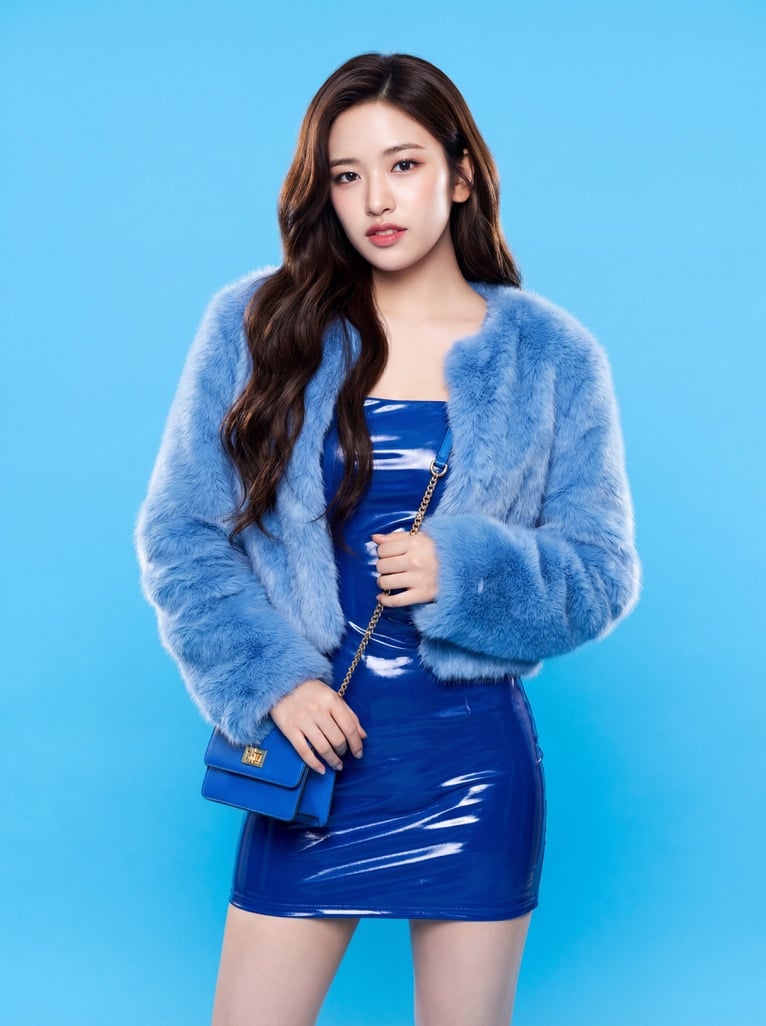
Ive Yujin Fashion Portrait in Blue

Nano Banana 2 Editorial Fashion Portrait

Caution Tape Fashion — Industrial Editorial
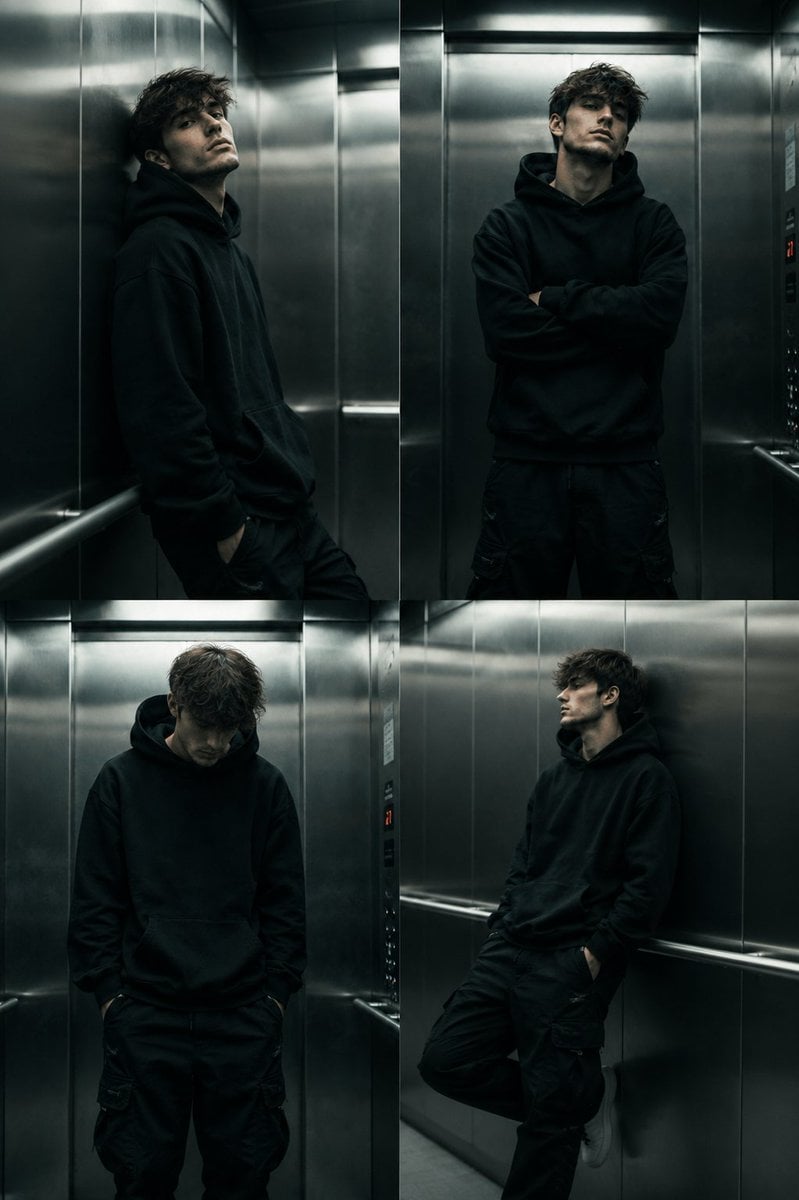
Cinematic Urban Elevator Portrait
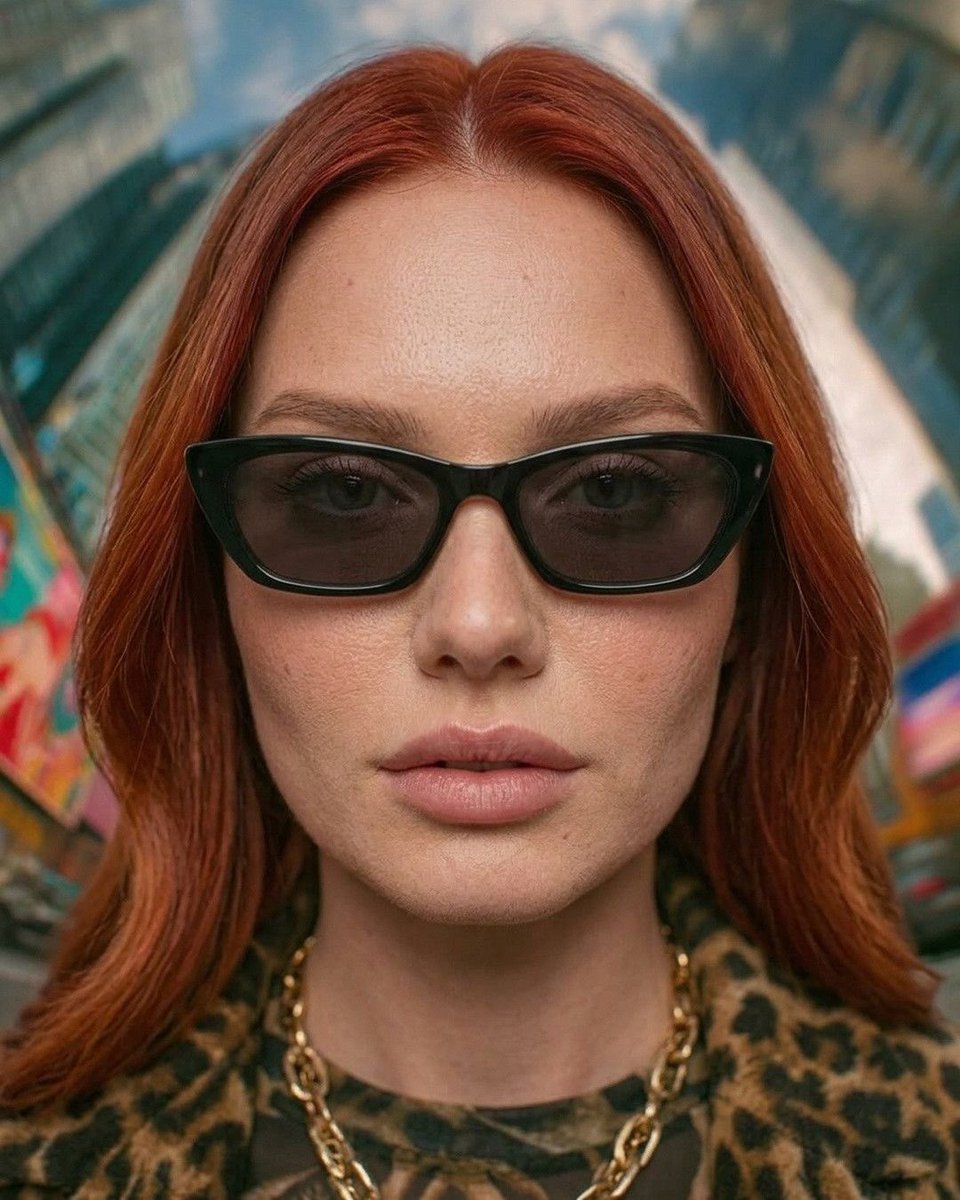
Urban Fashion Symmetrical Portrait
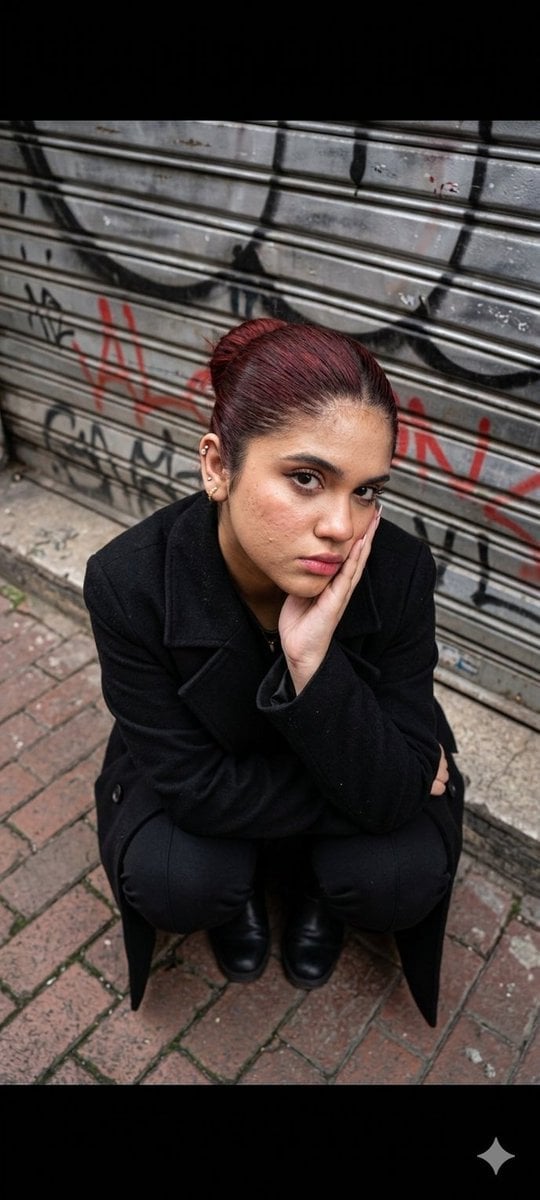
Urban Fashion Portrait

Gpt2 Fisheye Sky Crouch Portrait
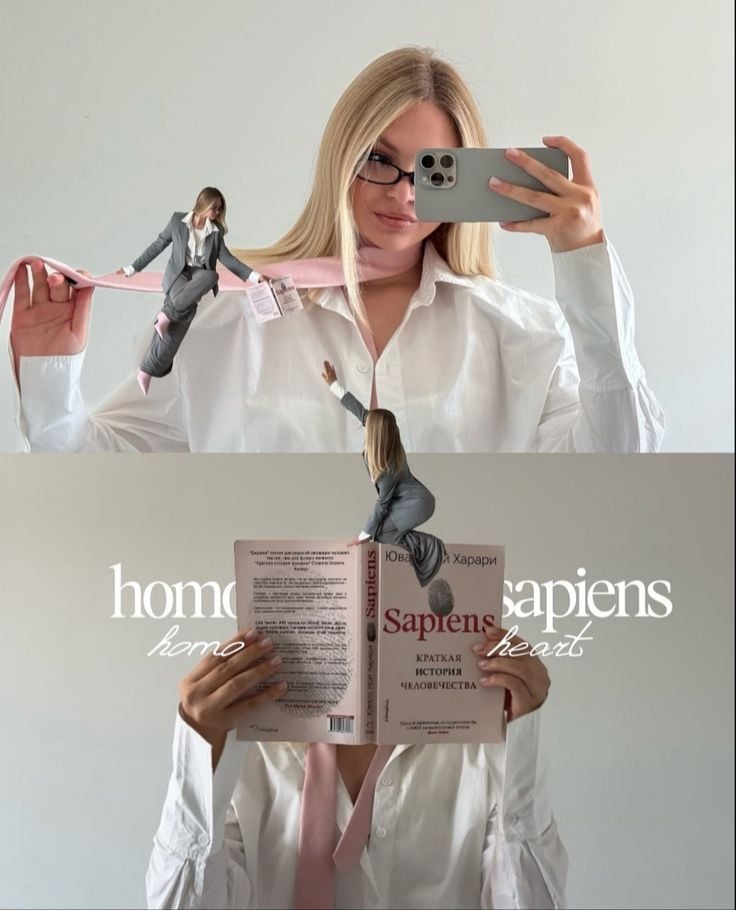
Miniature Self Portrait Collage

Found Photograph: Us, 1970

80s Couple Studio Portrait
Make it yours
Urban Fashion Elevator Portrait works as-is. These are the safest ways to change it without losing the look.
Change one field
Copy a single group, rewrite it, and generate again so you can see what that field is doing.
Keep the frame, change the subject
Hold the composition and light of Urban Fashion Elevator Portrait, then swap wardrobe, props or the person for a new take.
| If the result… | Why | Fix |
|---|---|---|
| The result drifts from the preview | Too many fields changed at once. | Reuse Urban Fashion Elevator Portrait as-is first, then change one group — subject, light, or setting. |
| The model over-stylizes the scene | The prose prompt leaves finish and camera underspecified. | Add one camera or lighting sentence and stay on Nano Banana 2. |
More Nano Banana 2 templates
Other prompts made for Nano Banana 2.

Photorealistic Leaf Shaped Like a Dragon

K-Pop Idol Portrait Grid for Rapid Selection

Poetic Rain Forest Portrait During Golden Hour

Urban Street Portrait with Cartoon Inner Self Duo

Candid Nighttime Photo with Cat Prompt

High-Concept 3D Diorama Generation Prompt

Cinematic Futuristic Studio Portrait Template

Skincare Editorial Photography Collage Prompt

Hyper-Realistic Commercial Product Photography (Splash Effect)

Hyper-Realistic Nightclub Portrait Prompt
More image prompts
Fresh picks from across the catalog.
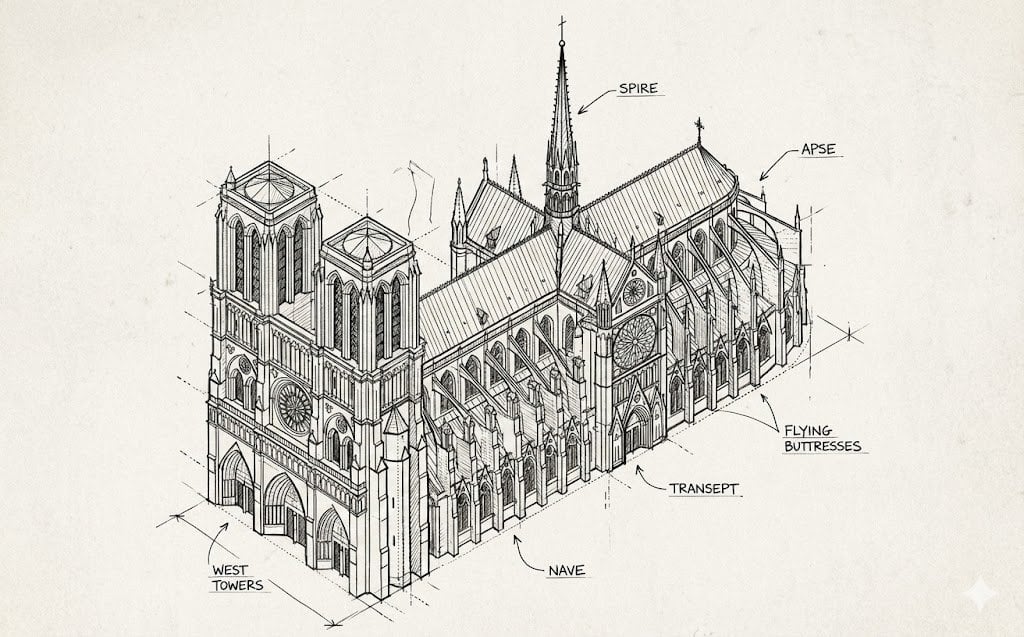
Isometric Schematic Diagram of Notre Dame Prompt
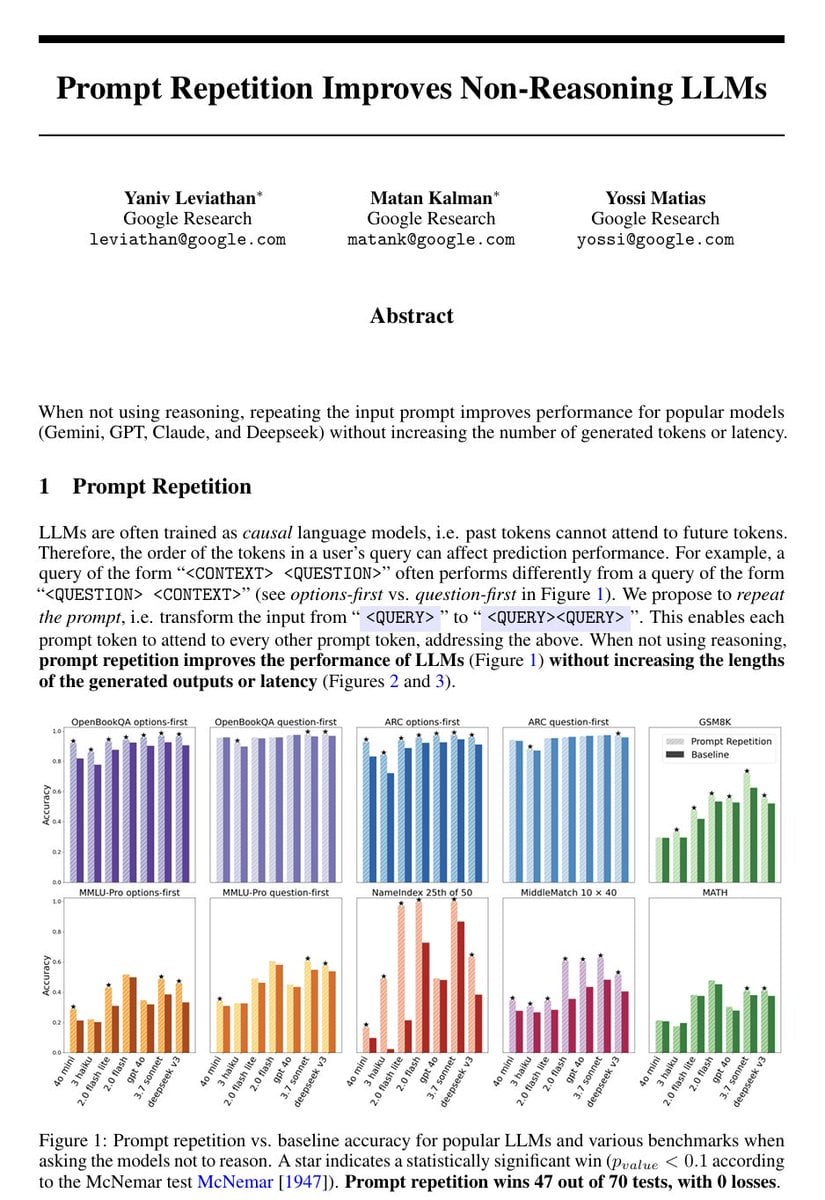
Repetitive Prompting Instruction
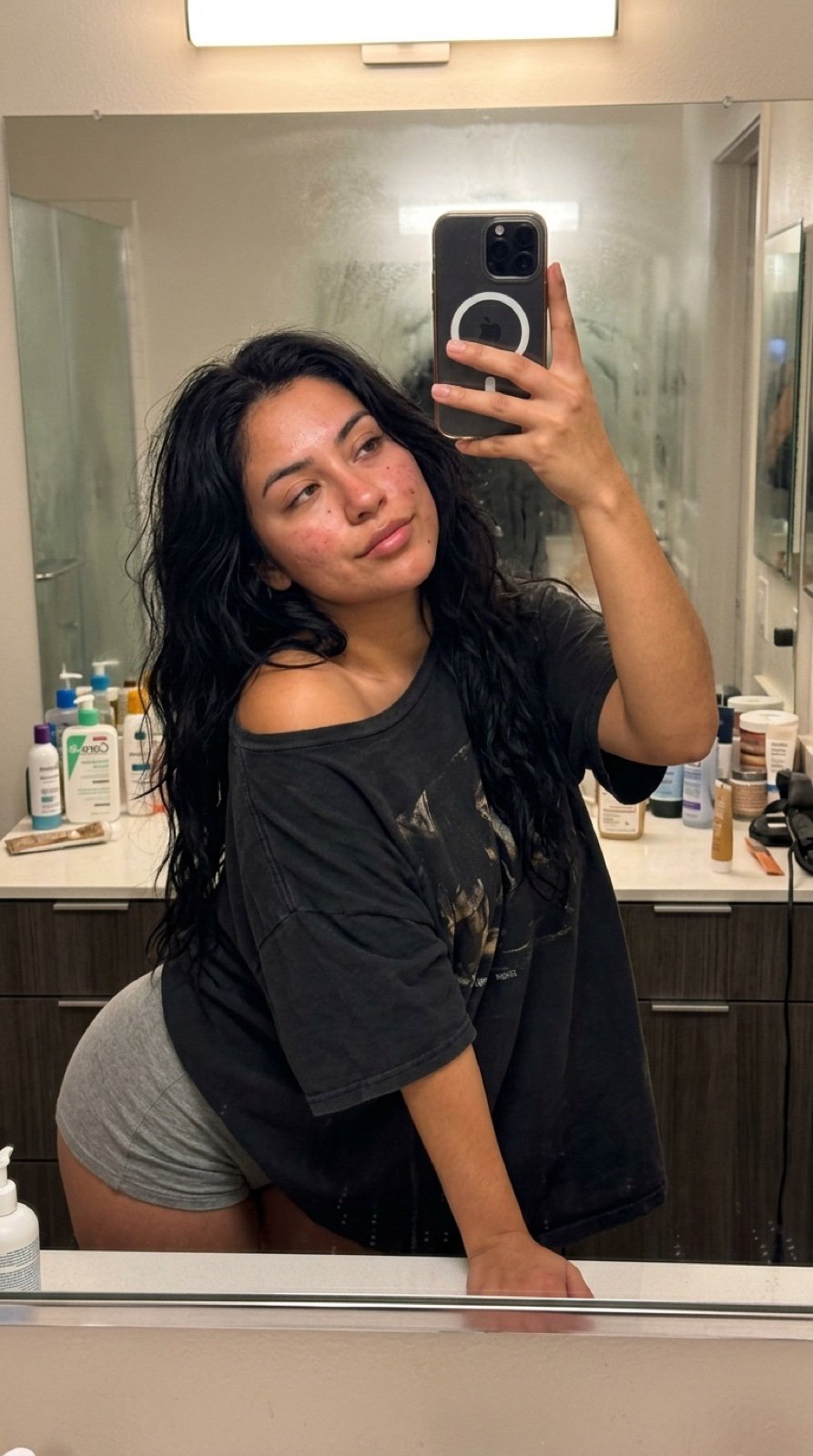
Intimate Late Night Bathroom Selfie
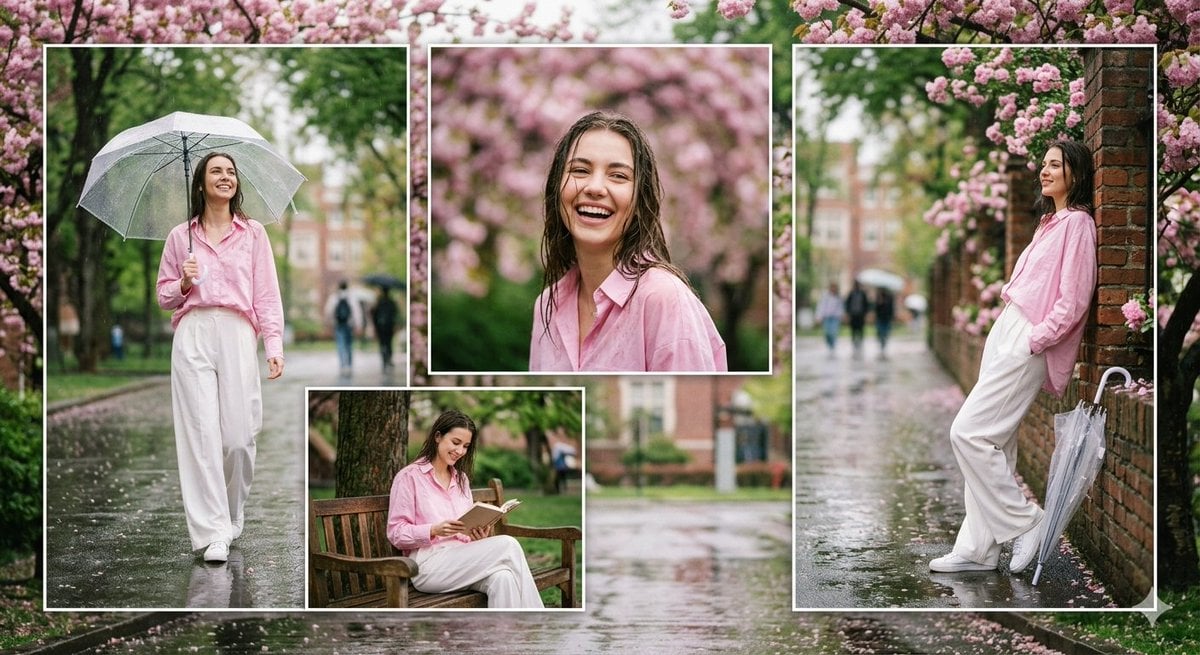
Rainy Campus Fashion Portrait Collage
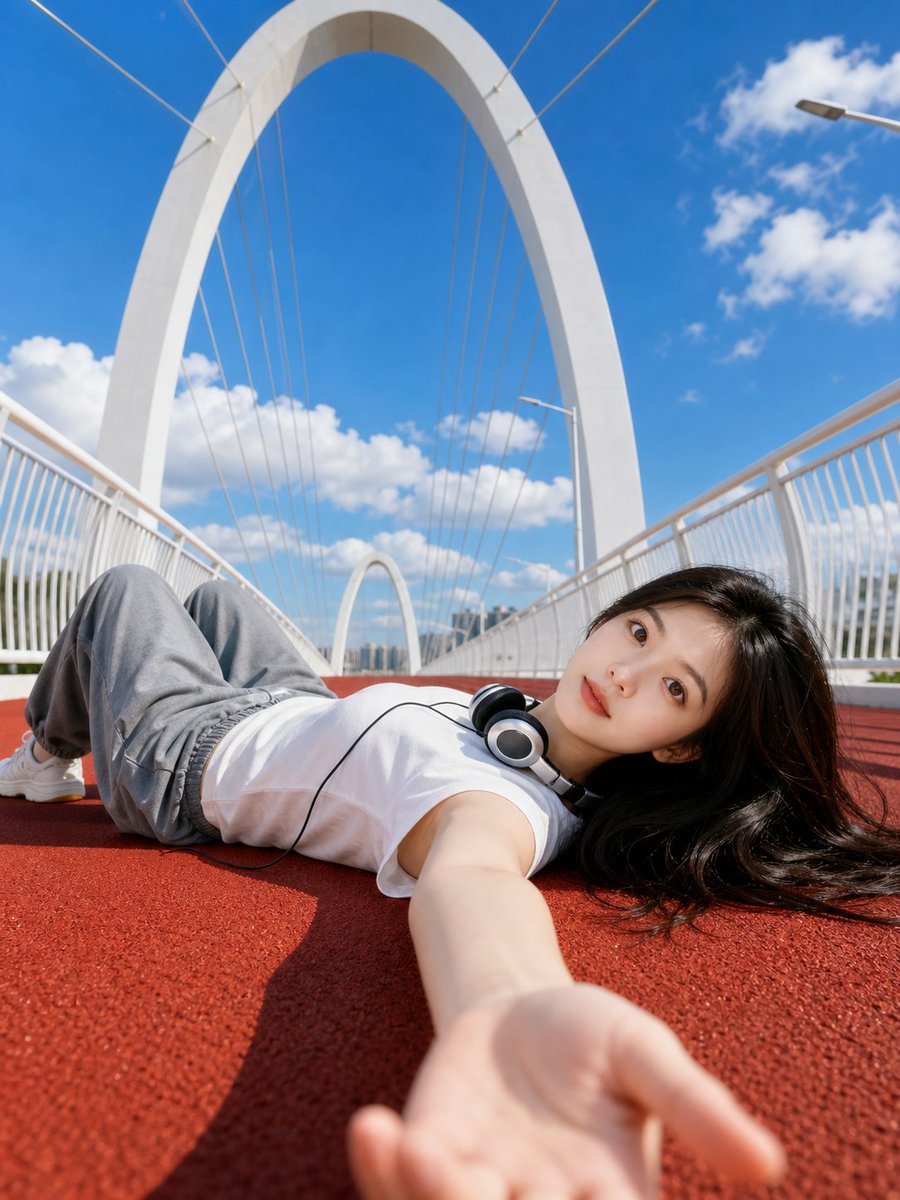
Summer Bridge Track Portrait
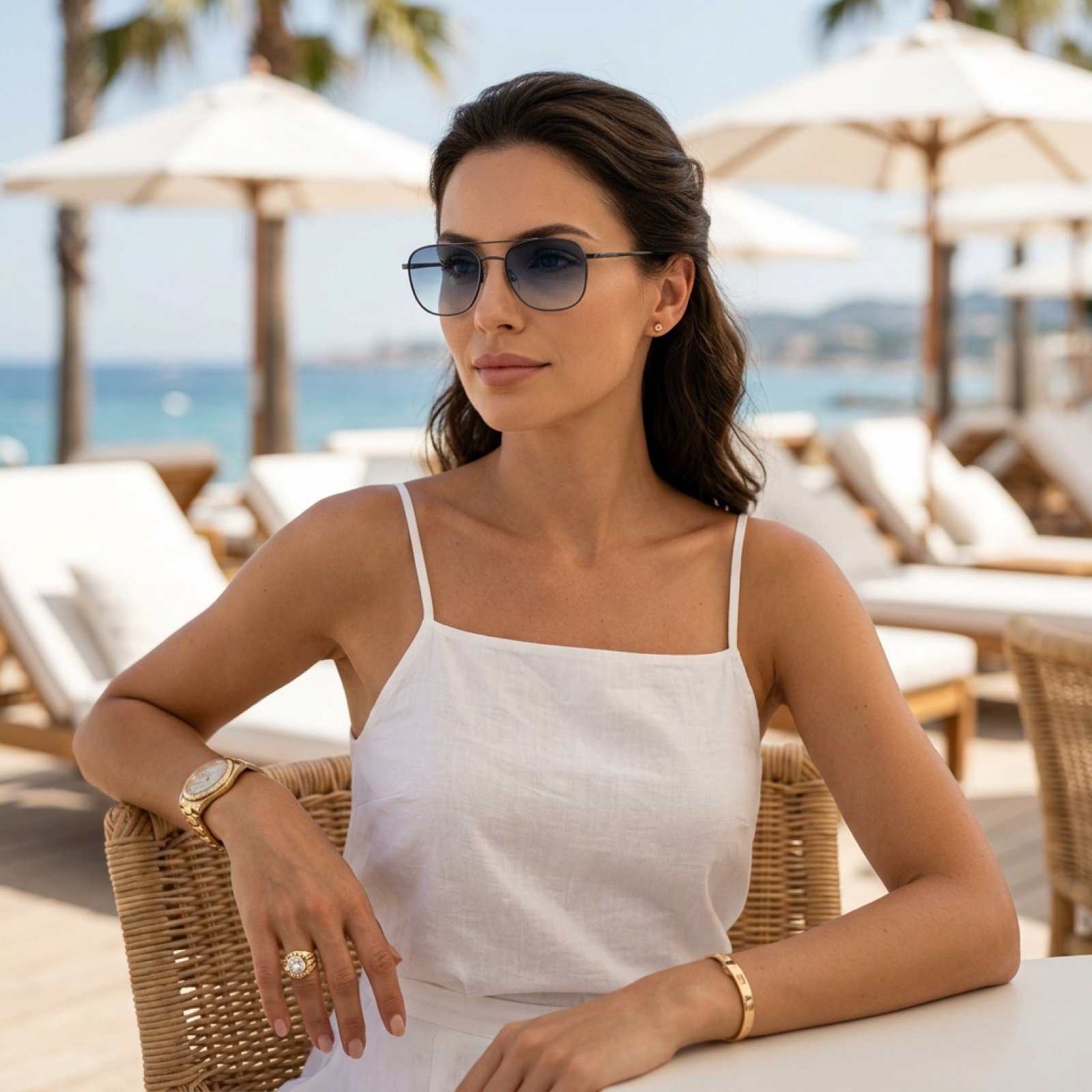
Beach Club Portrait with Identity Preservation Prompt
Photorealistic Anatomy-Locked Mirror Selfie Prompt
Ultra-Photorealistic Indoor Portrait (Hawaiian Tropic)
Playful Selfie Portrait
High-Fashion Male Editorial Portrait
Browse template categories
Urban Fashion Elevator Portrait questions
How do I use the Urban Fashion Elevator Portrait template?
Add your photo if the template asks for one, edit the prompt if you like — the template's model and format are already selected — and press Generate. Your version opens in PicX Studio.
Can I customize the Urban Fashion Elevator Portrait template?
Yes. You can change the subject, setting, lighting, mood, format, and available model controls before creating your image.
Is the Urban Fashion Elevator Portrait template free?
Opening and editing this template is free. Generating uses credits, shown on the Generate button when you are signed in.
Which AI model should I use?
Start with Nano Banana 2, which is the model associated with this template. You can compare another compatible model for a different finish.
Looking for something else? Browse all templates.

Your photo, any look
Thousands of ready templates for every top image and video model, from one credit balance.