
Custom Itasha Vehicle Generator
Transforms an uploaded illustration into a custom Japanese Itasha vehicle design, creating a fictional car model that fits the original artwork's universe.
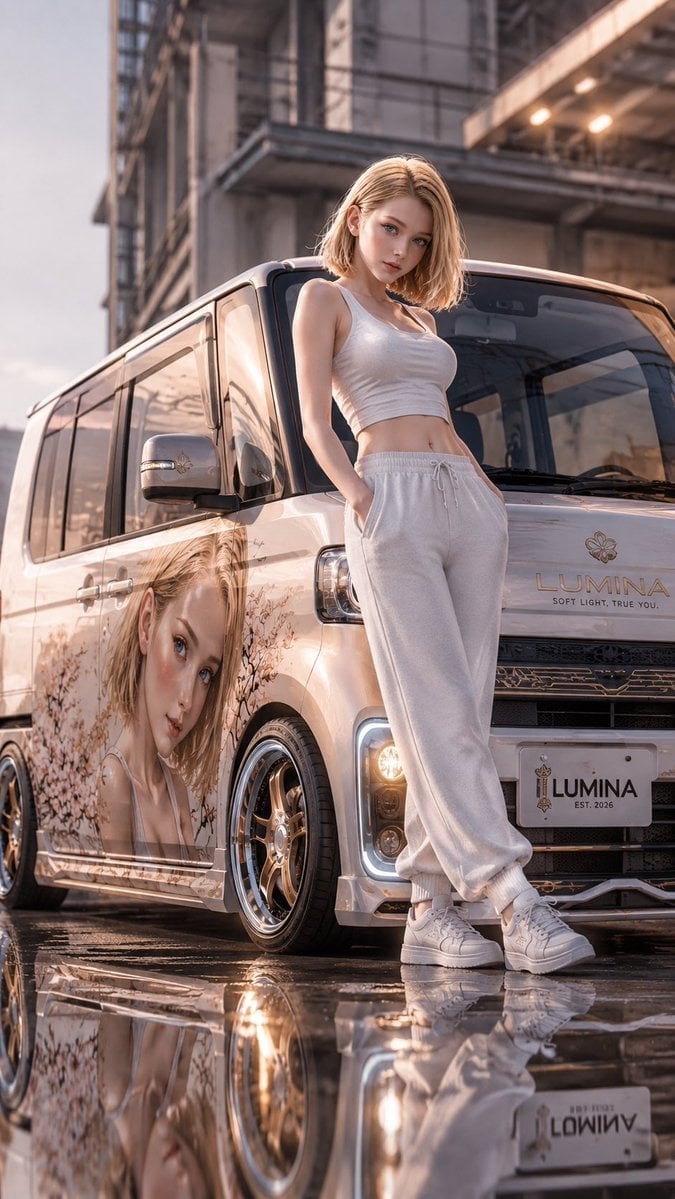
- Prompt included
- Model and format preset
- Premium template
The prompt behind this image
Copy the exact prompt behind Custom Itasha Vehicle Generator, or open it in the studio and make it yours.
Create an illustration. Create an original Japanese itasha vehicle based entirely on the uploaded illustration. Design a fully fictional vehicle and manufacturer naturally born from the artwork's universe, never resembling any real vehicle or brand. First, carefully analyze the uploaded illustration and determine the single most suitable vehicle category. The choice must arise naturally from the character, worldbuilding, culture, technology, architecture, personality, lifestyle, and atmosphere. The vehicle may be a kei car, hatchback, sedan, wagon, coupe, limousine, SUV, pickup, microvan, camper, utility vehicle, military vehicle, luxury vehicle, retro-futuristic vehicle, magical vehicle, or another original type. Never default to the same vehicle category. Each illustration must begin from a completely blank design process and produce a vehicle with a unique body architecture, proportions, roofline, cabin position, and driving purpose. Sports cars, race cars, GT cars, and supercars must only be chosen when the uploaded illustration clearly and naturally requires them. The body shape, proportions, cockpit, wheels, lighting, materials, interior, and every design detail must naturally evolve from the illustration's atmosphere, colors, fashion, architecture, magic, technology, and worldbuilding. All decals, logos, symbols, typography, crests, and sponsor-style graphics must be completely original fictional designs inspired only by the uploaded illustration. If a character exists, preserve the original face, hairstyle, clothing style, colors, proportions, and personality, and place the character naturally beside or interacting with the vehicle. Compose the illustration in a vertical 9:16 format. The full vehicle must remain visible while the character becomes the primary focal point. Use a dramatic low-angle perspective that emphasizes both the character and the vehicle, creating a powerful smartphone wallpaper composition. Cinematic automotive photography, anime-inspired photorealism, masterpiece quality, ultra detailed, dynamic lighting, dramatic reflections, no watermark.
How to use Custom Itasha Vehicle Generator in 3 steps
- 1Upload ImagePNG, JPG or paste
Add your photo
Upload the photo the template builds on. The prompt, model and format are already set.
- 2…a portrait of your subject in softgolden-hour light, 85mm…
Personalize
Edit the subject and creative details for your destination.
- 3Generate
Generate
Press Generate — your image is created in PicX Studio, so you can compare it with the original and refine one variable at a time.
More like this
Templates with the same subject, style or setup. Open one to see its prompt.
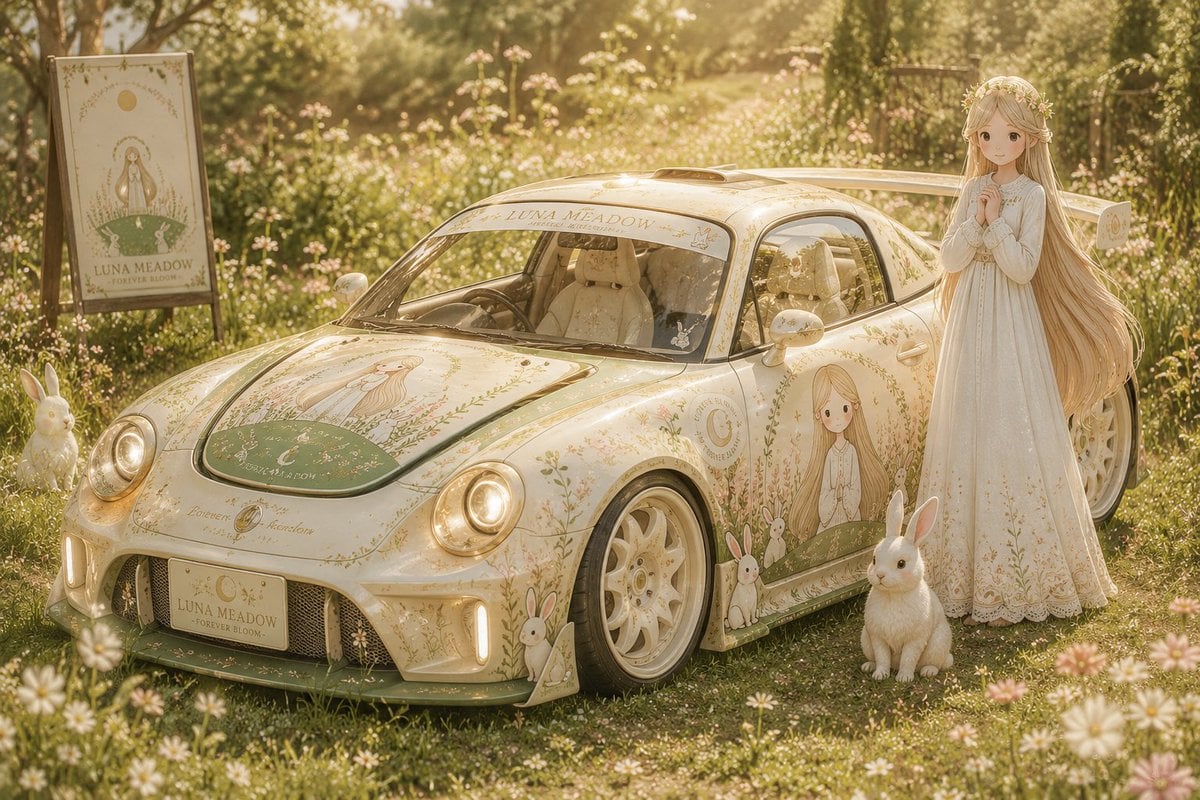
Custom Anime Itasha Vehicle Generator
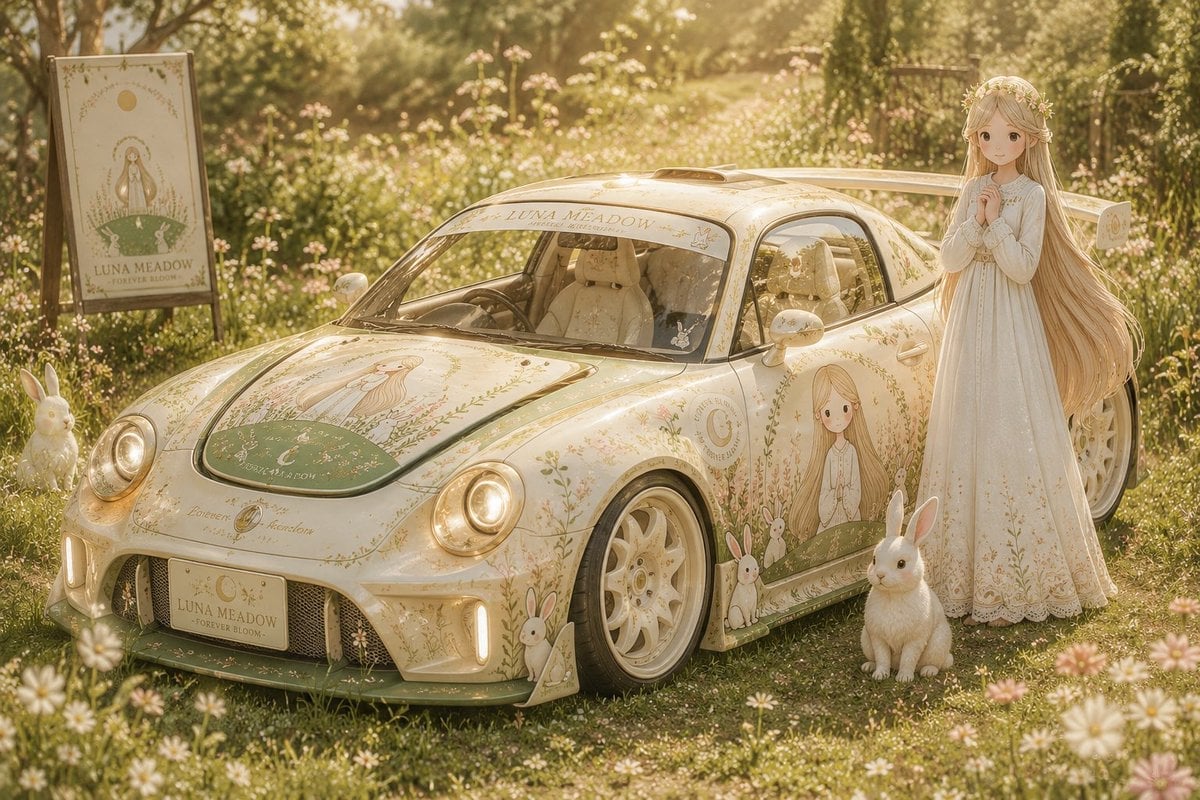
Fictional Japanese Itasha Vehicle Generator

Isometric Vehicle Teardown Infographic Template
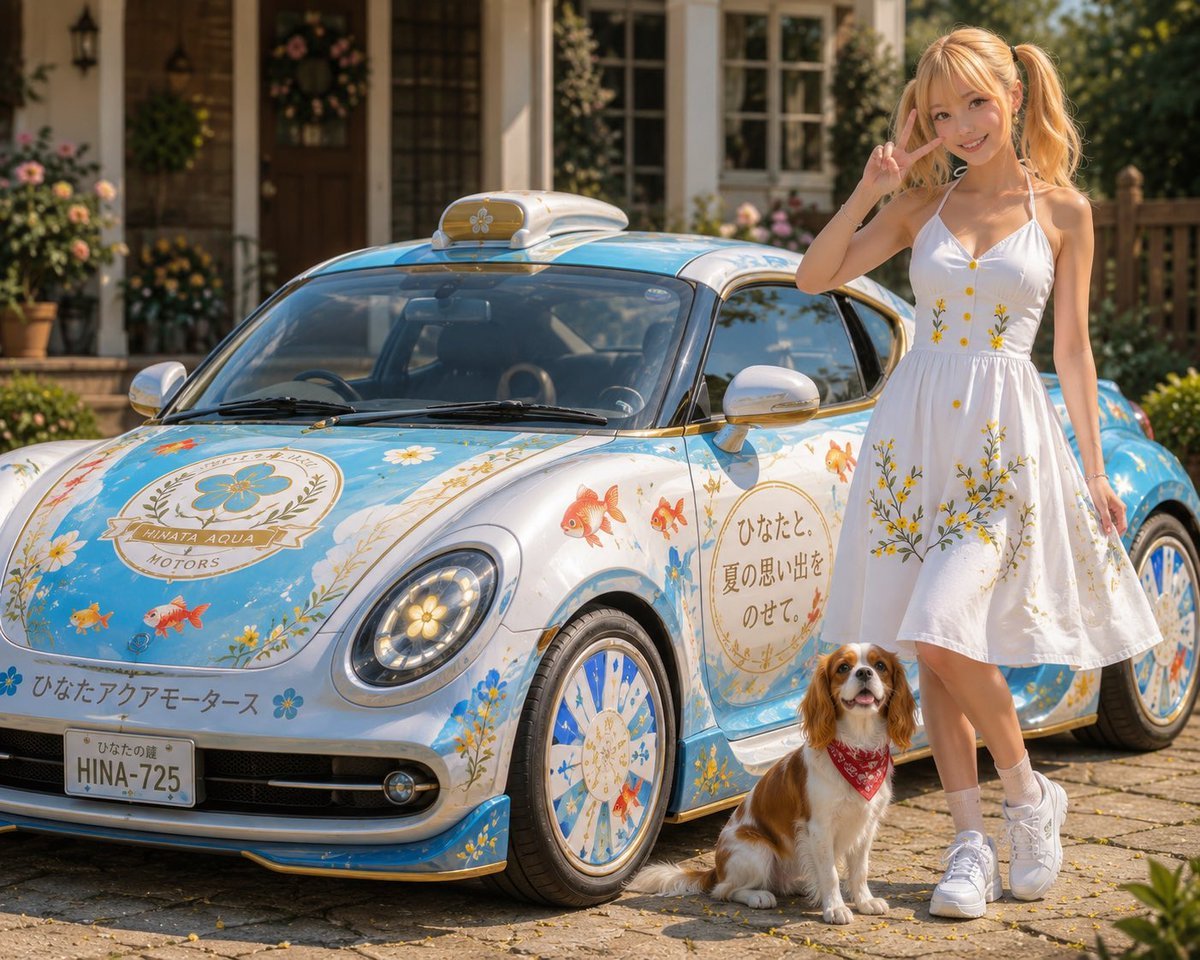
Itasha Car Customization
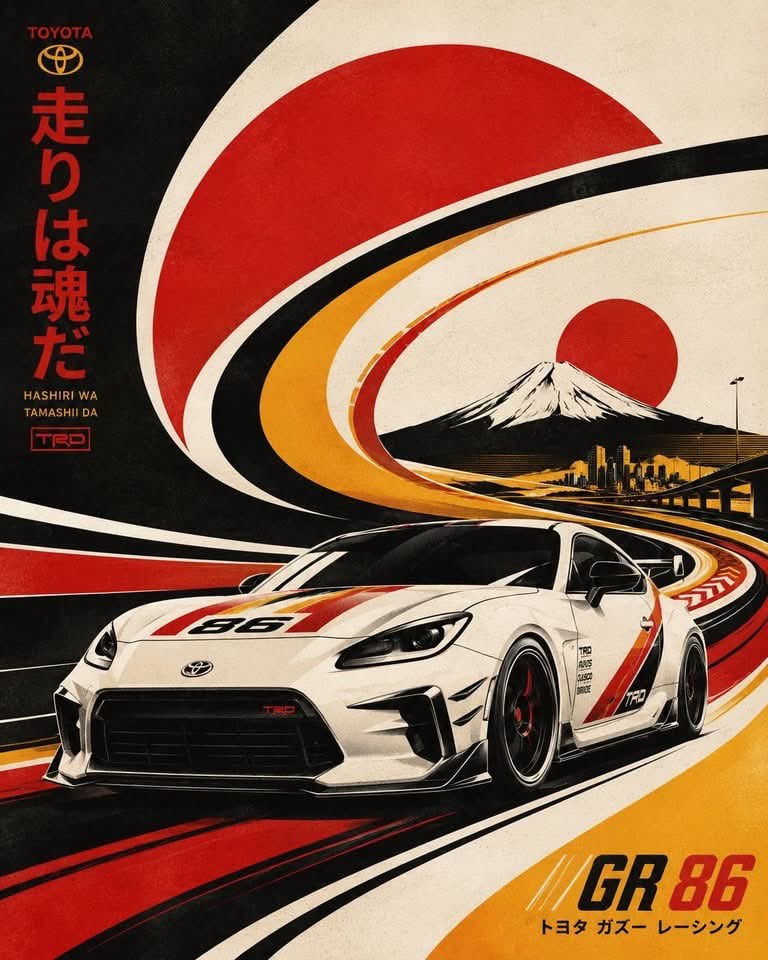
Retro Futurist Serigraph Vehicle Illustration
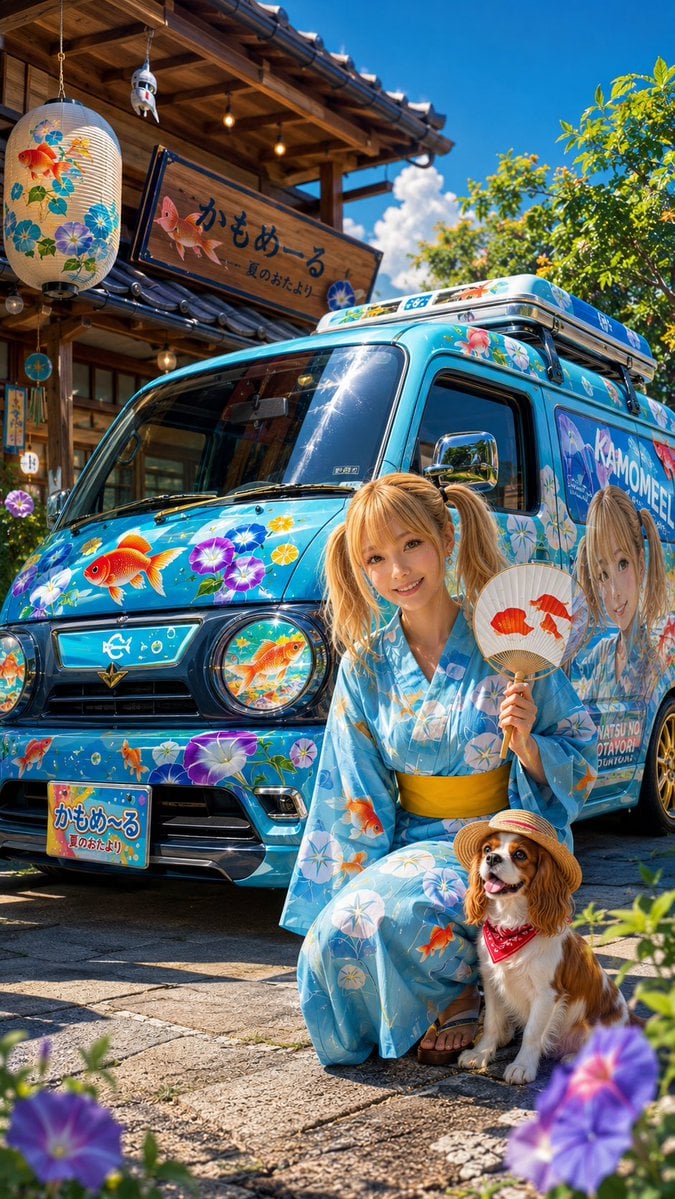
Itasha Wagon Car Design
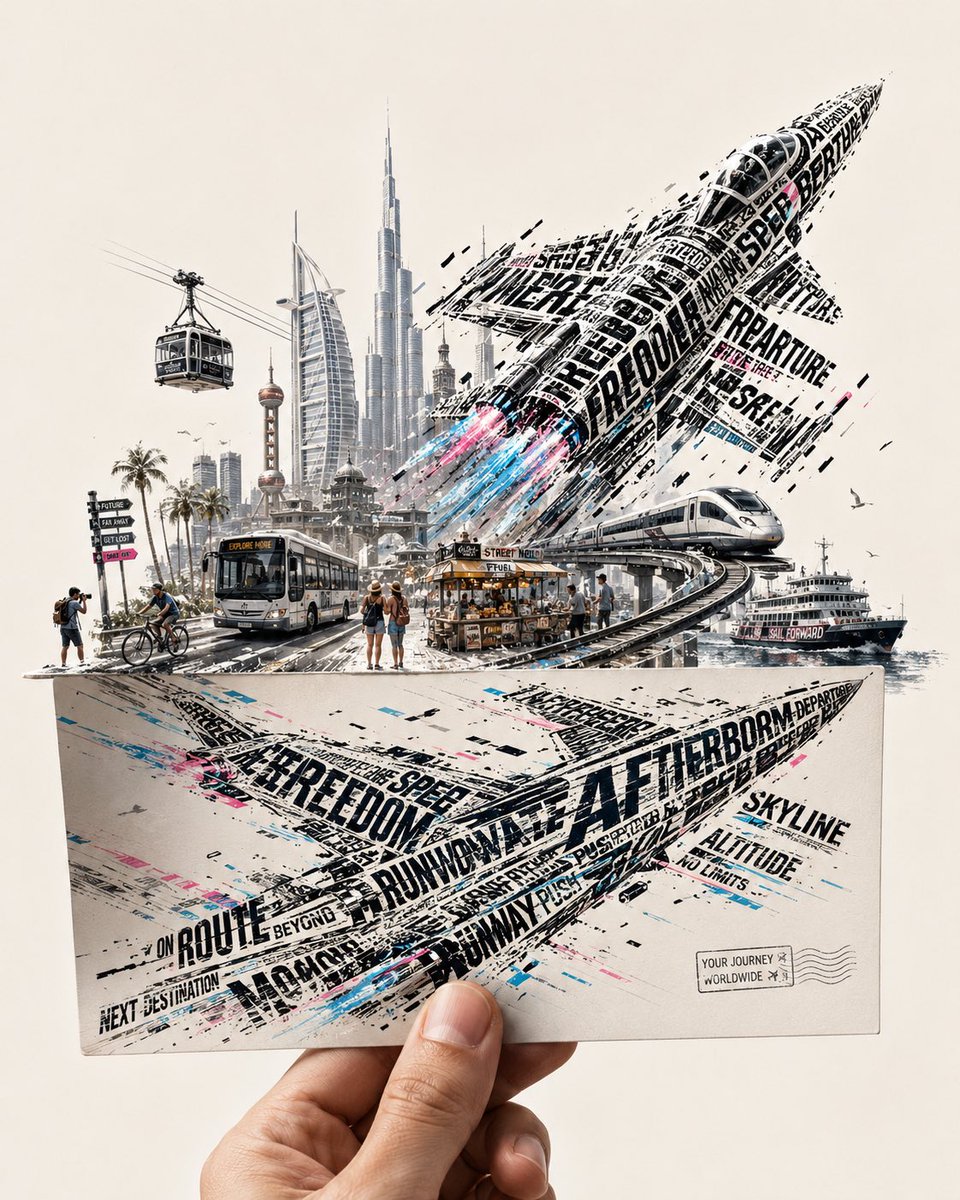
Futuristic Vehicle Postcard Layout
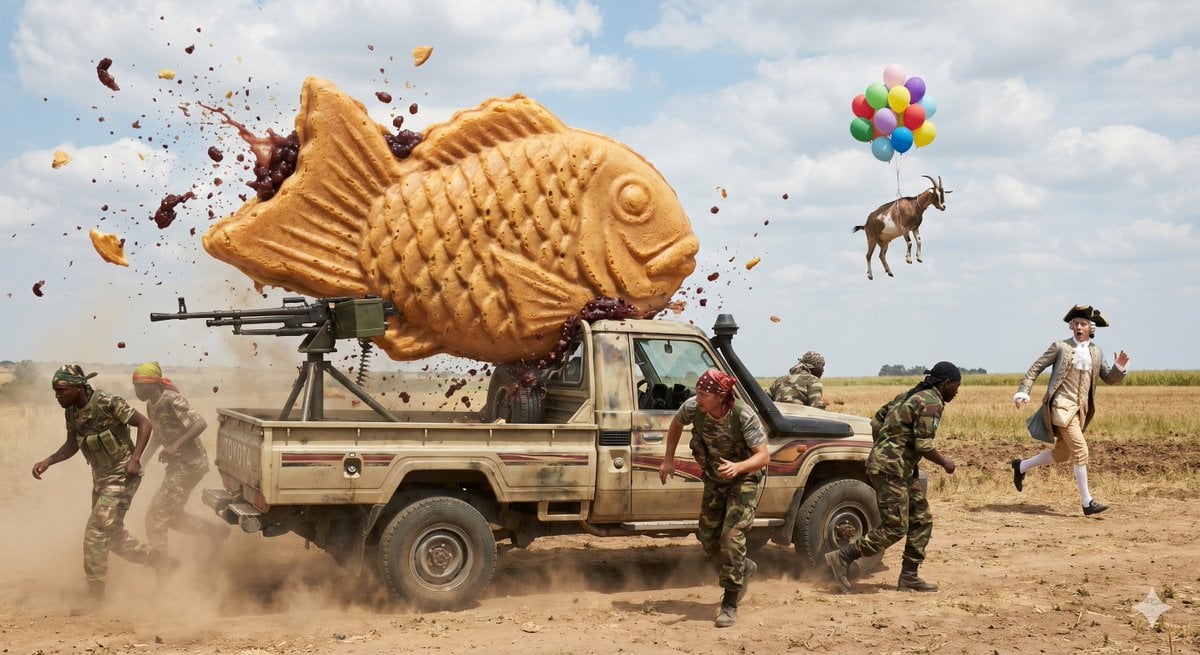
Technical Vehicle with Machine Gun
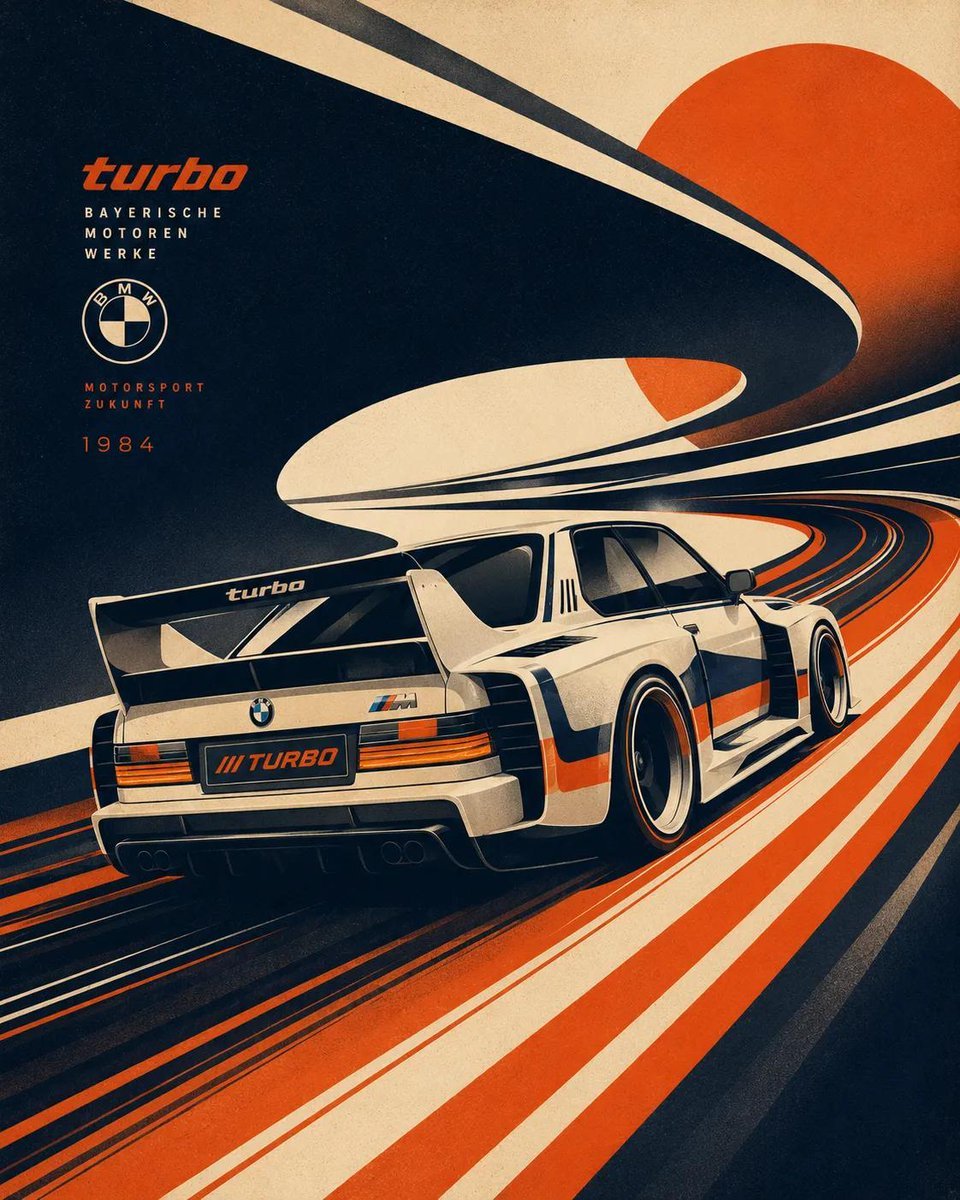
Futurist Retro Vehicle Illustration
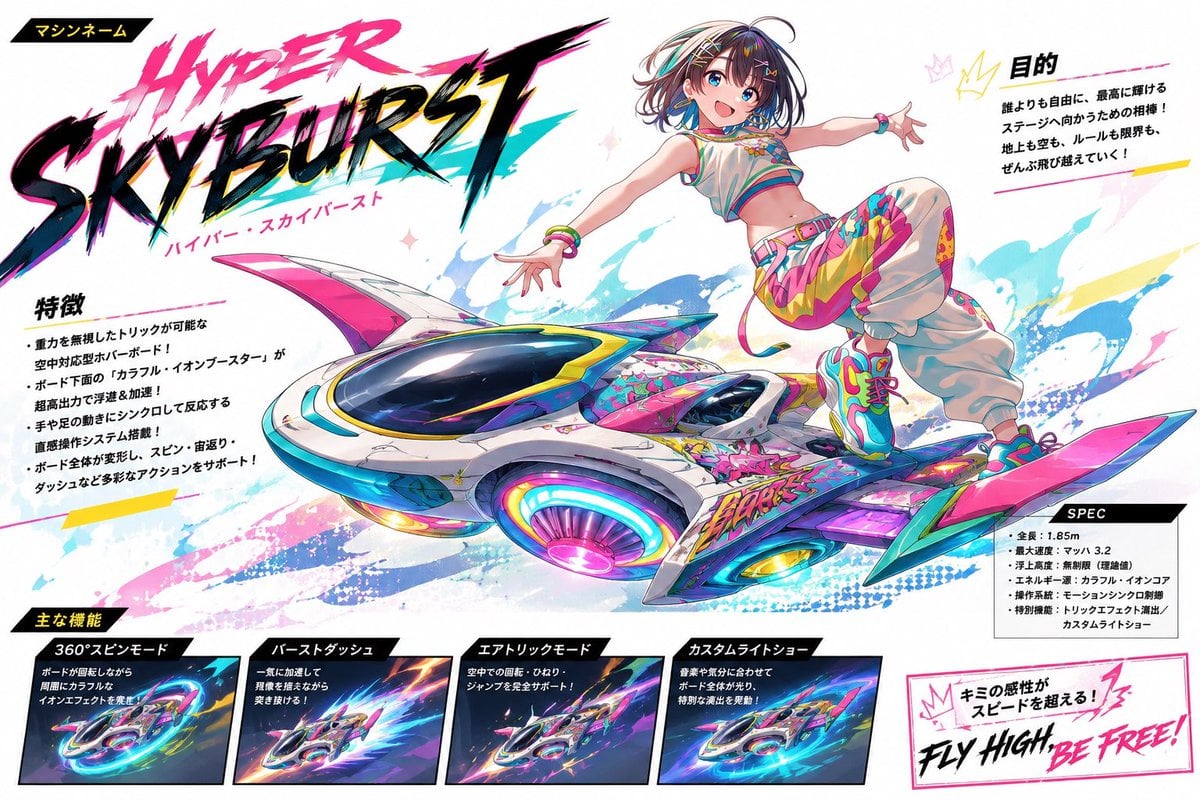
Fantasy Vehicle Character Sheet
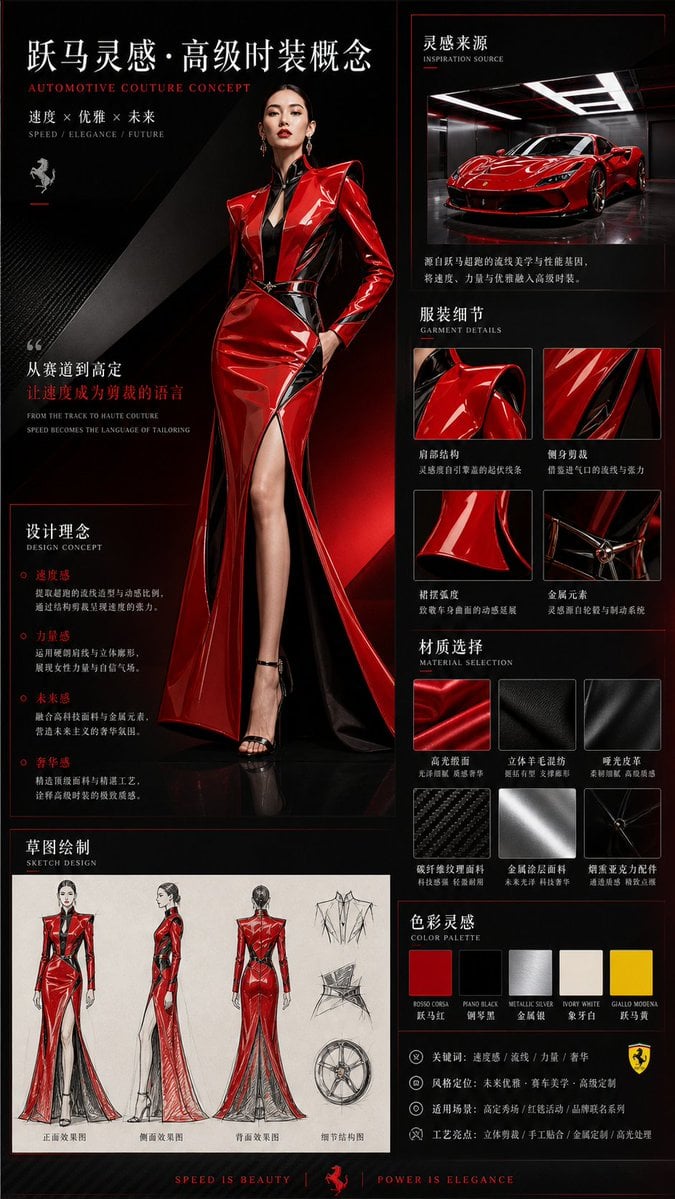
Vehicle-Inspired Fashion Design Infographic
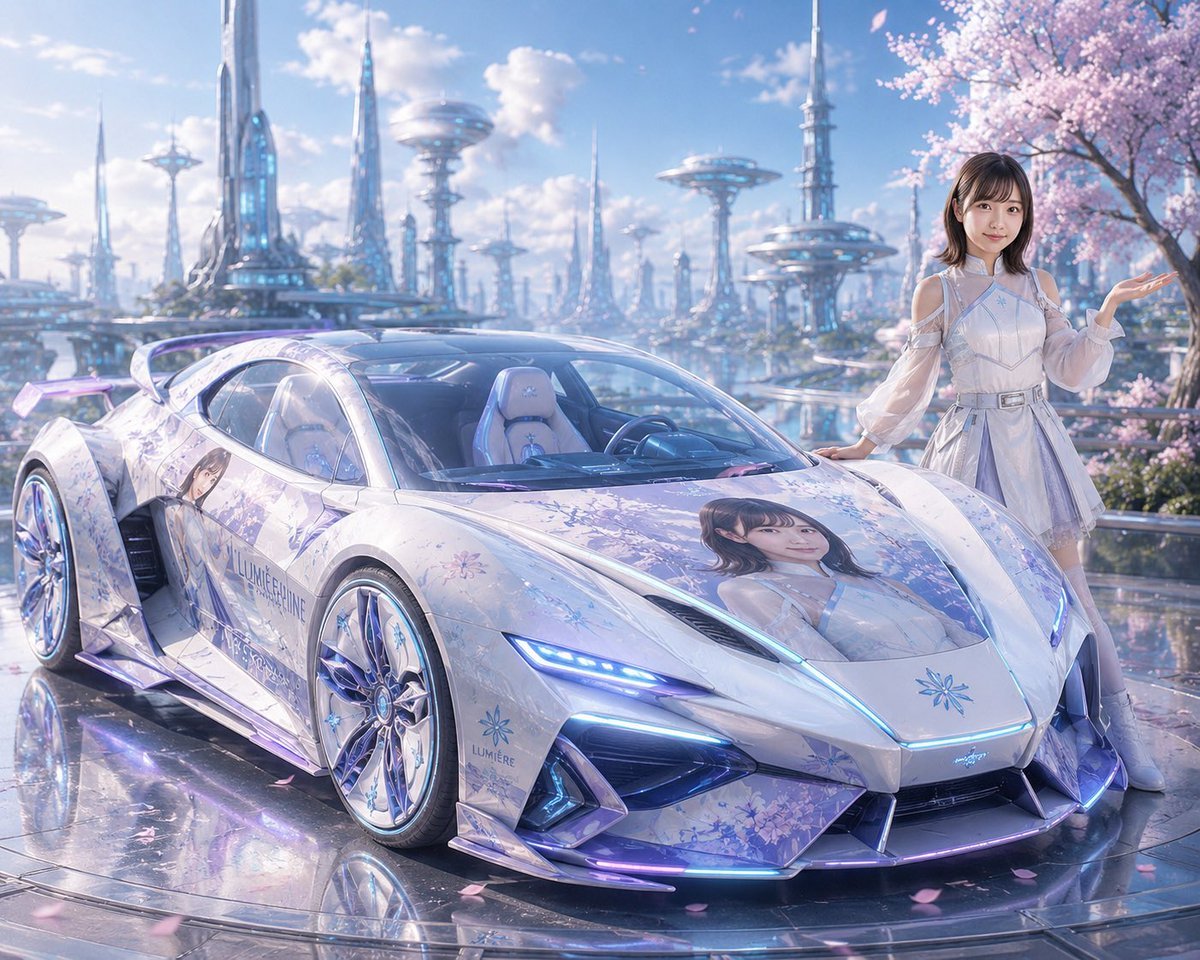
Futuristic Sakura Itasha Supercar
Make it yours
Custom Itasha Vehicle Generator works as-is. These are the safest ways to change it without losing the look.
Change one field
Copy a single group, rewrite it, and generate again so you can see what that field is doing.
Keep the frame, change the subject
Hold the composition and light of Custom Itasha Vehicle Generator, then swap wardrobe, props or the person for a new take.
| If the result… | Why | Fix |
|---|---|---|
| The result drifts from the preview | Too many fields changed at once. | Reuse Custom Itasha Vehicle Generator as-is first, then change one group — subject, light, or setting. |
| The model over-stylizes the scene | The prose prompt leaves finish and camera underspecified. | Add one camera or lighting sentence and stay on GPT Image 2. |
More GPT Image 2 templates
Other prompts made for GPT Image 2.

Six VTuber Japanese Logo Sheet

Realistic Portrait of Woman and Deer

The Vista Modular Condo Poster

AI Model Routing Comparison Infographic

2.5D Anime Art Board

Isometric Productivity Desk Scene

New York Double Exposure Poster

Four-Panel AI Landscape Comparison

Japanese Tatami Lifestyle Magazine Cover

NESCAFÉ Coffee Map Poster
More image prompts
Fresh picks from across the catalog.
Anime Split-Screen Sword Confrontation
Photorealistic Asian Female Model in DeepSeek Outfit Prompt

Cinematic Close Up Portrait By Google Na
Panel Spear Sakuga Storyboard
Black and White Xerox Zine Effect
Editorial Portrait 2x2 Grid
Korean-Style Interactive Beverage Poster
90s Anime Style Portrait Transformation
Infographic about past image model failures
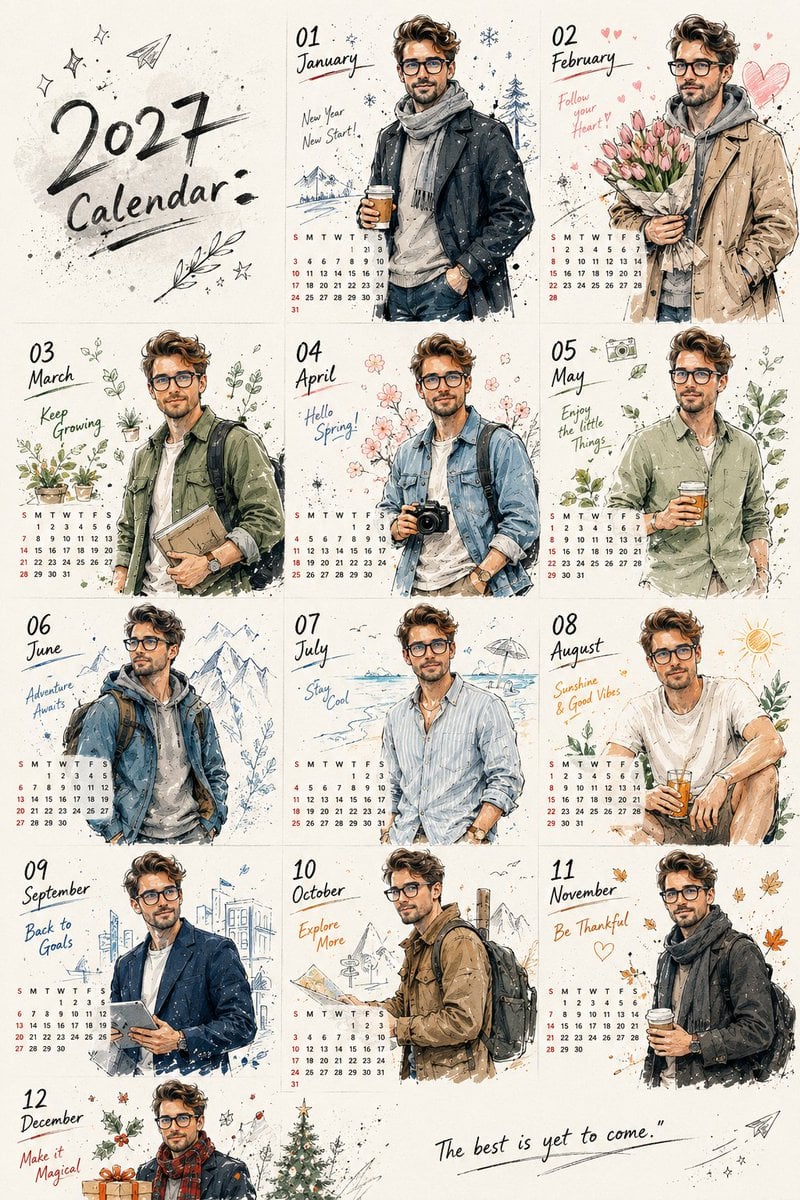
Korean Doodle Style Custom Calendar
Browse template categories
Custom Itasha Vehicle Generator questions
How do I use the Custom Itasha Vehicle Generator template?
Add your photo if the template asks for one, edit the prompt if you like — the template's model and format are already selected — and press Generate. Your version opens in PicX Studio.
Can I customize the Custom Itasha Vehicle Generator template?
Yes. You can change the subject, setting, lighting, mood, format, and available model controls before creating your image.
Is the Custom Itasha Vehicle Generator template free?
Opening and editing this template is free. Generating uses credits, shown on the Generate button when you are signed in.
Which AI model should I use?
Start with GPT Image 2, which is the model associated with this template. You can compare another compatible model for a different finish.
Looking for something else? Browse all templates.

Your photo, any look
Thousands of ready templates for every top image and video model, from one credit balance.