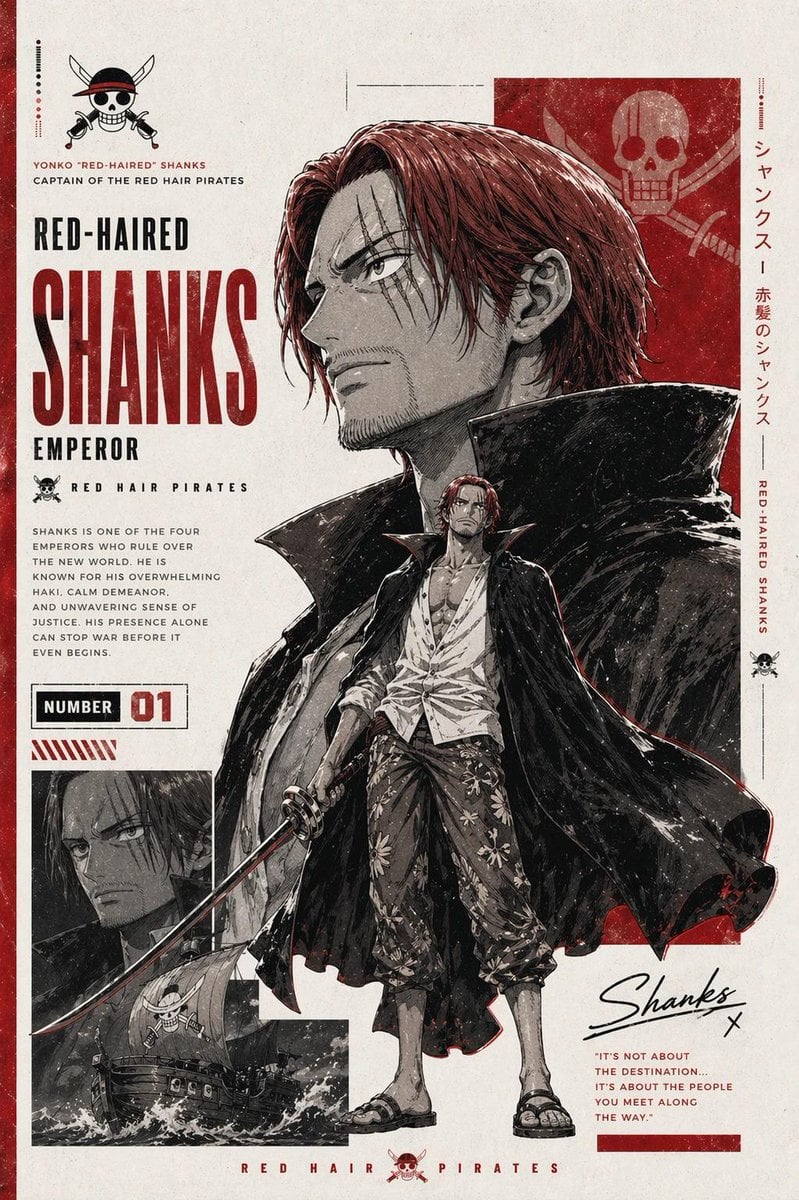
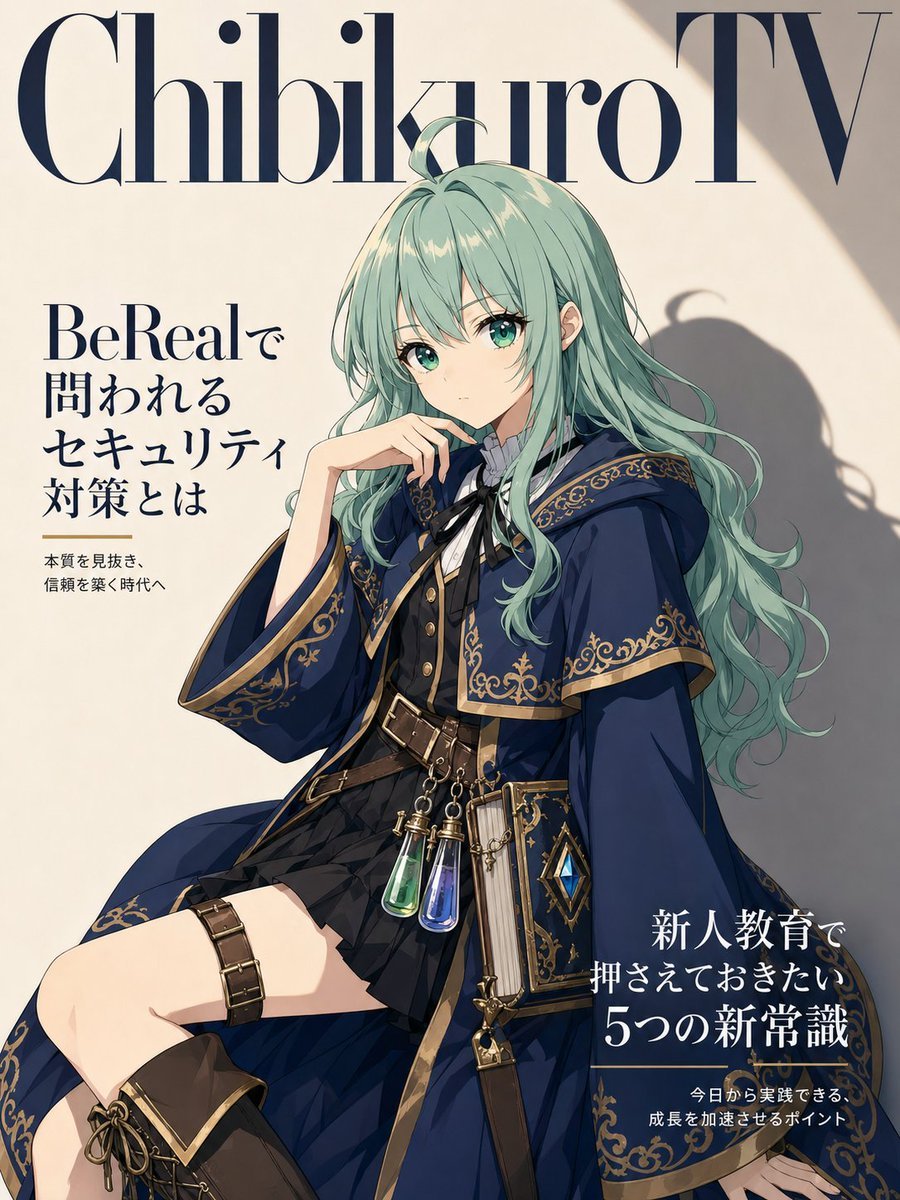
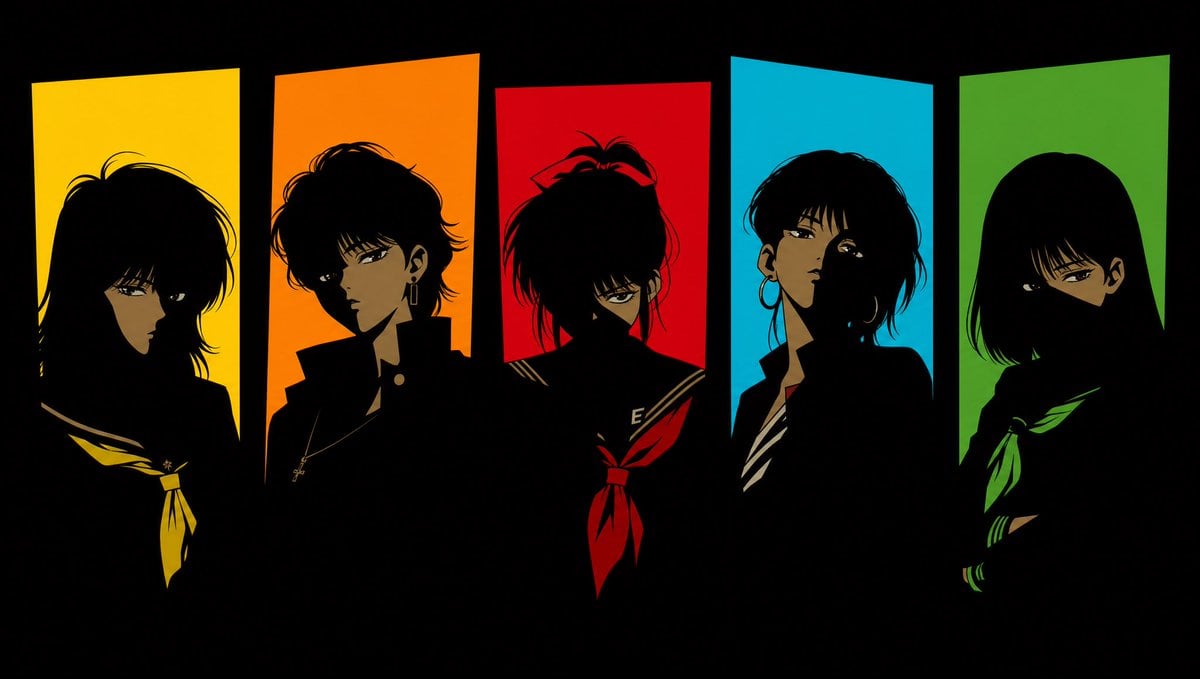
How do I use the Fantasy Vehicle Character Sheet template?
Edit the prompt in the box under the preview — the template's model and format are already selected — and press Generate. Your version appears right on this page.
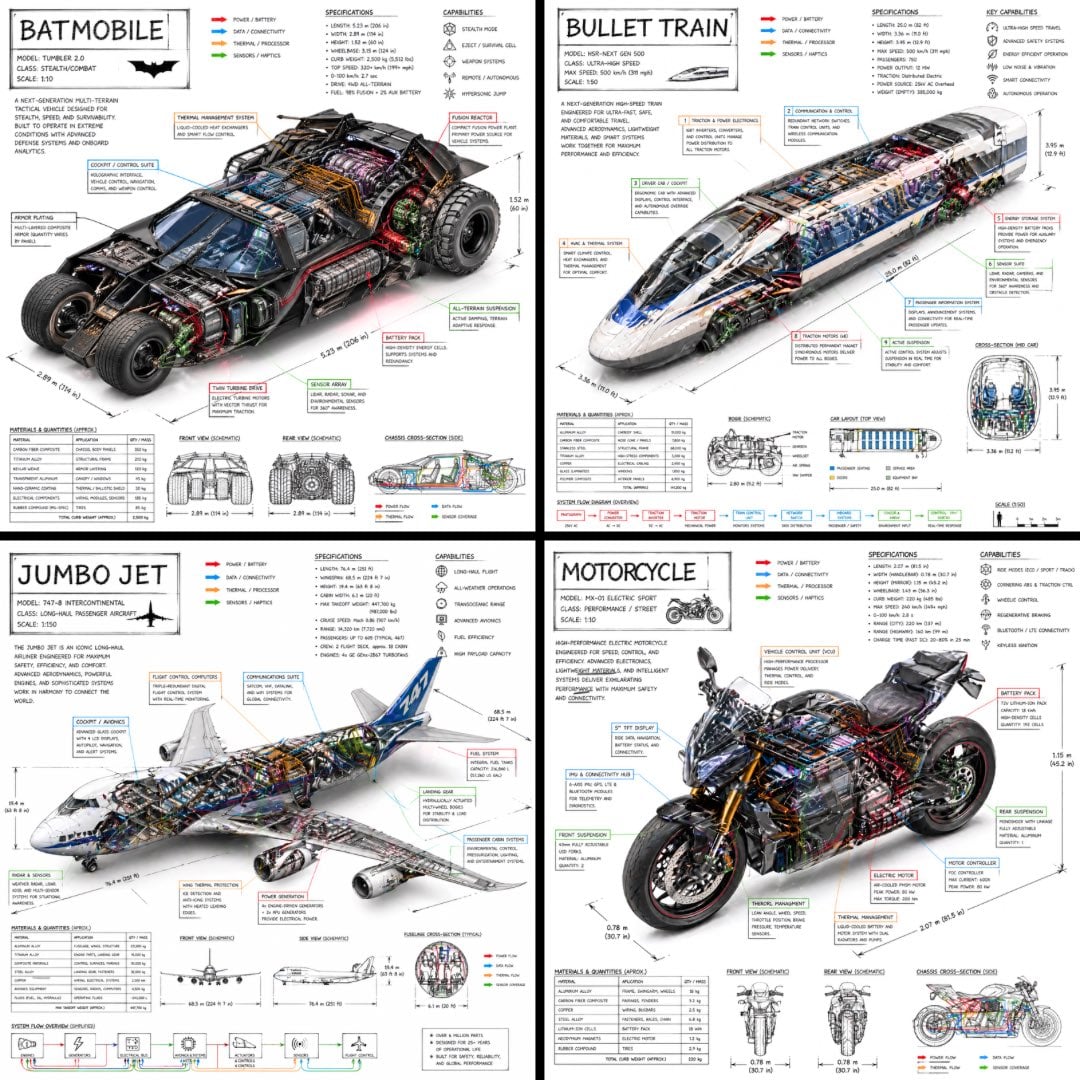
An instruction-based prompt designed to create imaginative vehicle designs and setting sheets that match a specific character's features and world-building.

This template uses your photo — add one with the + button.
添付したキャラの{argument name="特徴" default="特徴、持ち物、設定"}に合わせたキャラの乗り物の画像を作って。乗り物は派手でぶっ飛んだもの良いが、キャラの世界観や特徴を絶対に損なわないものにすること。画像にはものすごくカッコイイ文字で乗り物の名前を明記。他にも特徴、目的などを明記すること。禁止:実在する企業の組織の名前既存作品の舞台に関わる国や組織やキャラの名前
添付したキャラの{argument name="特徴" default="特徴、持ち物、設定"}に合わせたキャラの乗り物の画像を作って。乗り物は派手でぶっ飛んだもの良いが、キャラの世界観や特徴を絶対に損なわないものにすること。画像にはものすごくカッコイイ文字で乗り物の名前を明記。他にも特徴、目的などを明記すること。禁止:実在する企業の組織の名前既存作品の舞台に関わる国や組織やキャラの名前
Edit the prompt in the box under the preview — the template's model and format are already selected — and press Generate. Your version appears right on this page.
Yes. You can change the subject, setting, lighting, mood, format, and available model controls before creating your image.
Opening and editing this template is free. Generating uses credits, shown on the Generate button when you are signed in.
Start with GPT Image 2, which is the model associated with this template. You can compare another compatible model for a different finish.
Follow a topic to a crawlable collection of related PicX Studio templates.