
Manic Gothic Battle Maid
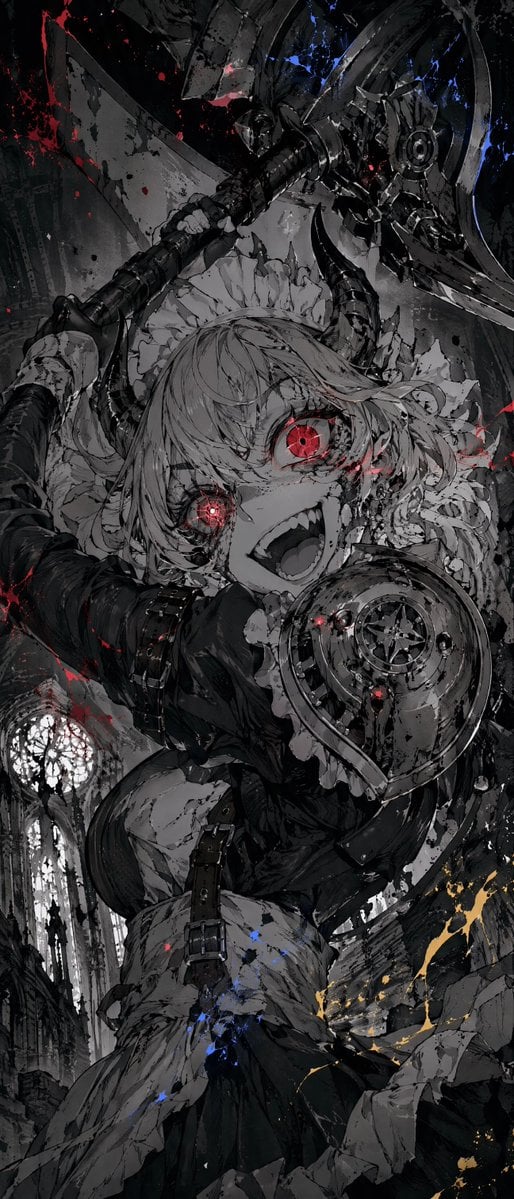
A vertical dark fantasy anime action illustration of a crazed gothic maid wielding a huge axe in a ruined cathedral.
- Prompt included
- Model and format preset
- Premium template
The prompt behind this image
Copy the exact prompt behind Manic Gothic Battle Maid, or open it in the studio and make it yours.
Create a tall vertical dark fantasy anime illustration of {argument name="character name" default="a manic gothic battle maid"} in an extreme low-angle close-up, as if she is lunging toward the viewer inside a ruined cathedral. The character is a young anime girl with pale skin, messy {argument name="hair color" default="silver-gray"} hair, a frilled maid headdress, a black gothic maid dress with ruffled white apron pieces, leather straps, dark gauntlet-like sleeves, and heavy ornate armor on one shoulder. Show exactly one character, exactly two glowing red eyes with tiny mechanical starburst pupils, exactly two visible hands gripping exactly one enormous double-bladed battle axe or halberd raised diagonally above her head. Her expression is feral and ecstatic: wide open mouth, sharp vampire-like teeth, crazed smile, intense forward gaze. The weapon should be oversized, black steel, chipped, circular mechanical details near the axe head, and covered in scratches. Compose the image with dynamic foreshortening: the face and armored shoulder dominate the center, the axe head fills the upper-right, the shaft cuts diagonally from lower-left to upper-right, and her skirt and straps recede downward. Background: a monochrome ruined Gothic cathedral with tall arches and a large circular stained-glass rose window visible in the lower-left distance, fractured stone, rubble, and vertical architectural lines. Visual style: highly detailed black-and-white manga rendering, gritty ink wash, sharp line art, heavy contrast, splattered paint texture, chaotic brush strokes, cracked surfaces, horror-action energy. Color palette is almost entirely grayscale and black, with only three accent colors: vivid {argument name="eye glow color" default="crimson red"} glowing in the eyes and blood-like splatters, small electric blue paint flecks near the weapon and lower clothing, and sparse gold-orange sparks or splashes near the lower-right. Add red splatter across the face, armor, weapon, and background, but keep the character readable. Use cinematic dramatic lighting, glossy wet highlights on black metal, deep shadows, and no clean flat colors. No text, no watermark, no border.
How to use Manic Gothic Battle Maid in 3 steps
- 1Upload ImagePNG, JPG or paste
Add your photo
Upload the photo the template builds on. The prompt, model and format are already set.
- 2…a portrait of your subject in softgolden-hour light, 85mm…
Personalize
Edit the subject and creative details for your destination.
- 3Generate
Generate
Press Generate — your image is created in PicX Studio, so you can compare it with the original and refine one variable at a time.
More like this
Templates with the same subject, style or setup. Open one to see its prompt.
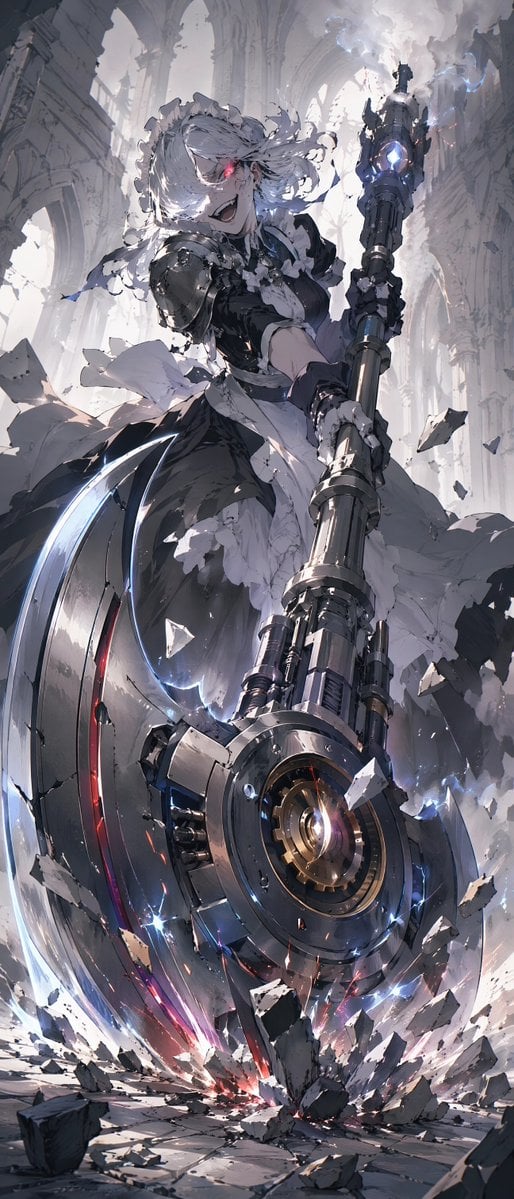
Battle Maid in Ruined Cathedral
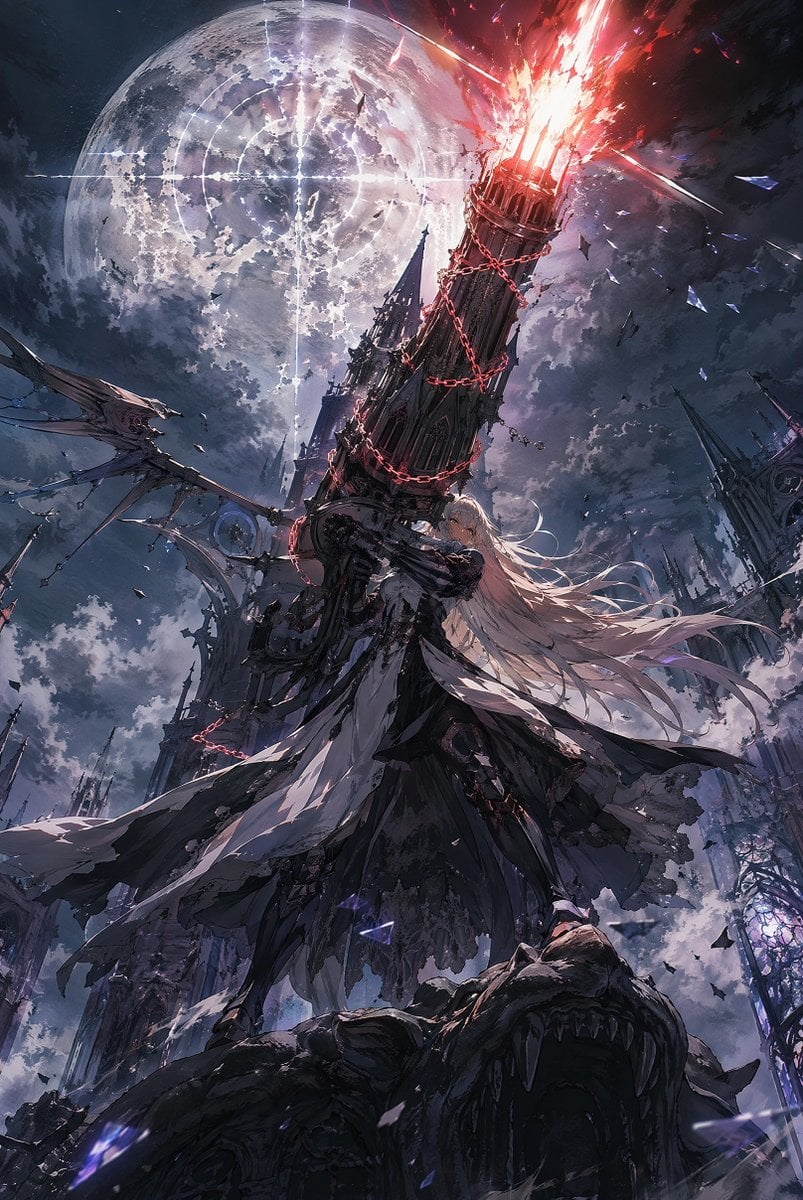
Moonlit Gothic Cannon Maiden
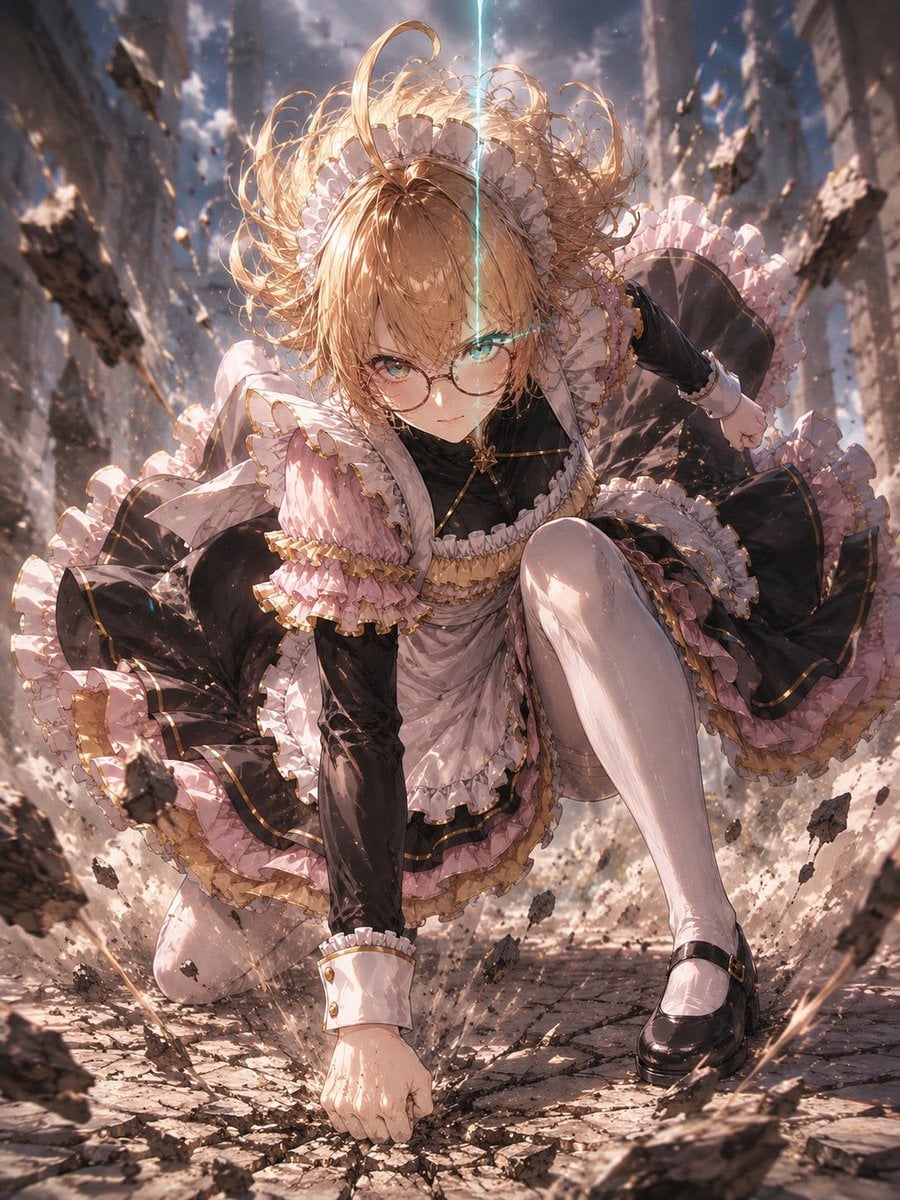
Gothic Maid Superhero Landing
Seedance - Dragon vs Python Battle
Seedance - Arrow Microscopic Battle
Gothic Japanese Mobile Homepage
Burning Gothic Flood Escape
Anime Elf Maid Turnaround Sheet

Sci-Fi AI Battle Movie Poster
Sunlit Maid Sisters Hug
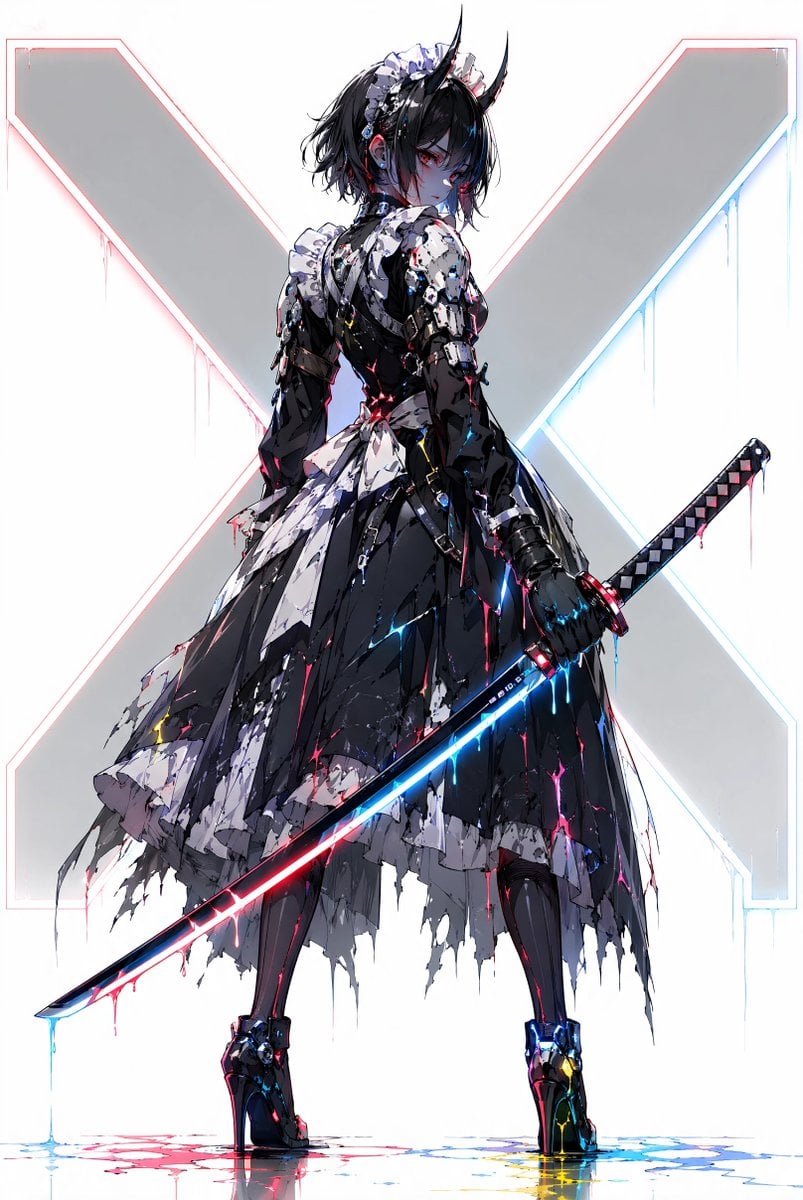
Cyber Demon Maid Katana
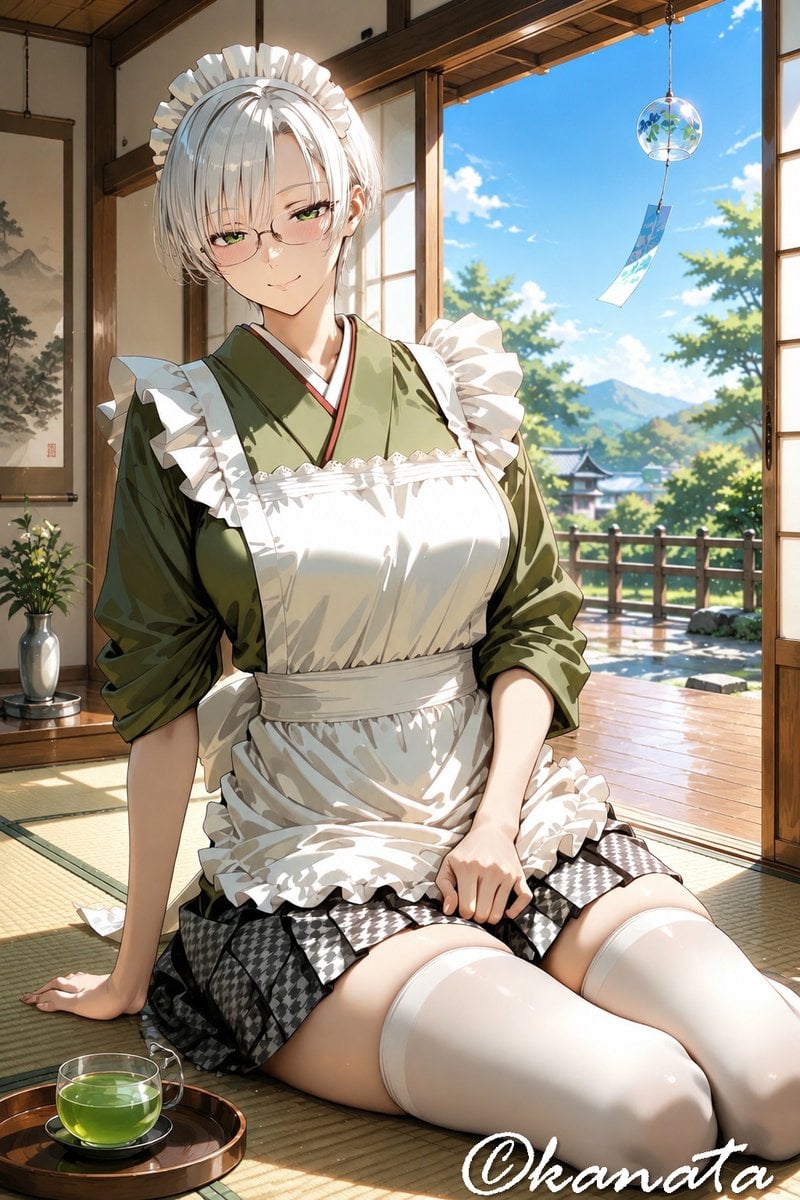
Summer Japanese Maid Resting
Make it yours
Manic Gothic Battle Maid works as-is. These are the safest ways to change it without losing the look.
Change one field
Copy a single group, rewrite it, and generate again so you can see what that field is doing.
Keep the frame, change the subject
Hold the composition and light of Manic Gothic Battle Maid, then swap wardrobe, props or the person for a new take.
| If the result… | Why | Fix |
|---|---|---|
| The result drifts from the preview | Too many fields changed at once. | Reuse Manic Gothic Battle Maid as-is first, then change one group — subject, light, or setting. |
| The model over-stylizes the scene | The prose prompt leaves finish and camera underspecified. | Add one camera or lighting sentence and stay on GPT Image 2. |
More GPT Image 2 templates
Other prompts made for GPT Image 2.

Six VTuber Japanese Logo Sheet

Realistic Portrait of Woman and Deer

The Vista Modular Condo Poster

AI Model Routing Comparison Infographic

2.5D Anime Art Board

Isometric Productivity Desk Scene

New York Double Exposure Poster

Four-Panel AI Landscape Comparison

Japanese Tatami Lifestyle Magazine Cover

NESCAFÉ Coffee Map Poster
More image prompts
Fresh picks from across the catalog.
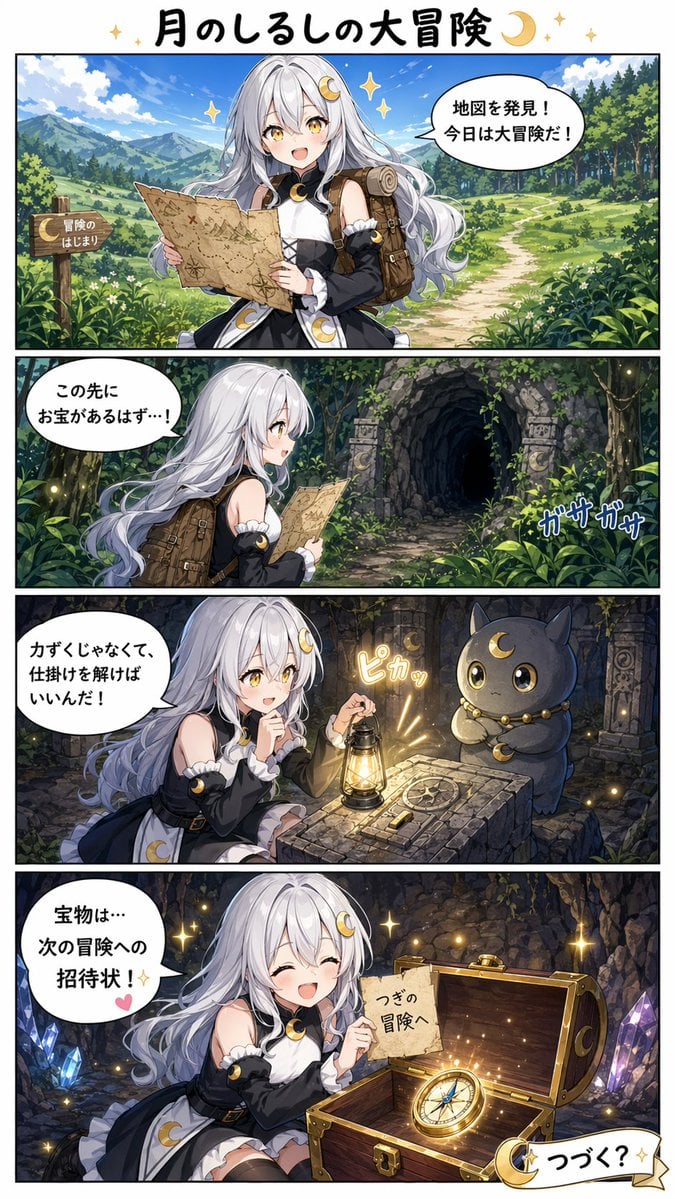
Moon Mark Adventure Comic Page
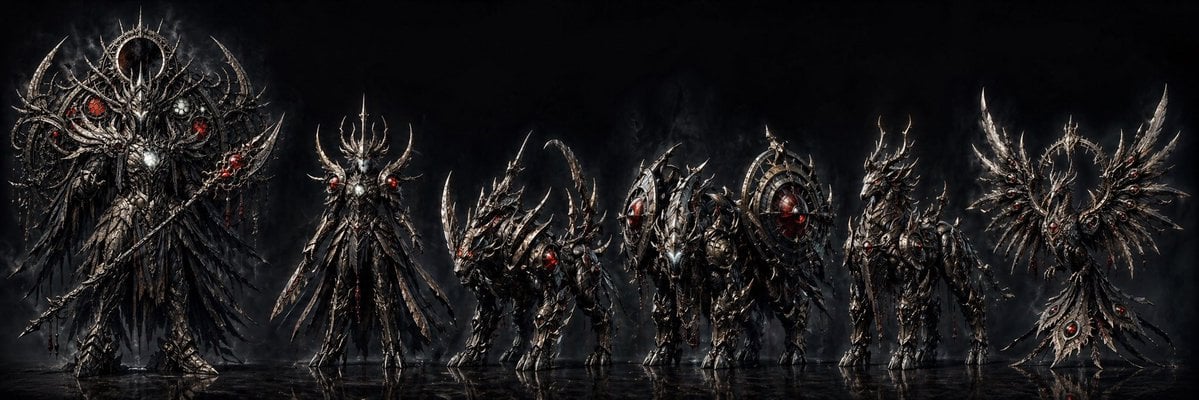
Dark Fantasy Combining Mecha Lineup

Golden hour European street fashion portrait prompt

Vintage Photo Restoration and Upscaling Prompt
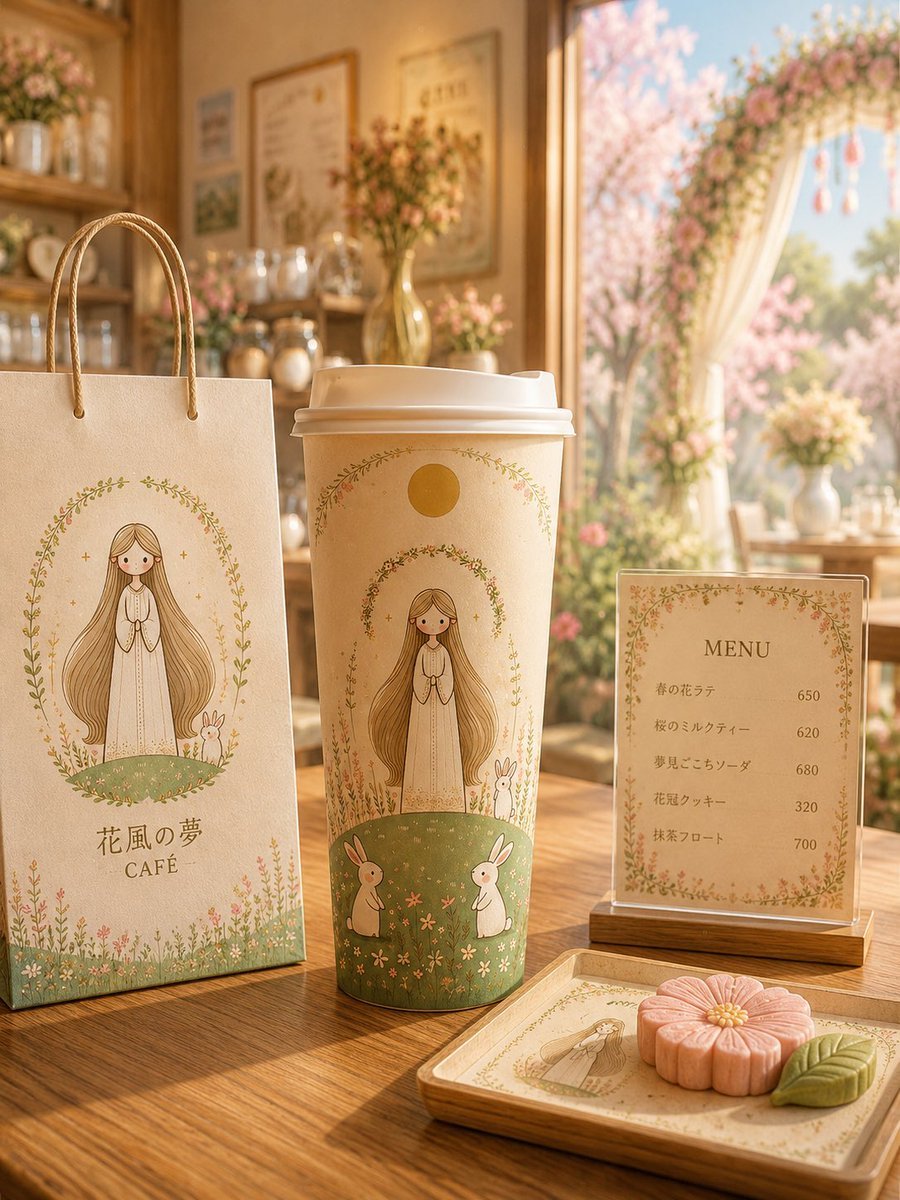
Floral Character Café Merchandise Scene

Royal Prince Potato Chips Package

YouTube Dark Mode Desktop UI Mockup
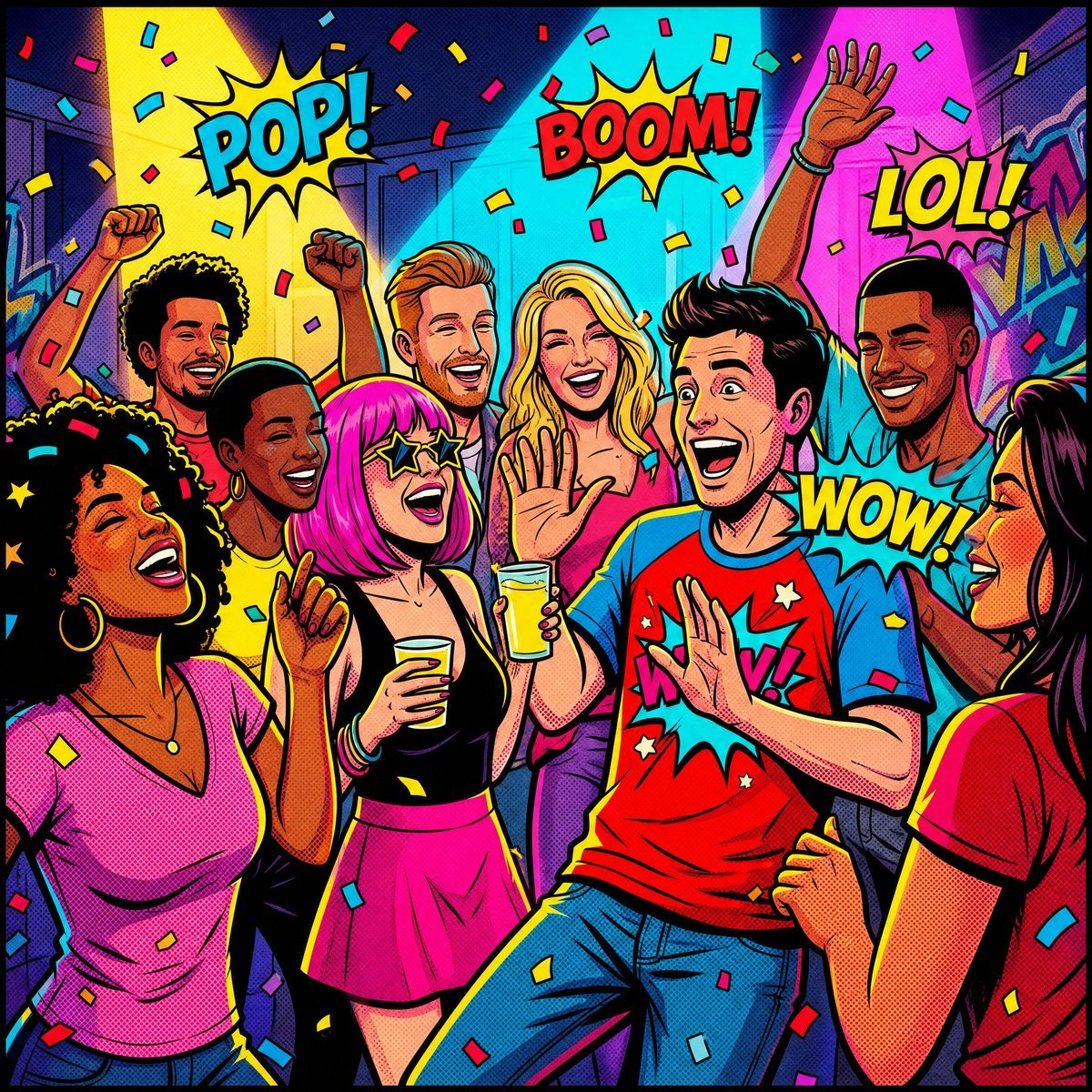
Vibrant Pop Art Party Scene
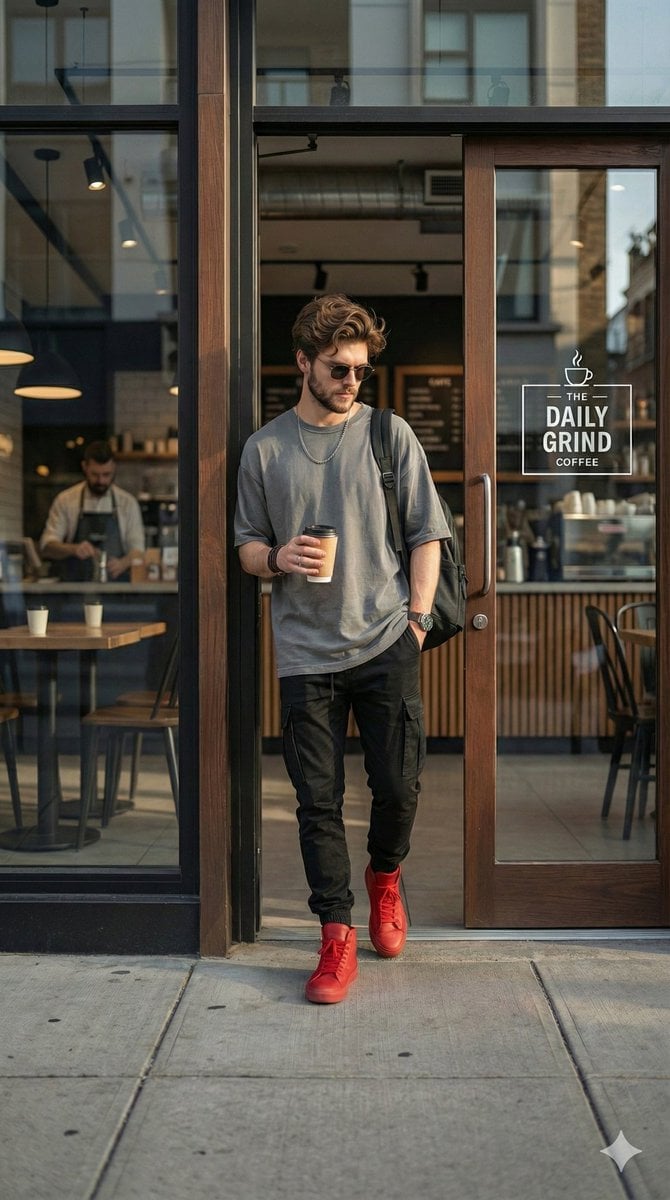
Hyper-realistic Urban Streetwear Portrait
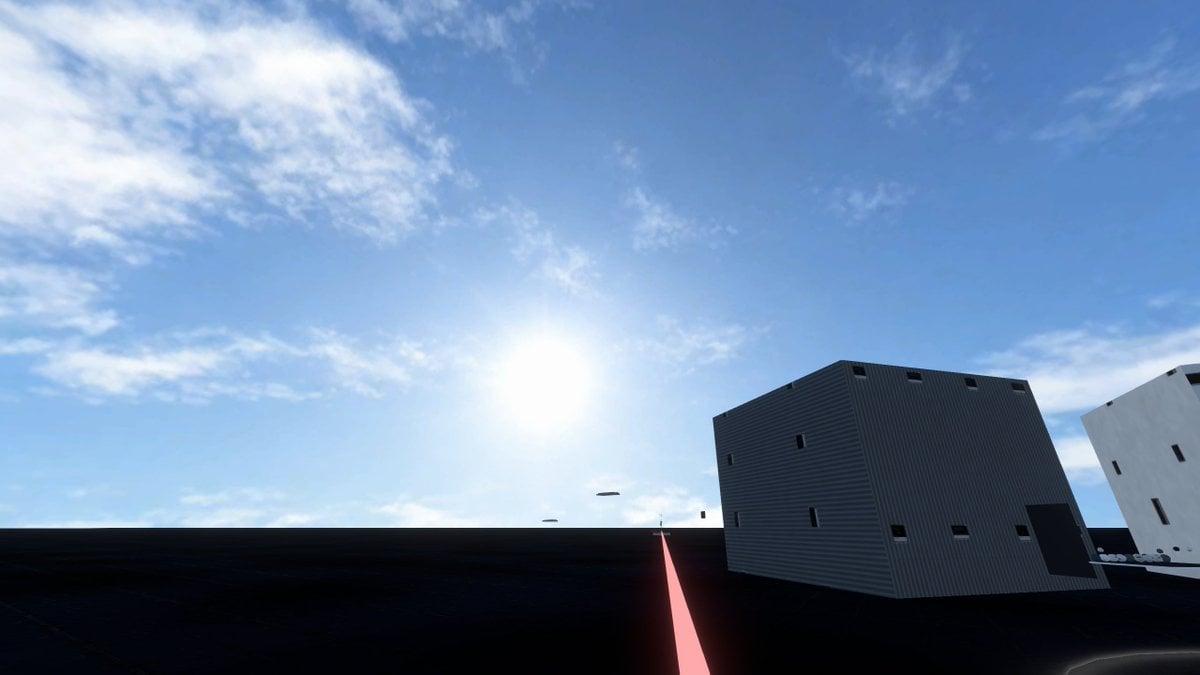
Minimal Game Engine Skybox Scene
Browse template categories
Manic Gothic Battle Maid questions
How do I use the Manic Gothic Battle Maid template?
Add your photo if the template asks for one, edit the prompt if you like — the template's model and format are already selected — and press Generate. Your version opens in PicX Studio.
Can I customize the Manic Gothic Battle Maid template?
Yes. You can change the subject, setting, lighting, mood, format, and available model controls before creating your image.
Is the Manic Gothic Battle Maid template free?
Opening and editing this template is free. Generating uses credits, shown on the Generate button when you are signed in.
Which AI model should I use?
Start with GPT Image 2, which is the model associated with this template. You can compare another compatible model for a different finish.
Looking for something else? Browse all templates.

Your photo, any look
Thousands of ready templates for every top image and video model, from one credit balance.