
Corporate Lobby Fight Storyboard
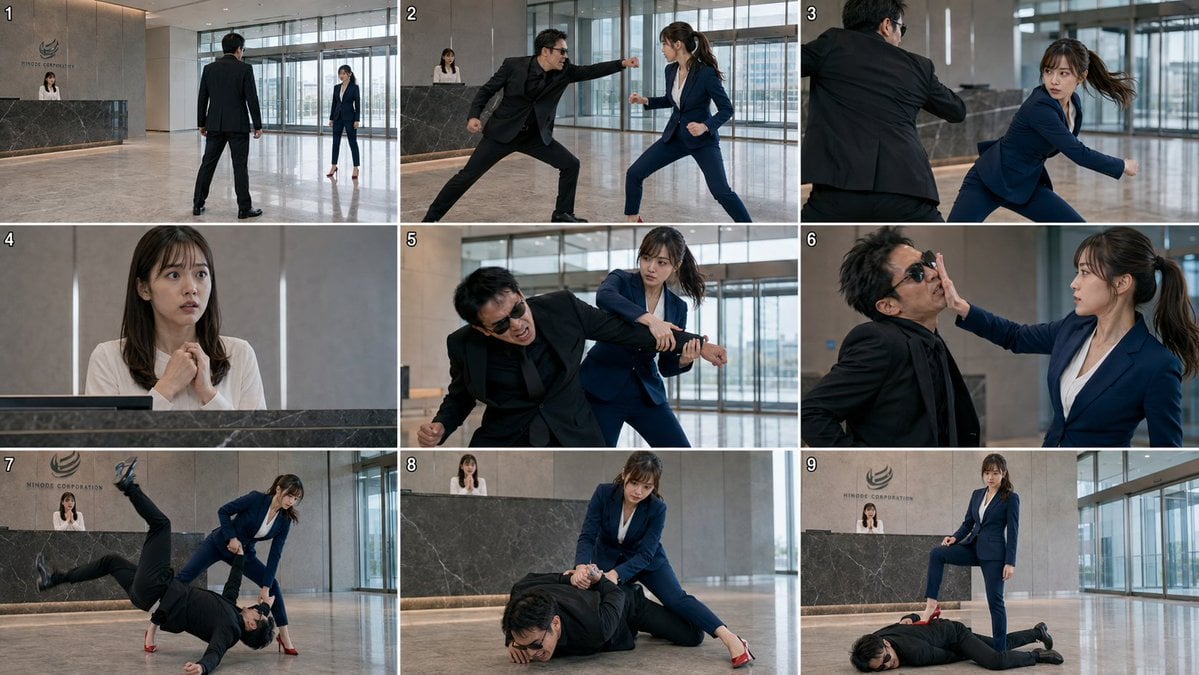
Generates a photorealistic 9-panel action storyboard of a suited woman defeating an attacker in a modern corporate lobby.
- Prompt included
- Model and format preset
- Free template
The prompt behind this image
Copy the exact prompt behind Corporate Lobby Fight Storyboard, or open it in the studio and make it yours.
Goal: Create a photorealistic live-action storyboard contact sheet for a corporate lobby fight scene, showing exactly 9 numbered cinematic frames in a 3x3 grid. Canvas: Wide 16:9 contact-sheet image, thin white gutters separating the panels, each panel numbered in small white digits at the top-left from 1 to 9. Realistic film still look, sharp action photography, natural indoor daylight, 768p storyboard fidelity. Location: A modern high-rise corporate lobby with polished beige marble floors, tall glass windows and sliding doors on the right and rear, neutral stone wall panels, and a dark marble reception desk. Behind the desk is a company logo and the text {argument name="company name" default="HINODE CORPORATION"}. The receptionist remains behind the desk in multiple shots. Characters: Use exactly 3 recurring characters. Character 1 is {argument name="female fighter" default="a young East Asian woman in a navy blue business suit, white blouse, red high heels, long brown hair in a ponytail with loose bangs"}; she is athletic, focused, and calm under pressure. Character 2 is {argument name="male attacker" default="a middle-aged East Asian man in a black suit, black shirt, black shoes, messy dark hair, wearing black sunglasses"}; he is aggressive and increasingly defeated. Character 3 is {argument name="receptionist" default="a young East Asian woman in a white blouse behind the reception counter"}; she looks shocked and frightened. Panel-by-panel layout, exactly 9 panels: 1. Wide establishing shot: the male attacker stands with his back to camera in the open lobby, facing the female fighter several meters away near the windows; the receptionist is visible behind the reception desk. Tense standoff composition. 2. Medium-wide action shot: the male attacker lunges forward and throws a straight punch toward the female fighter; she squares up defensively in her navy suit, fists raised, feet apart. 3. Over-the-shoulder/side action shot: the female fighter pivots and dodges the punch, her ponytail swinging, her face alert; the attacker’s black-suited arm cuts across the foreground. 4. Close-up reaction shot: the receptionist behind the counter clasps her hands nervously near her chest, eyes wide, watching the fight. 5. Medium action shot: the female fighter traps and twists the attacker’s arm from behind or beside him, forcing him to bend forward in pain; her expression is controlled and determined. 6. Tight medium shot: the female fighter strikes or shoves the attacker’s face with an open palm, compressing his sunglasses and cheek; he grimaces while she stares him down. 7. Wide dynamic throw shot: the female fighter executes a judo-style takedown or sweeping throw; the attacker is inverted or falling headfirst toward the marble floor, one leg flung high in the air, while she stays balanced in red heels. 8. Ground-control shot: the attacker lies face-down on the floor, grimacing; the female fighter kneels or crouches over him, pinning his arm behind his back with both hands. Reception desk and receptionist visible in the background. 9. Final victory shot: the attacker lies prone and defeated on the marble floor; the female fighter stands over him with one red high heel planted firmly on his back, looking composed and victorious; receptionist and corporate logo remain visible behind them. Visual style: Photorealistic Japanese corporate action-drama stills, cinematic framing, realistic motion blur only where appropriate, consistent character identities and wardrobe across all 9 panels, cool neutral office lighting, polished reflections on the floor, dramatic but believable stunt choreography. Constraints: Do not add extra panels, captions, speech bubbles, weapons, blood, gore, or fantasy effects. Keep the grid clean and readable. Maintain the exact 9 numbered frames and the same lobby location throughout.
How to use Corporate Lobby Fight Storyboard in 3 steps
- 1Upload ImagePNG, JPG or paste
Add your photo
Upload the photo the template builds on. The prompt, model and format are already set.
- 2…a portrait of your subject in softgolden-hour light, 85mm…
Personalize
Edit the subject and creative details for your destination.
- 3Generate
Generate
Press Generate — your image is created in PicX Studio, so you can compare it with the original and refine one variable at a time.
More like this
Templates with the same subject, style or setup. Open one to see its prompt.
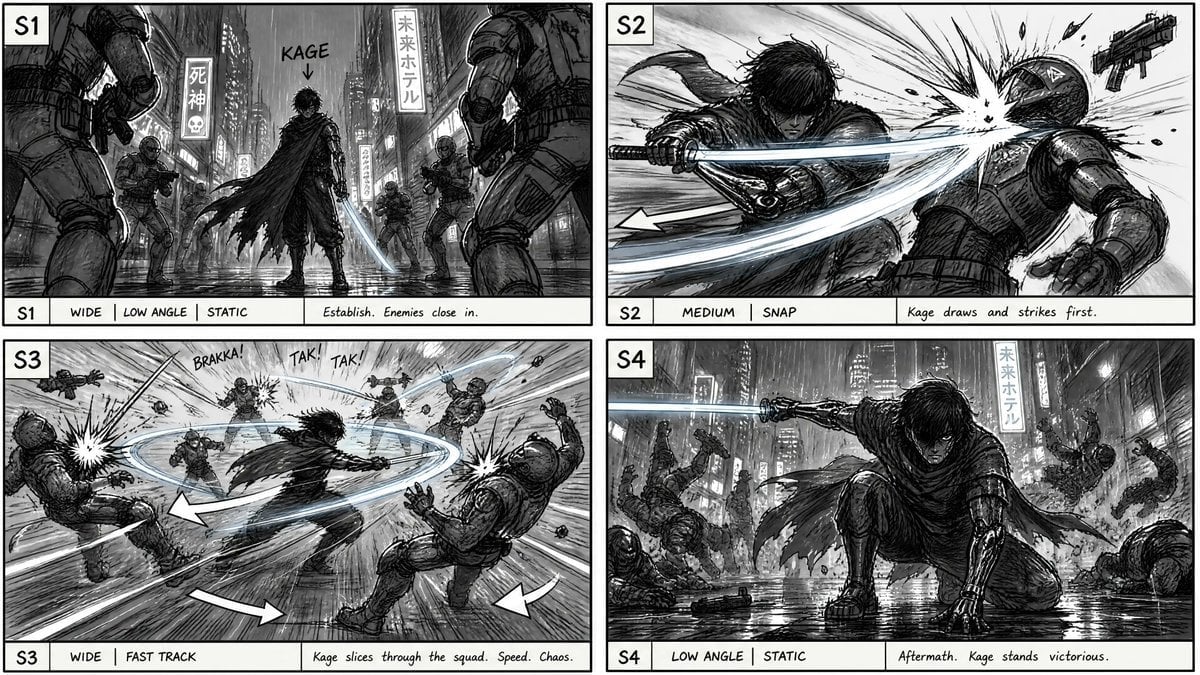
Cyberpunk Sword Fight Storyboard

Headphones Lifestyle Nine Panel Grid
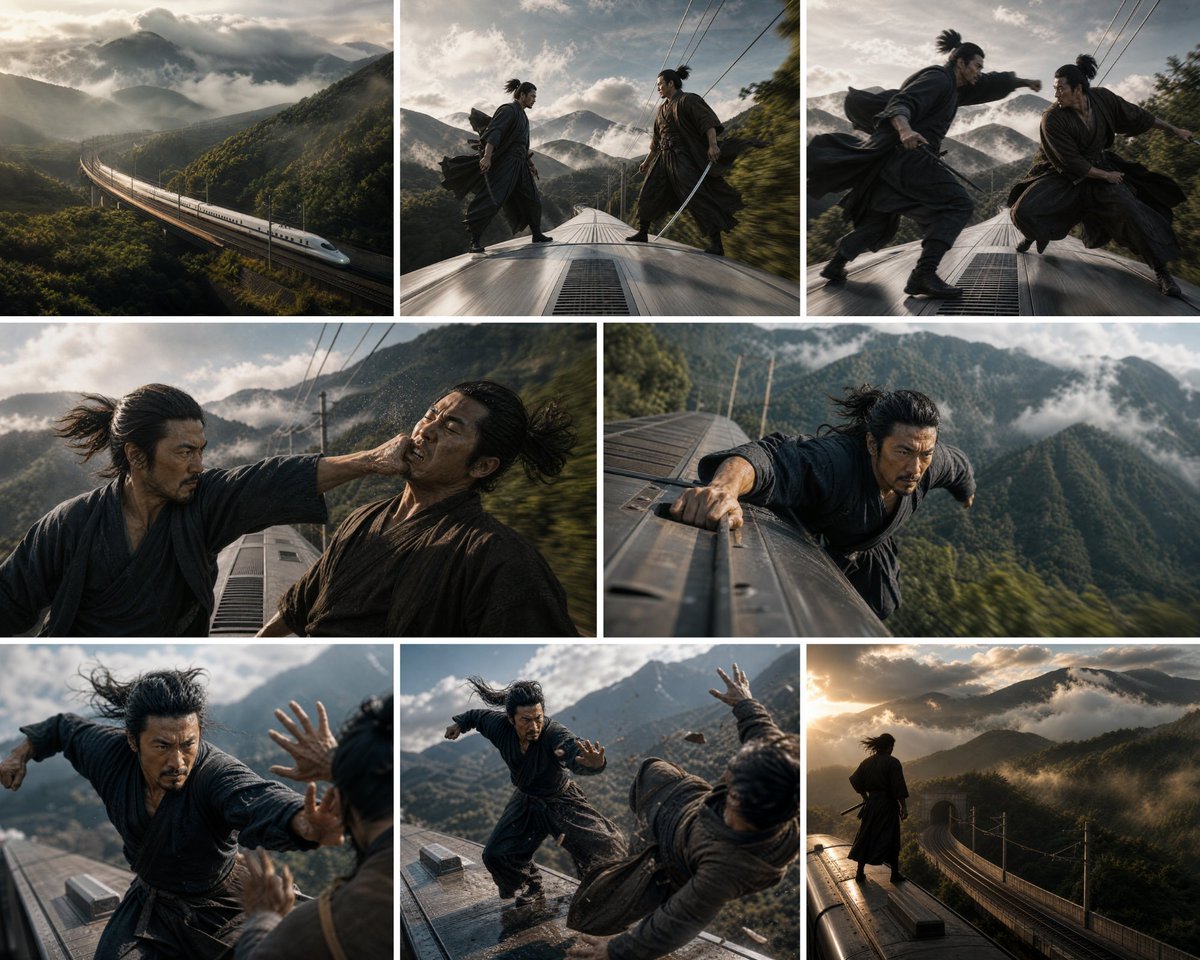
Bullet Train Rooftop Fight Storyboard
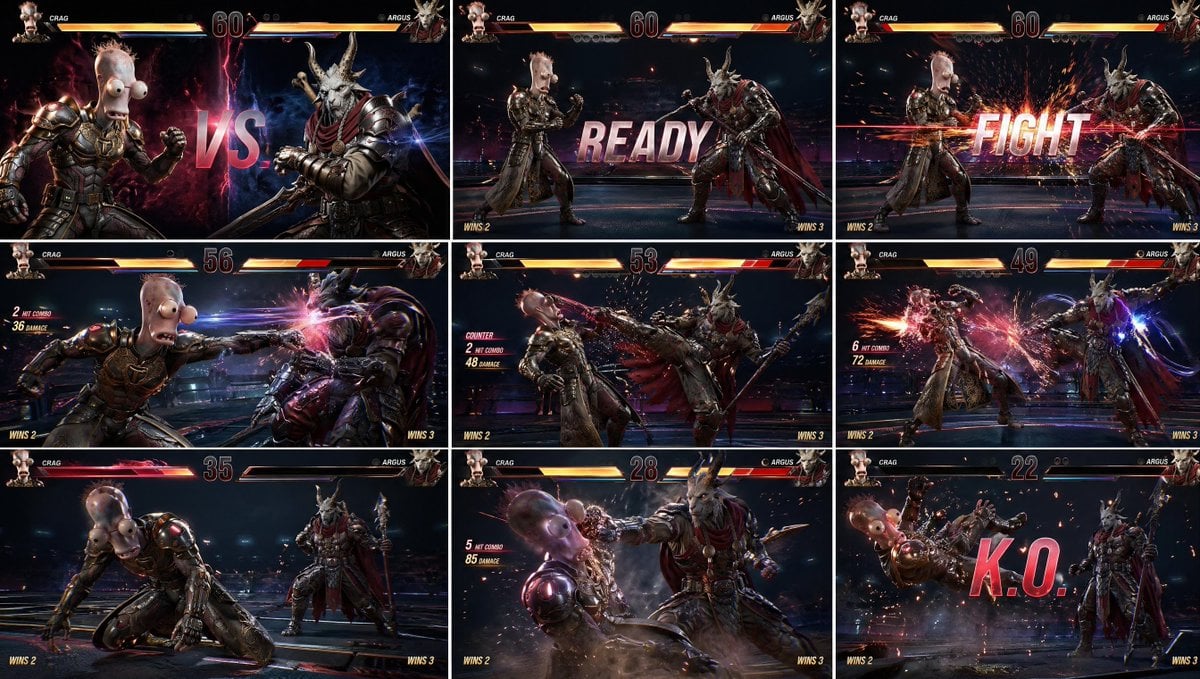
AAA Fighting Game Storyboard Grid
Manhwa Style Fighting Storyboard

Seedance 2.0 - Anime Girl Fight
Seedance - Storyboard to Movie
Seedance - Epic Fight Scene
Still Woman in Motion-Blurred Lobby
Anime Mall Jewelry Heist Fight
Surreal Weather Armchair in Hotel Lobby
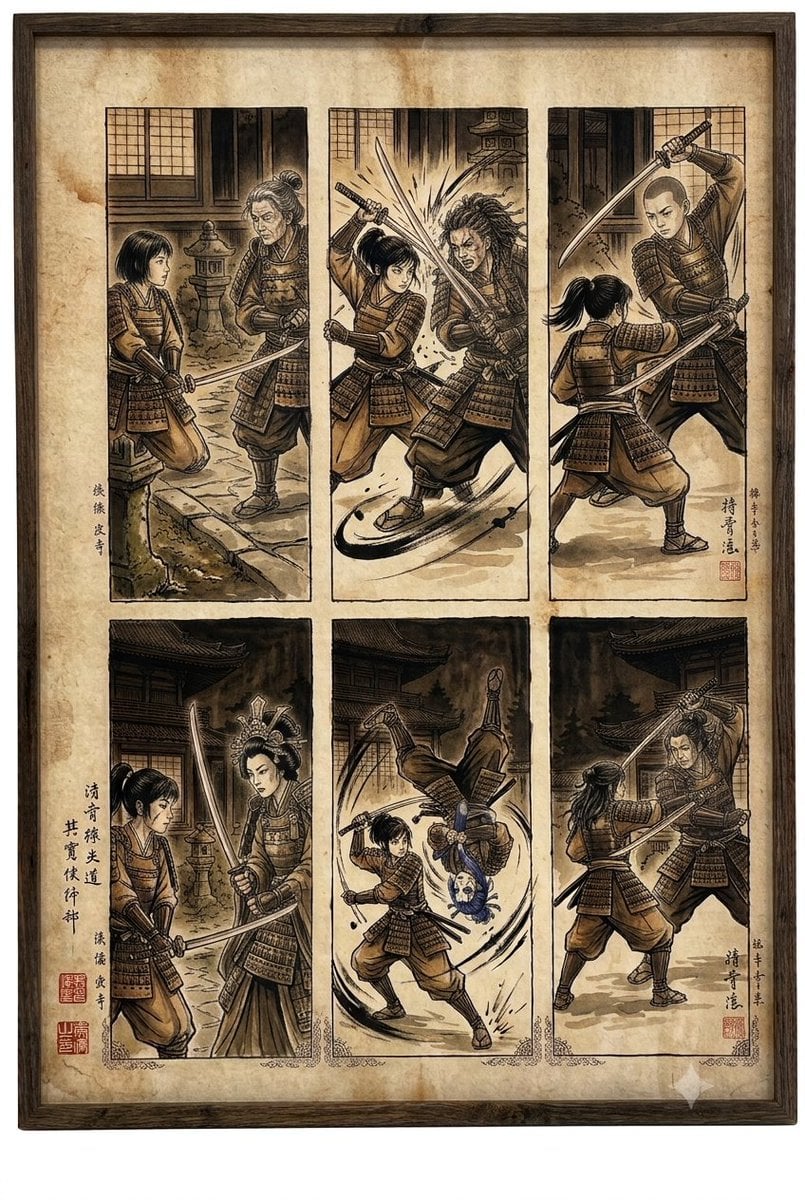
Samurai fight scene ukiyo-e triptych
Make it yours
Corporate Lobby Fight Storyboard works as-is. These are the safest ways to change it without losing the look.
Change one field
Copy a single group, rewrite it, and generate again so you can see what that field is doing.
Keep the frame, change the subject
Hold the composition and light of Corporate Lobby Fight Storyboard, then swap wardrobe, props or the person for a new take.
| If the result… | Why | Fix |
|---|---|---|
| The result drifts from the preview | Too many fields changed at once. | Reuse Corporate Lobby Fight Storyboard as-is first, then change one group — subject, light, or setting. |
| The model over-stylizes the scene | The prose prompt leaves finish and camera underspecified. | Add one camera or lighting sentence and stay on GPT Image 2. |
More GPT Image 2 templates
Other prompts made for GPT Image 2.

Six VTuber Japanese Logo Sheet

Realistic Portrait of Woman and Deer

The Vista Modular Condo Poster

AI Model Routing Comparison Infographic

2.5D Anime Art Board

Isometric Productivity Desk Scene

New York Double Exposure Poster

Four-Panel AI Landscape Comparison

Japanese Tatami Lifestyle Magazine Cover

NESCAFÉ Coffee Map Poster
More image prompts
Fresh picks from across the catalog.
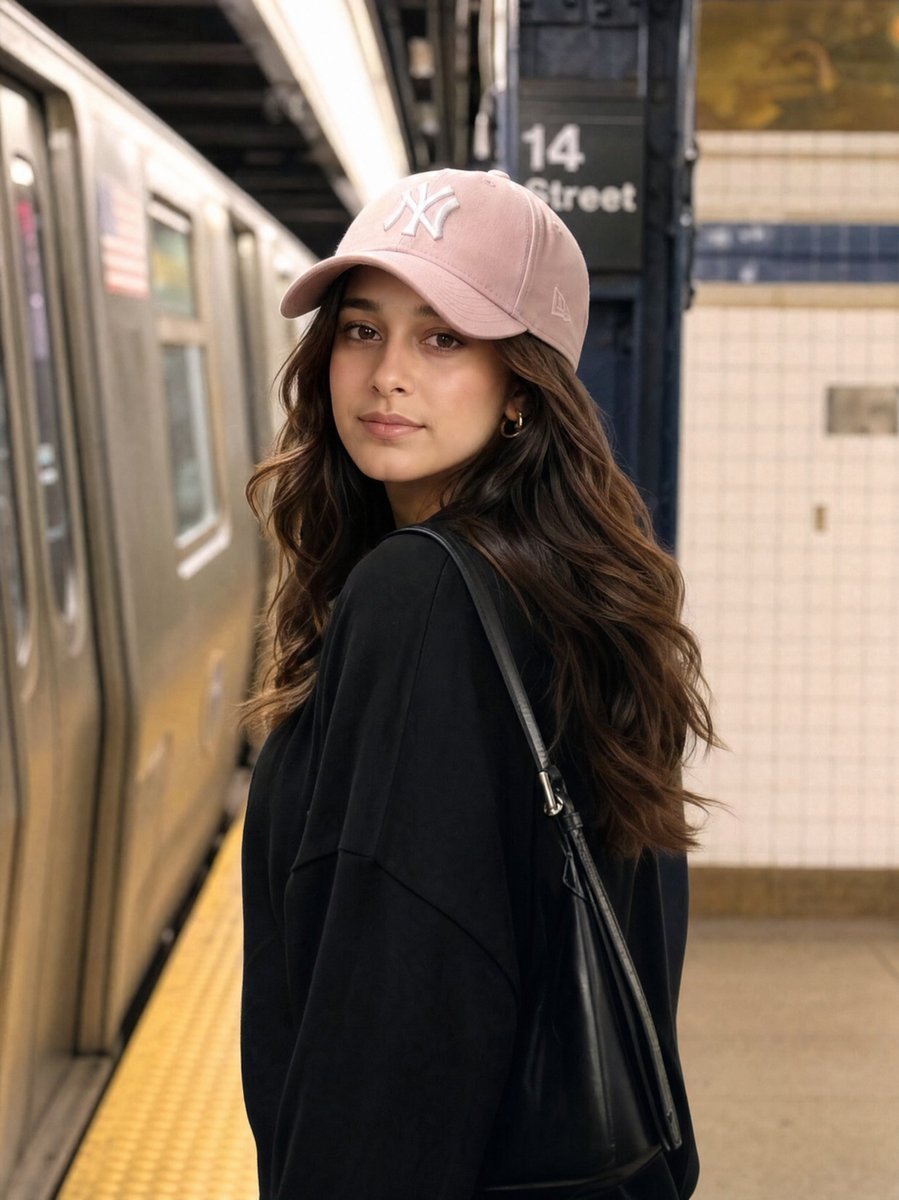
Identity Preservation Subway Portrait
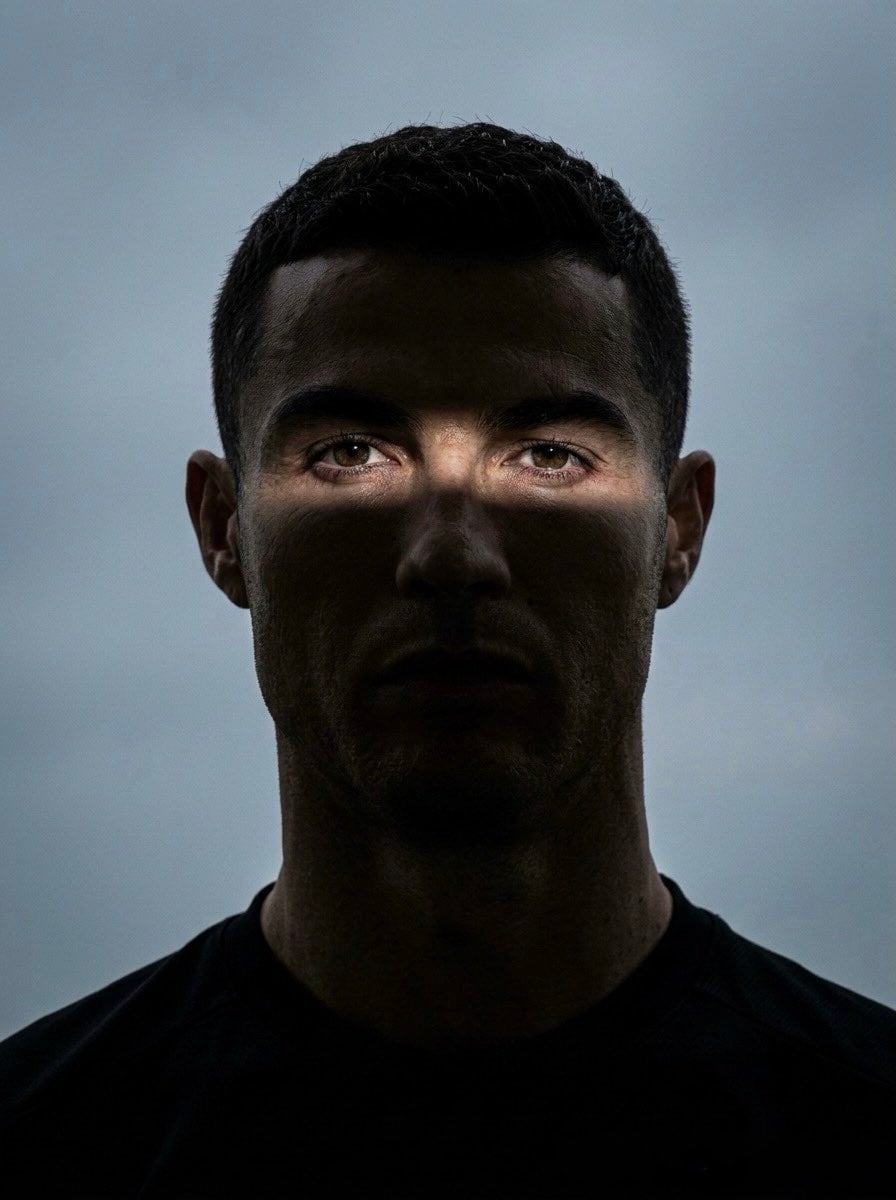
Moody Cinematic Eye Portrait
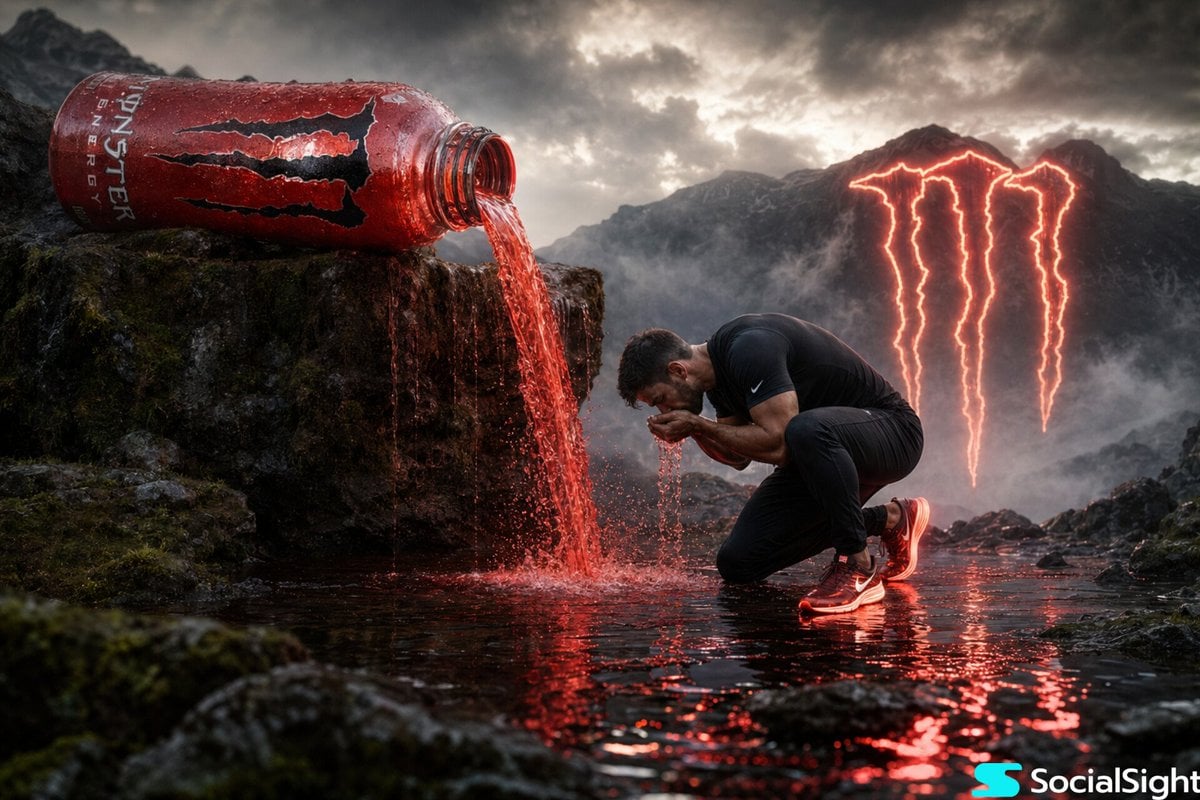
Cinematic Energy Drink Ad
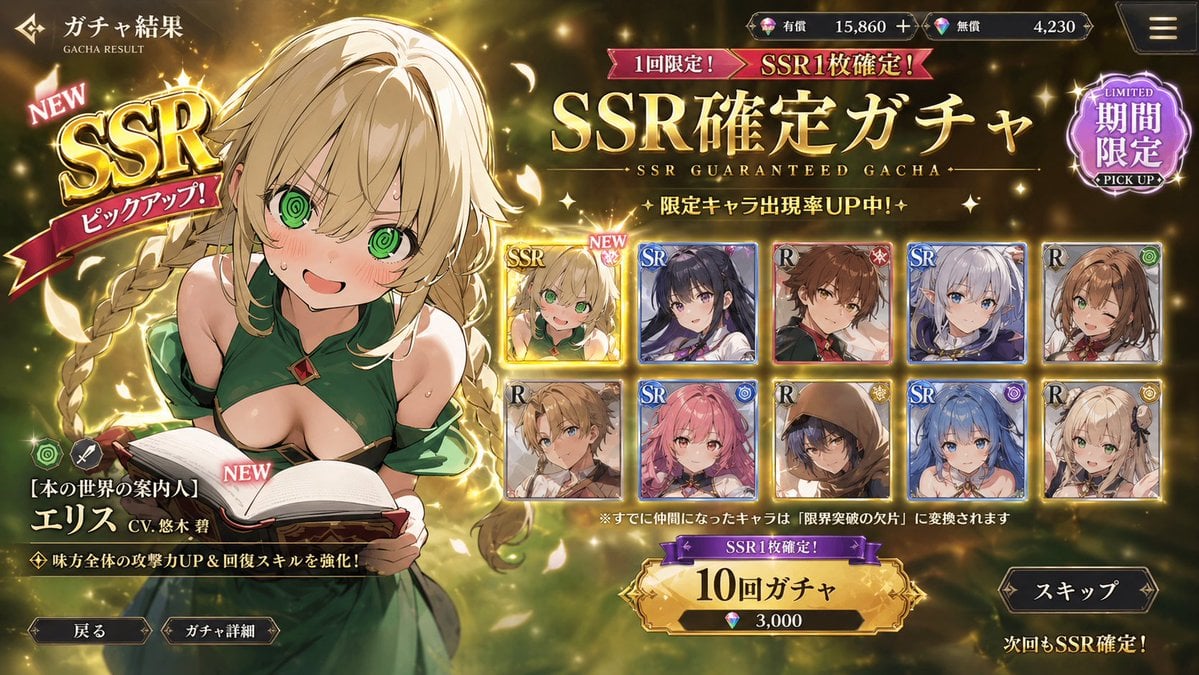
Mobile Game Gacha UI Design
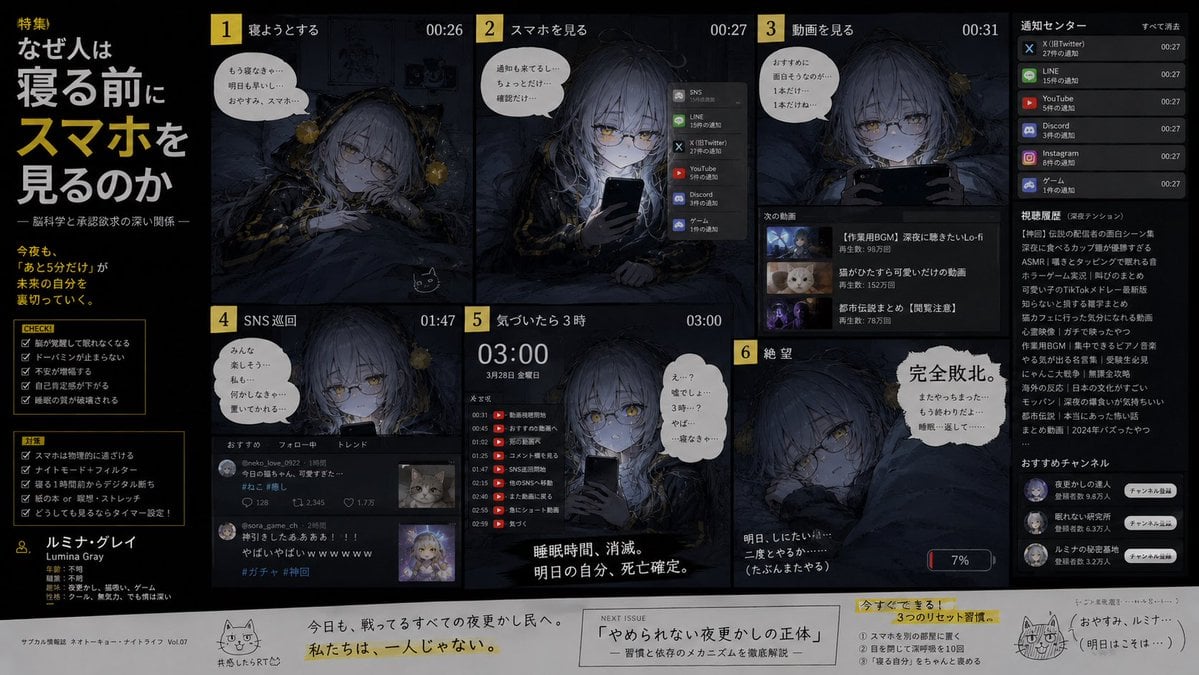
Bedtime Smartphone Anime Infographic
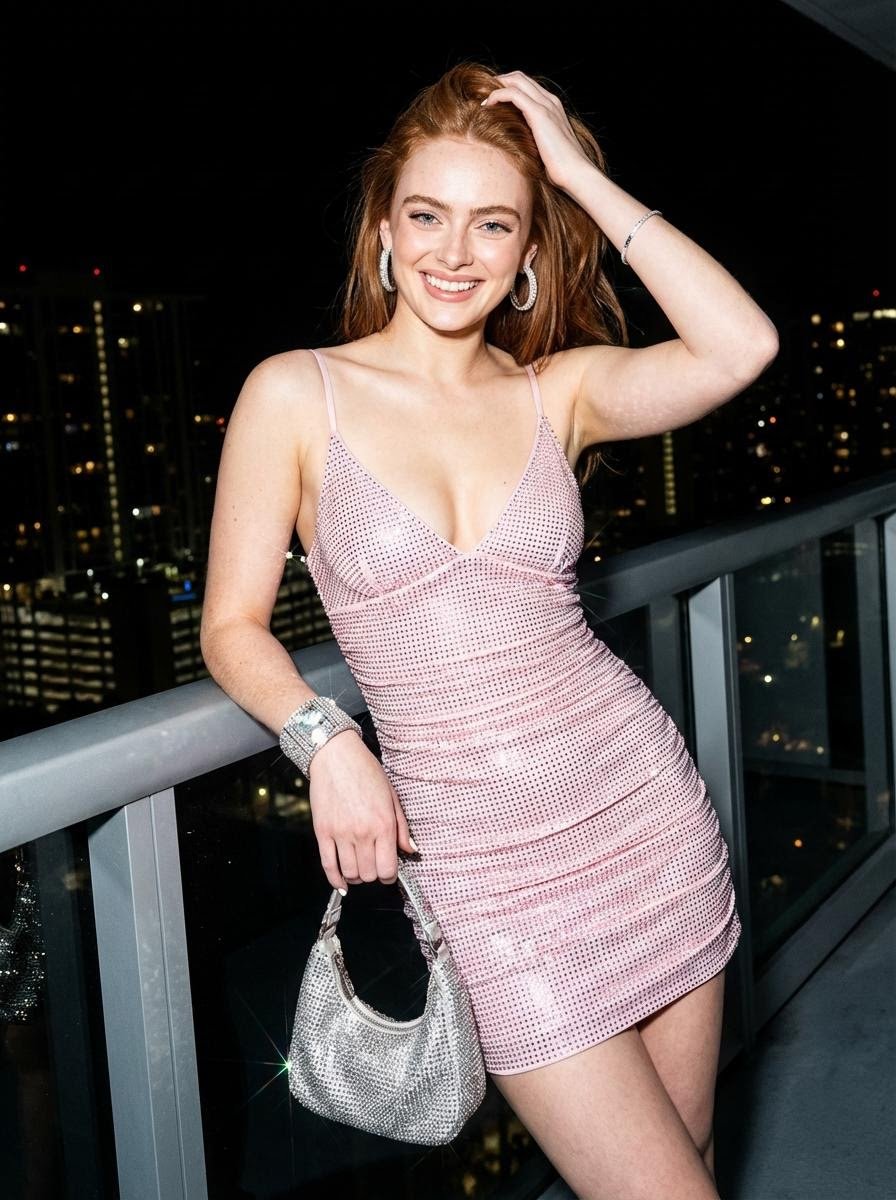
Nightlife Editorial Portrait Prompt

Beach Selfie Image Prompt for Nano Banana Pro
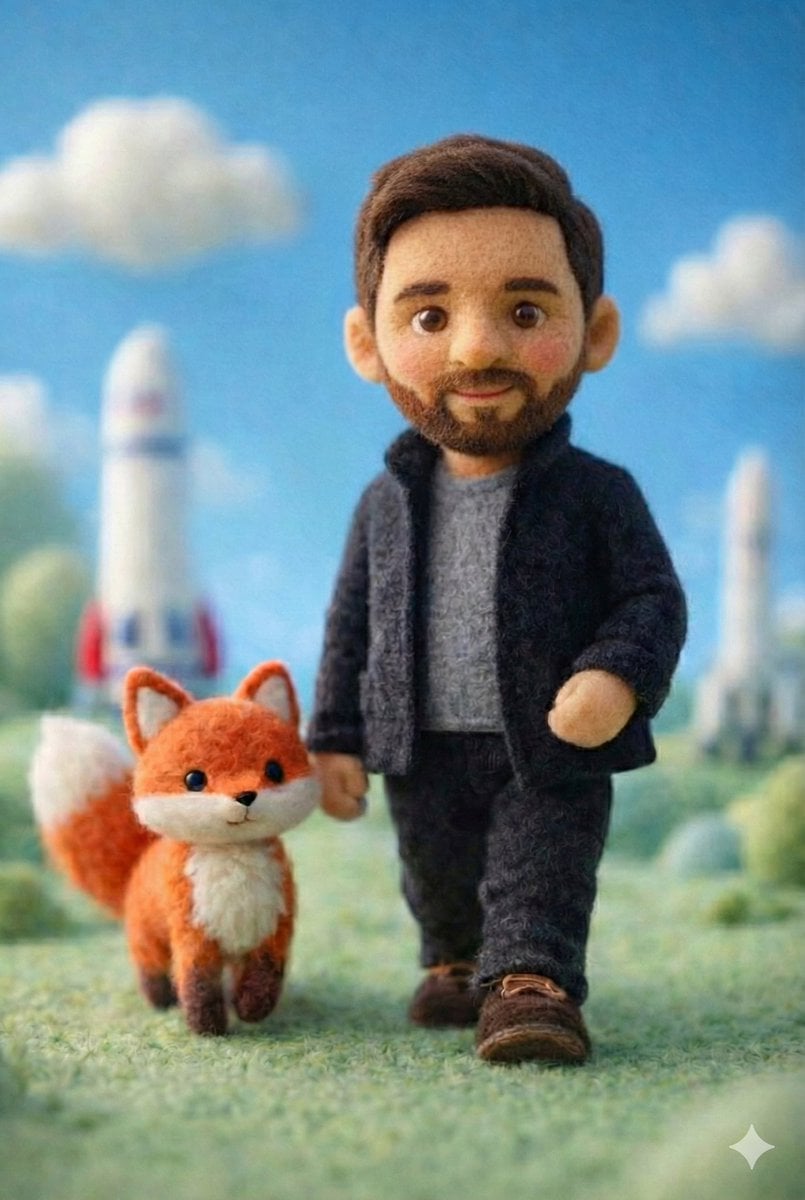
Handcrafted Felt Miniature Scene with Tech Character
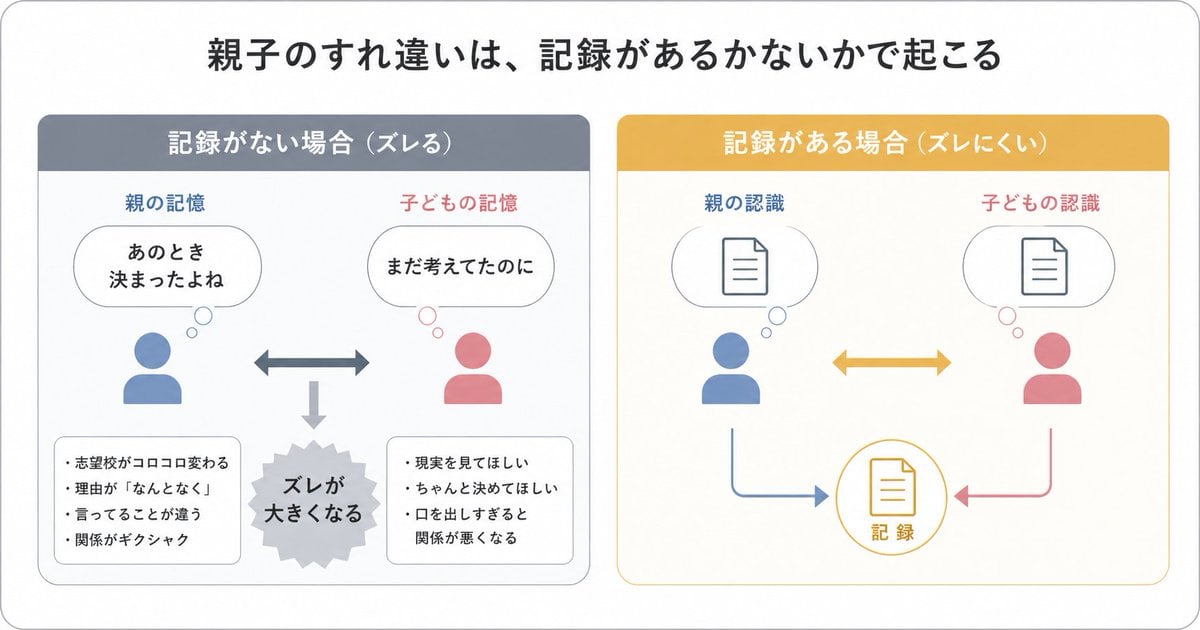
Gpt2 Infographic Edu Visual Parent Child Miscommunication Infographic
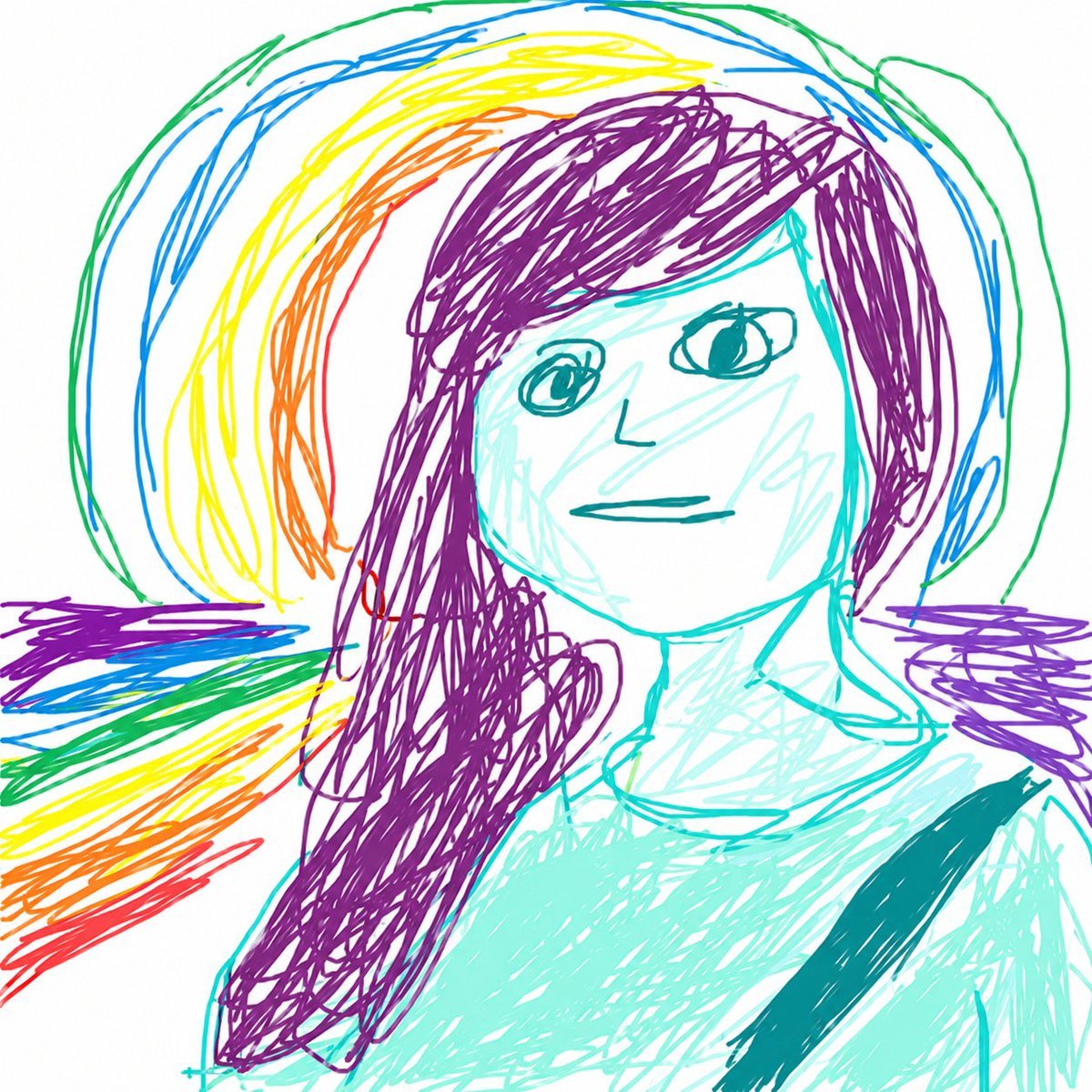
MS Paint Childlike Redraw
Browse template categories
Corporate Lobby Fight Storyboard questions
How do I use the Corporate Lobby Fight Storyboard template?
Add your photo if the template asks for one, edit the prompt if you like — the template's model and format are already selected — and press Generate. Your version opens in PicX Studio.
Can I customize the Corporate Lobby Fight Storyboard template?
Yes. You can change the subject, setting, lighting, mood, format, and available model controls before creating your image.
Is the Corporate Lobby Fight Storyboard template free?
Opening and editing this template is free. Generating uses credits, shown on the Generate button when you are signed in.
Which AI model should I use?
Start with GPT Image 2, which is the model associated with this template. You can compare another compatible model for a different finish.
Looking for something else? Browse all templates.

Your photo, any look
Thousands of ready templates for every top image and video model, from one credit balance.