
Sleepy Woman Eating Ramen at Night
A cozy retro anime kitchen scene of a drowsy young woman enjoying steaming ramen under warm lamplight, useful for atmospheric illustration generation.

- Prompt included
- Model and format preset
- Free template
The prompt behind this image
Copy the exact prompt behind Sleepy Woman Eating Ramen at Night, or open it in the studio and make it yours.
Create a warm anime-style single-panel illustration of {argument name="character description" default="a sleepy young woman with short tousled brown hair and flushed cheeks"} eating ramen late at night in a cozy small kitchen. She sits at a wooden table, eyes gently closed with a drowsy peaceful expression, slurping noodles from a large cream ramen bowl decorated with a red Greek-key pattern; she holds chopsticks in one hand and steadies the bowl with the other. Show visible steam curling from the hot ramen, with noodles, broth, and a halved soft-boiled egg in the bowl. The scene is lit by a large warm hanging lamp at the upper left, creating soft amber shadows and a calm Showa-retro atmosphere. Include a dark night window behind her with three small glowing dots outside, blue curtains, tiled kitchen wall, sink faucet, small rice cooker, kettle, and a handwritten paper note on the wall. On the table include exactly 7 foreground objects besides the ramen bowl: a tall utensil holder full of chopsticks, a condiment bottle, a small teal-labeled seasoning jar, a glass of tea, a plain white mug, a small plate with sauce and a spoon, and a dark rectangular pot or container at the right edge. Use {argument name="lighting mood" default="soft warm lamp light"}, muted browns, creams, reds, and deep blues, clean expressive linework, gentle cel shading, subtle grain, cozy domestic composition, 16:9 horizontal framing, no photorealism, no modern glossy look, no watermark, no readable text except vague handwritten marks on the wall note.
How to use Sleepy Woman Eating Ramen at Night in 3 steps
- 1Upload ImagePNG, JPG or paste
Add your photo
Upload the photo the template builds on. The prompt, model and format are already set.
- 2…a portrait of your subject in softgolden-hour light, 85mm…
Personalize
Edit the subject and creative details for your destination.
- 3Generate
Generate
Press Generate — your image is created in PicX Studio, so you can compare it with the original and refine one variable at a time.
More like this
Templates with the same subject, style or setup. Open one to see its prompt.

Floating Woman Above Cityscape with Notifications
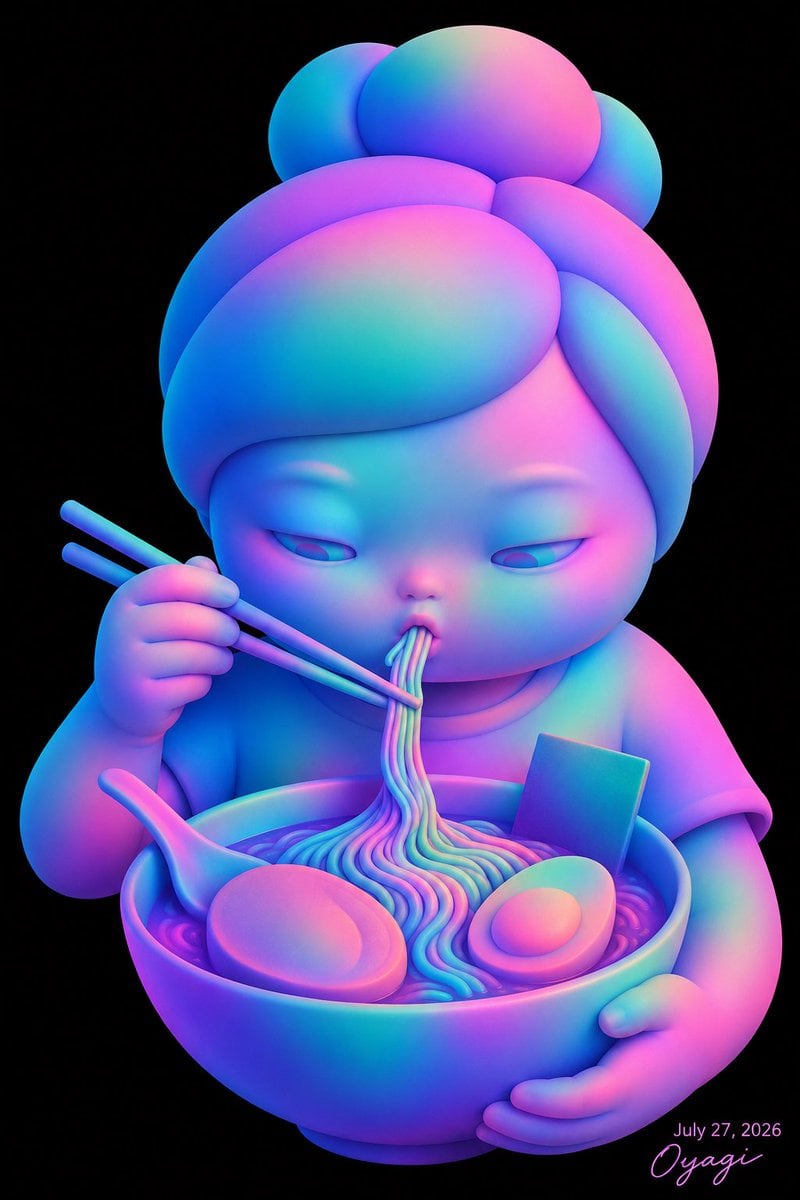
Neon Chibi Girl Eating Ramen

Subway Platform Quiet Introspective Portrait
Subway Platform Quiet Introspective Portrait

Spider-Man Night Swing New York Cinematic

Cyberpunk Woman Eating Bell Pepper

Anime Girl Eating Ramen Edit
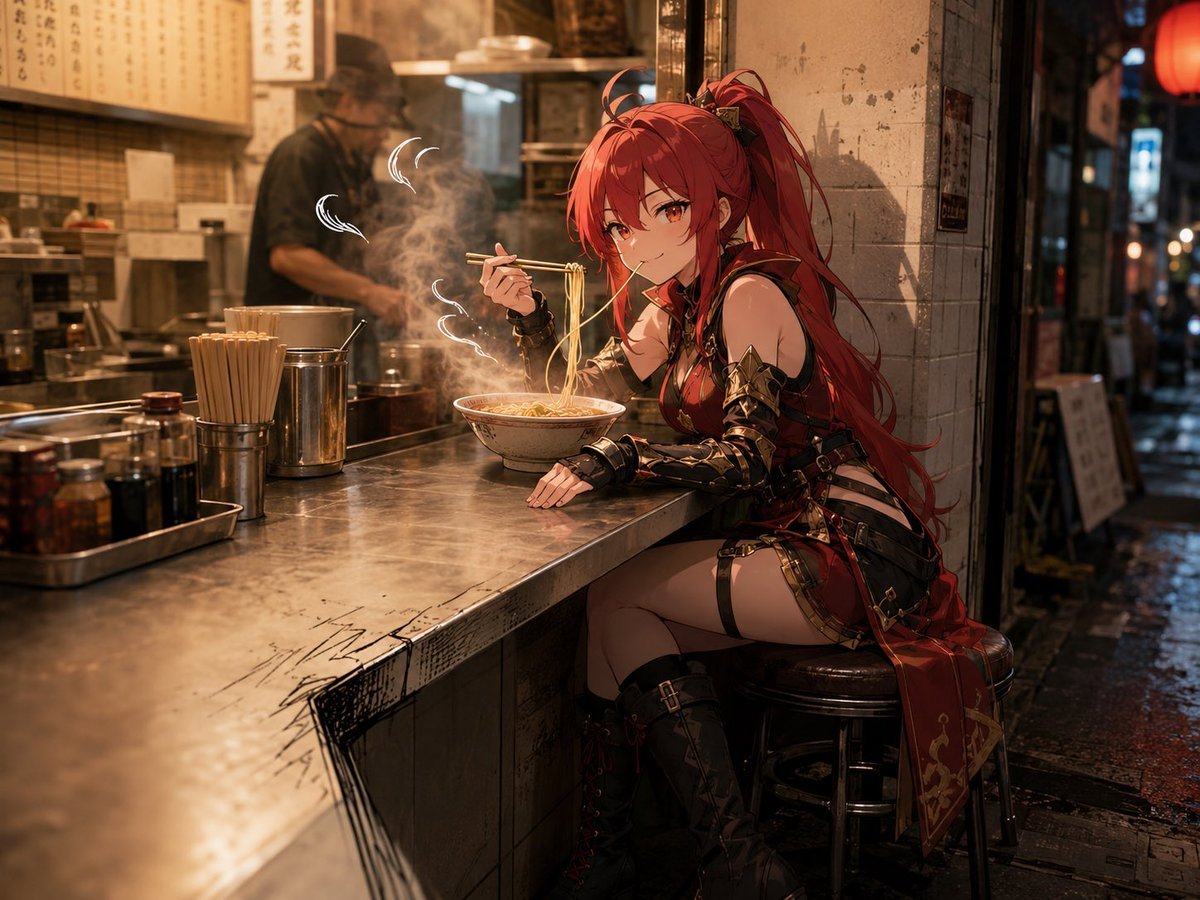
Anime Warrior Eating Ramen

Woman in Mall with Chanel Bag - Heart Gesture
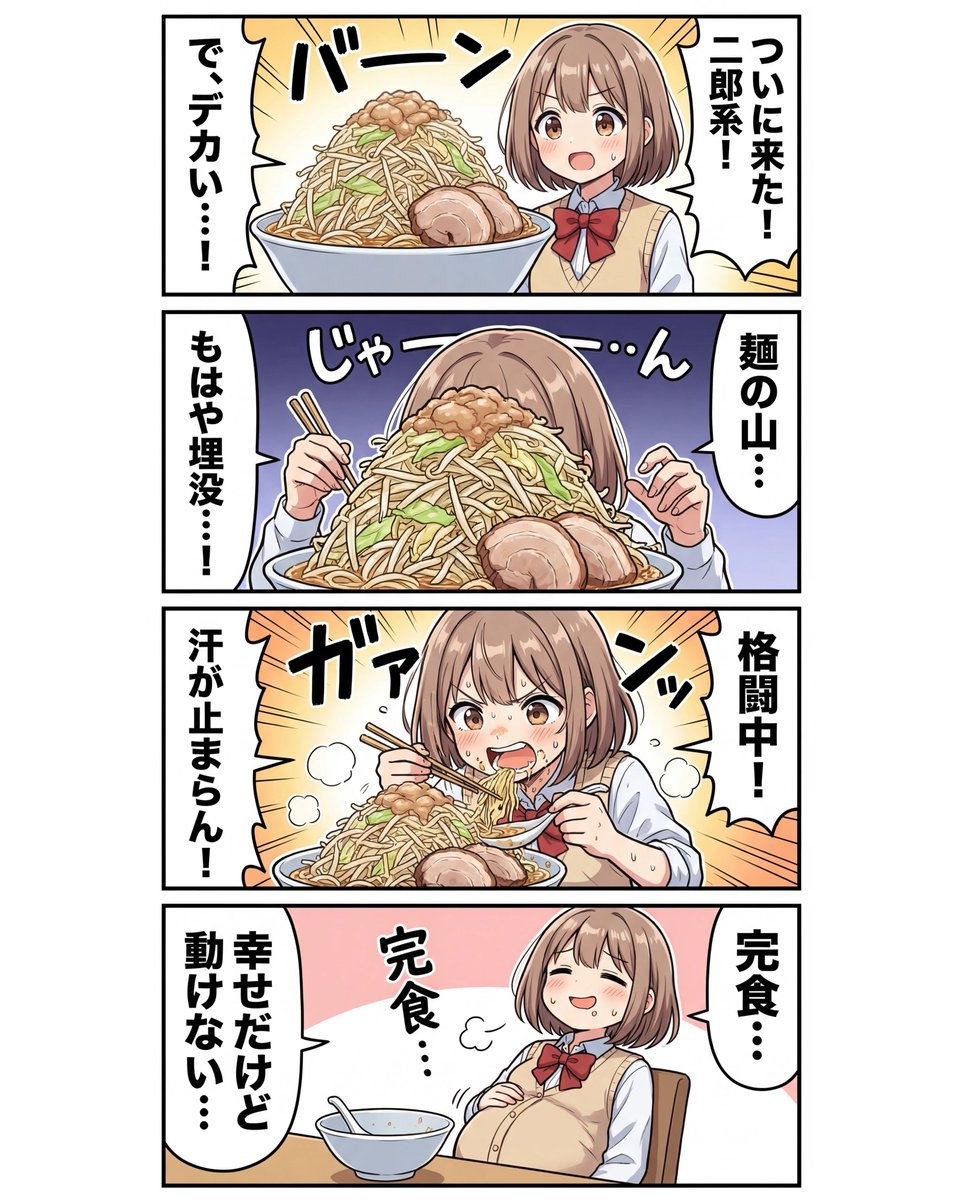
panel Japanese gag manga about Nanami eating ramen
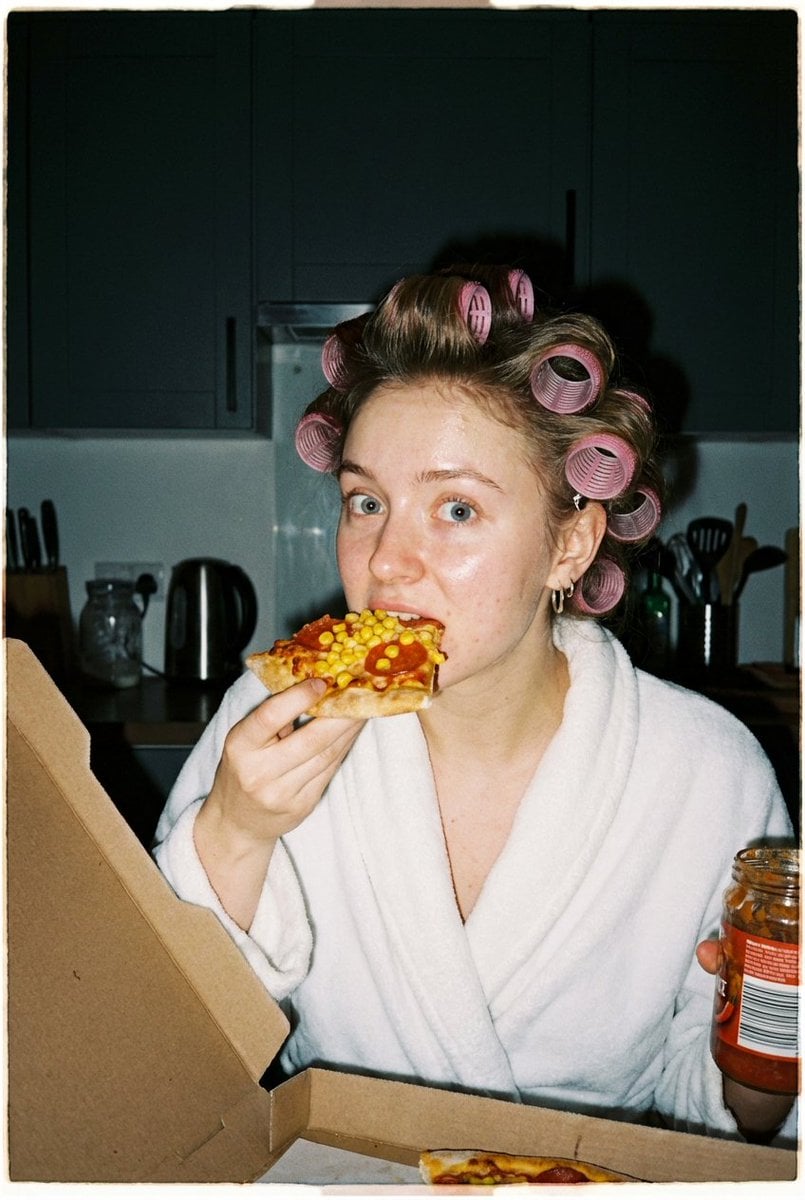
Ultra Photorealistic Candid Flash Portrait of a Woman Eating Pizza
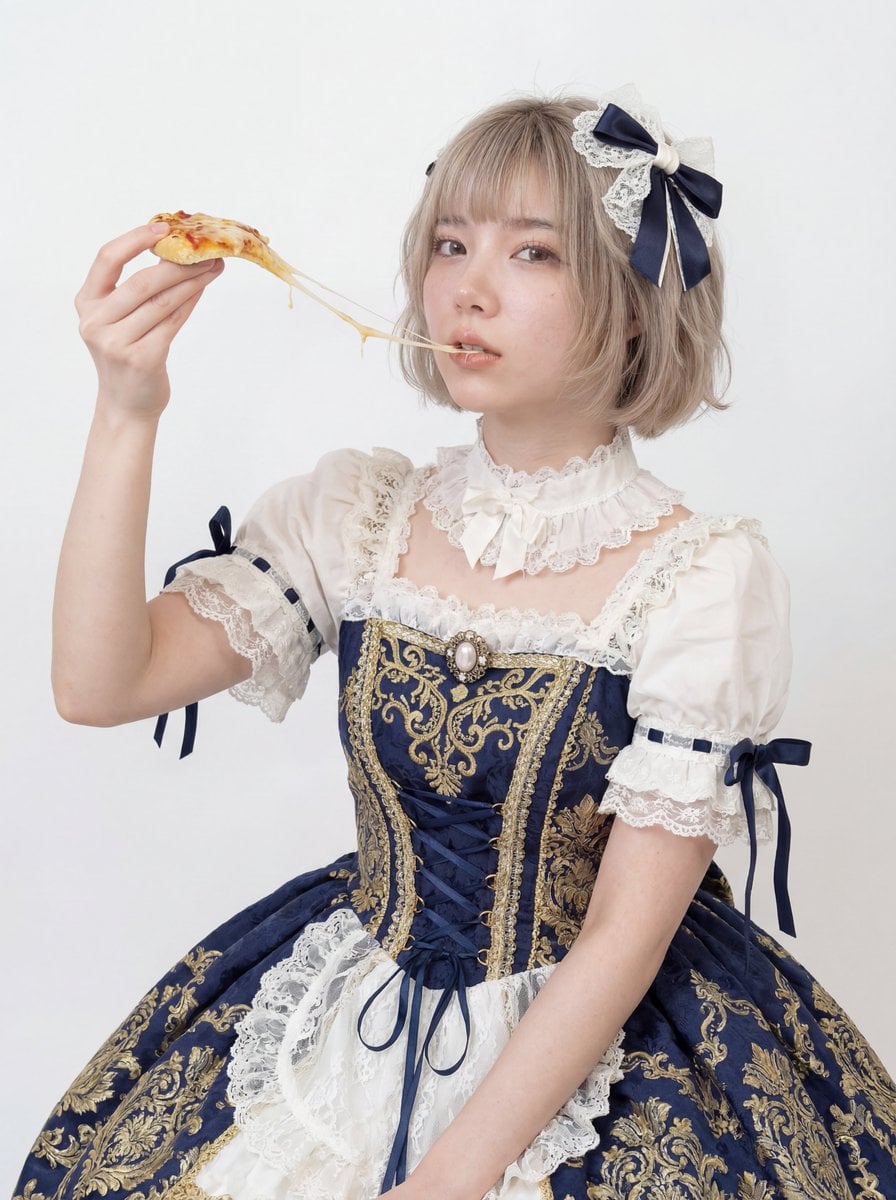
Professional Studio Headshot: Woman Eating Pizza
Make it yours
Sleepy Woman Eating Ramen at Night works as-is. These are the safest ways to change it without losing the look.
Change one field
Copy a single group, rewrite it, and generate again so you can see what that field is doing.
Keep the frame, change the subject
Hold the composition and light of Sleepy Woman Eating Ramen at Night, then swap wardrobe, props or the person for a new take.
| If the result… | Why | Fix |
|---|---|---|
| The result drifts from the preview | Too many fields changed at once. | Reuse Sleepy Woman Eating Ramen at Night as-is first, then change one group — subject, light, or setting. |
| The model over-stylizes the scene | The prose prompt leaves finish and camera underspecified. | Add one camera or lighting sentence and stay on GPT Image 2. |
More GPT Image 2 templates
Other prompts made for GPT Image 2.

Six VTuber Japanese Logo Sheet

Realistic Portrait of Woman and Deer

The Vista Modular Condo Poster

AI Model Routing Comparison Infographic

2.5D Anime Art Board

Isometric Productivity Desk Scene

New York Double Exposure Poster

Four-Panel AI Landscape Comparison

Japanese Tatami Lifestyle Magazine Cover

NESCAFÉ Coffee Map Poster
More image prompts
Fresh picks from across the catalog.
Woman's Reflection Only in Mirror

Crimson Rose Garden Fashion Portrait
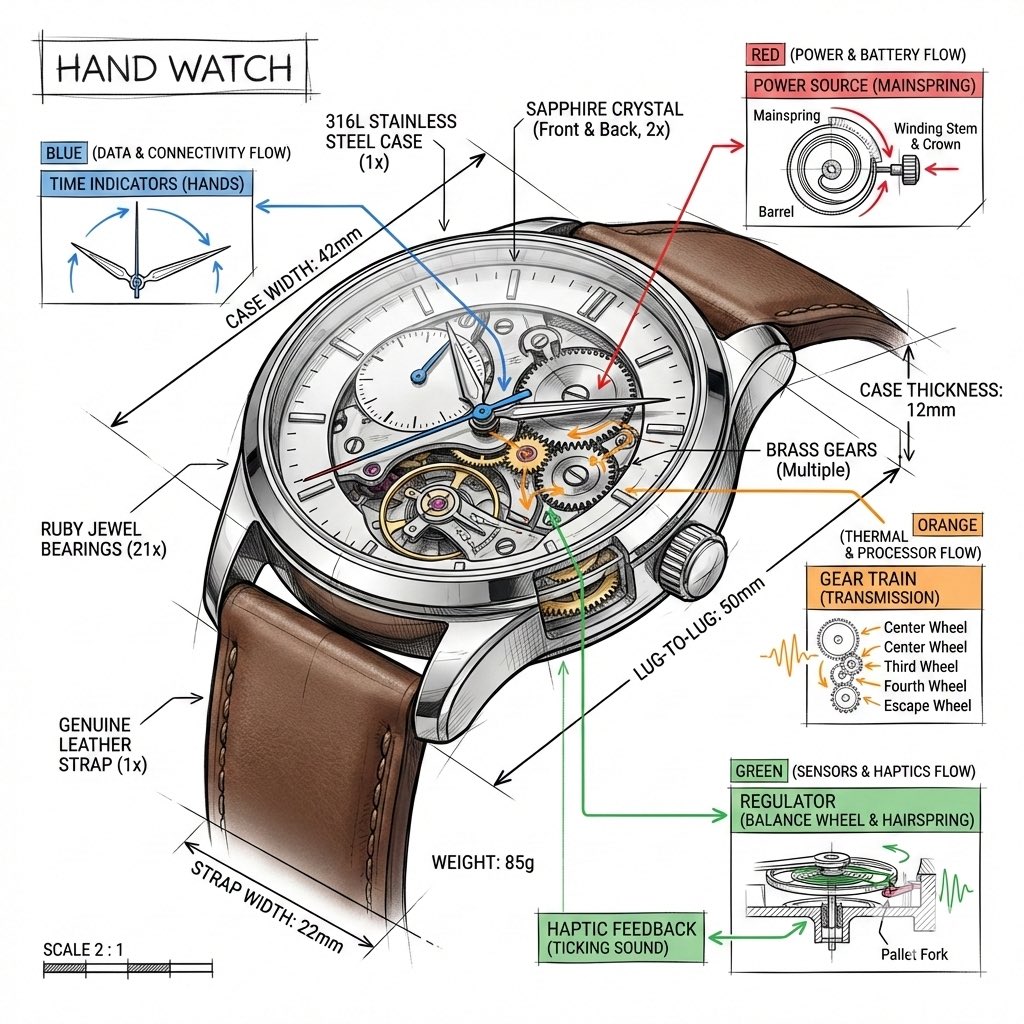
Technical Infographic Template for Objects

Luxury Coffee Advertisement Portrait
Low-Fidelity CCTV Surveillance Image
Fashion Mural Editorial Portrait

Cinematic Fashion Editorial Image Prompt for Male Subject in Swiss Alps

Magical Theme Park Portrait with Mascot Characters

Minimalist Studio Fashion Portrait Prompt
Detailed Indoor Portrait with Harsh Sunlight
Browse template categories
Sleepy Woman Eating Ramen at Night questions
How do I use the Sleepy Woman Eating Ramen at Night template?
Add your photo if the template asks for one, edit the prompt if you like — the template's model and format are already selected — and press Generate. Your version opens in PicX Studio.
Can I customize the Sleepy Woman Eating Ramen at Night template?
Yes. You can change the subject, setting, lighting, mood, format, and available model controls before creating your image.
Is the Sleepy Woman Eating Ramen at Night template free?
Opening and editing this template is free. Generating uses credits, shown on the Generate button when you are signed in.
Which AI model should I use?
Start with GPT Image 2, which is the model associated with this template. You can compare another compatible model for a different finish.
Looking for something else? Browse all templates.

Your photo, any look
Thousands of ready templates for every top image and video model, from one credit balance.