
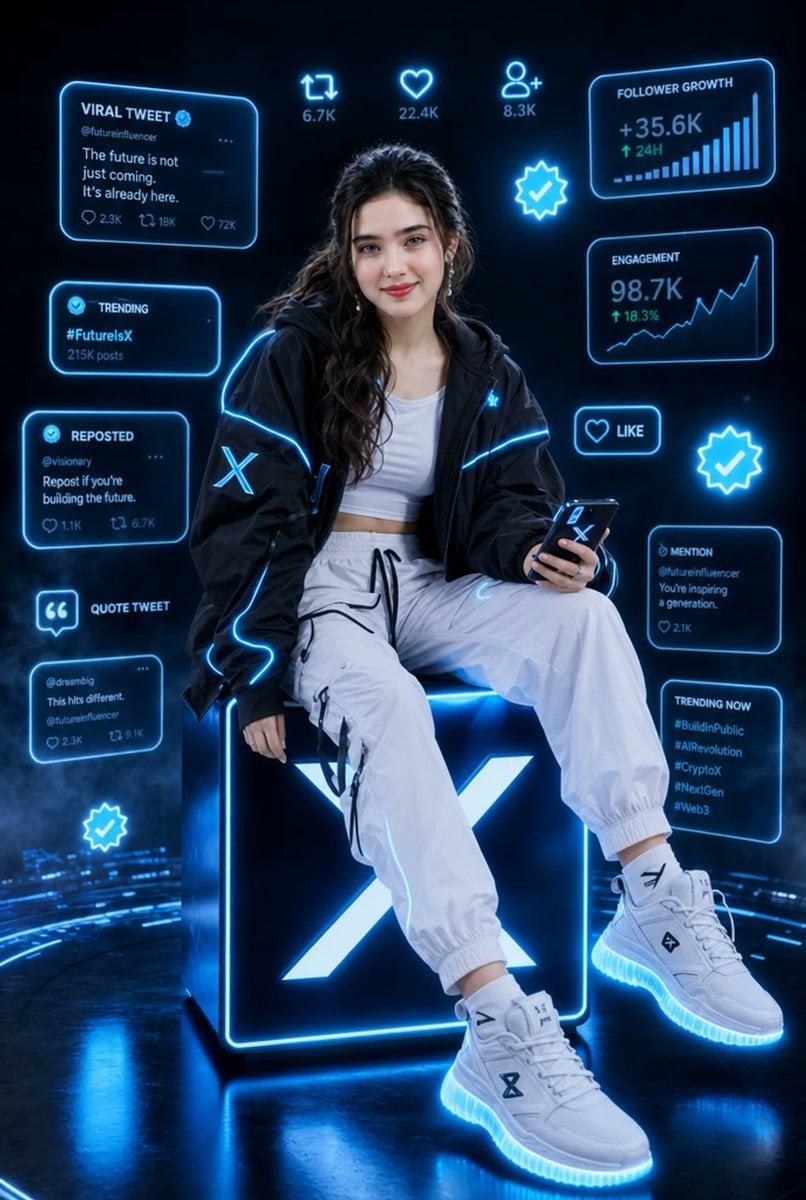
Futuristic X Influencer Portrait
Generates a cinematic neon X/Twitter-themed influencer portrait with holographic social media analytics and viral engagement UI.
- Prompt included
- Model and format preset
- Free template
The prompt behind this image
Copy the exact prompt behind Futuristic X Influencer Portrait, or open it in the studio and make it yours.
Goal: Create a hyper-realistic cinematic vertical portrait of a stylish young female tech influencer in a futuristic X/Twitter-themed social media environment, with electric-blue holographic interface graphics surrounding her. Canvas: Vertical 2:3 composition, dark black and deep navy background, glossy reflective floor, volumetric haze and subtle blue light trails. High-end fashion editorial lighting, ultra-detailed, sharp, cinematic, neon cyber aesthetic. Main subject: A confident young woman, {argument name="character description" default="stylish young woman with long wavy dark hair"}, seated on top of a giant glowing cube. Her face is intentionally covered by a soft rectangular blur/mosaic privacy mask. She wears a black oversized techwear jacket with bright electric-blue piping and a glowing X logo patch on the sleeve, a white cropped tank top, loose white jogger cargo pants with black drawstrings and straps, and chunky white futuristic sneakers with glowing blue soles. She sits relaxed with one leg forward and one leg bent, holding a smartphone in her right hand; the phone screen/case shows an X symbol. Add small metallic earrings and soft glam styling, but keep the face obscured. Central prop: A large black cube directly under her, edged with intense cyan-blue neon, featuring a huge glowing white-blue X logo on the front face. The cube casts blue reflections onto the glossy floor. Holographic UI layout: Surround the subject with exactly 13 discrete floating social-media elements, all outlined in neon cyan with a soft glow: 1. Top-left large card titled “VIRAL TWEET” with a verified check, handle “@futureinfluencer,” text “The future is not just coming. It’s already here.” and small metrics including 2.3K, 18K, 72K. 2. Upper-center retweet icon with “6.7K.” 3. Upper-center heart icon with “22.4K.” 4. Upper-center user-plus icon with “8.3K.” 5. Top-right analytics card titled “FOLLOWER GROWTH,” showing “+35.6K,” “↑ 24H,” and an ascending bar chart. 6. Left-middle card titled “TRENDING,” showing “#FutureIsX” and “215K posts.” 7. Center-right glowing verified badge icon. 8. Right-middle analytics card titled “ENGAGEMENT,” showing “98.7K,” “↑ 18.3%,” and an upward line graph. 9. Left-lower card titled “REPOSTED,” handle “@visionary,” text “Repost if you’re building the future.” with small metrics 1.1K and 6.7K. 10. Right-lower small button with heart icon and the word “LIKE.” 11. Far-right glowing verified badge icon. 12. Lower-left quote icon label titled “QUOTE TWEET,” plus a small tweet card below it with handle “@dreambig,” text “This hits different.” and metrics 2.3K and 9.1K. 13. Lower-right stacked area with two cards: one “MENTION” card reading “@futureinfluencer You’re inspiring a generation.” with 2.1K, and one “TRENDING NOW” card listing “#BuildInPublic,” “#AIRevolution,” “#CryptoX,” “#NextGen,” “#Web3.” Treat these two cards as part of the same right-lower cluster. Additional decorative elements: Include one extra glowing verified badge near the bottom-left floor area, blue circular data arcs sweeping across the ground, faint digital particles, and light bloom. Keep all interface text legible, futuristic, and cyan-blue. Style constraints: Hyper-realistic photography mixed with holographic UI design, no cartoon look, no watermark, no extra logos besides X symbols, no additional people, no clutter beyond the listed interface elements. Use {argument name="neon color" default="electric cyan blue"} as the dominant glow color and {argument name="background mood" default="dark futuristic social media command center"}.
How to use Futuristic X Influencer Portrait in 3 steps
- 1Upload ImagePNG, JPG or paste
Add your photo
Upload the photo the template builds on. The prompt, model and format are already set.
- 2…a portrait of your subject in softgolden-hour light, 85mm…
Personalize
Edit the subject and creative details for your destination.
- 3Generate
Generate
Press Generate — your image is created in PicX Studio, so you can compare it with the original and refine one variable at a time.
More like this
Templates with the same subject, style or setup. Open one to see its prompt.
Ultra Realistic Ai Influencer Generator

Found Photograph: Us, 1970

80s Couple Studio Portrait

80s Bollywood Star

80s Golden Hour Cinema

Me in 1985

1985 Studio Portrait

Hyper-Realistic Minecraft POV Portrait

Rooftop Fisheye — Cat-Ear Balaclava at Golden Hour

Rainy Café Window Moody Portrait

untitled

2025 Aesthetic Photography
Make it yours
Futuristic X Influencer Portrait works as-is. These are the safest ways to change it without losing the look.
Change one field
Copy a single group, rewrite it, and generate again so you can see what that field is doing.
Keep the frame, change the subject
Hold the composition and light of Futuristic X Influencer Portrait, then swap wardrobe, props or the person for a new take.
| If the result… | Why | Fix |
|---|---|---|
| The result drifts from the preview | Too many fields changed at once. | Reuse Futuristic X Influencer Portrait as-is first, then change one group — subject, light, or setting. |
| The model over-stylizes the scene | The prose prompt leaves finish and camera underspecified. | Add one camera or lighting sentence and stay on GPT Image 2. |
More GPT Image 2 templates
Other prompts made for GPT Image 2.

Six VTuber Japanese Logo Sheet

Realistic Portrait of Woman and Deer

The Vista Modular Condo Poster

AI Model Routing Comparison Infographic

2.5D Anime Art Board

Isometric Productivity Desk Scene

New York Double Exposure Poster

Four-Panel AI Landscape Comparison

Japanese Tatami Lifestyle Magazine Cover

NESCAFÉ Coffee Map Poster
More image prompts
Fresh picks from across the catalog.
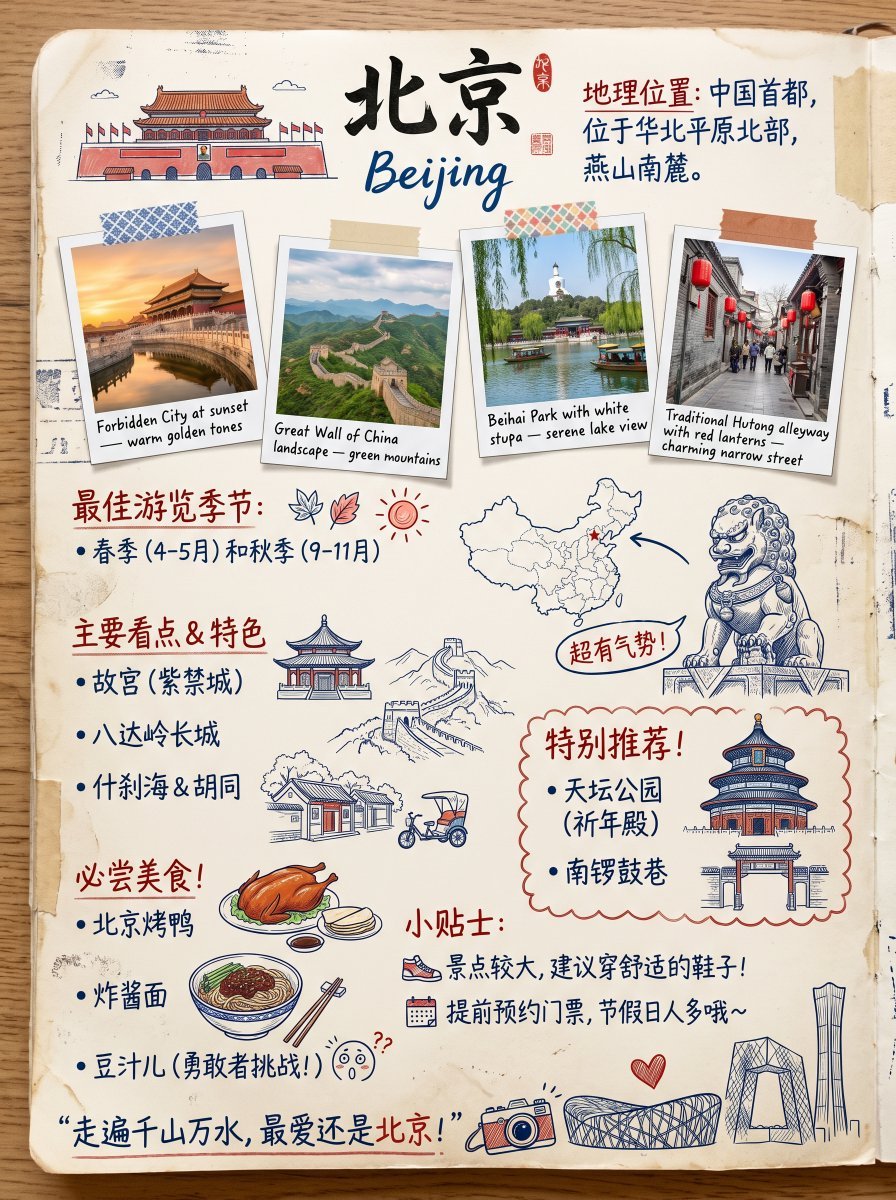
Vintage Beijing Travel Scrapbook Poster
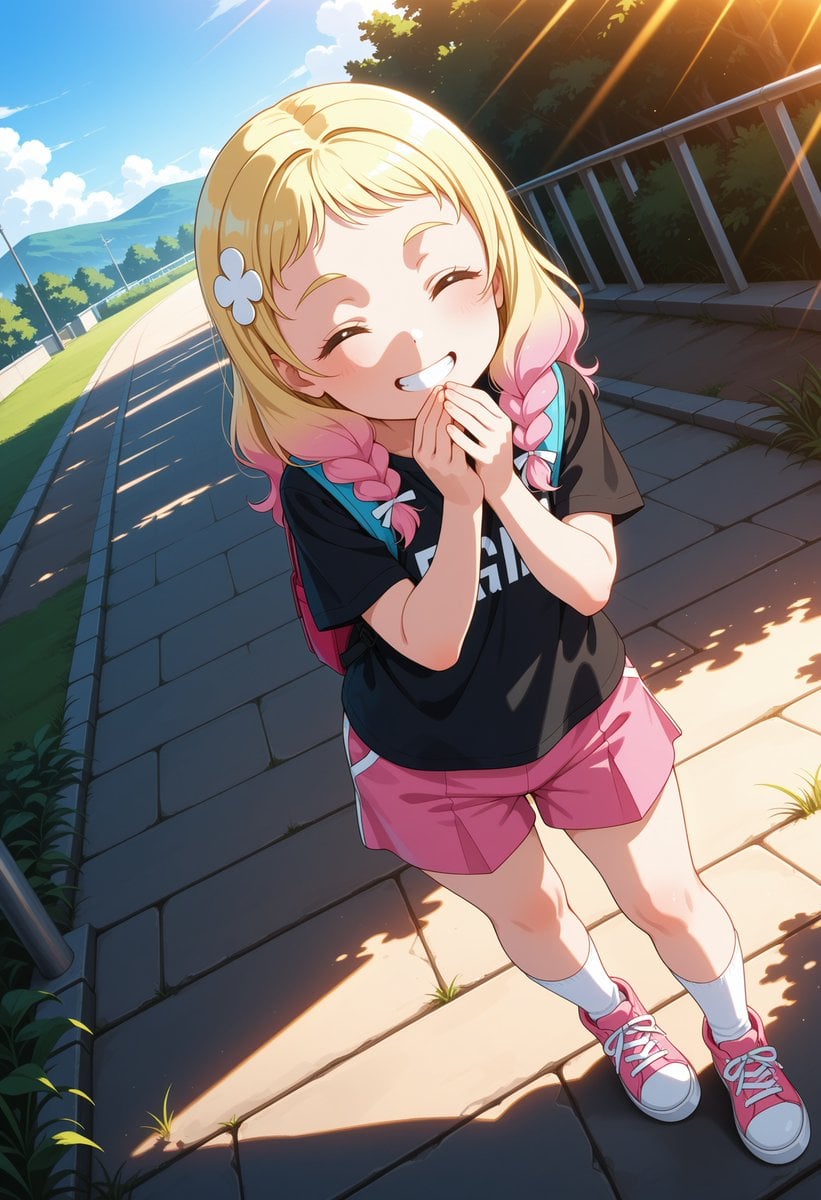
Cheerful Anime Girl on Sunny Sidewalk
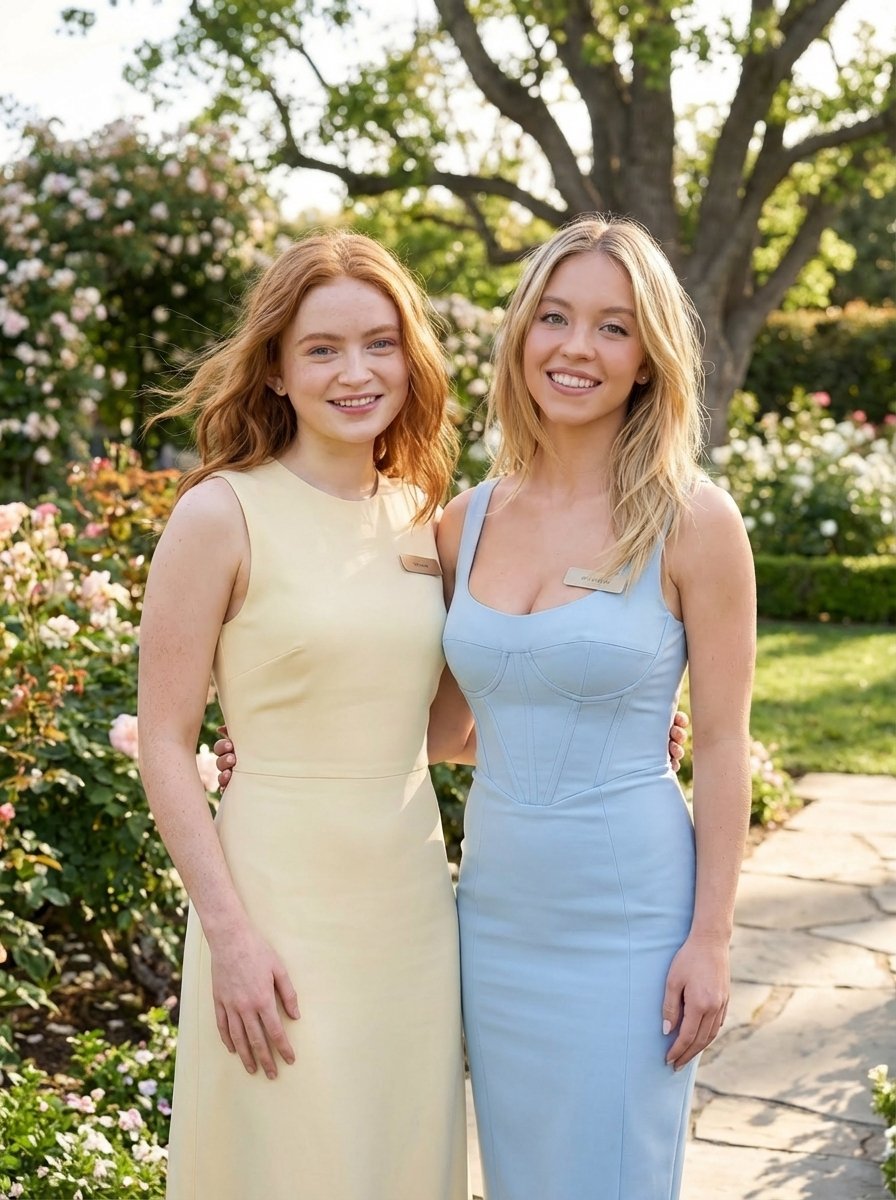
Duo Portrait Prompt for Nano Banana Pro
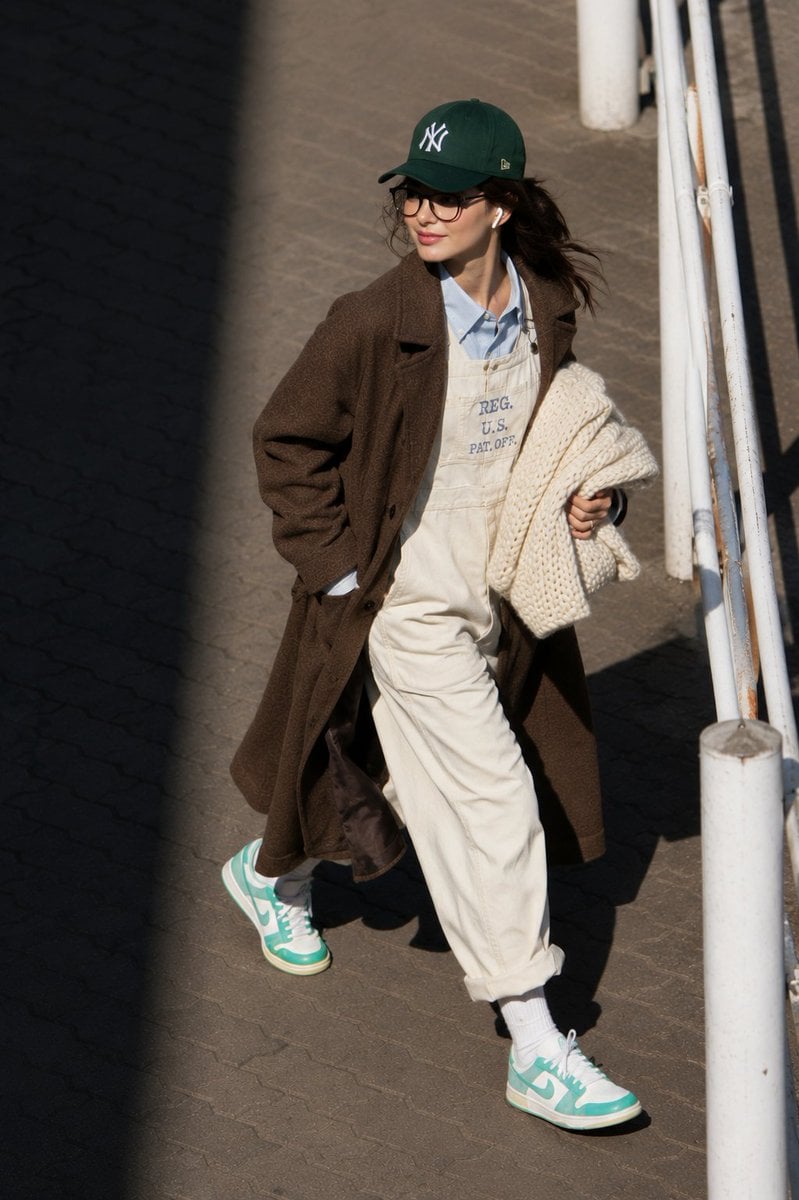
@itsPolloAI Prompt : Ultra-realistic candid street

Shear and moment diagram for a loaded beam
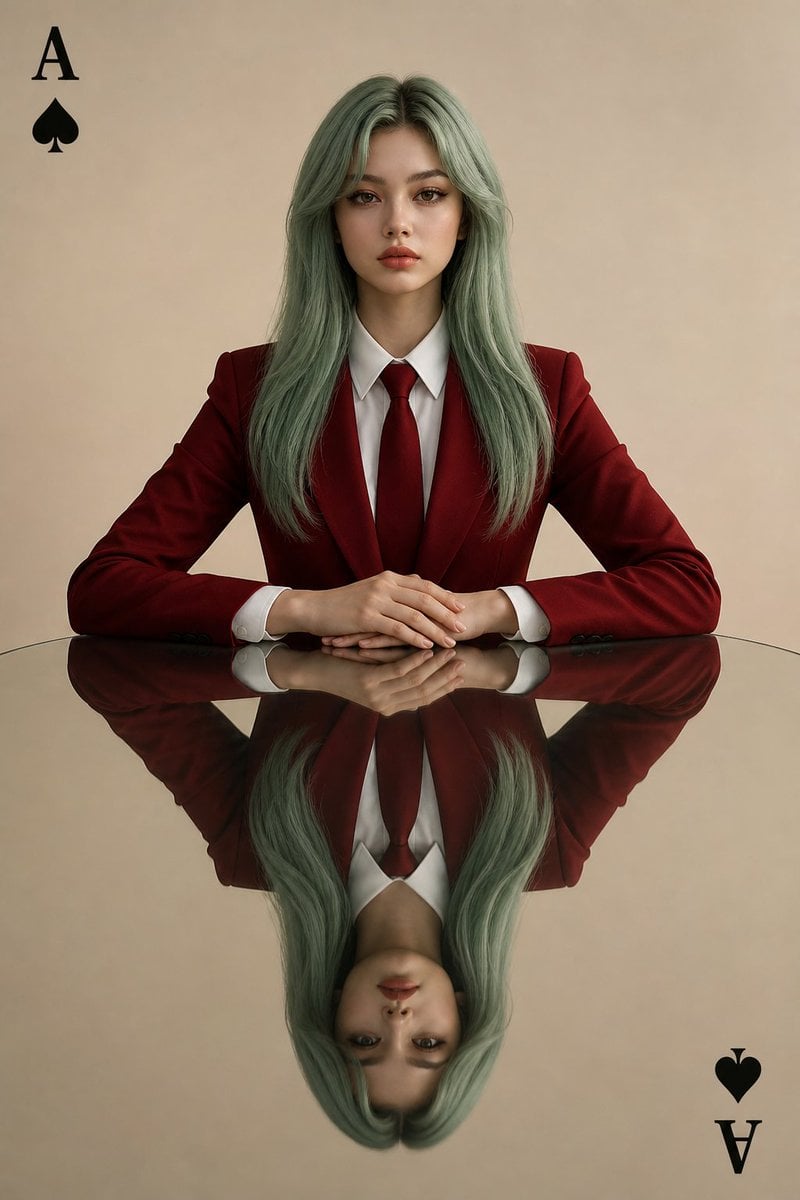
Symmetrical Playing Card Mirror Portrait
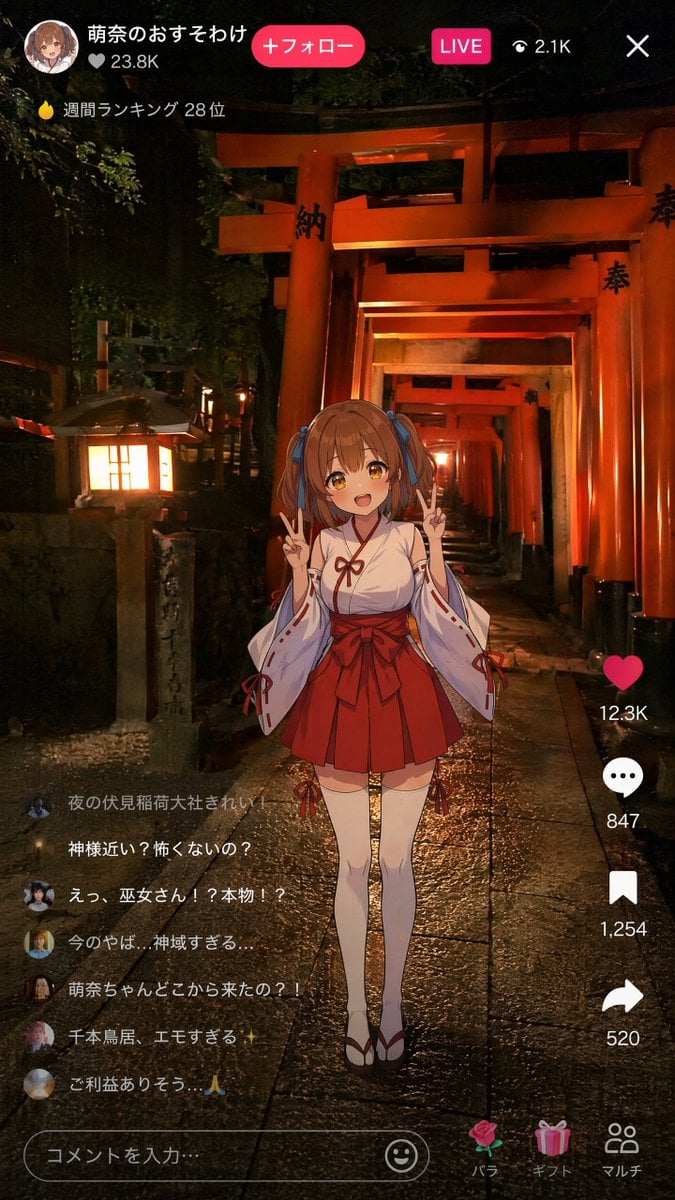
Anime Miko Night Shrine Livestream
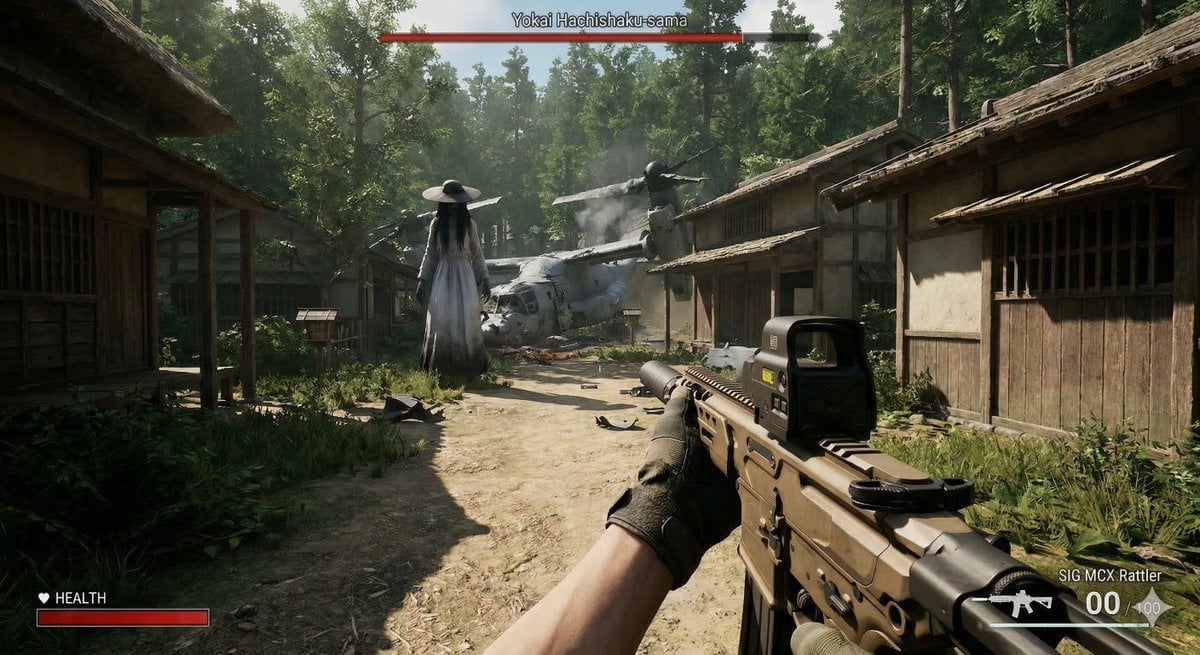
Human VS. Yokai Haxtusyaku-sama in FPS Game Style
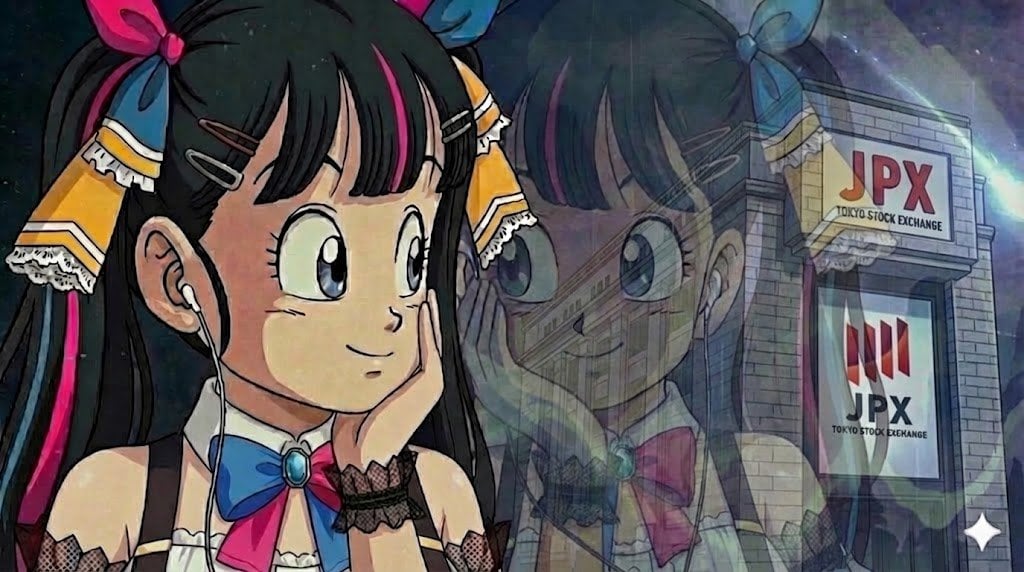
Image Restoration Prompt for Nano Banana
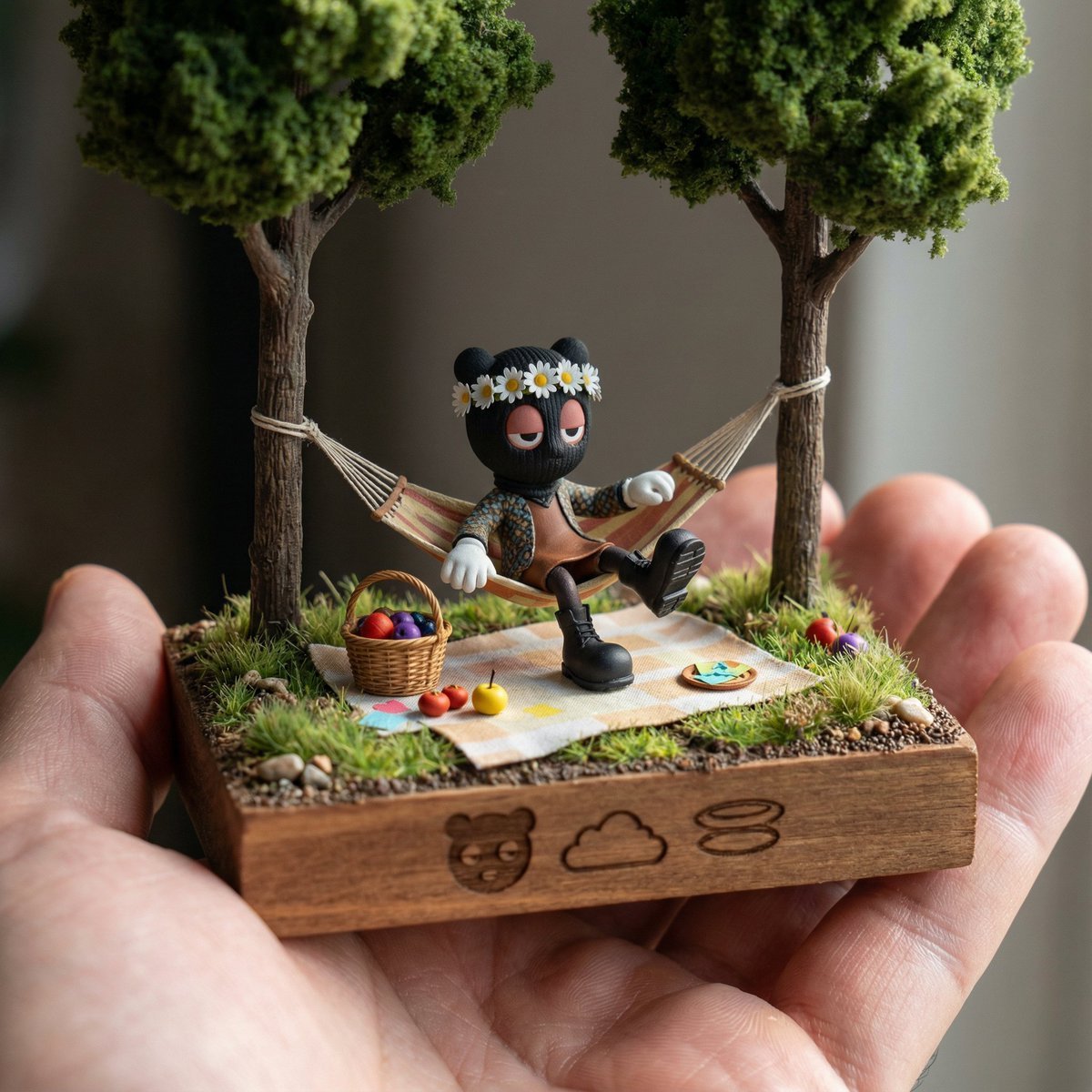
Diorama Reinterpretation Prompt
Browse template categories
Futuristic X Influencer Portrait questions
How do I use the Futuristic X Influencer Portrait template?
Add your photo if the template asks for one, edit the prompt if you like — the template's model and format are already selected — and press Generate. Your version opens in PicX Studio.
Can I customize the Futuristic X Influencer Portrait template?
Yes. You can change the subject, setting, lighting, mood, format, and available model controls before creating your image.
Is the Futuristic X Influencer Portrait template free?
Opening and editing this template is free. Generating uses credits, shown on the Generate button when you are signed in.
Which AI model should I use?
Start with GPT Image 2, which is the model associated with this template. You can compare another compatible model for a different finish.
Looking for something else? Browse all templates.

Your photo, any look
Thousands of ready templates for every top image and video model, from one credit balance.