
Seedance 2.0 Waiting Queue Poster
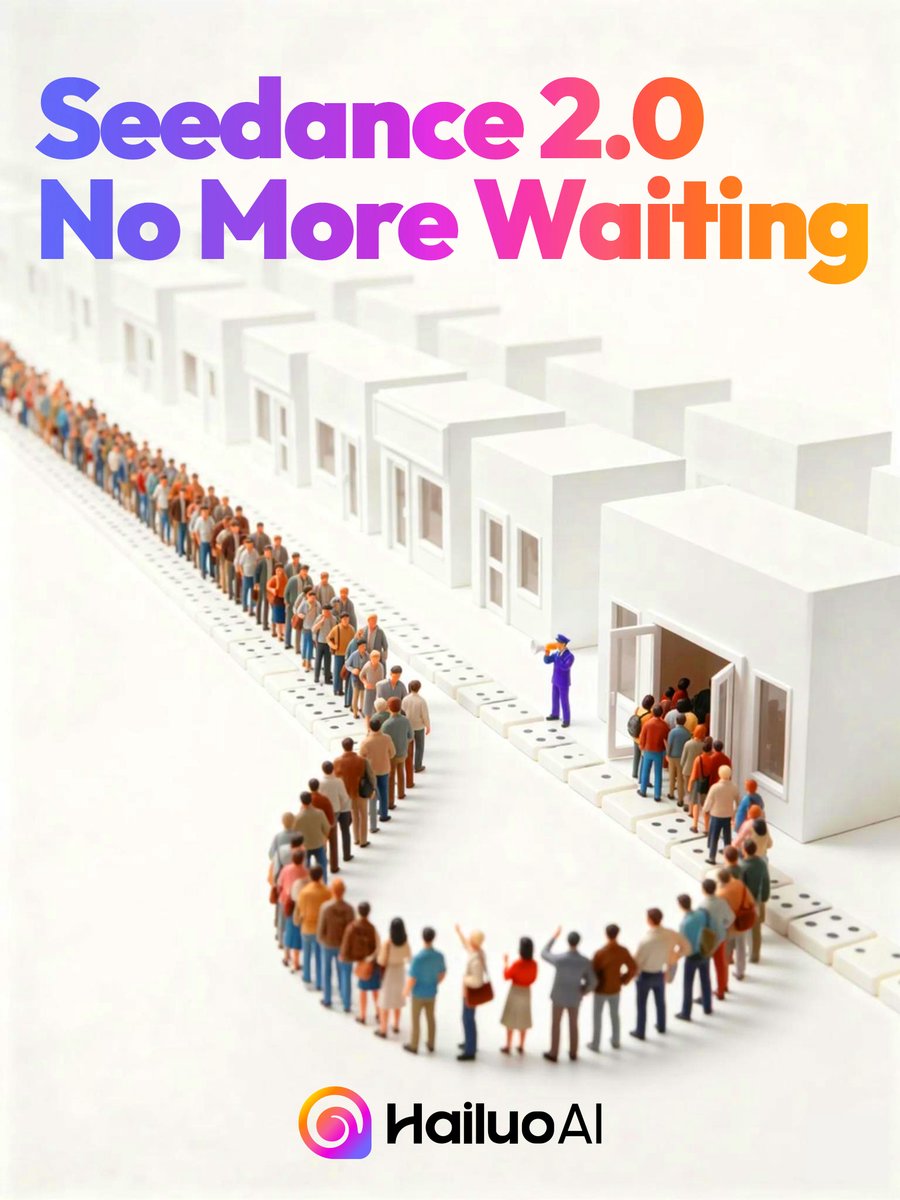
Generates a polished tech-launch poster showing a long miniature queue entering white buildings beneath a bold gradient Seedance 2.0 announcement.
- Prompt included
- Model and format preset
- Free template
The prompt behind this image
Copy the exact prompt behind Seedance 2.0 Waiting Queue Poster, or open it in the studio and make it yours.
Create a clean square promotional poster with an isometric miniature 3D diorama on a warm off-white background. At the top, place huge bold rounded sans-serif headline text reading {argument name="headline text" default="Seedance 2.0 No More Waiting"}, split across 2 lines, with a vibrant left-to-right gradient from blue and violet through magenta to orange. Below the headline, show a long serpentine queue of tiny stylized people waiting in front of a row of minimalist white cube buildings; include 12 visible white building units receding into the distance, each with simple rectangular windows and doors, and one prominent open doorway on the right. The crowd should contain dozens of small diverse figures in casual clothing, arranged in a winding line that creates depth, with one purple-uniformed staff member near the open doorway gesturing people inside. Use soft studio lighting, shallow depth of field, subtle shadows, glossy clean surfaces, and a premium tech-advertising look. At the bottom center, place a colorful circular gradient app-style icon followed by the black wordmark {argument name="brand name" default="HailuoAI"}. Keep the composition airy and minimal, with the headline dominating the upper half and the queue scene occupying the middle and lower area.
How to use Seedance 2.0 Waiting Queue Poster in 3 steps
- 1Upload ImagePNG, JPG or paste
Add your photo
Upload the photo the template builds on. The prompt, model and format are already set.
- 2…a portrait of your subject in softgolden-hour light, 85mm…
Personalize
Edit the subject and creative details for your destination.
- 3Generate
Generate
Press Generate — your image is created in PicX Studio, so you can compare it with the original and refine one variable at a time.
More like this
Templates with the same subject, style or setup. Open one to see its prompt.
Seedance 2.0 Waiting Line Poster

Japan Travel Brochure Poster

Cartoon TV Show Poster Pack

Trendy Cafe Drink Promo Poster

Urban Fashion Editorial Collage Streetwear Poster

Premium Fashion Editorial Cover Layout System

Polo Ralph Lauren Luxury American Heritage Fashion Campaign

Monochrome Halftone Editorial Fashion Poster

Retro Mirror Luxury Fashion Campaign Poster

Luxury Fashion Campaign Typography Poster System

Premium Fashion Editorial Campaign Poster System

Ultra-Stylized High-Fashion Streetwear Poster
Make it yours
Seedance 2.0 Waiting Queue Poster works as-is. These are the safest ways to change it without losing the look.
Change one field
Copy a single group, rewrite it, and generate again so you can see what that field is doing.
Keep the frame, change the subject
Hold the composition and light of Seedance 2.0 Waiting Queue Poster, then swap wardrobe, props or the person for a new take.
| If the result… | Why | Fix |
|---|---|---|
| The result drifts from the preview | Too many fields changed at once. | Reuse Seedance 2.0 Waiting Queue Poster as-is first, then change one group — subject, light, or setting. |
| The model over-stylizes the scene | The prose prompt leaves finish and camera underspecified. | Add one camera or lighting sentence and stay on GPT Image 2. |
More GPT Image 2 templates
Other prompts made for GPT Image 2.

Six VTuber Japanese Logo Sheet

Realistic Portrait of Woman and Deer

The Vista Modular Condo Poster

AI Model Routing Comparison Infographic

2.5D Anime Art Board

Isometric Productivity Desk Scene

New York Double Exposure Poster

Four-Panel AI Landscape Comparison

Japanese Tatami Lifestyle Magazine Cover

NESCAFÉ Coffee Map Poster
More image prompts
Fresh picks from across the catalog.
Cinematic Noblewoman and Dragon Prompt
Panel Anime Sci-Fi Course Promo
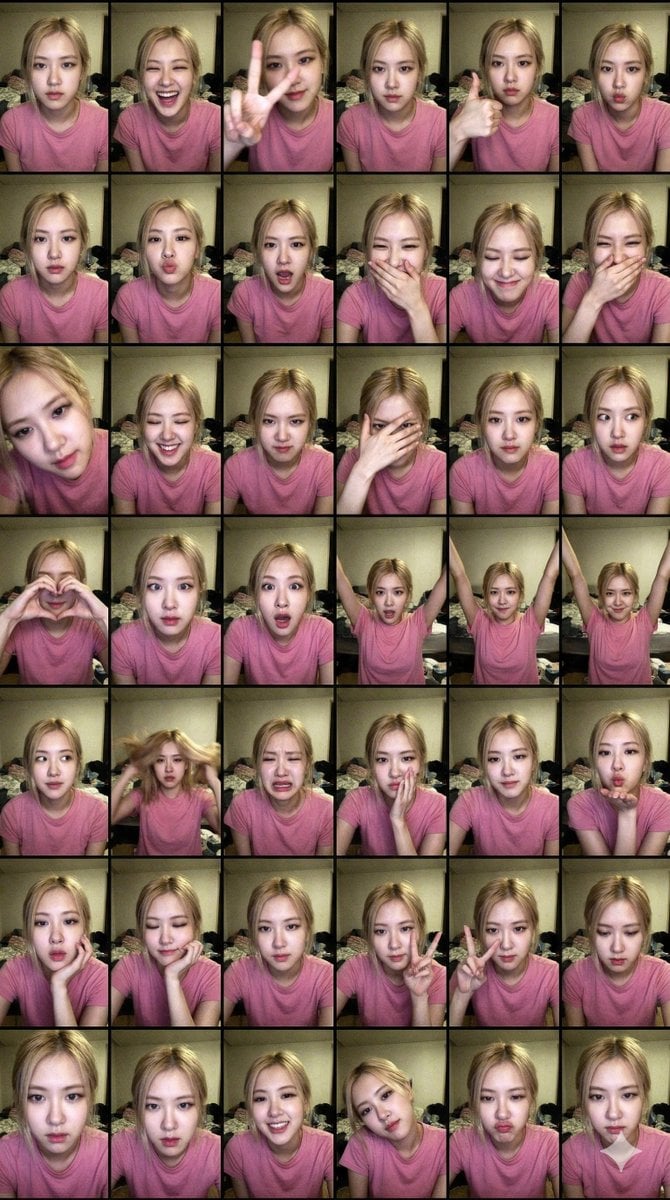
Extreme Lo-Fi Webcam Contact Sheet (Rosé Blackpink)
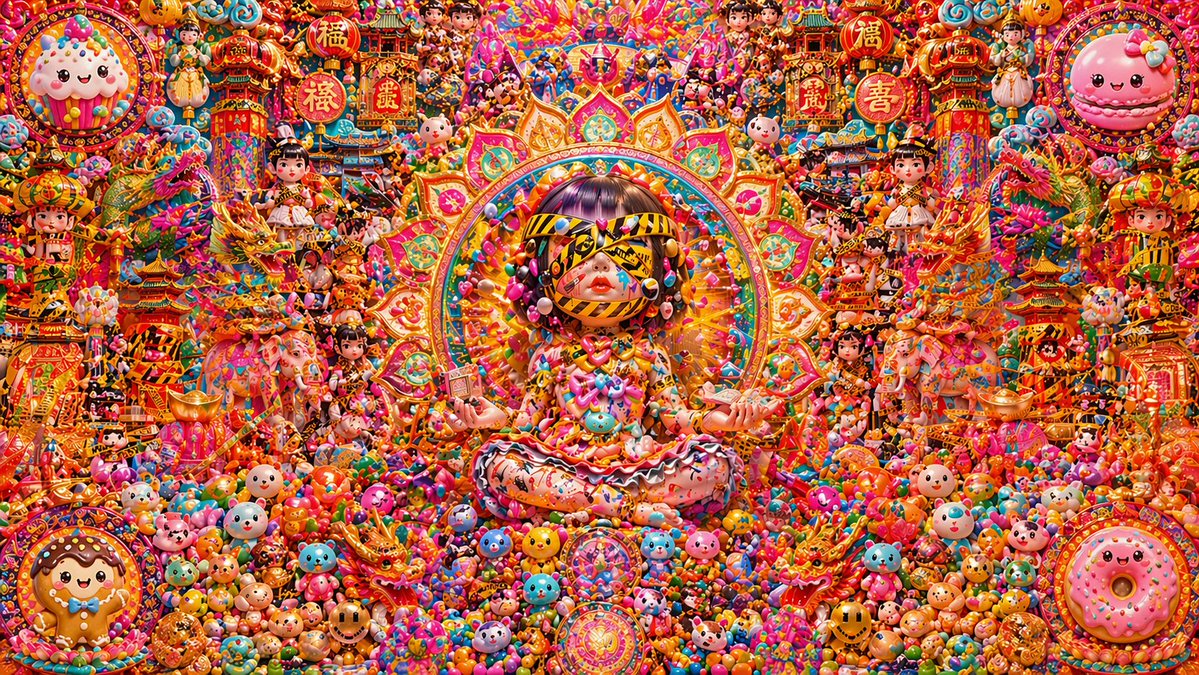
Candy Lunar New Year Shrine
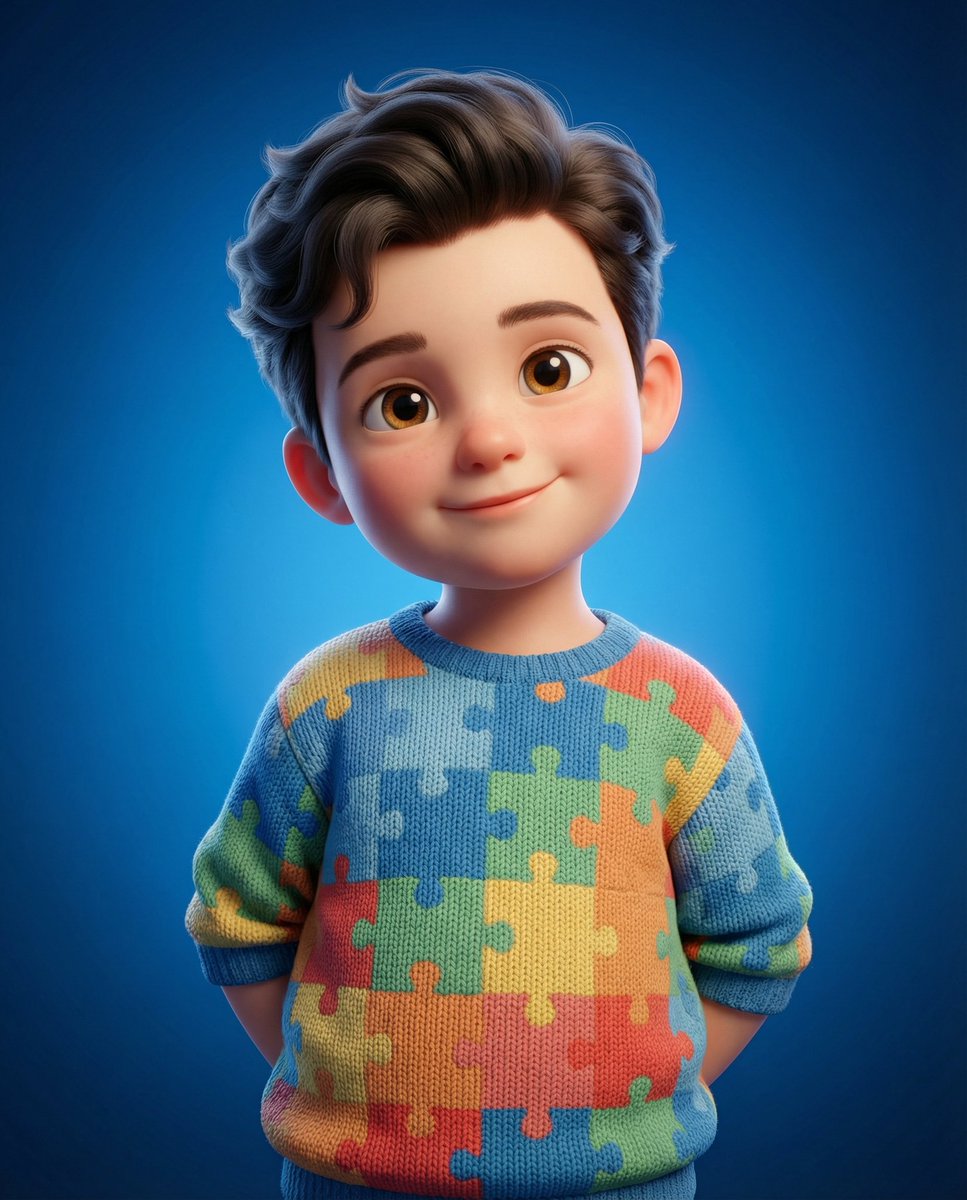
3D Render of Childlike Character in Puzzle Sweater
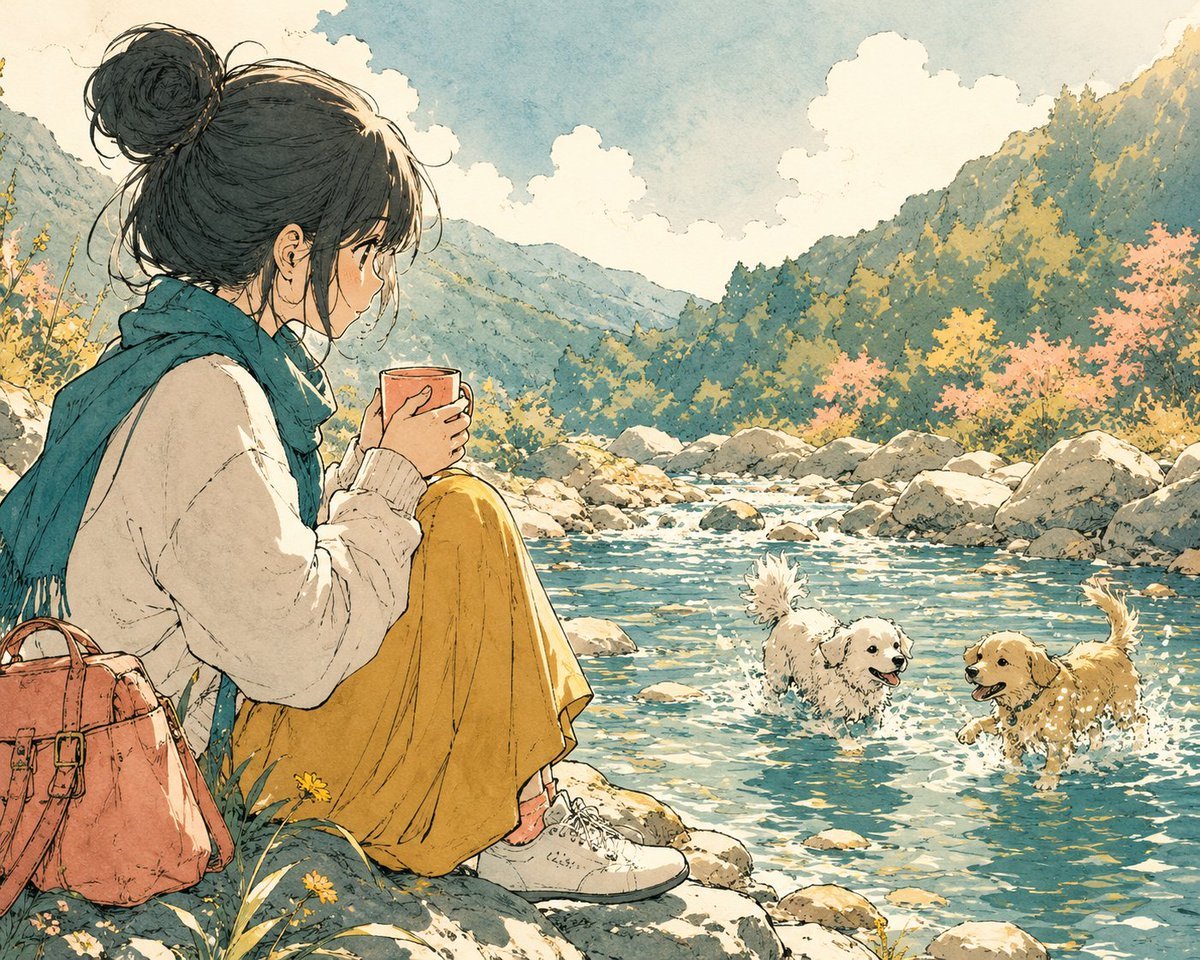
Anime Girl by River with Coffee
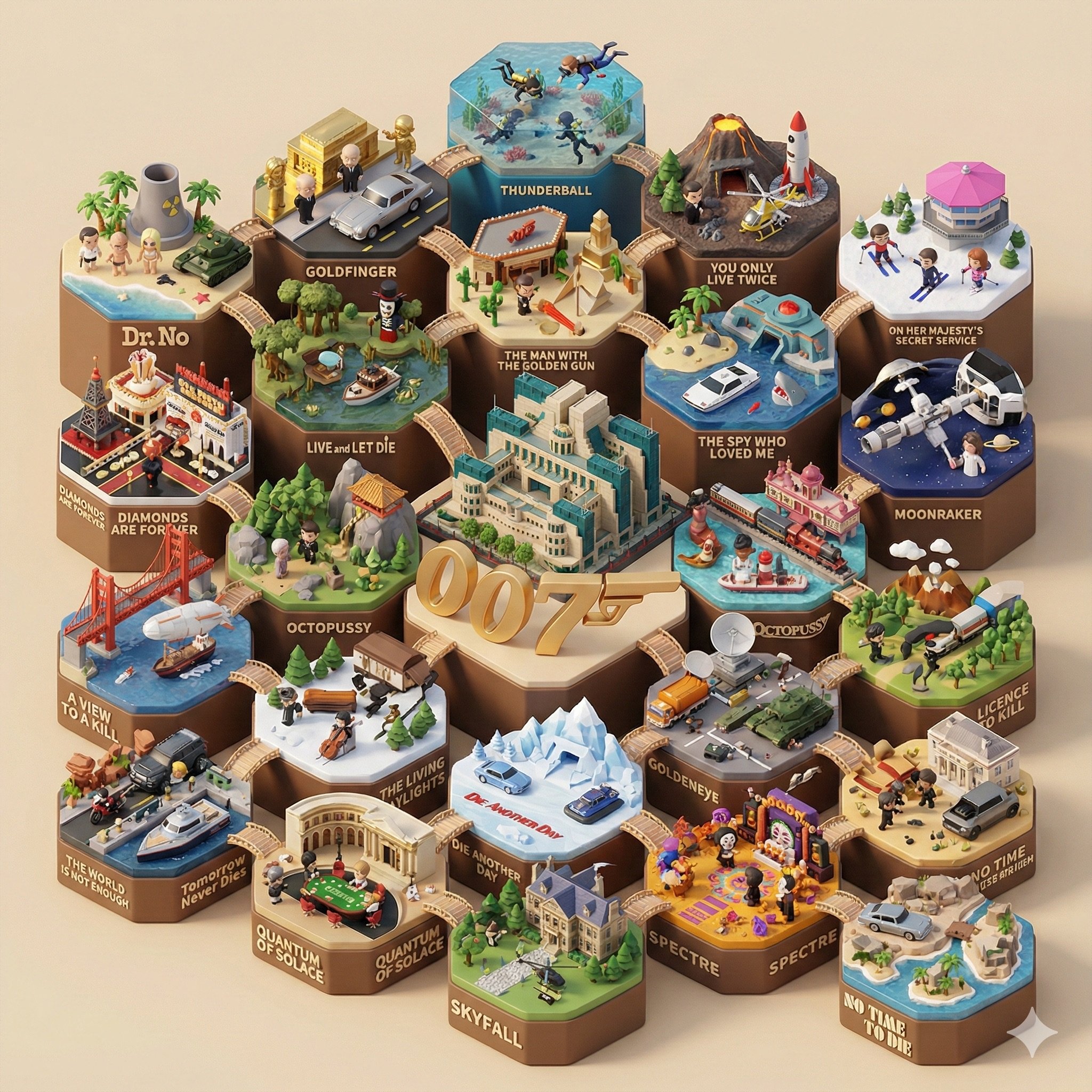
Create a 3D-styled cinematic scene
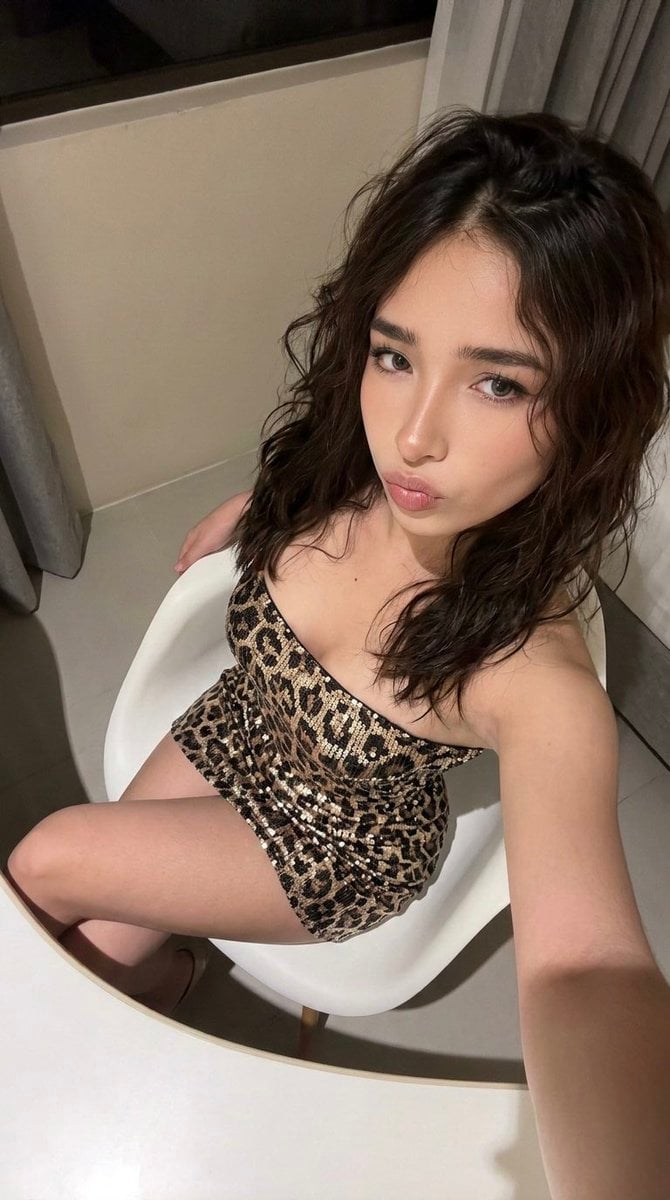
High-Angle Seated Portrait with Leopard Sequined Mini-Dress
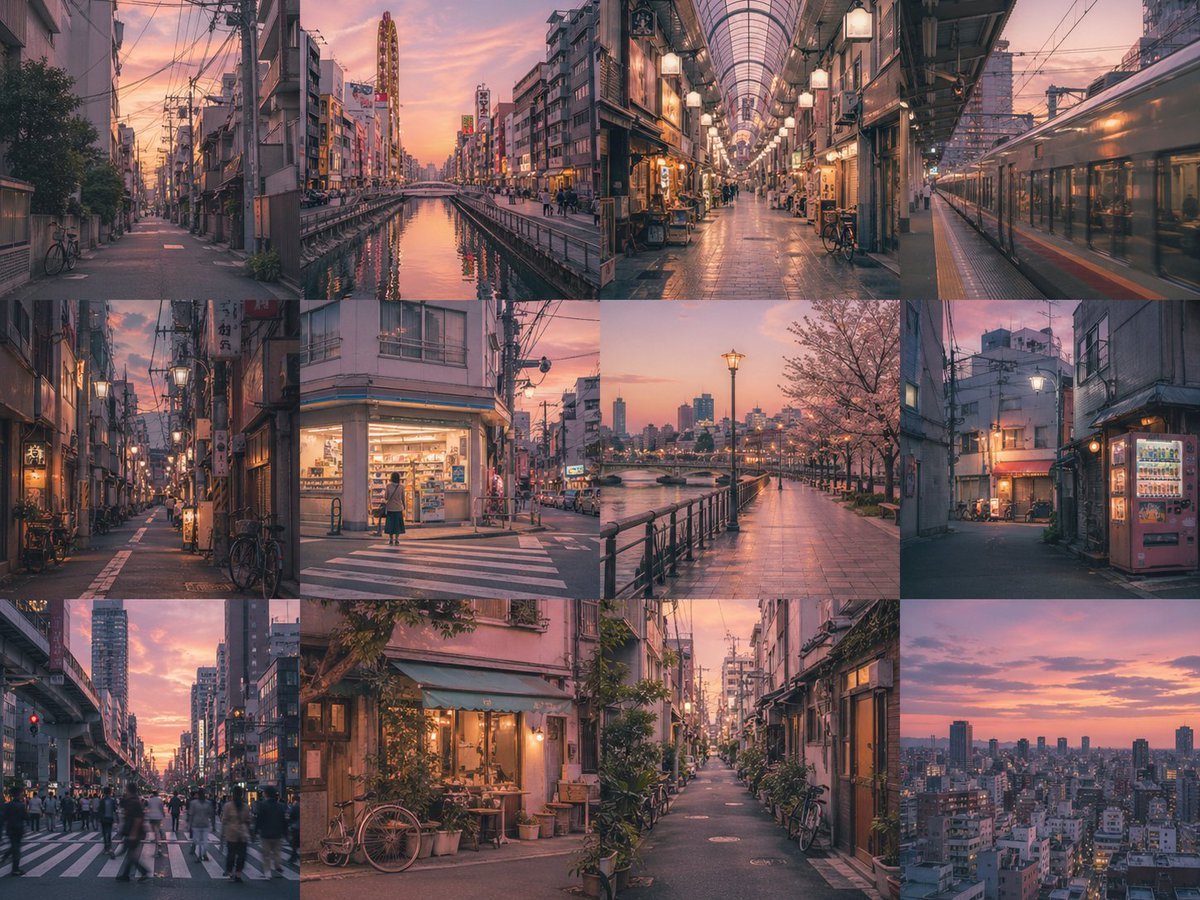
Multi-Panel Image Board Template
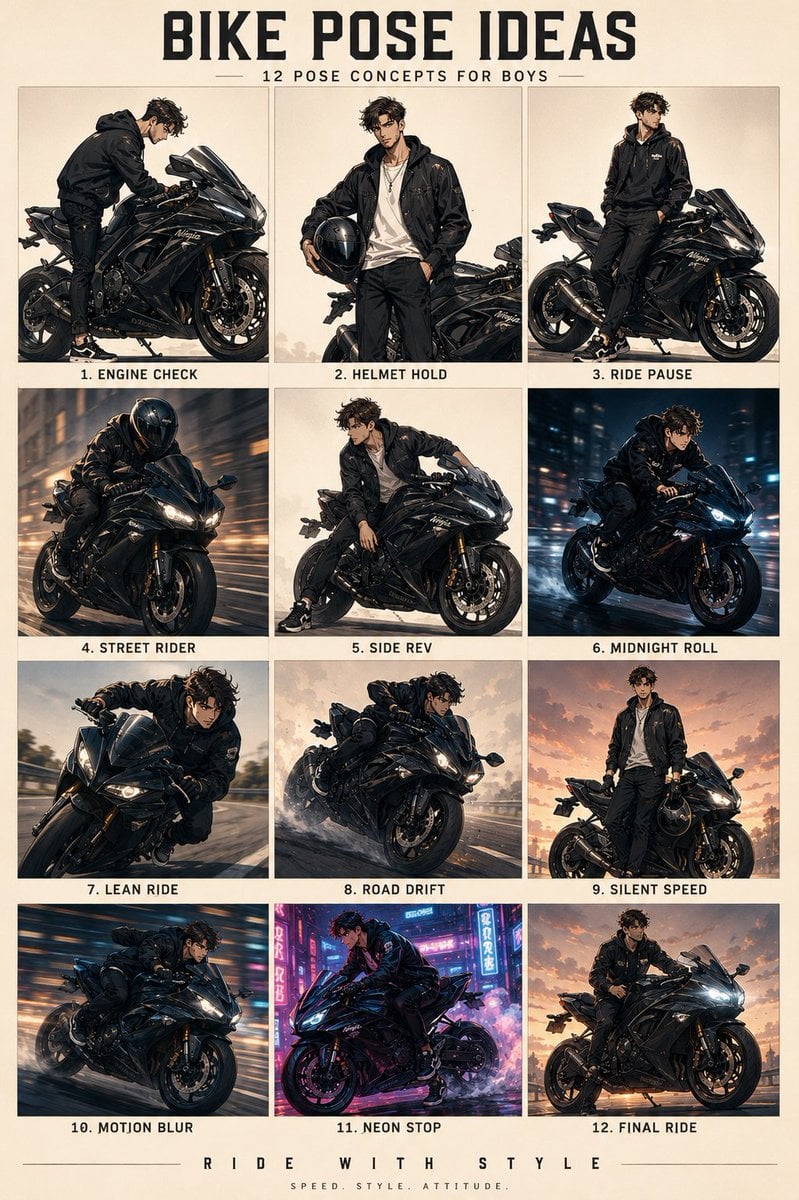
Anime Character Motorbike Pose Sheet
Browse template categories
Seedance 2.0 Waiting Queue Poster questions
How do I use the Seedance 2.0 Waiting Queue Poster template?
Add your photo if the template asks for one, edit the prompt if you like — the template's model and format are already selected — and press Generate. Your version opens in PicX Studio.
Can I customize the Seedance 2.0 Waiting Queue Poster template?
Yes. You can change the subject, setting, lighting, mood, format, and available model controls before creating your image.
Is the Seedance 2.0 Waiting Queue Poster template free?
Opening and editing this template is free. Generating uses credits, shown on the Generate button when you are signed in.
Which AI model should I use?
Start with GPT Image 2, which is the model associated with this template. You can compare another compatible model for a different finish.
Looking for something else? Browse all templates.

Your photo, any look
Thousands of ready templates for every top image and video model, from one credit balance.