How do I use the Indian Street Market Portrait template?
Choose the primary action to open PicX Studio with the available template settings. Review the model and format, personalize the creative direction, and generate when ready.
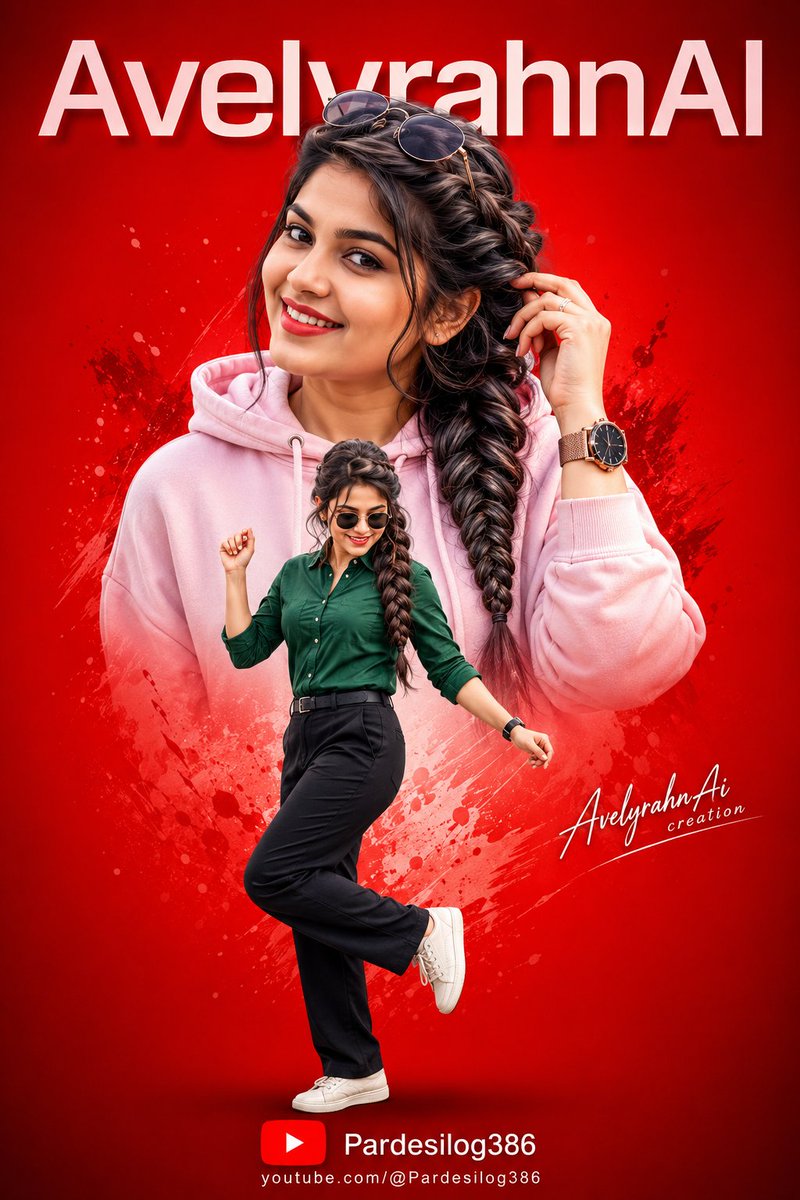
A hyper-realistic full-body shot of a woman in a green Indian pant-suit in a vibrant street market.
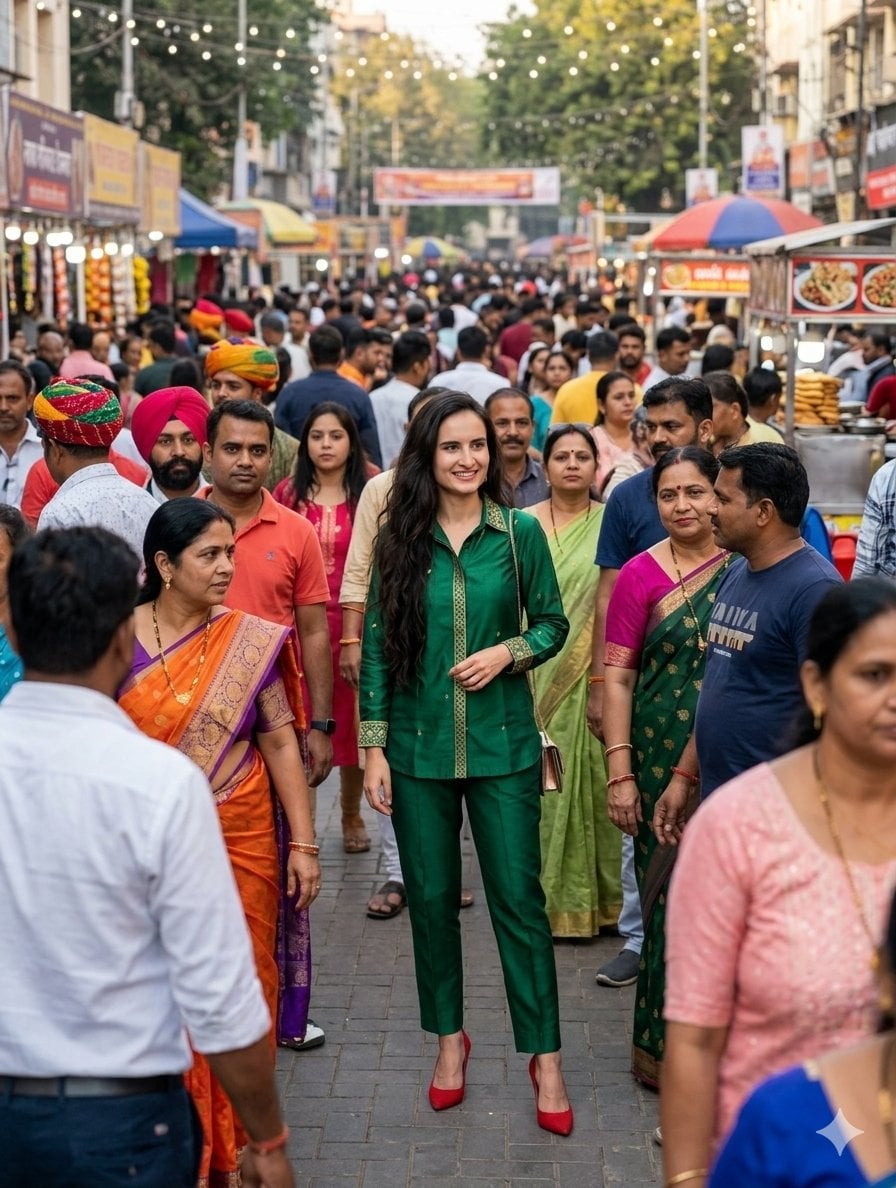
{ "prompt": { "subject": "A woman with long dark hair, wearing a stylish {argument name="outfit color" default="emerald green"} Indian-style pant-suit set with subtle gold embroidery detailing.", "setting": "A bustling, vibrant Indian street market crowded with people, daytime, outdoor setting, festive atmosphere.", "action": "The woman is standing centrally in the frame, smiling naturally, while a diverse crowd of people is walking around her in a realistic, candid street photography style.", "details": "The background is filled with various market stalls, street vendors, and festive lighting strings overhead, creating a busy and authentic urban environment.", "technical_specifications": { "style": "Hyper-realistic, cinematic lighting, shallow depth of field focusing on the subject.", "composition": "Full-body shot, centered, eye-level perspective.", "lighting": "Soft natural daylight, bright but balanced." }, "negative_prompt": "cartoon, illustration, blurry, distorted face, extra limbs, messy clothing, low resolution, disconnected background, bad anatomy" } }
Choose the primary action to open PicX Studio with the available template settings. Review the model and format, personalize the creative direction, and generate when ready.
Yes. You can change the subject, setting, lighting, mood, format, and available model controls before creating your image.
This template is free to open and customize. Generation usage is shown in PicX Studio before you create.
Start with Nano Banana 2, which is the model associated with this template. You can compare another compatible model for a different finish.
Follow a topic to a crawlable collection of related PicX Studio templates.