
RX-7 to Mech Transformation Cyberpunk
GPT Image 2 + Seedance 2.5 video prompt .
- Prompt included
- Model and format preset
- Premium template
The prompt behind this video
Copy the exact prompt behind RX-7 to Mech Transformation Cyberpunk, or open it in the studio and make it yours.
Gpt image 2 and Seedance 2.5 Prompt: Cinematic 8K stylized 3D continuous shot. A young man in a blue bandana uses a holographic smartwatch to deploy mechanical arms that wash his muddy Mazda RX-7. The car upgrades, surging with blue electricity and turning from white to glossy black with glowing purple energy. The black car speeds through a rain-slicked neon cyberpunk city at night. A windshield HUD activates, and the car leaps, transforming mid-air into a giant bipedal mech with the driver visible in the glowing chest cockpit. The mech lands heavily on the street, then uses blue jet thrusters to fly up and stand heroically on a skyscraper roof.
How to use RX-7 to Mech Transformation Cyberpunk in 3 steps
- 1Upload ImagePNG, JPG or paste
Add your photo
Upload the photo the template builds on. The prompt, model and format are already set.
- 2…a portrait of your subject in softgolden-hour light, 85mm…
Personalize
Edit the subject and creative details for your destination.
- 3
 Generate
Press Generate — your video is created in PicX Studio, so you can compare it with the original and refine one variable at a time.
More like this
Templates with the same subject, style or setup. Open one to see its prompt.

Magical Room Transformation - Seedance 2.5

Dark Tokusatsu Transformation - Seedance 2.5
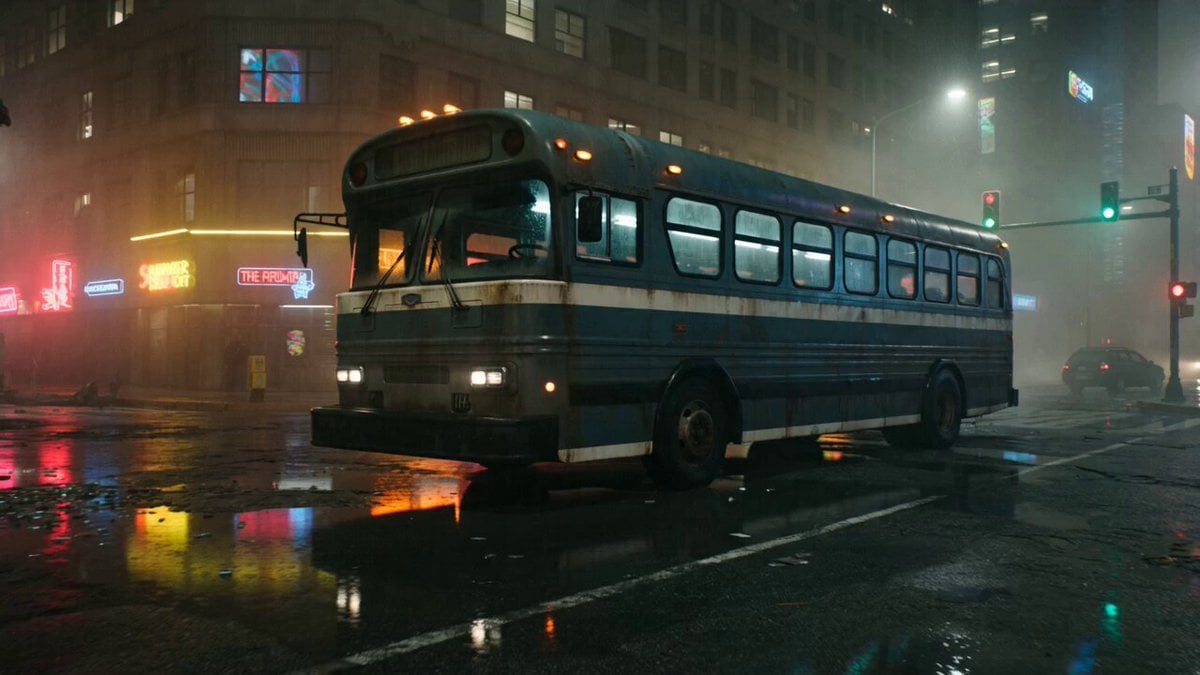
Gritty Cyberpunk Mecha Transformation
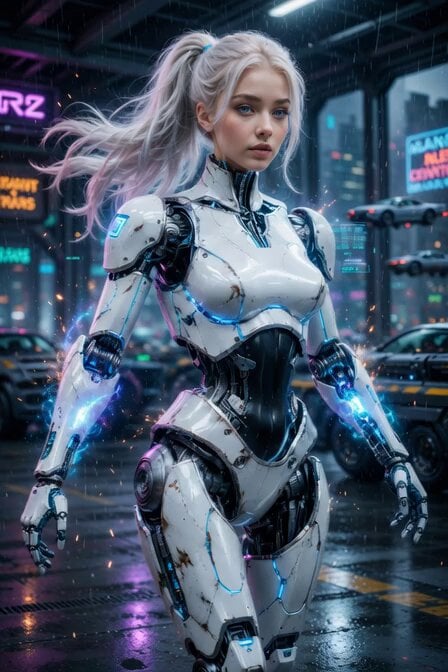
Cyberpunk Cyborg Mechanical Transformation
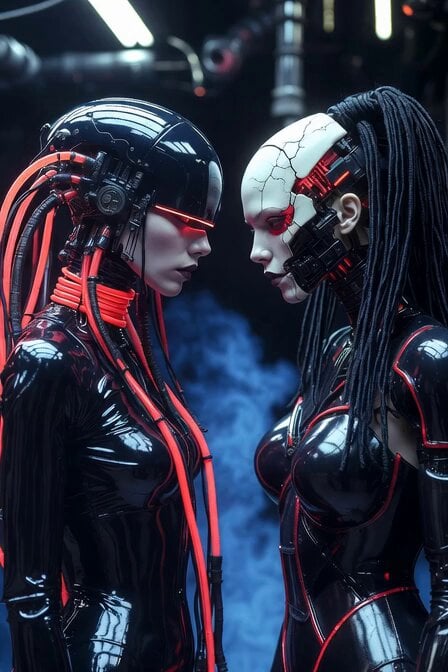
Cyberpunk Android Mechanical Transformation Video
Mecha Transformation vs Kaiju — 4-Scene Epic

Wholesome Puppy and Kitten Story - Seedance 2.5
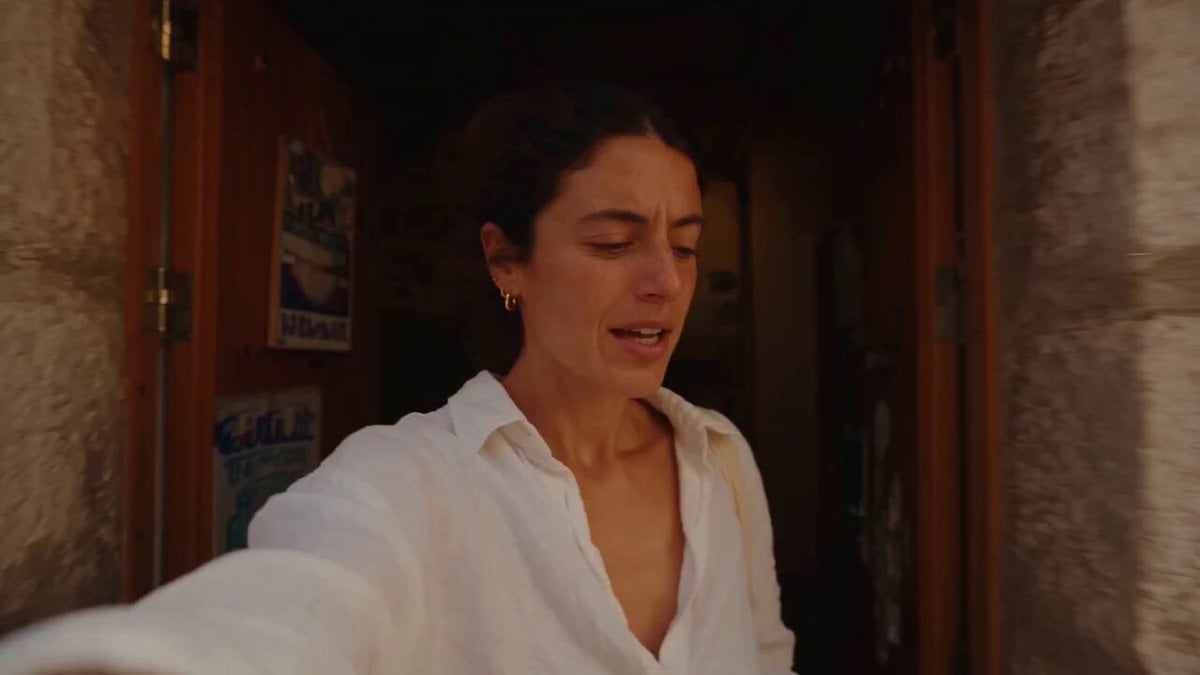
Mediterranean Coffee Run Vlog - Seedance 2.5
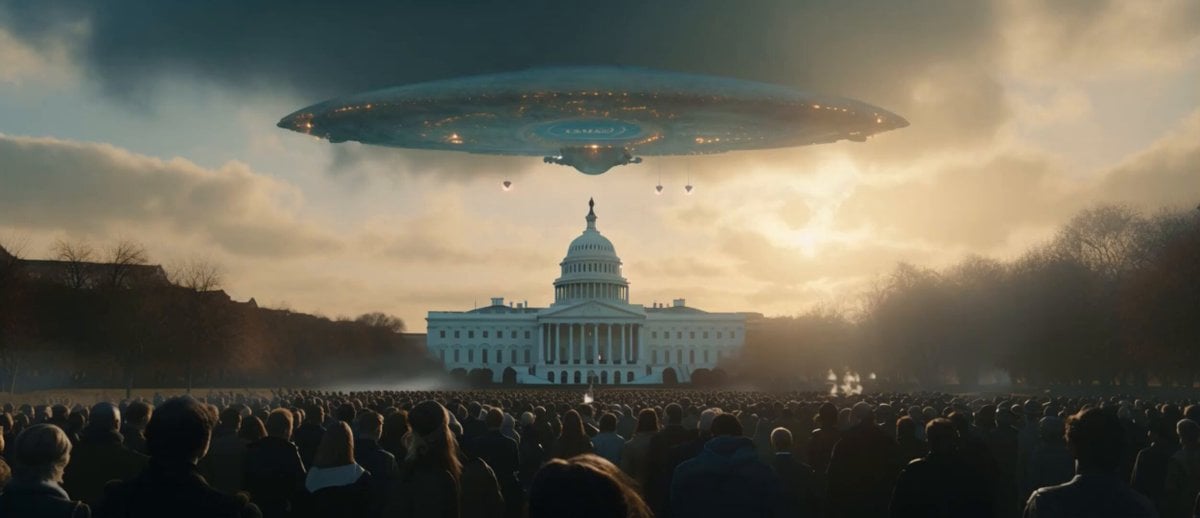
Sci-Fi Disaster Movie Scene - Seedance 2.5

Mysterious Home Exploration Vlog - Seedance 2.5
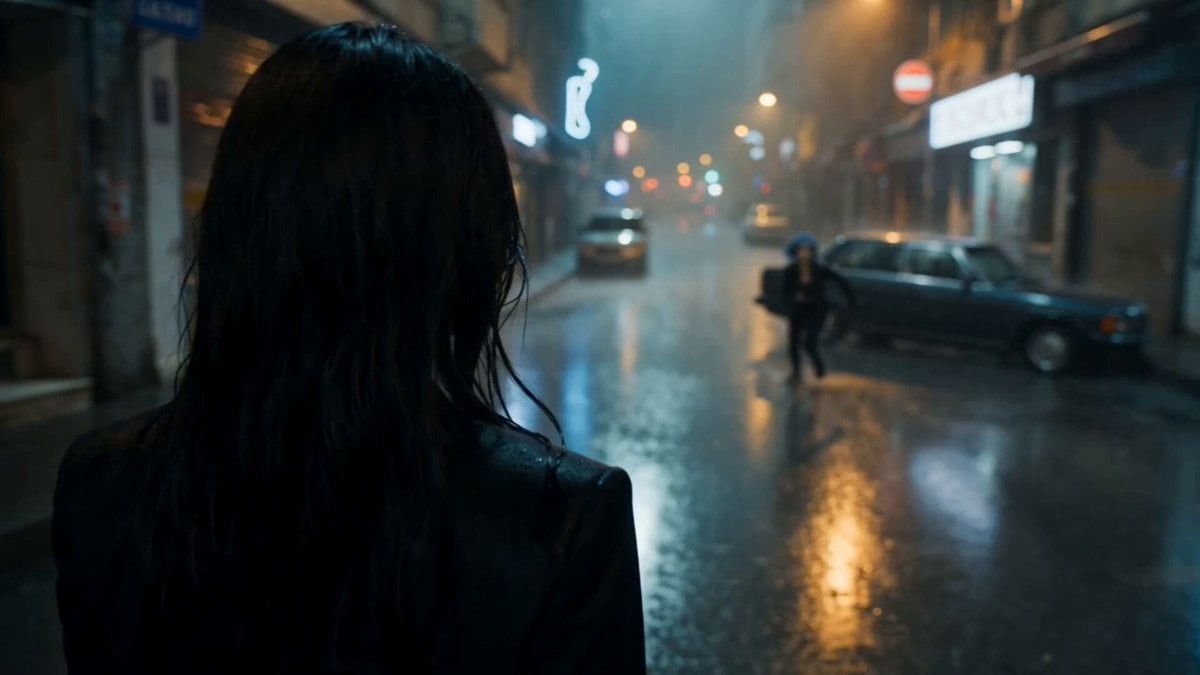
Cinematic Istanbul Night Fight - Seedance 2.5

Realistic UGC Cleanser Review - Seedance 2.5
Make it yours
RX-7 to Mech Transformation Cyberpunk works as-is. These are the safest ways to change it without losing the look.
Change one field
Copy a single group, rewrite it, and generate again so you can see what that field is doing.
Keep the frame, change the subject
Hold the composition and light of RX-7 to Mech Transformation Cyberpunk, then swap wardrobe, props or the person for a new take.
| If the result… | Why | Fix |
|---|---|---|
| The result drifts from the preview | Too many fields changed at once. | Reuse RX-7 to Mech Transformation Cyberpunk as-is first, then change one group — subject, light, or setting. |
| The model over-stylizes the scene | The prose prompt leaves finish and camera underspecified. | Add one camera or lighting sentence and stay on PicX Studio. |
More video prompts
Fresh picks from across the catalog.

Authentic Indonesian Woman Vlog Aesthetic
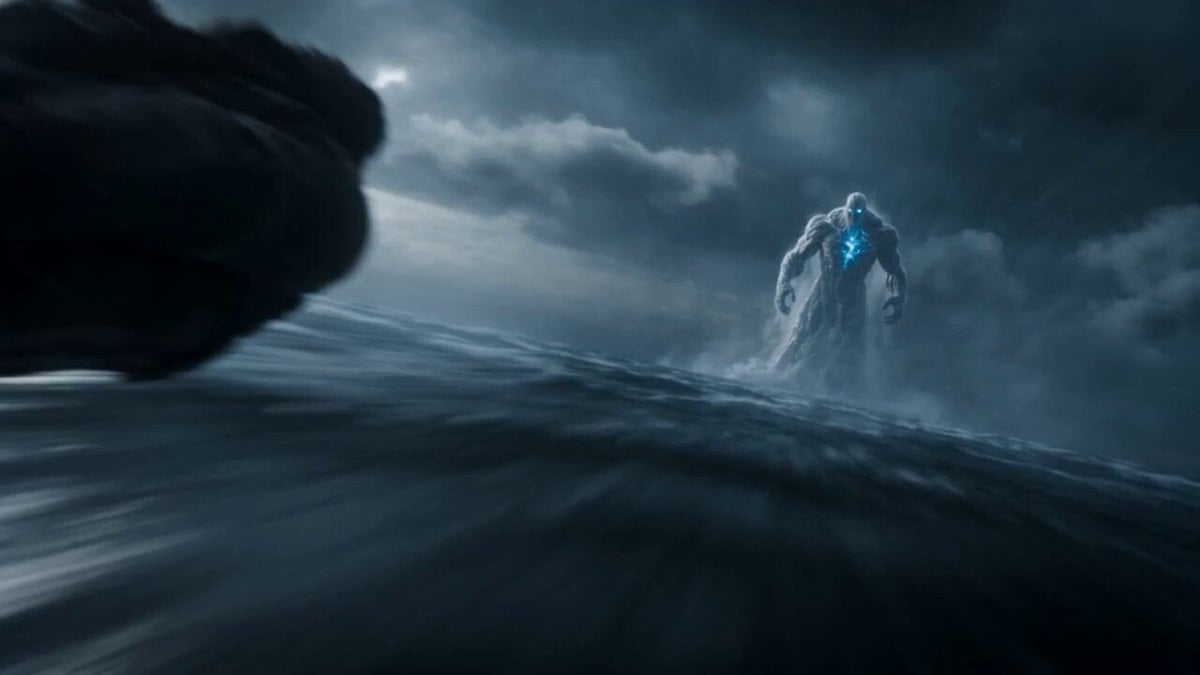
Leviathan Protocol Ocean Battle
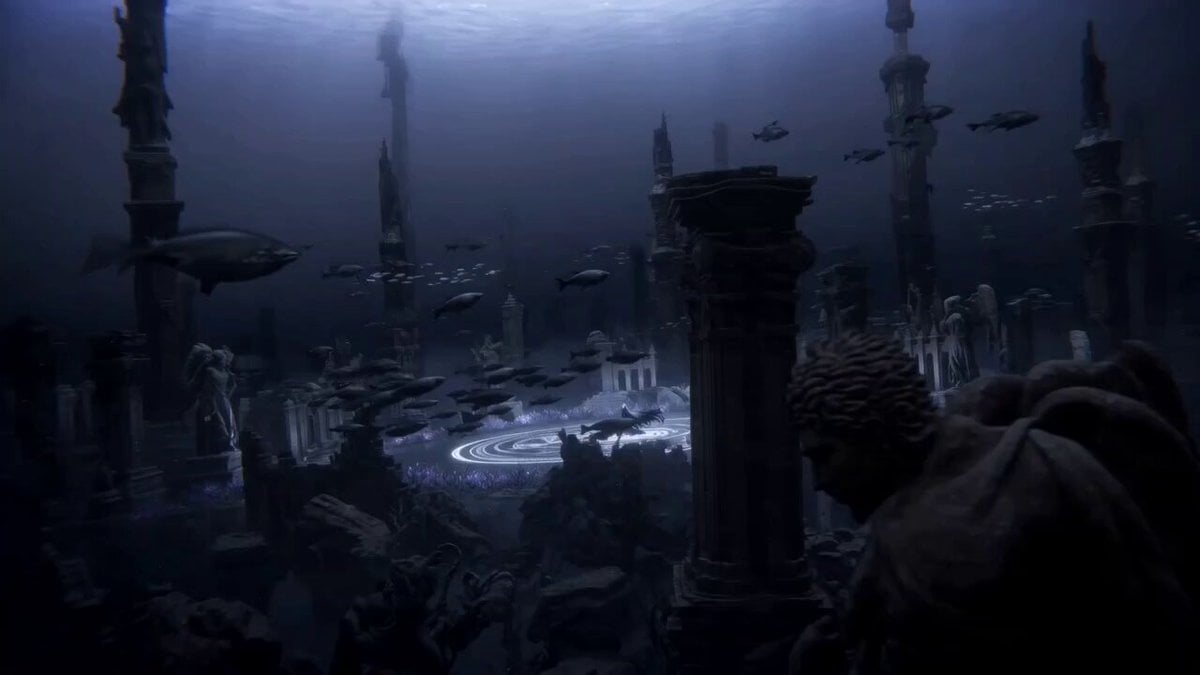
Abyss King Ascension Anime Ritual
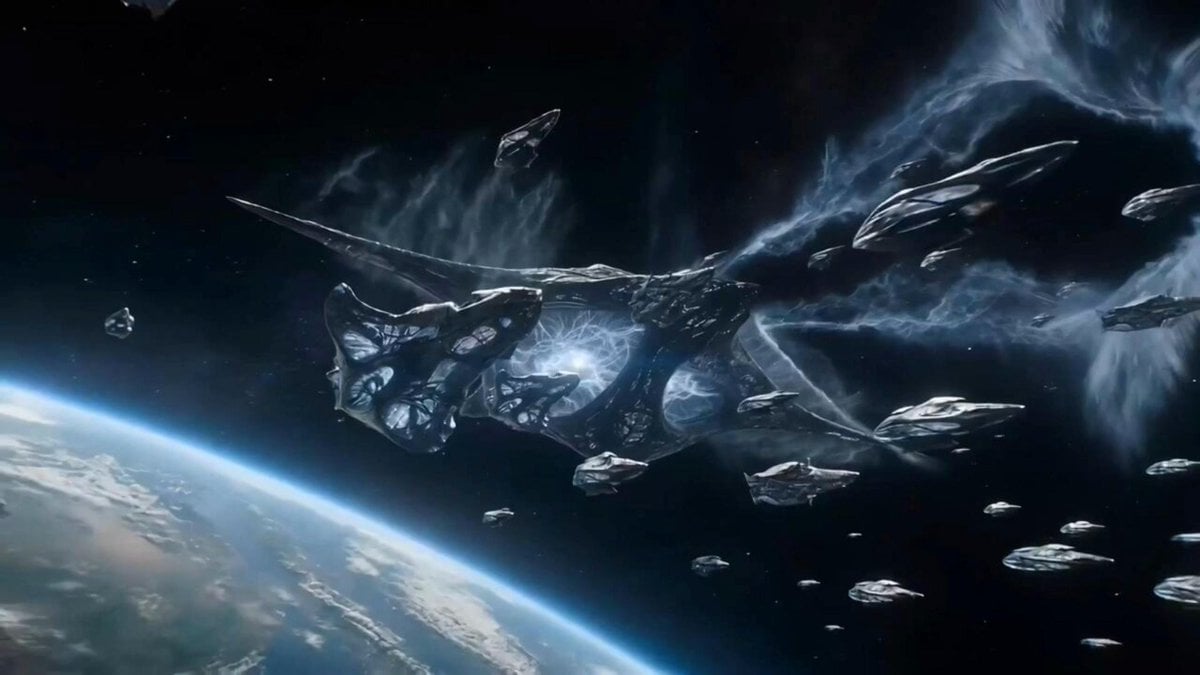
Seedance 2.0 Test: Celestial Invasion
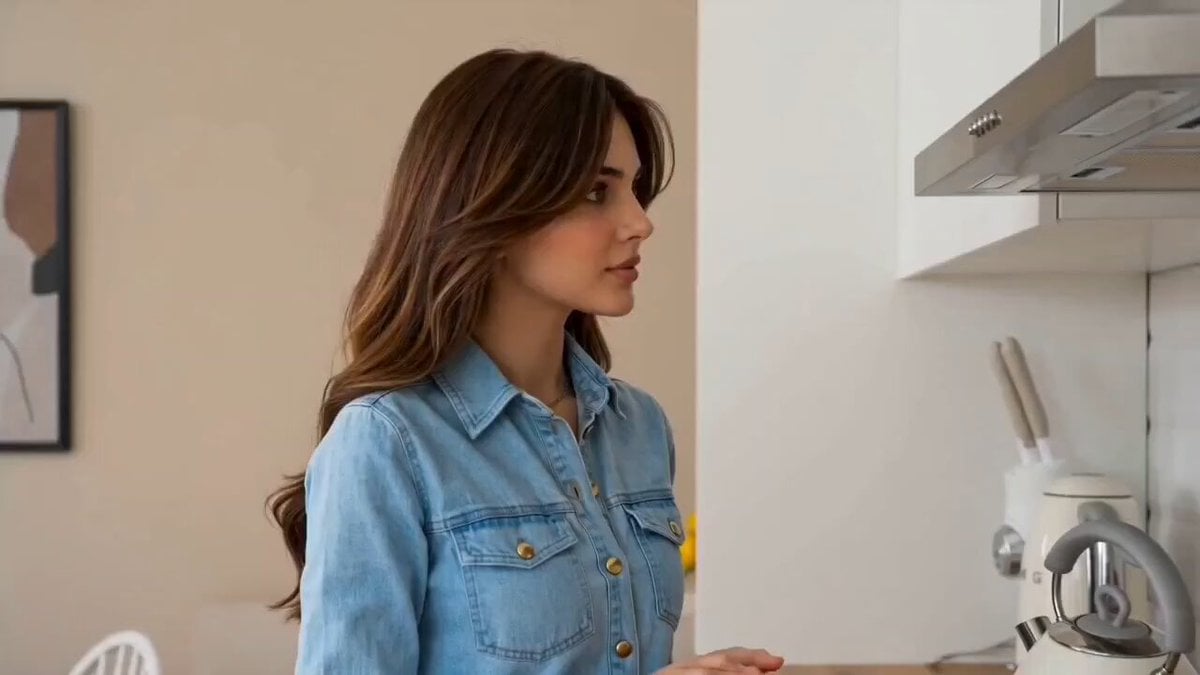
Cozy Morning Kitchen Breakfast Scene
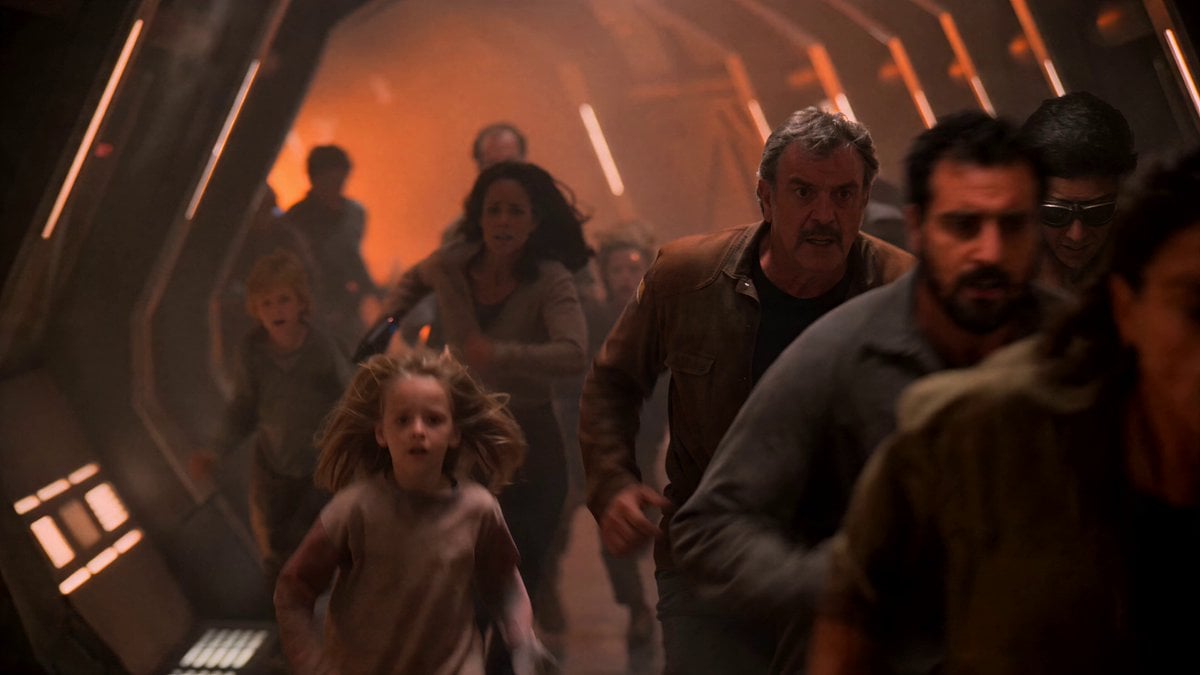
1980s Sci-Fi Captain Evacuation

Cinematic Fish Cooking Commercial
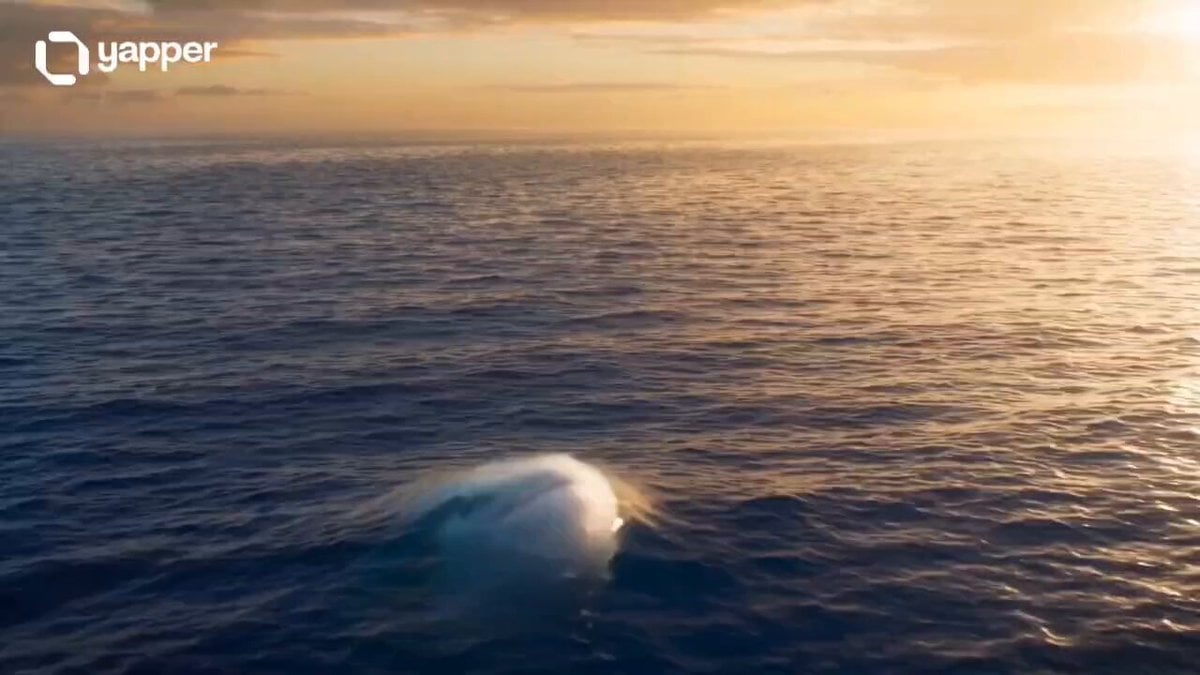
Magical Underwater Boy Riding Fish
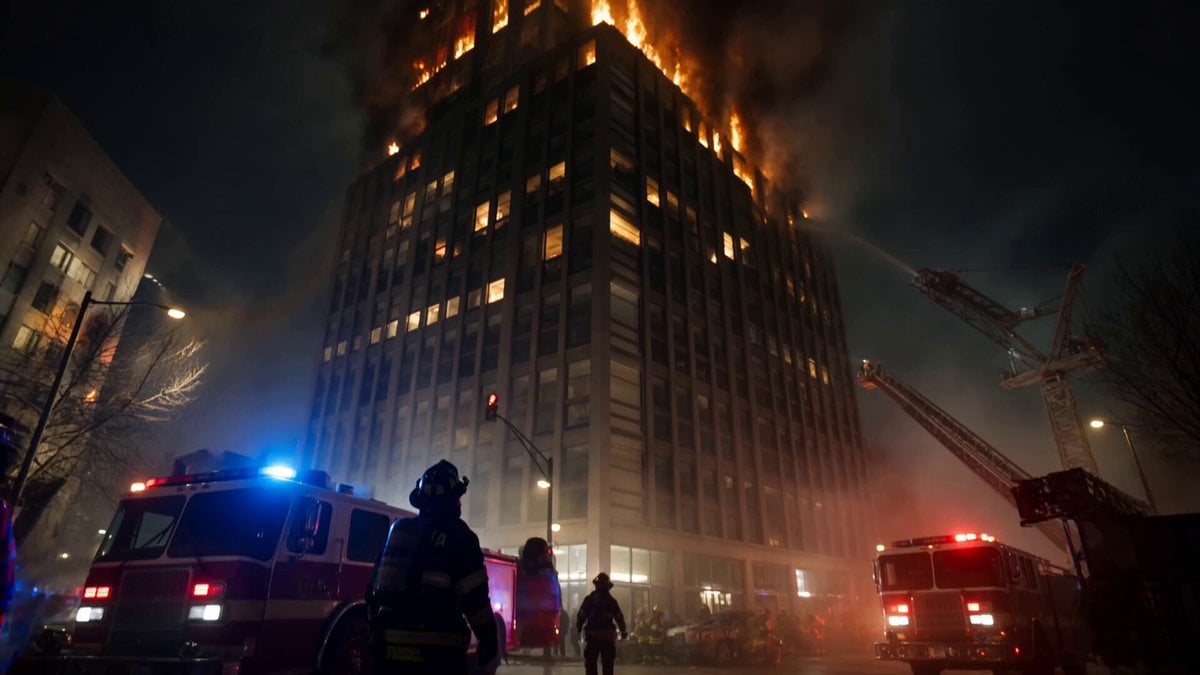
Live-Action Firefighter Rescue Night Scene
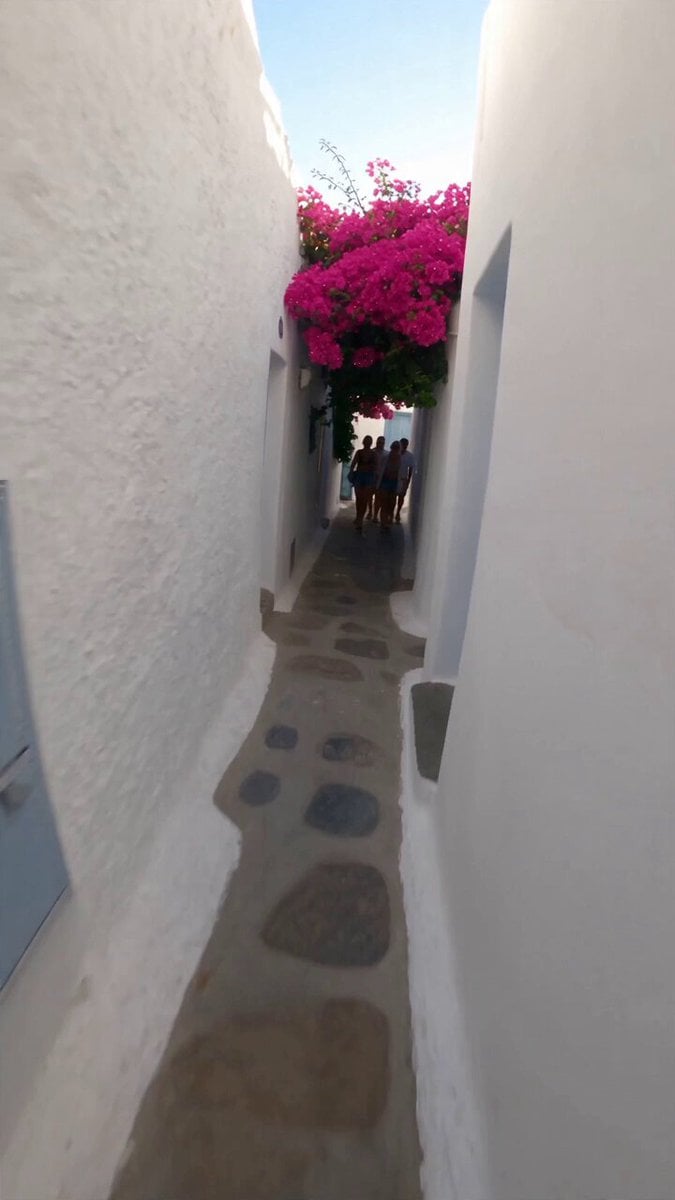
Selfie Travel Vlog Mykonos
Browse template categories
RX-7 to Mech Transformation Cyberpunk questions
How do I use the RX-7 to Mech Transformation Cyberpunk template?
Add your photo if the template asks for one, edit the prompt if you like — the template's model and format are already selected — and press Generate. Your version opens in PicX Studio.
Can I customize the RX-7 to Mech Transformation Cyberpunk template?
Yes. You can change the subject, setting, lighting, mood, format, and available model controls before creating your video.
Is the RX-7 to Mech Transformation Cyberpunk template free?
Opening and editing this template is free. Generating uses credits, shown on the Generate button when you are signed in.
Which AI model should I use?
Choose a compatible model in PicX Studio based on the style, speed, and output controls your project needs.
Looking for something else? Browse all templates.

Your photo, any look
Thousands of ready templates for every top image and video model, from one credit balance.