How do I use the Selfie Travel Vlog Mykonos template?
Edit the prompt in the box under the preview — the template's model and format are already selected — and press Generate. Your version appears right on this page.
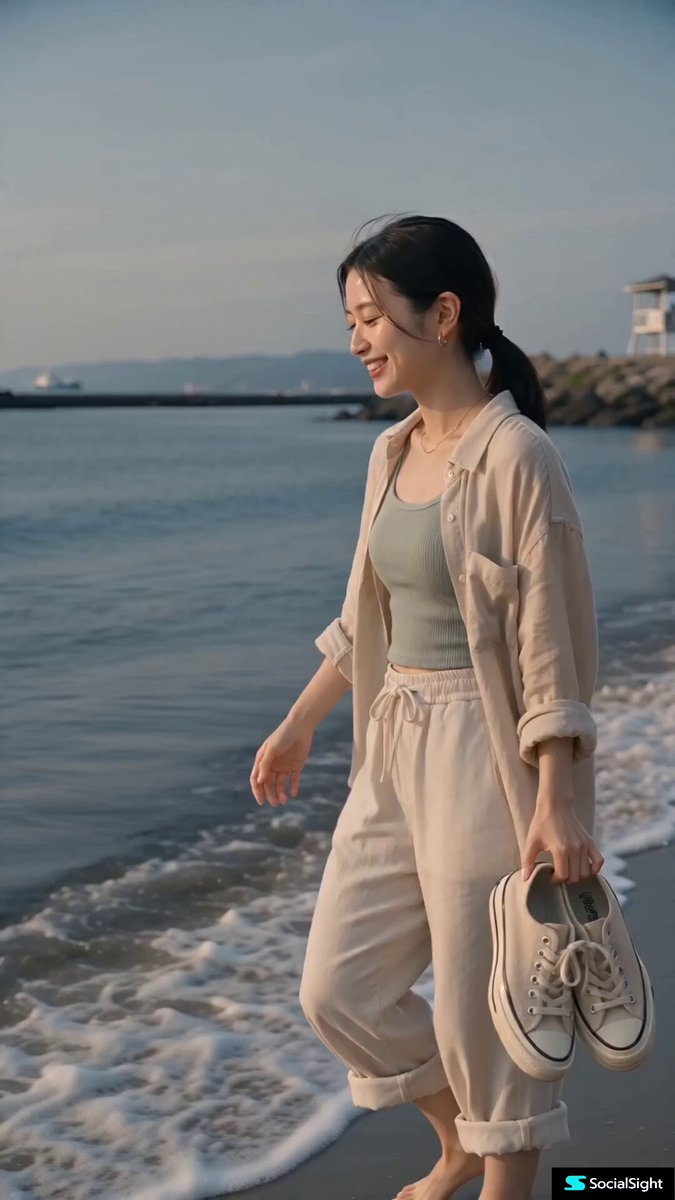
Seedance 2.5 prompt - Selfie travel vlog that looks insanely realistic: Mykonos alleys to packed bar to terrace, wave hits lens, auto-exposure fighting light, frame blows white then claws back.

Mykonos alleys, into a packed bar, out onto a terrace where the camera blows completely white before the sea comes back. A wave hits the wall, soaks the lens, she's laughing. Unstable grip, focus hunting, imperfect framing, over-zooming and correcting. Auto-exposure fighting the light constantly and losing. The frame goes completely white, holds about a second, then slowly claws back. This should look recovered, not made. No references needed - but you can also drop in your own images, or AI avatar images if you're building content for an AI social account. The trick is asking for everything you'd normally try to avoid.
Mykonos alleys, into a packed bar, out onto a terrace where the camera blows completely white before the sea comes back. A wave hits the wall, soaks the lens, she's laughing. Unstable grip, focus hunting, imperfect framing, over-zooming and correcting. Auto-exposure fighting the light constantly and losing. The frame goes completely white, holds about a second, then slowly claws back. This should look recovered, not made. No references needed - but you can also drop in your own images, or AI avatar images if you're building content for an AI social account. The trick is asking for everything you'd normally try to avoid.
Edit the prompt in the box under the preview — the template's model and format are already selected — and press Generate. Your version appears right on this page.
Yes. You can change the subject, setting, lighting, mood, format, and available model controls before creating your video.
Opening and editing this template is free. Generating uses credits, shown on the Generate button when you are signed in.
Choose a compatible model in PicX Studio based on the style, speed, and output controls your project needs.
Follow a topic to a crawlable collection of related PicX Studio templates.