
Cyberpunk Cyborg Mechanical Transformation
A high-fidelity cinematic video prompt for a female cyborg character transformation in a futuristic hangar, specifying camera work, lighting, and mechanical motion details.
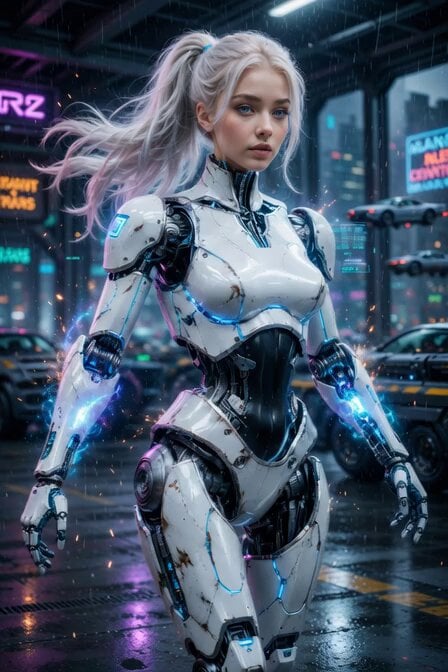
- Prompt included
- Model and format preset
- Premium template
The prompt behind this video
Copy the exact prompt behind Cyberpunk Cyborg Mechanical Transformation, or open it in the studio and make it yours.
Cinematic photorealistic 6-second video of a stunning female cyborg in next-level Transformers style, cyberpunk sci-fi atmosphere. She is the same beautiful young woman with long flowing platinum blonde hair in a high ponytail, flawless face, striking blue eyes, wearing a sleek, ultra-detailed white and black glossy robotic armor suit with exposed intricate mechanical joints, glowing blue energy lines, and battle-worn metallic plating. Dynamic sequence: She stands in a dark futuristic cyberpunk city hangar with massive neon lights, rain, and flying cars in the background. Camera slowly orbits her. Suddenly her body begins a powerful, fluid next-level transformation — armor plates shift and unfold with mechanical precision, glowing blue plasma energy surges through her circuits, her ponytail whips dramatically as she turns. Her arms and legs reconfigure into more advanced combat form with new weapon modules emerging. Sparks and holographic data streams fly around her. Ultra-realistic details, 8K, cinematic lighting with volumetric neon glows, dramatic rim lighting, shallow depth of field, shot on Arri Alexa 65 + anamorphic lenses, intense cyberpunk color grading, moody atmosphere, highly detailed mechanical movements, smooth 24fps, epic and powerful mood. Motion strength: High Camera movement: Smooth orbiting + slight dramatic push-in Duration: 6 seconds
How to use Cyberpunk Cyborg Mechanical Transformation in 3 steps
- 1
Open
The prompt is already in the box next to the preview, with the template's model and format selected.
- 2…a portrait of your subject in softgolden-hour light, 85mm…
Personalize
Edit the subject and creative details for your destination.
- 3Generate
Generate
Press Generate — your video is created in PicX Studio, so you can compare it with the original and refine one variable at a time.
More like this
Templates with the same subject, style or setup. Open one to see its prompt.
Cyberpunk Android Mechanical Transformation Video

RX-7 to Mech Transformation Cyberpunk
Mechanical Flower Bloom Brand Film
Cyborg Transformation Scene (Part 1)

Cyberpunk Demonic Cyborg Warlord
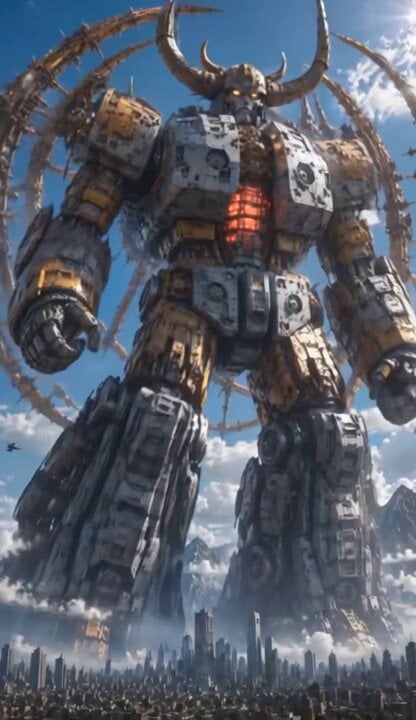
Colossal Biomechanical Cyberpunk Mecha Video

Mechanical Jumping Robot Rabbit

Pterodactyl Transformation Journey
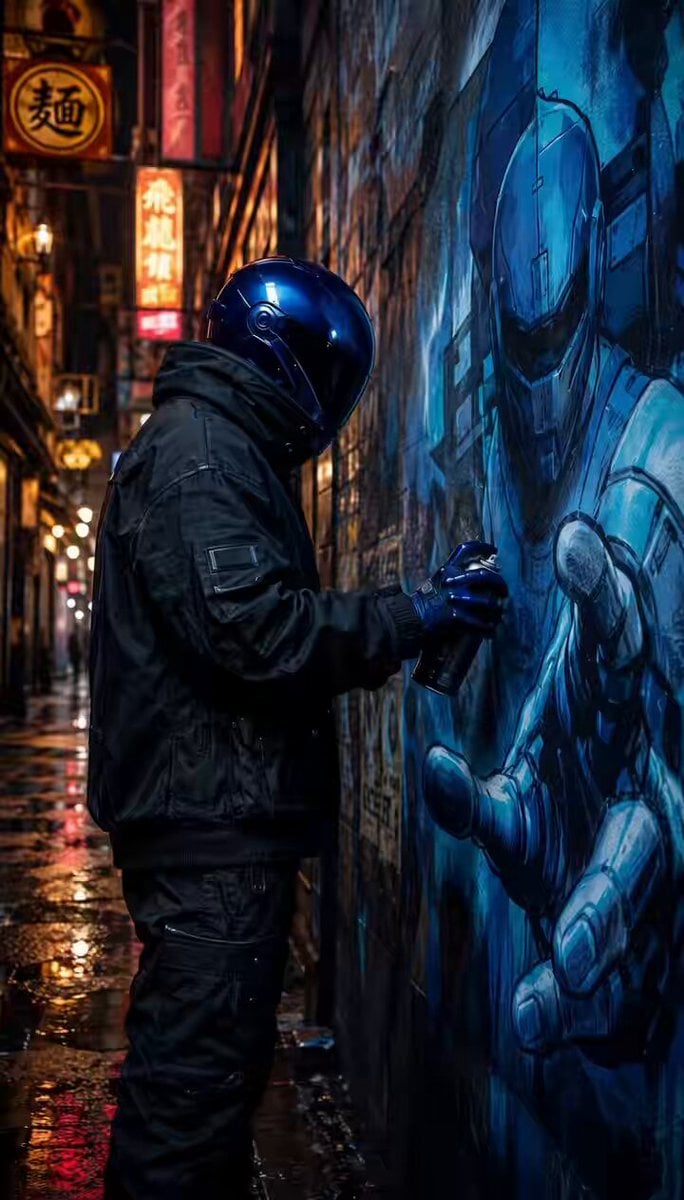
Cyborg Graffiti Artist Scene
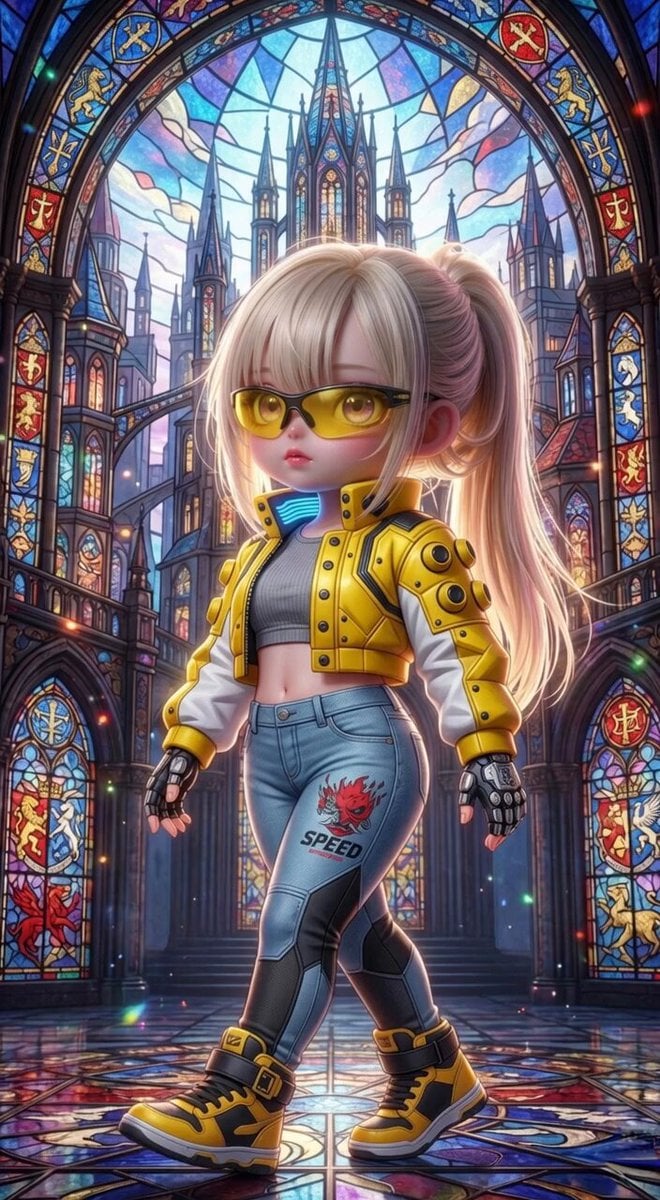
Grok Imagine Mechanical and Ethereal Creature Prompts
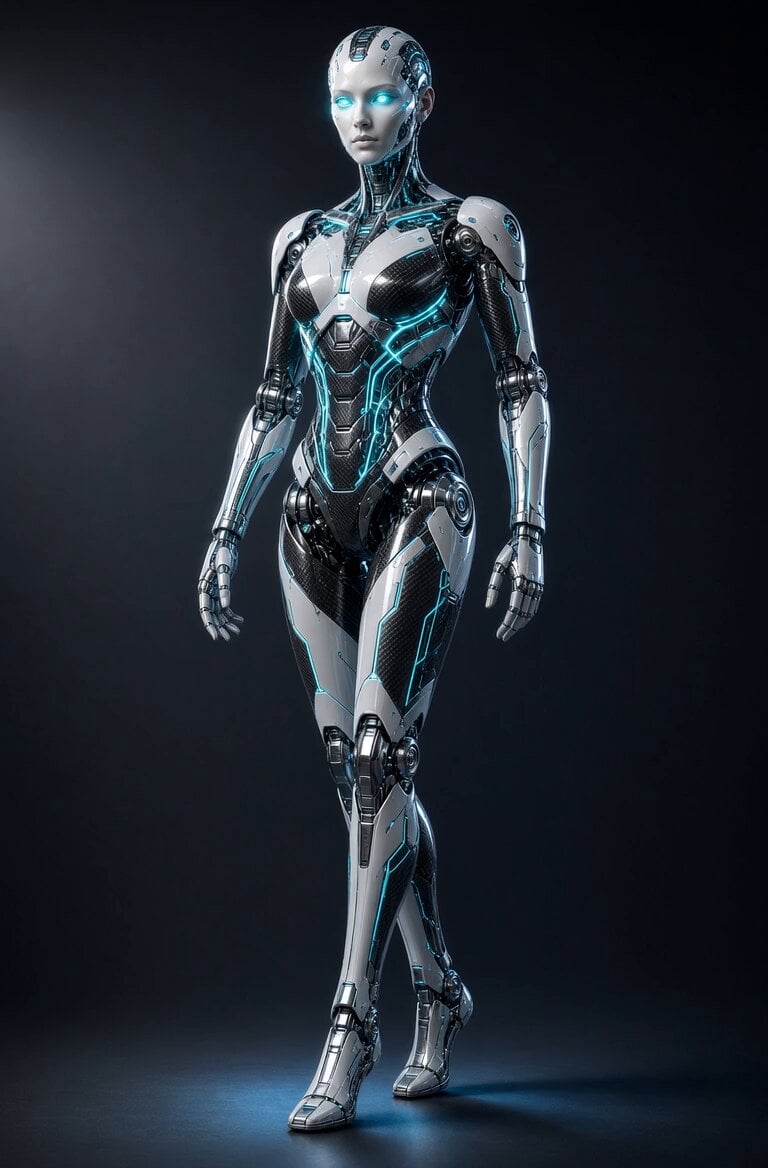
Glowing Android Mechanical Motion

Cyberpunk Guerrilla Girl Video Generation
Make it yours
Cyberpunk Cyborg Mechanical Transformation works as-is. These are the safest ways to change it without losing the look.
Change one field
Copy a single group, rewrite it, and generate again so you can see what that field is doing.
Keep the frame, change the subject
Hold the composition and light of Cyberpunk Cyborg Mechanical Transformation, then swap wardrobe, props or the person for a new take.
| If the result… | Why | Fix |
|---|---|---|
| The result drifts from the preview | Too many fields changed at once. | Reuse Cyberpunk Cyborg Mechanical Transformation as-is first, then change one group — subject, light, or setting. |
| The model over-stylizes the scene | The prose prompt leaves finish and camera underspecified. | Add one camera or lighting sentence and stay on Grok Imagine. |
More Grok Imagine templates
Other prompts made for Grok Imagine.

Kaleidoscopic Cosmic Dolphin Video

Horror Daffy Duck Video Transition

America 250th Anniversary Celebration

Glowing Water Forest Night Prompt

Soft Pink Roses Dreamer Prompt

Ninja Wizard Levitation Jump

Coffee Cup Interaction Motion

Voice Controlled Water Animation

Candle Mandala Mirror Video

Psychedelic Purple Disc World Video
More video prompts
Fresh picks from across the catalog.

Cat Opera Hero Action Sequence

Dust Devil Playground Viral Video

Cinematic surreal 'Time Freeze' workflow
Dark Fairytale Chase-Battle Cinematic Storyboard
Claude Prompt: Data Overview and Health Check
City Time Freeze Cinematic Sequence

Grok Imagine prompt: Prism creating a sphere and transforming energy
Top-Down Psychological Short Film

Amazon Civilization Discovery
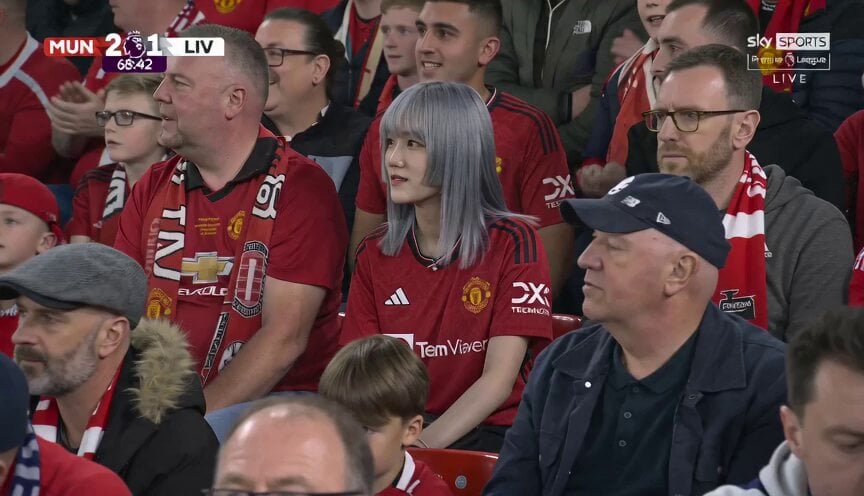
Manchester United Fan Documentary
Browse template categories
Cyberpunk Cyborg Mechanical Transformation questions
How do I use the Cyberpunk Cyborg Mechanical Transformation template?
Add your photo if the template asks for one, edit the prompt if you like — the template's model and format are already selected — and press Generate. Your version opens in PicX Studio.
Can I customize the Cyberpunk Cyborg Mechanical Transformation template?
Yes. You can change the subject, setting, lighting, mood, format, and available model controls before creating your video.
Is the Cyberpunk Cyborg Mechanical Transformation template free?
Opening and editing this template is free. Generating uses credits, shown on the Generate button when you are signed in.
Which AI model should I use?
Start with Grok Imagine, which is the model associated with this template. You can compare another compatible model for a different finish.
Looking for something else? Browse all templates.

Your photo, any look
Thousands of ready templates for every top image and video model, from one credit balance.