
Ninja Wizard Levitation Jump
An action-oriented prompt featuring a ninja wizard performing a supernatural jump between buildings.

- Prompt included
- Model and format preset
- Premium template
The prompt behind this video
Copy the exact prompt behind Ninja Wizard Levitation Jump, or open it in the studio and make it yours.
Create a ninja wizard jumping from one building to another, a large distance using levitations to make the jump, no hood or cape Just a ninja mask
How to use Ninja Wizard Levitation Jump in 3 steps
- 1
Open
The prompt is already in the box next to the preview, with the template's model and format selected.
- 2…a portrait of your subject in softgolden-hour light, 85mm…
Personalize
Edit the subject and creative details for your destination.
- 3Generate
Generate
Press Generate — your video is created in PicX Studio, so you can compare it with the original and refine one variable at a time.
More like this
Templates with the same subject, style or setup. Open one to see its prompt.
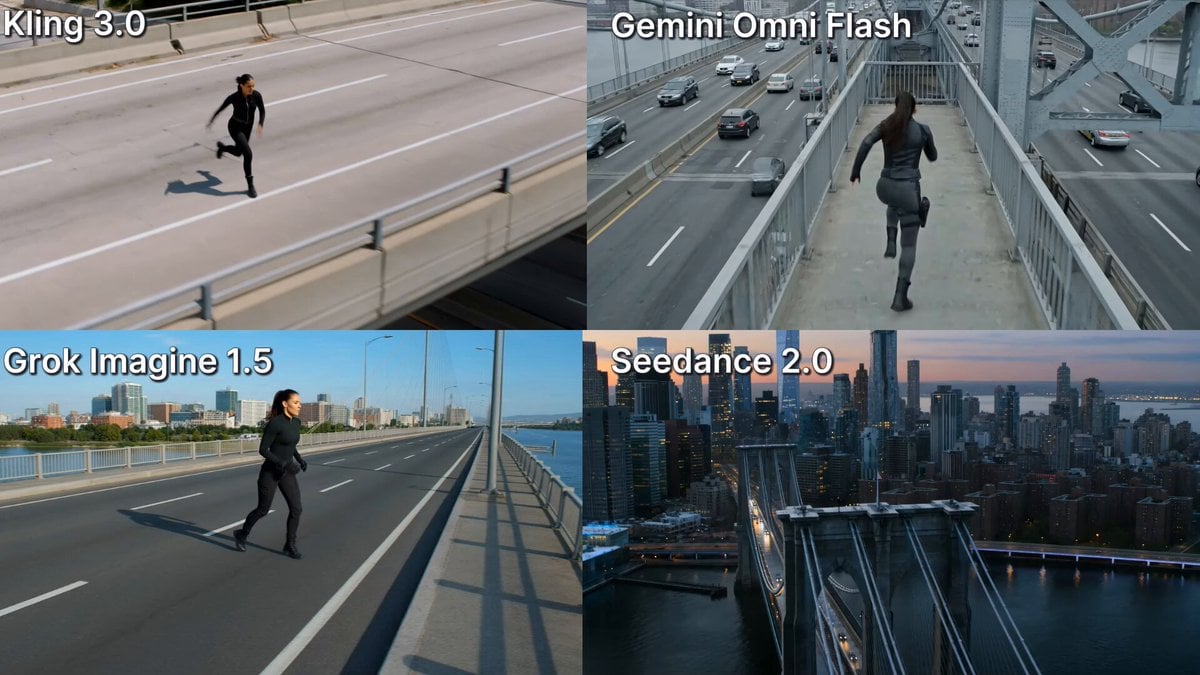
Action Stunt Scene: Bridge Jump
Mechanical Jumping Robot Rabbit
Elderly Wizard Oil Painting
Cinematic Motorcycle Tunnel Jump
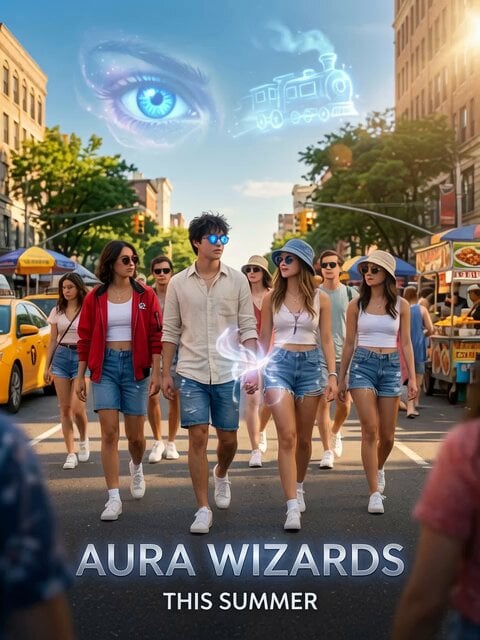
Aura Wizards Urban Trailer

Gatchaman's Ken the Eagle Jumps from God Phoenix
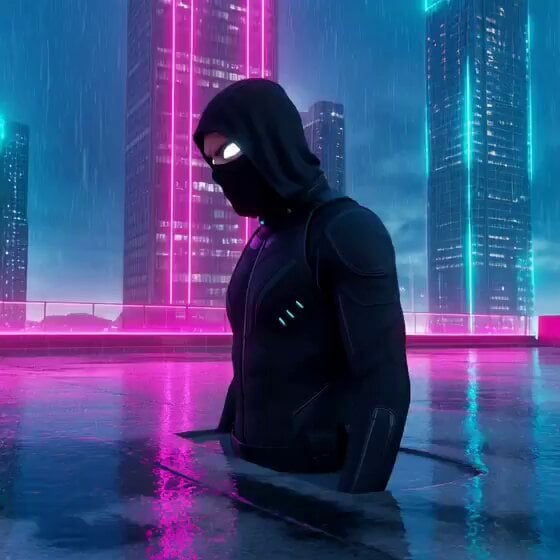
Cyber-Ninja Teleport in Rain-Soaked Neon City
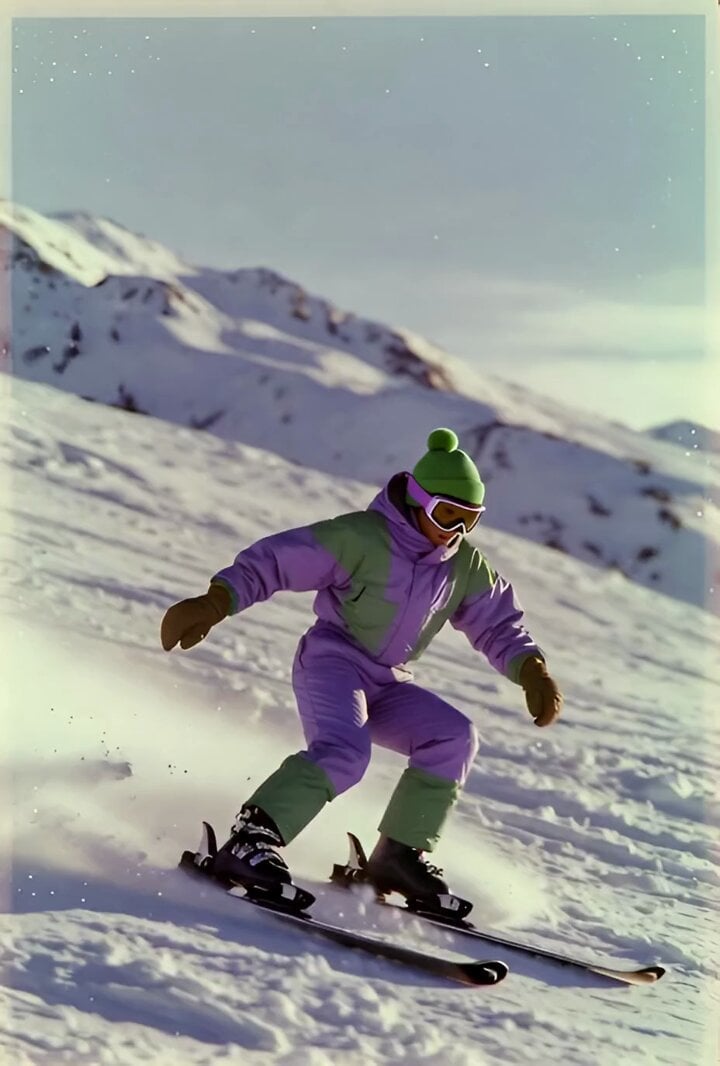
Skier Jump with Polaroid Drone Style
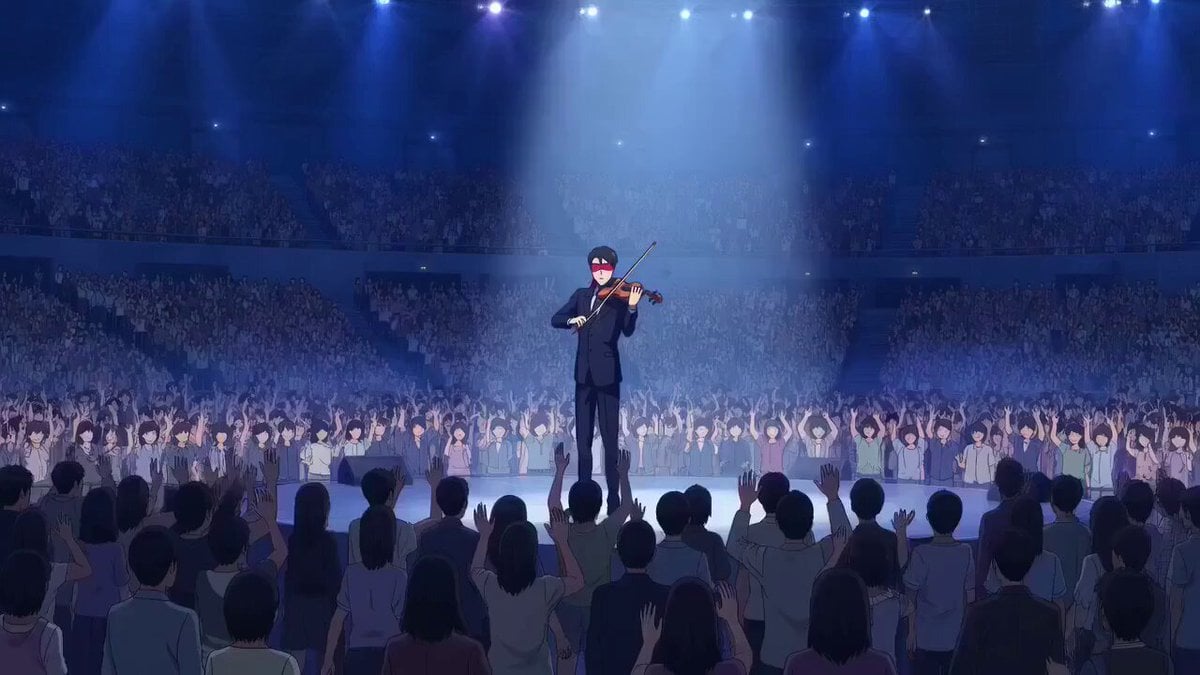
OVA anime style violinist with levitation and sinister observer
Shiba Inu in Business Suit Jumps from Car Window
Cat Jumping and Talking Video Prompt
80s Fantasy Wizard and Lady
Make it yours
Ninja Wizard Levitation Jump works as-is. These are the safest ways to change it without losing the look.
Change one field
Copy a single group, rewrite it, and generate again so you can see what that field is doing.
Keep the frame, change the subject
Hold the composition and light of Ninja Wizard Levitation Jump, then swap wardrobe, props or the person for a new take.
| If the result… | Why | Fix |
|---|---|---|
| The result drifts from the preview | Too many fields changed at once. | Reuse Ninja Wizard Levitation Jump as-is first, then change one group — subject, light, or setting. |
| The model over-stylizes the scene | The prose prompt leaves finish and camera underspecified. | Add one camera or lighting sentence and stay on Grok Imagine. |
More Grok Imagine templates
Other prompts made for Grok Imagine.

Mecha Runway Tap Dance Video Prompt

Quantum Inventor in Sonoran Desert

Emotional Angry Couple Drama

Train Zooming in Star Field Video Prompt

Cyberpunk Guerrilla Girl Video Generation

Detailed multi-part video prompt

Interior View Video Generation Prompt
GTA 6 never came out in 1 million years

Bitcoin liferaft video prompt

Woman floating down, opening eyes and looking deeply into the viewer's eyes
More video prompts
Fresh picks from across the catalog.
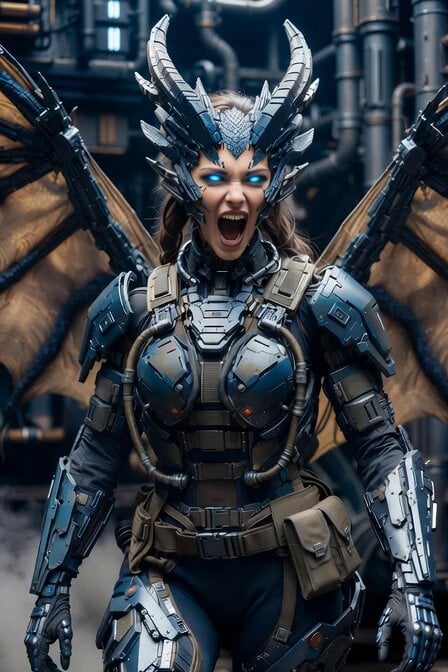
Cyberpunk Dragon Warrior Transformation
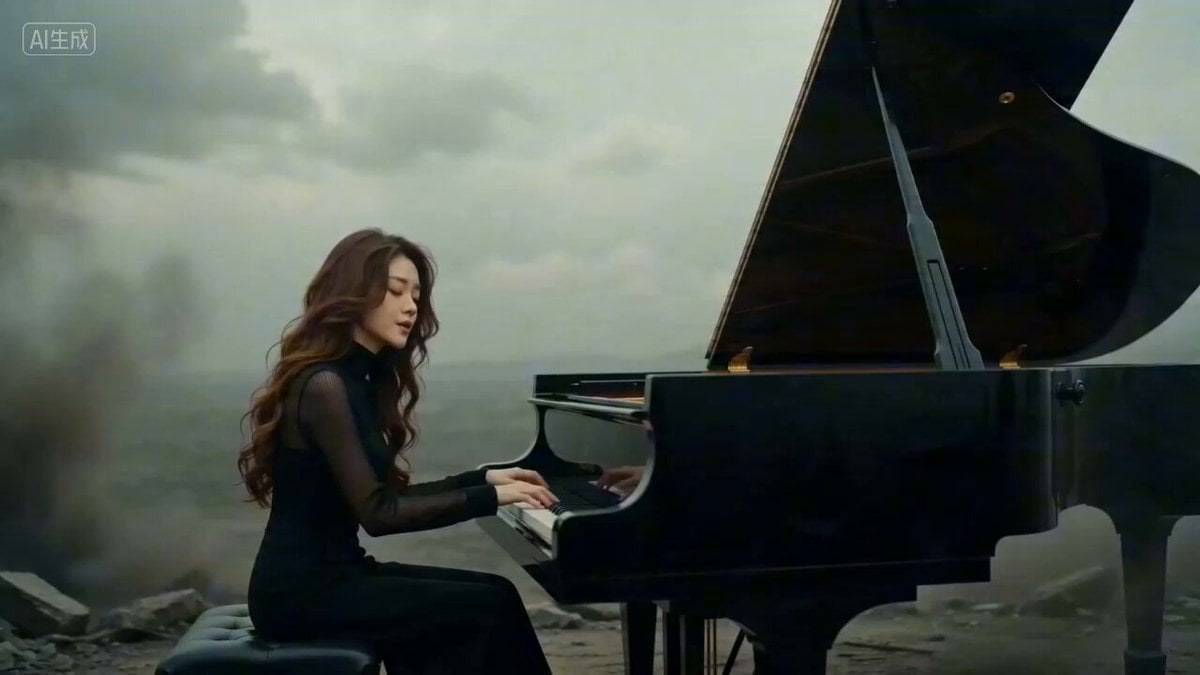
Seedance 2.0 Doomsday Elegy Music Video Prompt

Harbor Break Run Cinematic Pursuit
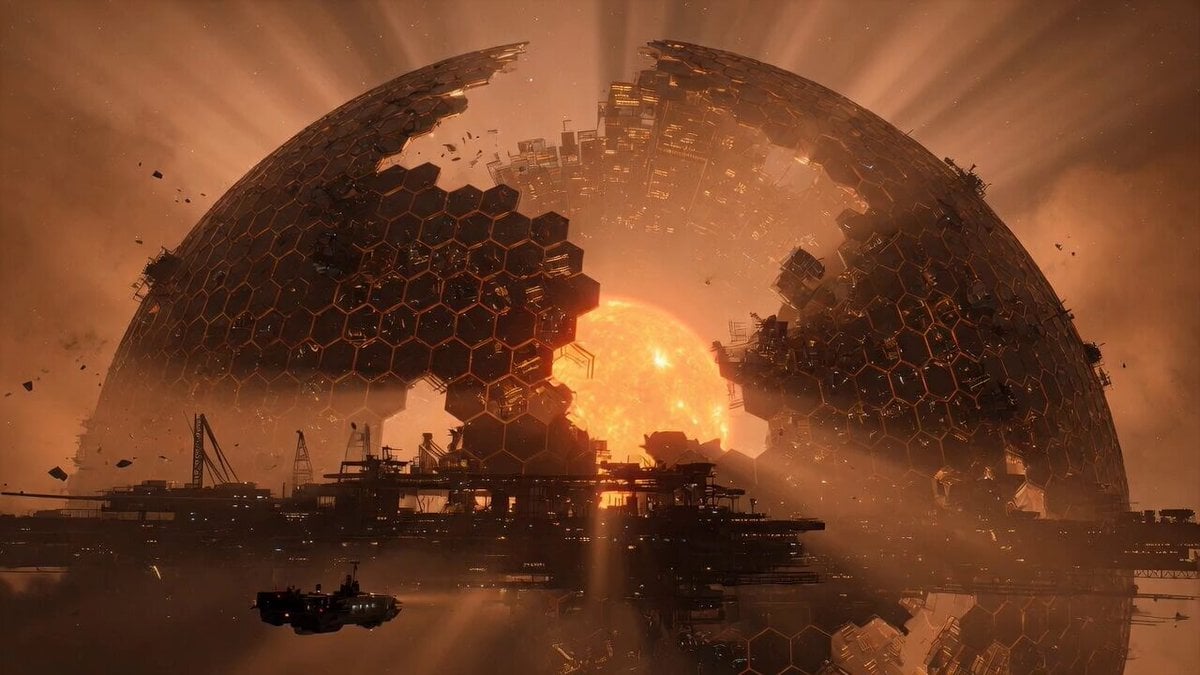
Grok Imagine Prompt: Mysterious Cosmic Dyson Sphere
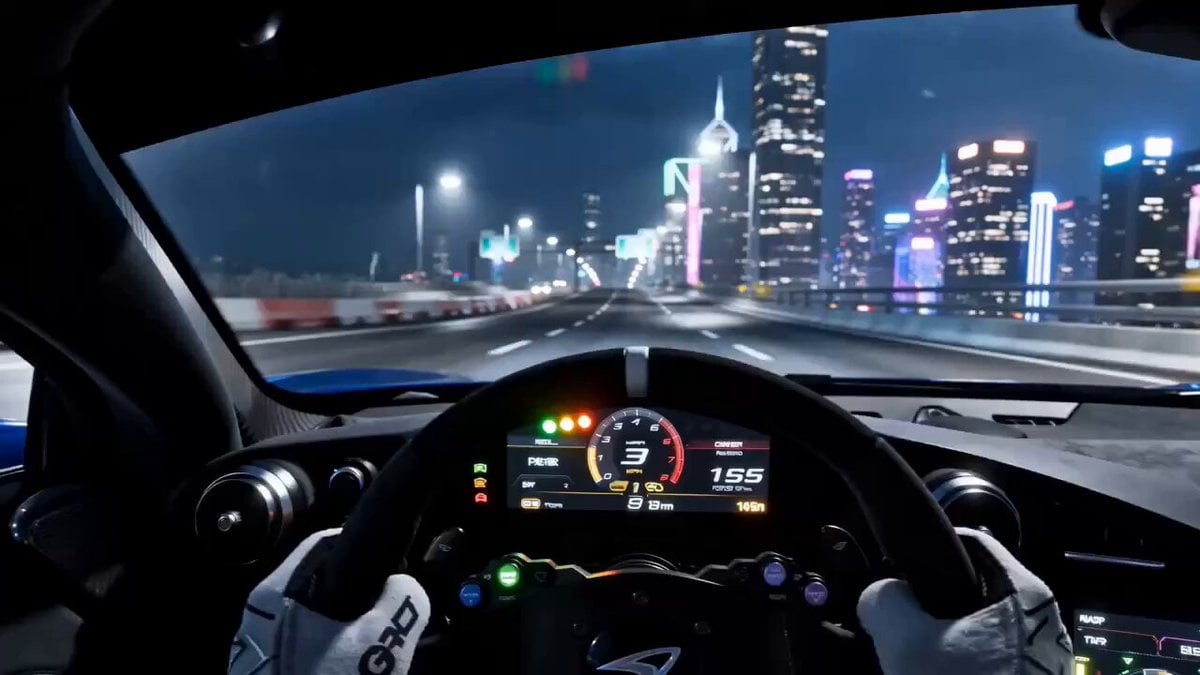
Need for Speed Style Drifting Video Prompt (Two Segments)
Marble Stone Mosaic Cat Portrait
Cat vs Kung Fu Master Duel
Cinematic Lumberjack Action Scene
Holographic Data Vines Animation

Coin Toss Transformation
Browse template categories
Ninja Wizard Levitation Jump questions
How do I use the Ninja Wizard Levitation Jump template?
Add your photo if the template asks for one, edit the prompt if you like — the template's model and format are already selected — and press Generate. Your version opens in PicX Studio.
Can I customize the Ninja Wizard Levitation Jump template?
Yes. You can change the subject, setting, lighting, mood, format, and available model controls before creating your video.
Is the Ninja Wizard Levitation Jump template free?
Opening and editing this template is free. Generating uses credits, shown on the Generate button when you are signed in.
Which AI model should I use?
Start with Grok Imagine, which is the model associated with this template. You can compare another compatible model for a different finish.
Looking for something else? Browse all templates.

Your photo, any look
Thousands of ready templates for every top image and video model, from one credit balance.