How do I use the Marble Stone Mosaic Cat Portrait template?
Edit the prompt in the box under the preview — the template's model and format are already selected — and press Generate. Your version appears right on this page.
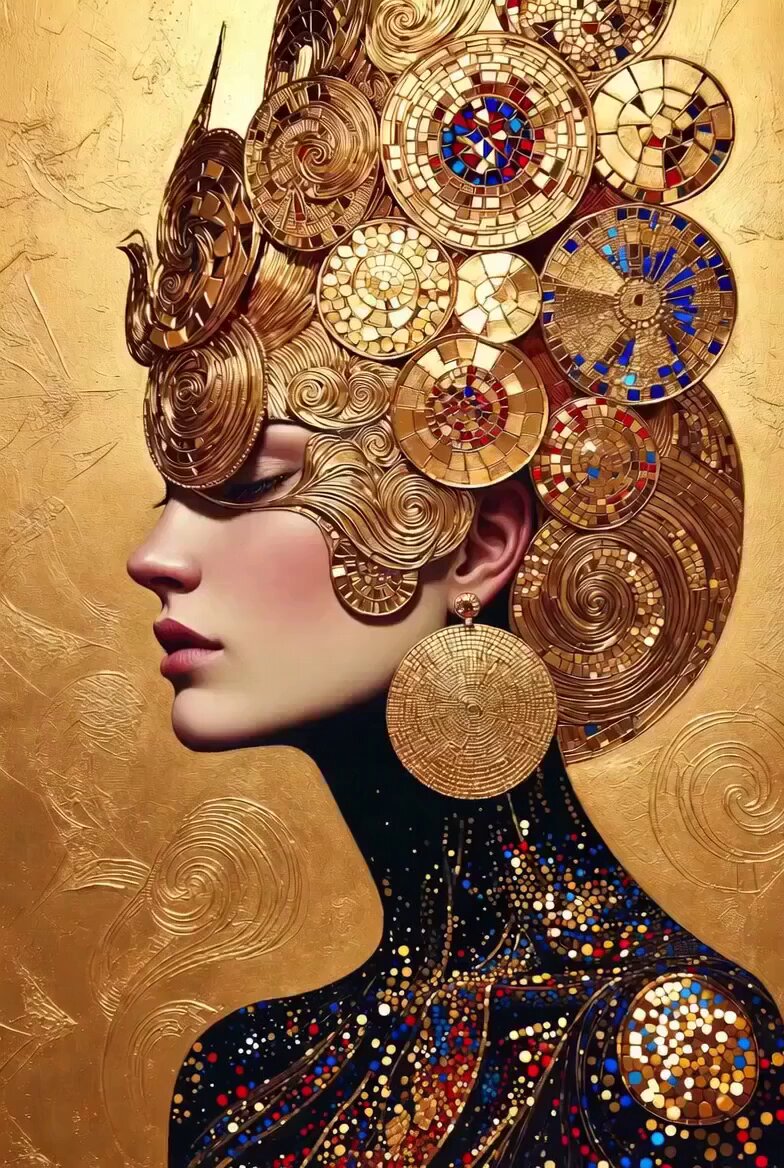
An extremely detailed hyper-realistic prompt for a cat portrait constructed entirely from intricate marble mosaic tiles and mineral fragments.
Ultra-detailed hyper-realistic side profile portrait of a cat made entirely of intricate marble stone mosaic tiles and polished mineral fragments. The cat wears a marble mosaic baseball cap with a flower emblem and stylized letter pattern, and round stone-framed glasses with mineral mosaic lenses. Its whiskers, beard-like fur, and facial details are sculpted from delicate stone filaments and tiles. Its skin/fur is composed of tiny polished marble squares forming a luxurious stone mosaic texture. Along its jawline and neck, miniature futuristic stone city skyscrapers and architectural structures emerge organically from the mosaic surface, blending the feline form with a marble metropolis. Its paw rests thoughtfully on its chin, covered in the same detailed marble mosaic tiles, wearing ornate stone rings with glowing dark gemstones. Its clothing is an elaborate marble mosaic garment decorated with sunflower-like ornaments and geometric patterns. Dramatic studio lighting highlights the polished stone surfaces and extreme detail. Deep black background for high contrast. Ultra sharp focus, cinematic lighting, luxury editorial photography style, hyper-real textures, extreme detail, masterpiece.
Ultra-detailed hyper-realistic side profile portrait of a cat made entirely of intricate marble stone mosaic tiles and polished mineral fragments. The cat wears a marble mosaic baseball cap with a flower emblem and stylized letter pattern, and round stone-framed glasses with mineral mosaic lenses. Its whiskers, beard-like fur, and facial details are sculpted from delicate stone filaments and tiles. Its skin/fur is composed of tiny polished marble squares forming a luxurious stone mosaic texture. Along its jawline and neck, miniature futuristic stone city skyscrapers and architectural structures emerge organically from the mosaic surface, blending the feline form with a marble metropolis. Its paw rests thoughtfully on its chin, covered in the same detailed marble mosaic tiles, wearing ornate stone rings with glowing dark gemstones. Its clothing is an elaborate marble mosaic garment decorated with sunflower-like ornaments and geometric patterns. Dramatic studio lighting highlights the polished stone surfaces and extreme detail. Deep black background for high contrast. Ultra sharp focus, cinematic lighting, luxury editorial photography style, hyper-real textures, extreme detail, masterpiece.
Edit the prompt in the box under the preview — the template's model and format are already selected — and press Generate. Your version appears right on this page.
Yes. You can change the subject, setting, lighting, mood, format, and available model controls before creating your video.
Opening and editing this template is free. Generating uses credits, shown on the Generate button when you are signed in.
Start with Grok Imagine, which is the model associated with this template. You can compare another compatible model for a different finish.
Follow a topic to a crawlable collection of related PicX Studio templates.