
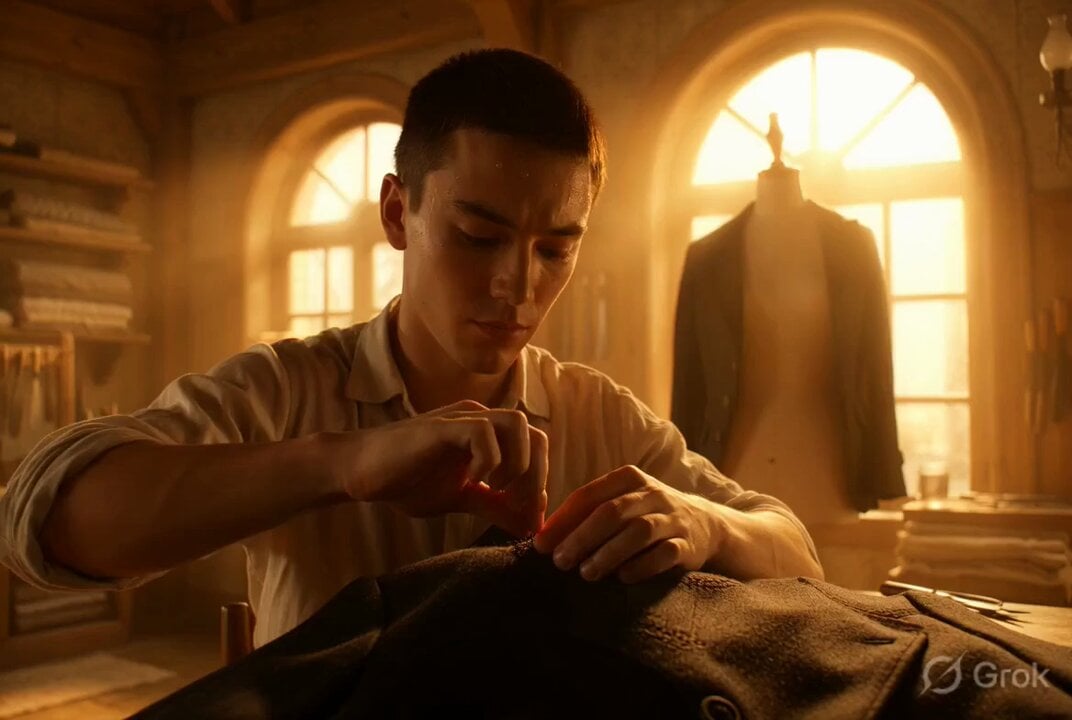
Photorealistic cinematic portrait of a young tailor
A highly detailed, photorealistic prompt for Grok Imagine describing a cinematic portrait of a skilled young male tailor working intensely in a sunlit traditional wooden workshop, focusing on lighting, texture, and…
- Prompt included
- Model and format preset
- Free template
The prompt behind this video
Copy the exact prompt behind Photorealistic cinematic portrait of a young tailor, or open it in the studio and make it yours.
A photorealistic cinematic portrait of a skilled young male tailor with short dark hair and rolled-up sleeves in a sunlit traditional wooden workshop, intensely hand-stitching an elegant wool suit jacket on a vintage mannequin, powerful warm golden god rays streaming through large arched windows and illuminating floating fabric dust particles in the air, realistic sweat on his forehead and arms from concentration, rich natural textures on fabric, wood tools, and skin, deeply focused and peaceful atmosphere, ultra-high clarity, hyper-realistic rendering very close to photorealism, intricate details.
How to use Photorealistic cinematic portrait of a young tailor in 3 steps
- 1
Open
The prompt is already in the box next to the preview, with the template's model and format selected.
- 2…a portrait of your subject in softgolden-hour light, 85mm…
Personalize
Edit the subject and creative details for your destination.
- 3Generate
Generate
Press Generate — your video is created in PicX Studio, so you can compare it with the original and refine one variable at a time.
More like this
Templates with the same subject, style or setup. Open one to see its prompt.

Cinematic Portrait Study 3

Cinematic Portrait Study
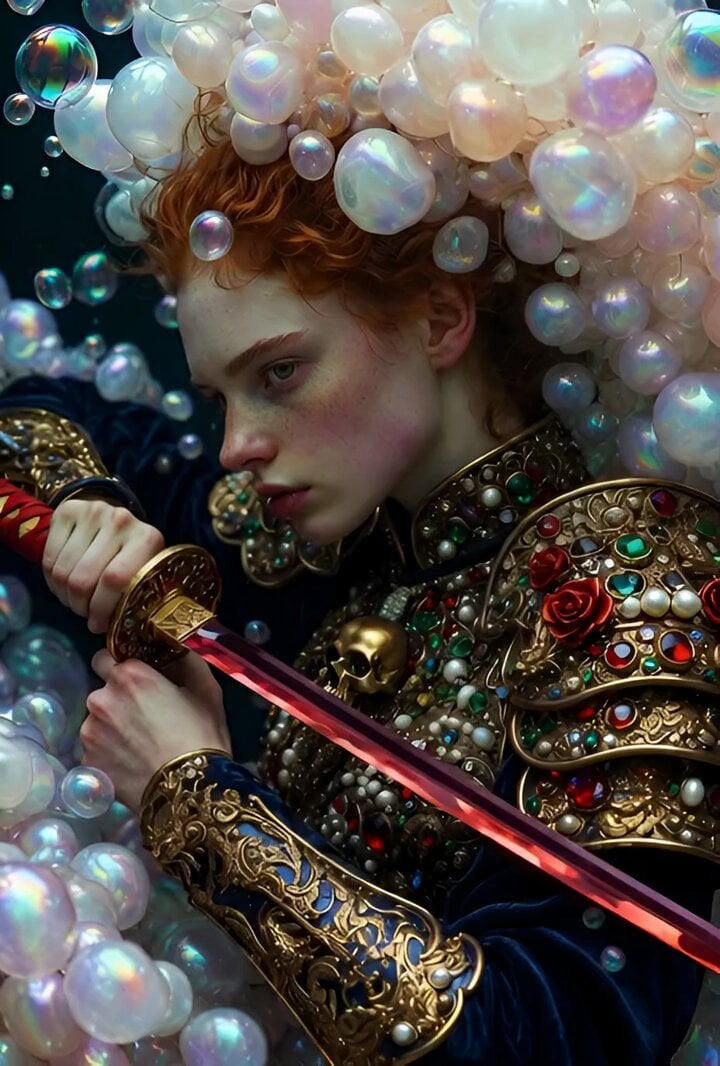
Video prompt for a hyper-detailed surreal portrait of a fierce young woman
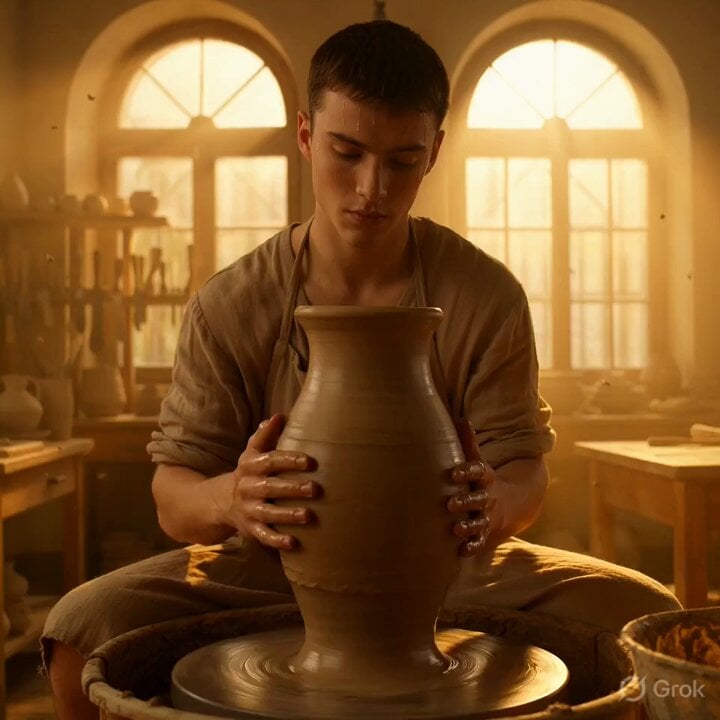
Grok Imagine Video Prompt: Photorealistic Portrait of a Potter
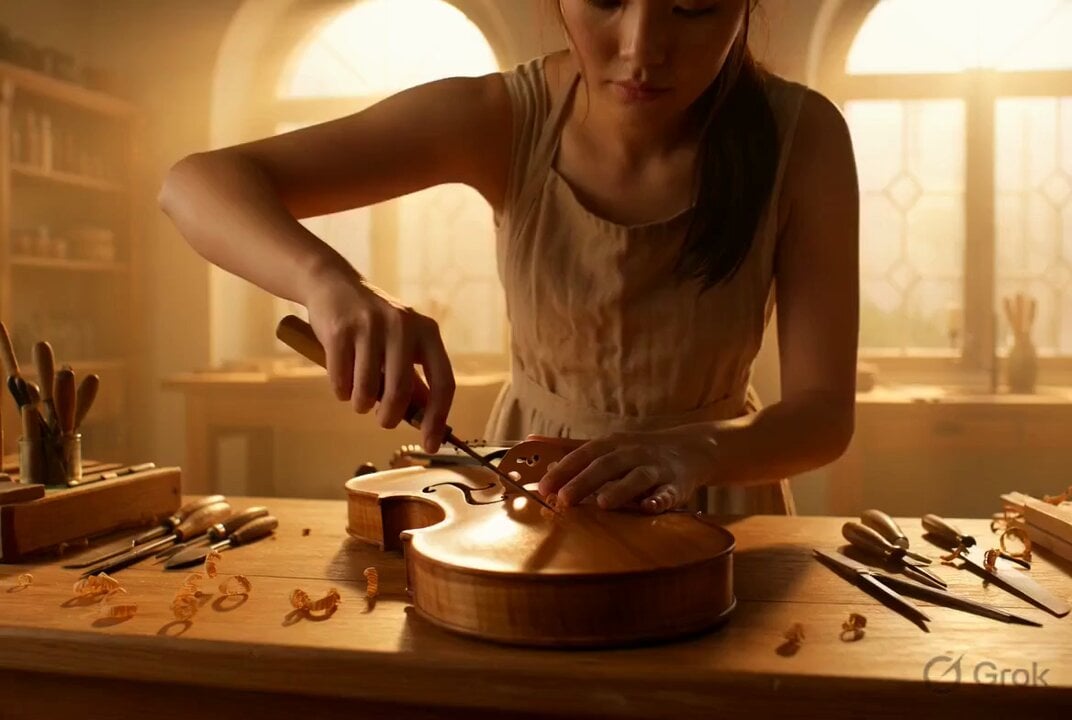
Photorealistic Violin Maker Portrait Video Prompt

Photorealistic Cinematic Portrait of a Bonsai Master
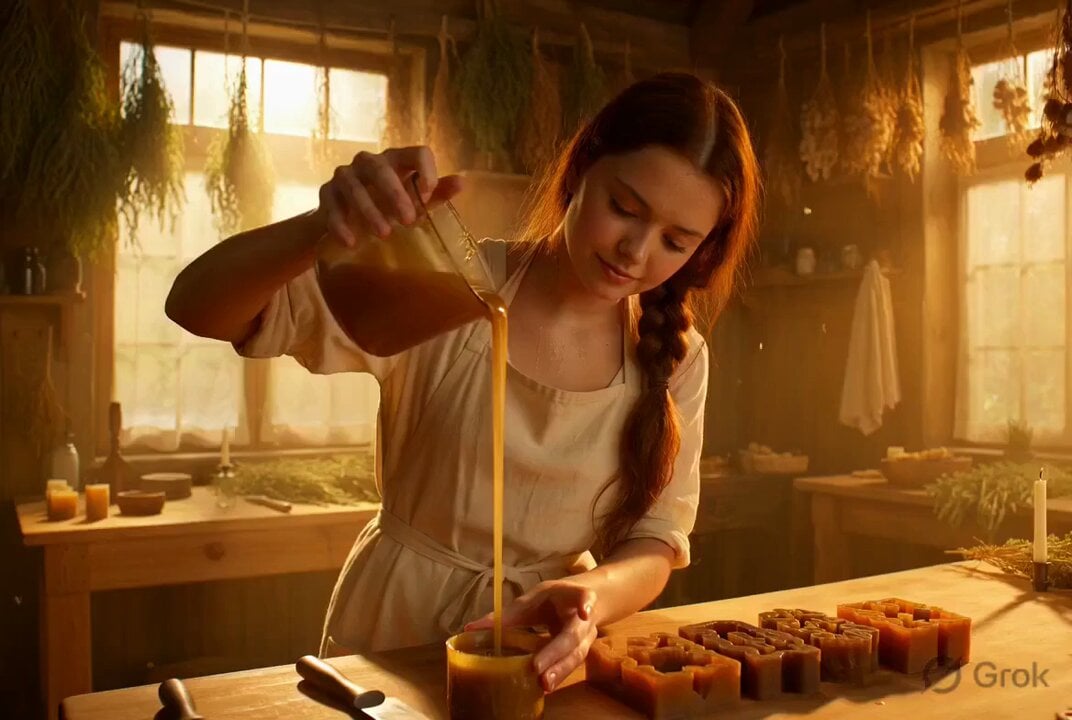
Photorealistic cinematic portrait of a gentle candle maker
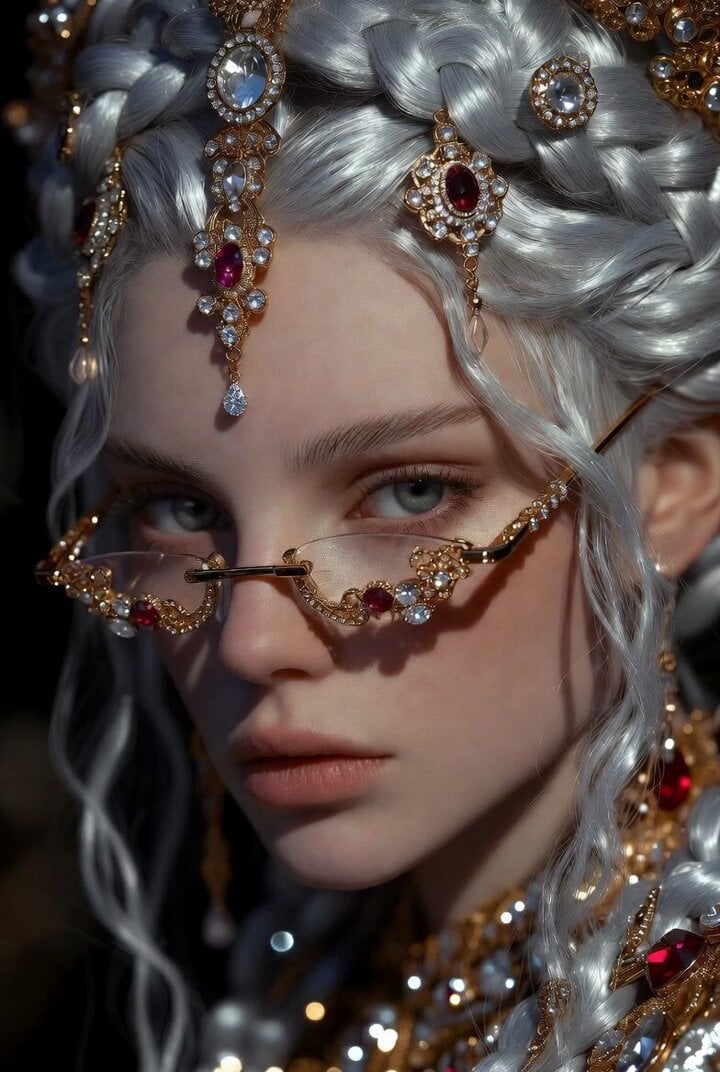
Dramatic Fantasy Portrait of a Young Woman
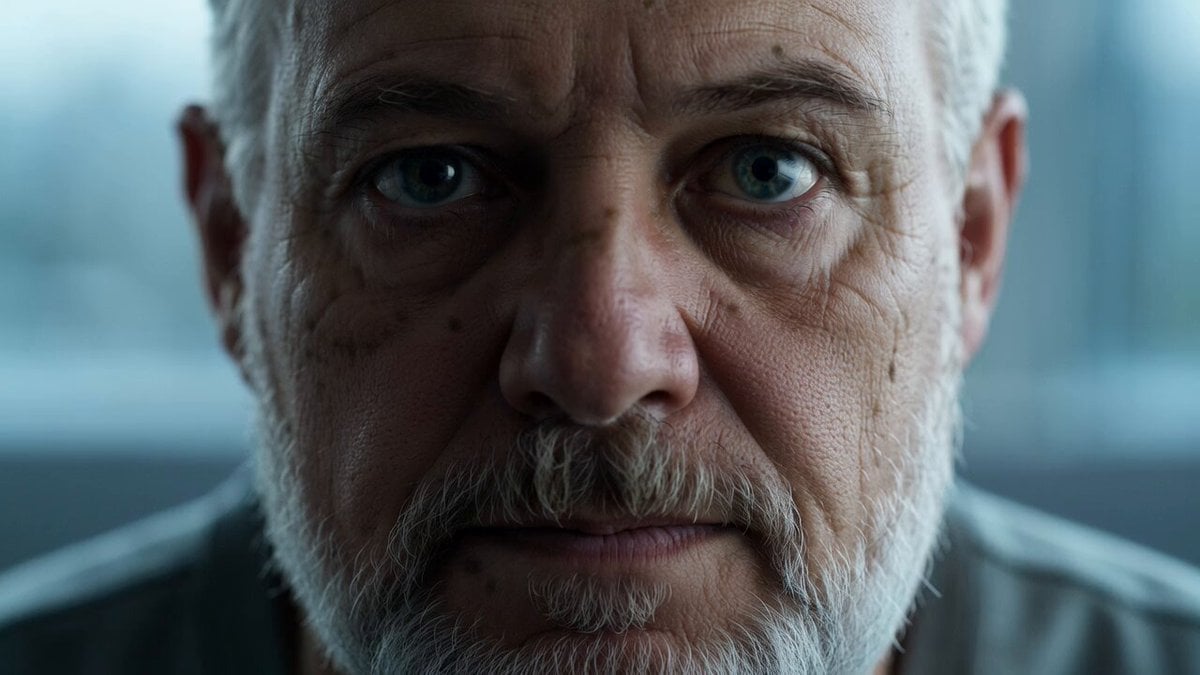
Reflective Elderly Man Documentary Portrait
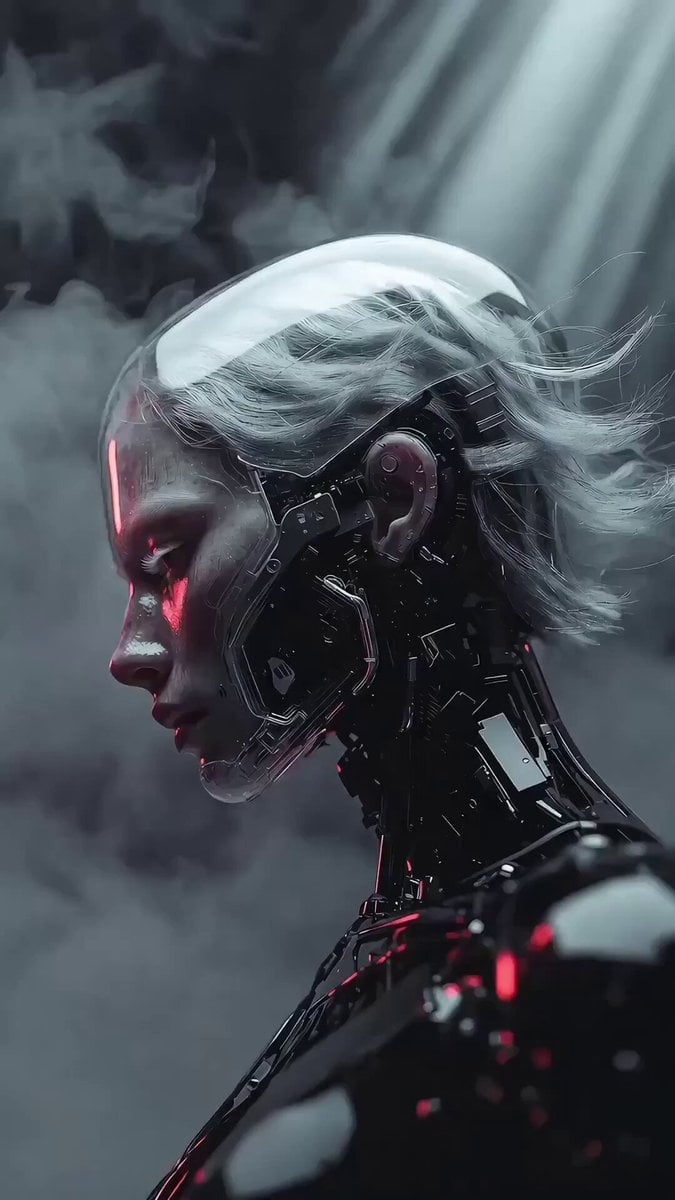
Photorealistic 3D Render Template
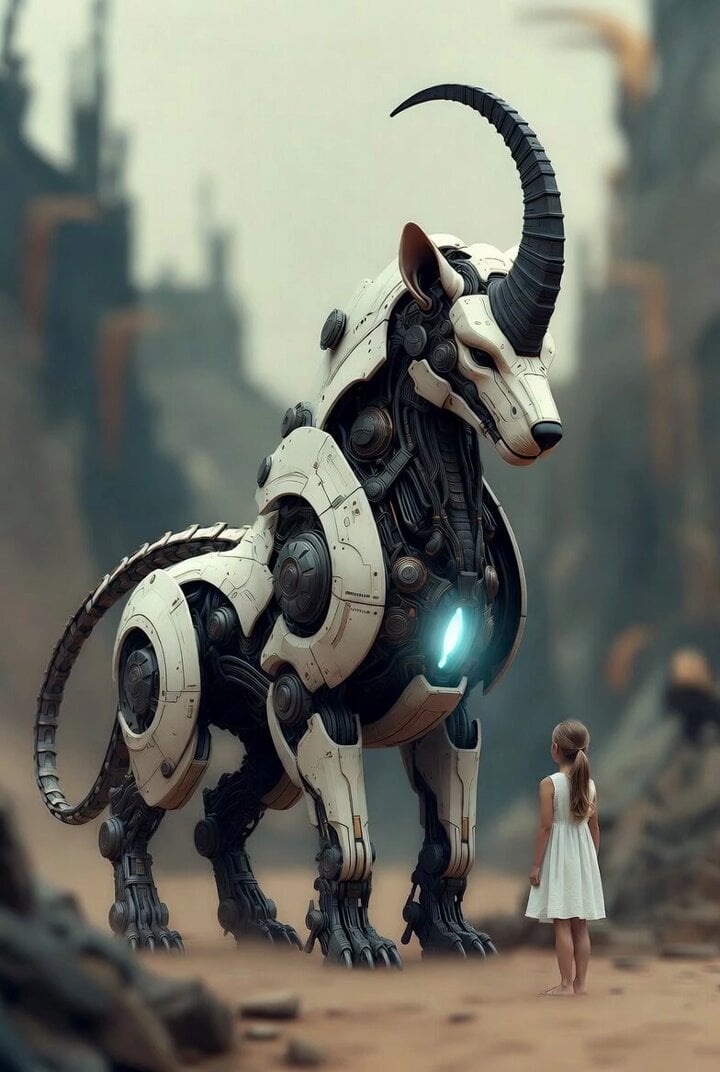
Surreal cyborg animal and young girl
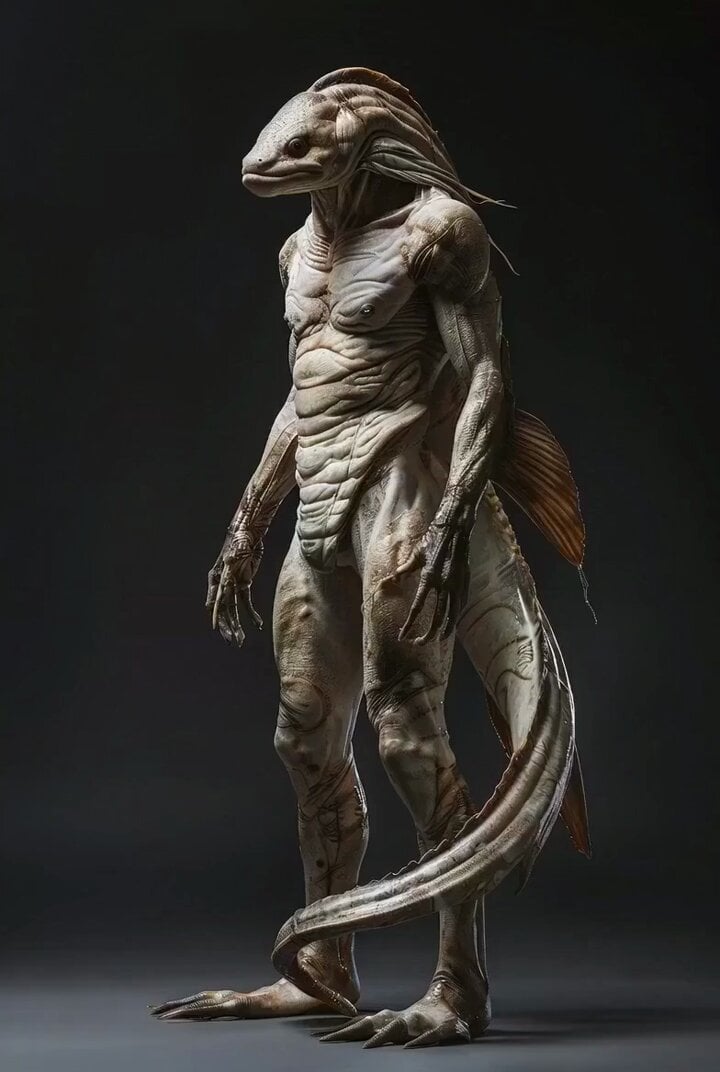
Photorealistic Biomechanical Chrome Alien Warrior
Make it yours
Photorealistic cinematic portrait of a young tailor works as-is. These are the safest ways to change it without losing the look.
Change one field
Copy a single group, rewrite it, and generate again so you can see what that field is doing.
Keep the frame, change the subject
Hold the composition and light of Photorealistic cinematic portrait of a young tailor, then swap wardrobe, props or the person for a new take.
| If the result… | Why | Fix |
|---|---|---|
| The result drifts from the preview | Too many fields changed at once. | Reuse Photorealistic cinematic portrait of a young tailor as-is first, then change one group — subject, light, or setting. |
| The model over-stylizes the scene | The prose prompt leaves finish and camera underspecified. | Add one camera or lighting sentence and stay on Grok Imagine. |
More Grok Imagine templates
Other prompts made for Grok Imagine.

Kaleidoscopic Cosmic Dolphin Video

Horror Daffy Duck Video Transition

America 250th Anniversary Celebration

Glowing Water Forest Night Prompt

Soft Pink Roses Dreamer Prompt

Ninja Wizard Levitation Jump

Coffee Cup Interaction Motion

Voice Controlled Water Animation

Pterodactyl Transformation Journey

Candle Mandala Mirror Video
More video prompts
Fresh picks from across the catalog.

Woman's Profile Emerging from Cosmic Sunset
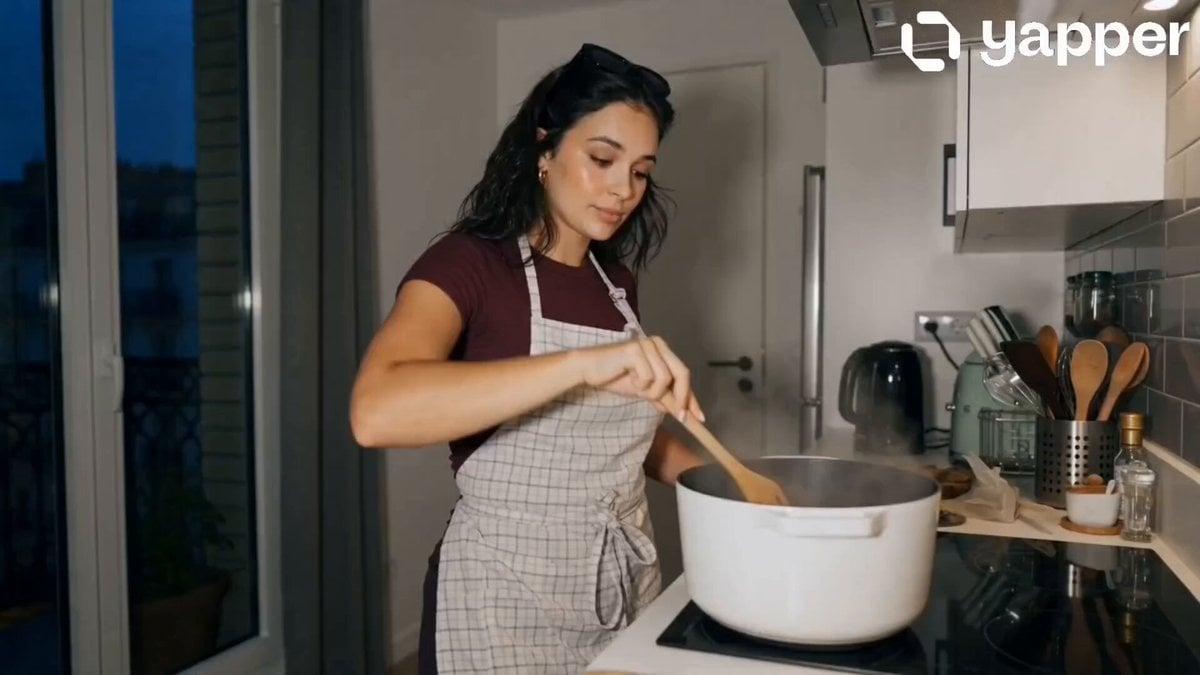
Peaceful Daily Routine Narrative Prompt
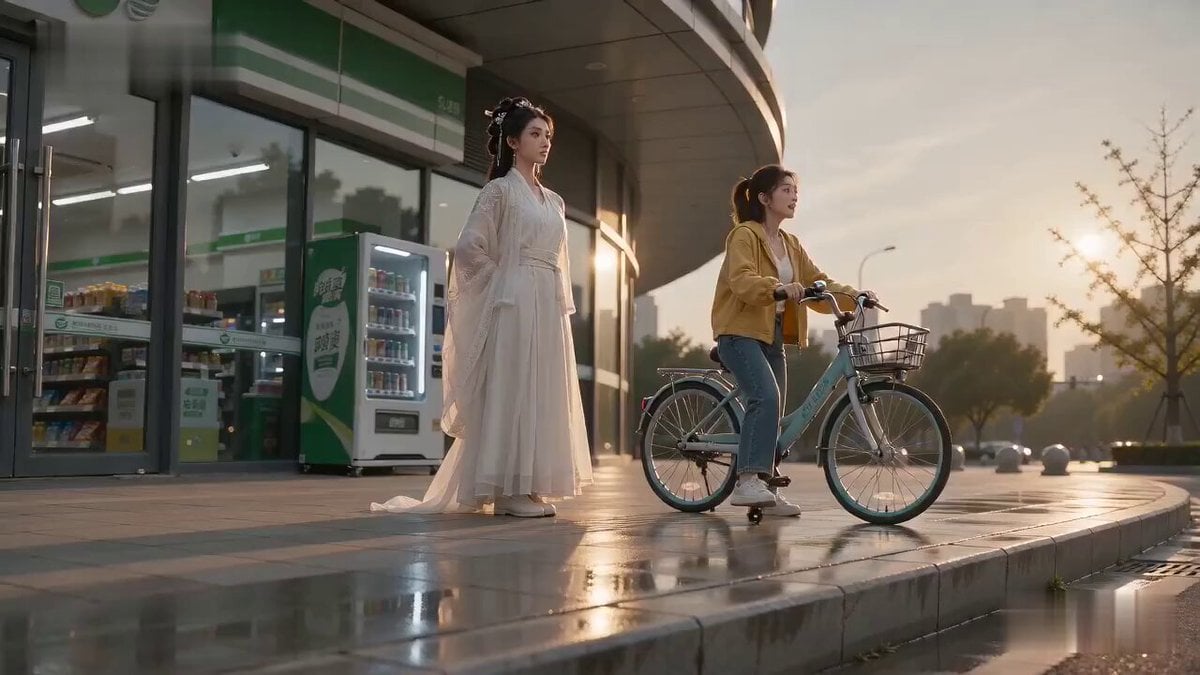
Literal Wuxia Comedy Bicycle Scene

Vintage Korean Arcade MiniDV Vlog
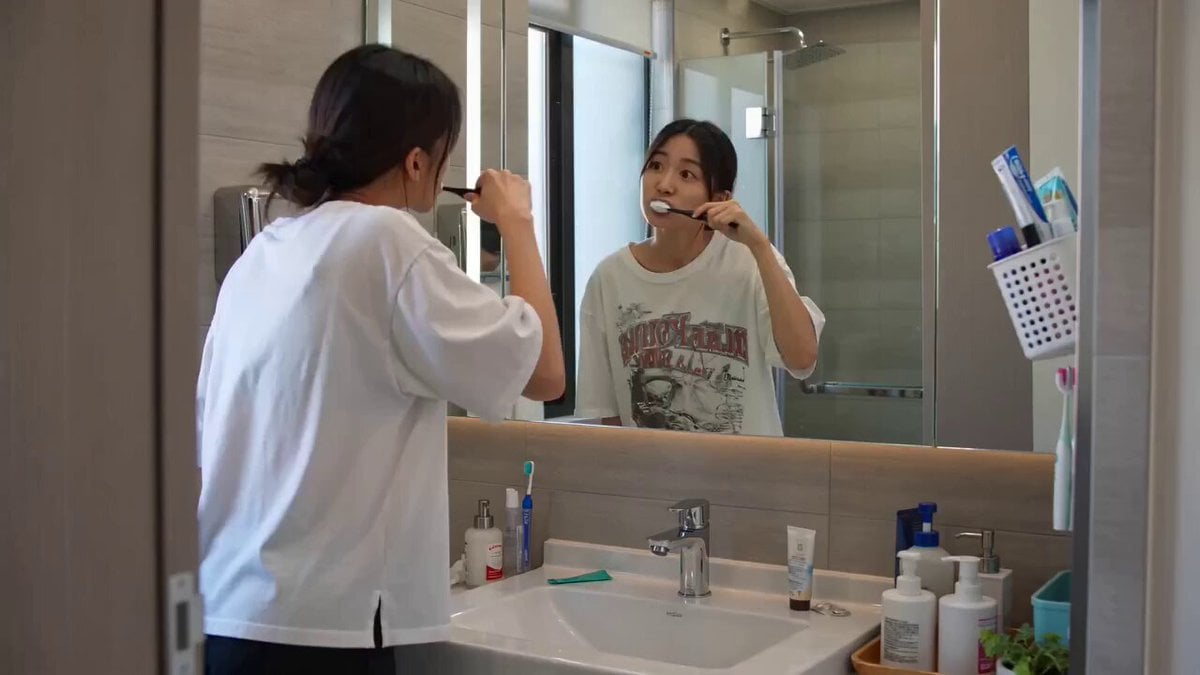
Seedance 2.0 Text-to-Video Prompt: Suspense Comedy Mirror Glitch
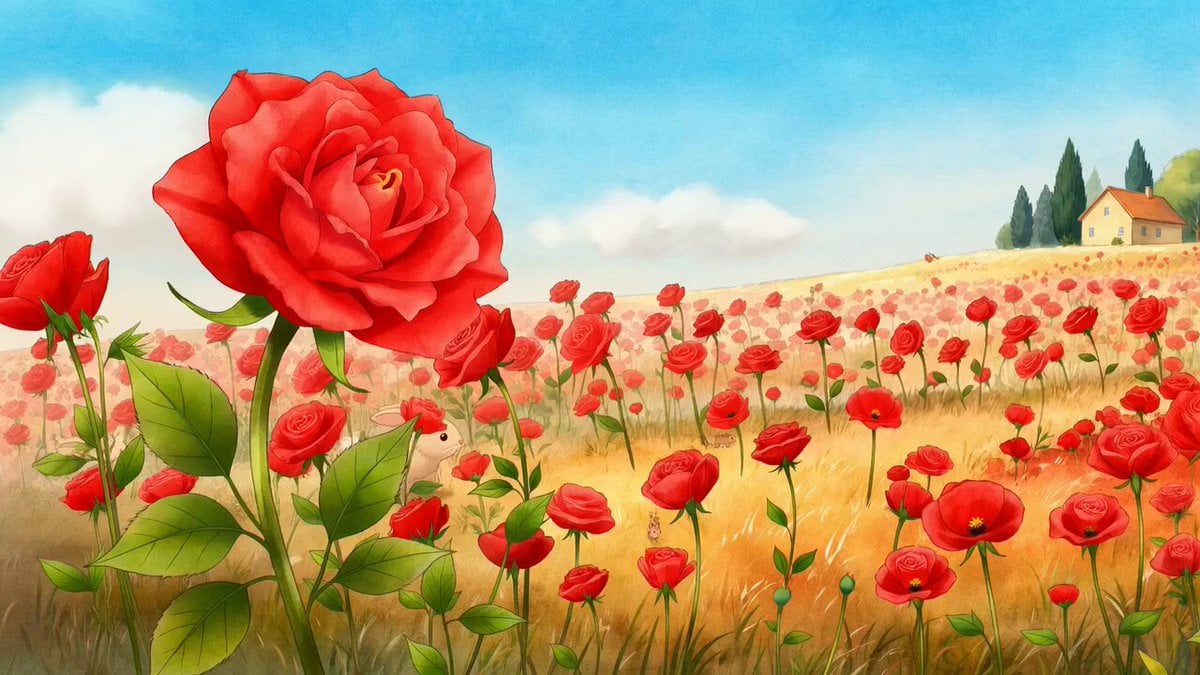
Mice and Rabbits in Blowing Winds
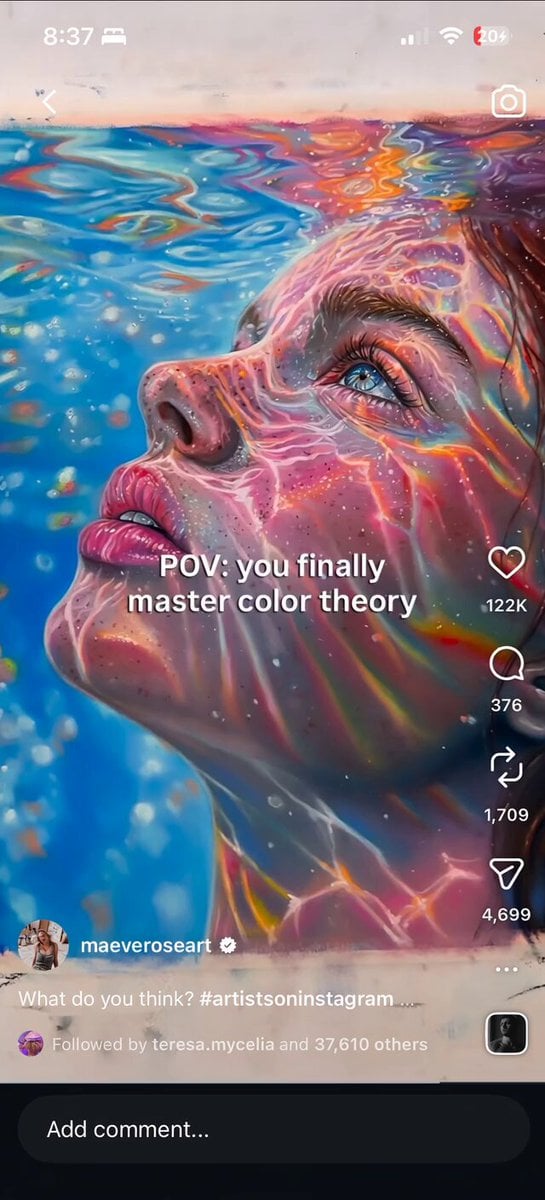
Iridescent Water Face Animation

Victorian Gothic Man on Sofa

JSON Prompt for Modern Anime Sakuga Fight Sequence
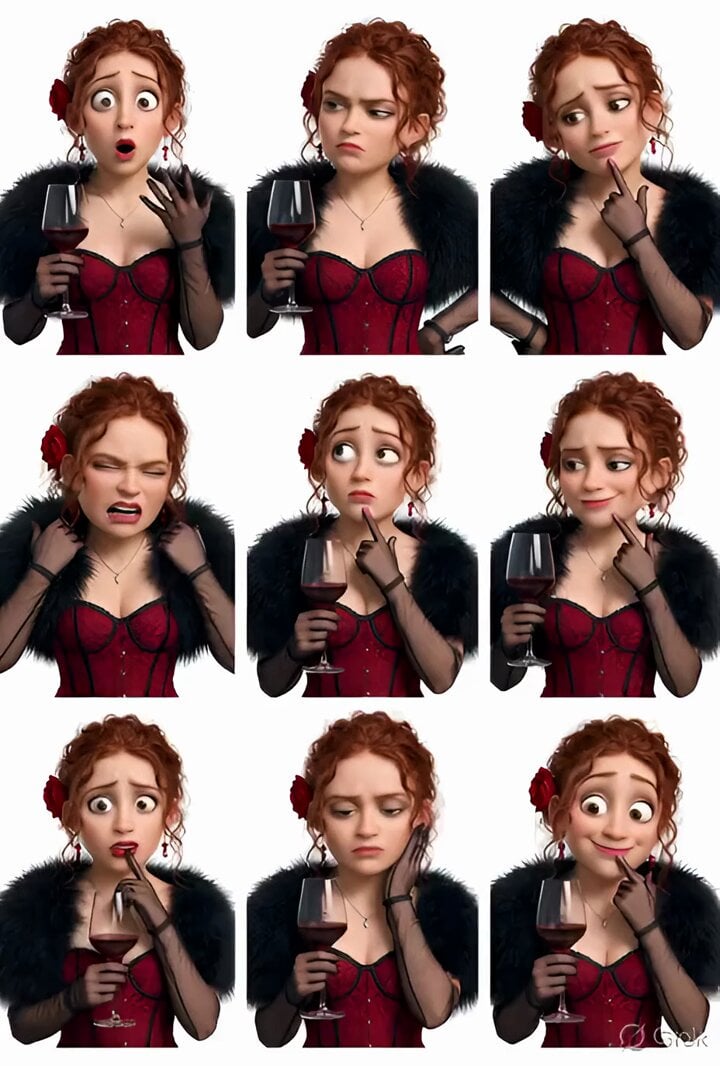
Grok Imagine prompt: Pixar-style 3D character sticker set from selfie
Browse template categories
Photorealistic cinematic portrait of a young tailor questions
How do I use the Photorealistic cinematic portrait of a young tailor template?
Add your photo if the template asks for one, edit the prompt if you like — the template's model and format are already selected — and press Generate. Your version opens in PicX Studio.
Can I customize the Photorealistic cinematic portrait of a young tailor template?
Yes. You can change the subject, setting, lighting, mood, format, and available model controls before creating your video.
Is the Photorealistic cinematic portrait of a young tailor template free?
Opening and editing this template is free. Generating uses credits, shown on the Generate button when you are signed in.
Which AI model should I use?
Start with Grok Imagine, which is the model associated with this template. You can compare another compatible model for a different finish.
Looking for something else? Browse all templates.

Your photo, any look
Thousands of ready templates for every top image and video model, from one credit balance.