How do I use the Photorealistic 3D Render Template template?
Edit the prompt in the box under the preview — the template's model and format are already selected — and press Generate. Your version appears right on this page.
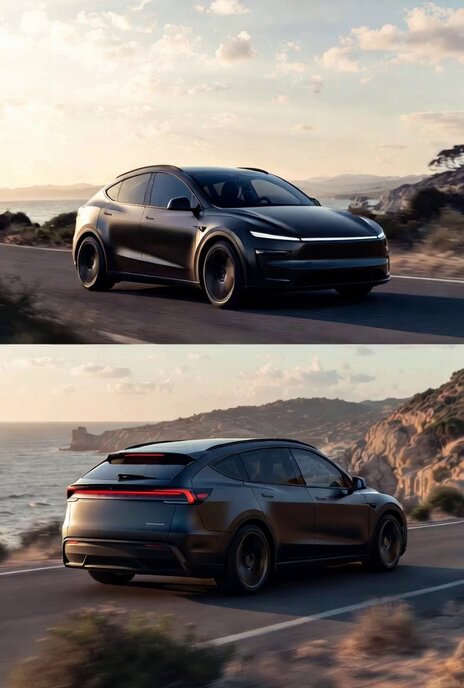
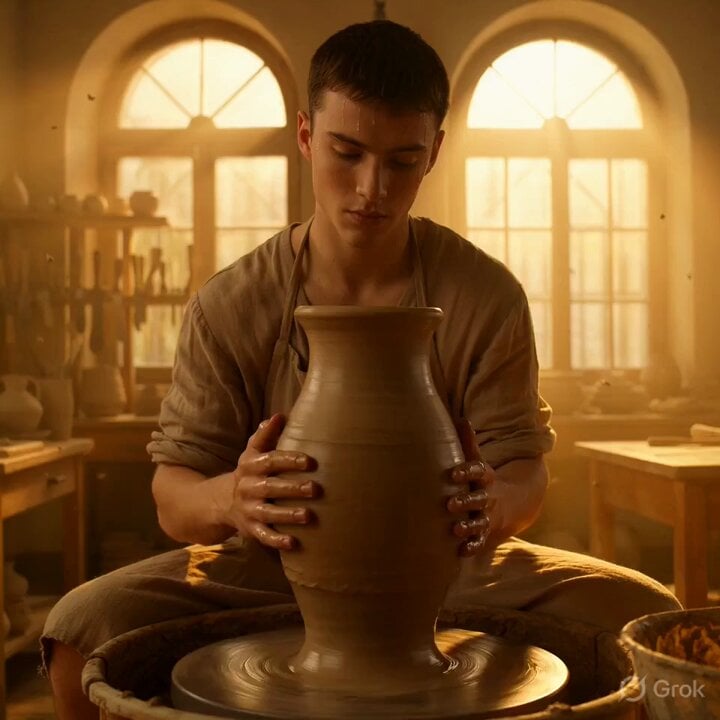
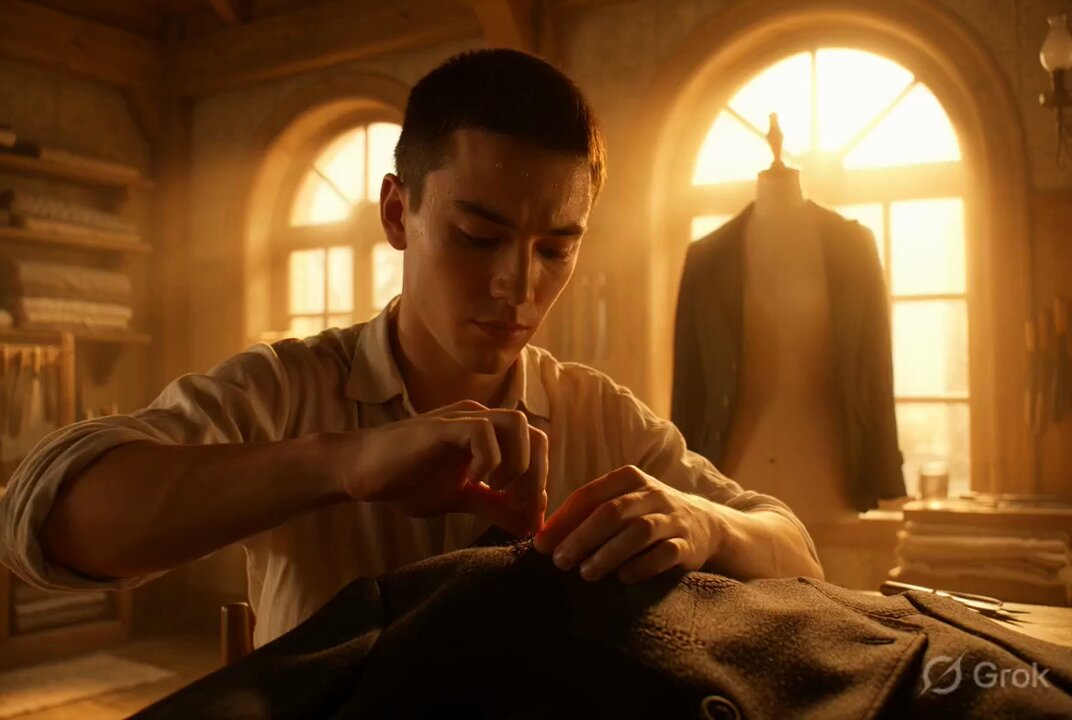
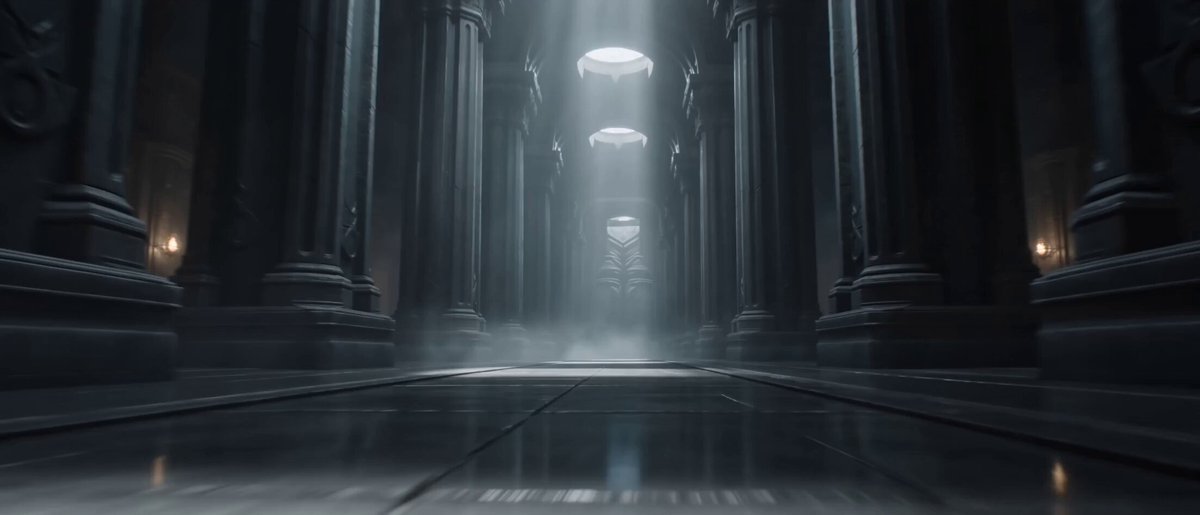
A detailed template for creating photorealistic 3D renders with specific material, lighting, and composition instructions, intended to be used with Grok Imagine by substituting the [SUBJECT] placeholder.
Photorealistic 3D render of [SUBJECT], polished obsidian, smoked glass, transparent polycarbonate, matte aluminum, aerodynamic curves, seamless integration, minimalist geometry, dramatic edge lighting, crimson neon accents, volumetric fog, monochromatic dark palette, central framing, flawless surfaces, micro-textured plastics, wet reflections, studio-grade visualization, moody atmospheric void, shallow depth of field, 85mm lens, sharp focus, cinematic tension
Photorealistic 3D render of [SUBJECT], polished obsidian, smoked glass, transparent polycarbonate, matte aluminum, aerodynamic curves, seamless integration, minimalist geometry, dramatic edge lighting, crimson neon accents, volumetric fog, monochromatic dark palette, central framing, flawless surfaces, micro-textured plastics, wet reflections, studio-grade visualization, moody atmospheric void, shallow depth of field, 85mm lens, sharp focus, cinematic tension
Edit the prompt in the box under the preview — the template's model and format are already selected — and press Generate. Your version appears right on this page.
Yes. You can change the subject, setting, lighting, mood, format, and available model controls before creating your video.
Opening and editing this template is free. Generating uses credits, shown on the Generate button when you are signed in.
Start with Grok Imagine, which is the model associated with this template. You can compare another compatible model for a different finish.
Follow a topic to a crawlable collection of related PicX Studio templates.