
Pop Idol Concert Duo
A high-energy concert performance prompt featuring a male and female duo with sharp synchronization and pop-diva attitude.
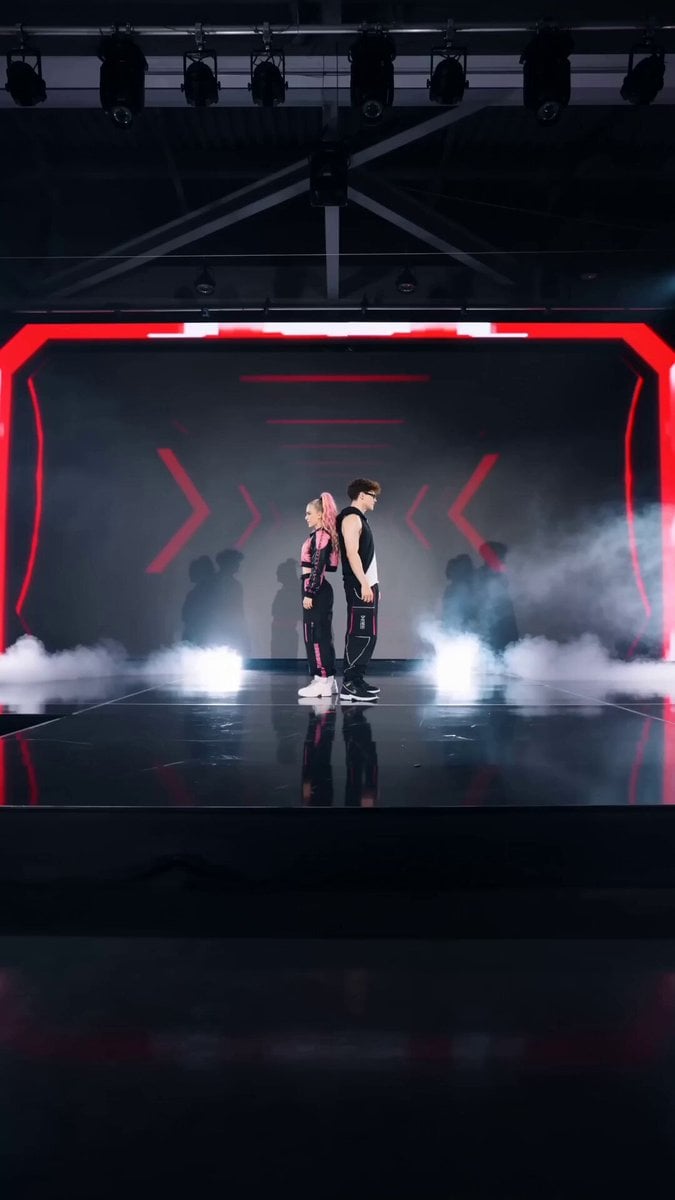
- Prompt included
- Model and format preset
- Free template
The prompt behind this video
Copy the exact prompt behind Pop Idol Concert Duo, or open it in the studio and make it yours.
Ultra-realistic cinematic concert performance, high energy, bold charisma, dominant duo presence, like top-tier global pop idol stage. Hard-hitting, sharp, synchronized but with attitude contrast (male = strong/grounded, female = sharp/sassy). 👥 SUBJECT (DUO) Male dancer: Western male, short styled dark brown hair, sharp jawline, subtle stubble, fitted sleeveless black performance top or asymmetrical streetwear hoodie, black cargo pants with neon accents, muscular arms, strong & grounded energy, calm dominance. Female dancer: Western female, curly blonde hair (voluminous, bouncing curls), high ponytail or half-up style, black & metallic pink techwear jacket, fitted cargo pants, confident, fierce, expressive, pop-diva attitude (like a high-fashion stage performer), sharp and charismatic presence. Chemistry: Power duo, slightly competitive vibe, teasing interaction, stage dominance, electric chemistry without romance softness. 🎤 STAGE DESIGN Dark concert stage, glossy reflective floor LED wall: red/pink glitch visuals + pulsing cyber graphics Lighting: red spotlight (female focus) white/blue spotlight (male focus) strobe flashes on beat drops Atmosphere: fog + light haze Backup dancers: 2–4 silhouettes (optional, low focus) ⏱️ TIMELINE (10 DETIK – HARD & POWERFUL) 0–1s Black → beat drop Silhouette duo back-to-back Flash reveal, low-angle cinematic push-in 1–2s Step touch right (sync) → male heavy grounded groove, female sharp lighter hit Direct eye contact to camera (dominant) 2–3s Step touch left → chest pop (HARD synchronized hit) Lighting flash per impact Female adds slight confident head tilt + curl bounce 3–4s Arm wave (mirror style): male right → left female left → right Camera orbit half circle 4–5s Point & slide toward each other → almost collide → freeze tension moment 🔥 5–6s Hip roll contrast: female smooth & expressive male controlled & grounded → cross arms then open (BIG synchronized hit) 6–7s Attitude exchange: head turn + hand gesture → male cold focused stare → female smirks, diva confidence 7–8s Side slide opposite directions → fast shoulder pops alternating Quick cuts + micro zoom impact 8–9s Body roll sync (different styling) → large commanding arm circle overhead Backlight sweep across stage 9–10s Final chest hit → FREEZE Both point forward at camera FINAL POSE: male slightly behind, grounded stance female front, chin up, confident smirk Spotlight lock, background dark 🎥 CAMERA STYLE Low angle dominance shots Fast punch-in zoom on beat drops Orbit shots for duo dynamics Quick cinematic MV cuts Slight handheld shake for impact realism ⚡ ENERGY DIRECTION Not cute — POWER COUPLE stage dominance Female: sassy, sharp, confident diva energy Male: calm, strong, controlled presence Interaction: teasing + competitive tension ✨ DETAIL TAMBAHAN Curly blonde hair bounce physics Sweat glow realism under stage lights Fabric movement (techwear + cargo flow) Floor reflection
How to use Pop Idol Concert Duo in 3 steps
- 1
Open
The prompt is already in the box next to the preview, with the template's model and format selected.
- 2…a portrait of your subject in softgolden-hour light, 85mm…
Personalize
Edit the subject and creative details for your destination.
- 3Generate
Generate
Press Generate — your video is created in PicX Studio, so you can compare it with the original and refine one variable at a time.
More like this
Templates with the same subject, style or setup. Open one to see its prompt.
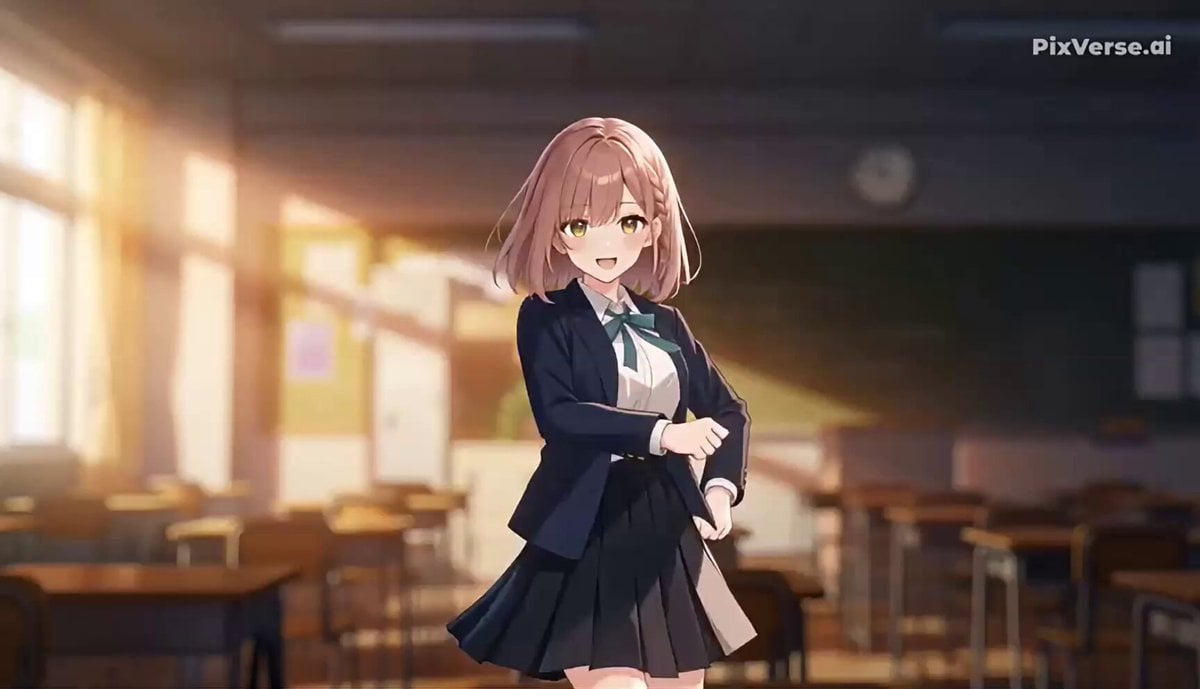
J-Pop Idol Classroom Dance Sequence
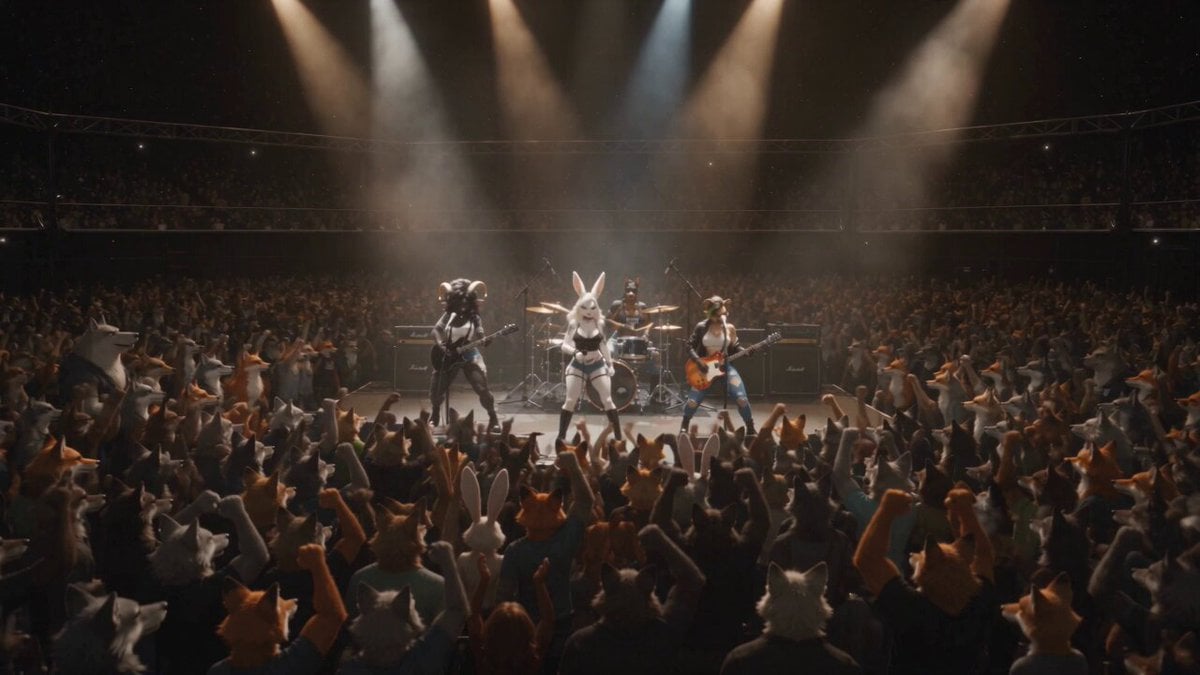
Anthropomorphic Rock Band Live Concert - Seedance 2.5
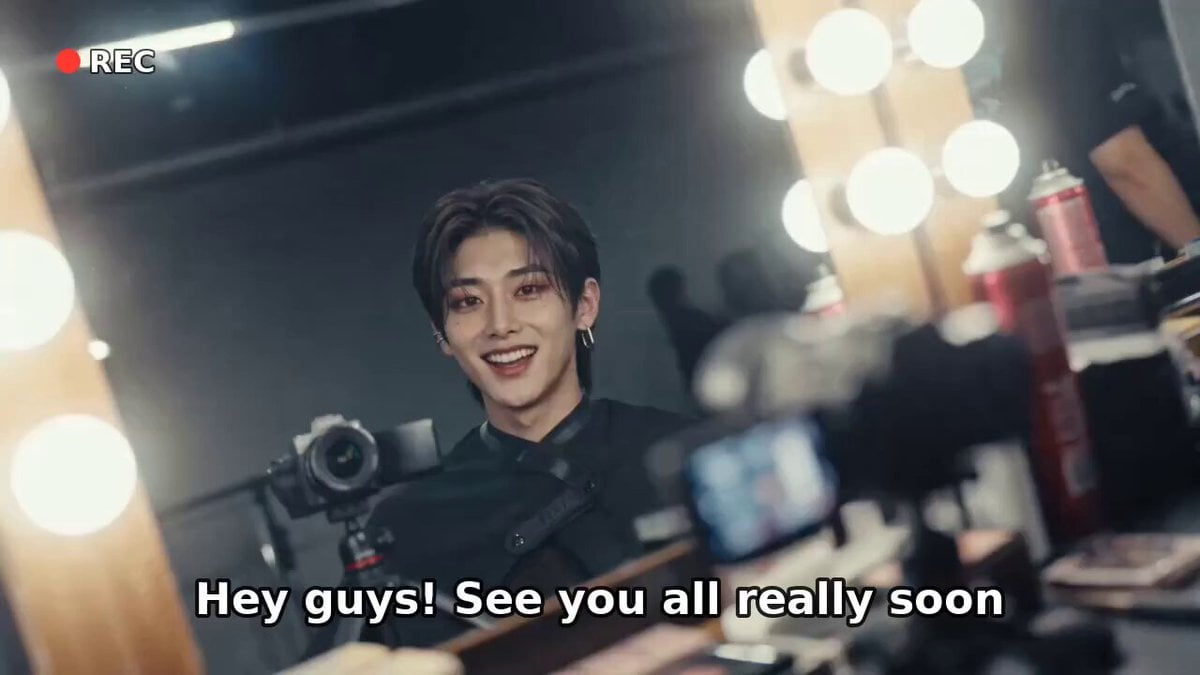
K-Pop Male Idol Backstage Vlog
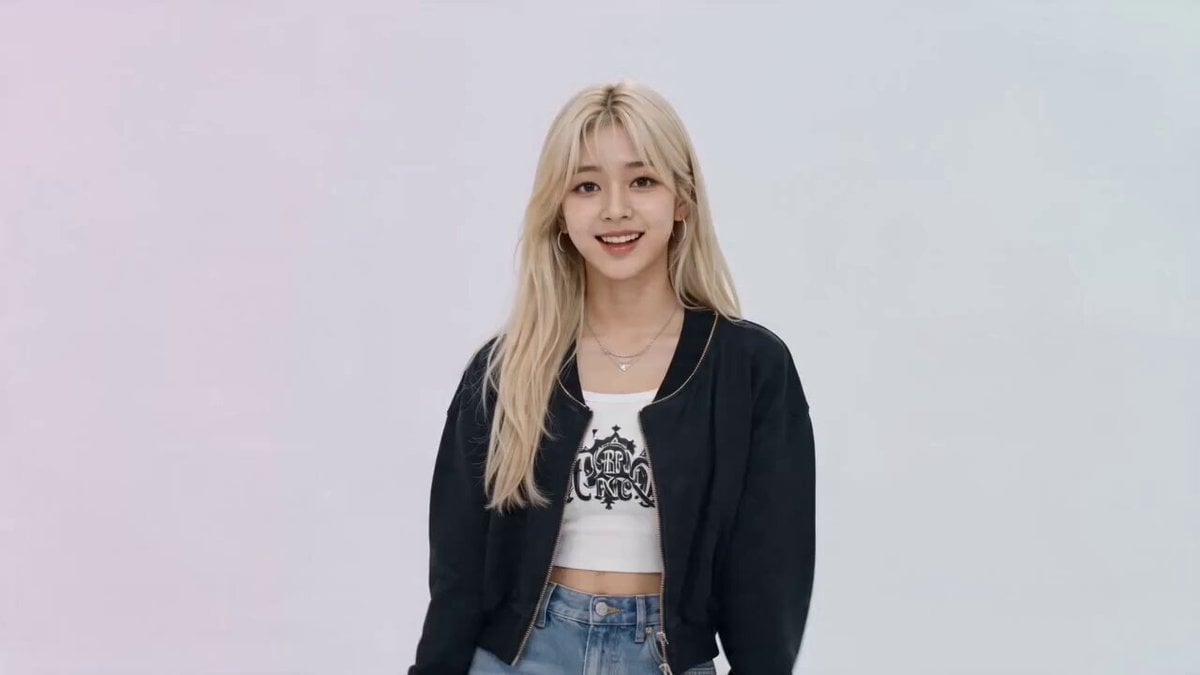
K-pop Idol Music Video Dance Scene
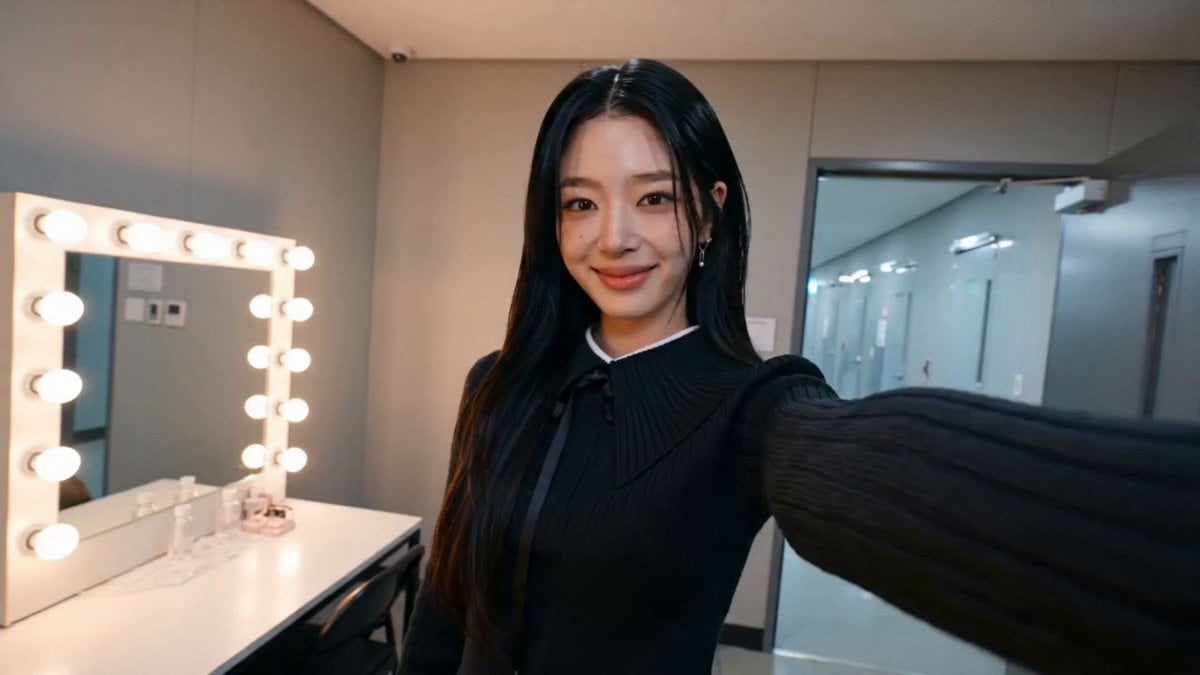
K-pop Idol BTS Vlog Scene
K-Pop Idol Backstage Vlog
K-pop Idol Backstage Vlog
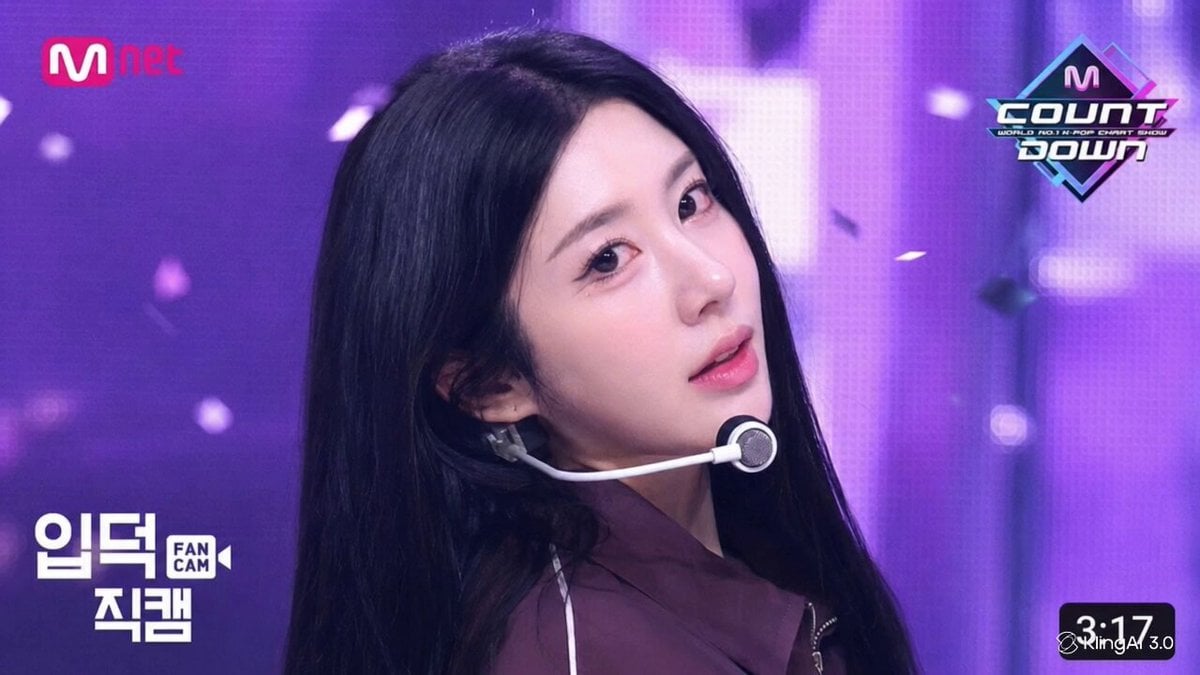
K-pop Idol Stage Ending Fairy Clip
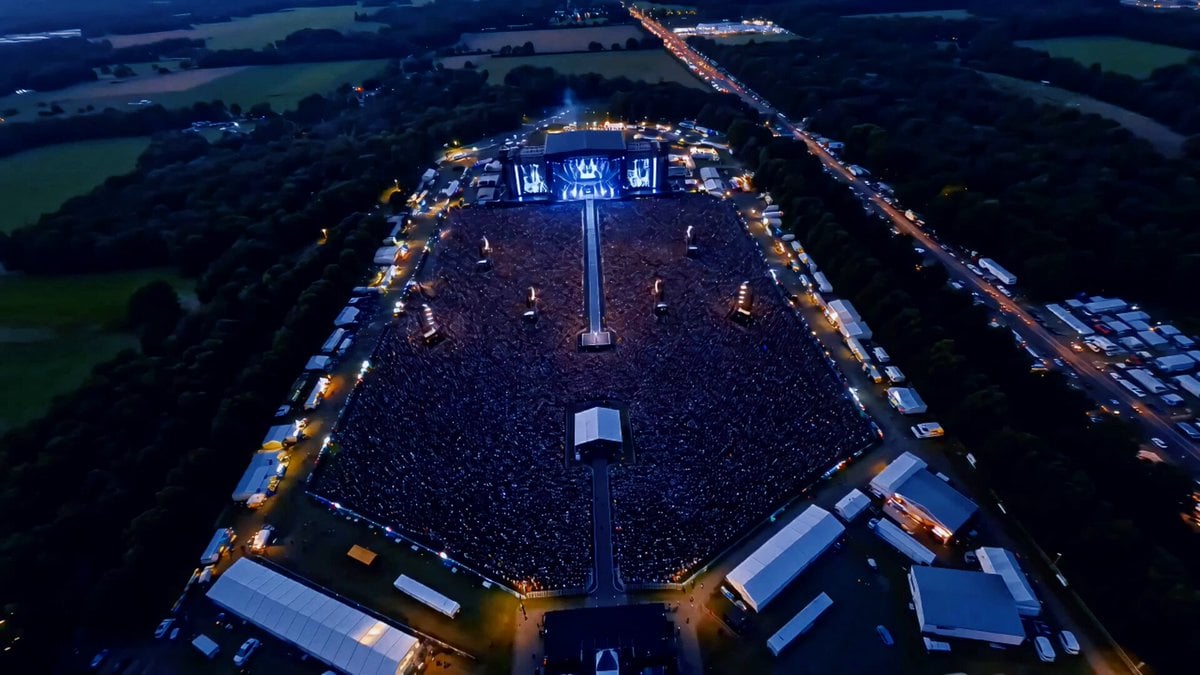
Idol Concert Performance MV
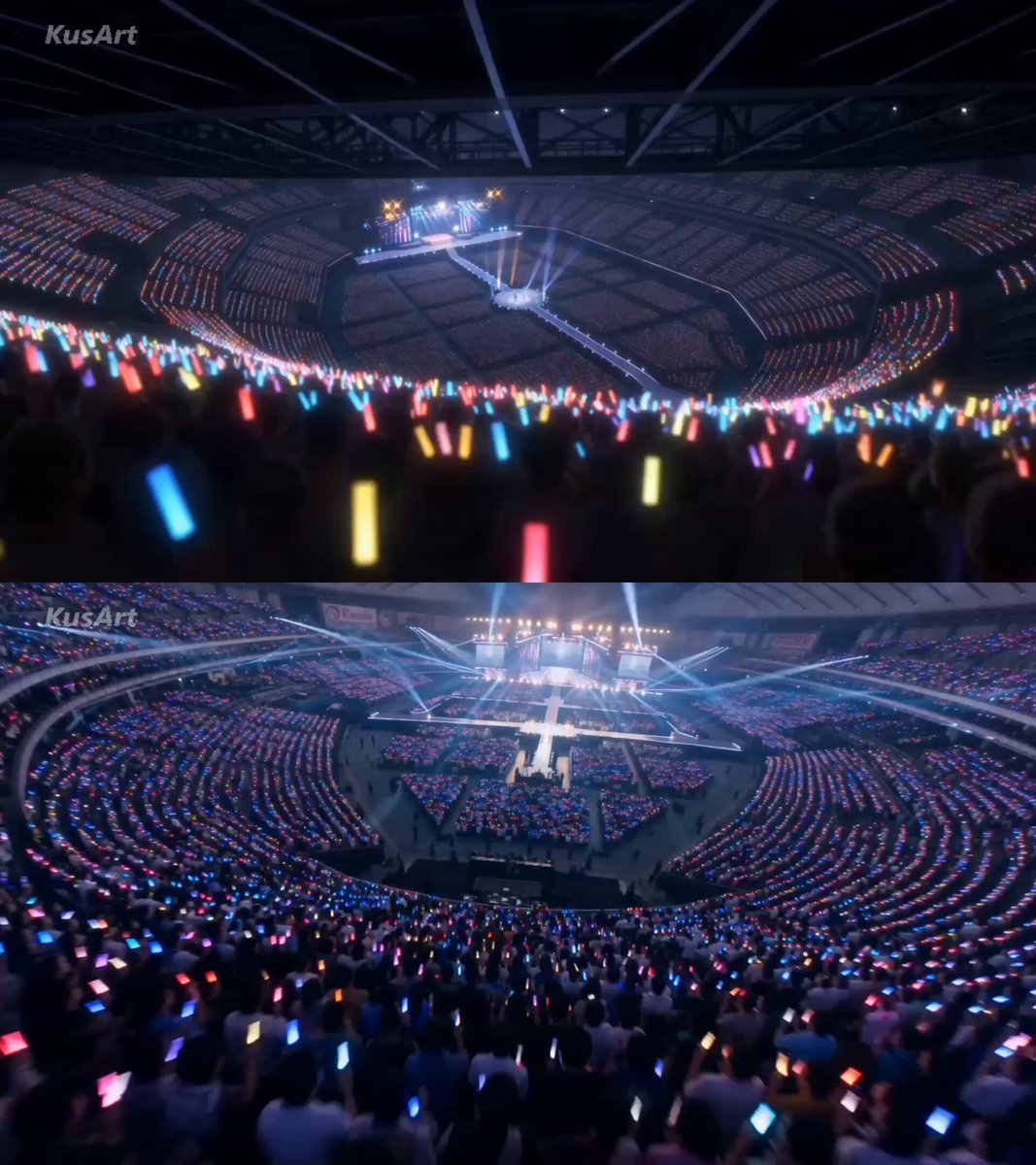
Twin Idol Anime Concert Drone Footage
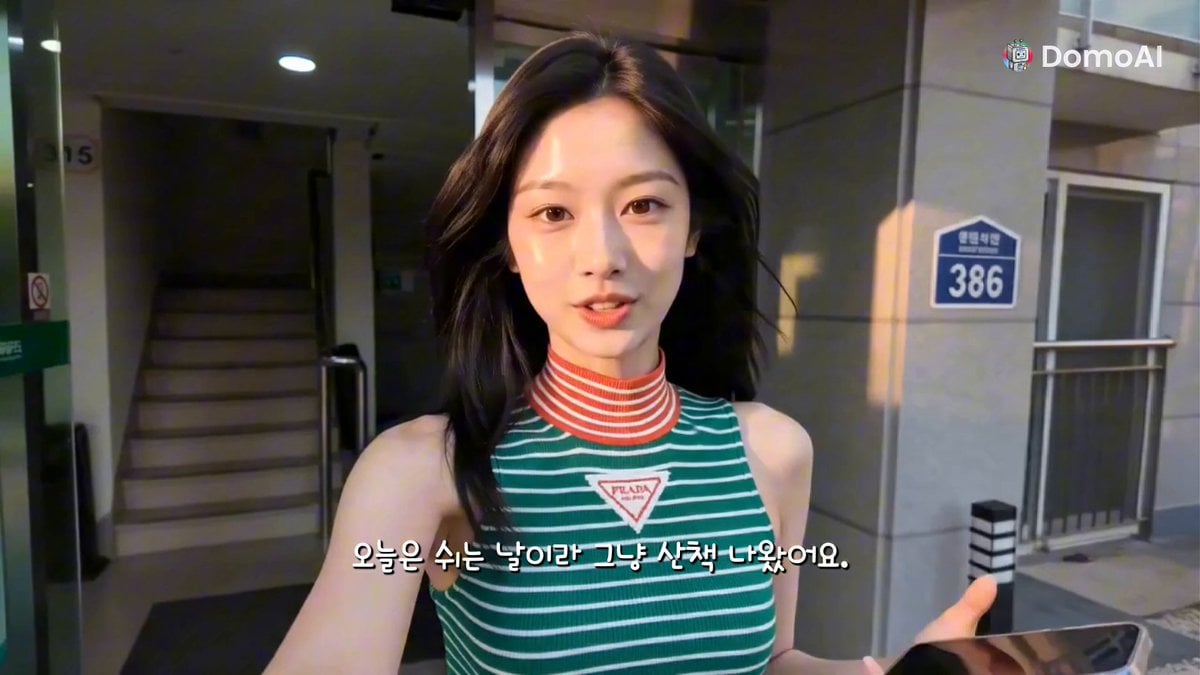
K-Pop Idol Selfie Vlog Simulation
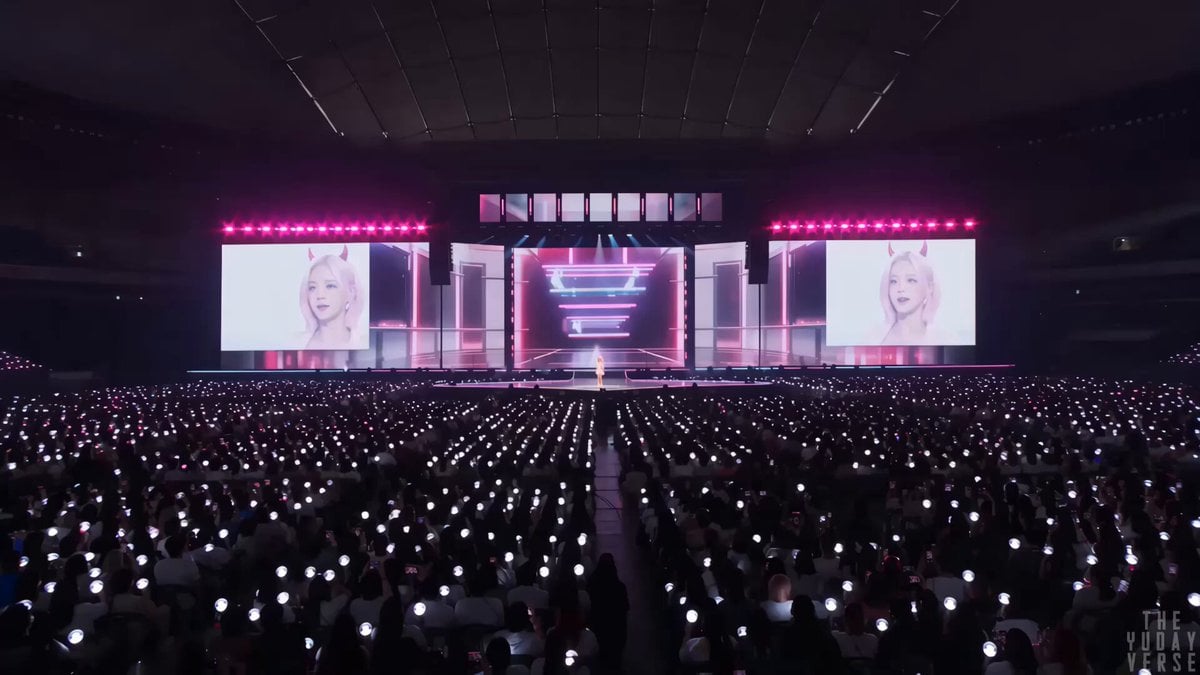
Futuristic K-pop concert spectacle
Make it yours
Pop Idol Concert Duo works as-is. These are the safest ways to change it without losing the look.
Change one field
Copy a single group, rewrite it, and generate again so you can see what that field is doing.
Keep the frame, change the subject
Hold the composition and light of Pop Idol Concert Duo, then swap wardrobe, props or the person for a new take.
| If the result… | Why | Fix |
|---|---|---|
| The result drifts from the preview | Too many fields changed at once. | Reuse Pop Idol Concert Duo as-is first, then change one group — subject, light, or setting. |
| The model over-stylizes the scene | The prose prompt leaves finish and camera underspecified. | Add one camera or lighting sentence and stay on Seedance 2.0. |
More Seedance 2.0 templates
Other prompts made for Seedance 2.0.

Comical Martial Arts Punch Scene

Maglev Train Action Sequence

Martial Arts Fight Sequence

Wuxia Protection and Trust Script

Vintage Korean Arcade MiniDV Vlog

Mercedes 190 SL Luxury Ad

Rainy Night Supernatural Reverse Comedy Video Script

Amazon Civilization Discovery

Futuristic South Asian City Transformation

Cozy Luxury Cafe Commercial
More video prompts
Fresh picks from across the catalog.
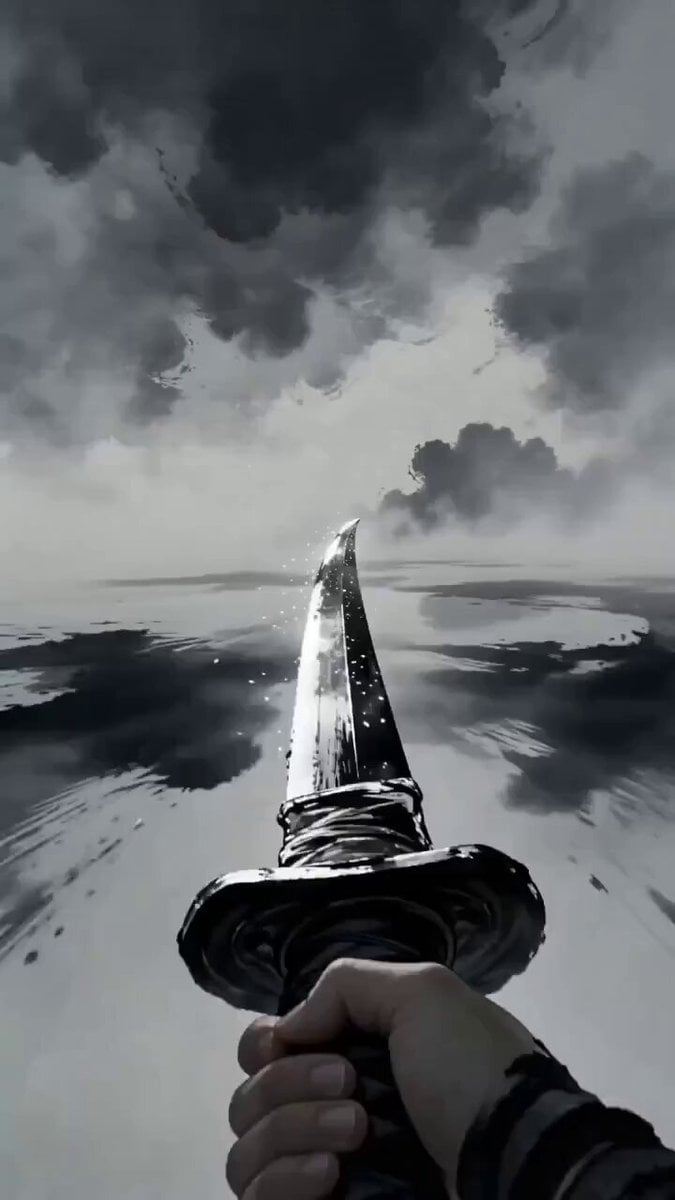
First-Person Wuxia Video Prompt
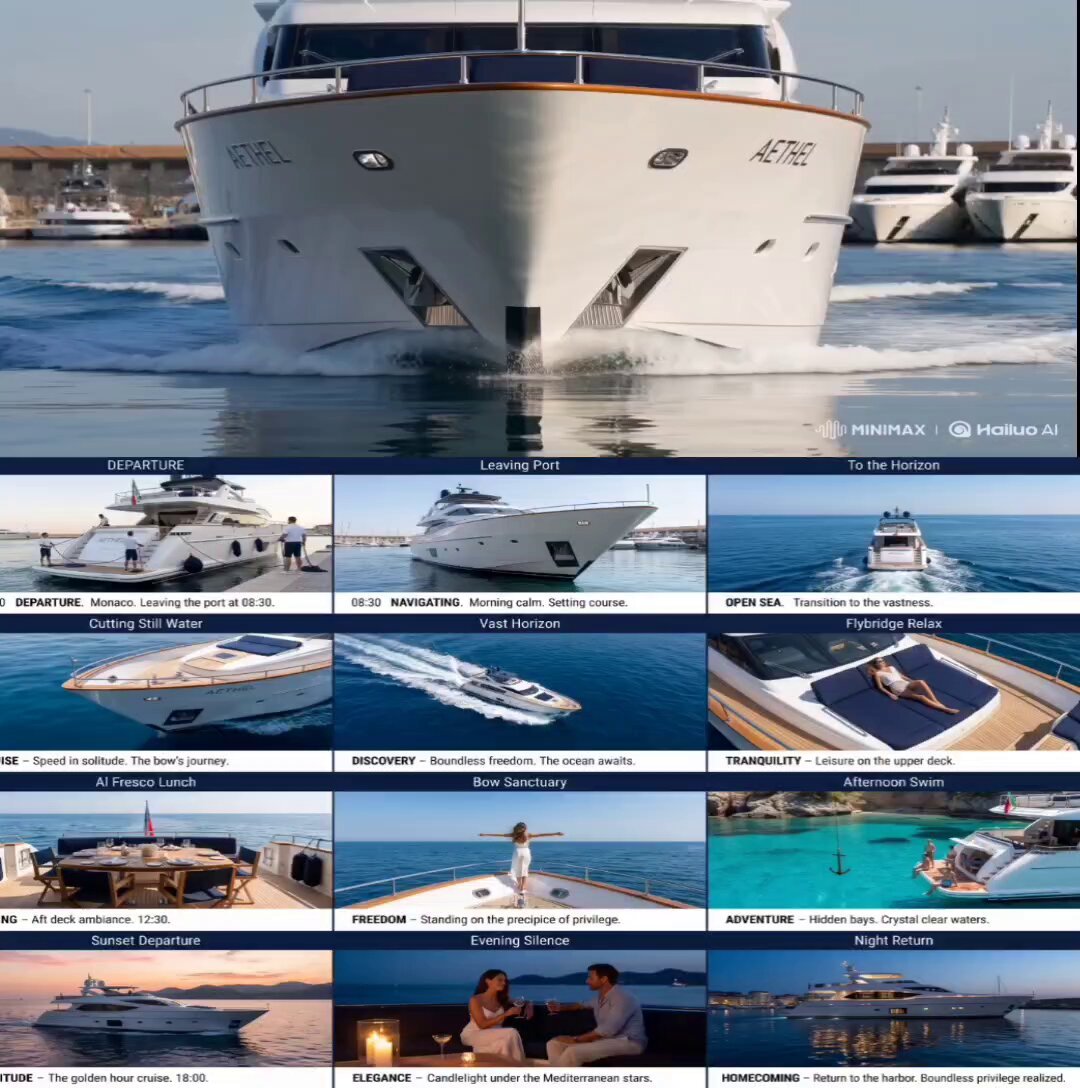
Luxury Yacht Storyboard Animation
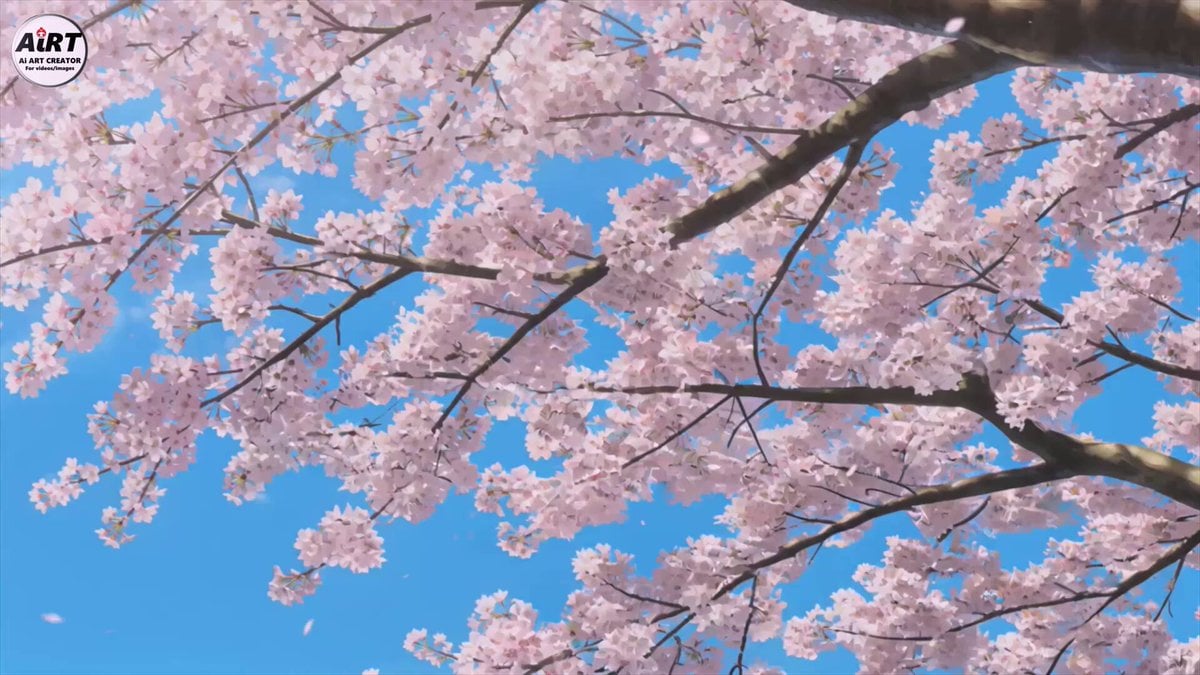
Sakura Tree Character Encounter

Korean BBQ Cooking Flow
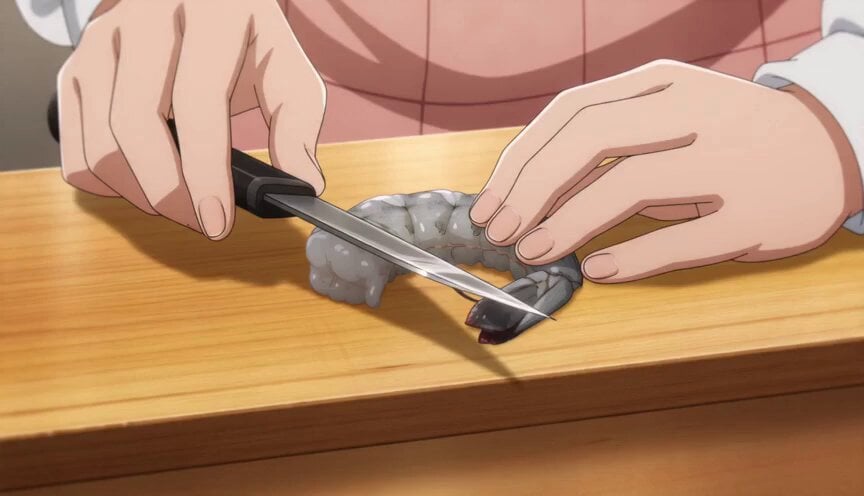
Anime Chef Shrimp Tempura Cooking
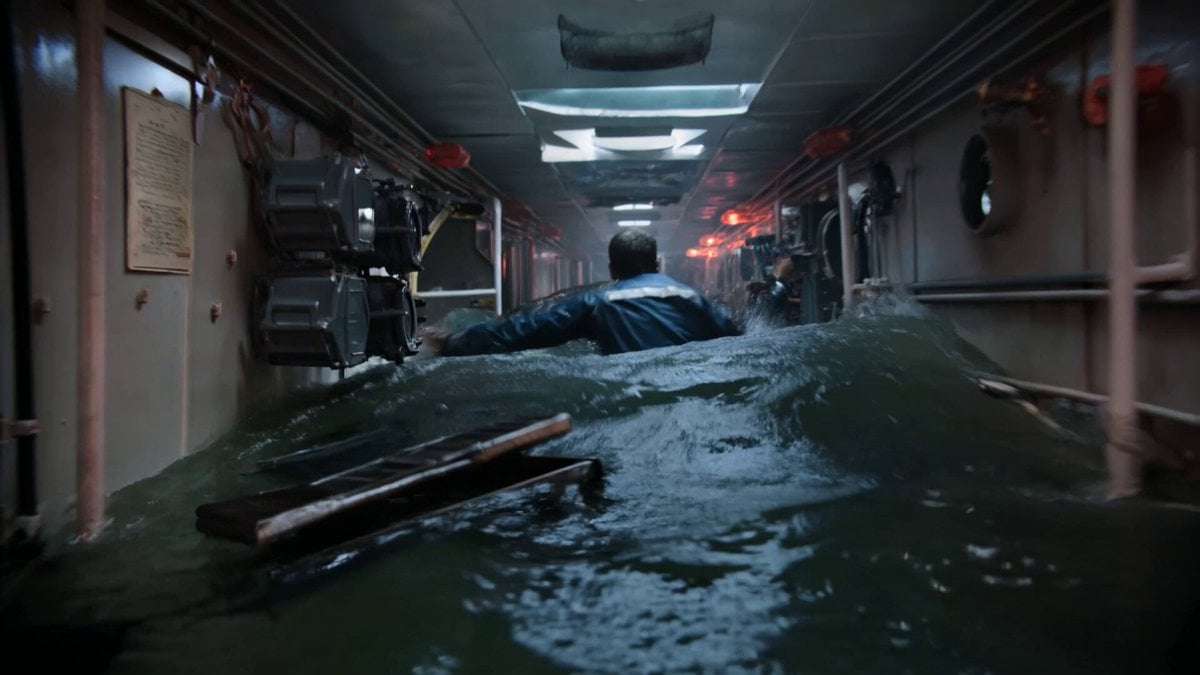
Submarine Flooding Emergency Scene (KLING 3.0)
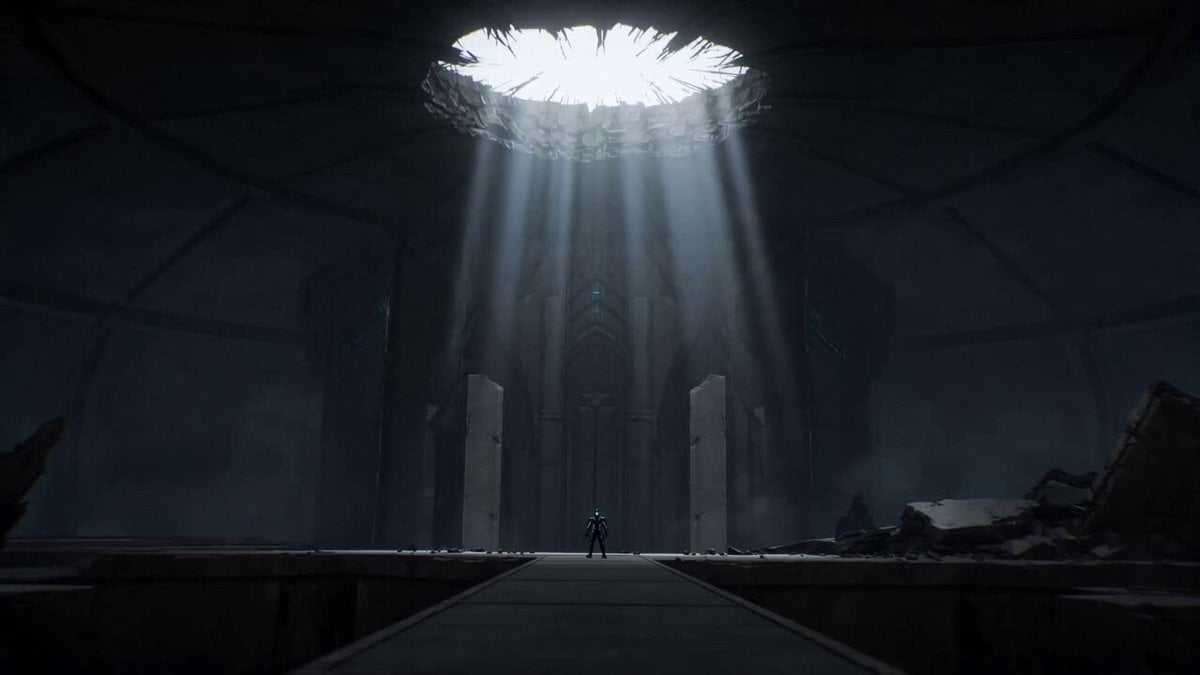
Epic Anime Dungeon Raid Battle
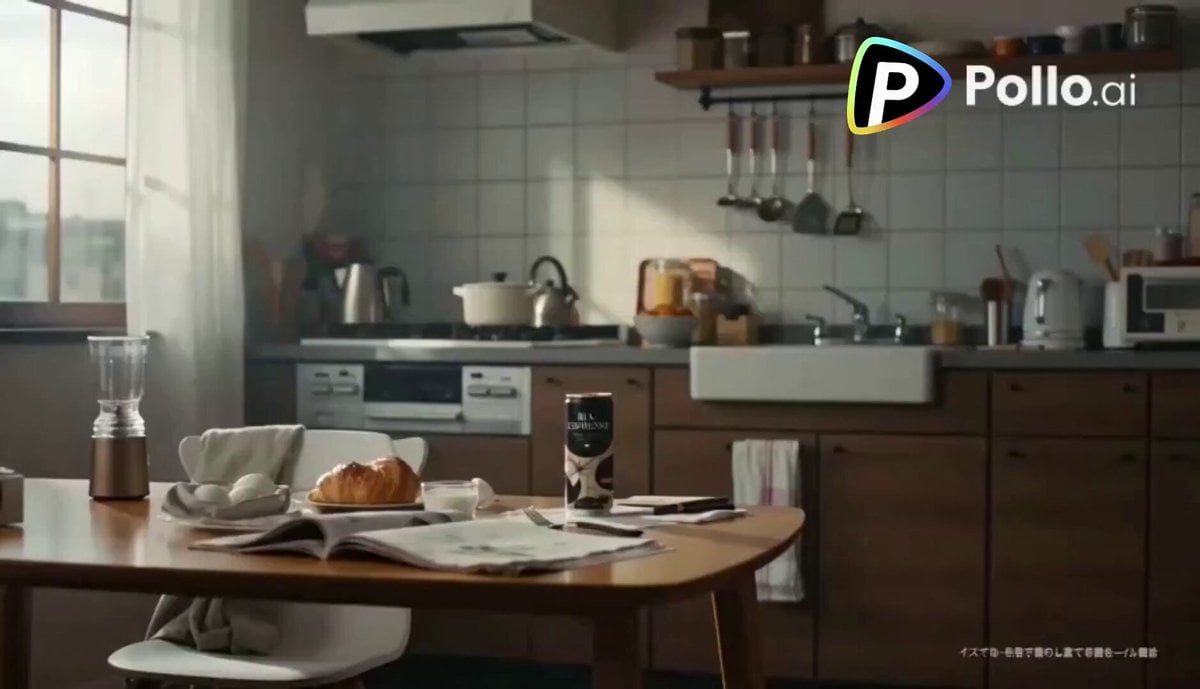
Second Coffee CM: Japan to Italy Trip
Cat Alien Dark Comedy Sci-Fi

Sci-Fi Cinematic Scene: AI Captain vs. Human Astronaut
Browse template categories
Pop Idol Concert Duo questions
How do I use the Pop Idol Concert Duo template?
Add your photo if the template asks for one, edit the prompt if you like — the template's model and format are already selected — and press Generate. Your version opens in PicX Studio.
Can I customize the Pop Idol Concert Duo template?
Yes. You can change the subject, setting, lighting, mood, format, and available model controls before creating your video.
Is the Pop Idol Concert Duo template free?
Opening and editing this template is free. Generating uses credits, shown on the Generate button when you are signed in.
Which AI model should I use?
Start with Seedance 2.0, which is the model associated with this template. You can compare another compatible model for a different finish.
Looking for something else? Browse all templates.

Your photo, any look
Thousands of ready templates for every top image and video model, from one credit balance.