How do I use the K-Pop Male Idol Backstage Vlog template?
Edit the prompt in the box under the preview — the template's model and format are already selected — and press Generate. Your version appears right on this page.
A detailed video generation prompt for Seedance 2.0 that recreates a realistic K-pop idol vlog using 16mm camcorder aesthetics.
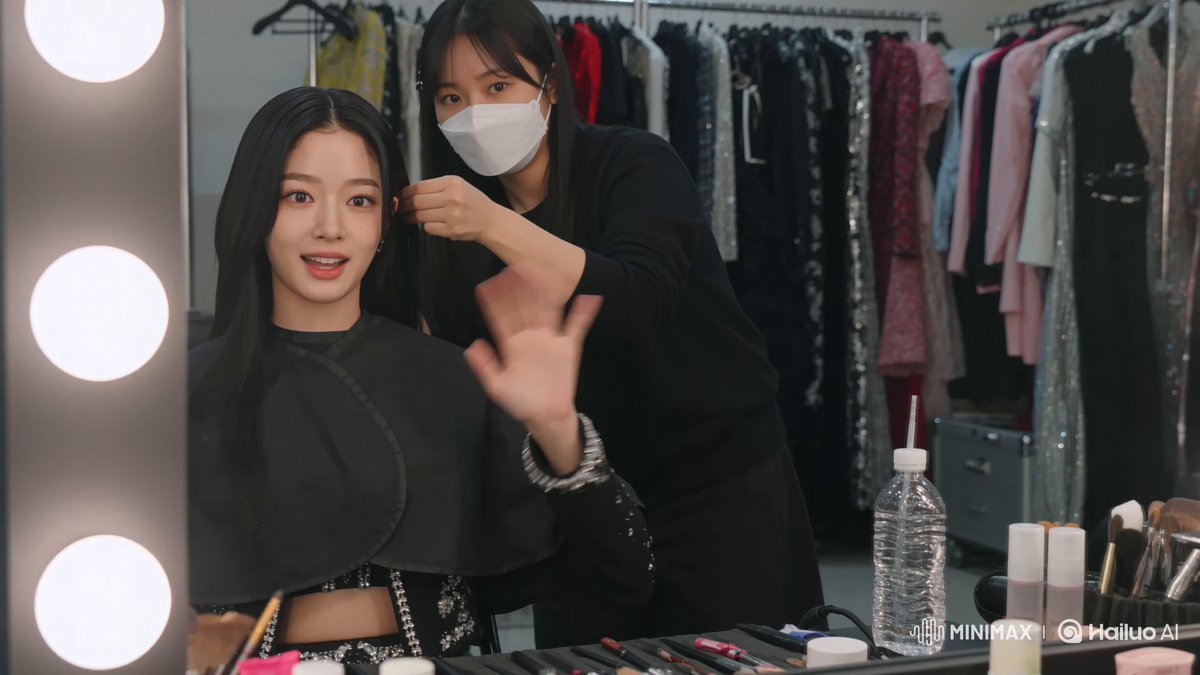
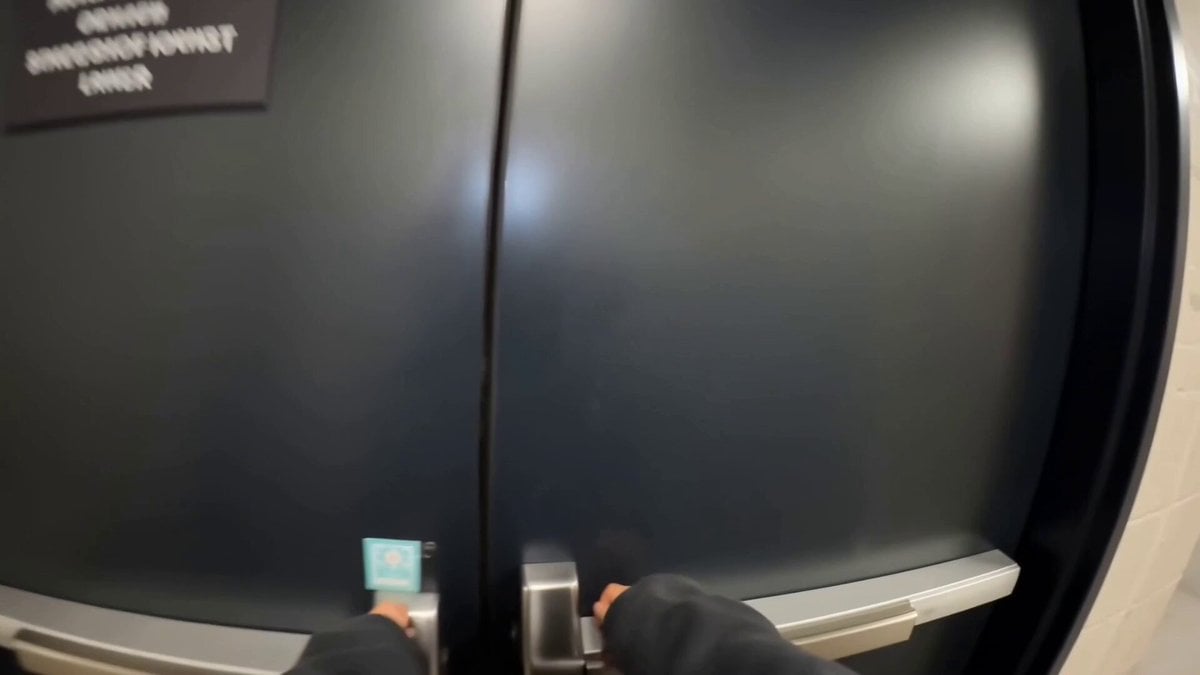
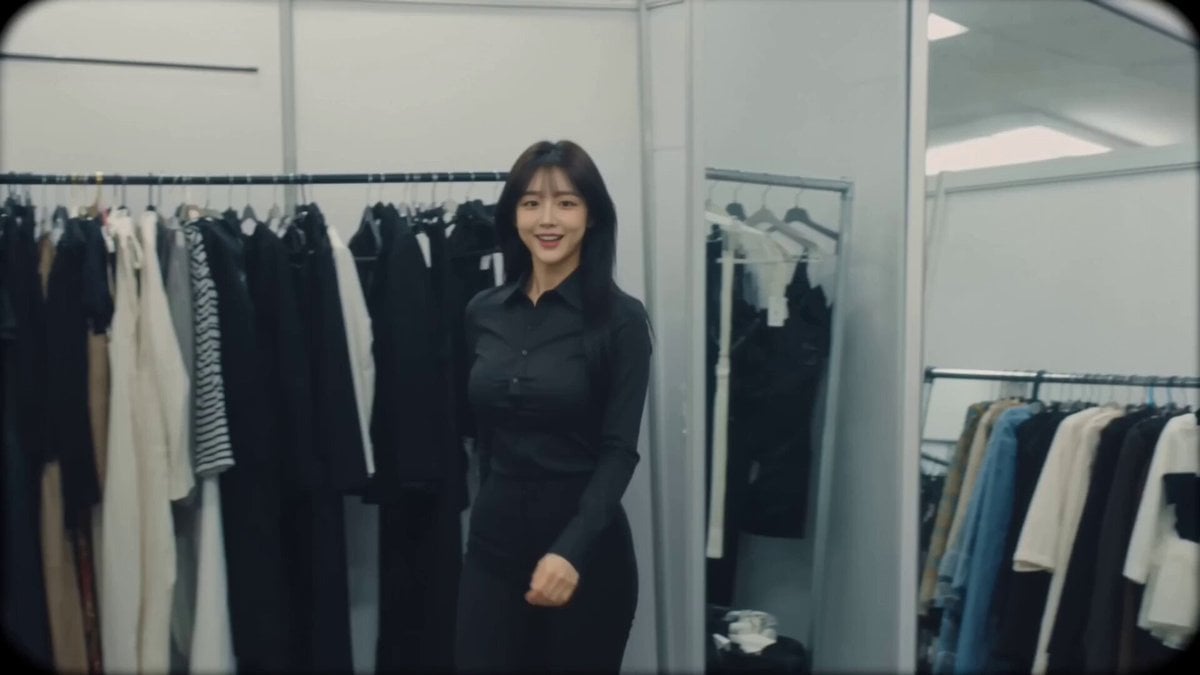
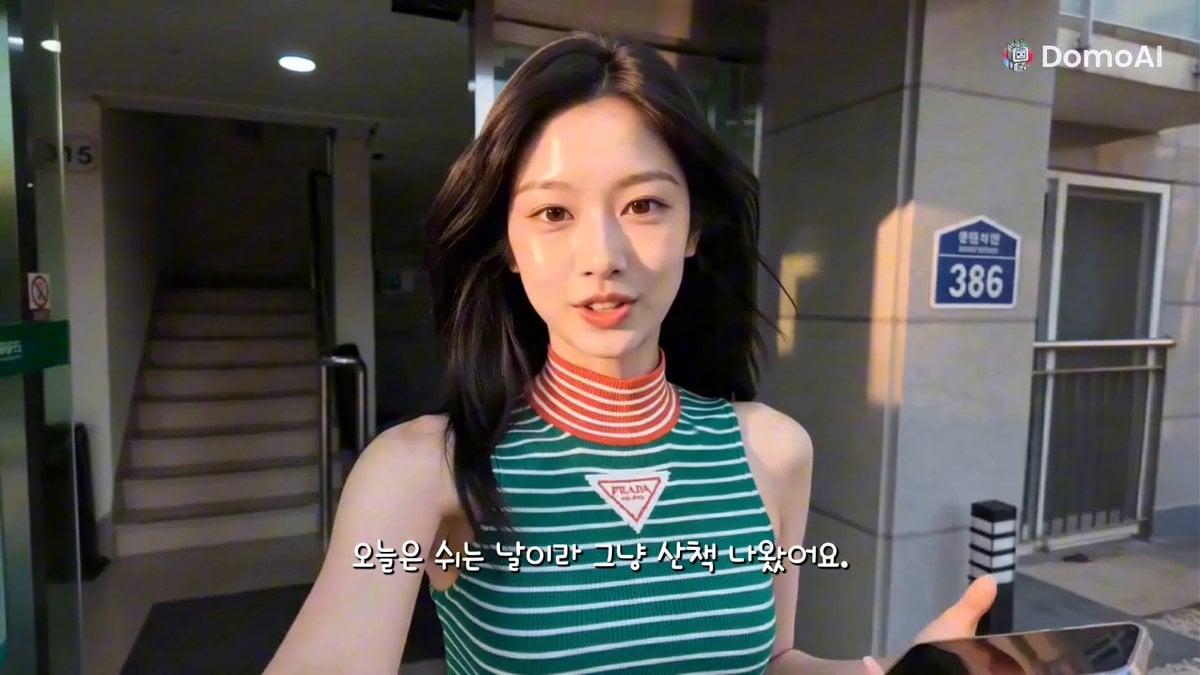
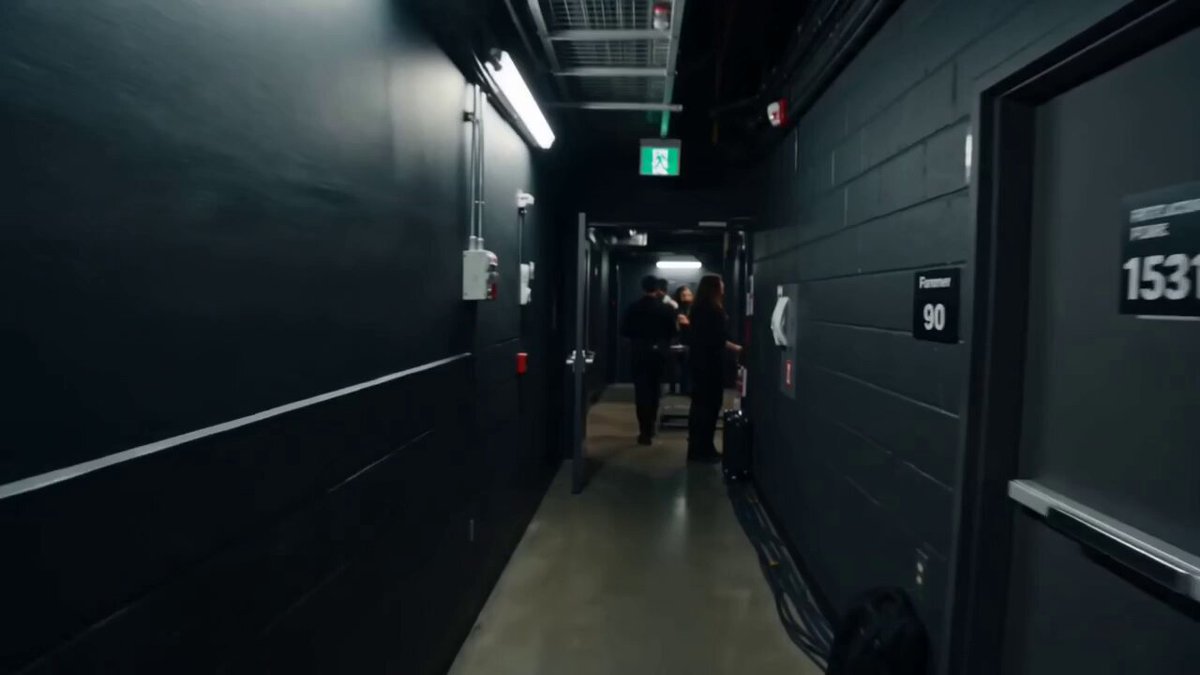
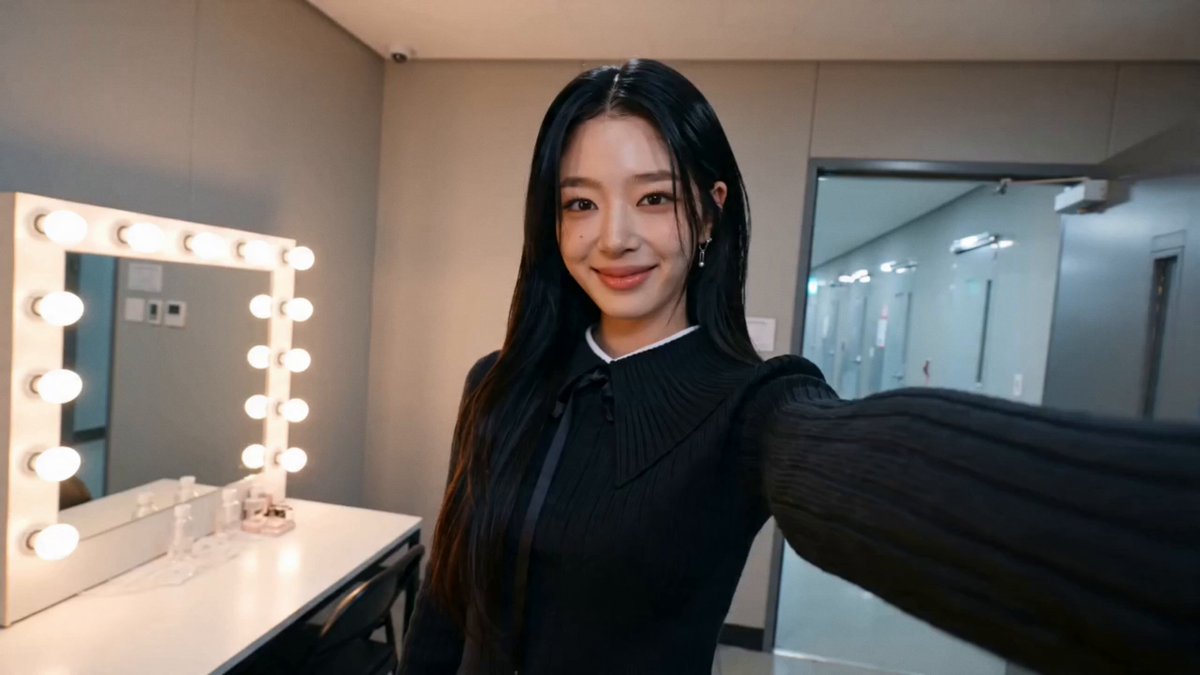
CAMERA: DV 16mm tape camcorder, handheld POV by CHASE, occasionally propped on the vanity. Natural shake, imperfect framing, delayed focus, clumsy zooms, face occasionally cropped. Camera never visible.\nLOOK: Soft blurry tape, faint tape noise, bloomed vanity bulbs, flickering auto-exposure, muted contrast, natural skin.\n\nSTYLE: Casual male idol vlog, backstage before a concert. Excited and upbeat but relaxed, chatty, with quiet mirror moments.\n\nCHARACTER: CHASE, Korean male idol (20s), medium-length layered black hair with wispy bangs, dewy clear skin, subtle natural stage makeup, defined brows, silver ear cuff. He wears a black hair-salon styling cape draped over his shoulders to protect his clothes. Use the attached photo as the strict reference for his face and hairstyle. A friendly stylist is present, mostly just their hands in frame.\n\nSETTING: Backstage concert dressing room, bulb-lit vanity mirror, styling chair, hair tools and products on the counter.\n\nSTORYBOARD:\n1. Propped: Waves. "Hey guys! See you all really soon."\n2. Handheld CU: Hair tug, excited. "I'm so hyped, let's kill it tonight."\n3. Insert: Stylist clips his hair. Ambient only.\n4. Propped: Smiles at stylist. "My stylist is seriously so good."\n5. Handheld CU: Watches mirror, smiles. Ambient.\n6. Handheld: The stylist leans into frame beside CHASE, waves warmly at the camera and smiles, then steps back out. CHASE gestures toward them. "That's my stylist, the best!"\n7. Tight: Grins. "I really love this."\n8. Selfie: Waves and thumbs up. "One hour to go, see you guys soon!"\nNo on-screen text, subtitles, logos, or watermarks.
CAMERA: DV 16mm tape camcorder, handheld POV by CHASE, occasionally propped on the vanity. Natural shake, imperfect framing, delayed focus, clumsy zooms, face occasionally cropped. Camera never visible.\nLOOK: Soft blurry tape, faint tape noise, bloomed vanity bulbs, flickering auto-exposure, muted contrast, natural skin.\n\nSTYLE: Casual male idol vlog, backstage before a concert. Excited and upbeat but relaxed, chatty, with quiet mirror moments.\n\nCHARACTER: CHASE, Korean male idol (20s), medium-length layered black hair with wispy bangs, dewy clear skin, subtle natural stage makeup, defined brows, silver ear cuff. He wears a black hair-salon styling cape draped over his shoulders to protect his clothes. Use the attached photo as the strict reference for his face and hairstyle. A friendly stylist is present, mostly just their hands in frame.\n\nSETTING: Backstage concert dressing room, bulb-lit vanity mirror, styling chair, hair tools and products on the counter.\n\nSTORYBOARD:\n1. Propped: Waves. "Hey guys! See you all really soon."\n2. Handheld CU: Hair tug, excited. "I'm so hyped, let's kill it tonight."\n3. Insert: Stylist clips his hair. Ambient only.\n4. Propped: Smiles at stylist. "My stylist is seriously so good."\n5. Handheld CU: Watches mirror, smiles. Ambient.\n6. Handheld: The stylist leans into frame beside CHASE, waves warmly at the camera and smiles, then steps back out. CHASE gestures toward them. "That's my stylist, the best!"\n7. Tight: Grins. "I really love this."\n8. Selfie: Waves and thumbs up. "One hour to go, see you guys soon!"\nNo on-screen text, subtitles, logos, or watermarks.
Edit the prompt in the box under the preview — the template's model and format are already selected — and press Generate. Your version appears right on this page.
Yes. You can change the subject, setting, lighting, mood, format, and available model controls before creating your video.
Opening and editing this template is free. Generating uses credits, shown on the Generate button when you are signed in.
Start with Seedance 2.0, which is the model associated with this template. You can compare another compatible model for a different finish.
Follow a topic to a crawlable collection of related PicX Studio templates.