
K-Pop Idol Selfie Vlog Simulation
A highly detailed video prompt for a 15-second handheld selfie vlog featuring a K-pop idol in Seoul, emphasizing realistic camera shake and character consistency.
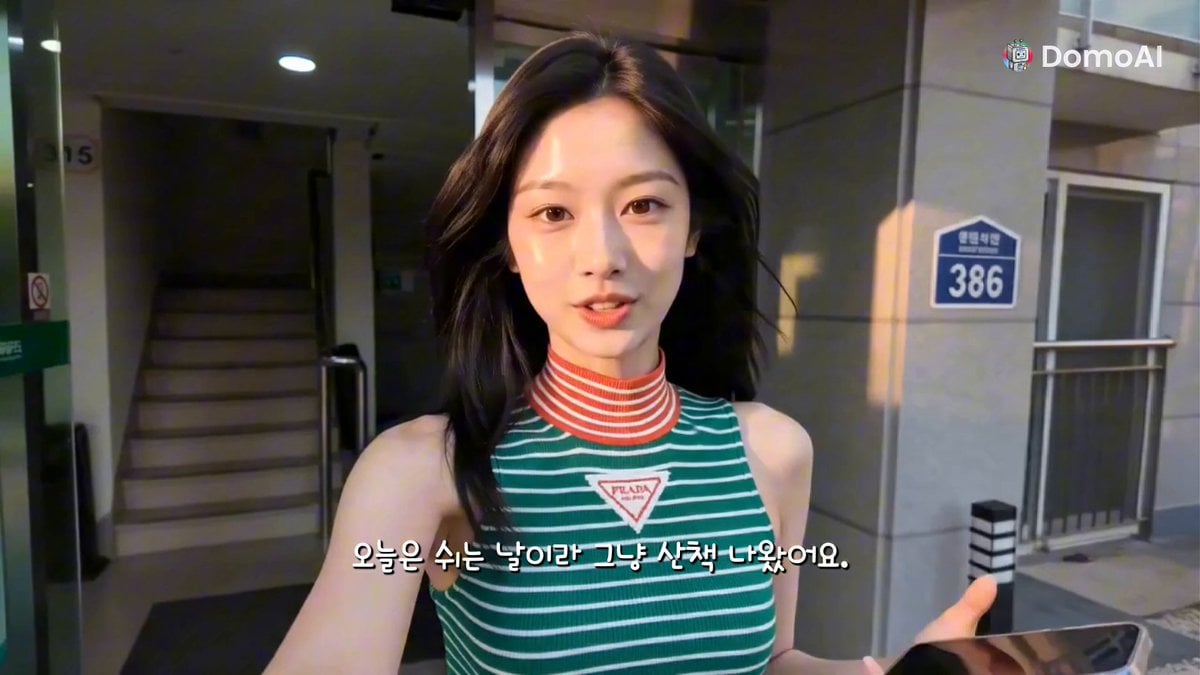
- Prompt included
- Model and format preset
- Free template
The prompt behind this video
Copy the exact prompt behind K-Pop Idol Selfie Vlog Simulation, or open it in the studio and make it yours.
15 seconds, 16:9. Main subject from @ Image1 — lock her completely. Face, skin tone, body, hairstyle, and outfit must remain perfectly identical throughout the entire video. She wears a sleeveless green-and-white striped ribbed knit mock-neck top with a red-and-white striped collar, medium-wash loose straight-leg high-waisted blue jeans, and simple white low-top sneakers. No bag. Long straight dark brown hair with a center part. Korean woman, 20 years old, naturally beautiful with the effortless charm of a modern K-pop idol. The entire video is filmed exclusively as a handheld front-facing smartphone selfie vlog. The phone is always in her own hand. There are absolutely no third-person shots, no external camera, no tripod, no cinematic coverage, and no impossible viewing angles. Every shot is from the perspective of her personally recording herself during a relaxing day off. Modern Seoul residential neighborhood. Quiet apartment complexes, tree-lined sidewalks, small neighborhood park, convenience store, peaceful alleys, warm summer morning light. Everything feels authentic and lived-in. Natural smartphone selfie camera language only. Slight arm movement, subtle handheld shake, natural walking bounce, occasional autofocus adjustment, realistic exposure adaptation, small framing imperfections, slight rolling shutter while walking, natural lens distortion from the front camera, occasional brief glances at the screen to check framing. Crisp modern smartphone image quality with realistic HDR and natural colors. No cinematic grading. No vintage effects. Scene 1: She leaves her apartment building while holding the phone at arm's length. She smiles naturally into the selfie camera and says, "오늘은 쉬는 날이라 그냥 산책 나왔어요." ("It's my day off, so I just came out for a walk.") Scene 2: Still filming herself, she enters a convenience store, opens the refrigerator with one hand while holding the phone with the other, picks up an iced coffee, smiles at the camera and says, "이거 마셔볼게요." ("I'm going to try this.") Scene 3: Holding the phone herself, she walks slowly through a quiet neighborhood park while sipping her coffee. She looks up at the trees, smiles, then back into the camera. "오늘 날씨 너무 좋다." ("The weather is so nice today.") Scene 4: She notices a friendly stray cat beside the sidewalk. Still filming herself, she lowers the phone slightly so both she and the cat remain in frame, crouches down and smiles. "안녕~ 귀엽다." ("Hi~ You're so cute.") Scene 5: Continuing her walk, she talks casually to the selfie camera while brushing her hair behind one ear. "이렇게 평범한 하루가 제일 행복한 것 같아요." ("I think ordinary days like this make me the happiest.") Final scene: While continuing to walk, she smiles directly into the front camera, waves with her free hand and says, "다음 브이로그에서 만나요. 안녕!" ("See you in the next vlog. Bye!") She laughs naturally, lowers
How to use K-Pop Idol Selfie Vlog Simulation in 3 steps
- 1
Open
The prompt is already in the box next to the preview, with the template's model and format selected.
- 2…a portrait of your subject in softgolden-hour light, 85mm…
Personalize
Edit the subject and creative details for your destination.
- 3Generate
Generate
Press Generate — your video is created in PicX Studio, so you can compare it with the original and refine one variable at a time.
More like this
Templates with the same subject, style or setup. Open one to see its prompt.

Kyoto Morning Selfie Vlog
K-Pop Male Idol Backstage Vlog
Selfie Travel Vlog Mykonos

Smartphone Travel Vlog Tokyo Trip Identity Preserved
K-pop Idol BTS Vlog Scene
K-Pop Idol Backstage Vlog
K-pop Idol Backstage Vlog
J-Pop Idol Classroom Dance Sequence
Gourmet Burger Vlog Selfie Style
Romantic Bedroom Selfie Vlog
Kyoto Smartphone Vlog Simulation
Thrift Store Vlog Selfie
Make it yours
K-Pop Idol Selfie Vlog Simulation works as-is. These are the safest ways to change it without losing the look.
Change one field
Copy a single group, rewrite it, and generate again so you can see what that field is doing.
Keep the frame, change the subject
Hold the composition and light of K-Pop Idol Selfie Vlog Simulation, then swap wardrobe, props or the person for a new take.
| If the result… | Why | Fix |
|---|---|---|
| The result drifts from the preview | Too many fields changed at once. | Reuse K-Pop Idol Selfie Vlog Simulation as-is first, then change one group — subject, light, or setting. |
| The model over-stylizes the scene | The prose prompt leaves finish and camera underspecified. | Add one camera or lighting sentence and stay on Seedance 2.0. |
More Seedance 2.0 templates
Other prompts made for Seedance 2.0.

Comical Martial Arts Punch Scene

Maglev Train Action Sequence

Martial Arts Fight Sequence

Wuxia Protection and Trust Script

Vintage Korean Arcade MiniDV Vlog

Mercedes 190 SL Luxury Ad

Rainy Night Supernatural Reverse Comedy Video Script

Amazon Civilization Discovery

Futuristic South Asian City Transformation

Cozy Luxury Cafe Commercial
More video prompts
Fresh picks from across the catalog.
Handheld Influencer Night Vlog

Futuristic Gaming Laptop Commercial
NBA Courtside Fan Reaction

Cats on Money Stacks
Cinematic Food ASMR with Aria
Michael Jackson Action Sequence

Futuristic Performance Car Detailing
Storm-Wyrm and Shaolin Monk Battle
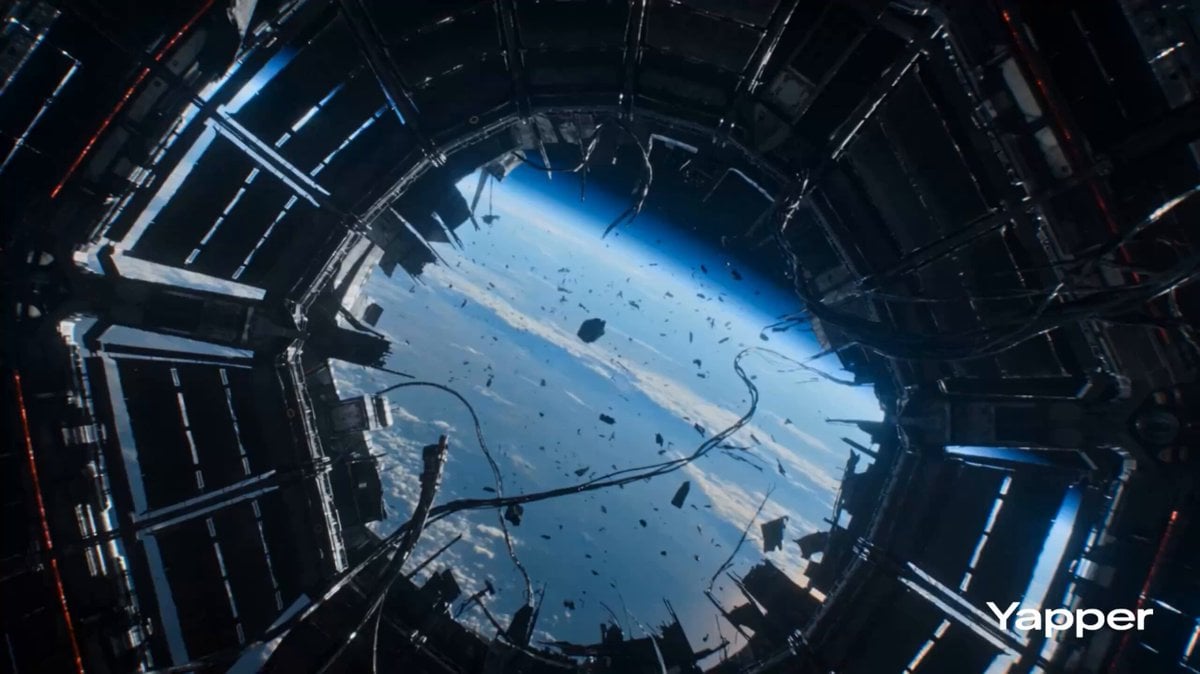
Zero Gravity Warrior Fight Video Prompt
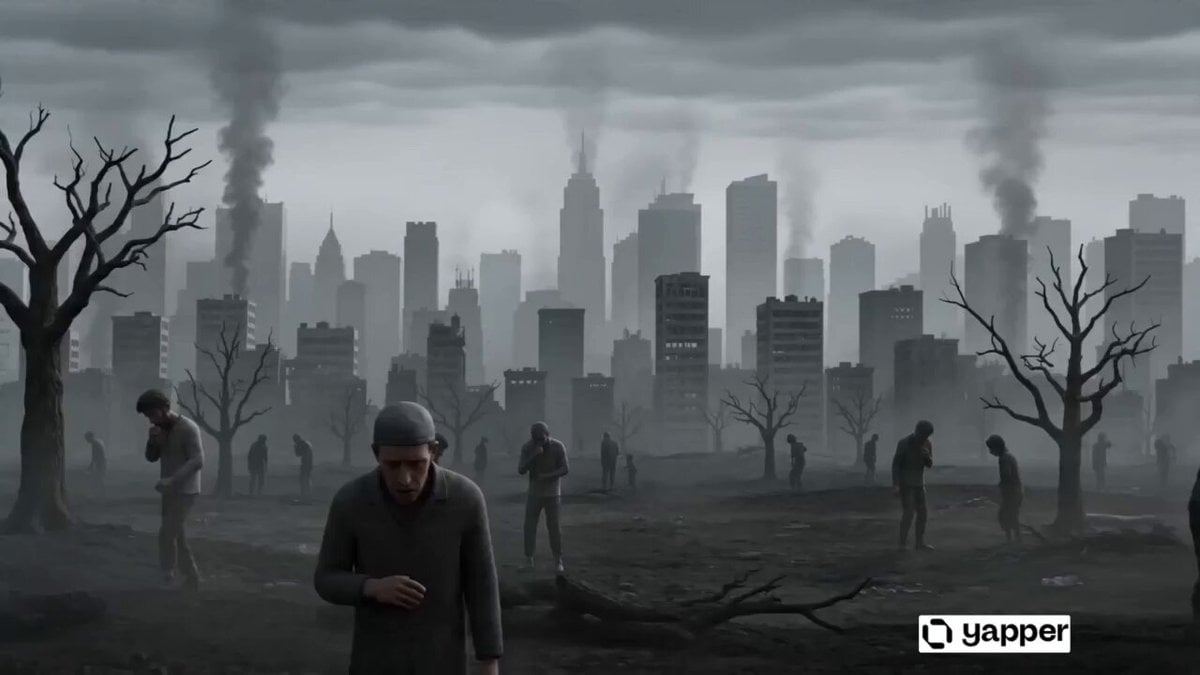
Greenery and Environmental Evolution Video Prompt
Browse template categories
K-Pop Idol Selfie Vlog Simulation questions
How do I use the K-Pop Idol Selfie Vlog Simulation template?
Add your photo if the template asks for one, edit the prompt if you like — the template's model and format are already selected — and press Generate. Your version opens in PicX Studio.
Can I customize the K-Pop Idol Selfie Vlog Simulation template?
Yes. You can change the subject, setting, lighting, mood, format, and available model controls before creating your video.
Is the K-Pop Idol Selfie Vlog Simulation template free?
Opening and editing this template is free. Generating uses credits, shown on the Generate button when you are signed in.
Which AI model should I use?
Start with Seedance 2.0, which is the model associated with this template. You can compare another compatible model for a different finish.
Looking for something else? Browse all templates.

Your photo, any look
Thousands of ready templates for every top image and video model, from one credit balance.