How do I use the Cinematic Food ASMR with Aria template?
Edit the prompt in the box under the preview — the template's model and format are already selected — and press Generate. Your version appears right on this page.
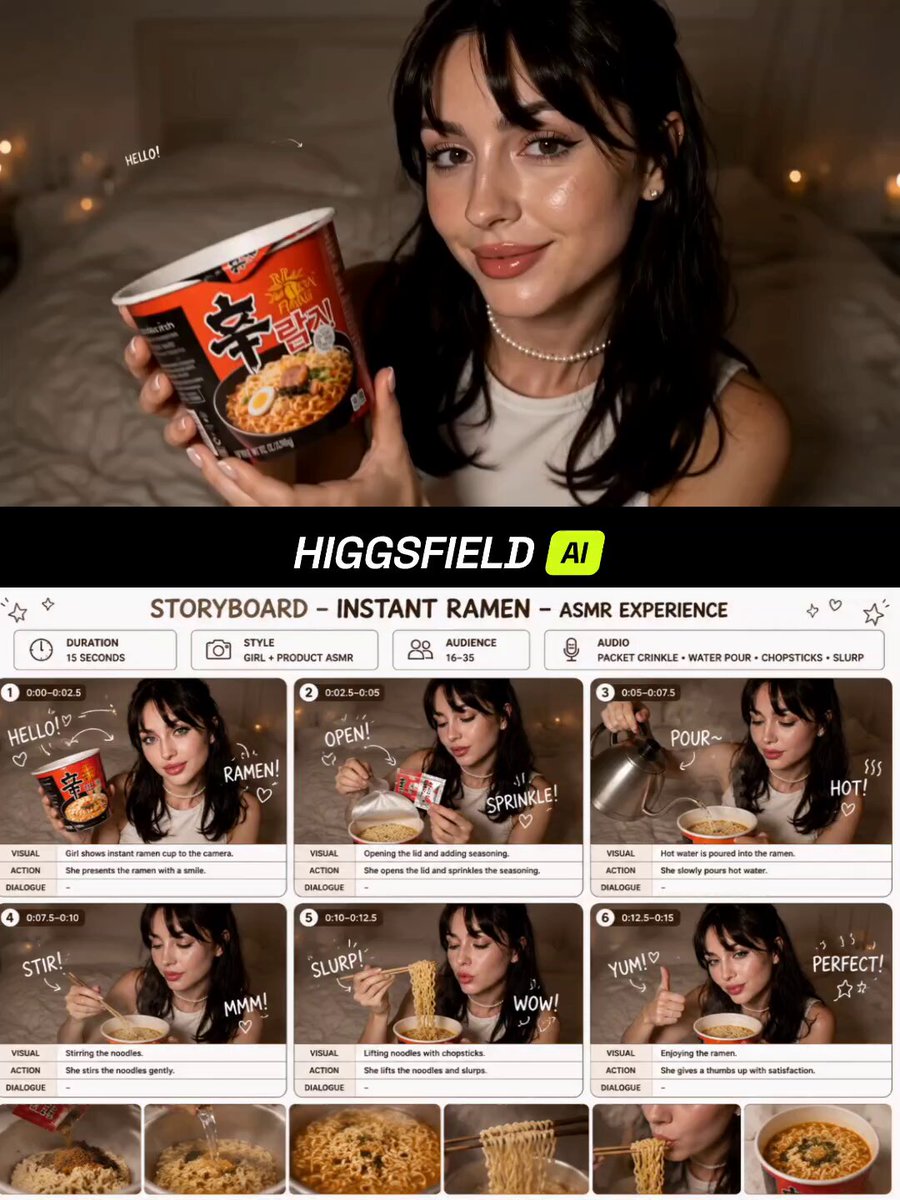
A multi-shot food ASMR prompt featuring a consistent character, detailing specific shot types from extreme close-ups of honey-glazed chicken to medium shots of the subject's expression.
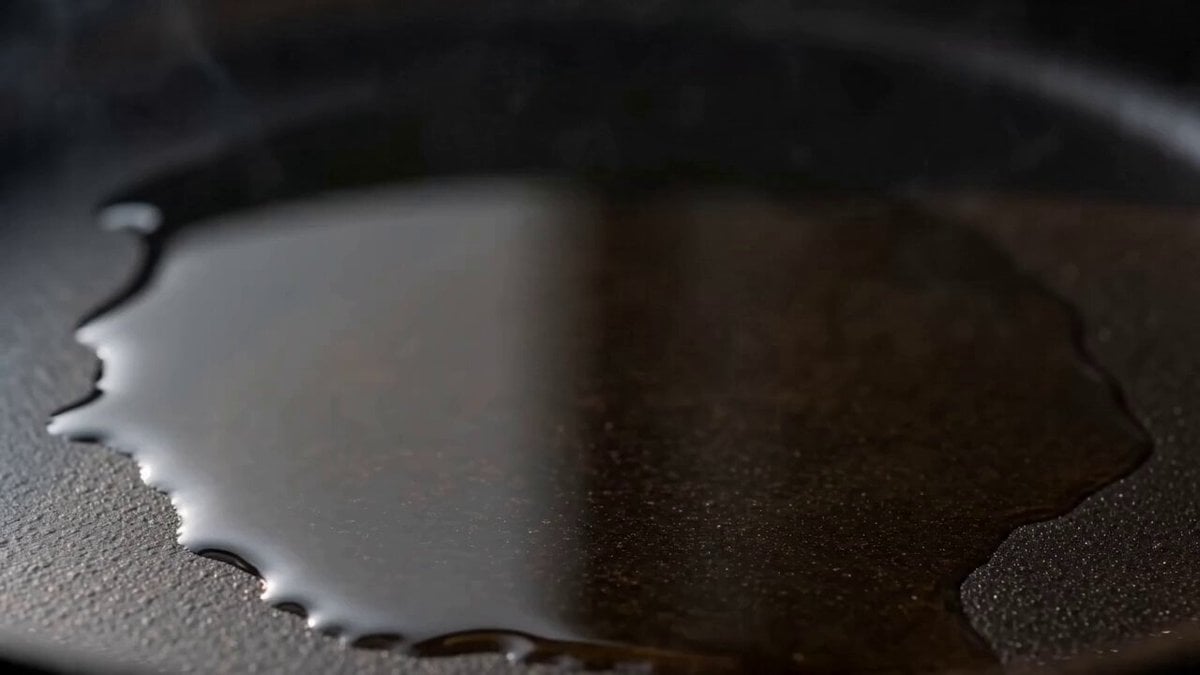
Multi-shot cinematic food ASMR video featuring Aria. Reference character: [upload Aria anchor image]. Shot 1 (0–3 sec): Extreme close-up — a piece of crispy golden fried chicken being lifted slowly from a dark ceramic bowl, honey drizzling over the crust in real time, steam rising. No hands visible yet. Shot 2 (3–7 sec): Medium close-up — Aria’s face in soft focus as she holds the honey-glazed chicken toward her lips, eyes half-closed, expression of pure anticipation. Warm amber light catches the glaze. Shot 3 (7–11 sec): Close-up on her hands rotating the chicken piece — honey threads catch the light from below. Shot 4 (11–15 sec): Her first slow bite, close-up on the crunch — she closes her eyes briefly. Colour grade: deep blacks, warm amber tones throughout. No dialogue. No music needed — sound design carries this. Hyper-realistic, cinematic, 4K.
Multi-shot cinematic food ASMR video featuring Aria. Reference character: [upload Aria anchor image]. Shot 1 (0–3 sec): Extreme close-up — a piece of crispy golden fried chicken being lifted slowly from a dark ceramic bowl, honey drizzling over the crust in real time, steam rising. No hands visible yet. Shot 2 (3–7 sec): Medium close-up — Aria’s face in soft focus as she holds the honey-glazed chicken toward her lips, eyes half-closed, expression of pure anticipation. Warm amber light catches the glaze. Shot 3 (7–11 sec): Close-up on her hands rotating the chicken piece — honey threads catch the light from below. Shot 4 (11–15 sec): Her first slow bite, close-up on the crunch — she closes her eyes briefly. Colour grade: deep blacks, warm amber tones throughout. No dialogue. No music needed — sound design carries this. Hyper-realistic, cinematic, 4K.
Edit the prompt in the box under the preview — the template's model and format are already selected — and press Generate. Your version appears right on this page.
Yes. You can change the subject, setting, lighting, mood, format, and available model controls before creating your video.
Opening and editing this template is free. Generating uses credits, shown on the Generate button when you are signed in.
Start with Seedance 2.0, which is the model associated with this template. You can compare another compatible model for a different finish.
Follow a topic to a crawlable collection of related PicX Studio templates.