
ASMR Pink Lip Gloss Creation
A close-up aesthetic ASMR cosmetics video prompt showing the step-by-step creation, mixing, and packaging of a shimmering pink lip gloss.
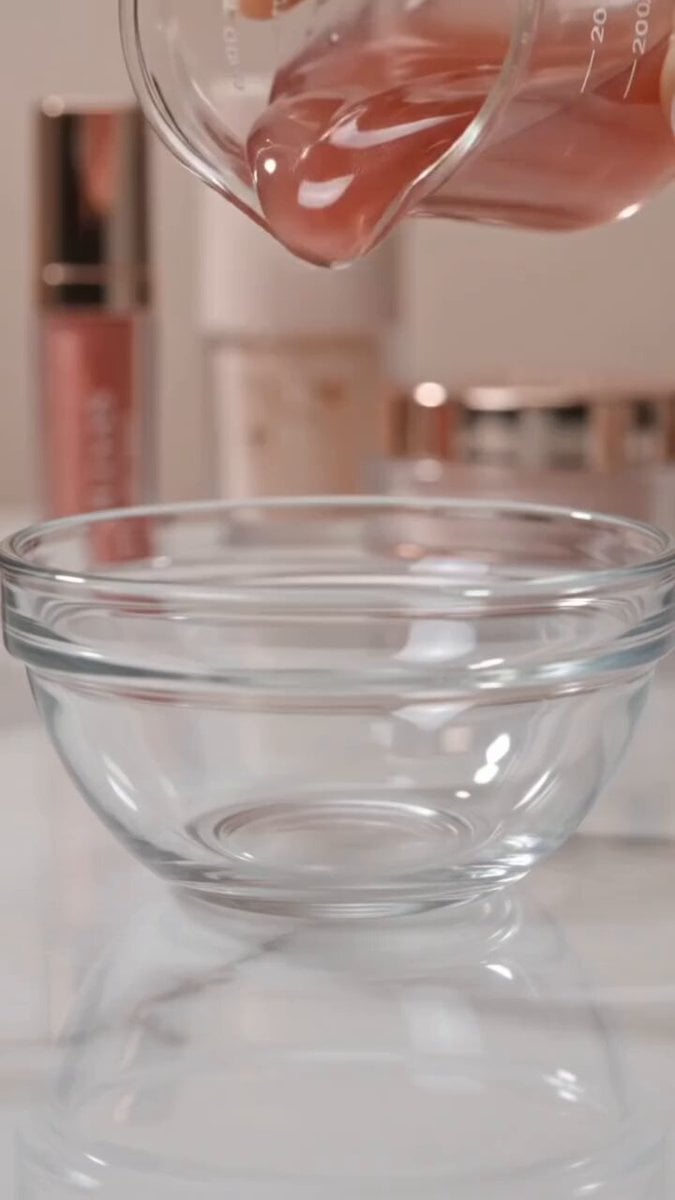
- Prompt included
- Model and format preset
- Free template
The prompt behind this video
Copy the exact prompt behind ASMR Pink Lip Gloss Creation, or open it in the studio and make it yours.
A close-up aesthetic ASMR cosmetics video showing the step-by-step creation and packaging of a shimmering pink lip gloss.The video opens with a thick, glossy, sheer pink base being poured from a glass beaker into a small clear bowl, followed by a second pour of clear, glittery lip gloss base. A drop of vibrant pink liquid pigment is added right into the center of the shimmering gel. A clear spatula then stirs and mixes the glossy mixture together, blending the shimmering particles and pink pigment into a smooth, thick, rose-gold shimmer gloss.The mixed lip gloss is then filled into a clear, cylindrical lip gloss tube. A applicator wand with a soft plush doe-foot applicator is dipped inside and pulled out, pulling a string of shiny gloss. Finally, the gloss is swatched onto a clear glass plate showing off its smooth, glass-like shine, before ending on a product shot of the finished lip gloss tube sitting on a vanity table next to scattered tiny pink crystals with the text overlay "Would you wear this shade?The lighting is soft, clean, and bright, featuring smooth camera movements, satisfying ASMR sound effects, high clarity, and a glossy luxury aesthetic.
How to use ASMR Pink Lip Gloss Creation in 3 steps
- 1
Open
The prompt is already in the box next to the preview, with the template's model and format selected.
- 2…a portrait of your subject in softgolden-hour light, 85mm…
Personalize
Edit the subject and creative details for your destination.
- 3Generate
Generate
Press Generate — your video is created in PicX Studio, so you can compare it with the original and refine one variable at a time.
More like this
Templates with the same subject, style or setup. Open one to see its prompt.
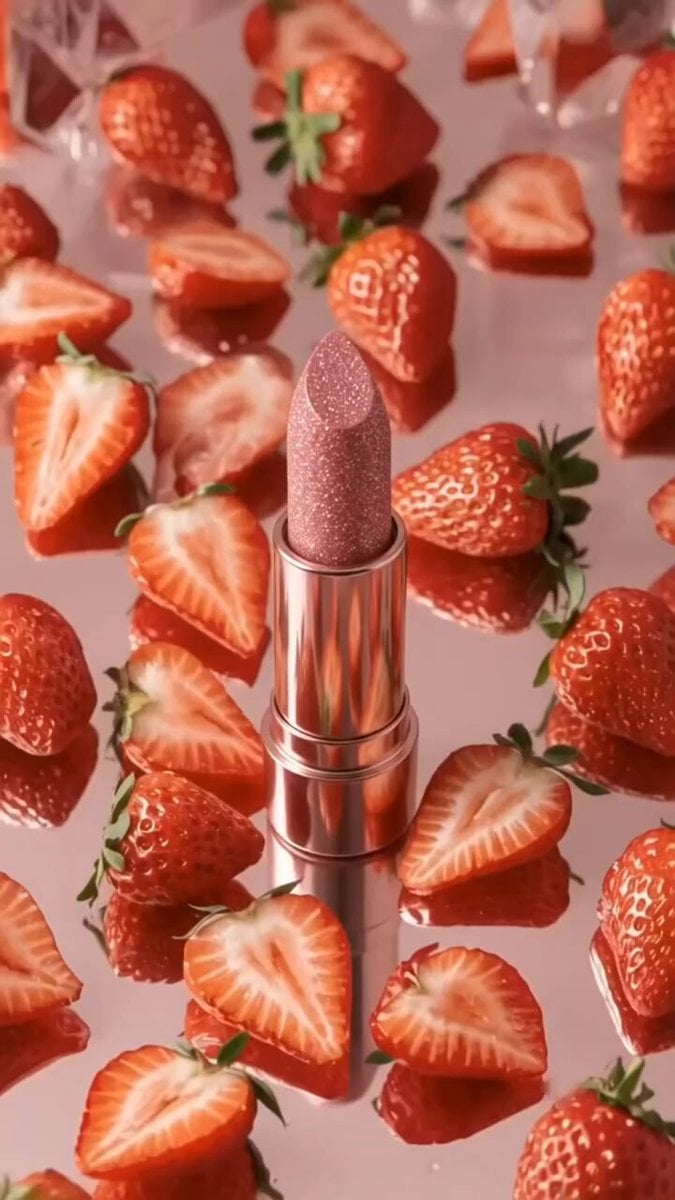
Pink Lipstick 3D Product Commercial
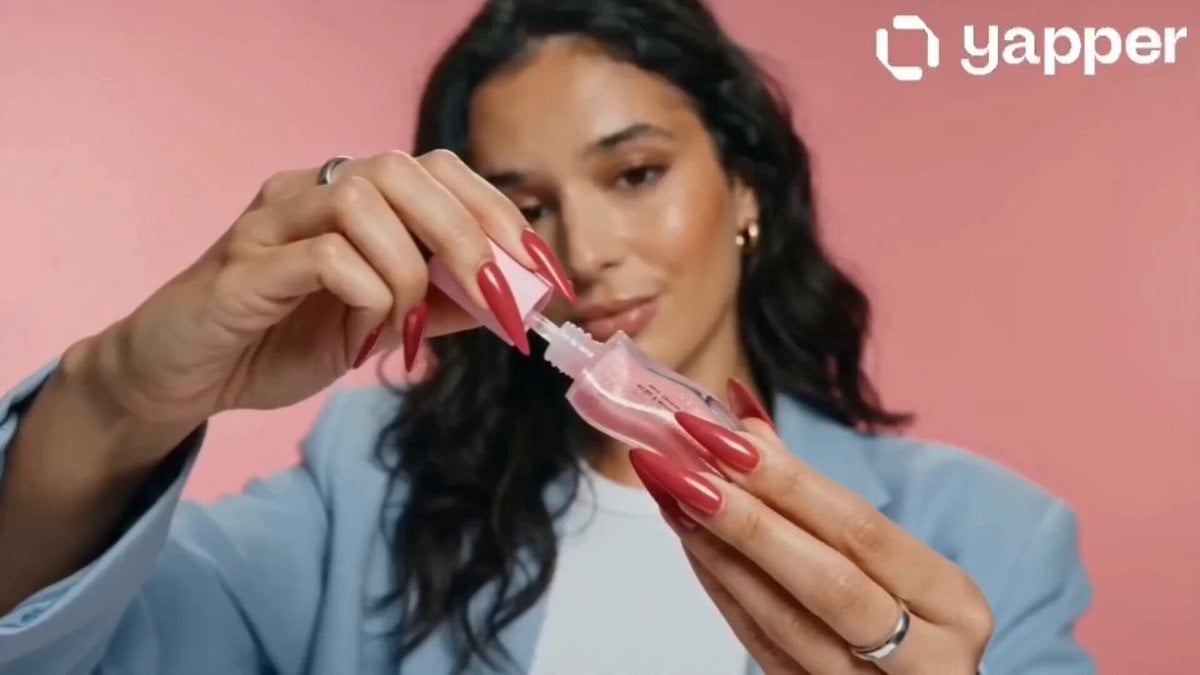
Lip Gloss Beauty Commercial
Luxury Lip Gloss Beauty Commercial
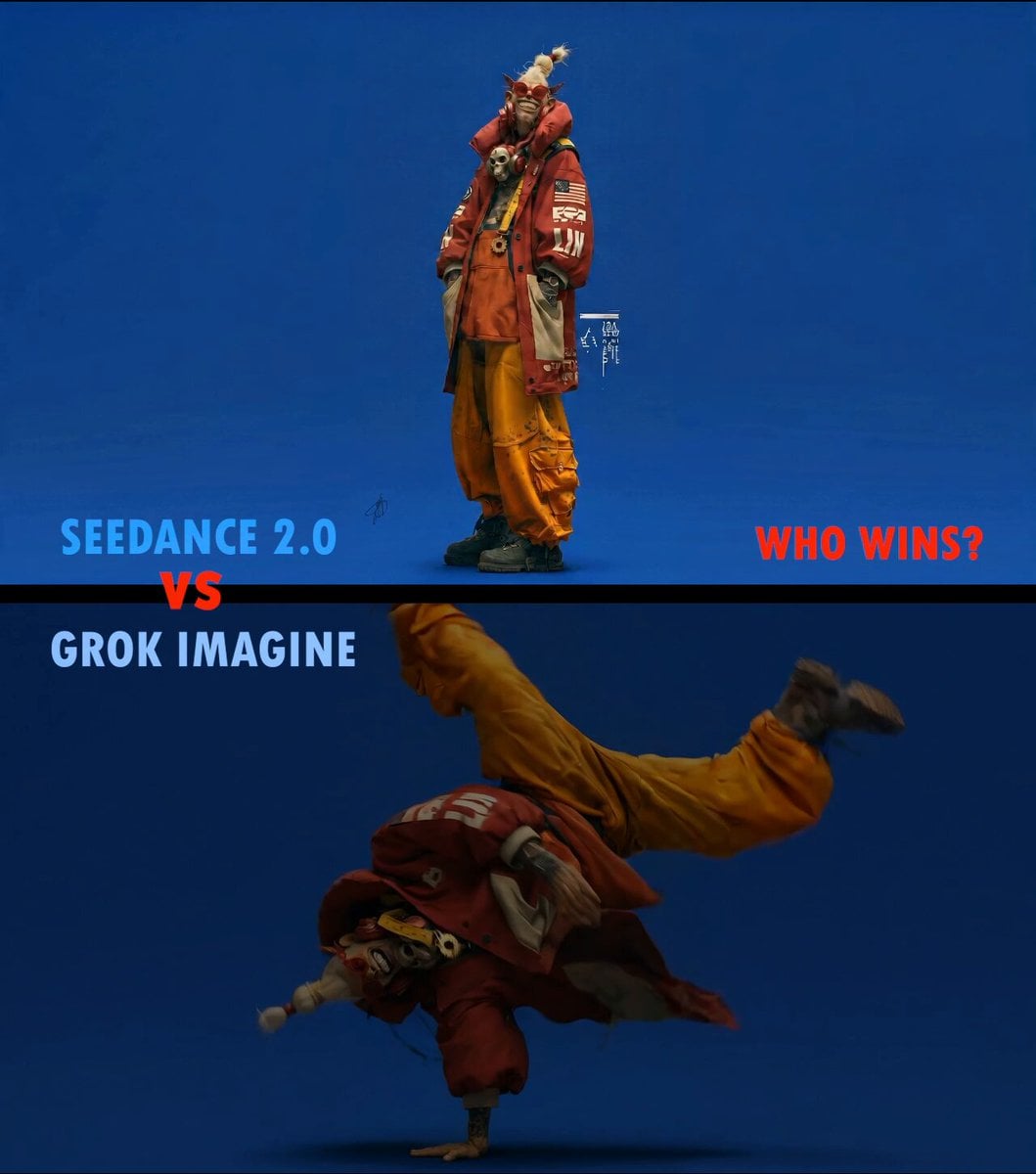
Slow Motion ASMR Breakdance Flip
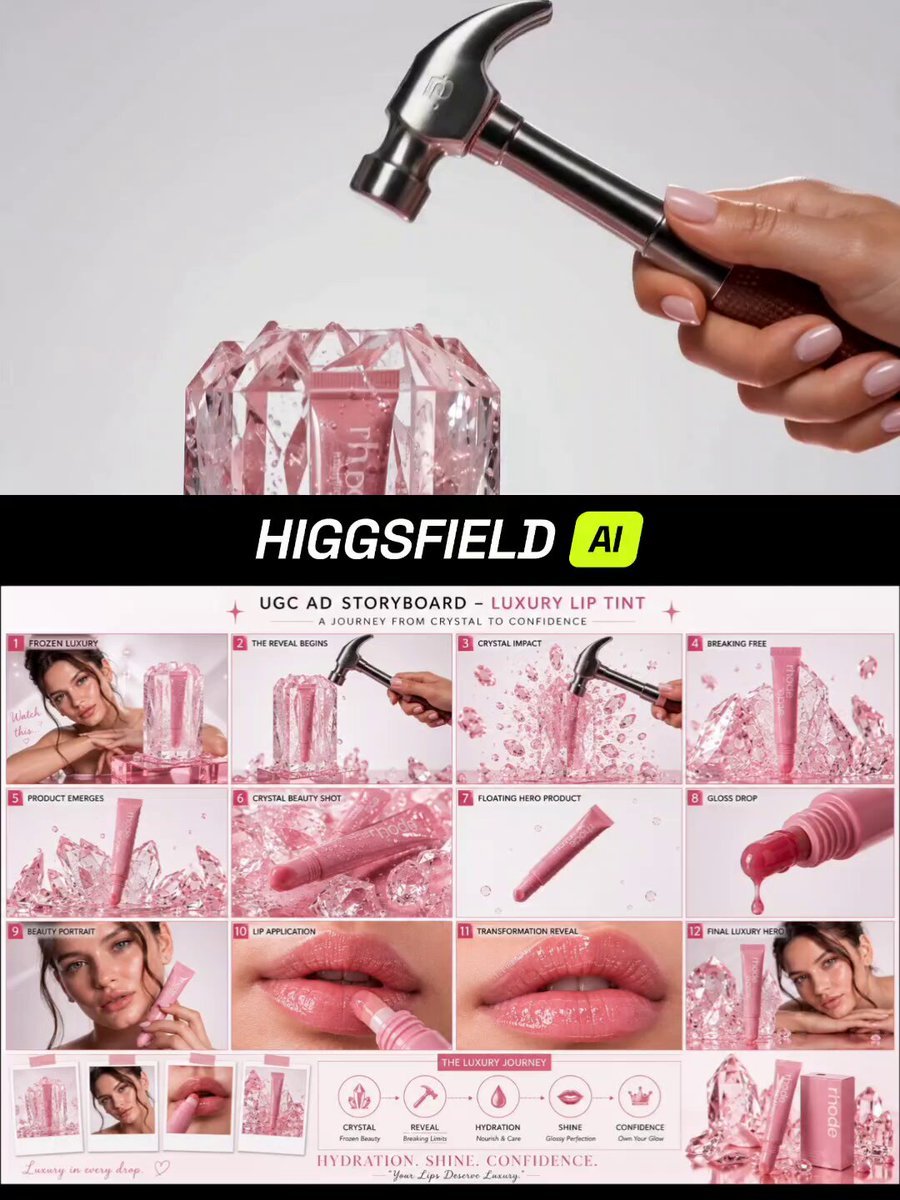
Luxury Pink Lip Tint Commercial
Luxury Skincare Lip Balm Ad
3D Animated Romantic Comedy Clip
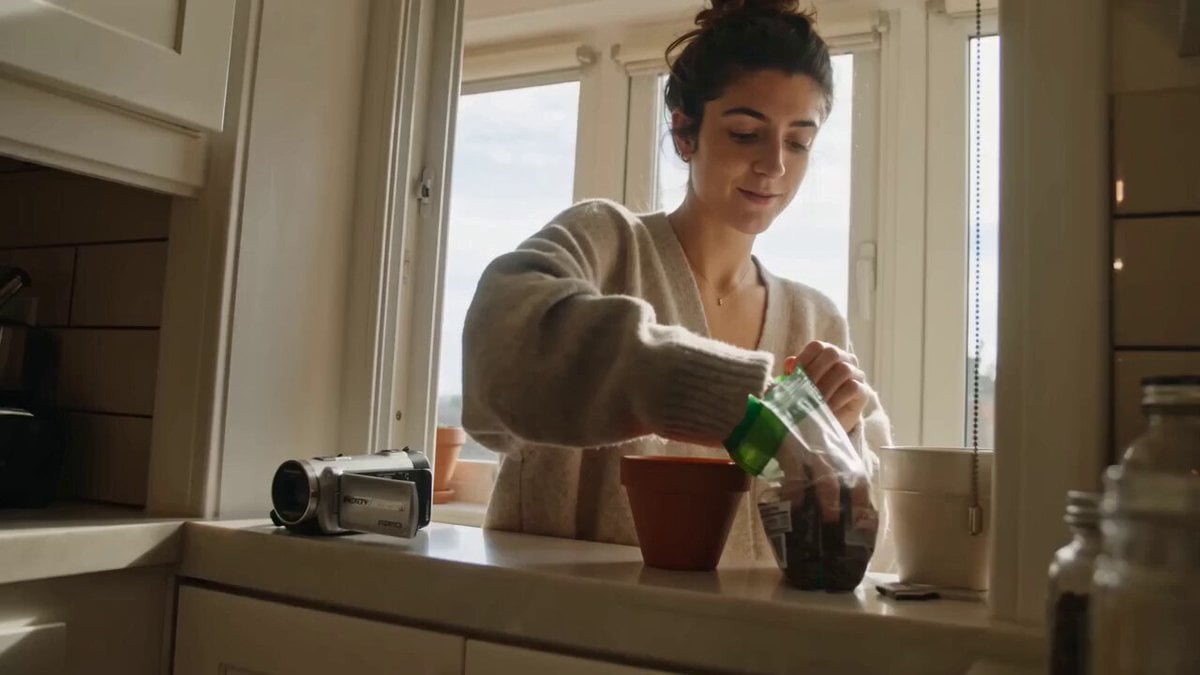
ASMR Plant Care Mini DV Vlog
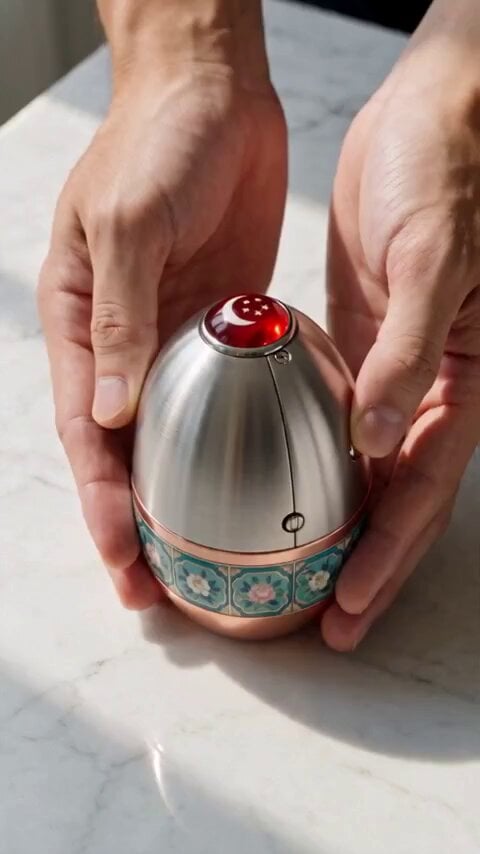
Mechanical Merlion Transformation ASMR
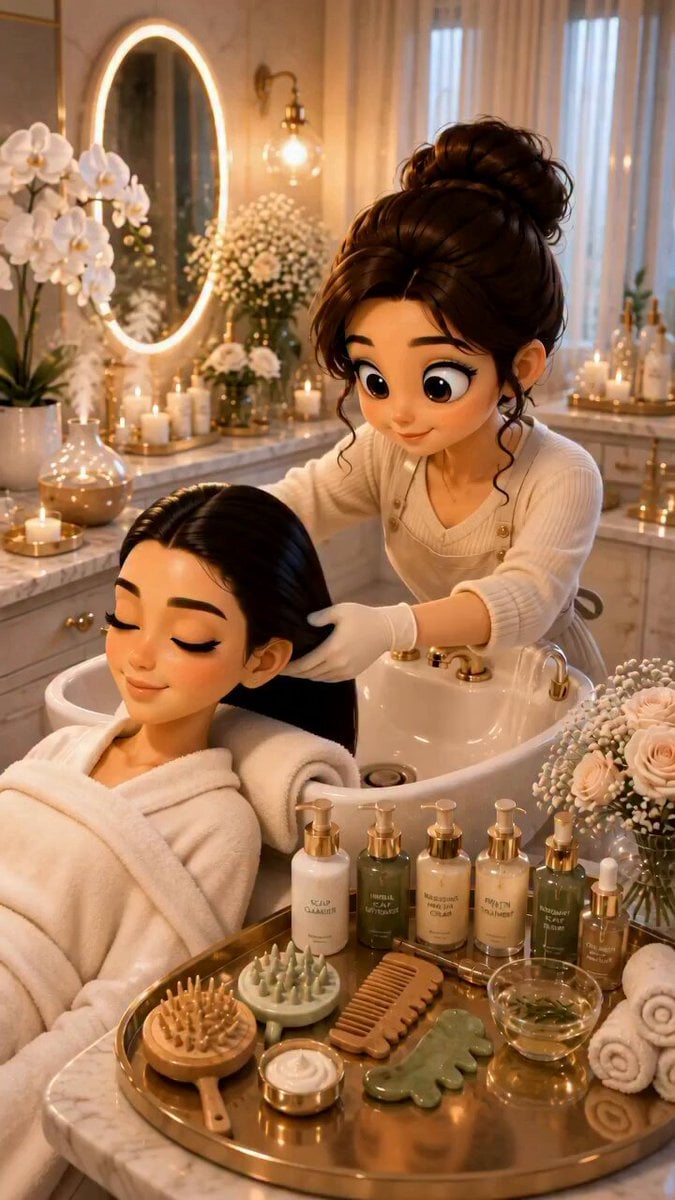
3D Pixar Style Salon ASMR Prompt
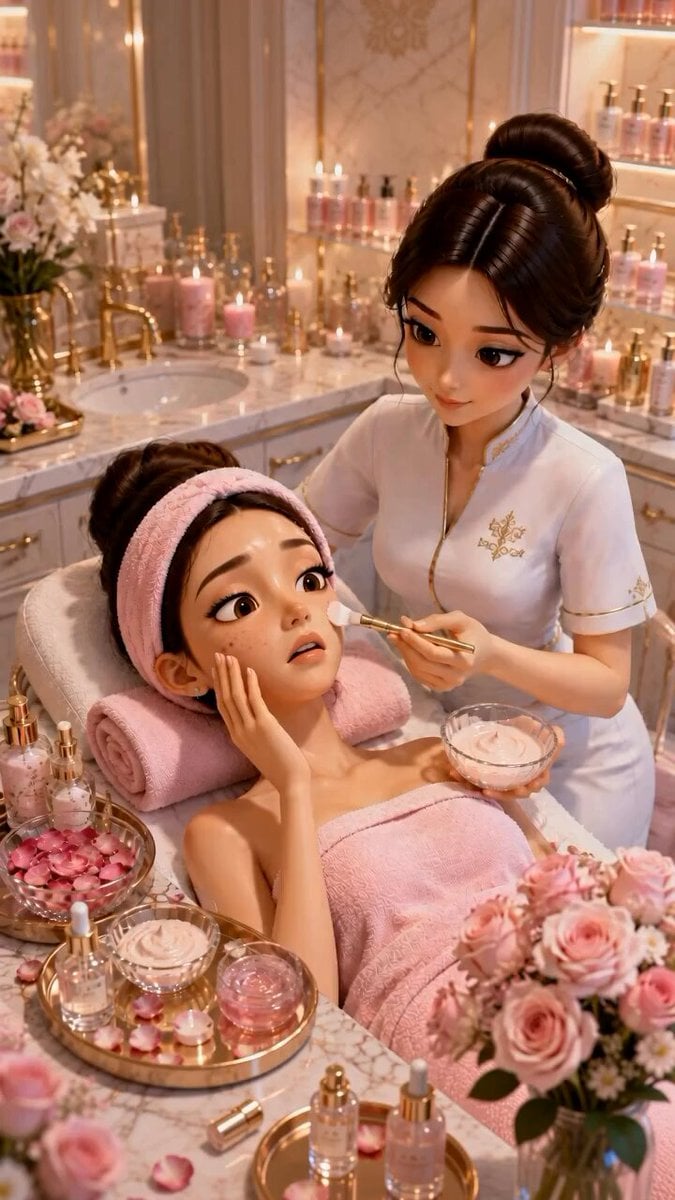
Pixar Style ASMR Spa Facial
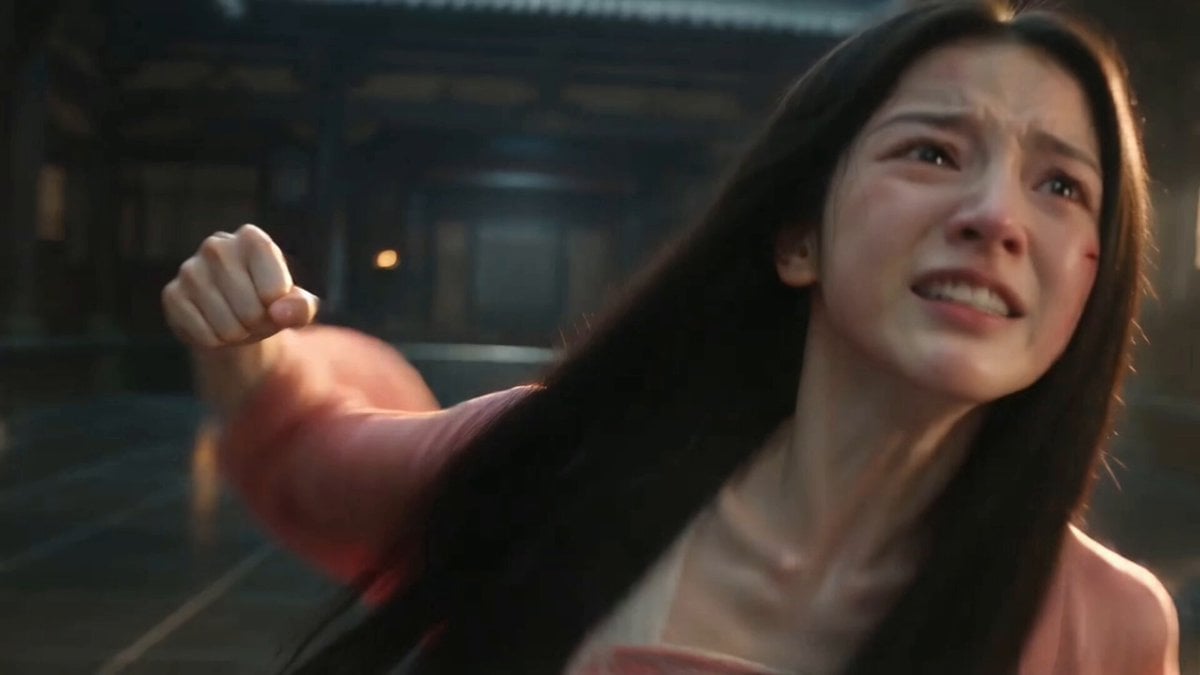
Ancient Chinese Pink Ru Skirt
Make it yours
ASMR Pink Lip Gloss Creation works as-is. These are the safest ways to change it without losing the look.
Change one field
Copy a single group, rewrite it, and generate again so you can see what that field is doing.
Keep the frame, change the subject
Hold the composition and light of ASMR Pink Lip Gloss Creation, then swap wardrobe, props or the person for a new take.
| If the result… | Why | Fix |
|---|---|---|
| The result drifts from the preview | Too many fields changed at once. | Reuse ASMR Pink Lip Gloss Creation as-is first, then change one group — subject, light, or setting. |
| The model over-stylizes the scene | The prose prompt leaves finish and camera underspecified. | Add one camera or lighting sentence and stay on Seedance 2.0. |
More Seedance 2.0 templates
Other prompts made for Seedance 2.0.

Comical Martial Arts Punch Scene

Maglev Train Action Sequence

Martial Arts Fight Sequence

Wuxia Protection and Trust Script

Vintage Korean Arcade MiniDV Vlog

Mercedes 190 SL Luxury Ad

Rainy Night Supernatural Reverse Comedy Video Script

Amazon Civilization Discovery

Futuristic South Asian City Transformation

Cozy Luxury Cafe Commercial
More video prompts
Fresh picks from across the catalog.
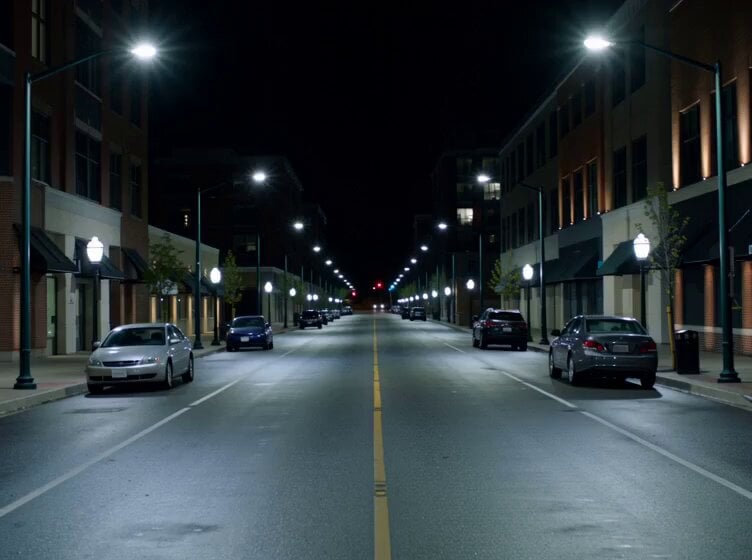
Dark Deserted Street Horror
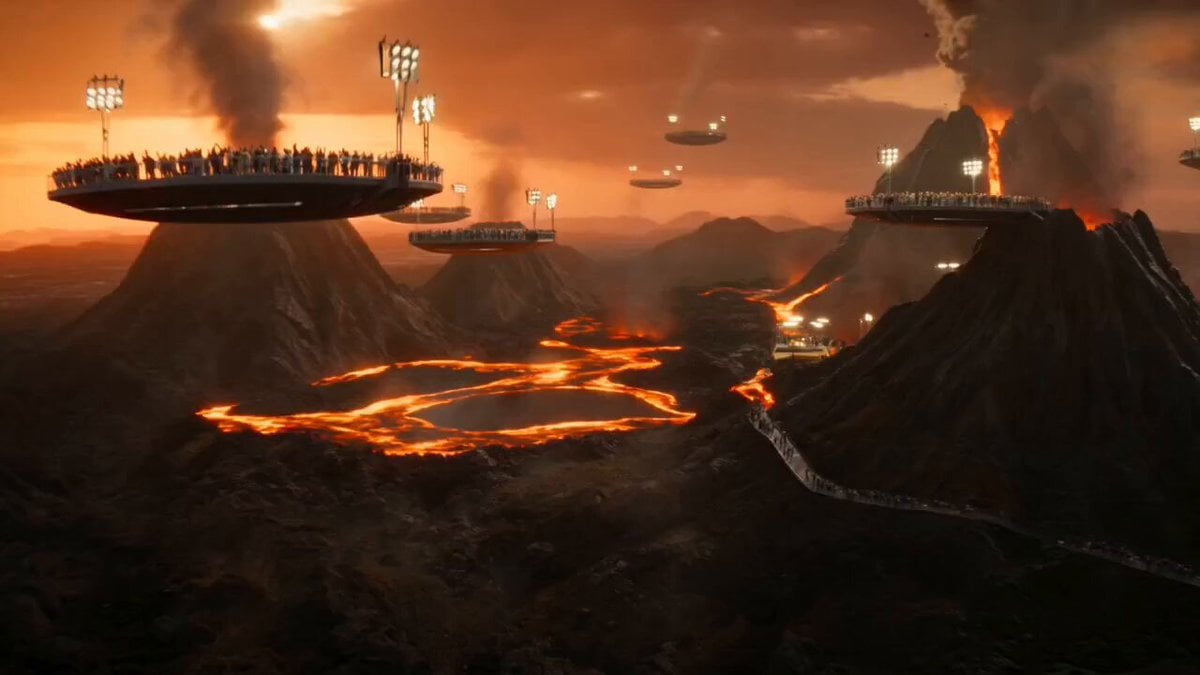
Volcanic Island Skateboard Championship
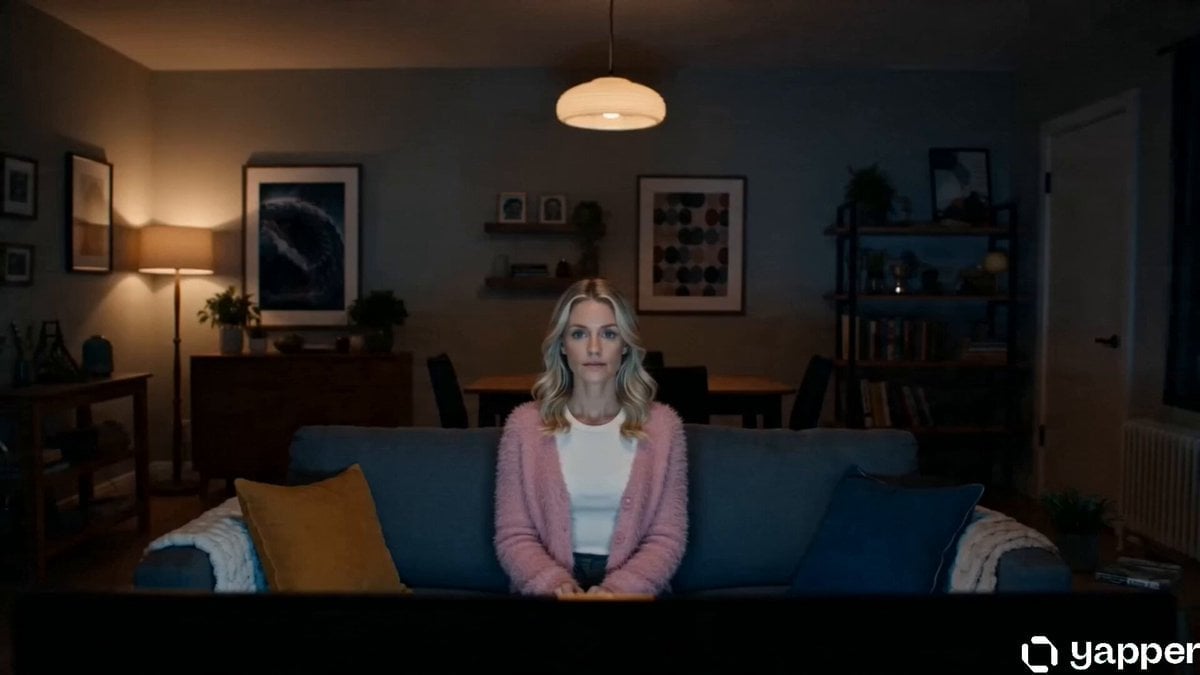
Netflix Reality Shift Ad
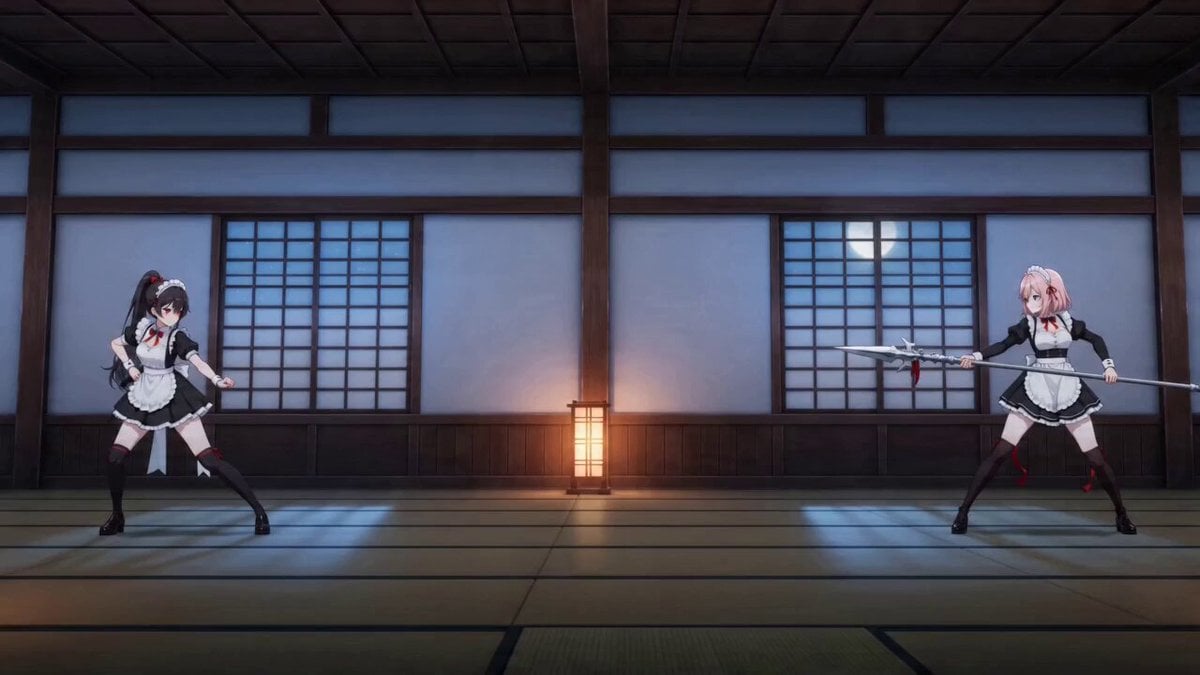
Seedance 2.0 Detailed Combat Video Prompt: Maid Blade Dance

Mountain Dew Spark Doodle Commercial
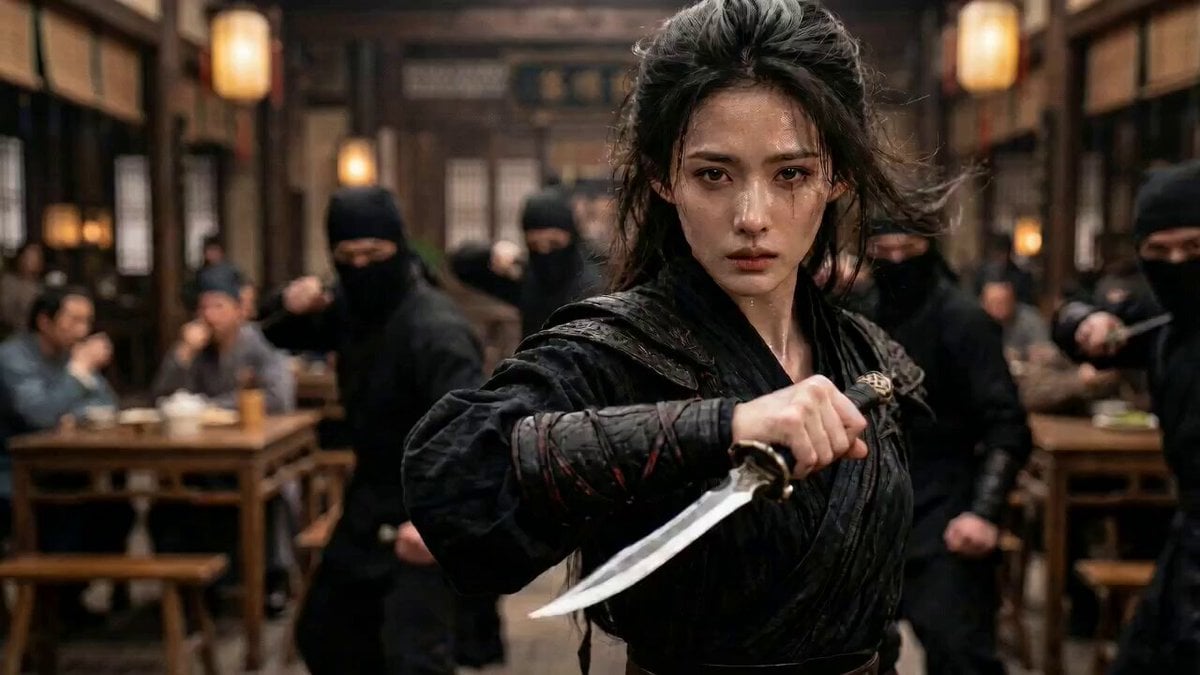
Video prompt for a tavern fight scene
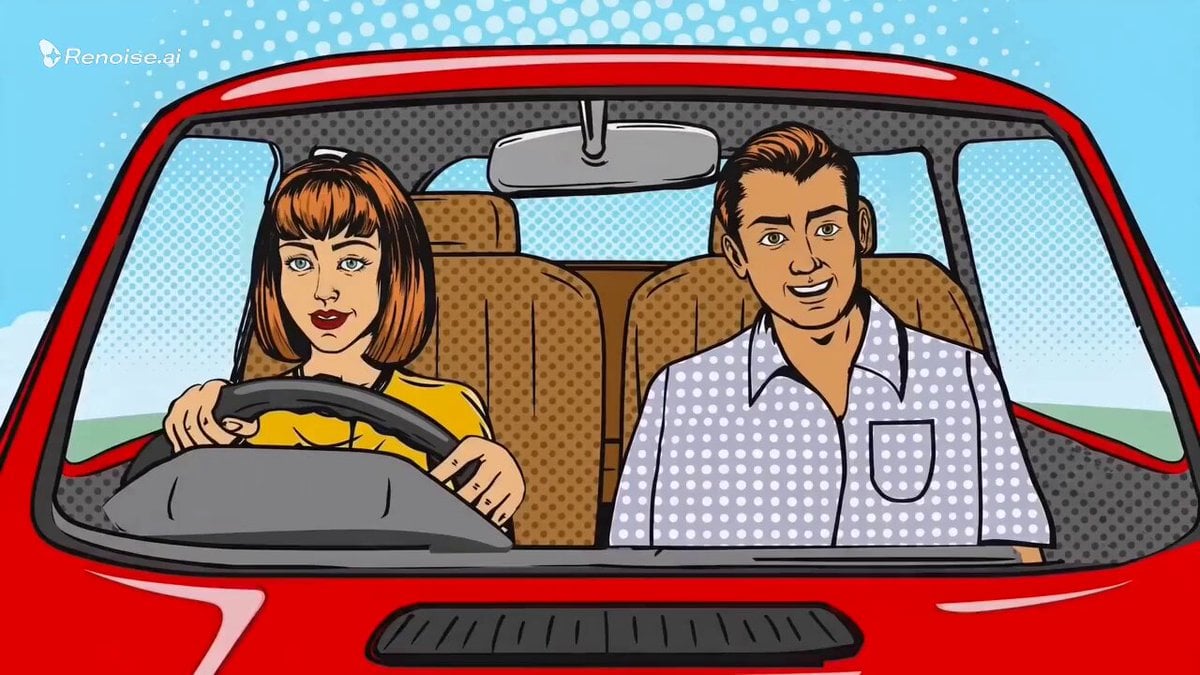
Comic-Pop Car Debate
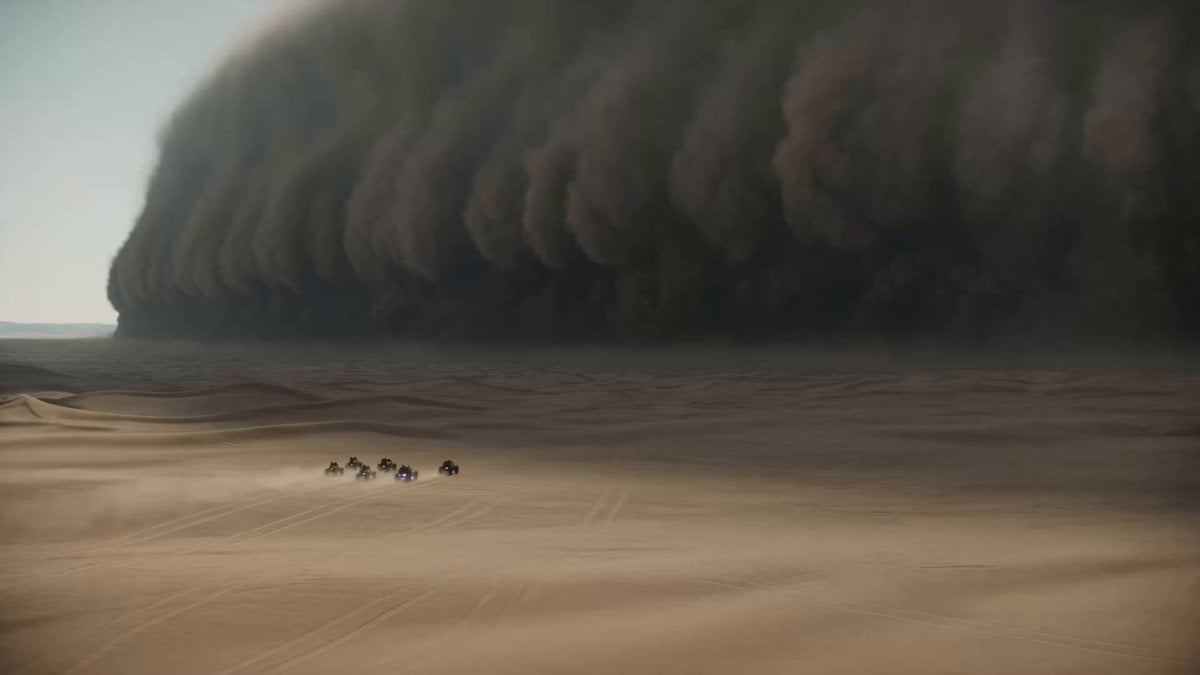
Epic Sci-Fi Sandstorm Desert Convoy
Video prompt for a romance novelist and an elegant editor
Second Cinematic Fantasy Creature Animation
Browse template categories
ASMR Pink Lip Gloss Creation questions
How do I use the ASMR Pink Lip Gloss Creation template?
Add your photo if the template asks for one, edit the prompt if you like — the template's model and format are already selected — and press Generate. Your version opens in PicX Studio.
Can I customize the ASMR Pink Lip Gloss Creation template?
Yes. You can change the subject, setting, lighting, mood, format, and available model controls before creating your video.
Is the ASMR Pink Lip Gloss Creation template free?
Opening and editing this template is free. Generating uses credits, shown on the Generate button when you are signed in.
Which AI model should I use?
Start with Seedance 2.0, which is the model associated with this template. You can compare another compatible model for a different finish.
Looking for something else? Browse all templates.

Your photo, any look
Thousands of ready templates for every top image and video model, from one credit balance.