
Dark Deserted Street Horror
A terrifying horror narrative featuring sequential blackouts on a deserted street and lurking creatures outside a streetlight's glow.
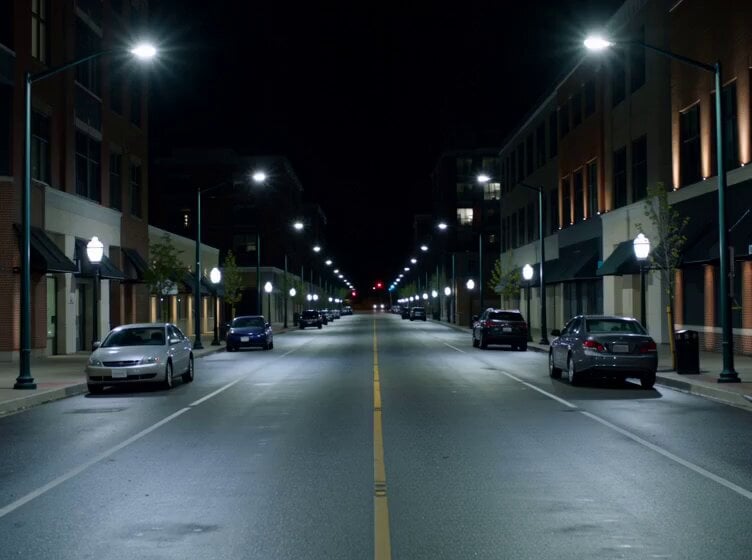
- Prompt included
- Model and format preset
- Premium template
The prompt behind this video
Copy the exact prompt behind Dark Deserted Street Horror, or open it in the studio and make it yours.
A deserted street at night suddenly starts going dark one streetlight at a time — fast. Each blackout is followed instantly by distant screaming and violent crunching sounds. A terrified man realizes something is moving between the lights faster than humanly possible. He sprints toward the final working streetlight at the end of the road while shadows race beside him. Reaching the light, he looks around in relief… then realizes the creatures are circling just outside the glow. Shot 1 (0s–2s) — Wide empty street at night. Streetlights begin shutting off RAPIDLY one after another toward camera. POP. POP. POP. Each blackout comes with screaming in the darkness. A shadow darts impossibly fast between the dead lights. Shot 2 (2s–5s) A man hears the screams and starts running instantly. Handheld chaos. Lights continue dying behind him in sequence as if something is chasing the electricity itself. Cars alarms start going off. A shape briefly sprints across a dark gap beside him at impossible speed. Shot 3 (5s–8s) He reaches the final remaining streetlight. Breathing hard. Darkness surrounds him on all sides now. Low growls echo nearby. Then glowing alien eyes begin appearing one by one just outside the light radius. Moving constantly. Circling. Shot 4 (8s–11s) The creatures start testing the light. One lunges partially into the glow — black fur, elongated limbs, glowing jaws — then recoils violently. Another races behind him so fast it creates wind. The light above flickers hard. The man panics and backs toward the pole. Shot 5 (11s–15s) — PAYOFF The streetlight suddenly dies. Pure darkness. Instant screaming and snarling all around him. Then — The light flickers back ON for half a second. The man is gone. Only the creatures remain standing calmly beneath the light, staring upward toward camera before everything cuts black again. Key Visual Hook Streetlights shutting off sequentially toward camera while something impossibly fast moves between them.
How to use Dark Deserted Street Horror in 3 steps
- 1
Open
The prompt is already in the box next to the preview, with the template's model and format selected.
- 2…a portrait of your subject in softgolden-hour light, 85mm…
Personalize
Edit the subject and creative details for your destination.
- 3Generate
Generate
Press Generate — your video is created in PicX Studio, so you can compare it with the original and refine one variable at a time.
More like this
Templates with the same subject, style or setup. Open one to see its prompt.

Dark Tokusatsu Transformation - Seedance 2.5

Realistic City Street Story Cinematic Video - Seedance
Dark Fantasy Horror Transformation
Seedance 2.0 Prompt: Dark Fantasy Action Horror

Nano Banana Seedance Time Control Streets
Rainforest Thriller — Searching the Unseen
Chibi Cave Adventure — He Doesn't Know What's Coming
Last Ride Train Outbreak Horror
Tokyo Street Style Travel Film
Dark Fantasy Anime Summoning Ritual
Sci-Fi Horror Hospital Alien Scene
Abandoned Hospital Horror POV Film
Make it yours
Dark Deserted Street Horror works as-is. These are the safest ways to change it without losing the look.
Change one field
Copy a single group, rewrite it, and generate again so you can see what that field is doing.
Keep the frame, change the subject
Hold the composition and light of Dark Deserted Street Horror, then swap wardrobe, props or the person for a new take.
| If the result… | Why | Fix |
|---|---|---|
| The result drifts from the preview | Too many fields changed at once. | Reuse Dark Deserted Street Horror as-is first, then change one group — subject, light, or setting. |
| The model over-stylizes the scene | The prose prompt leaves finish and camera underspecified. | Add one camera or lighting sentence and stay on Seedance 2.0. |
More Seedance 2.0 templates
Other prompts made for Seedance 2.0.

Comical Martial Arts Punch Scene

Maglev Train Action Sequence

Martial Arts Fight Sequence

Wuxia Protection and Trust Script

Vintage Korean Arcade MiniDV Vlog

Mercedes 190 SL Luxury Ad

Rainy Night Supernatural Reverse Comedy Video Script

Amazon Civilization Discovery

Futuristic South Asian City Transformation

Cozy Luxury Cafe Commercial
More video prompts
Fresh picks from across the catalog.
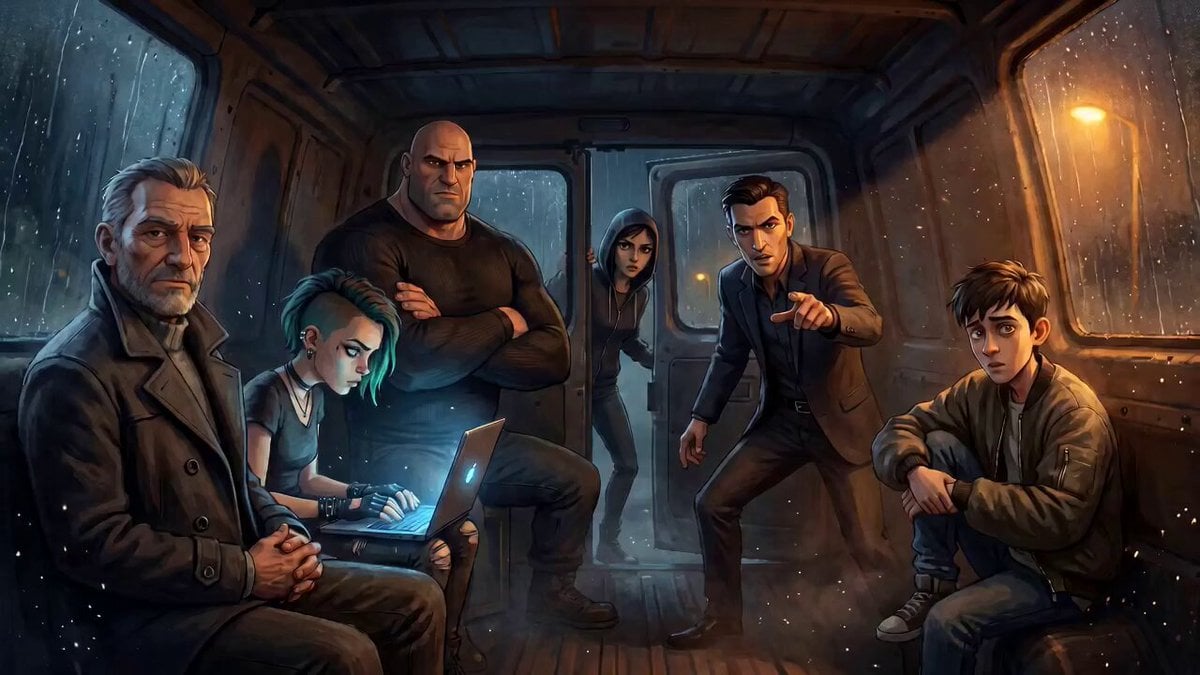
Tense Crime-Thriller Van Interior
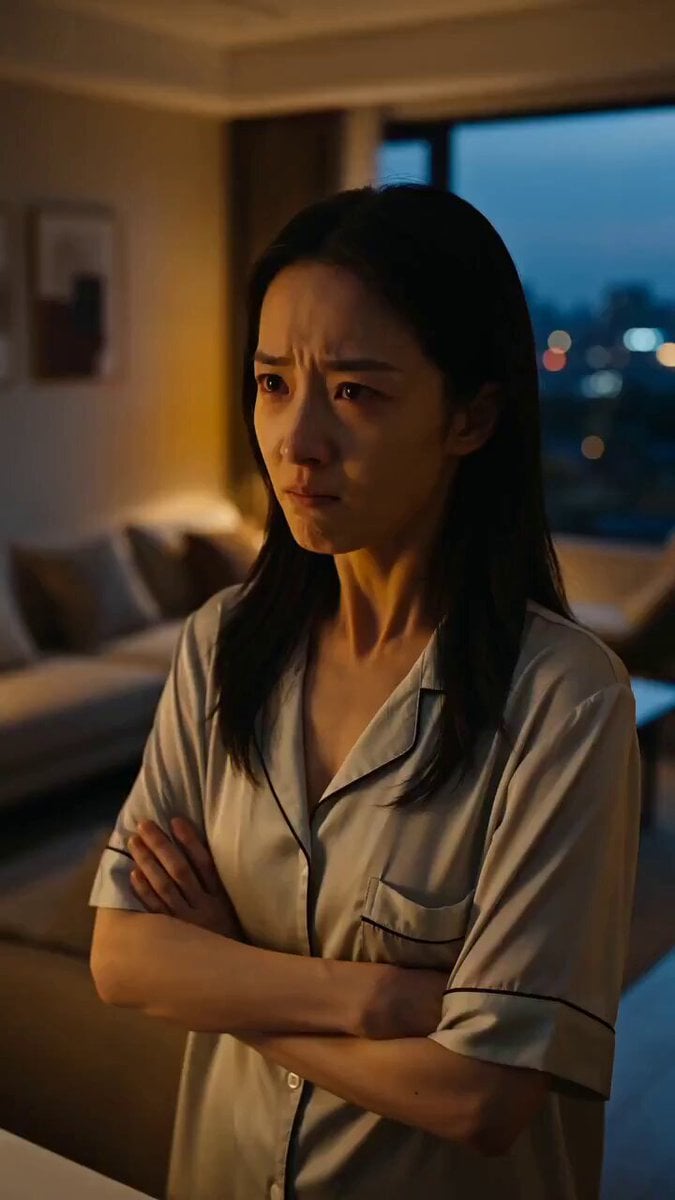
Seedance Micro-Expression Emotional Sequence
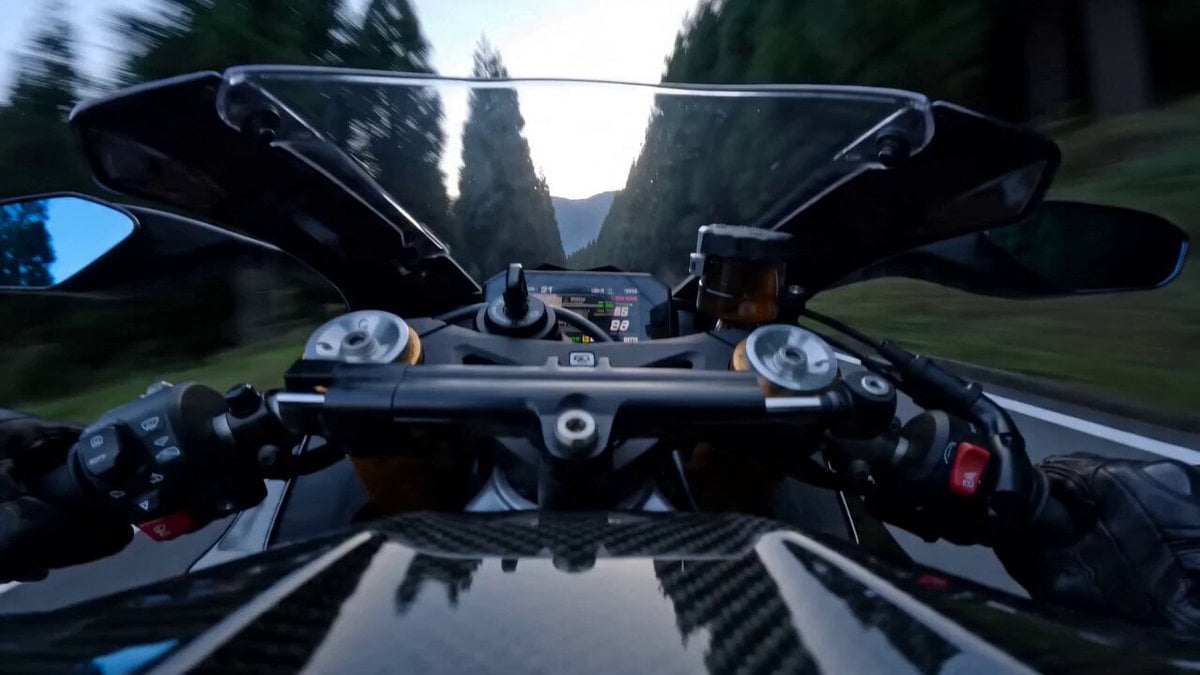
Superbike Touge Run Prompt for Seedance 2.0

Underwater Fashion Editorial with Red Chiffon Dress

The Dawning of the Age of Aquarius
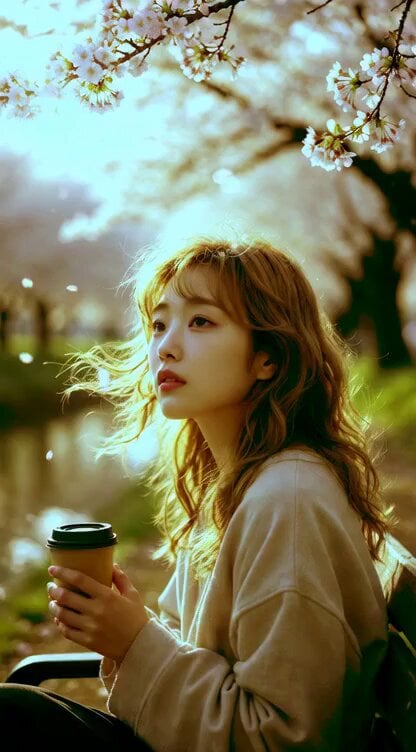
Young Woman Under Cherry Blossoms (Extended Video)
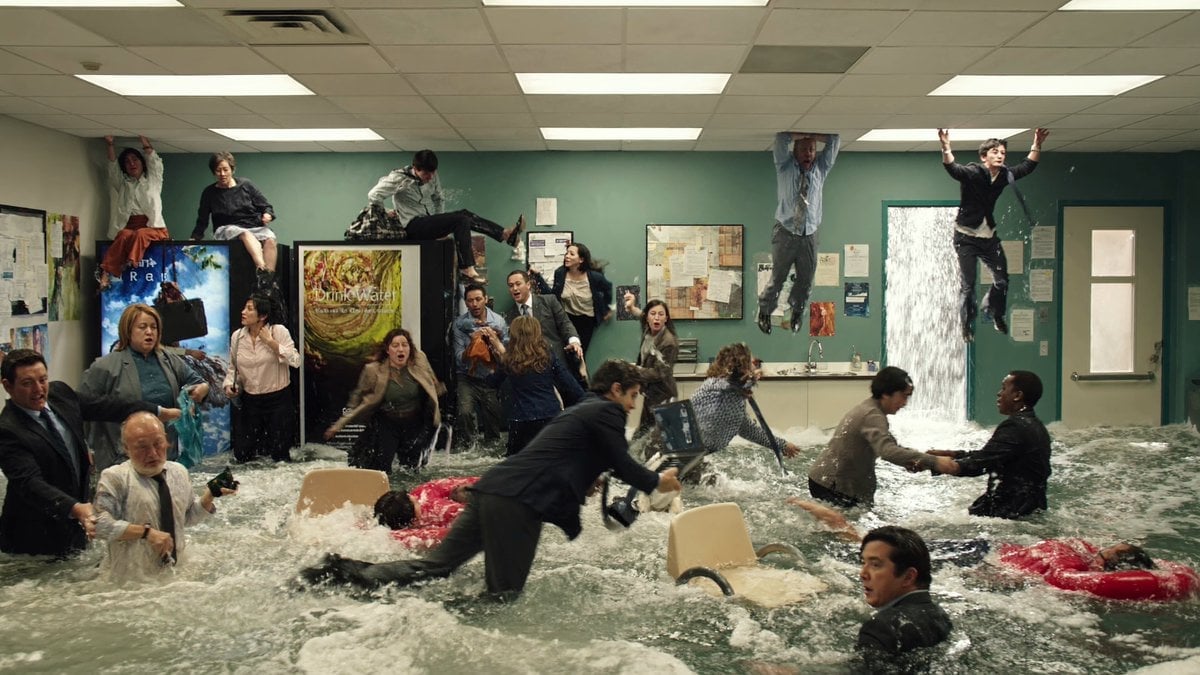
Slow Motion Flood Disaster Cinematography
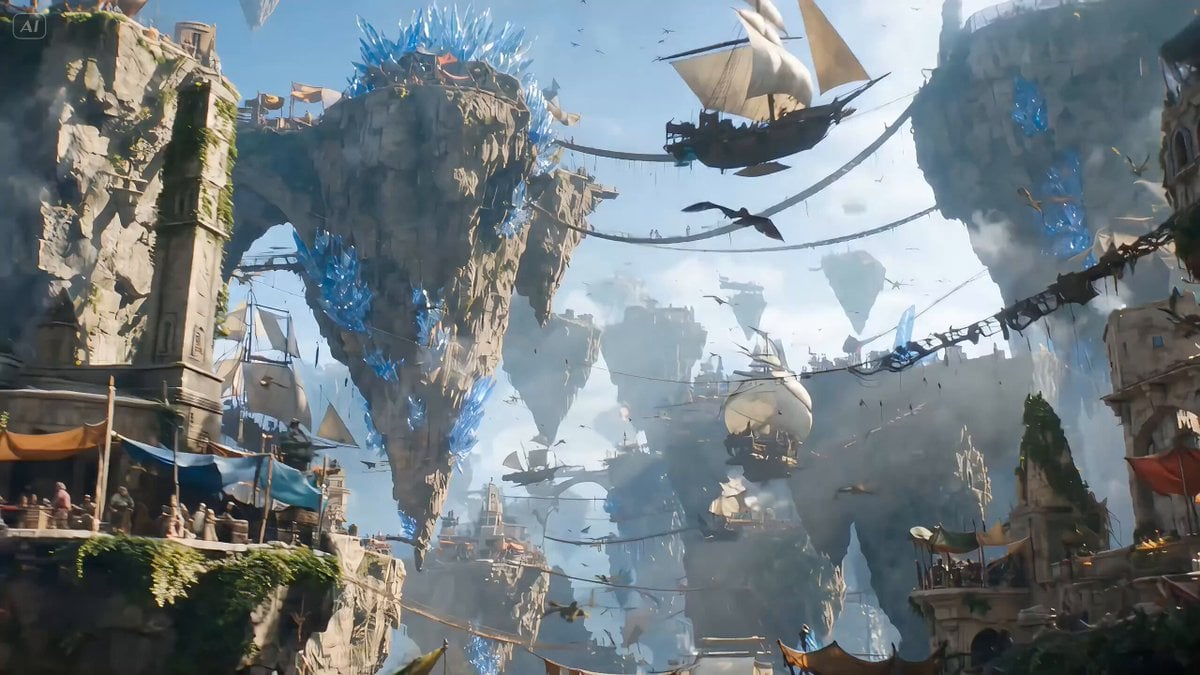
High-fantasy action video generation prompt for Seedance 2.0
High Voltage Cinematic Lightning Strike

Dried Fruit Snack 3D Commercial
Browse template categories
Dark Deserted Street Horror questions
How do I use the Dark Deserted Street Horror template?
Add your photo if the template asks for one, edit the prompt if you like — the template's model and format are already selected — and press Generate. Your version opens in PicX Studio.
Can I customize the Dark Deserted Street Horror template?
Yes. You can change the subject, setting, lighting, mood, format, and available model controls before creating your video.
Is the Dark Deserted Street Horror template free?
Opening and editing this template is free. Generating uses credits, shown on the Generate button when you are signed in.
Which AI model should I use?
Start with Seedance 2.0, which is the model associated with this template. You can compare another compatible model for a different finish.
Looking for something else? Browse all templates.

Your photo, any look
Thousands of ready templates for every top image and video model, from one credit balance.