
Dried Fruit Snack 3D Commercial
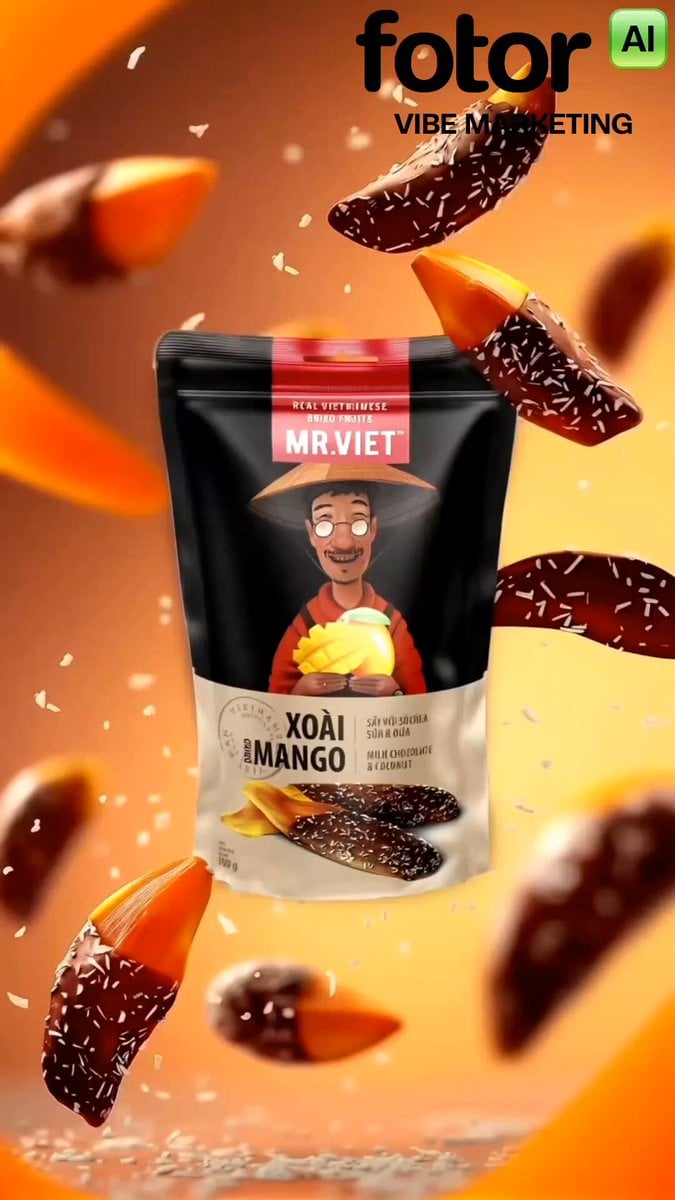
A cinematic 3D commercial prompt for gourmet snacks, featuring fresh mangoes, chocolate swirls, and coconut flakes with dynamic physics and studio lighting.
- Prompt included
- Model and format preset
- Free template
The prompt behind this video
Copy the exact prompt behind Dried Fruit Snack 3D Commercial, or open it in the studio and make it yours.
Cinematic 3D commercial product video for gourmet dried fruit snacks, vertical 9:16 aspect ratio. Sequence begins with a high-definition close-up of fresh ripe yellow and red mangos on branches with lush green leaves in warm golden sunlight. Seamlessly transitions into a single ripe mango floating against a glowing warm background, transforming into golden dried mango slices floating weightlessly in mid-air. Next, a fresh cracked coconut bursts open alongside a smooth, rich swirl of melted milk chocolate. Dried mango slices dipped in dark chocolate float upward while fine white coconut flakes sprinkle down around them like snow. The sequence culminates in a black snack pouch labeled "MR. VIET Dried Mango with Chocolate & Coconut" floating in the center of the frame, surrounded by floating chocolate-dipped dried mango pieces and fine coconut shreds. Dynamic physics, warm ambient studio lighting, ultra-detailed textures, slow-motion physics, 8k render, photorealistic, advertising food commercial style.
How to use Dried Fruit Snack 3D Commercial in 3 steps
- 1
Open
The prompt is already in the box next to the preview, with the template's model and format selected.
- 2…a portrait of your subject in softgolden-hour light, 85mm…
Personalize
Edit the subject and creative details for your destination.
- 3Generate
Generate
Press Generate — your video is created in PicX Studio, so you can compare it with the original and refine one variable at a time.
More like this
Templates with the same subject, style or setup. Open one to see its prompt.
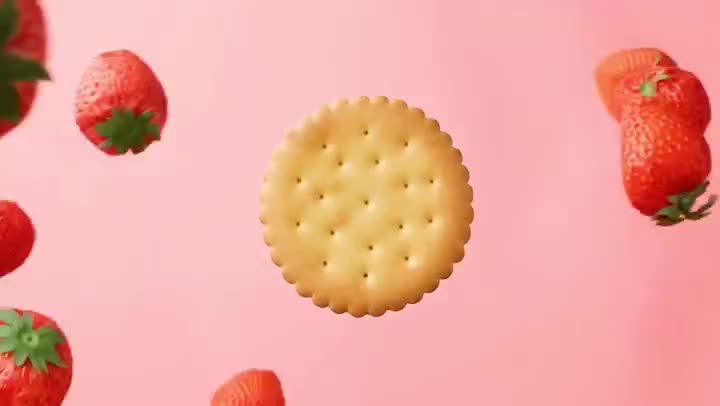
Fruit Cookie Commercial

Silk Road Pomegranate Folk Animation
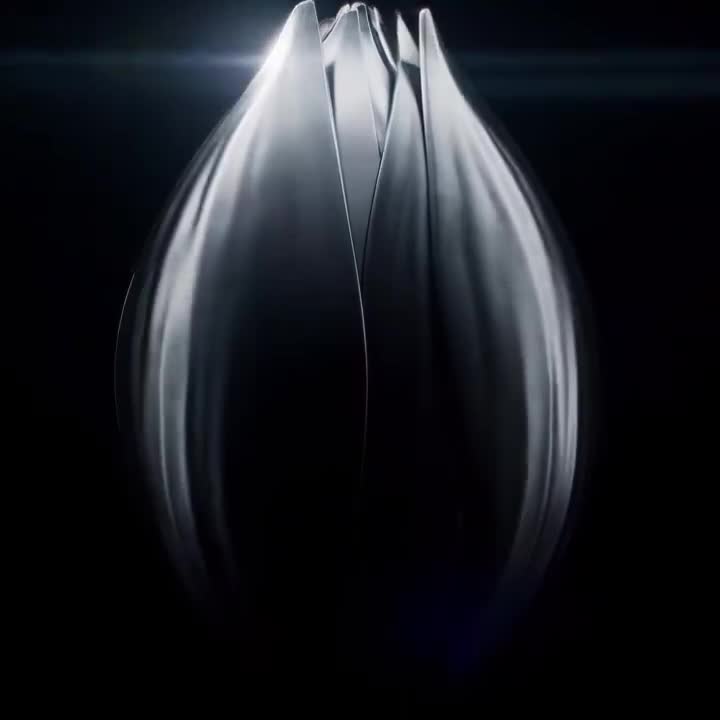
Mechanical Flower Bloom Brand Film
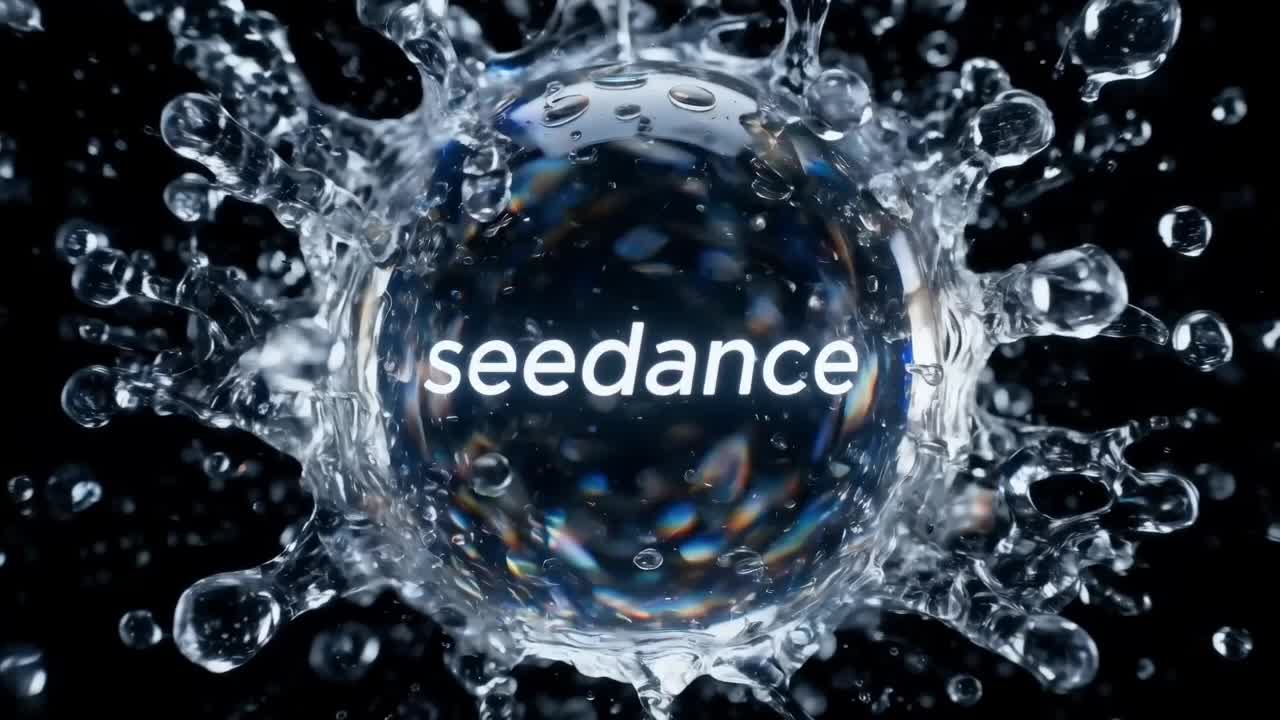
Crystal Ball Match-Cut Brand Film

Sneaker Product Commercial
Skincare Product Commercial 3
Cinematic Portrait Study 3
Product UGC Commercial
Cinematic Portrait Study
Skincare Product Commercial
Luxury Handbag Commercial — Hollywood VFX Ad
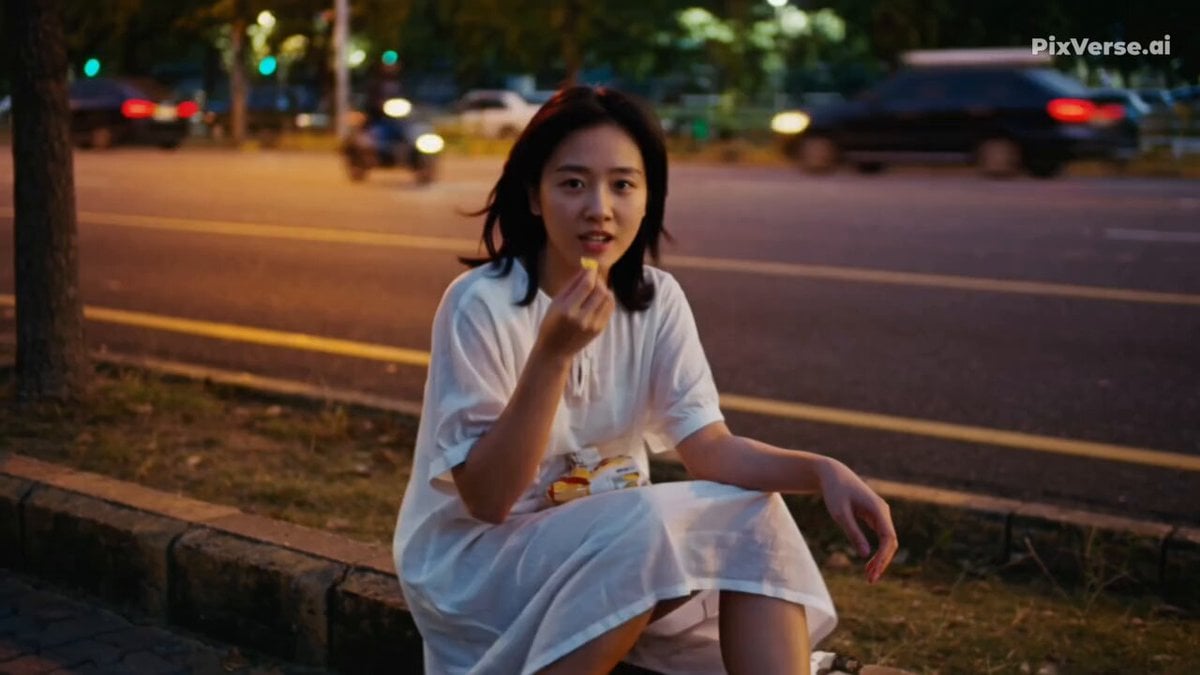
Realistic 2000s Home Video Snack Fail
Make it yours
Dried Fruit Snack 3D Commercial works as-is. These are the safest ways to change it without losing the look.
Change one field
Copy a single group, rewrite it, and generate again so you can see what that field is doing.
Keep the frame, change the subject
Hold the composition and light of Dried Fruit Snack 3D Commercial, then swap wardrobe, props or the person for a new take.
| If the result… | Why | Fix |
|---|---|---|
| The result drifts from the preview | Too many fields changed at once. | Reuse Dried Fruit Snack 3D Commercial as-is first, then change one group — subject, light, or setting. |
| The model over-stylizes the scene | The prose prompt leaves finish and camera underspecified. | Add one camera or lighting sentence and stay on Seedance 2.0. |
More Seedance 2.0 templates
Other prompts made for Seedance 2.0.

Comical Martial Arts Punch Scene

Maglev Train Action Sequence

Martial Arts Fight Sequence

Wuxia Protection and Trust Script

Vintage Korean Arcade MiniDV Vlog

Mercedes 190 SL Luxury Ad

Rainy Night Supernatural Reverse Comedy Video Script

Amazon Civilization Discovery

Futuristic South Asian City Transformation

Cozy Luxury Cafe Commercial
More video prompts
Fresh picks from across the catalog.
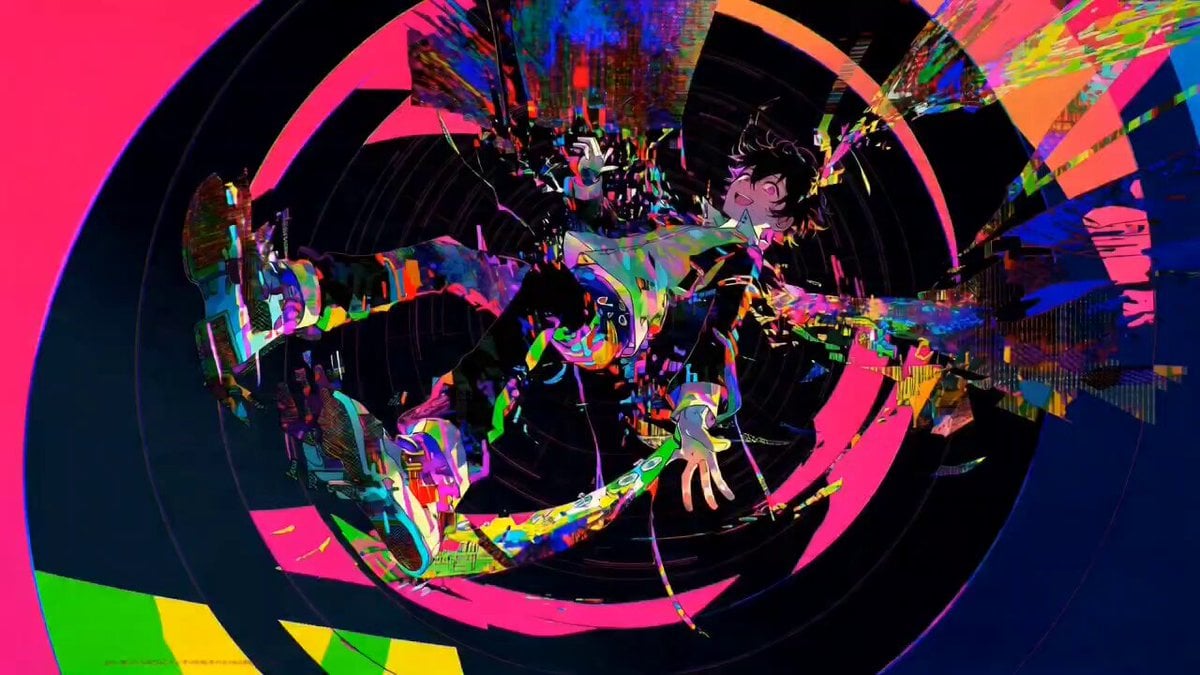
Complex single-shot morphing video prompt for Seedance 2.0
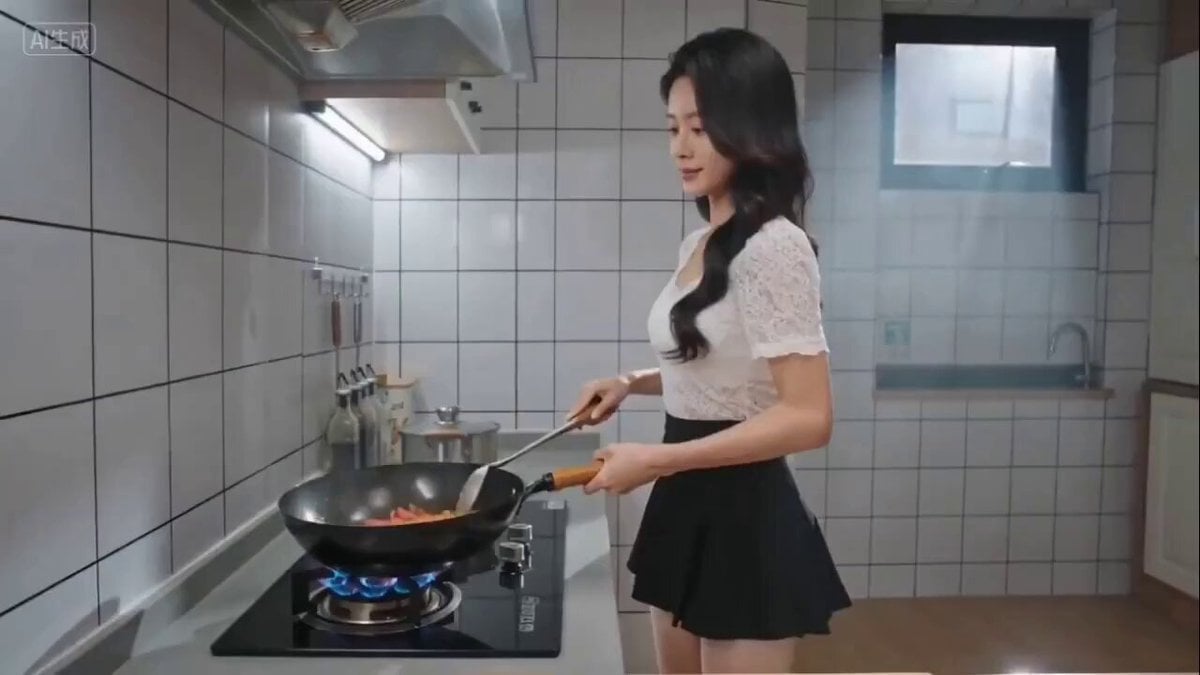
Seedance 2.0 prompt for cinematic cooking video (Scrambled Eggs with Tomatoes)

Relaxed Woman Eating Food
Desert Getaway Cinematic Sequence Prompt
Concrete Banana Gorilla Transformation
Korean Romantic Comedy Bus Scene Script

Cinematic Kitten Motion
Existential and dark video prompt
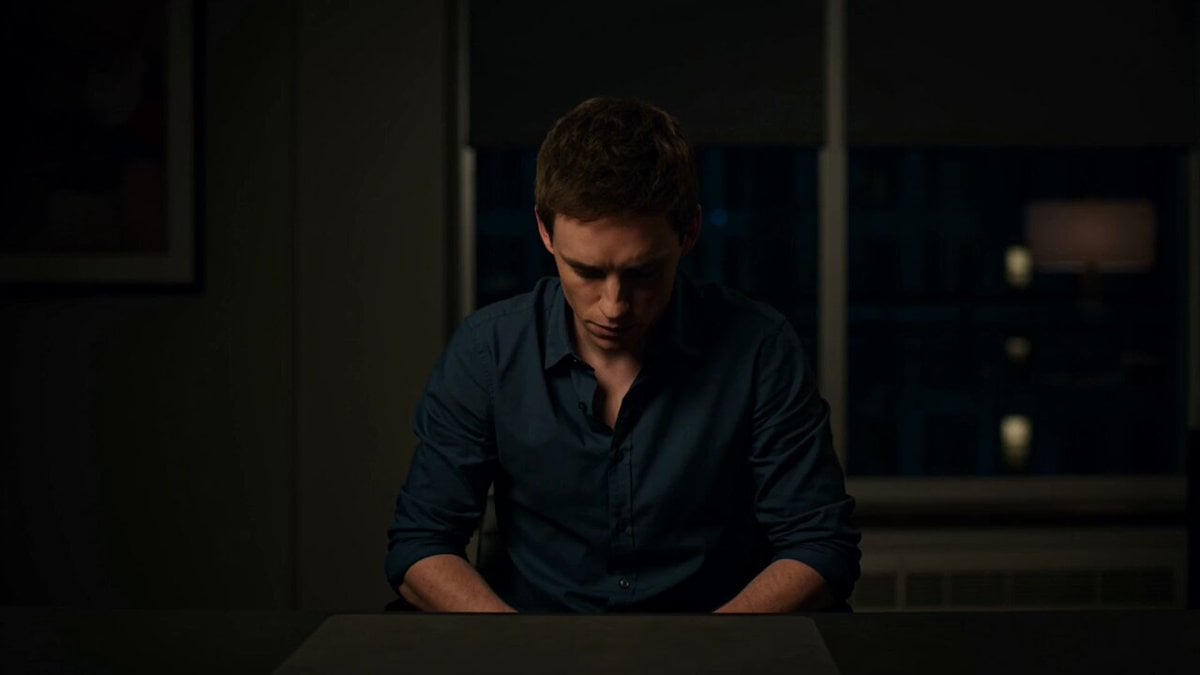
Materializing Thoughts Metaphor
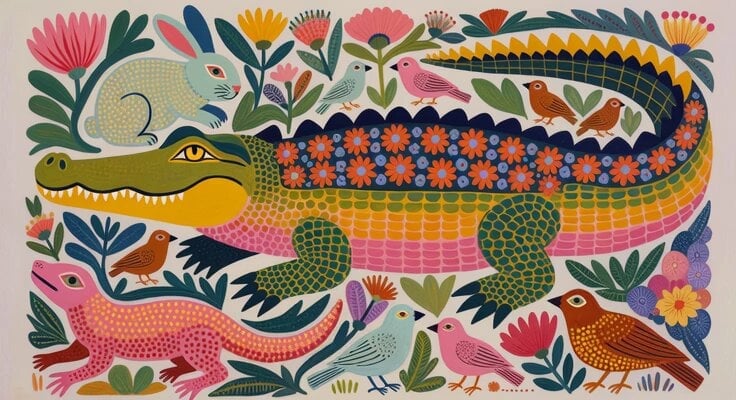
Picture Book Animal Animation
Browse template categories
Dried Fruit Snack 3D Commercial questions
How do I use the Dried Fruit Snack 3D Commercial template?
Add your photo if the template asks for one, edit the prompt if you like — the template's model and format are already selected — and press Generate. Your version opens in PicX Studio.
Can I customize the Dried Fruit Snack 3D Commercial template?
Yes. You can change the subject, setting, lighting, mood, format, and available model controls before creating your video.
Is the Dried Fruit Snack 3D Commercial template free?
Opening and editing this template is free. Generating uses credits, shown on the Generate button when you are signed in.
Which AI model should I use?
Start with Seedance 2.0, which is the model associated with this template. You can compare another compatible model for a different finish.
Looking for something else? Browse all templates.

Your photo, any look
Thousands of ready templates for every top image and video model, from one credit balance.