
Sneaker Product Commercial
Sneaker Product Commercial is a ready video look for Seedance 2.5.

- Prompt included
- Model and format preset
- Free template
The prompt behind this video
Copy the exact prompt behind Sneaker Product Commercial, or open it in the studio and make it yours.
GPT image 2 × Gemini Omni flash Prompt - TITLE: Luxury Sneaker Commercial Storyboard FORMAT: • Single-page premium storyboard • 3:4 Portrait • Fashion footwear campaign • Client presentation • 8 cinematic storyboard scenes HEADER: • Modern luxury typography • Sports icons • Information cards • Why This Style Works • White & black premium aesthetic STORYBOARD: 1. Shoe box opening 2. Sneaker close-up 3. Lace tightening 4. Walking shot 5. Running action 6. Sole detail macro 7. Lifestyle fashion scene 8. Hero product ending STYLE: Nike cinematic advertisement style, premium product photography, dramatic lighting, fashion editorial, clean presentation design, ultra realistic, Apple keynote quality, 8K.
How to use Sneaker Product Commercial in 3 steps
- 1Upload ImagePNG, JPG or paste
Add your photo
Upload the photo the template builds on. The prompt, model and format are already set.
- 2…a portrait of your subject in softgolden-hour light, 85mm…
Personalize
Edit the subject and creative details for your destination.
- 3Generate
Generate
Press Generate — your video is created in PicX Studio, so you can compare it with the original and refine one variable at a time.
More like this
Templates with the same subject, style or setup. Open one to see its prompt.

Cinematic Portrait Study
Cinematic Portrait Study 3
Skincare Product Commercial
Skincare Product Commercial 3
Product UGC Commercial
Luxury Handbag Commercial — Hollywood VFX Ad

Cinematic Short Film Scene
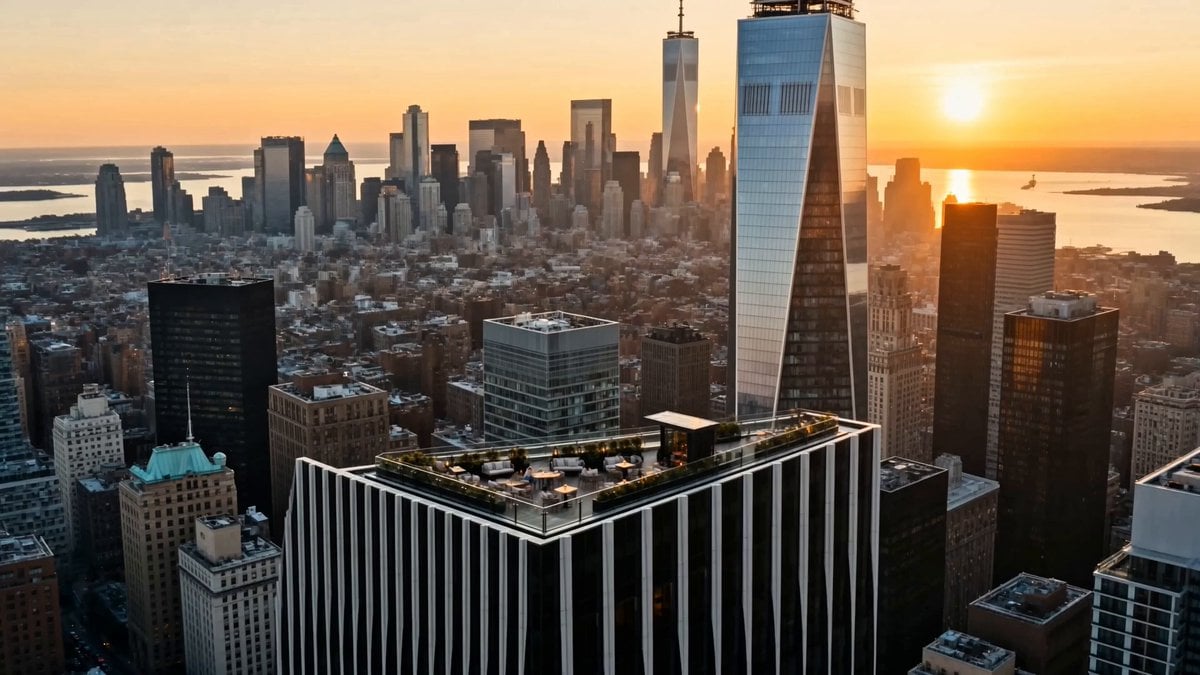
Luxury Lifestyle Day Vlog
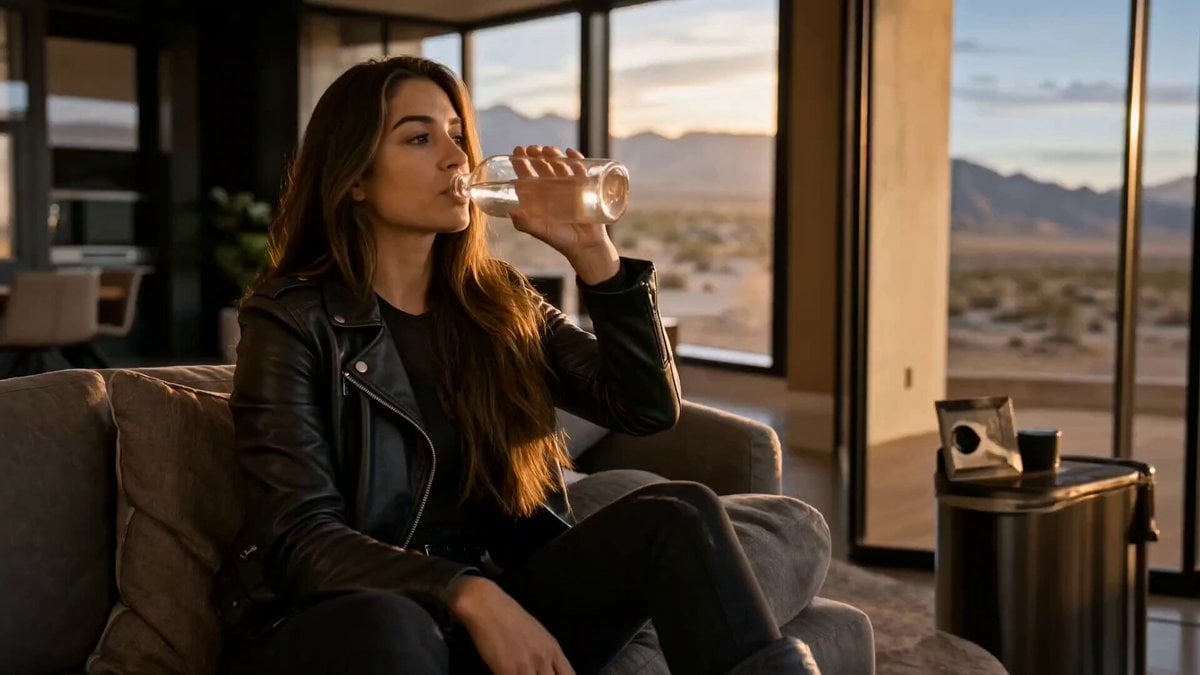
Cinematic Short Film Scene 2
Ice Queen — Frozen Battlefield Time Control (Seedance)
Colossal Sea Creature — Stormy Shore Charge (Seedance)
Skybridge Rescue — Supertall Tower Collapse (Seedance)
Make it yours
Sneaker Product Commercial works as-is. These are the safest ways to change it without losing the look.
Change one field
Copy a single group, rewrite it, and generate again so you can see what that field is doing.
Keep the frame, change the subject
Hold the composition and light of Sneaker Product Commercial, then swap wardrobe, props or the person for a new take.
| If the result… | Why | Fix |
|---|---|---|
| The result drifts from the preview | Too many fields changed at once. | Reuse Sneaker Product Commercial as-is first, then change one group — subject, light, or setting. |
| The model over-stylizes the scene | The prose prompt leaves finish and camera underspecified. | Add one camera or lighting sentence and stay on Seedance 2.5. |
More Seedance 2.5 templates
Other prompts made for Seedance 2.5.

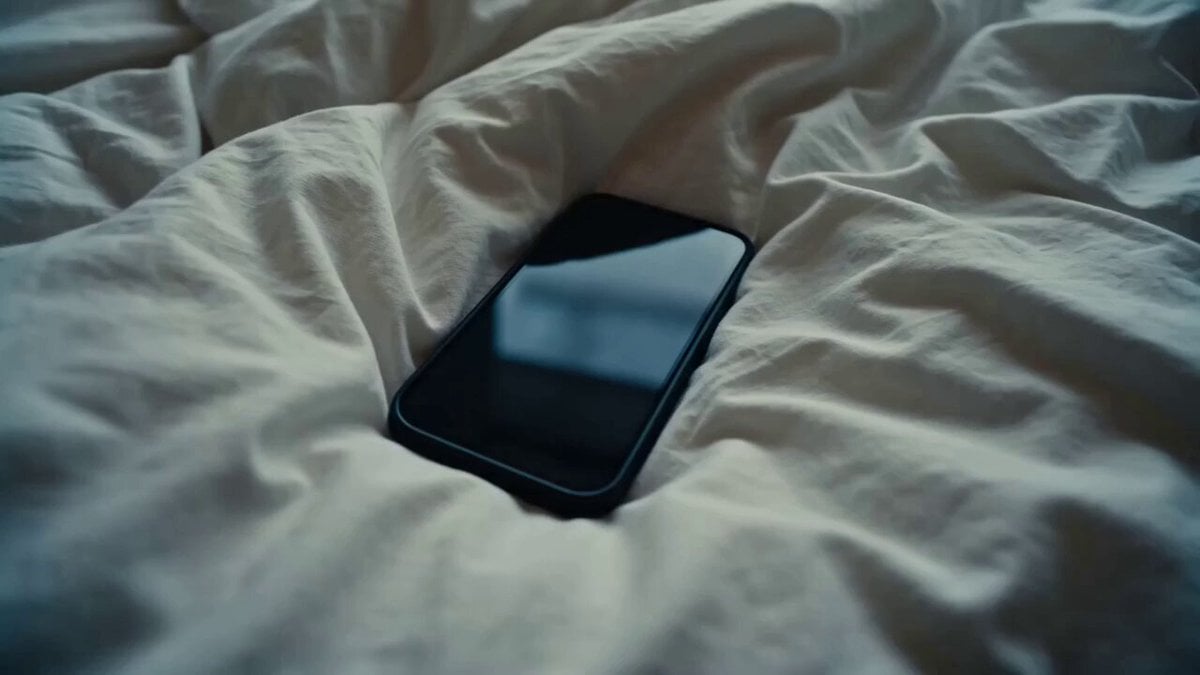
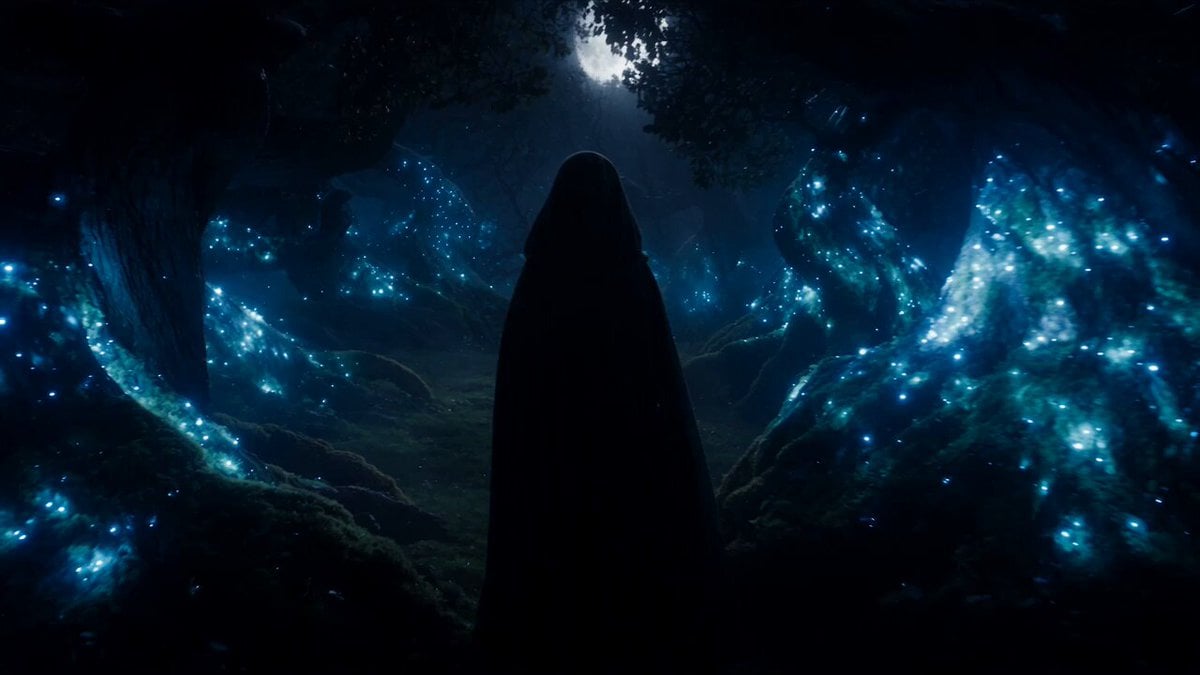
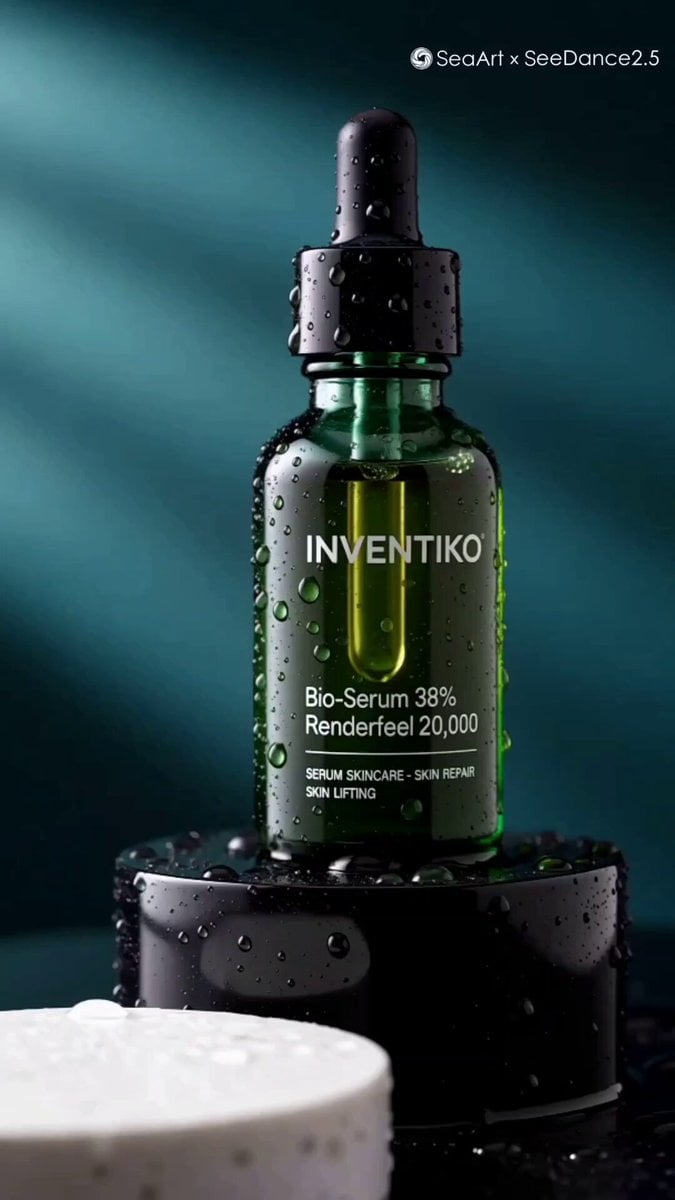
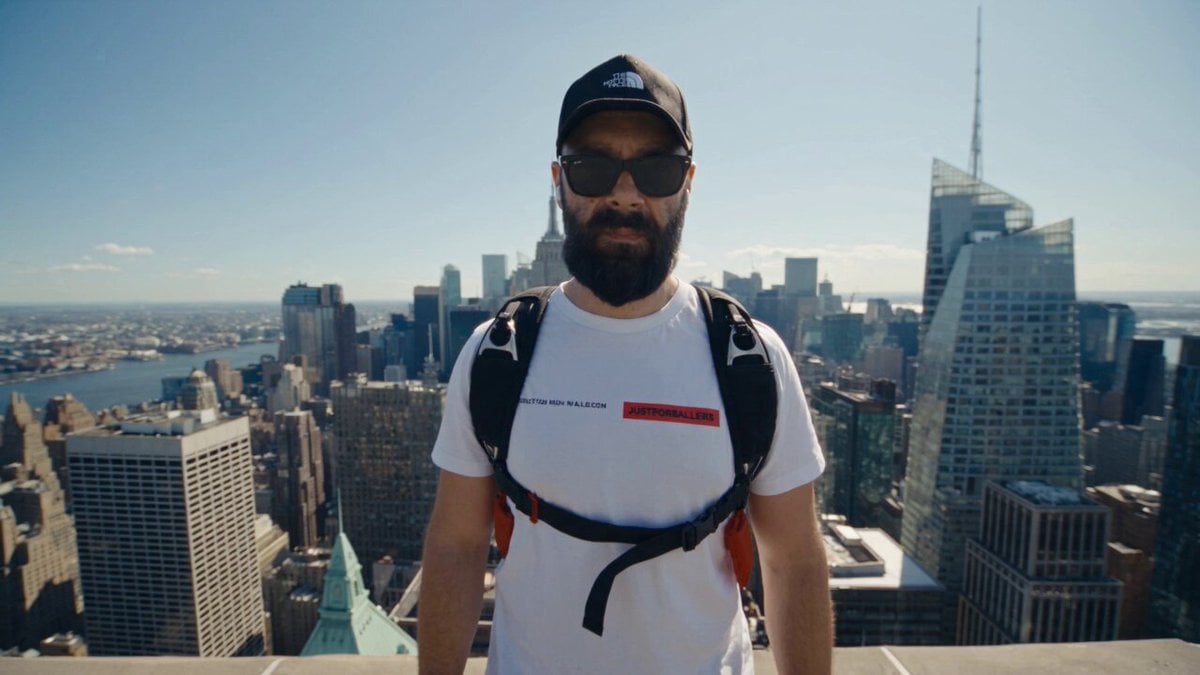
More video prompts
Fresh picks from across the catalog.
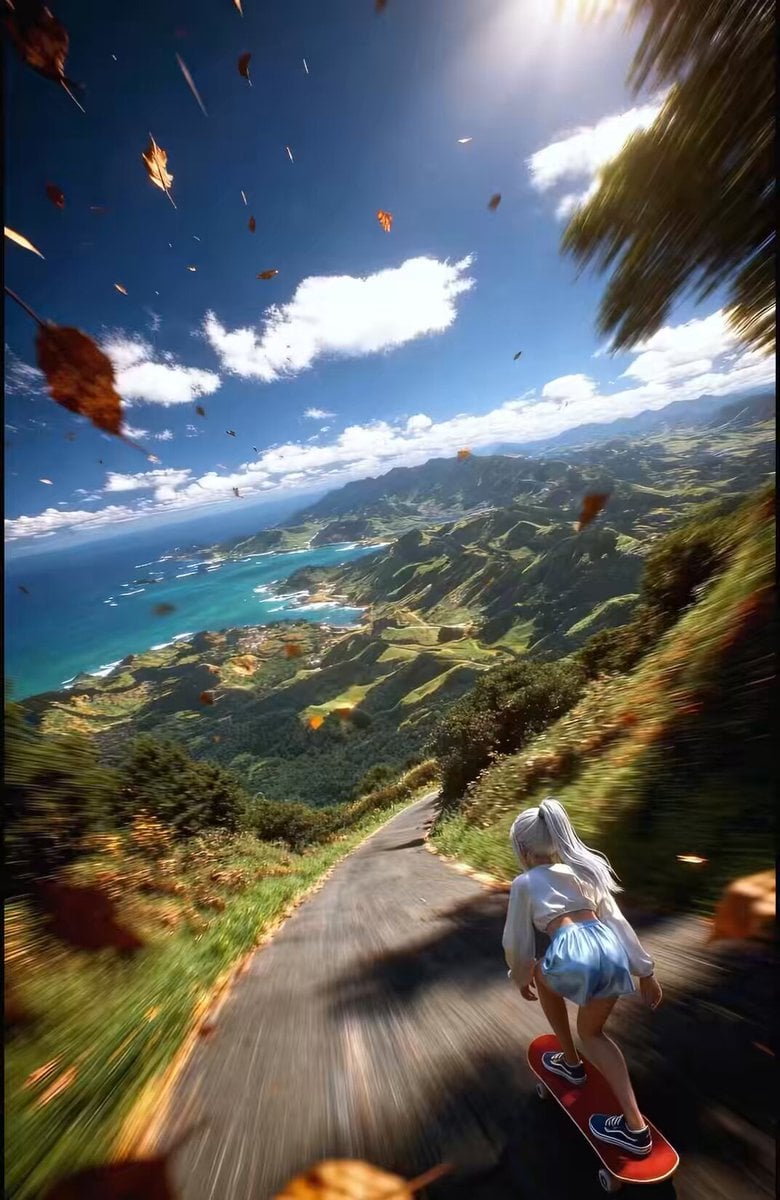
FPV Drone Shot of Anime Girl Skateboarding
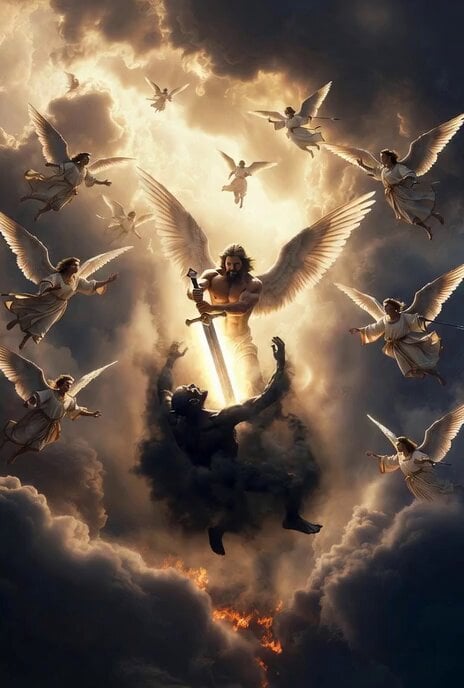
Grok Imagine prompt for cosmic fight video
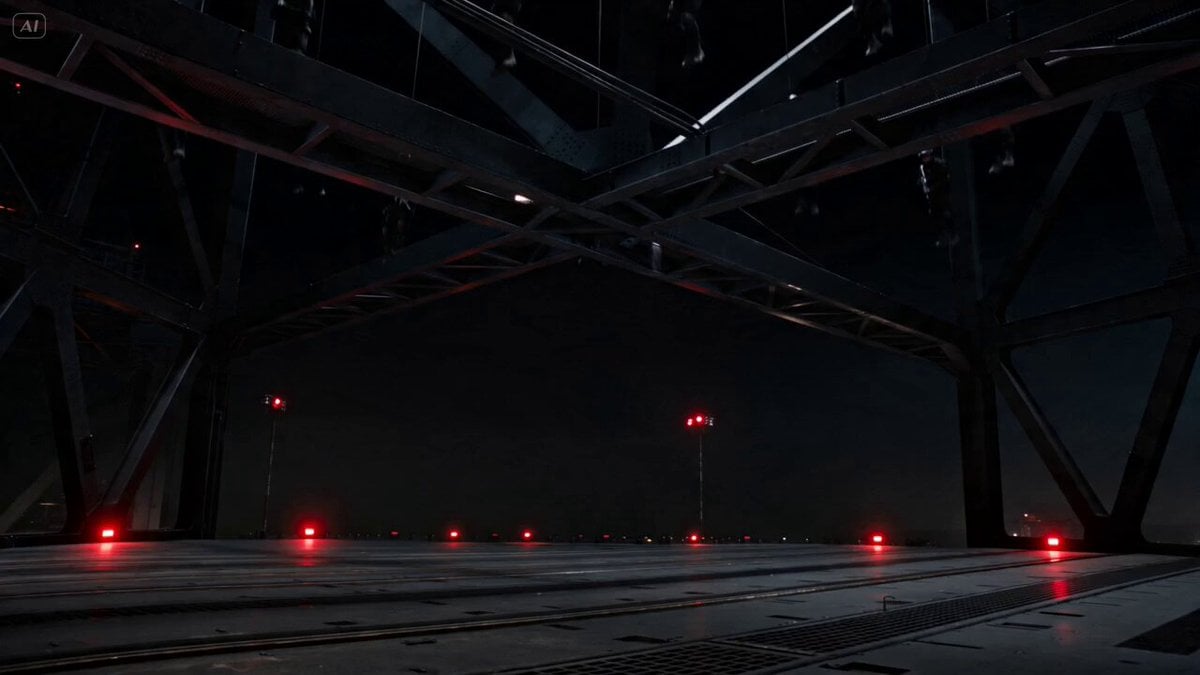
Industrial Platform Spectral Battle
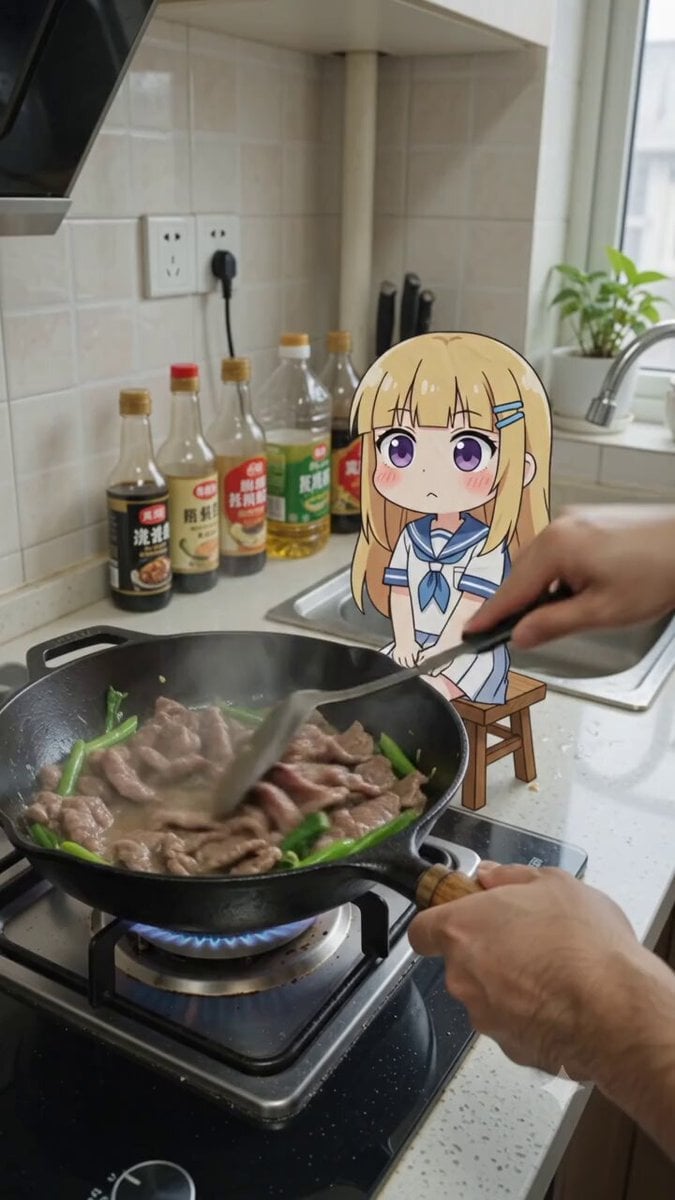
POV Cooking Vlog with 2D Sticker Animation
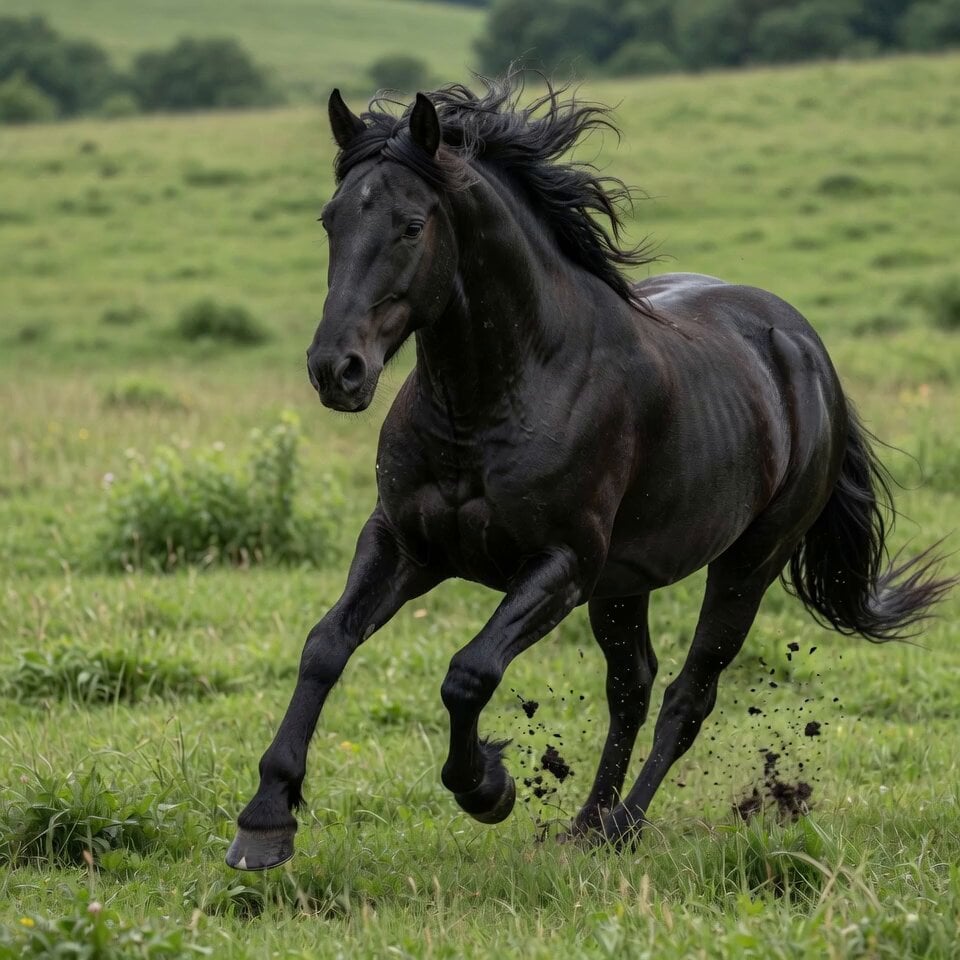
Stallion Running in Open Field
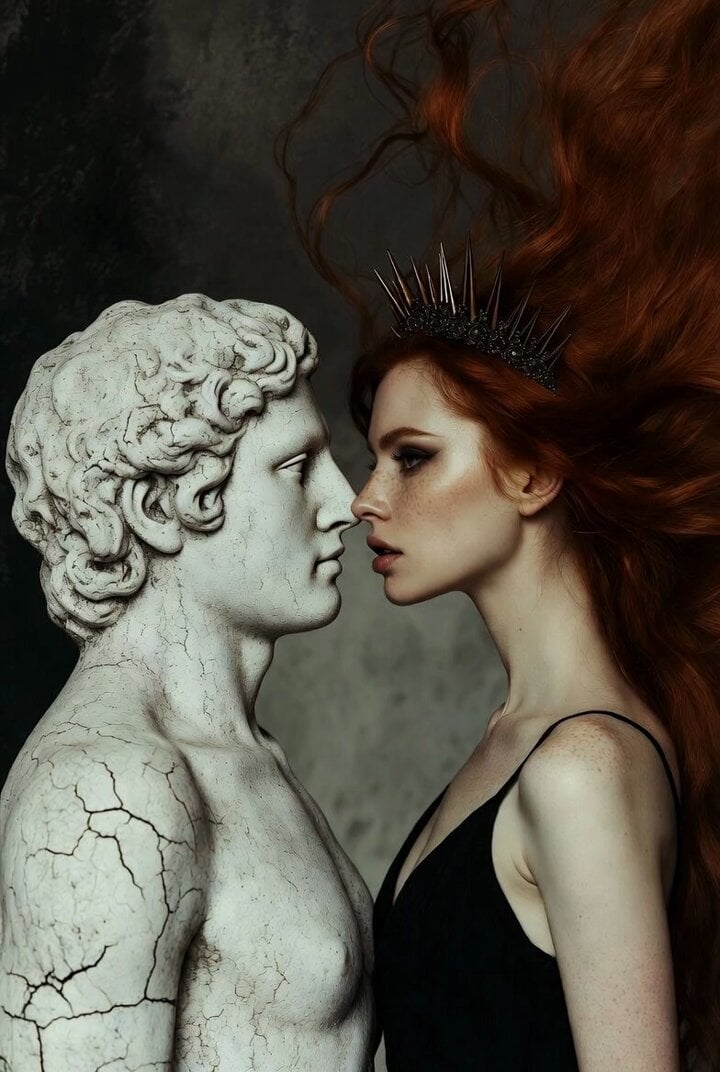
Surreal Dark Beauty Portrait
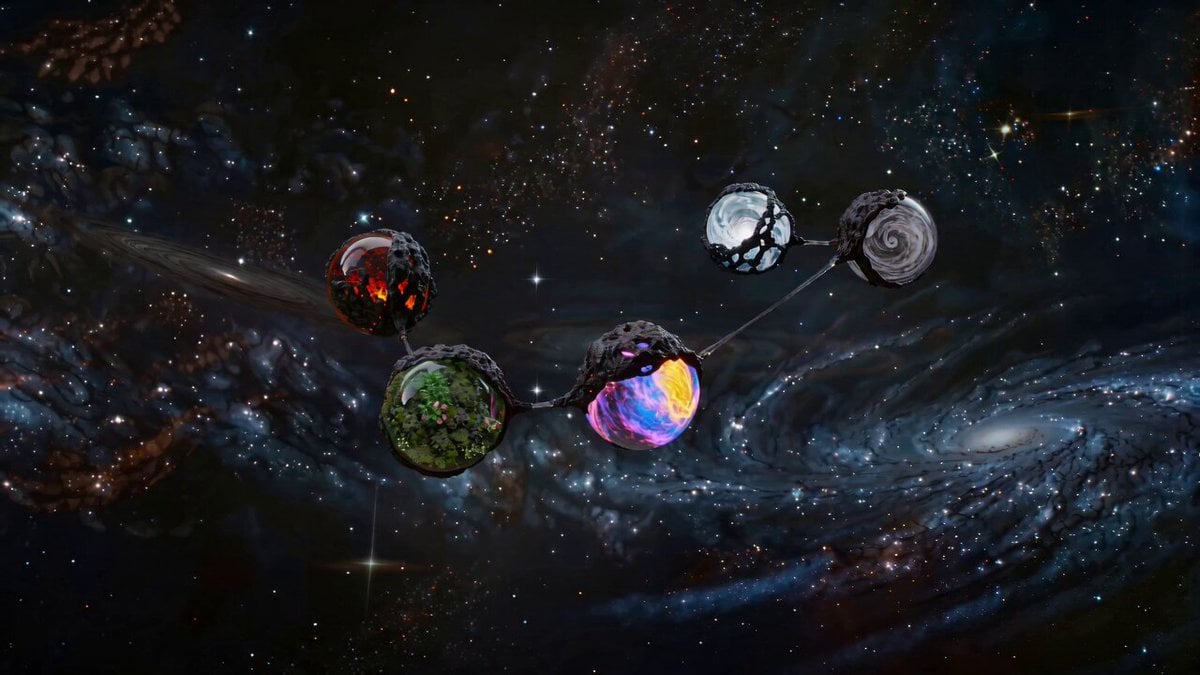
Cosmic Elemental Alien Orbs
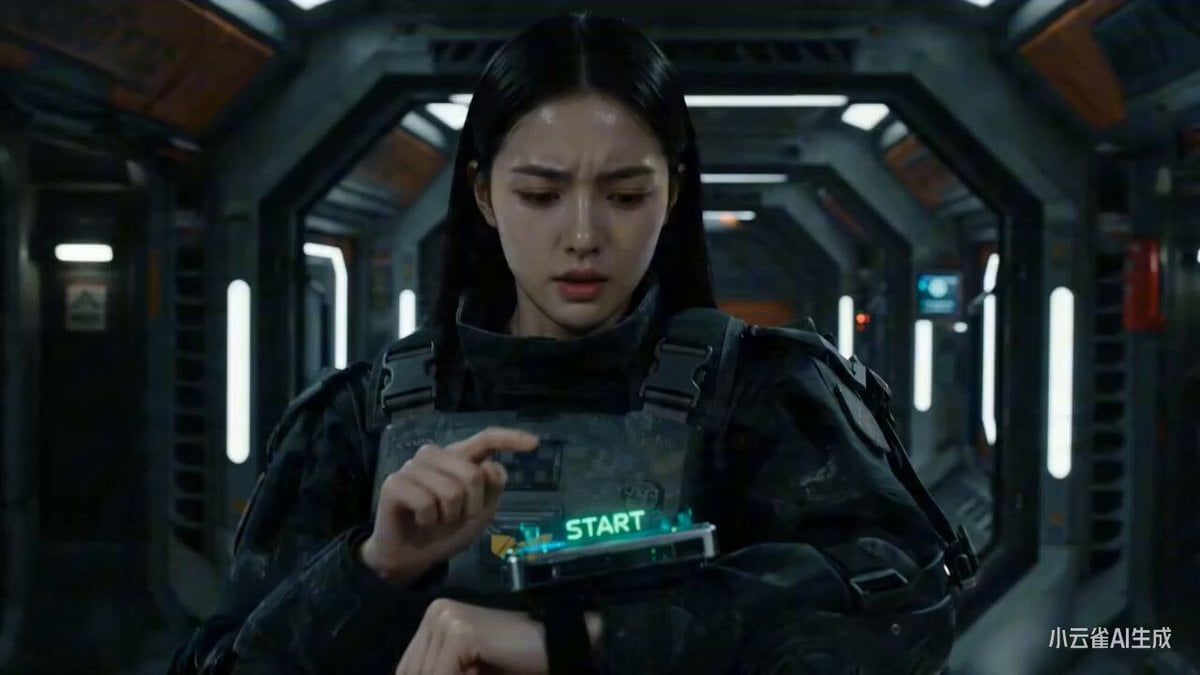
Seedance 2.0 Mecha Transformation Video Prompt
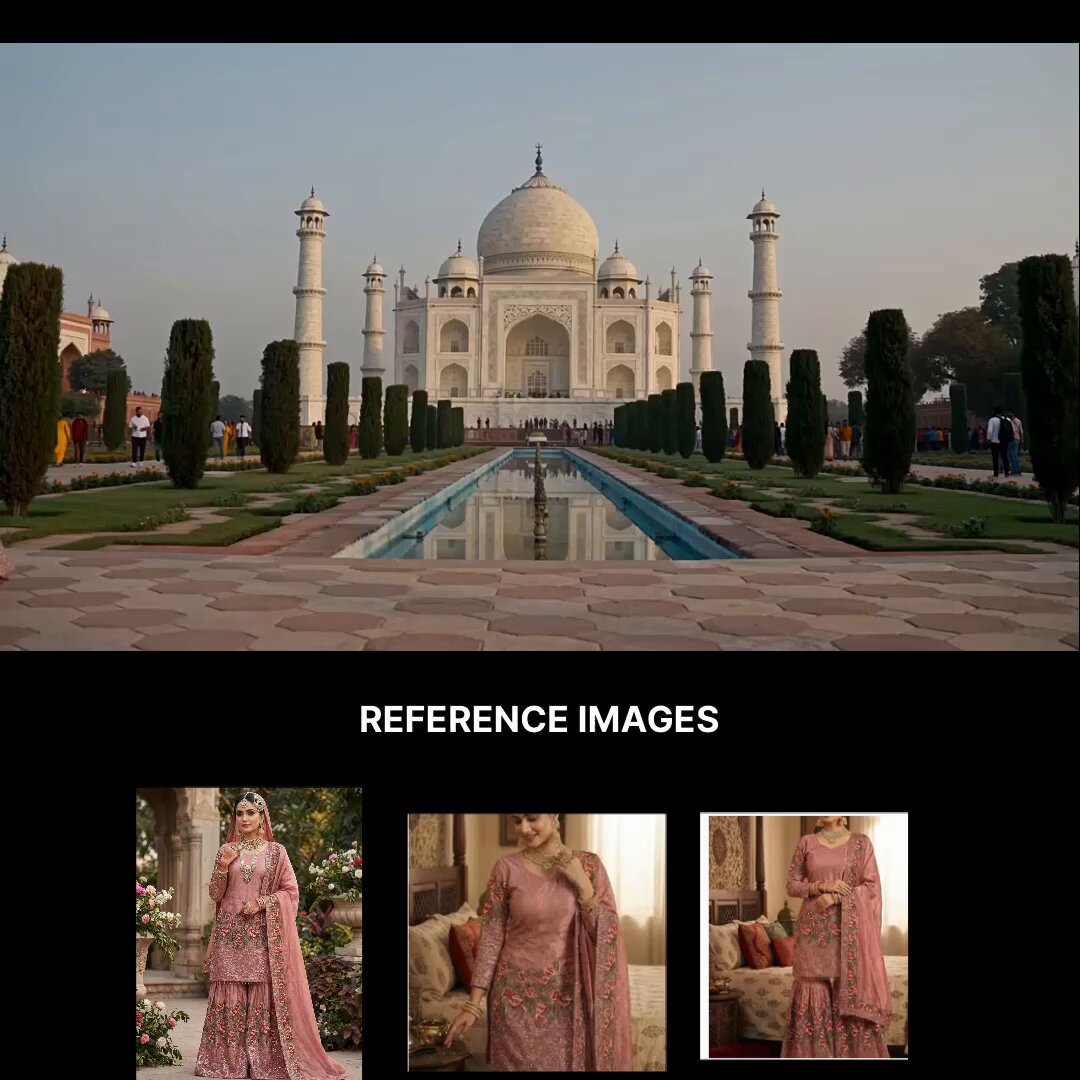
Taj Mahal Fashion Shoot
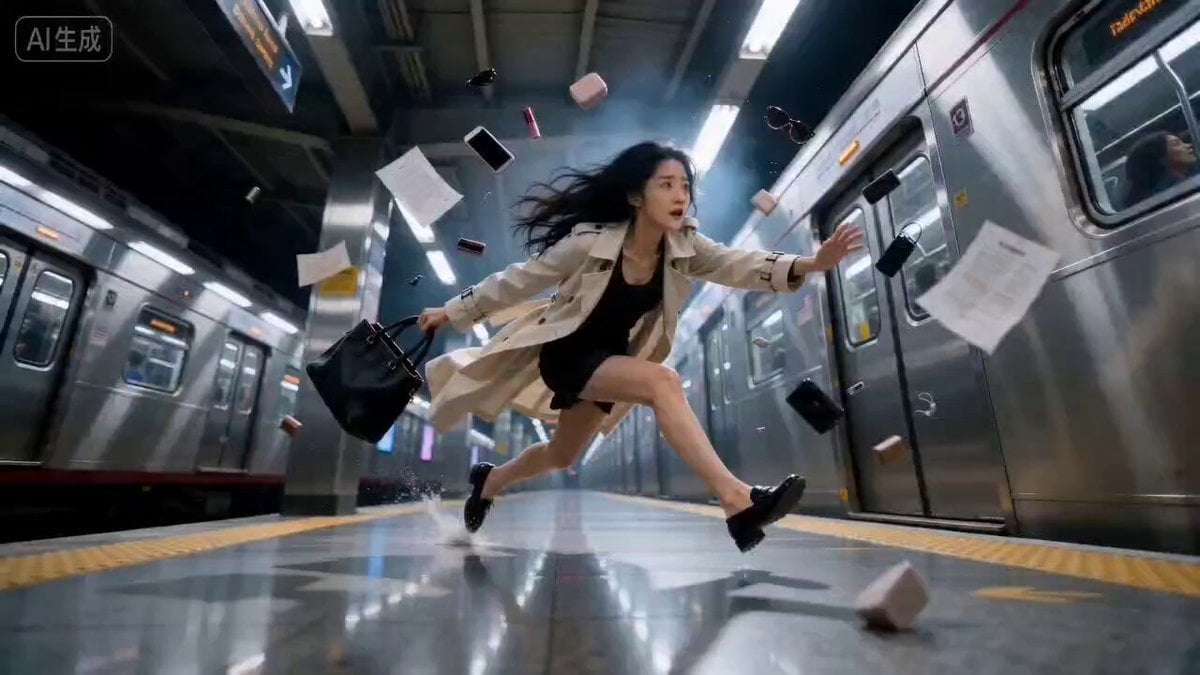
Bullet Time Effect at Subway Station
Browse template categories
Sneaker Product Commercial questions
How do I use the Sneaker Product Commercial template?
Add your photo if the template asks for one, edit the prompt if you like — the template's model and format are already selected — and press Generate. Your version opens in PicX Studio.
Can I customize the Sneaker Product Commercial template?
Yes. You can change the subject, setting, lighting, mood, format, and available model controls before creating your video.
Is the Sneaker Product Commercial template free?
Opening and editing this template is free. Generating uses credits, shown on the Generate button when you are signed in.
Which AI model should I use?
Start with Seedance 2.5, which is the model associated with this template. You can compare another compatible model for a different finish.
Looking for something else? Browse all templates.

Your photo, any look
Thousands of ready templates for every top image and video model, from one credit balance.