
POV Cooking Vlog with 2D Sticker Animation
A multi-scene prompt for Seedance 2.0 that creates a first-person cooking video blending realistic environments with expressive 2D cartoon sticker characters.
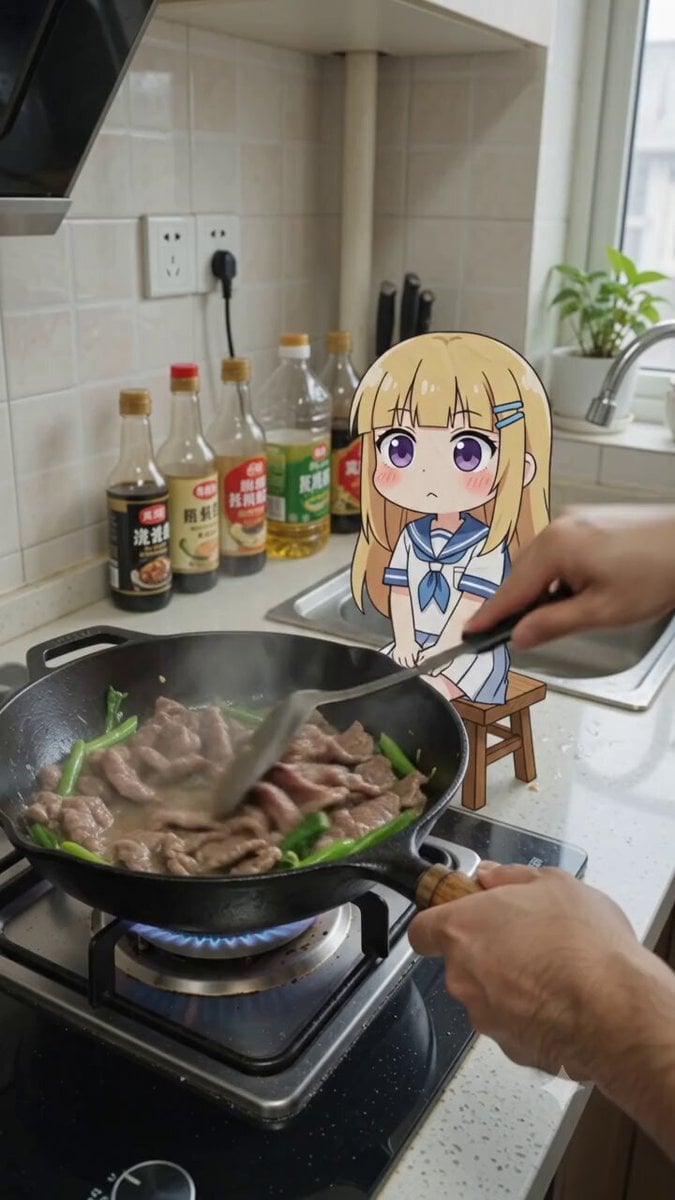
- Prompt included
- Model and format preset
- Free template
The prompt behind this video
Copy the exact prompt behind POV Cooking Vlog with 2D Sticker Animation, or open it in the studio and make it yours.
【风格】真人实拍+2D动漫贴纸合成搞笑短视频(Live-Action + Flat 2D Sticker Composite),第一人称做饭视角(POV Cooking Vlog),写实厨房质感与扁平卡通贴纸风格强烈反差混搭,8K超清,手持轻微晃动(Handheld Micro-shake),竖屏 【时长】10秒 【场景】真实居家厨房第一人称视角:黑色铁锅在灶台上炒牛肉和青菜,油光滋滋、蒸汽上冒;背景白色瓷砖墙、墙面插座、酱油瓶和油瓶靠墙排列,右侧不锈钢水槽,自然光从侧窗照入 【角色】Q版动漫贴纸角色(扁平2D贴纸质感,卡通描边,纸片感):金色长发齐刘海、大大的紫色圆眼睛、粉色腮红、白色水手服学生装、蓝色发卡,坐在灶台旁的小木凳上,身高约为铁锅一半,全程保持纯2D平面质感,不被真实光照重打光;真人的手(写实、毛孔可见)从画面右侧入画 [00:00-00:03] 镜头1:倒盐捣乱(Salt Avalanche Opening) 第一人称俯视POV:真人的手正用锅铲翻炒牛肉青菜;贴纸角色眯眼坏笑、腮红加深,双手高举玻璃调料罐,趁乱把整罐白色的盐哗哗全倒进锅里——真实物理盐粒瀑布落下,在菜上堆成一座小白山。 音效:食物滋滋声+盐倒入的密集沙沙声。 [00:03-00:05] 镜头2:夺瓶敲头(Spatula Bonk) 真人的一只手一把夺过它怀里的玻璃盐罐;另一只手举起锅铲,铲面朝下轻敲在它头顶——卡通式一敲,头顶"Duang"地弹出一个红色卡通肿包(Cartoon Bump),它整个纸片身体被敲得上下一颤。 音效:锅铲"Duang"金属敲击音效+卡通弹簧音。 [00:05-00:08] 镜头3:敲哭张嘴·铲盐入嘴(Cry & Feed) 贴纸角色捂着头顶的肿包,蚊香眼(Swirl Eyes)瞬间上线,张大嘴嚎啕大哭,蓝色卡通泪水呈喷泉状向两侧飞溅(Fountain Tears)。 真人的手立刻用锅铲从盐山上铲起满满一铲白盐咸菜,趁它张嘴大哭时精准送进嘴里,把嘴塞得满满的。 音效:夸张卡通爆哭声+铲盐沙沙声+塞嘴"啵"声。 [00:08-00:10] 镜头4:齁到倒地(Salt K.O. Ending) 它腮帮子鼓成两个通红的圆球,被迫咽下,瞳孔骤缩、脸色刷白、浑身僵直抖动半拍——随后眼睛变成两个"X",直挺挺从小木凳上向后倒下,四脚朝天躺平在灶台上,头顶冒出一圈旋转的小星星(Dizzy Stars),一缕灵魂状白烟从嘴里飘出。画面定格。 音效:僵直"咯噔"声+倒地"咚"+卡通升天音效收束。
How to use POV Cooking Vlog with 2D Sticker Animation in 3 steps
- 1
Open
The prompt is already in the box next to the preview, with the template's model and format selected.
- 2…a portrait of your subject in softgolden-hour light, 85mm…
Personalize
Edit the subject and creative details for your destination.
- 3Generate
Generate
Press Generate — your video is created in PicX Studio, so you can compare it with the original and refine one variable at a time.
More like this
Templates with the same subject, style or setup. Open one to see its prompt.
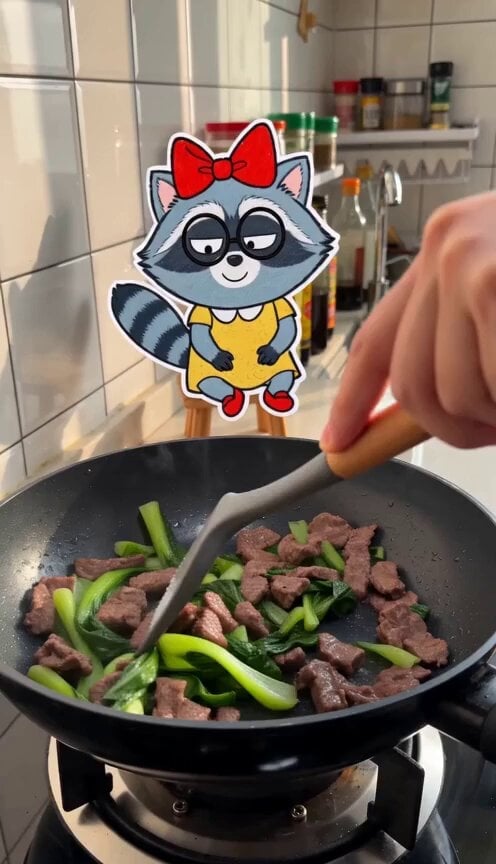
Cooking Vlog with 2D Sticker Raccoon
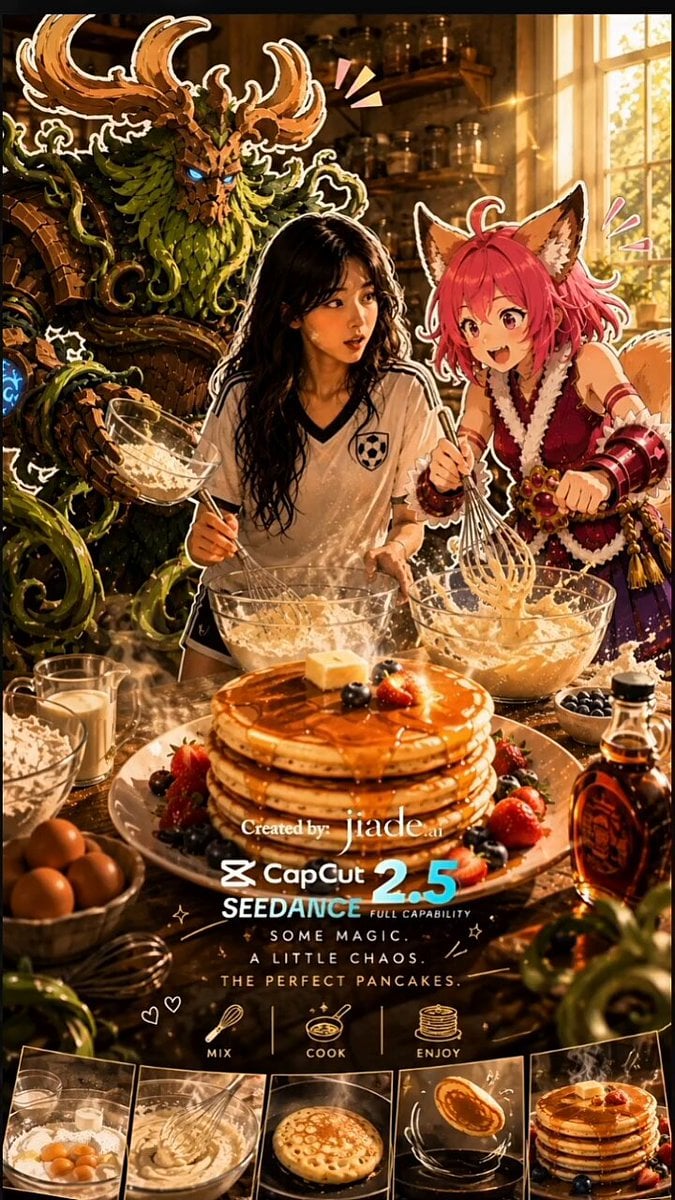
Mixed-Media Kitchen Cooking Animation

Mediterranean Coffee Run Vlog - Seedance 2.5

Mysterious Home Exploration Vlog - Seedance 2.5

Realistic Morning Routine Lifestyle Vlog - Seedance 2.5

3D Glossy Fairy Animation - Seedance 2.5

Handheld Tokyo Travel Vlog - Seedance 2.5

Nostalgic MiniDV Convenience Store Vlog - Seedance 2.5

Mediterranean Morning Coffee Run Vlog (Seedance 2.5)
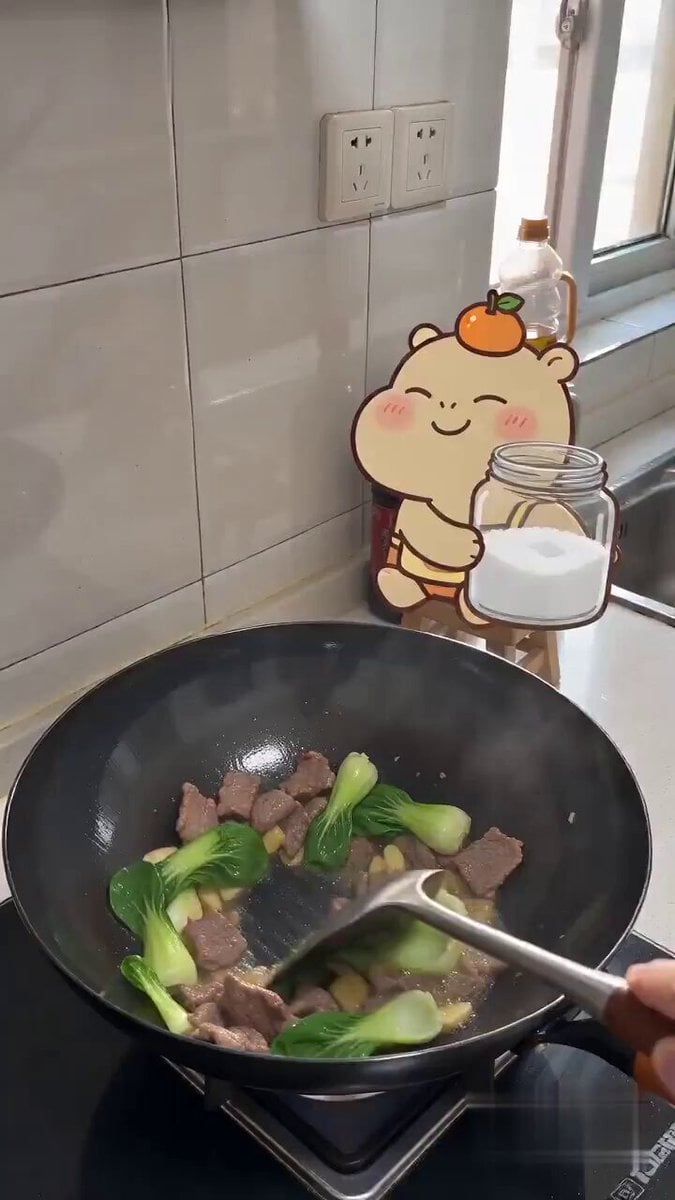
Capybara Sticker Cooking Comedy
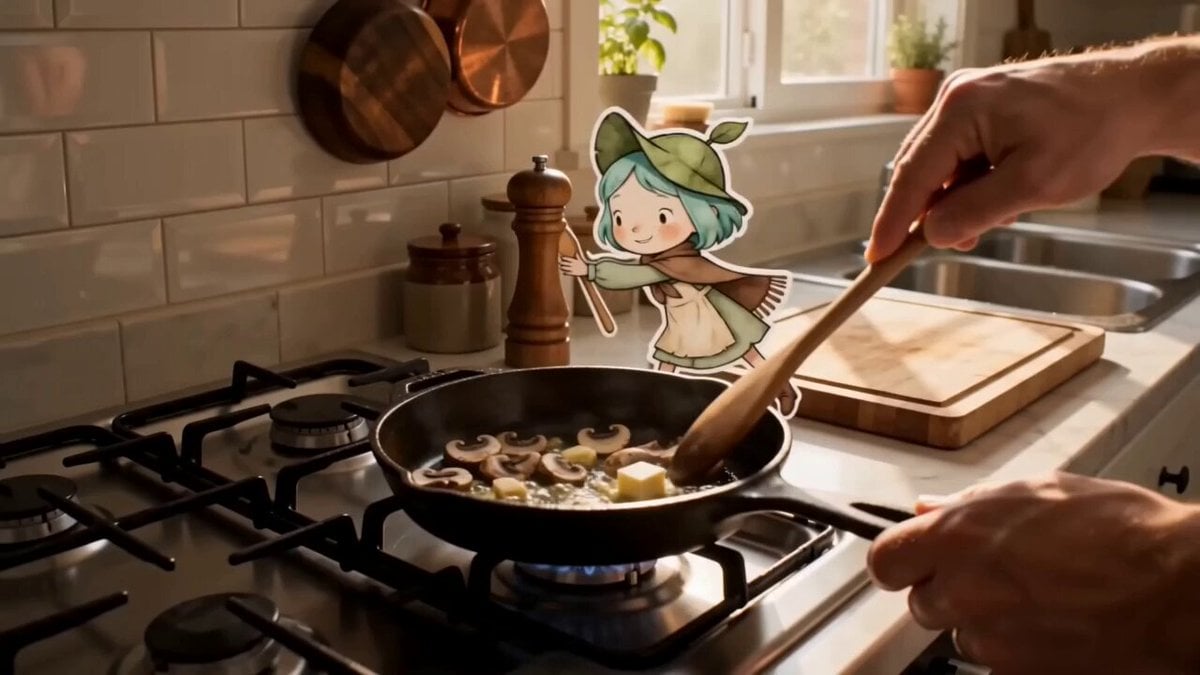
Mixed Reality Anime Sticker Cooking

Silk Road Pomegranate Folk Animation
Make it yours
POV Cooking Vlog with 2D Sticker Animation works as-is. These are the safest ways to change it without losing the look.
Change one field
Copy a single group, rewrite it, and generate again so you can see what that field is doing.
Keep the frame, change the subject
Hold the composition and light of POV Cooking Vlog with 2D Sticker Animation, then swap wardrobe, props or the person for a new take.
| If the result… | Why | Fix |
|---|---|---|
| The result drifts from the preview | Too many fields changed at once. | Reuse POV Cooking Vlog with 2D Sticker Animation as-is first, then change one group — subject, light, or setting. |
| The model over-stylizes the scene | The prose prompt leaves finish and camera underspecified. | Add one camera or lighting sentence and stay on Seedance 2.0. |
More Seedance 2.0 templates
Other prompts made for Seedance 2.0.

Comical Martial Arts Punch Scene

Maglev Train Action Sequence

Martial Arts Fight Sequence

Wuxia Protection and Trust Script

Vintage Korean Arcade MiniDV Vlog

Mercedes 190 SL Luxury Ad

Rainy Night Supernatural Reverse Comedy Video Script

Amazon Civilization Discovery

Futuristic South Asian City Transformation

Cozy Luxury Cafe Commercial
More video prompts
Fresh picks from across the catalog.

FPV Fantasy Port City Airship
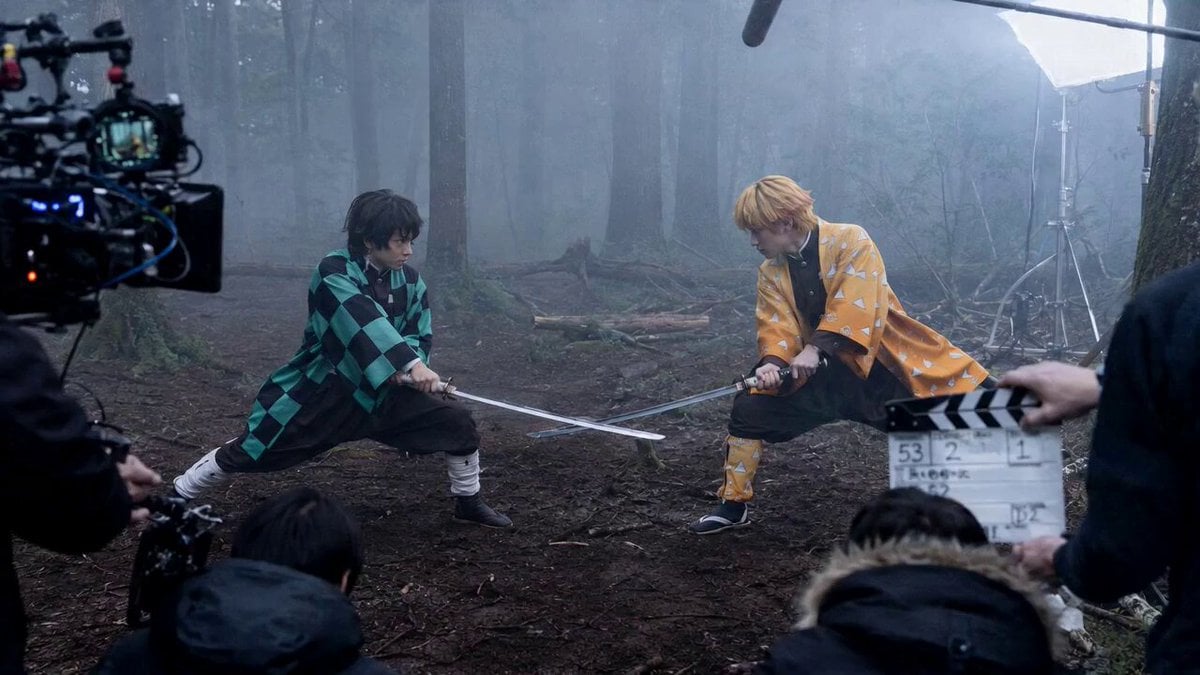
Demon Slayer Live Action Duel BTS
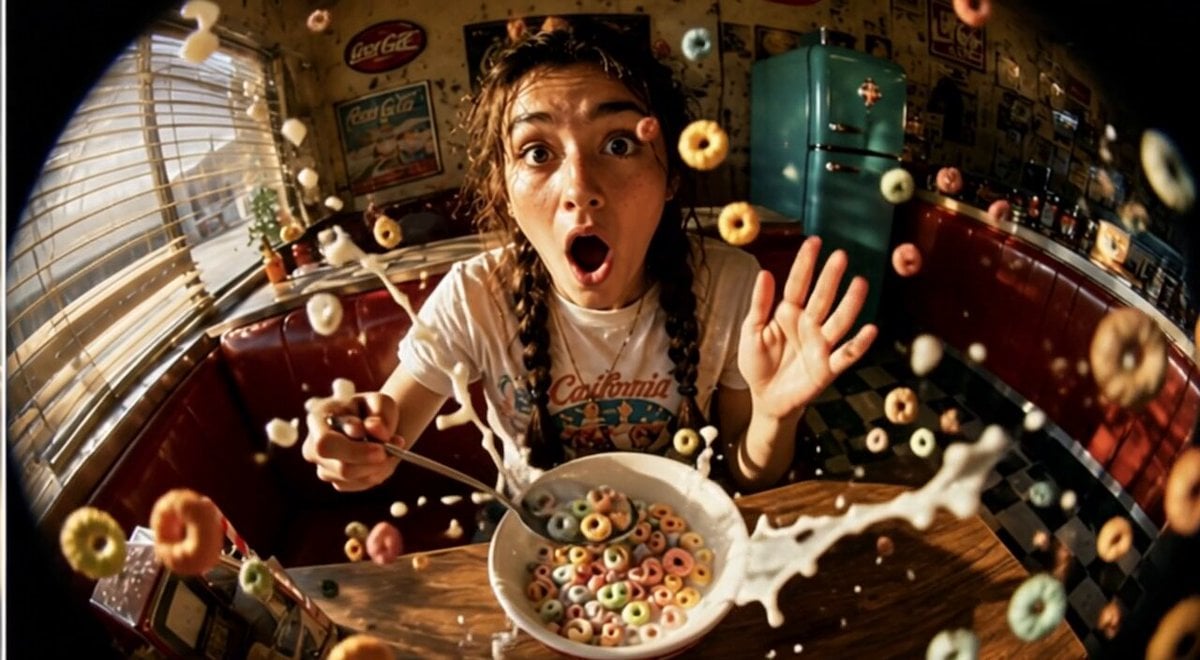
Cinematic Slow Motion Cereal Breakfast
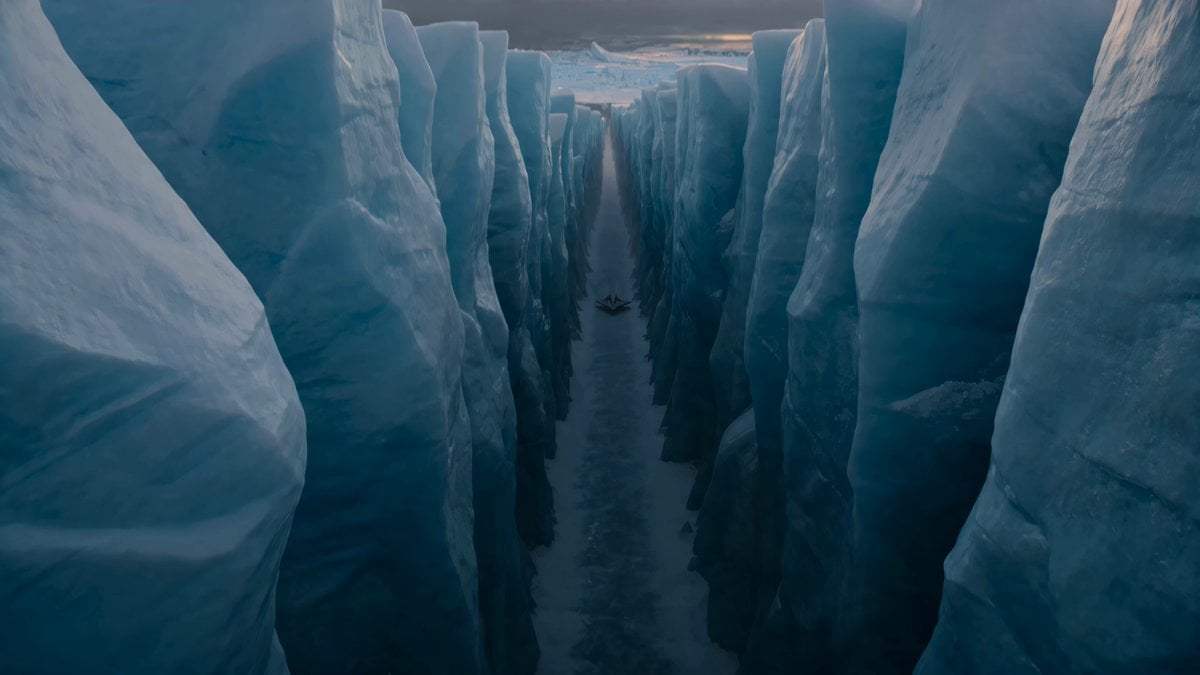
Alien Ice Canyon Escape

Cinematic Cozy Rain Home Sequence

Advanced Xianxia Martial Arts Action Design
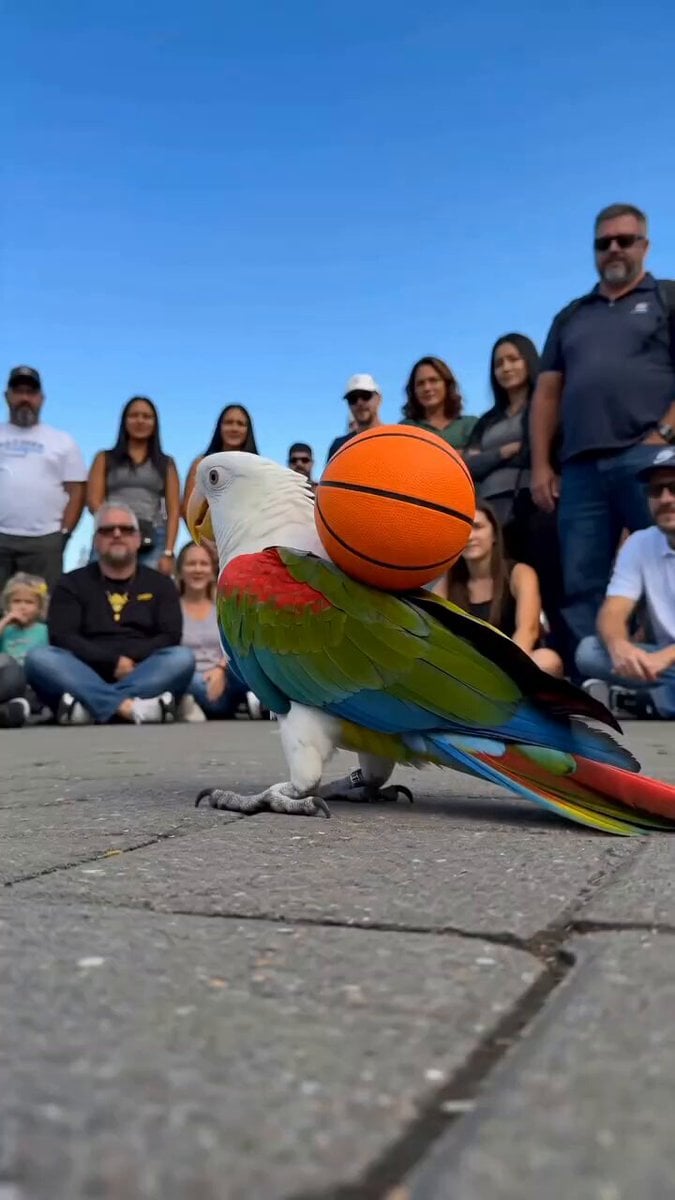
Parrot Street Performance Basketball
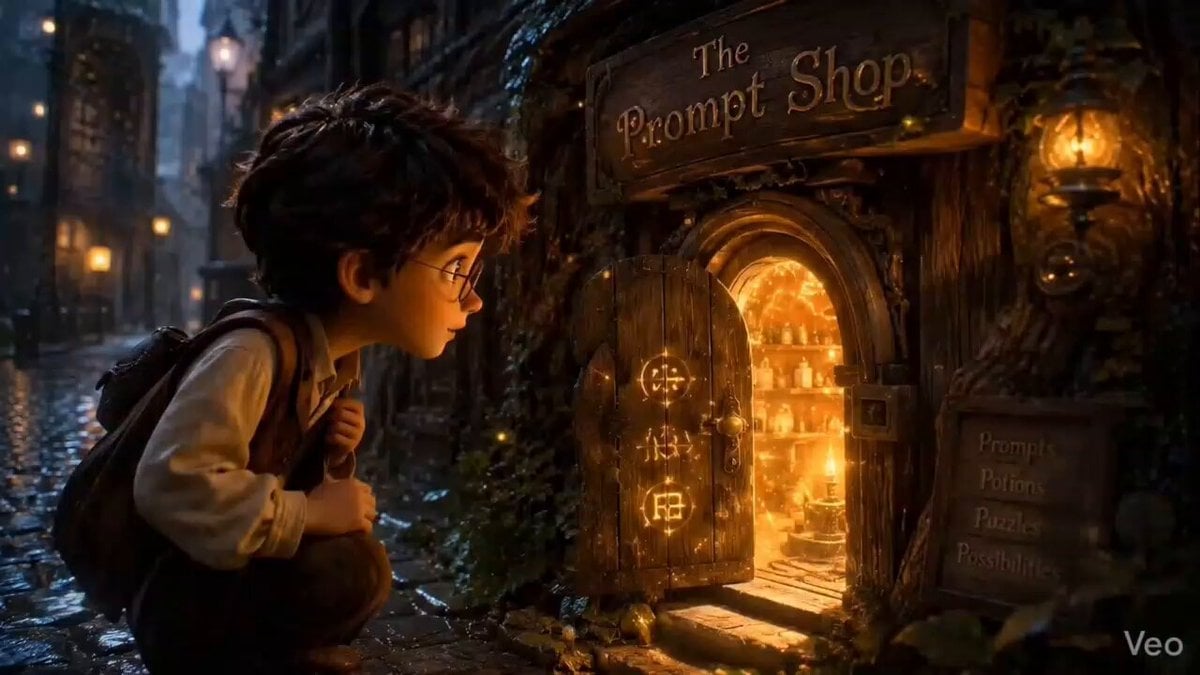
Pixar Style Magic Prompt Shop

Steampunk Elephant Guardian Awakening
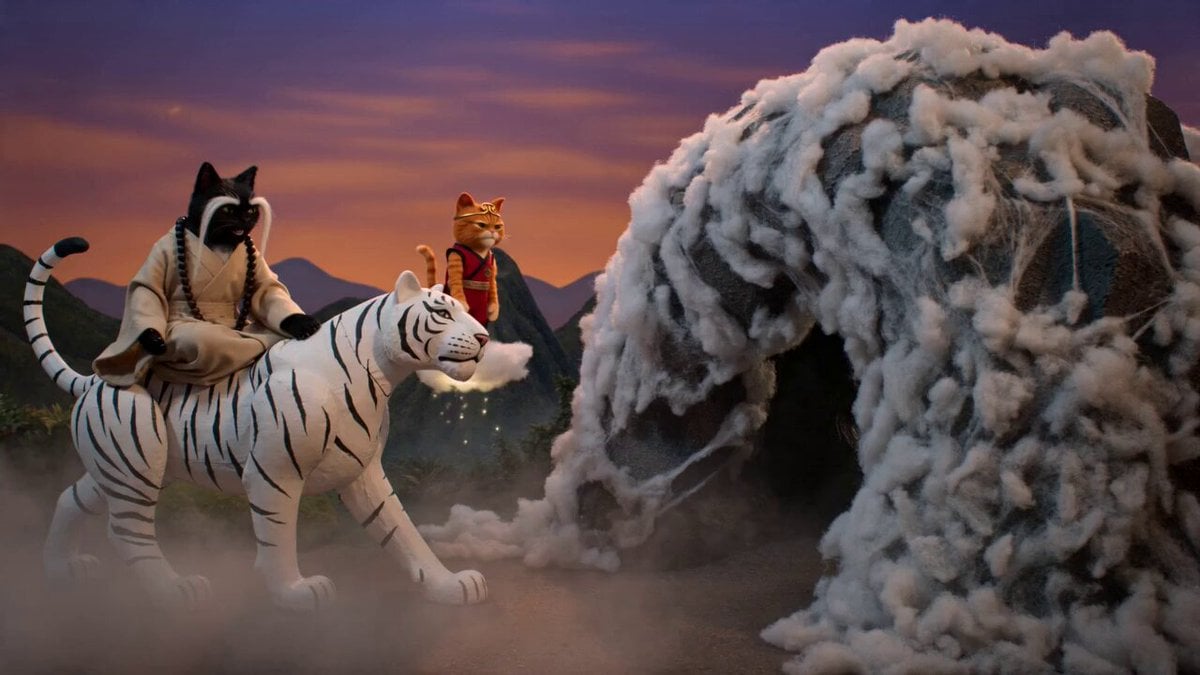
Cinematic Wuxia-Comedy with Cats
Browse template categories
POV Cooking Vlog with 2D Sticker Animation questions
How do I use the POV Cooking Vlog with 2D Sticker Animation template?
Add your photo if the template asks for one, edit the prompt if you like — the template's model and format are already selected — and press Generate. Your version opens in PicX Studio.
Can I customize the POV Cooking Vlog with 2D Sticker Animation template?
Yes. You can change the subject, setting, lighting, mood, format, and available model controls before creating your video.
Is the POV Cooking Vlog with 2D Sticker Animation template free?
Opening and editing this template is free. Generating uses credits, shown on the Generate button when you are signed in.
Which AI model should I use?
Start with Seedance 2.0, which is the model associated with this template. You can compare another compatible model for a different finish.
Looking for something else? Browse all templates.

Your photo, any look
Thousands of ready templates for every top image and video model, from one credit balance.