
Mixed Reality Anime Sticker Cooking
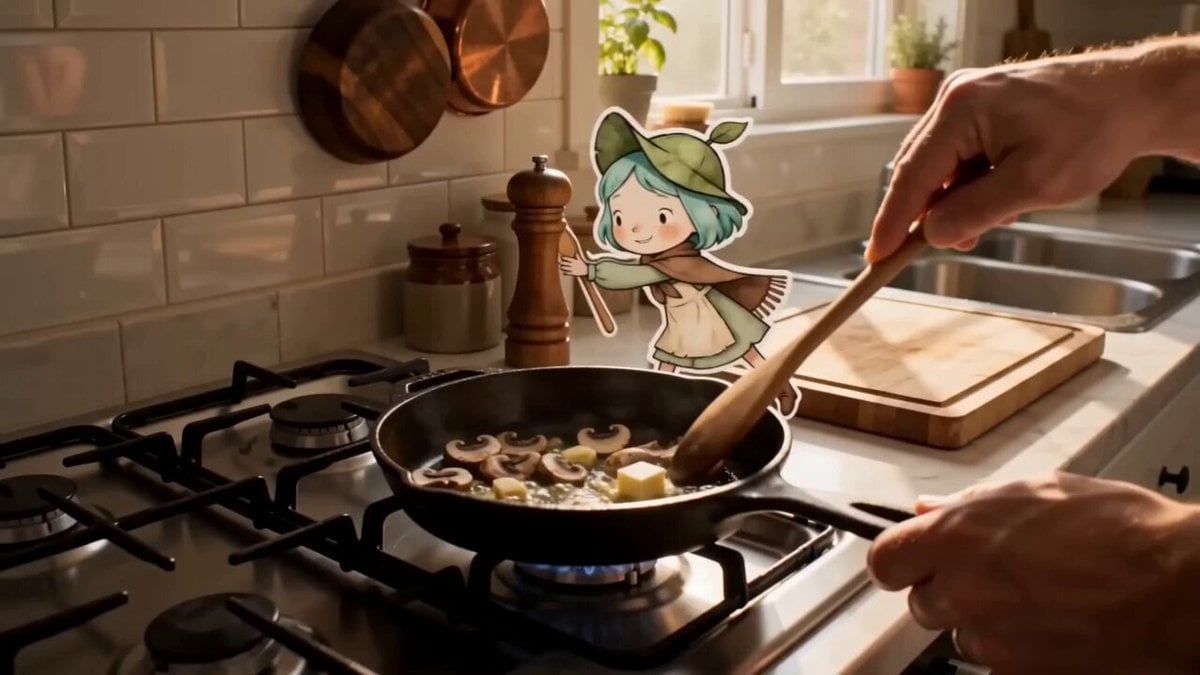
A creative video prompt combining real-life kitchen POV with a 2D anime sticker character helping with cooking tasks.
- Prompt included
- Model and format preset
- Premium template
The prompt behind this video
Copy the exact prompt behind Mixed Reality Anime Sticker Cooking, or open it in the studio and make it yours.
Live-Action + 2D Anime Sticker Composite, First-Person Cooking POV, Realistic Kitchen Texture vs Flat Cartoon Style, HD, Static Camera, 【Duration】 15 seconds 【Scene】 Real Home Kitchen First-Person View: Black skillet on a gas stove cooking sliced mushrooms and butter. Background features white subway tiles, hanging copper pans, ceramic jars, a wooden cutting board, and bright natural light from a window. 【Character】 Q-Version Anime Sticker Character: Flat 2D sticker style, thick outlines. Small girl with light blue hair, a green leaf hat, brown cape, and white apron. Simple dot eyes and rosy cheeks. Pure 2D flat quality, unaffected by real lighting, portraying a cheerful but accident-prone helper. Shot 1: Cooperative Stirring. First-person POV: Real hands use a wooden spoon to stir mushrooms in the pan. The 2D girl stands on the stove, cheerfully holding the spoon handle to help stir. Sound Effects: Sizzling butter. Shot 2: Pepper Seasoning. Real Real hands bring in a tall wooden pepper grinder. The girl hugs the grinder to assist as pepper dust falls over the food. The real hands then exit the frame, leaving her on the stovetop. Sound Effects: Grinding clicks, sizzling. Shot 3: Pepper Sneeze Launch. Floating pepper dust surrounds the girl. She inhales it, her face scrunches up, and she unleashes a massive cartoon sneeze. The sheer force, accompanied by flying cartoon leaves, launches her backward through the air. Sound Effects: Large "Ah-choo," wind whoosh. Shot 4: Dizzy Bowl Landing. The girl flies off-screen and lands in a beige ceramic mixing bowl on the counter. Her leaf hat flies off. She pops her head up with swirling spiral eyes, her tongue hanging out, and cartoon dizzy rings circling her head. Sound Effects: Clatter, cartoon dizzy twinkling.
How to use Mixed Reality Anime Sticker Cooking in 3 steps
- 1
Open
The prompt is already in the box next to the preview, with the template's model and format selected.
- 2…a portrait of your subject in softgolden-hour light, 85mm…
Personalize
Edit the subject and creative details for your destination.
- 3Generate
Generate
Press Generate — your video is created in PicX Studio, so you can compare it with the original and refine one variable at a time.
More like this
Templates with the same subject, style or setup. Open one to see its prompt.
Studio Ghibli Dumpling Kitchen Cooking Scene

Mixed Reality Cartoon Sticker Vlog
Mixed-Media Kitchen Cooking Animation
Mixed-Reality Stop-Motion Transformation
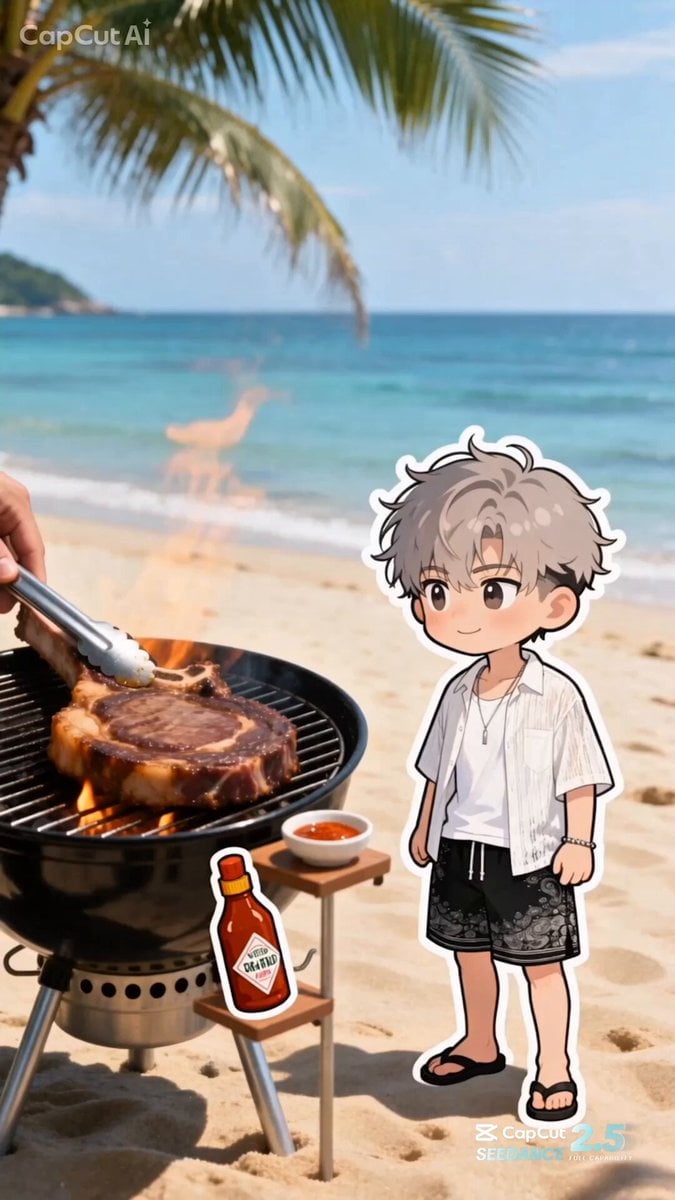
Summer Beach BBQ and Anime Character Sticker
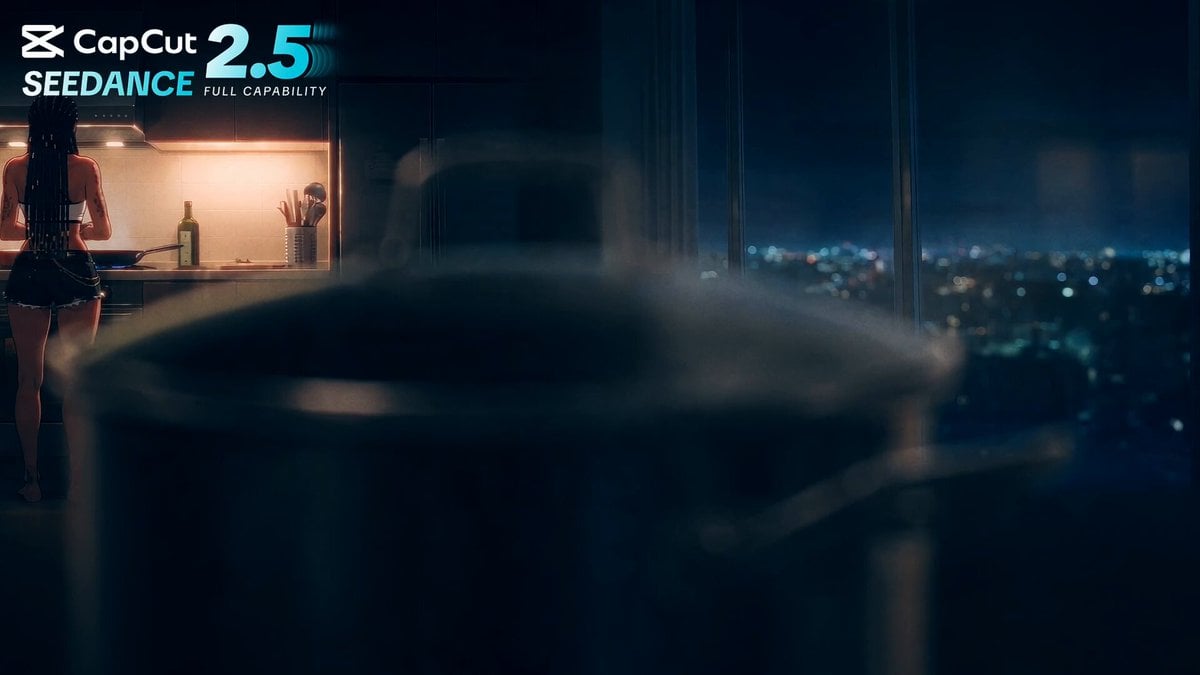
Anime Cooking Vongole Bianco Scene
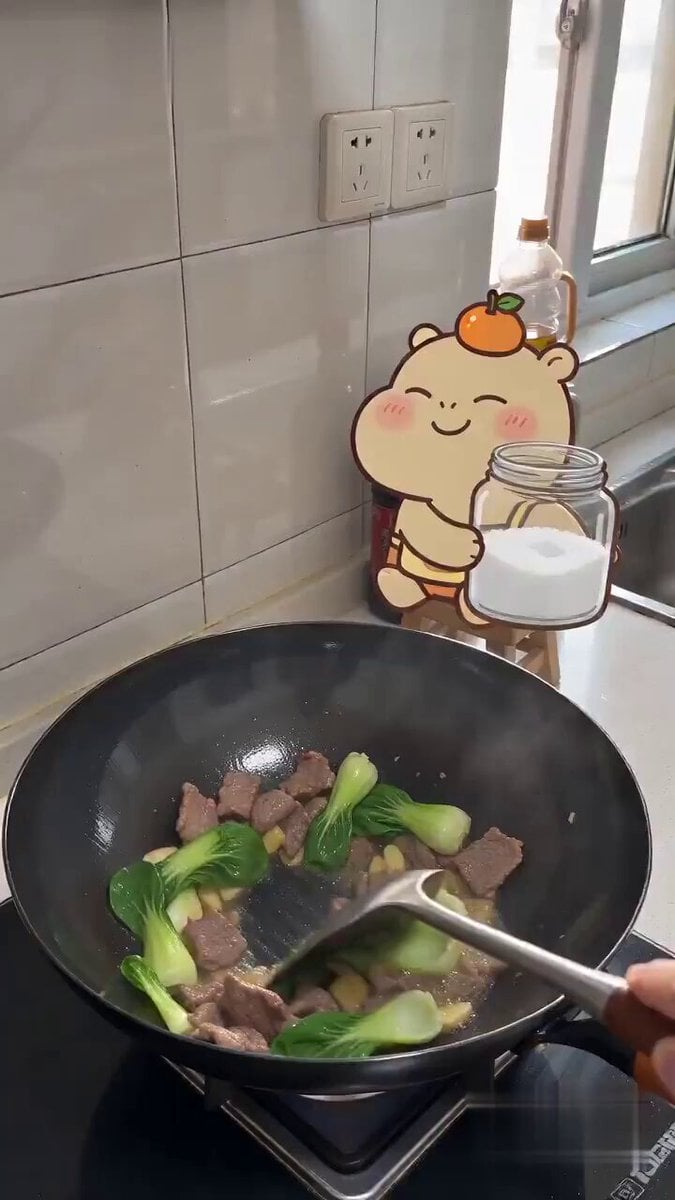
Capybara Sticker Cooking Comedy
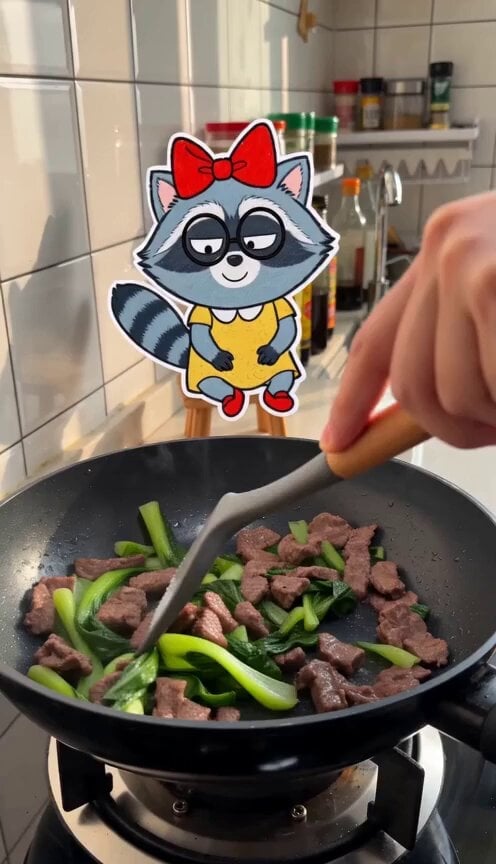
Cooking Vlog with 2D Sticker Raccoon
Anime Souffle Pancake Cooking Sequence
MiniMax H3 Character Introduction
Japanese Pure Love Short Film
Anime Chef Shrimp Tempura Cooking
Make it yours
Mixed Reality Anime Sticker Cooking works as-is. These are the safest ways to change it without losing the look.
Change one field
Copy a single group, rewrite it, and generate again so you can see what that field is doing.
Keep the frame, change the subject
Hold the composition and light of Mixed Reality Anime Sticker Cooking, then swap wardrobe, props or the person for a new take.
| If the result… | Why | Fix |
|---|---|---|
| The result drifts from the preview | Too many fields changed at once. | Reuse Mixed Reality Anime Sticker Cooking as-is first, then change one group — subject, light, or setting. |
| The model over-stylizes the scene | The prose prompt leaves finish and camera underspecified. | Add one camera or lighting sentence and stay on Seedance 2.0. |
More Seedance 2.0 templates
Other prompts made for Seedance 2.0.

Comical Martial Arts Punch Scene

Maglev Train Action Sequence

Martial Arts Fight Sequence

Wuxia Protection and Trust Script

Vintage Korean Arcade MiniDV Vlog

Mercedes 190 SL Luxury Ad

Rainy Night Supernatural Reverse Comedy Video Script

Amazon Civilization Discovery

Futuristic South Asian City Transformation

Cozy Luxury Cafe Commercial
More video prompts
Fresh picks from across the catalog.
Seedance 2.5 - @Diplomeme - 446818

Cyberpunk Cybernetic Fighter Combat
Hyper-realistic Cyberpunk POV Action Sequence
Celestial Goddess Manifestation at the White House Video Prompt
Cinematic Short Film Scene
Cybernetic Space Book Promotion
The Last Data Garden Cinematic Prompt
Cyberpunk Drift Time Freeze
Chibi Cave Adventure — He Doesn't Know What's Coming
Icelandic Waterfall at Night
Browse template categories
Mixed Reality Anime Sticker Cooking questions
How do I use the Mixed Reality Anime Sticker Cooking template?
Add your photo if the template asks for one, edit the prompt if you like — the template's model and format are already selected — and press Generate. Your version opens in PicX Studio.
Can I customize the Mixed Reality Anime Sticker Cooking template?
Yes. You can change the subject, setting, lighting, mood, format, and available model controls before creating your video.
Is the Mixed Reality Anime Sticker Cooking template free?
Opening and editing this template is free. Generating uses credits, shown on the Generate button when you are signed in.
Which AI model should I use?
Start with Seedance 2.0, which is the model associated with this template. You can compare another compatible model for a different finish.
Looking for something else? Browse all templates.

Your photo, any look
Thousands of ready templates for every top image and video model, from one credit balance.