
Mixed-Media Kitchen Cooking Animation
A complex mixed-media prompt combining a photorealistic woman and kitchen with 2D anime-style characters cooking together.
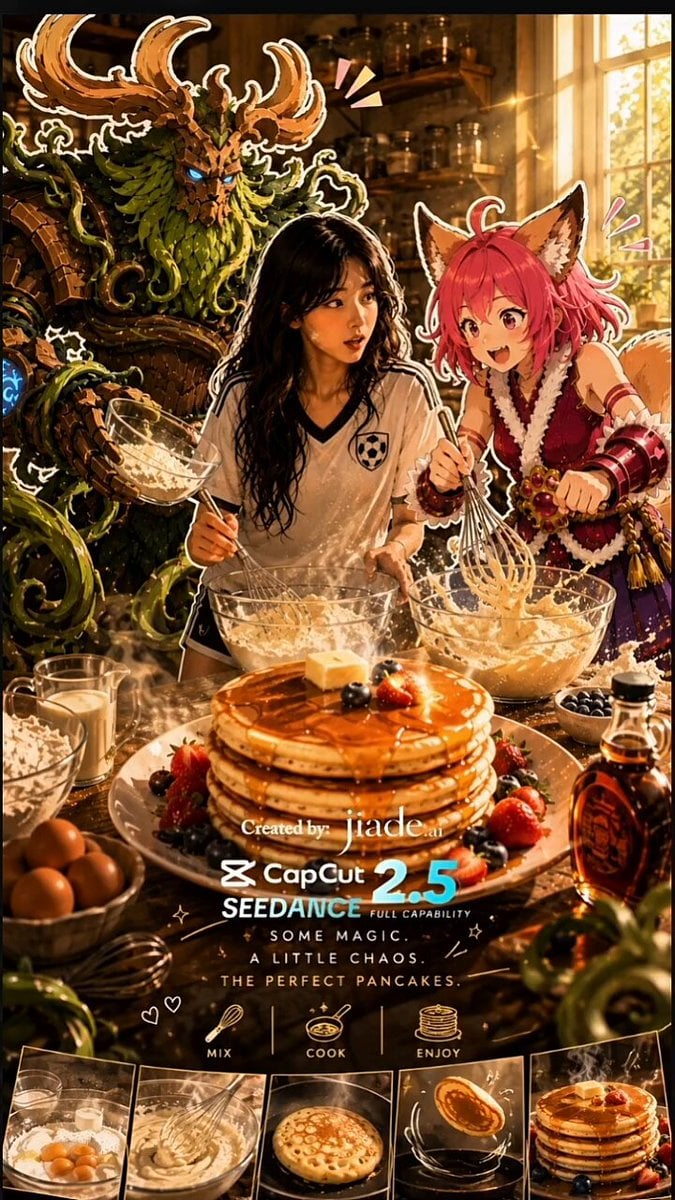
- Prompt included
- Model and format preset
- Free template
The prompt behind this video
Copy the exact prompt behind Mixed-Media Kitchen Cooking Animation, or open it in the studio and make it yours.
Create a 30-second vertical 9:16 cinematic cooking short using all uploaded reference images. REFERENCE PRIORITY: Character sheets = exact character appearance. Kitchen reference = exact environment. Pancake recipe image = food preparation and final pancake appearance. VISUAL STYLE — CRITICAL: Create a deliberate mixed-media scene. The YOUNG WOMAN must be ULTRA-REALISTIC LIVE ACTION: photorealistic face, skin, eyes, hair, clothing, natural body proportions, realistic expressions and physically accurate lighting. She must look like a real human filmed with a cinematic camera. NOT anime, NOT cartoon, NOT illustration. The FOX GIRL and FOREST GUARDIAN must remain 2D FLAT ANIME-STYLE STICKER CHARACTERS based exactly on their uploaded character sheets. Preserve their clean illustrated outlines, flat colors, cel-shading, stylized proportions and original designs. They must NOT become realistic, 3D CGI or live-action characters. The kitchen is photorealistic. The realistic woman and realistic kitchen contrast intentionally with the colorful 2D anime sticker characters. Make the 2D characters feel naturally integrated into the real kitchen through correct scale, perspective, contact shadows and lighting, while clearly remaining flat illustrated characters. CHARACTERS: Young woman: use uploaded reference exactly; long black hair, white athletic jersey, black shorts, white socks and sneakers. Fox girl: use uploaded reference exactly; pink hair, fox ears, blue eyes, fluffy cream/orange tail, purple/magenta outfit. Energetic, playful and slightly clumsy. Ears and tail react naturally. Forest guardian: use uploaded reference exactly; huge antlers, wooden body, green leafy beard/mane, wooden armor, blue glowing eyes/rune and living vines. Calm, serious and gentle. His vines act as extra hands and use harmless nature magic. LOCATION: Photorealistic warm modern kitchen, wooden counters, cream cabinets, stove, island and soft afternoon sunlight. Keep the same kitchen, lighting and layout throughout. STORY + TIMING: 0–5s: Young woman walks naturally into the kitchen. Smooth cinematic tracking shot from behind, then over-the-shoulder reveal. She sees the 2D fox girl and giant guardian preparing pancakes at the counter. GIRL: "What are you two doing in my kitchen?" FOX GIRL: "Pancakes!" GUARDIAN: "Pancakes." Girl blinks: "...Okay." 5–10s: Girl joins them. GIRL: "Fine. You're helping." They begin making pancake batter following the uploaded recipe: flour, sugar, baking powder, baking soda, salt, milk, egg, melted butter and vanilla. Guardian's vines naturally hold ingredients and utensils. 10–15s: Fox gi
How to use Mixed-Media Kitchen Cooking Animation in 3 steps
- 1Upload ImagePNG, JPG or paste
Add your photo
Upload the photo the template builds on. The prompt, model and format are already set.
- 2…a portrait of your subject in softgolden-hour light, 85mm…
Personalize
Edit the subject and creative details for your destination.
- 3Generate
Generate
Press Generate — your video is created in PicX Studio, so you can compare it with the original and refine one variable at a time.
More like this
Templates with the same subject, style or setup. Open one to see its prompt.
Mixed-Media POV Transformation

Mixed-Media Culinary Stylus Morph
Ghibli Style Shawarma Cooking Animation
Late Night Kitchen Phone Recording - Seedance 2.5
3D Glossy Fairy Animation - Seedance 2.5
Mixed Reality Anime Sticker Cooking

Silk Road Pomegranate Folk Animation
Multilingual Creative Typography Loop
Studio Ghibli Style Cooking Animation
Mixed Reality Home Vlog Animation
Studio Ghibli Dumpling Kitchen Cooking Scene
Retro Anime Cooking Kitchen Scenes
Make it yours
Mixed-Media Kitchen Cooking Animation works as-is. These are the safest ways to change it without losing the look.
Change one field
Copy a single group, rewrite it, and generate again so you can see what that field is doing.
Keep the frame, change the subject
Hold the composition and light of Mixed-Media Kitchen Cooking Animation, then swap wardrobe, props or the person for a new take.
| If the result… | Why | Fix |
|---|---|---|
| The result drifts from the preview | Too many fields changed at once. | Reuse Mixed-Media Kitchen Cooking Animation as-is first, then change one group — subject, light, or setting. |
| The model over-stylizes the scene | The prose prompt leaves finish and camera underspecified. | Add one camera or lighting sentence and stay on Seedance 2.0. |
More Seedance 2.0 templates
Other prompts made for Seedance 2.0.

Comical Martial Arts Punch Scene

Maglev Train Action Sequence

Martial Arts Fight Sequence

Wuxia Protection and Trust Script

Vintage Korean Arcade MiniDV Vlog

Mercedes 190 SL Luxury Ad

Rainy Night Supernatural Reverse Comedy Video Script

Amazon Civilization Discovery

Futuristic South Asian City Transformation

Cozy Luxury Cafe Commercial
More video prompts
Fresh picks from across the catalog.
Superhero Joyrides — Seedance 2.0
Cinematic Knight at Dawn
Video generation prompt about a heroine's mission to restore literacy
The Moment It Sees Him (Close-up Shot)
Wings of Amethyst Fire
Xianxia Furniture Assembly Comedy
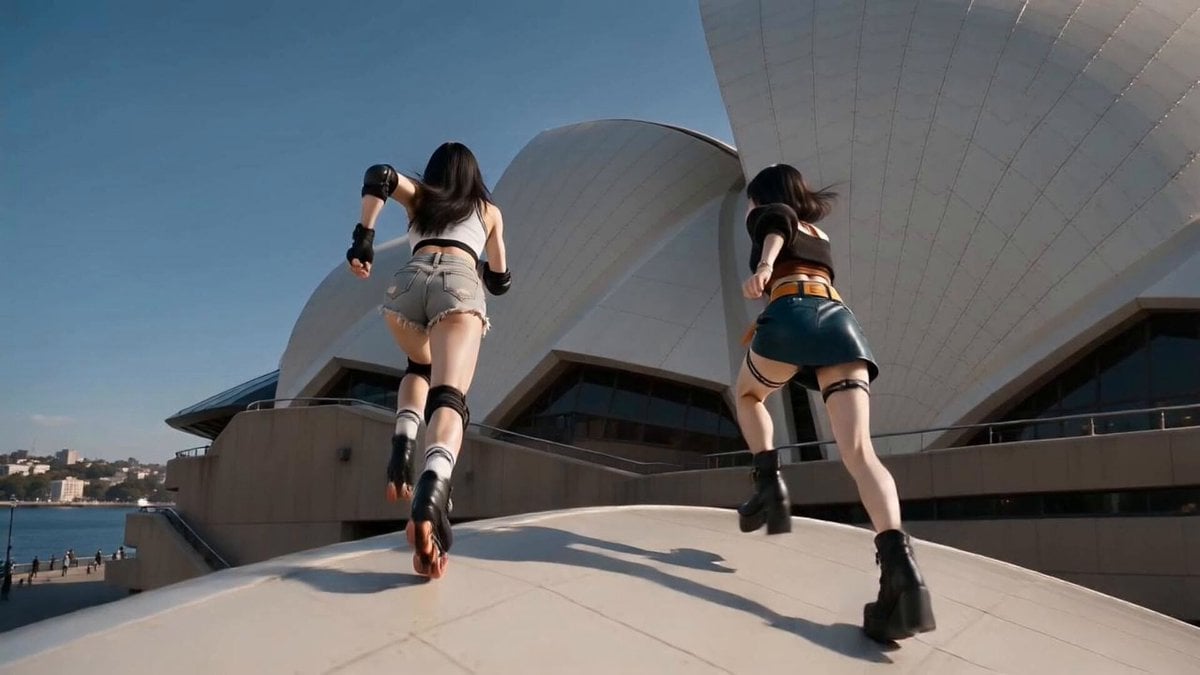
East Asian Women Opera House
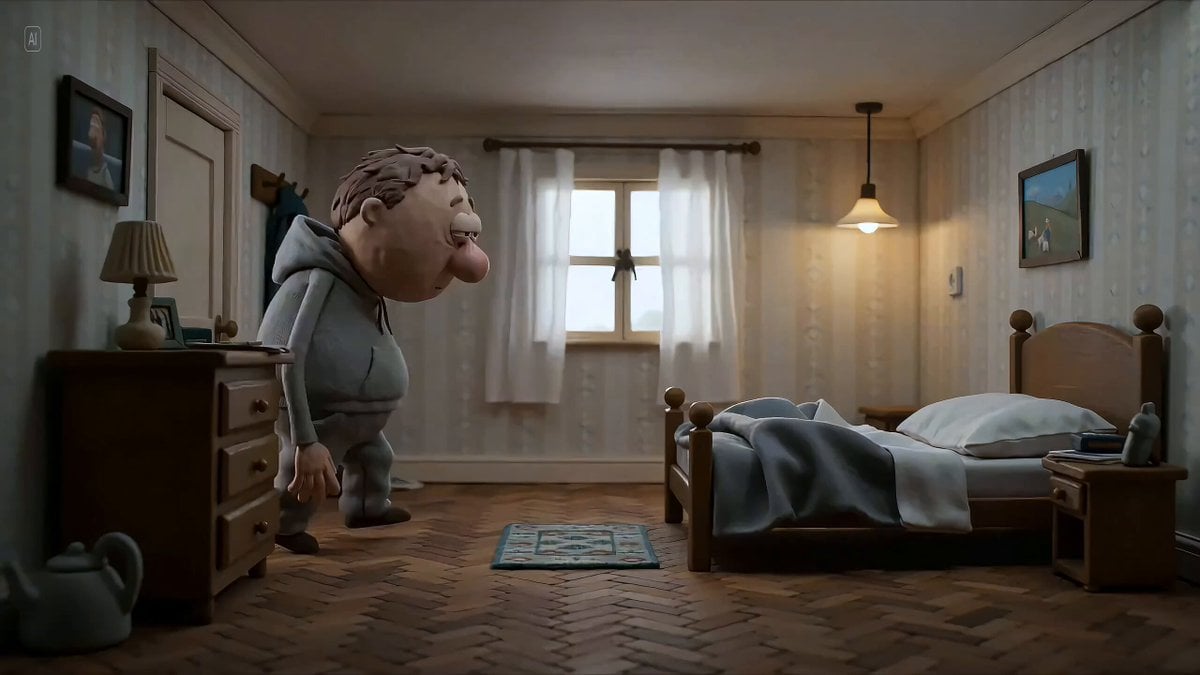
Hyperrealistic miniature diorama of a clay figure collapsing on a bed
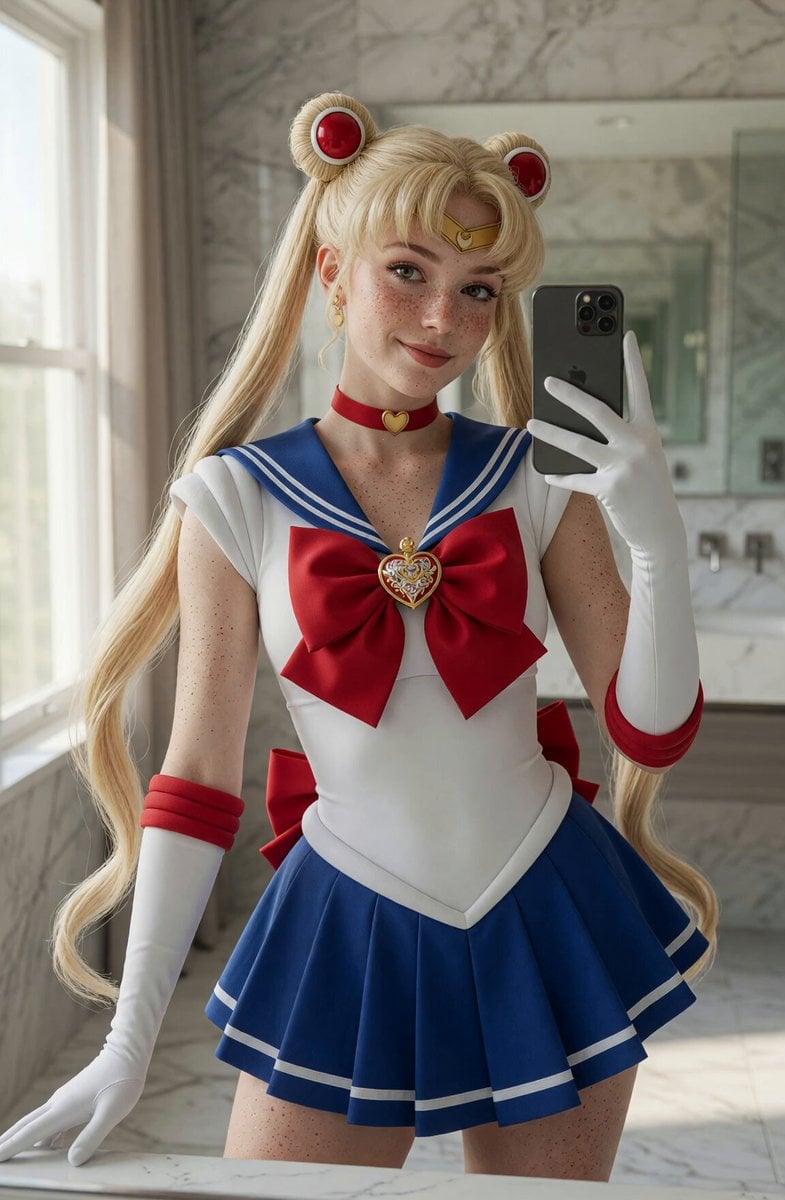
Sailor Moon Mirror Selfie Video
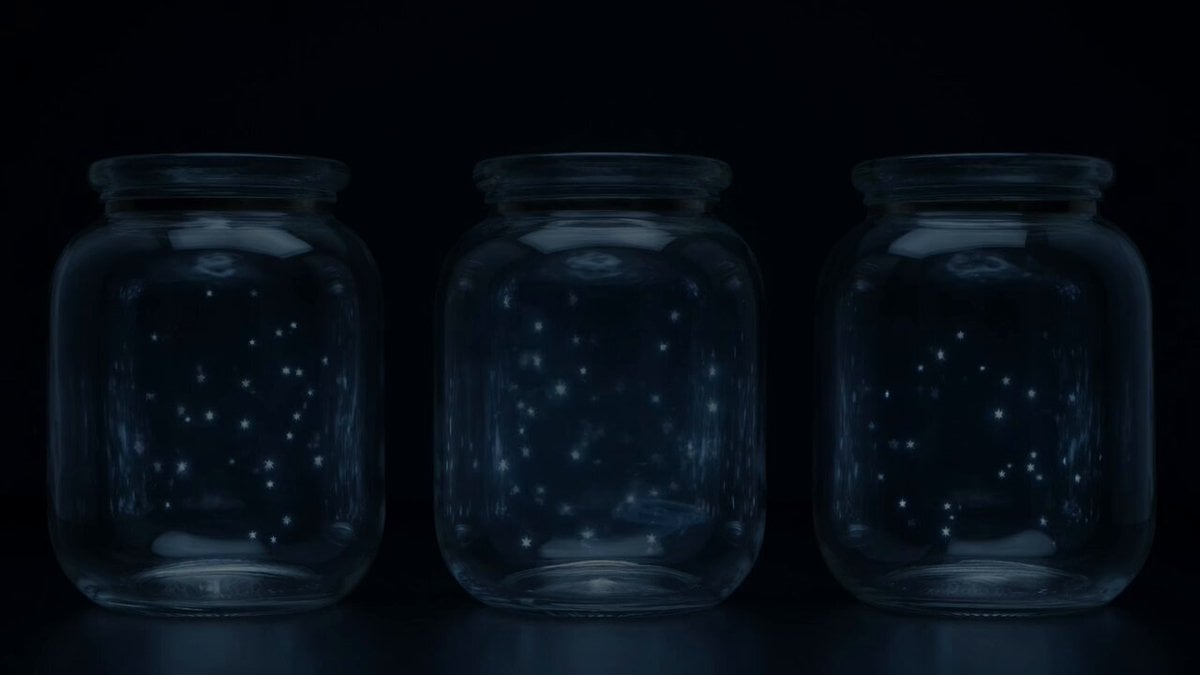
Stars in Jars Timed Overlay
Browse template categories
Mixed-Media Kitchen Cooking Animation questions
How do I use the Mixed-Media Kitchen Cooking Animation template?
Add your photo if the template asks for one, edit the prompt if you like — the template's model and format are already selected — and press Generate. Your version opens in PicX Studio.
Can I customize the Mixed-Media Kitchen Cooking Animation template?
Yes. You can change the subject, setting, lighting, mood, format, and available model controls before creating your video.
Is the Mixed-Media Kitchen Cooking Animation template free?
Opening and editing this template is free. Generating uses credits, shown on the Generate button when you are signed in.
Which AI model should I use?
Start with Seedance 2.0, which is the model associated with this template. You can compare another compatible model for a different finish.
Looking for something else? Browse all templates.

Your photo, any look
Thousands of ready templates for every top image and video model, from one credit balance.