
Studio Ghibli Style Cooking Animation
A Studio Ghibli-style 2D animation prompt featuring a cozy kitchen, warm lighting, and the process of making dumplings, with a fluffy tabby cat observer.
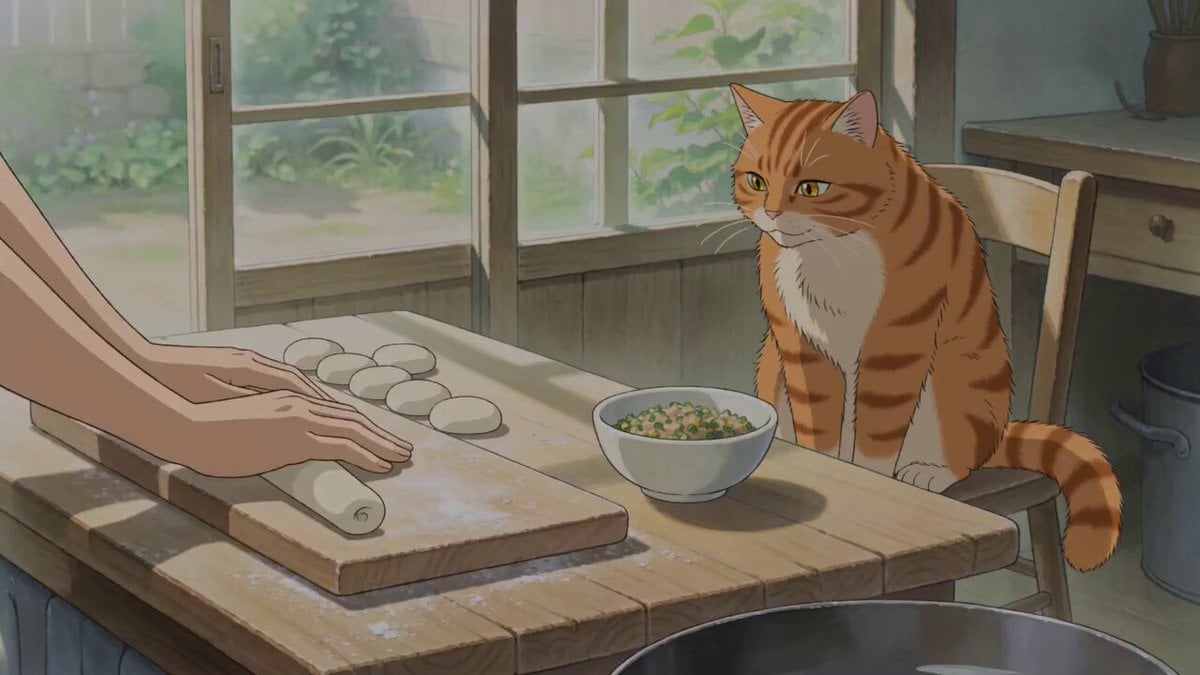
- Prompt included
- Model and format preset
- Free template
The prompt behind this video
Copy the exact prompt behind Studio Ghibli Style Cooking Animation, or open it in the studio and make it yours.
Core Concept Style: Studio Ghibli-style 2D animation, warm homey atmosphere, magical realism, soft natural lighting, delicate hand-painted texture, watercolor-toned backgrounds, 4K resolution. Setting: A warm wooden kitchen, morning to early afternoon natural light, view of a small garden and greenery through the window. Characters: A young woman (or silver-haired grandmother) wearing a simple apron; a fluffy orange tabby cat. Main Action: Making dumplings → folding → arranging in bamboo steamers → steaming → serving with soy sauce → the cat watches and eventually dozes off. Shot Sequence (15 seconds) 0–3s | Kneading & Rolling Wide shot: On the wooden kitchen counter, flour gently rises. A pair of hands (visible only from elbows down) kneads dough on the board. A small bowl of filling sits nearby. The orange tabby cat sits on a chair, its tail gently swaying, watching the counter. Sound: Soft kneading sounds, distant muffled street noises, the cat’s gentle purr. 3–6s | Hand-Folding Dumplings Close-up: A pair of nimble hands places filling into the centre of each wrapper, delicately folding the edges with fingers, pinching even pleats. Several rows of plump, white dumplings are already lined up on the board. Sunlight slants across the counter, dust motes floating in the light beam. Sound: The subtle press of fingers against dumpling edges, the low simmer of water in the pot, steam beginning to rise. 6–9s | Stacking the Steamers Medium shot: A bamboo steamer is carefully placed onto a steaming pot. Steam wafts gently through the gaps between the basket layers, forming soft white mist. The cat stands up from the chair, stretches, and curls back into a sleepy ball. Sound: The soft "click" of the bamboo steamer settling, water gently bubbling, a light sigh from the cat as it stretches. 9–12s | Steaming & Plating Side tracking shot: The steamer lid is lifted — white steam billows out, revealing glossy, plump dumplings. Dumplings are lifted out one by one and neatly arranged on a white ceramic plate. A small dish of dark soy sauce is placed beside the plate, a pair of chopsticks lightly stained with sauce. Sound: The hiss of escaping steam, the light sound of dumplings being picked up with chopsticks, the soft "clink" of the soy sauce dish being set down. 12–15s | Serving & the Cat’s Nap Wide shot: The table is set with the dumplings, sunlight streaming through the window lattice. A hand (entering frame) gently pushes the plate toward the centre. The cat curls up on the chair, head tucked into its tail, slowly closing its eyes. The scene is filled with quiet warmth and satisfaction. Sound: The crisp clink of chopsticks resting on the edge of the dish, the cat’s last contented purr, ambient sounds gradually fading away. Visual & Atmospheric Details Lighting: Warm natural light coming obliquely through the window, slightly yellowish, with floating dust motes.
How to use Studio Ghibli Style Cooking Animation in 3 steps
- 1
Open
The prompt is already in the box next to the preview, with the template's model and format selected.
- 2…a portrait of your subject in softgolden-hour light, 85mm…
Personalize
Edit the subject and creative details for your destination.
- 3Generate
Generate
Press Generate — your video is created in PicX Studio, so you can compare it with the original and refine one variable at a time.
More like this
Templates with the same subject, style or setup. Open one to see its prompt.
Ghibli Style Shawarma Cooking Animation
Studio Ghibli Style Dumpling Cooking
Studio Ghibli Dumpling Kitchen Cooking Scene

Studio Ghibli Rainy Village Animation
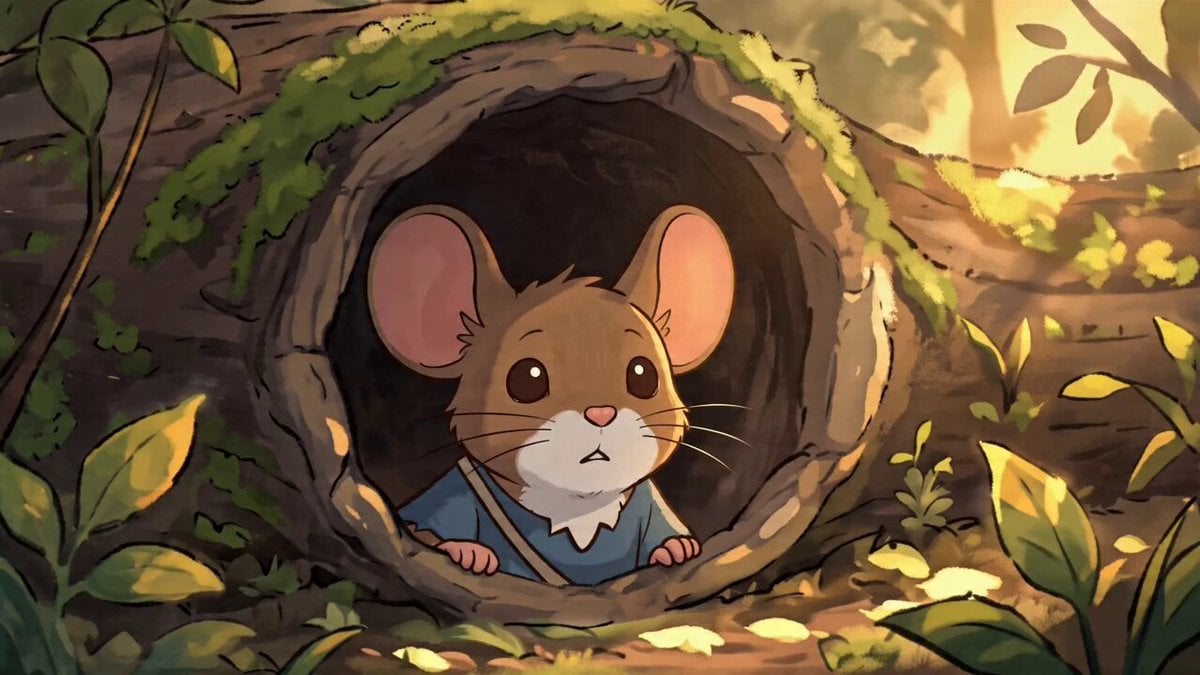
Studio Ghibli Style Animation Scene
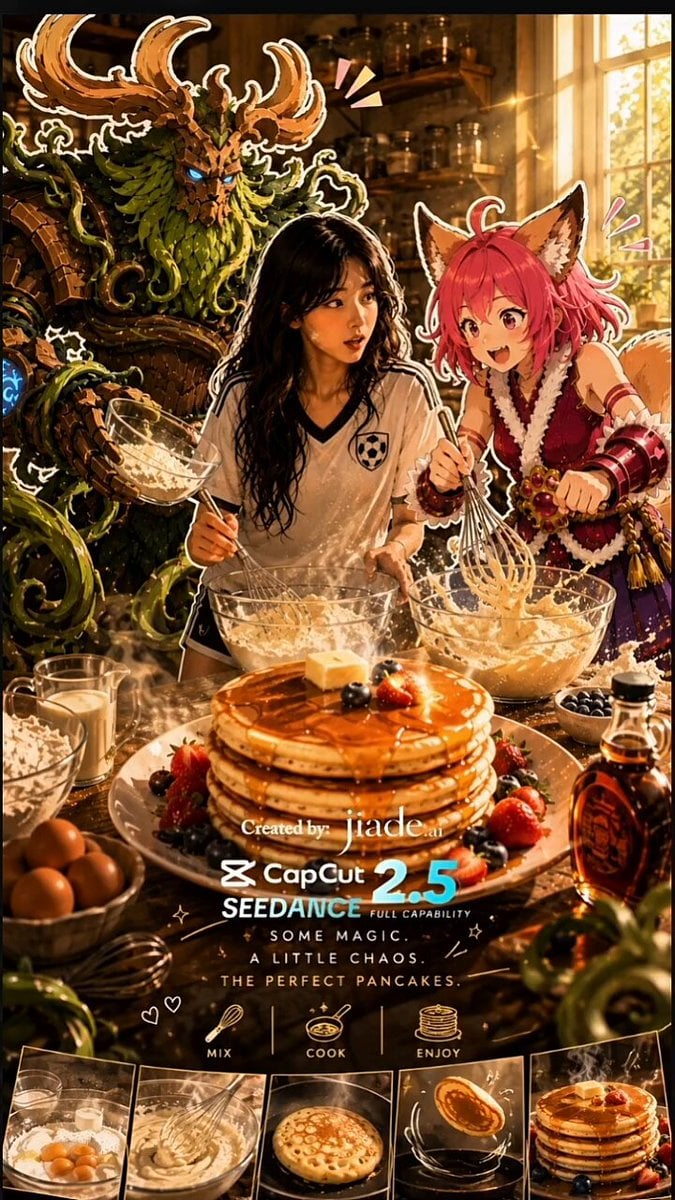
Mixed-Media Kitchen Cooking Animation
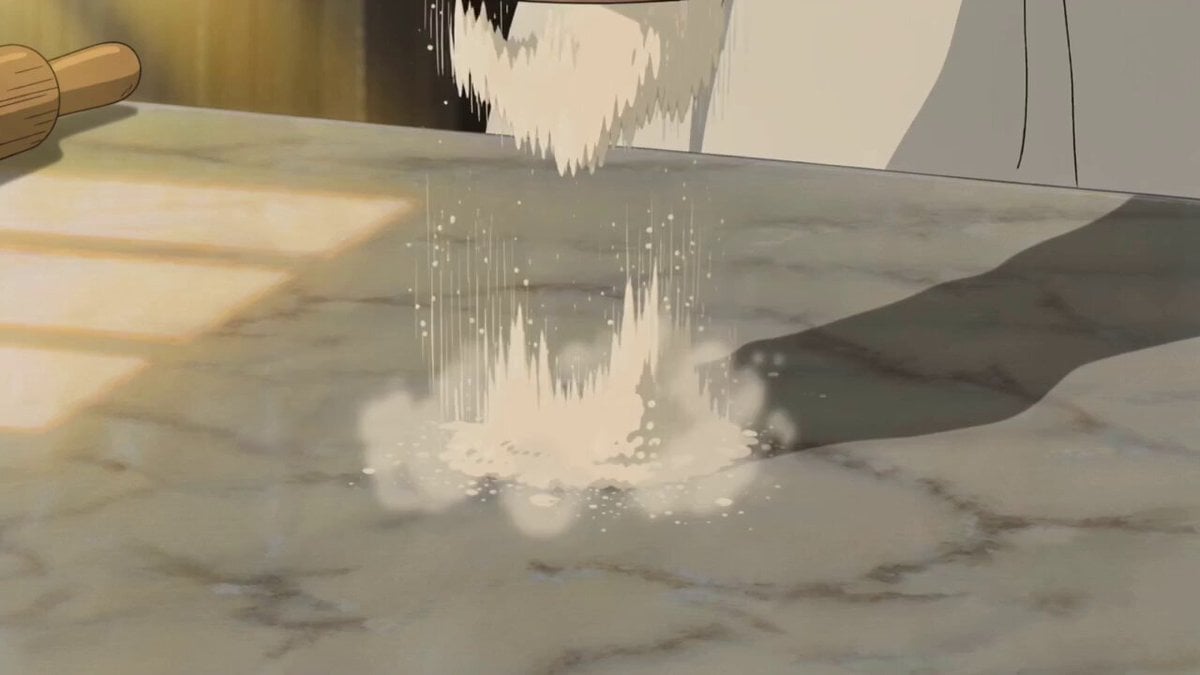
Ghibli Aesthetic Cooking Short
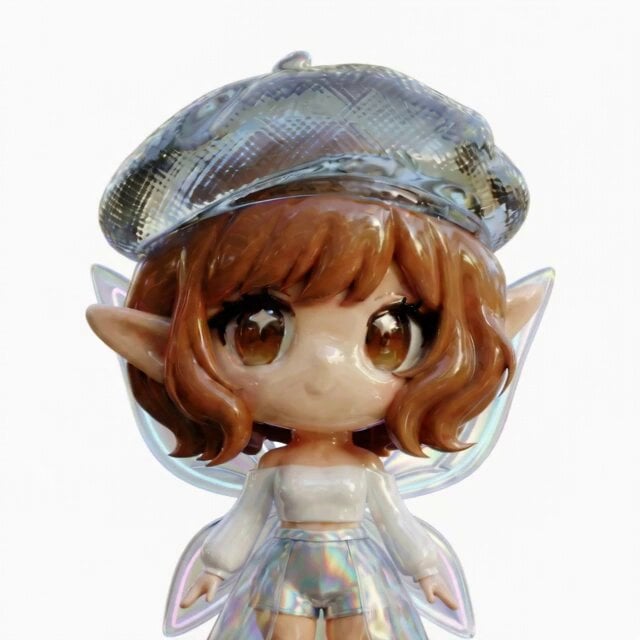
3D Glossy Fairy Animation - Seedance 2.5
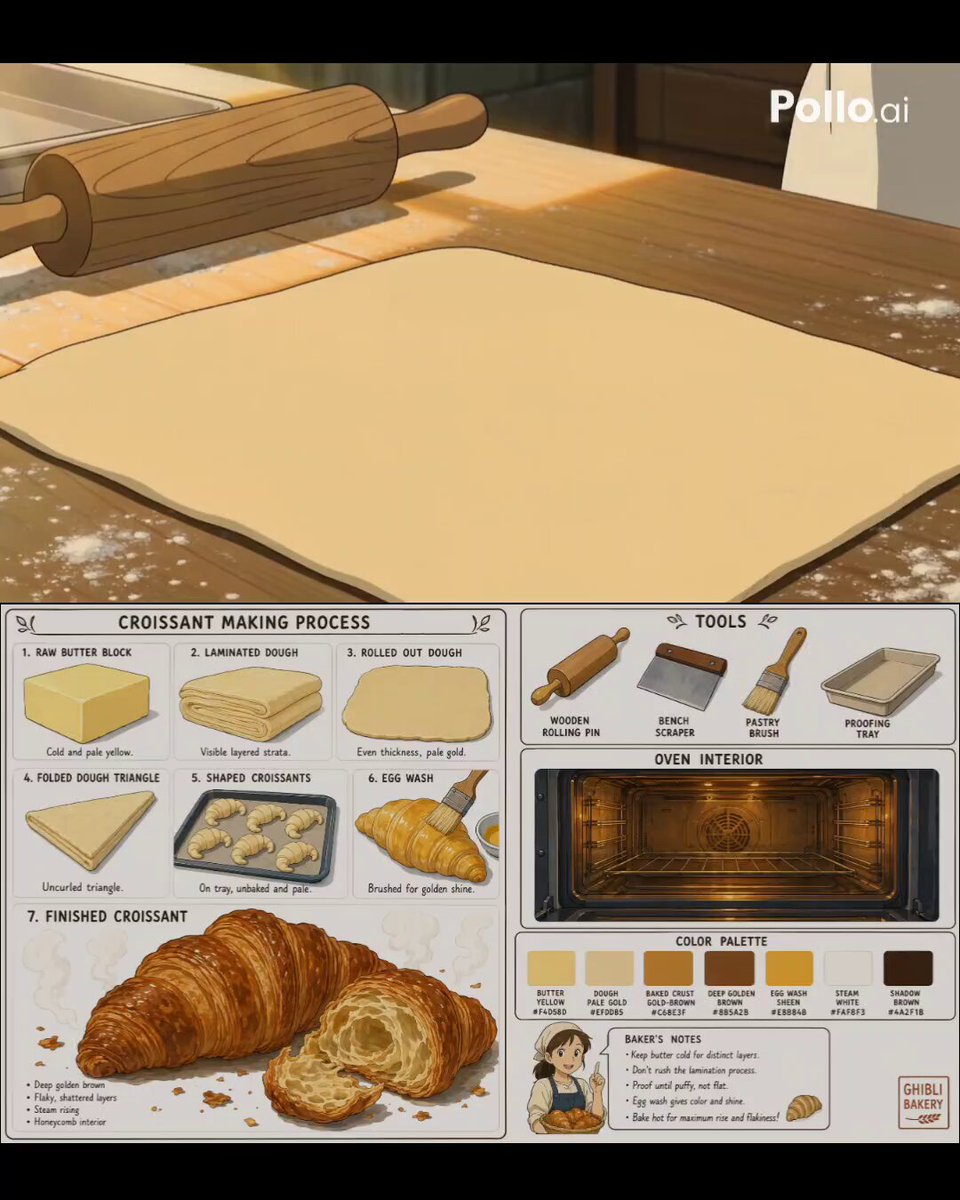
Studio Ghibli Style Croissant Bakery

Studio Ghibli Inspired Bamboo Soup Scene
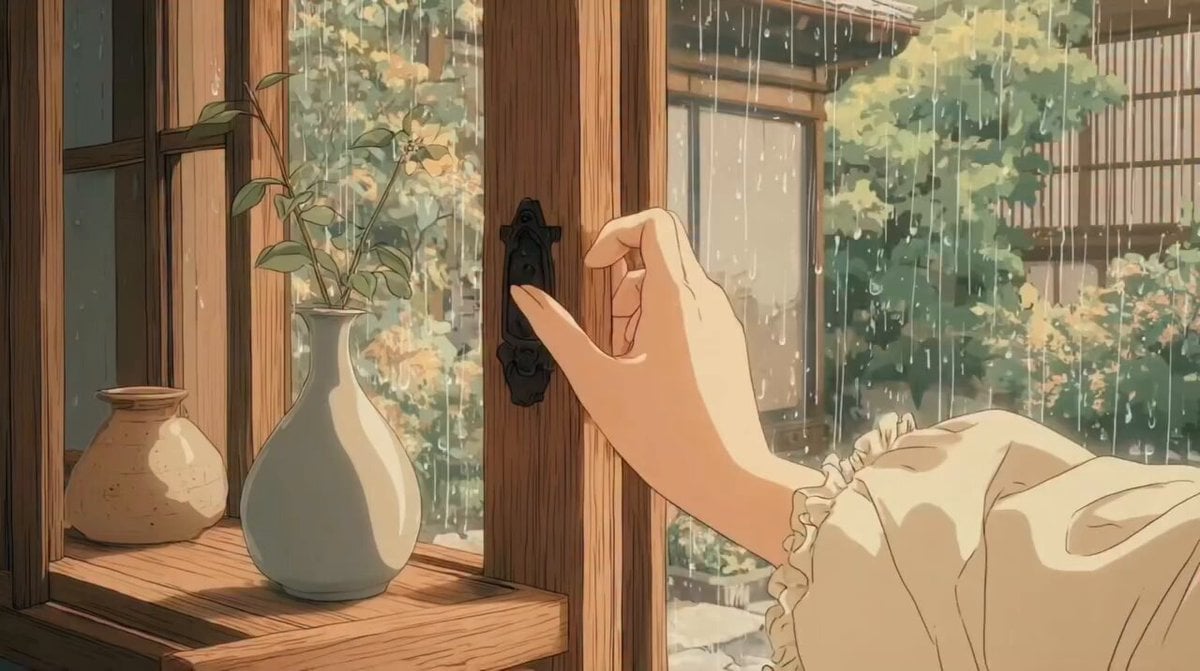
Studio Ghibli Inspired Rainy Garden
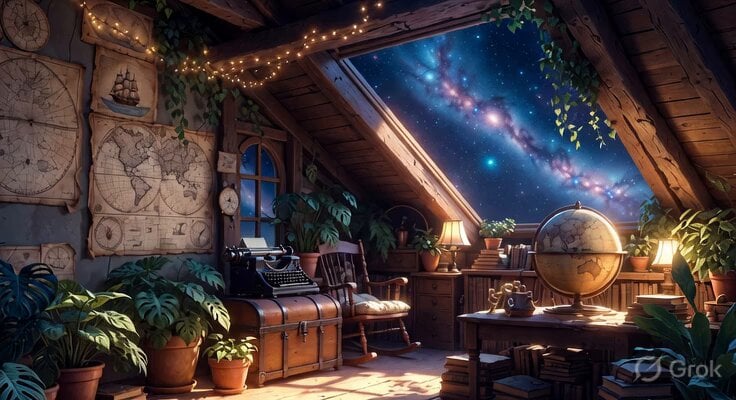
Studio Ghibli Inspired Cozy Attic
Make it yours
Studio Ghibli Style Cooking Animation works as-is. These are the safest ways to change it without losing the look.
Change one field
Copy a single group, rewrite it, and generate again so you can see what that field is doing.
Keep the frame, change the subject
Hold the composition and light of Studio Ghibli Style Cooking Animation, then swap wardrobe, props or the person for a new take.
| If the result… | Why | Fix |
|---|---|---|
| The result drifts from the preview | Too many fields changed at once. | Reuse Studio Ghibli Style Cooking Animation as-is first, then change one group — subject, light, or setting. |
| The model over-stylizes the scene | The prose prompt leaves finish and camera underspecified. | Add one camera or lighting sentence and stay on Seedance 2.0. |
More Seedance 2.0 templates
Other prompts made for Seedance 2.0.

Comical Martial Arts Punch Scene

Maglev Train Action Sequence

Martial Arts Fight Sequence

Wuxia Protection and Trust Script

Vintage Korean Arcade MiniDV Vlog

Mercedes 190 SL Luxury Ad

Rainy Night Supernatural Reverse Comedy Video Script

Amazon Civilization Discovery

Futuristic South Asian City Transformation

Cozy Luxury Cafe Commercial
More video prompts
Fresh picks from across the catalog.
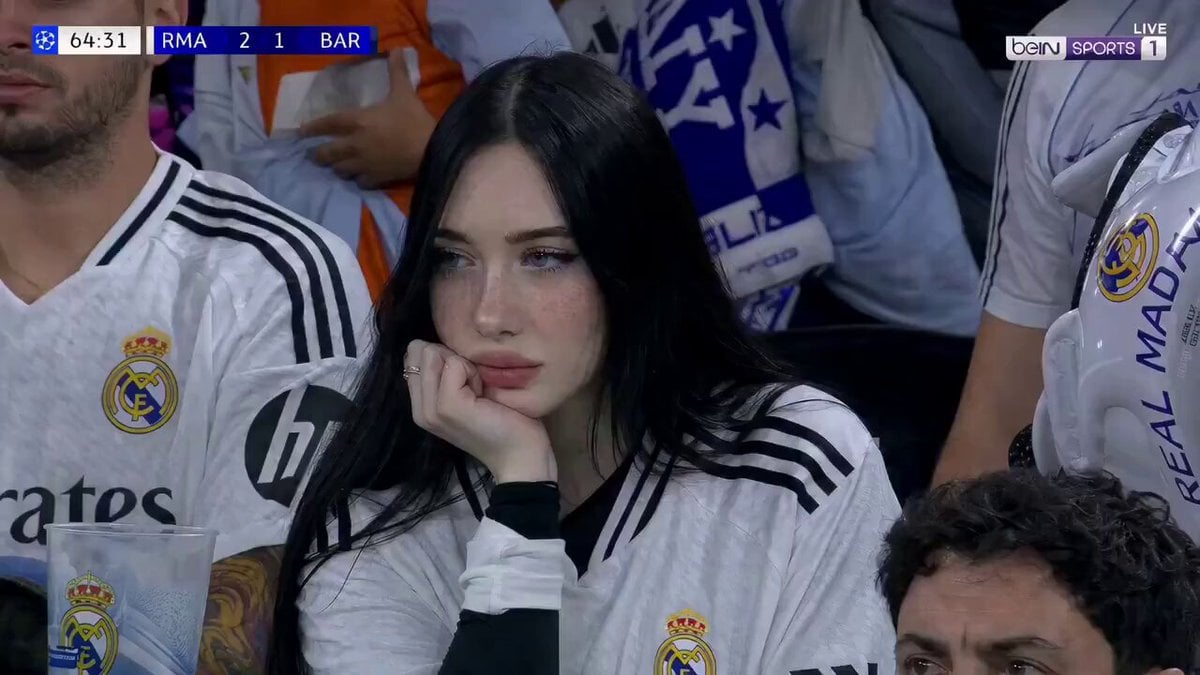
Football Match Female Fan Broadcast
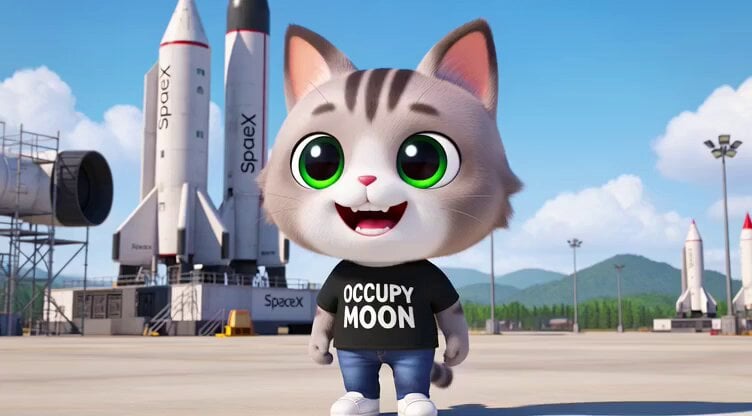
3D render of Chibi humanoid cat mascot at SpaceX launch site
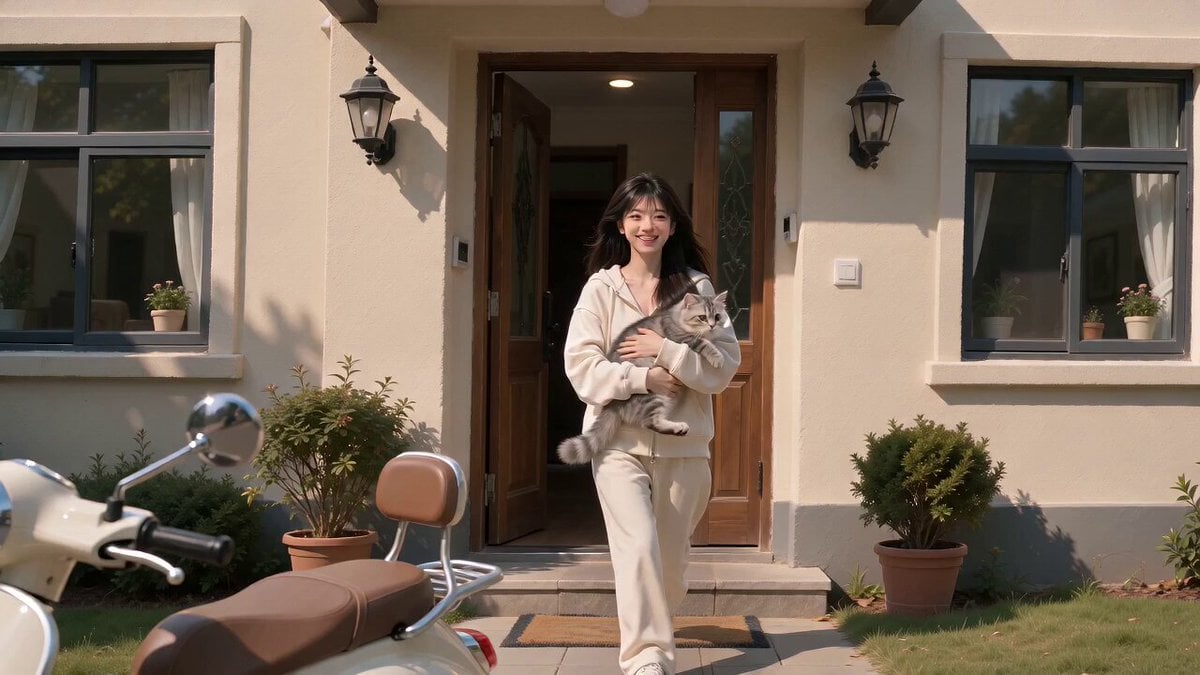
Flying Cat with Propeller Helmet Viral Video
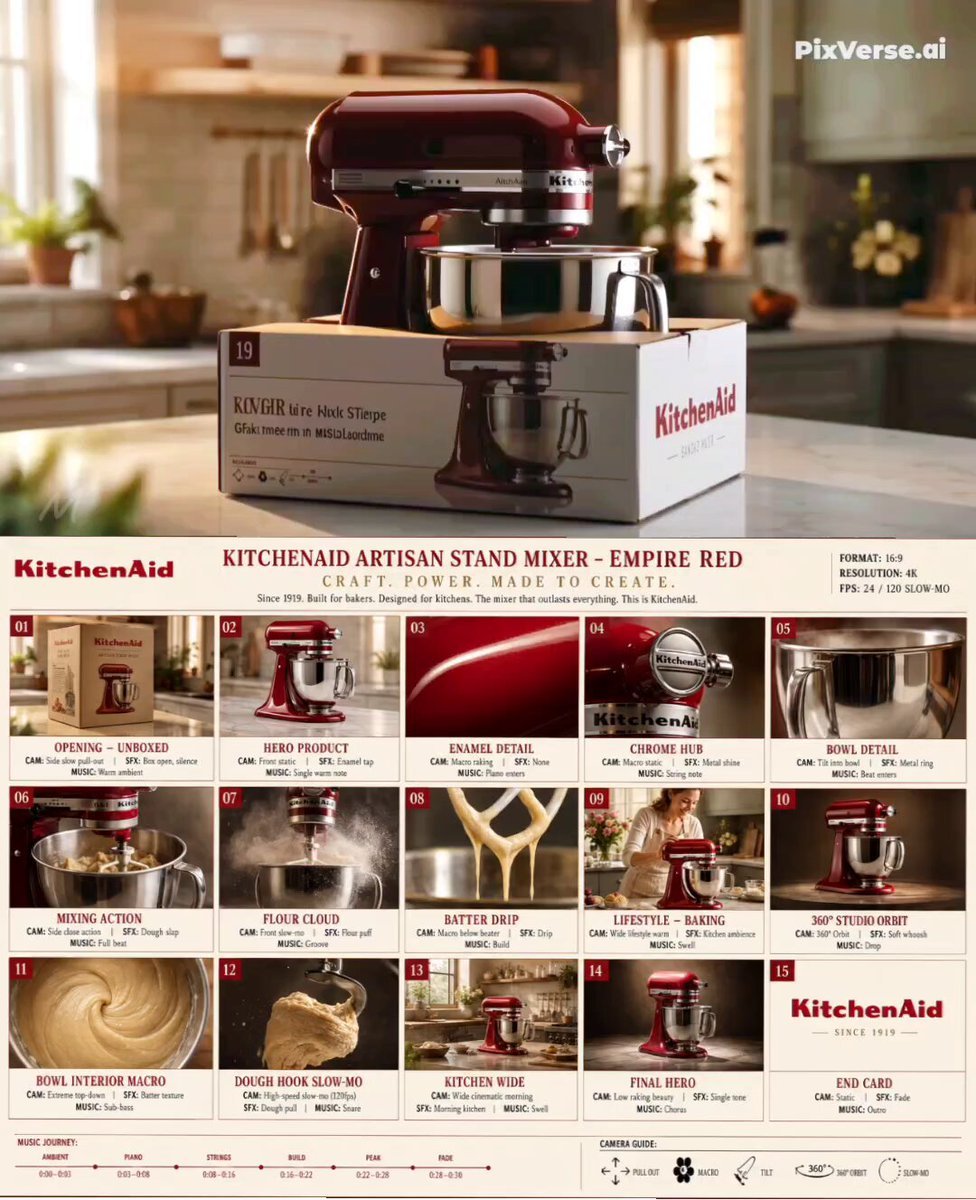
Premium Kitchenware Campaign Style
Visual Journey Project
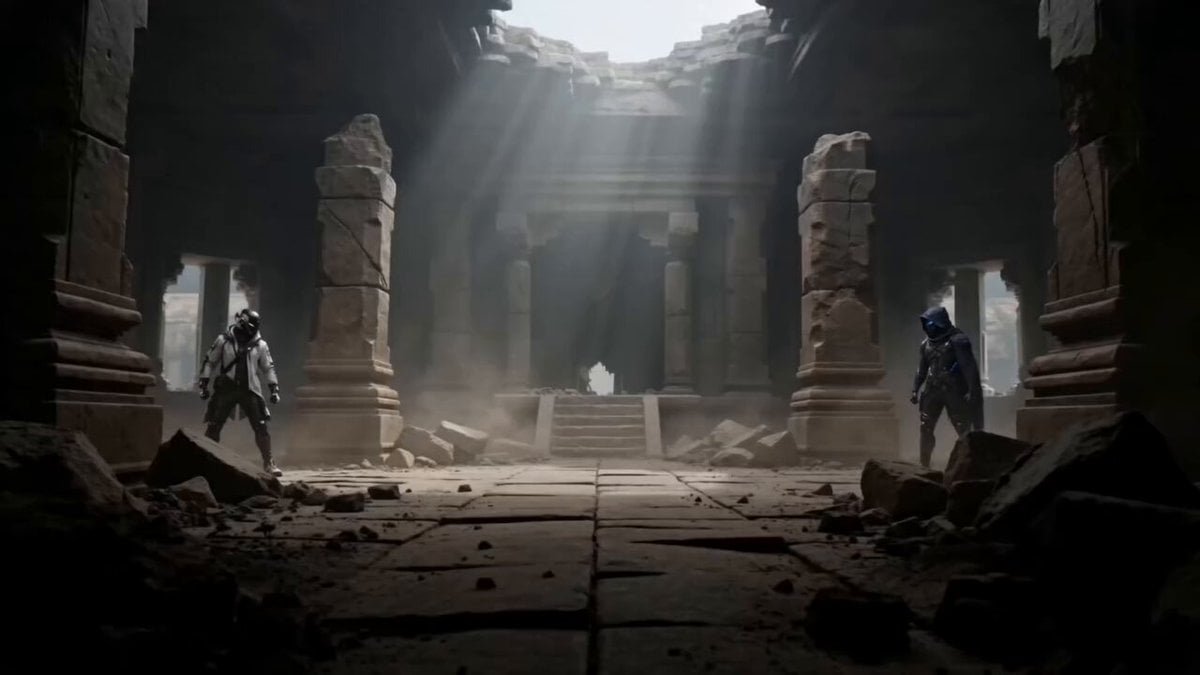
Martial Arts Duel Cinematic Scene

Shiba Inu in Business Suit Jumps from Car Window
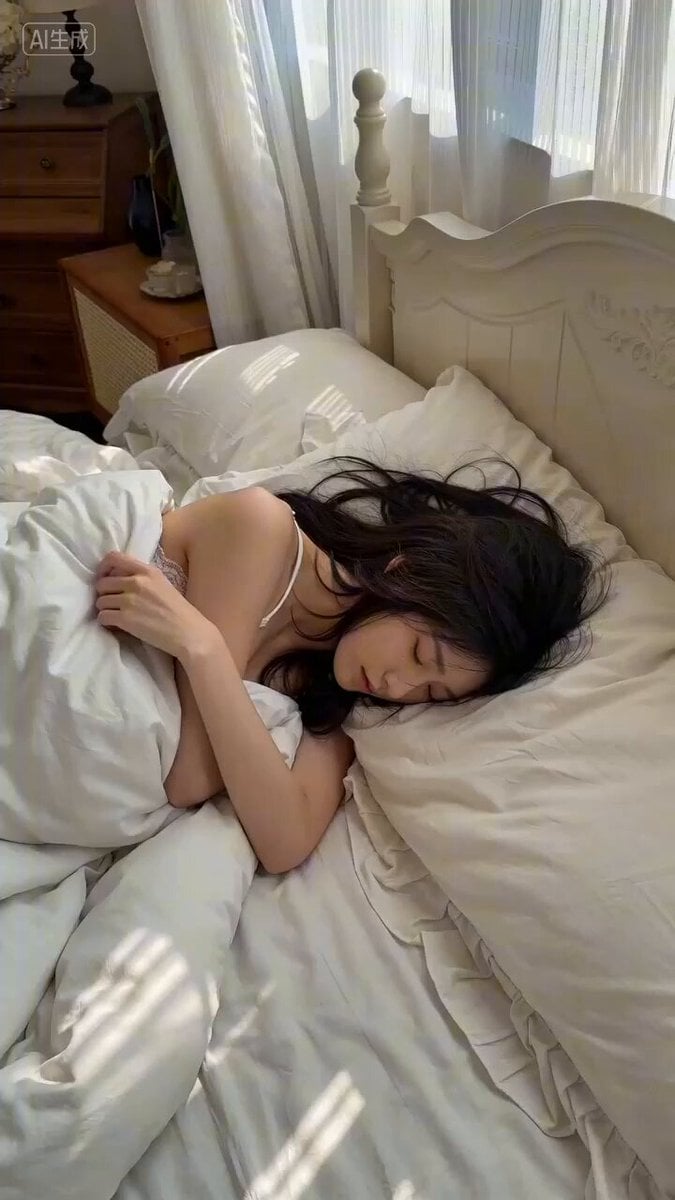
Morning Wake-Up Scene Prompt for Seedance 2
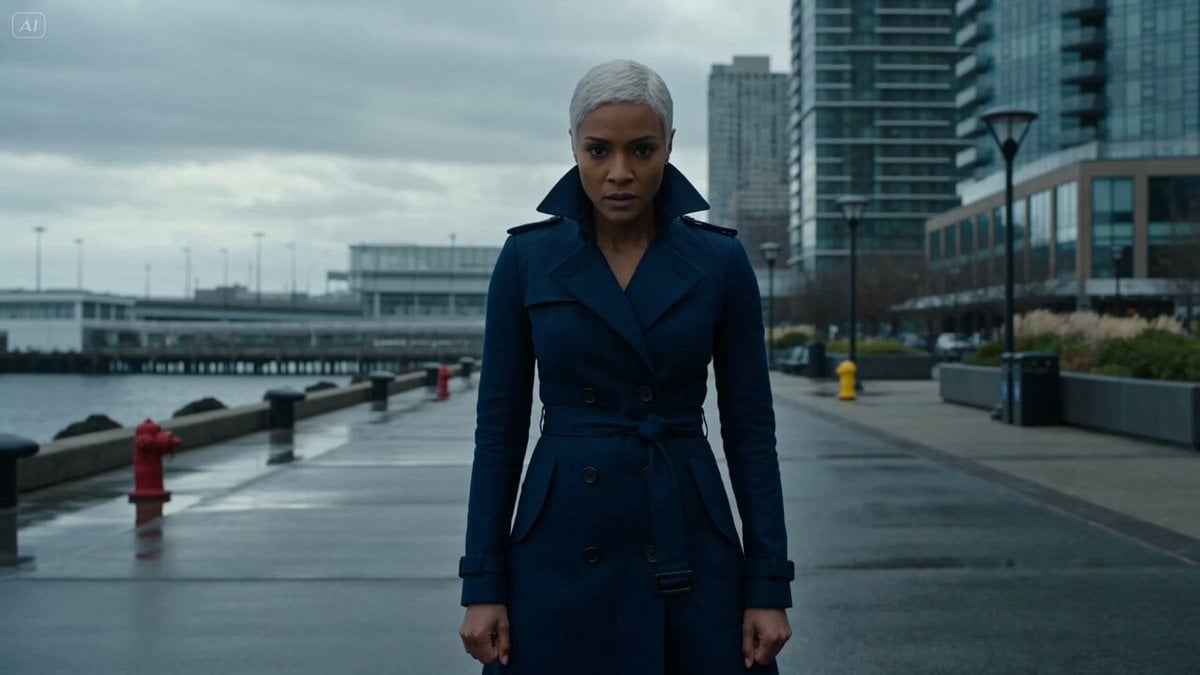
Hydraulic tidal-flow battle
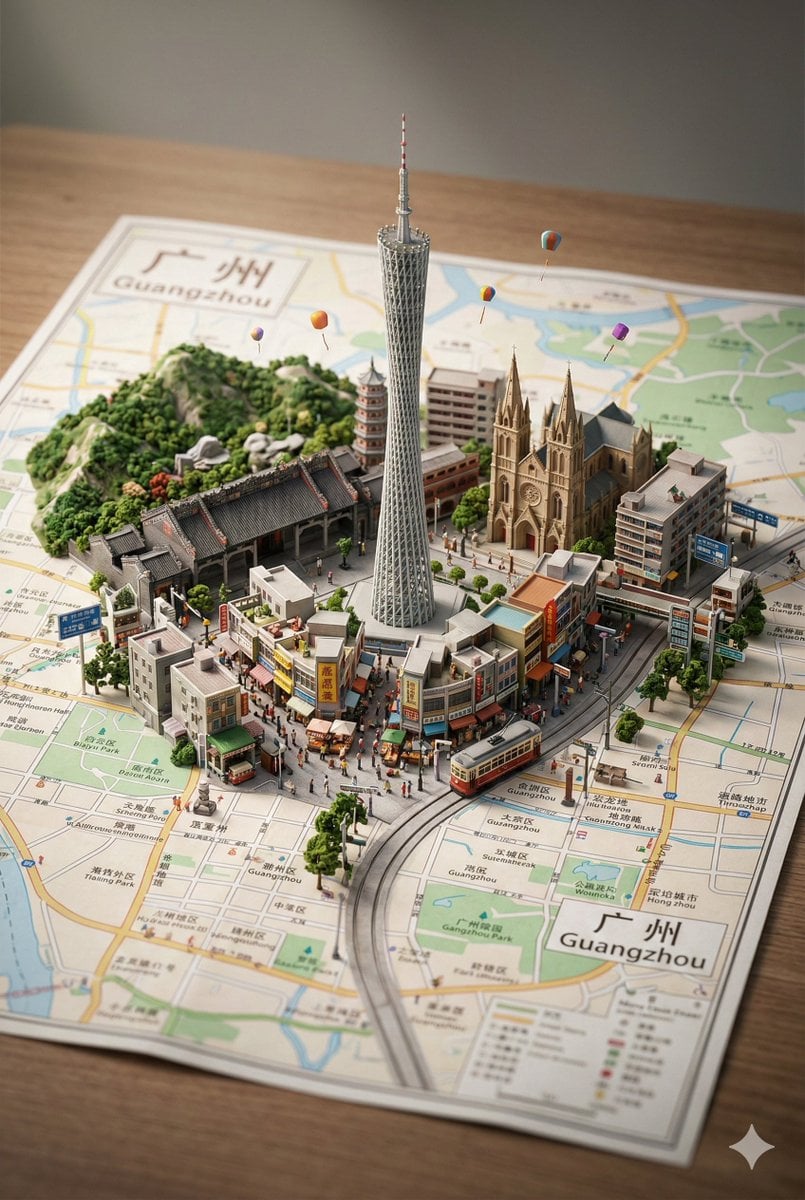
Nano Banana Pro Prompt: 3D City Diorama Map (Reference)
Browse template categories
Studio Ghibli Style Cooking Animation questions
How do I use the Studio Ghibli Style Cooking Animation template?
Add your photo if the template asks for one, edit the prompt if you like — the template's model and format are already selected — and press Generate. Your version opens in PicX Studio.
Can I customize the Studio Ghibli Style Cooking Animation template?
Yes. You can change the subject, setting, lighting, mood, format, and available model controls before creating your video.
Is the Studio Ghibli Style Cooking Animation template free?
Opening and editing this template is free. Generating uses credits, shown on the Generate button when you are signed in.
Which AI model should I use?
Start with Seedance 2.0, which is the model associated with this template. You can compare another compatible model for a different finish.
Looking for something else? Browse all templates.

Your photo, any look
Thousands of ready templates for every top image and video model, from one credit balance.