
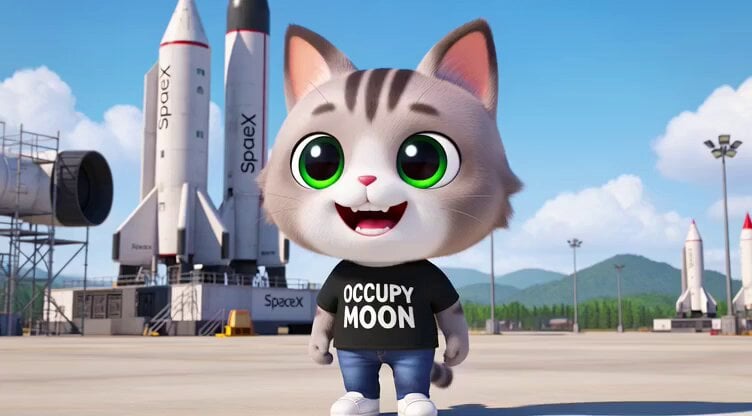
3D render of Chibi humanoid cat mascot at SpaceX launch site
A highly detailed prompt for Grok Imagine describing a 3D rendered, Chibi-style humanoid cat mascot with specific physical characteristics (color, eyes, expression) and attire (OCCUPY MOON T-shirt), set at a SpaceX…
- Prompt included
- Model and format preset
- Premium template
The prompt behind this video
Copy the exact prompt behind 3D render of Chibi humanoid cat mascot at SpaceX launch site, or open it in the studio and make it yours.
3D render of the Chibi humanoid cat **Coat / Colour Pattern** Generally short-haired with soft, medium to light grey tones and classic tabby markings; three distinct dark grey/black stripes running vertically along the forehead and continuing slightly towards the head. The chest, belly and inner thighs are bright white, creating a distinct contrast shading effect typical of many tabby cats. **Eyes** Very large, round and possessing an almost anime-like brightness. The irises are dark green, fading to lighter tones towards the edges, giving an innocent, wide-eyed, ‘sparkling-eyed’ expression. Small white highlights add extra vibrancy. **Facial Expression** Extremely happy and friendly; the mouth is wide open in a cheerful, slightly toothy grin, revealing a small pink tongue and small white teeth. The expression can be interpreted as excited / mischievous / "hehe" energy. **Ears** Normal-sized in proportion to the head, triangular, upright and facing forward. The inside of the ears is a warm peach-pink/coral tone. The humanoid cat mascot wears a black T-shirt, jeans and white trainers; the T-shirt bears the words "OCCUPY MOON". The humanoid cat mascot is watching the rockets ready for launch at the SpaceX launch site and daydreaming; in the thought bubble, the cat mascot is imagining a journey to Mars aboard a SpaceX rocket, Sunny, energetic weather; cinematic lighting; dynamic scene; cinematic shot in Ultra 8K HD
How to use 3D render of Chibi humanoid cat mascot at SpaceX launch site in 3 steps
- 1
Open
The prompt is already in the box next to the preview, with the template's model and format selected.
- 2…a portrait of your subject in softgolden-hour light, 85mm…
Personalize
Edit the subject and creative details for your destination.
- 3Generate
Generate
Press Generate — your video is created in PicX Studio, so you can compare it with the original and refine one variable at a time.
More like this
Templates with the same subject, style or setup. Open one to see its prompt.
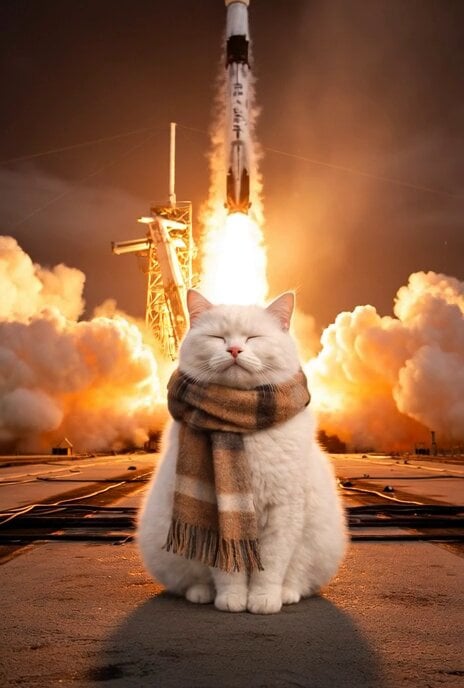
Cat Walking Away After SpaceX Launch Video Prompt
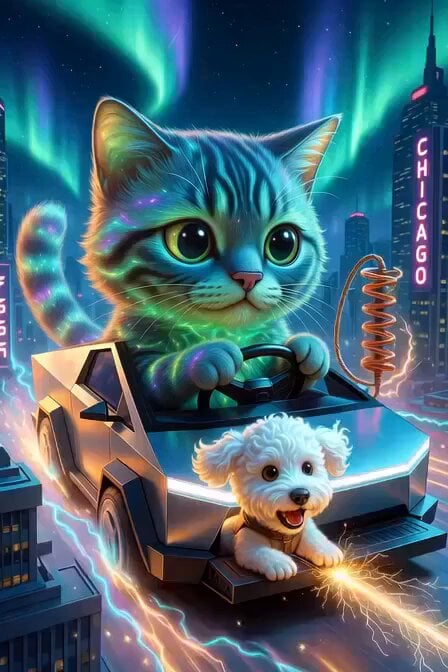
Chibi Cosmic Wildcat Cybertruck
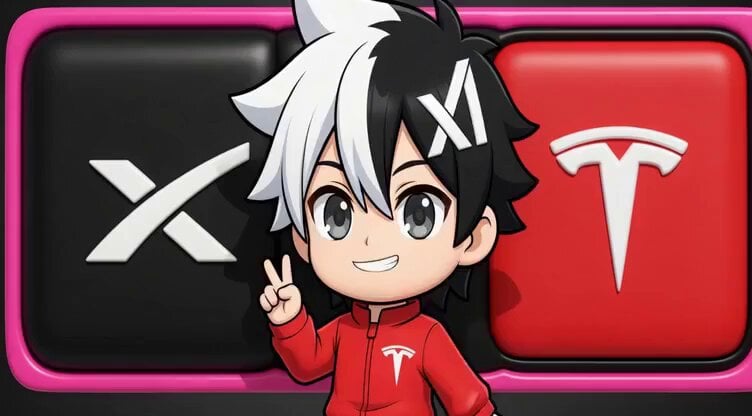
Chibi Concept Logo for SpaceX, xAI, and Tesla

SpaceX Starship Launch Scene
SpaceX Starship Interior Video
SpaceX Starship Orbital Drop Pods
Angel and Curious Cat
SpaceX Starship Ocean Speedboat
Alien Couple Spaceship Launch
Photorealistic 3D Render Template
Funny Badass Garuda Mascot for Football
Cybertruck with SpaceX Starship Wrap
Make it yours
3D render of Chibi humanoid cat mascot at SpaceX launch site works as-is. These are the safest ways to change it without losing the look.
Change one field
Copy a single group, rewrite it, and generate again so you can see what that field is doing.
Keep the frame, change the subject
Hold the composition and light of 3D render of Chibi humanoid cat mascot at SpaceX launch site, then swap wardrobe, props or the person for a new take.
| If the result… | Why | Fix |
|---|---|---|
| The result drifts from the preview | Too many fields changed at once. | Reuse 3D render of Chibi humanoid cat mascot at SpaceX launch site as-is first, then change one group — subject, light, or setting. |
| The model over-stylizes the scene | The prose prompt leaves finish and camera underspecified. | Add one camera or lighting sentence and stay on Grok Imagine. |
More Grok Imagine templates
Other prompts made for Grok Imagine.

Kaleidoscopic Cosmic Dolphin Video

Horror Daffy Duck Video Transition

America 250th Anniversary Celebration

Glowing Water Forest Night Prompt

Soft Pink Roses Dreamer Prompt

Ninja Wizard Levitation Jump

Coffee Cup Interaction Motion

Voice Controlled Water Animation

Pterodactyl Transformation Journey

Candle Mandala Mirror Video
More video prompts
Fresh picks from across the catalog.
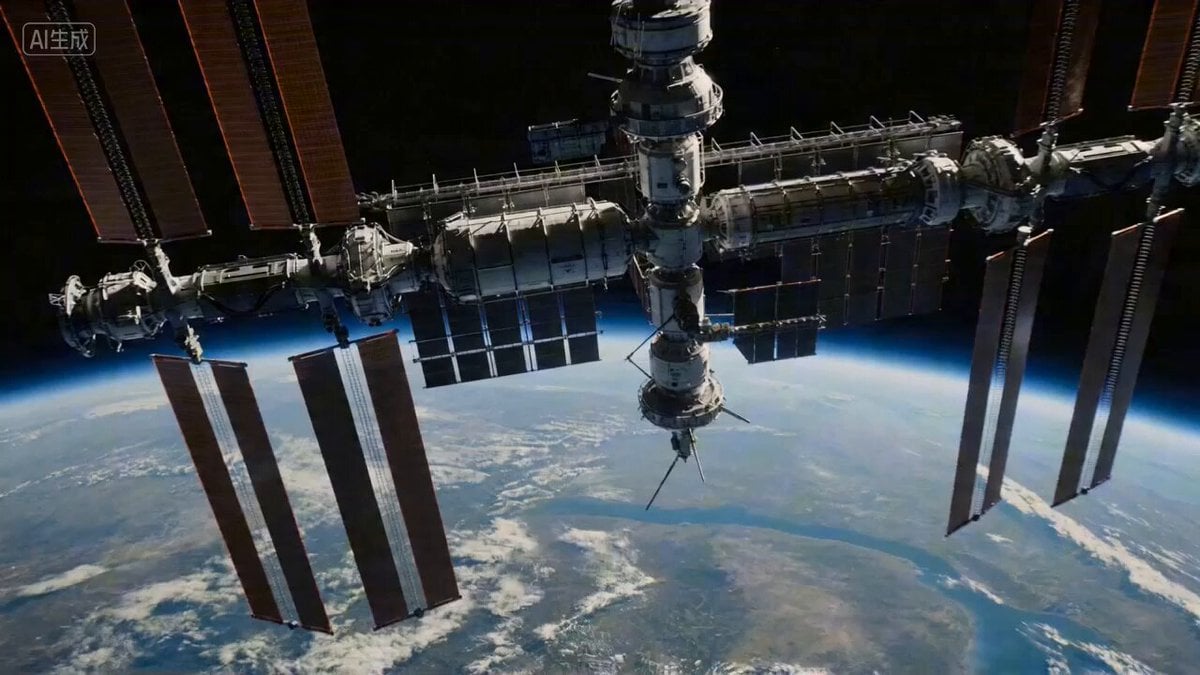
Master Prompts on Vadoo AI
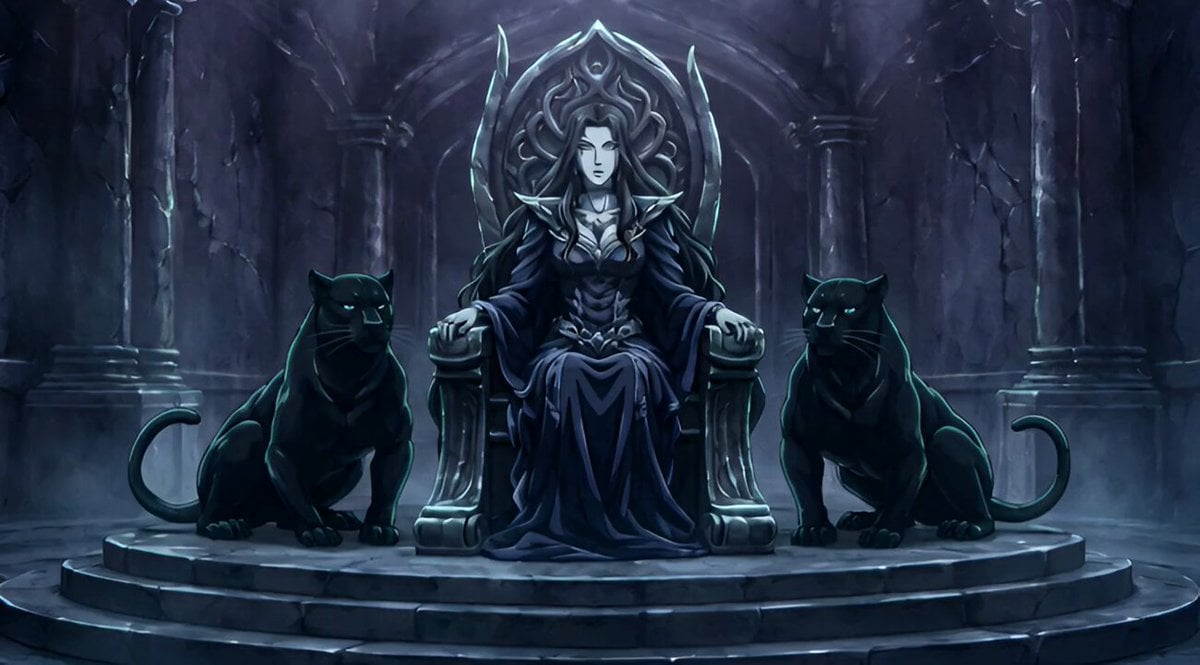
Conan the Barbarian Style Queen with Panthers Video Prompt

Surreal environment transition animation
Handheld POV Nighttime Taxi Video
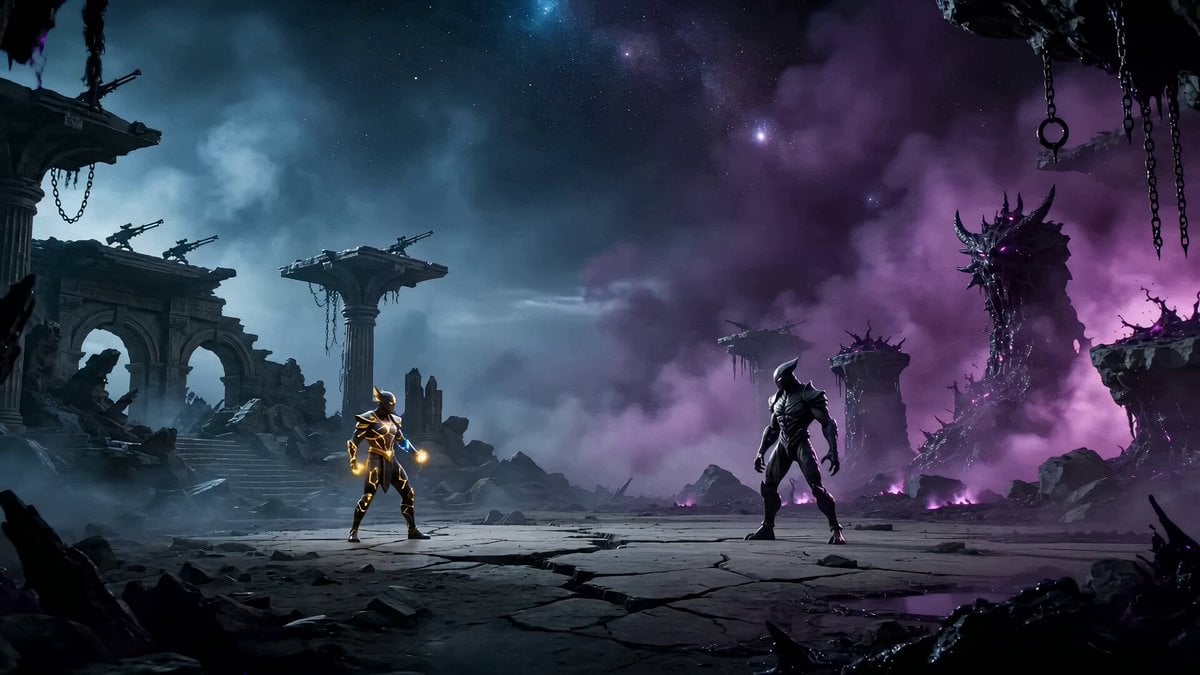
Epic Zodiac Starlight Battle
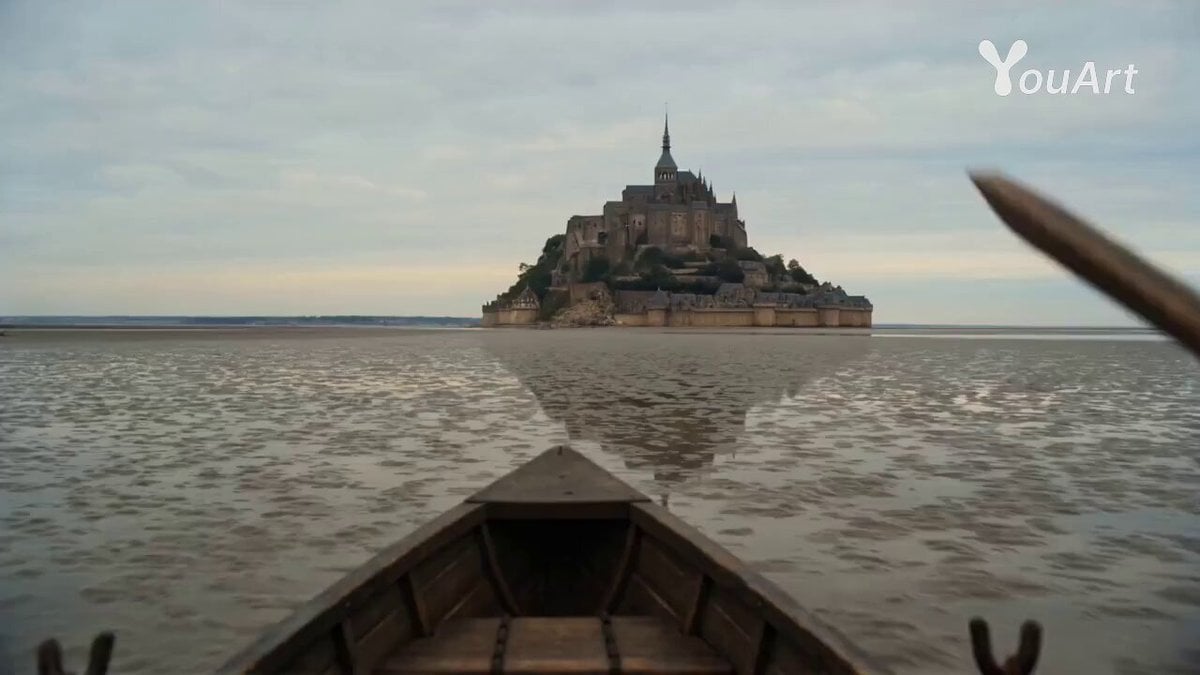
POV: Main Character in Mont Saint Michel
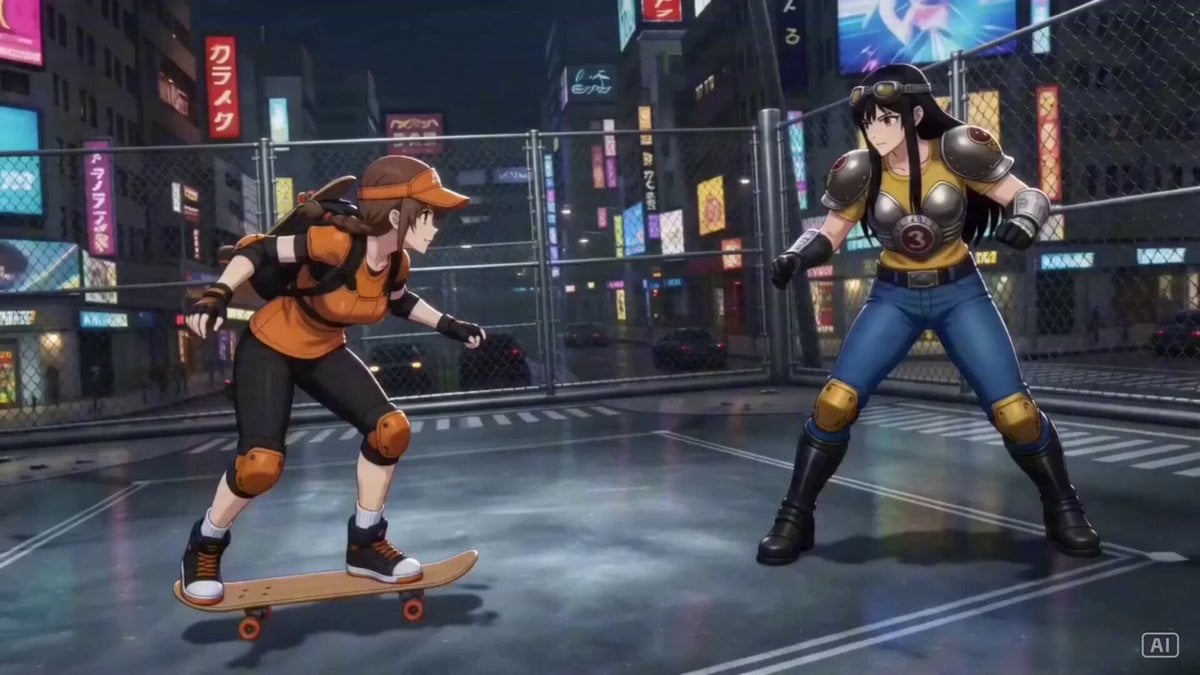
Industrial Ring Battle Environment
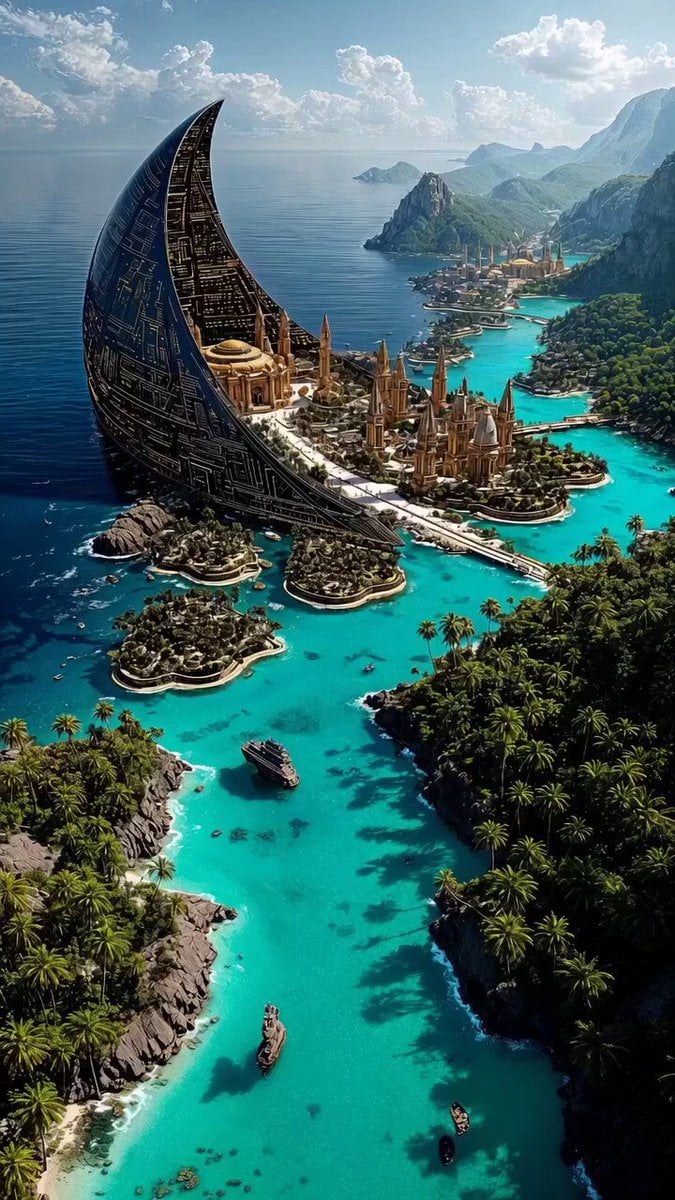
Futuristic megastructure city prompt
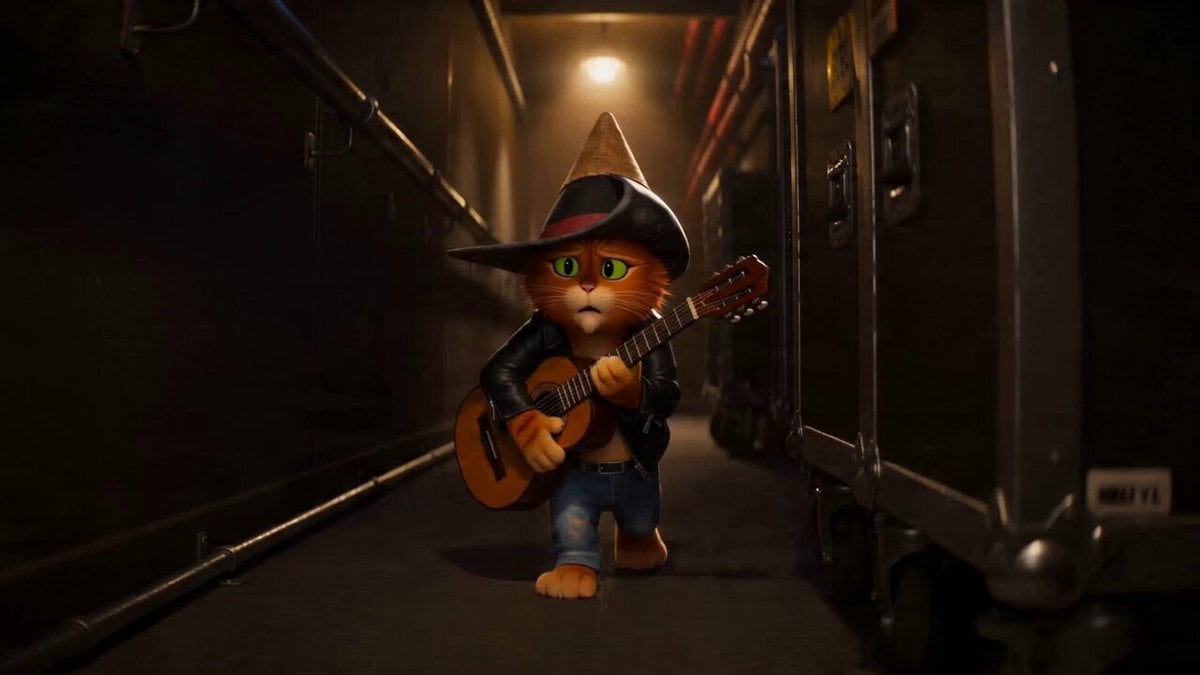
Cat Opera Hero Action Sequence

Dreamlike Landscape Animation
Browse template categories
3D render of Chibi humanoid cat mascot at SpaceX launch site questions
How do I use the 3D render of Chibi humanoid cat mascot at SpaceX launch site template?
Add your photo if the template asks for one, edit the prompt if you like — the template's model and format are already selected — and press Generate. Your version opens in PicX Studio.
Can I customize the 3D render of Chibi humanoid cat mascot at SpaceX launch site template?
Yes. You can change the subject, setting, lighting, mood, format, and available model controls before creating your video.
Is the 3D render of Chibi humanoid cat mascot at SpaceX launch site template free?
Opening and editing this template is free. Generating uses credits, shown on the Generate button when you are signed in.
Which AI model should I use?
Start with Grok Imagine, which is the model associated with this template. You can compare another compatible model for a different finish.
Looking for something else? Browse all templates.

Your photo, any look
Thousands of ready templates for every top image and video model, from one credit balance.