How do I use the Surreal environment transition animation template?
Edit the prompt in the box under the preview — the template's model and format are already selected — and press Generate. Your version appears right on this page.
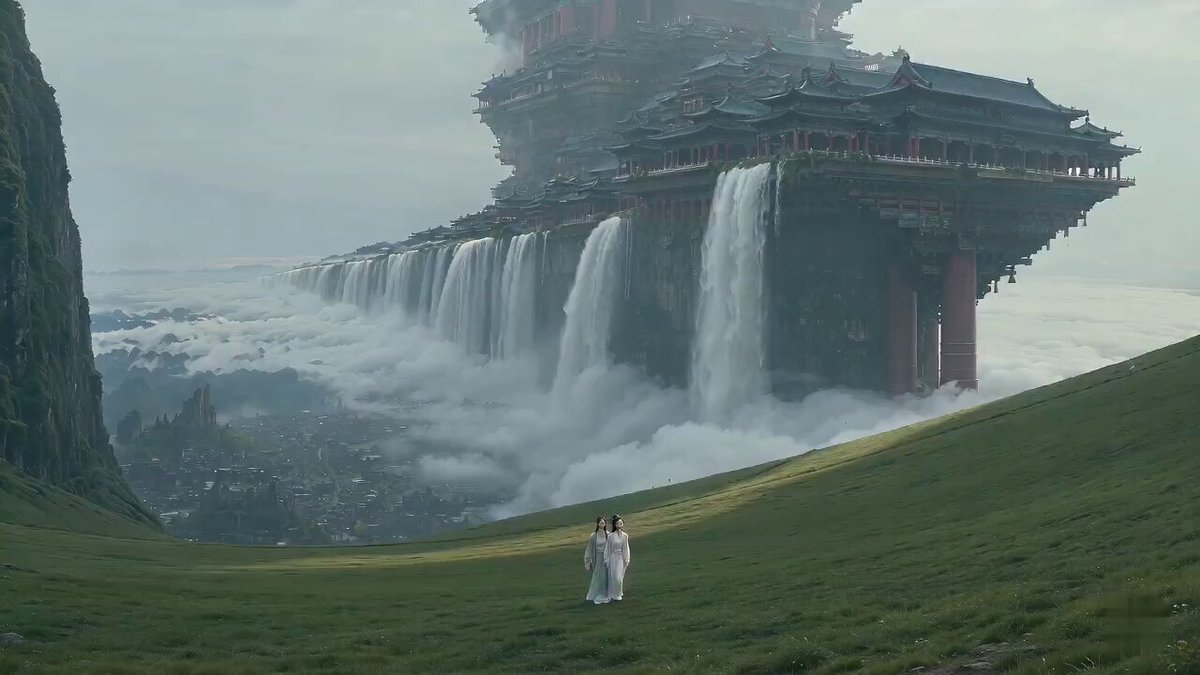
A motion prompt for Seedance 2.0 creating a seamless but chaotic transition between different environments like deserts, oceans, and cities.
Camera accelerates forward without stopping. Environments don’t transition cleanly, they tear into each other mid-motion. Desert rips into ocean, ocean into city, city into cavern, layers overlap for split seconds. Objects from different worlds collide in-frame. Camera maintains relentless forward motion through impossible spatial seams. Extreme parallax, no stability. Final second: everything resolves into a single calm environment.
Camera accelerates forward without stopping. Environments don’t transition cleanly, they tear into each other mid-motion. Desert rips into ocean, ocean into city, city into cavern, layers overlap for split seconds. Objects from different worlds collide in-frame. Camera maintains relentless forward motion through impossible spatial seams. Extreme parallax, no stability. Final second: everything resolves into a single calm environment.
Edit the prompt in the box under the preview — the template's model and format are already selected — and press Generate. Your version appears right on this page.
Yes. You can change the subject, setting, lighting, mood, format, and available model controls before creating your video.
Opening and editing this template is free. Generating uses credits, shown on the Generate button when you are signed in.
Start with Seedance 2.0, which is the model associated with this template. You can compare another compatible model for a different finish.
Follow a topic to a crawlable collection of related PicX Studio templates.