
Fantasy RPG Combat Sequence
A two-scene video prompt starting with a magical UI game creation followed by a third-person cinematic battle between a knight and a demon.
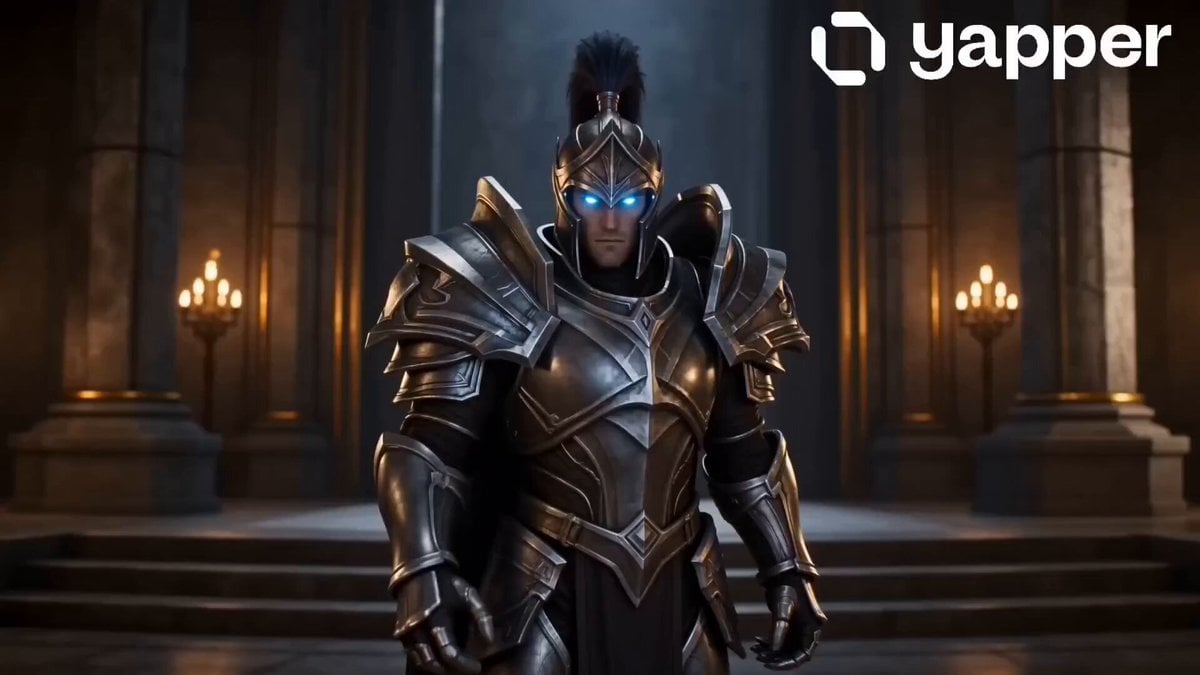
- Prompt included
- Model and format preset
- Free template
The prompt behind this video
Copy the exact prompt behind Fantasy RPG Combat Sequence, or open it in the studio and make it yours.
SCENE 1 — Magical UI (Game Creation Prompt) Prompt: A glowing magical interface appears in the air, made of ancient runes and floating holographic panels, medieval fantasy style. The UI shows a resource counter with "1000 rubies" being spent. A young warrior from the ALLIANCE faction (a tall human knight with silver armor and blue glowing eyes) stands in front of it. He raises his hand and interacts with the interface, selecting options like: "Game Mode: Fighting" "Environment: Mystic forest with waterfalls and ancient ruins" "Opponent: Dark Horde Champion" As he confirms, the rubies dissolve into glowing particles and the UI transforms into a portal. The environment around him starts forming magically. Ultra cinematic, soft glow lighting, magical particles, high detail, fantasy atmosphere, 4K, dramatic camera movement. ⚔️ SCENE 2 — Fighting Game Battle Prompt: A third-person cinematic fighting game scene in a medieval fantasy world. The ALLIANCE hero (silver armored knight with glowing blue sword) faces a HORDE opponent (a massive demon warrior with red glowing eyes, horns, and flaming armor). The battle takes place in a breathtaking environment: a lush mystical forest with waterfalls, ancient ruins, and floating rocks. The fight begins: Fast-paced combat with sword clashes, sparks, and magical effects The knight uses light-based magic attacks The demon uses fire and dark energy powers Dynamic camera angles like a real AAA fighting game Final moment: The knight performs a powerful finishing move, summoning a beam of light from the sky, defeating the demon. The hero stands victorious as the camera slowly zooms out. Epic, cinematic, high action, Unreal Engine style, ultra realistic, 4K, dramatic lighting
How to use Fantasy RPG Combat Sequence in 3 steps
- 1
Open
The prompt is already in the box next to the preview, with the template's model and format selected.
- 2…a portrait of your subject in softgolden-hour light, 85mm…
Personalize
Edit the subject and creative details for your destination.
- 3Generate
Generate
Press Generate — your video is created in PicX Studio, so you can compare it with the original and refine one variable at a time.
More like this
Templates with the same subject, style or setup. Open one to see its prompt.
Urban Fantasy RPG Combat Animation
3D Toon Fantasy RPG Action Sequence

Dragon Rider Cinematic Flight — Seedance 2.5

Forest Fantasy Girl Short Film

Necromancer Battlefield Orbit
Urban Fantasy RPG Car Chase
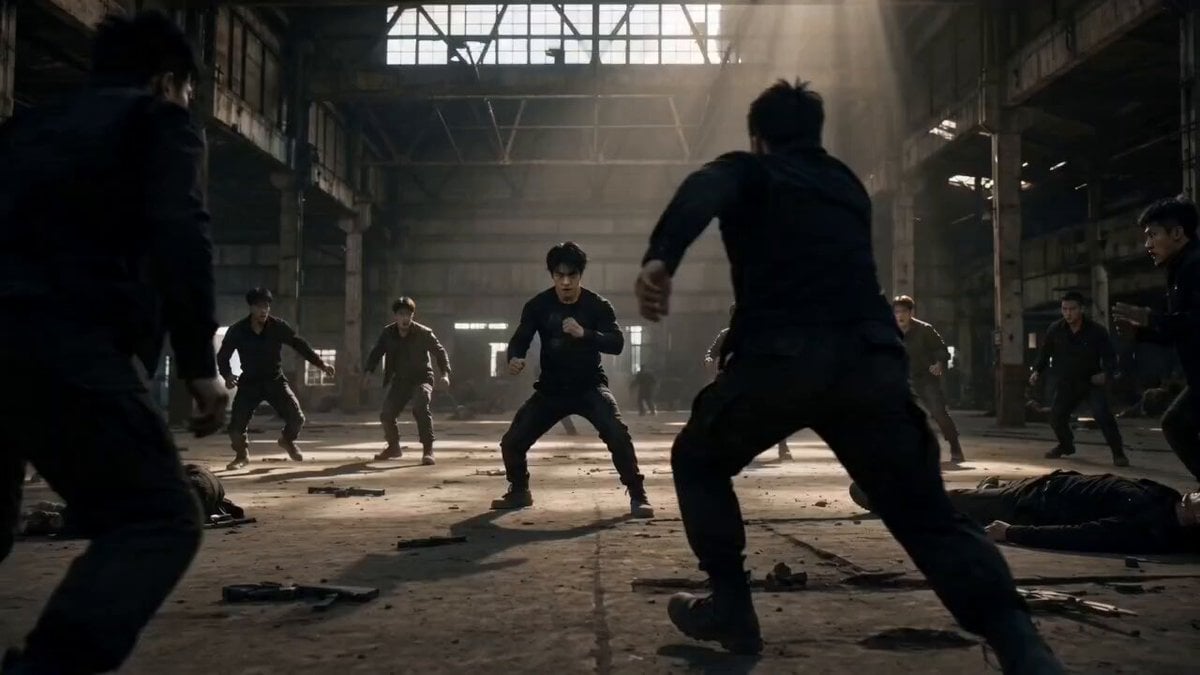
Martial Arts Warehouse Combat Sequence
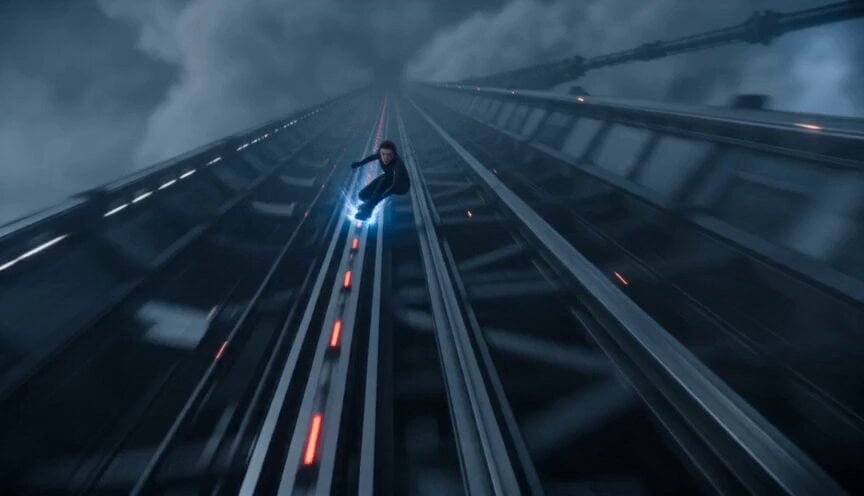
Orbital Elevator Combat Sequence
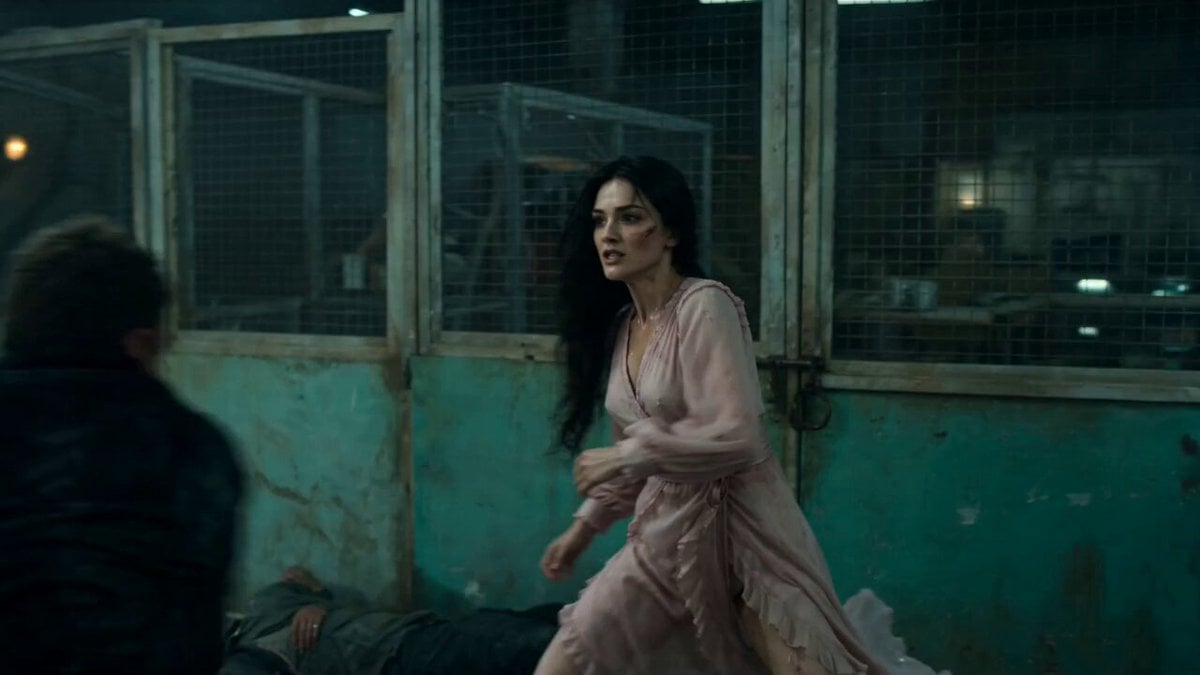
Warehouse Combat Video Sequence
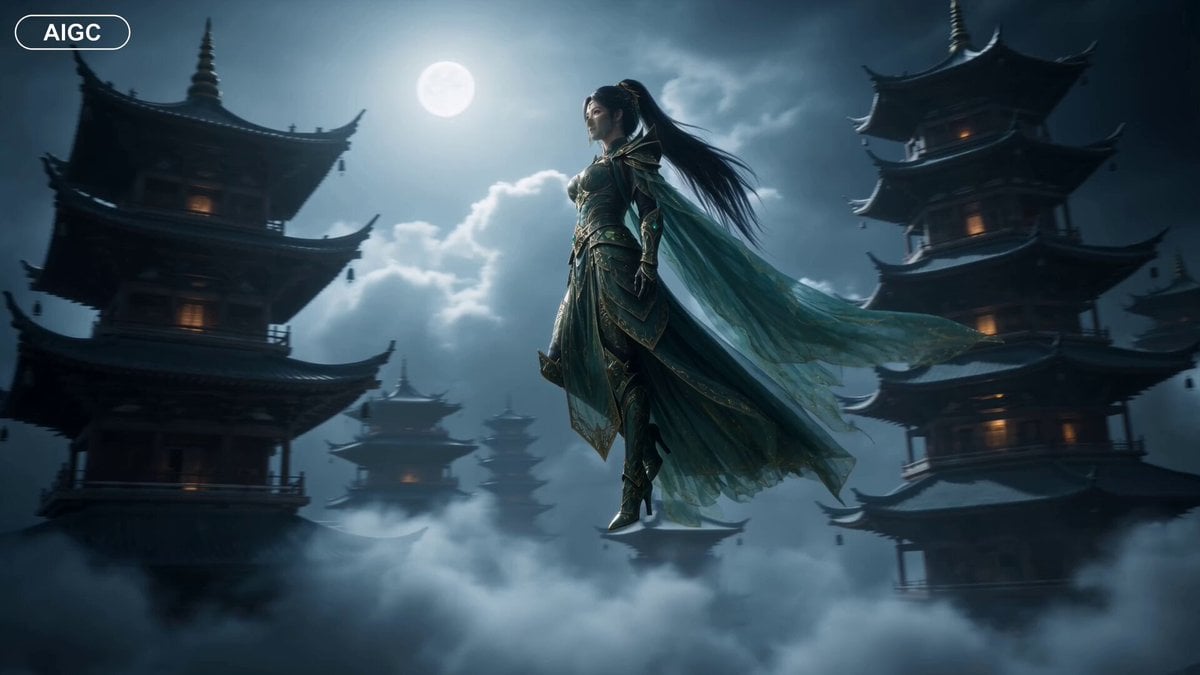
Fantasy Warrior Transformation Sequence

Fantasy Dragon Chase Sequence
Urban Fantasy RPG Car Chase
Make it yours
Fantasy RPG Combat Sequence works as-is. These are the safest ways to change it without losing the look.
Change one field
Copy a single group, rewrite it, and generate again so you can see what that field is doing.
Keep the frame, change the subject
Hold the composition and light of Fantasy RPG Combat Sequence, then swap wardrobe, props or the person for a new take.
| If the result… | Why | Fix |
|---|---|---|
| The result drifts from the preview | Too many fields changed at once. | Reuse Fantasy RPG Combat Sequence as-is first, then change one group — subject, light, or setting. |
| The model over-stylizes the scene | The prose prompt leaves finish and camera underspecified. | Add one camera or lighting sentence and stay on Seedance 2.0. |
More Seedance 2.0 templates
Other prompts made for Seedance 2.0.

Comical Martial Arts Punch Scene

Maglev Train Action Sequence

Martial Arts Fight Sequence

Wuxia Protection and Trust Script

Vintage Korean Arcade MiniDV Vlog

Mercedes 190 SL Luxury Ad

Rainy Night Supernatural Reverse Comedy Video Script

Amazon Civilization Discovery

Futuristic South Asian City Transformation

Cozy Luxury Cafe Commercial
More video prompts
Fresh picks from across the catalog.
Ancient Sect Dinner Bell Comedy
POV AI Girlfriend Interaction Prompt
Sci-Fi Captain Mission Speech

AI Characters on Flying Rockets
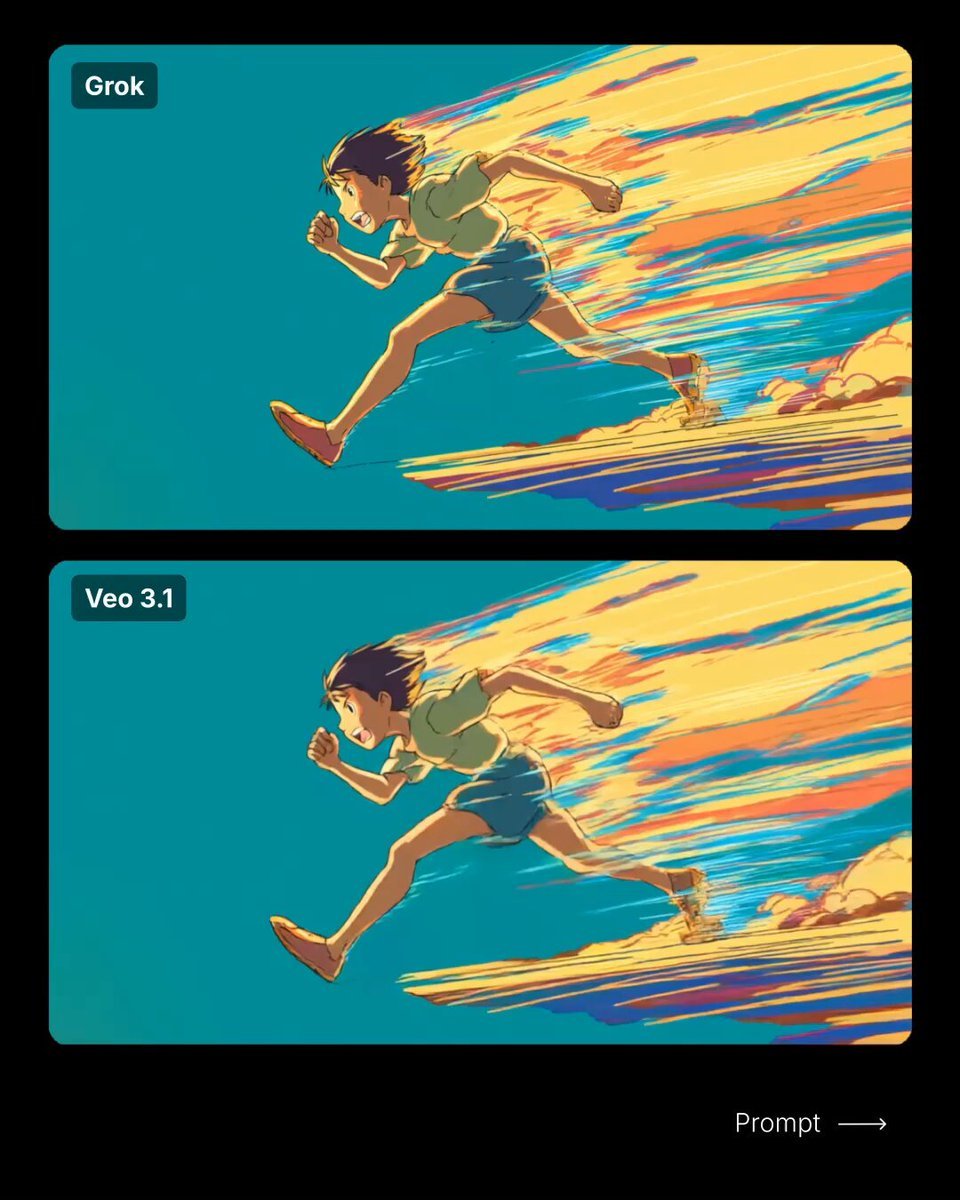
Anime-Style Running Boy Video Prompt
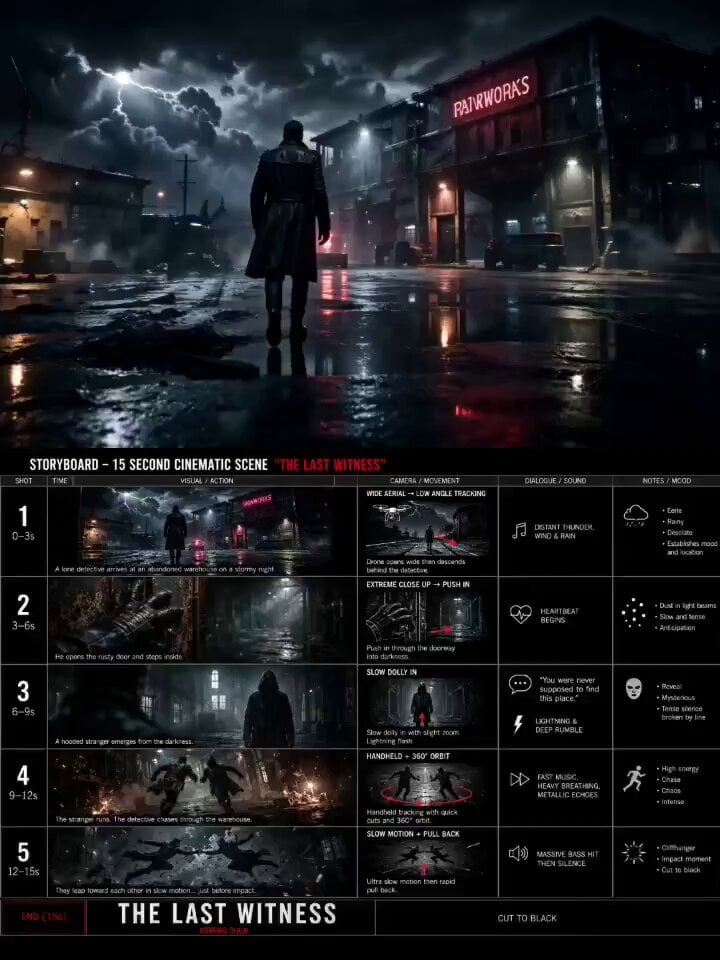
Hollywood Thriller Trailer
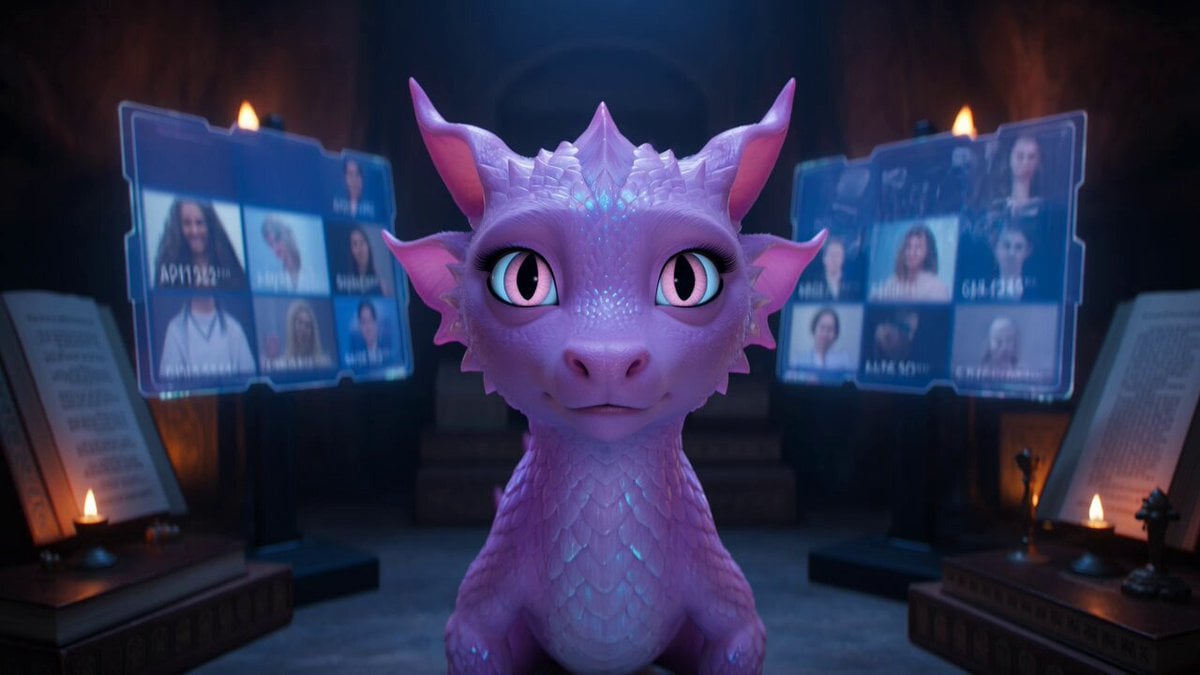
Ultra-Realistic Cinematic Short Film Video Prompt
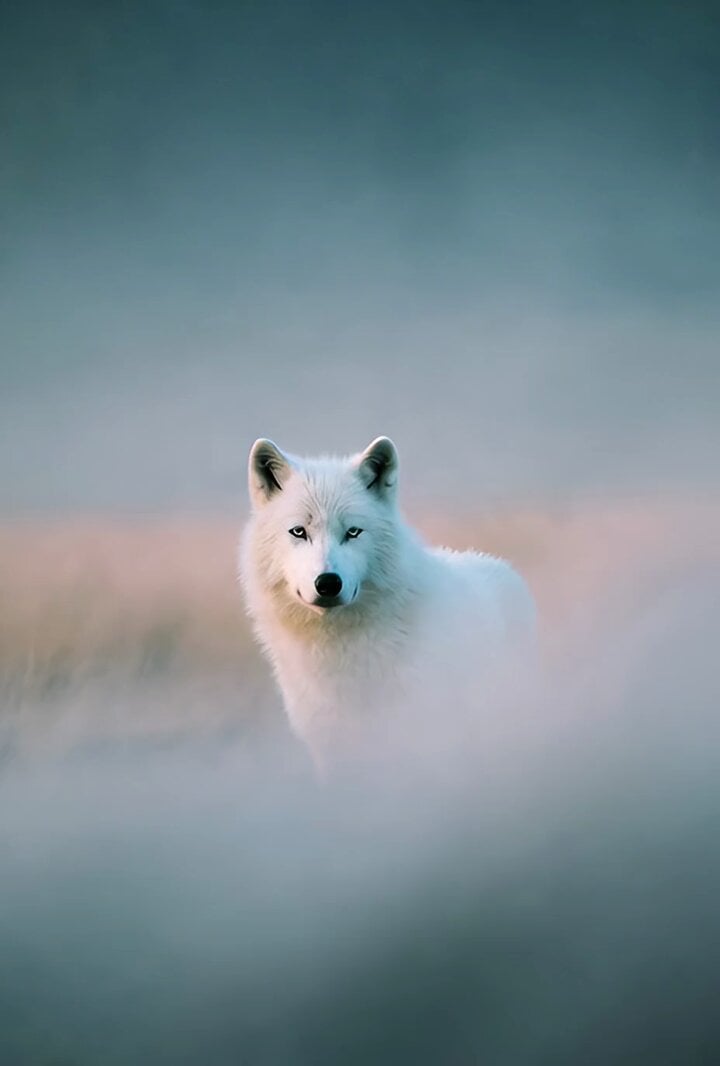
Grok Imagine prompt: White wolf photograph
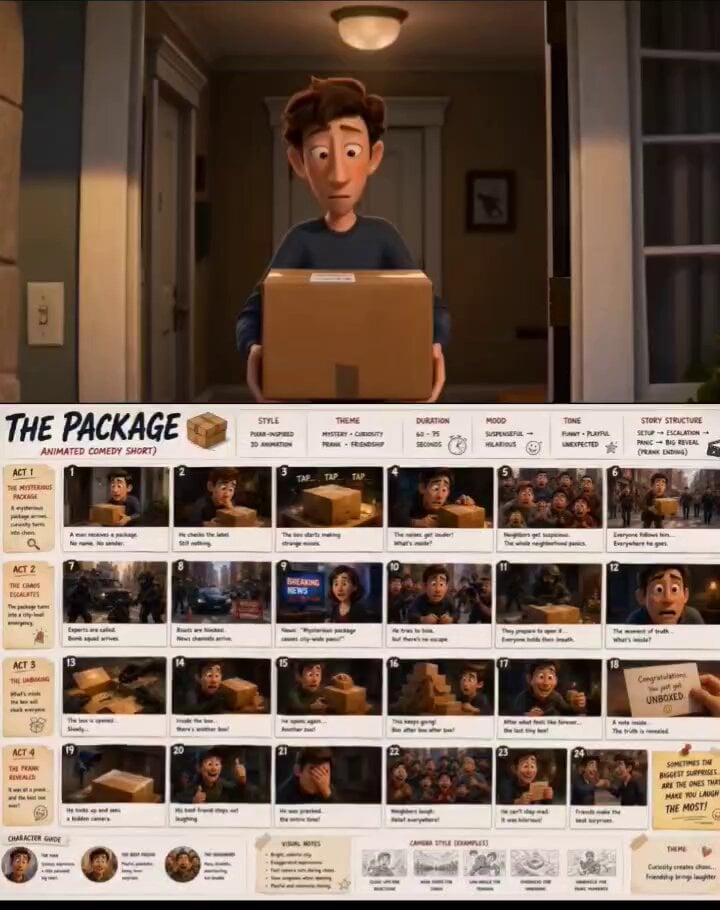
Pixar-Style 3D Animated Comedy Short
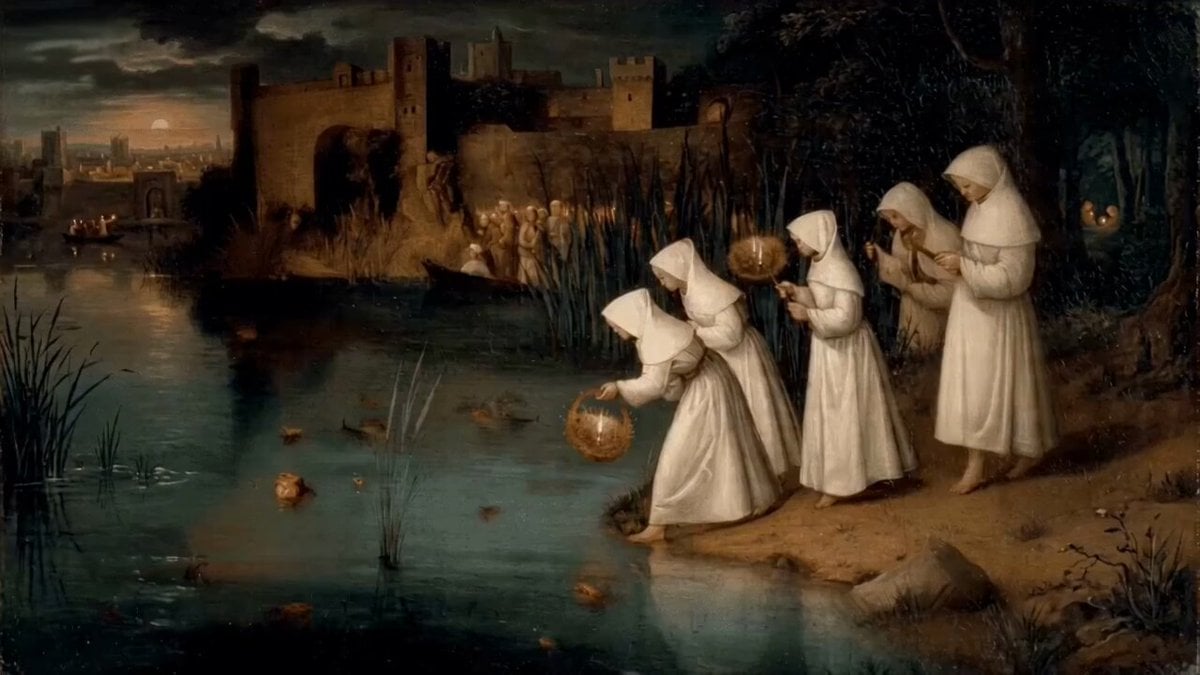
Women Placing Glowing Lanterns on Water in Hieronymus Bosch Style
Browse template categories
Fantasy RPG Combat Sequence questions
How do I use the Fantasy RPG Combat Sequence template?
Add your photo if the template asks for one, edit the prompt if you like — the template's model and format are already selected — and press Generate. Your version opens in PicX Studio.
Can I customize the Fantasy RPG Combat Sequence template?
Yes. You can change the subject, setting, lighting, mood, format, and available model controls before creating your video.
Is the Fantasy RPG Combat Sequence template free?
Opening and editing this template is free. Generating uses credits, shown on the Generate button when you are signed in.
Which AI model should I use?
Start with Seedance 2.0, which is the model associated with this template. You can compare another compatible model for a different finish.
Looking for something else? Browse all templates.

Your photo, any look
Thousands of ready templates for every top image and video model, from one credit balance.