
Warehouse Combat Video Sequence
A cinematic video prompt for a high-intensity fight scene in an industrial warehouse featuring a woman in a contrasting pink dress.
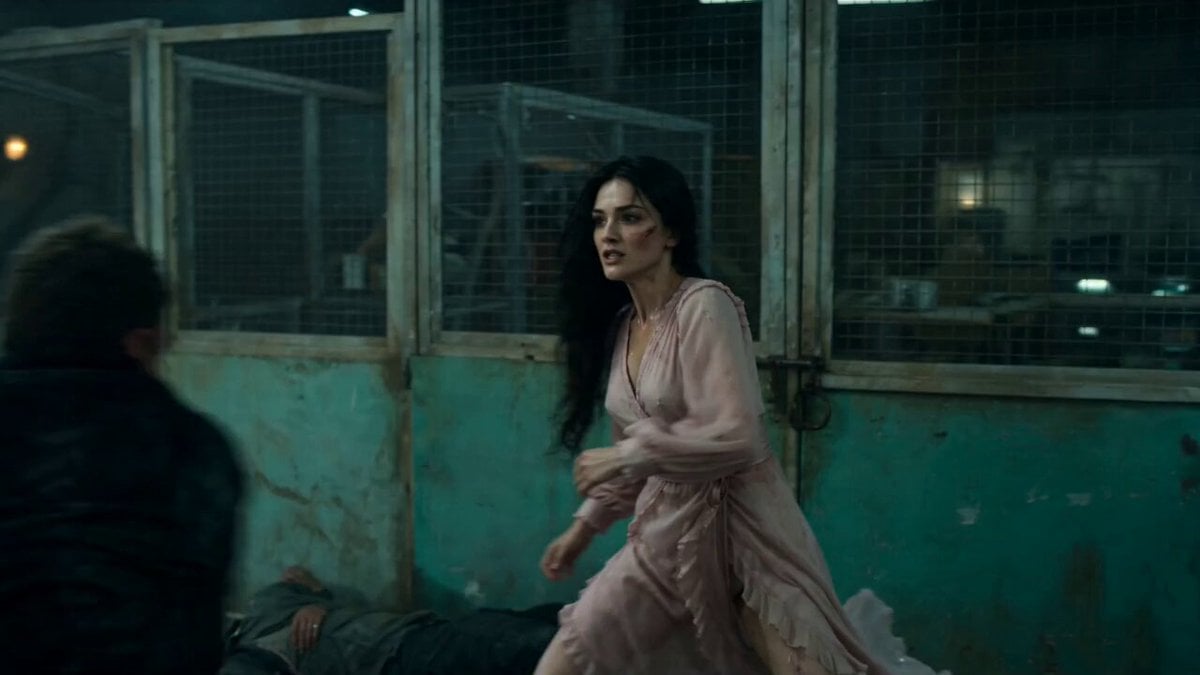
- Prompt included
- Model and format preset
- Premium template
The prompt behind this video
Copy the exact prompt behind Warehouse Combat Video Sequence, or open it in the studio and make it yours.
A cinematic, high-intensity fight sequence in a dark, gritty industrial warehouse at night with dim overhead lights, green peeling walls, chain-link fences, metal scaffolding, and scattered debris. A beautiful East Asian woman with long flowing black hair, visible facial scratches and intense determined expressions, is engaged in a raw, dynamic hand-to-hand combat against a male attacker in dark clothing. She wears a delicate, flowing baby pink dress (instead of her original jacket) that contrasts dramatically with the violent action — the soft pink fabric billows, swirls, and tears slightly during the fierce movements, hair whipping wildly. The sequence includes: close-ups of her fierce face and flowing hair, powerful punches and kicks with motion blur, grappling, throwing the man down, dramatic spins, hair flips, kneeling over the defeated attacker, then rising victoriously while breathing heavily. Moody teal-green color grading, realistic particle effects like dust and fabric motion, intense choreography, dramatic camera angles (handheld, tracking shots, low angles), high detail, filmic lighting, 4K cinematic quality, emotional and empowering tone.
How to use Warehouse Combat Video Sequence in 3 steps
- 1
Open
The prompt is already in the box next to the preview, with the template's model and format selected.
- 2…a portrait of your subject in softgolden-hour light, 85mm…
Personalize
Edit the subject and creative details for your destination.
- 3Generate
Generate
Press Generate — your video is created in PicX Studio, so you can compare it with the original and refine one variable at a time.
More like this
Templates with the same subject, style or setup. Open one to see its prompt.
Martial Arts Warehouse Combat Sequence
Orbital Elevator Combat Sequence
Cinematic Desert Combat Sequence
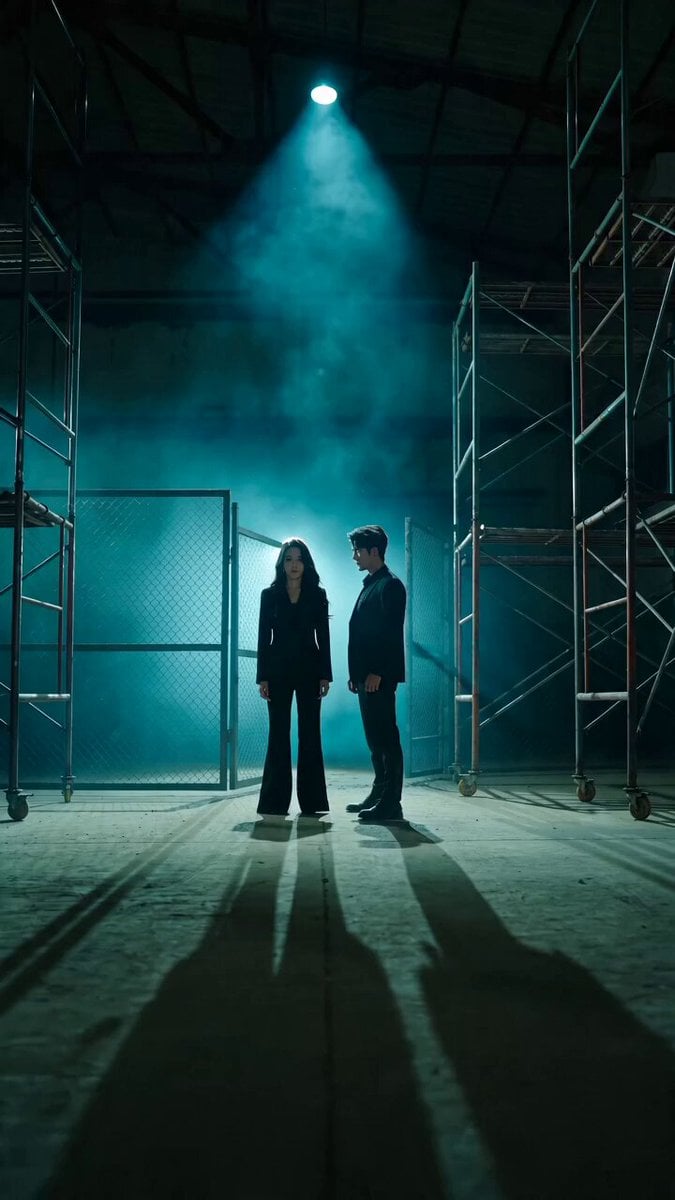
Bodyguard Action Warehouse Sequence
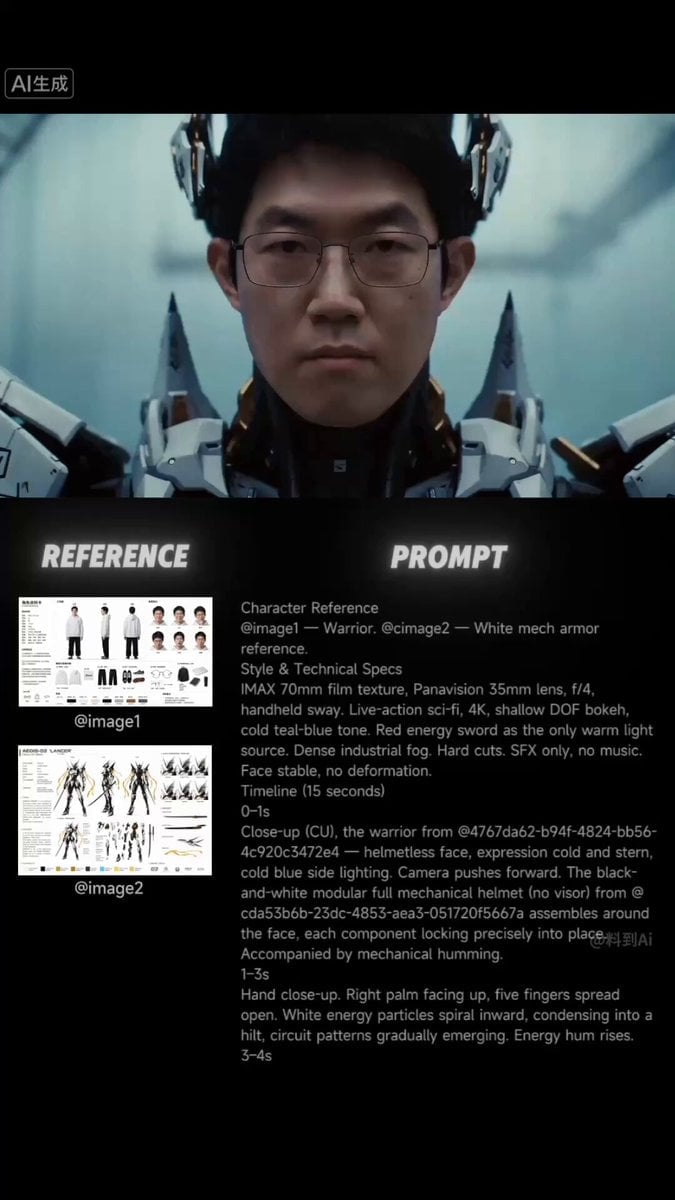
Sci-Fi Samurai Combat Sequence
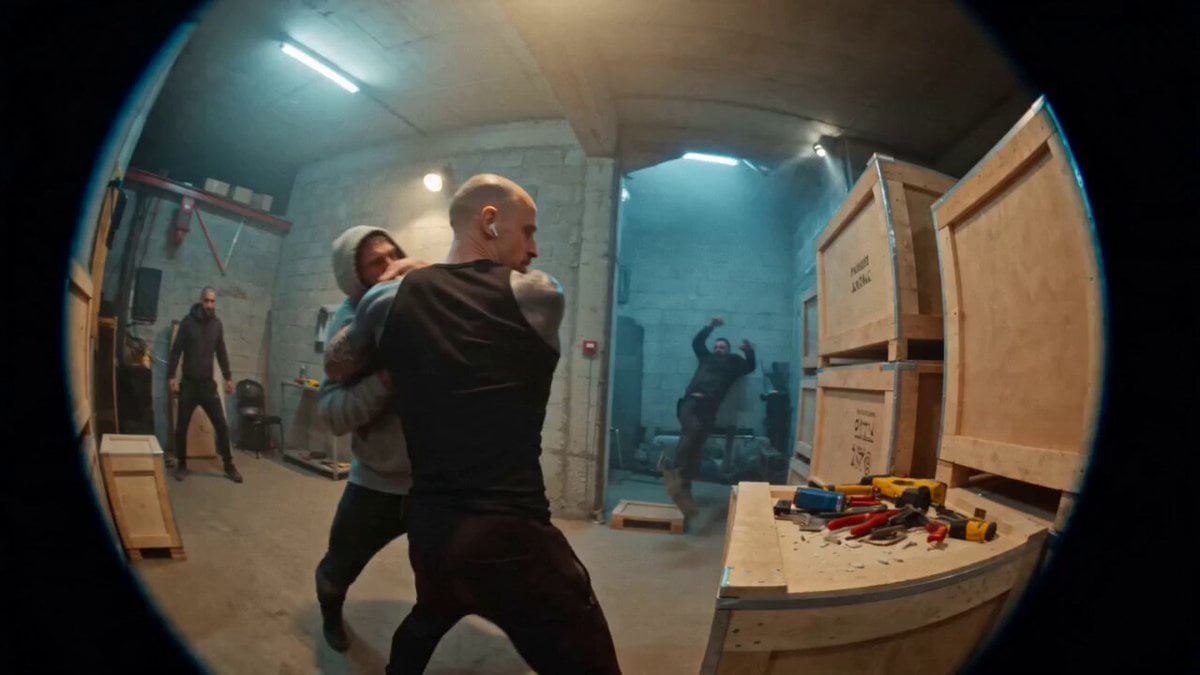
Urban Warehouse Street Fight Sequence
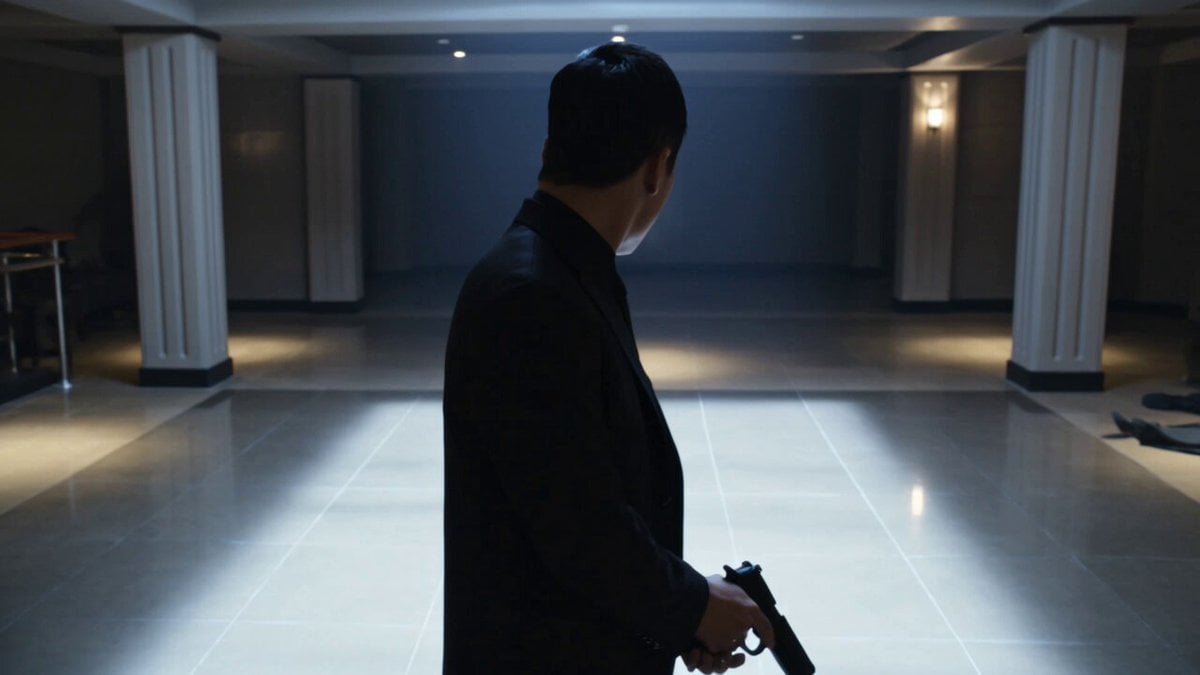
Complex Close Combat Sequence
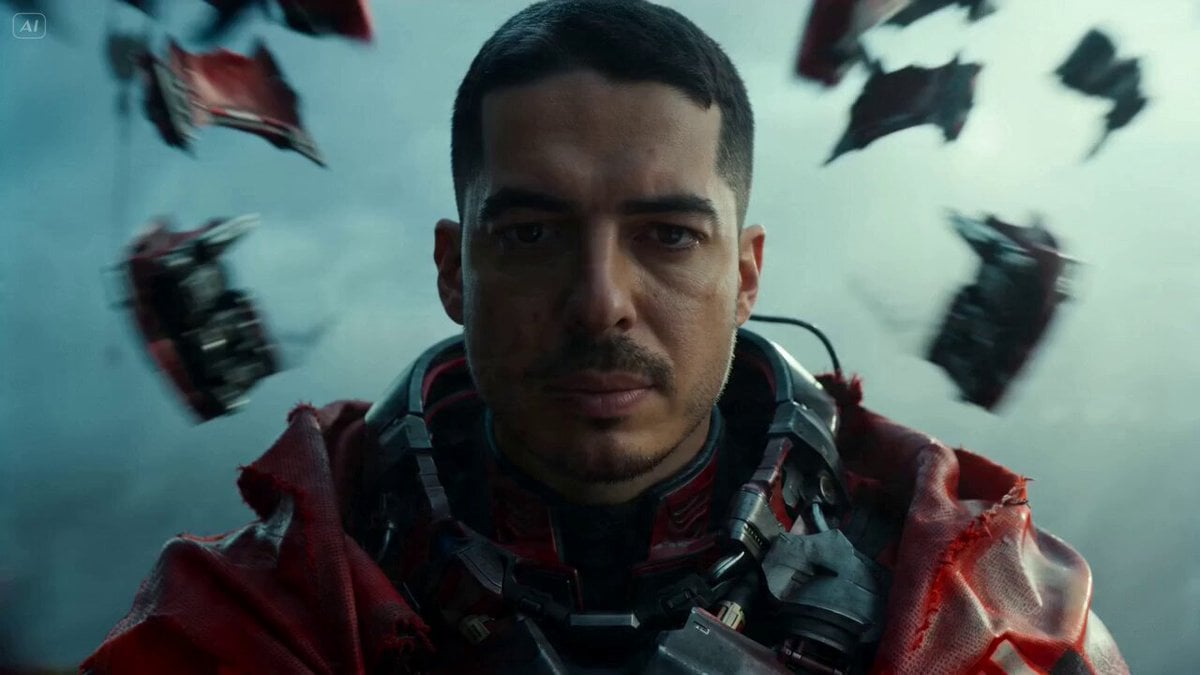
Sci-Fi Warrior Combat Sequence
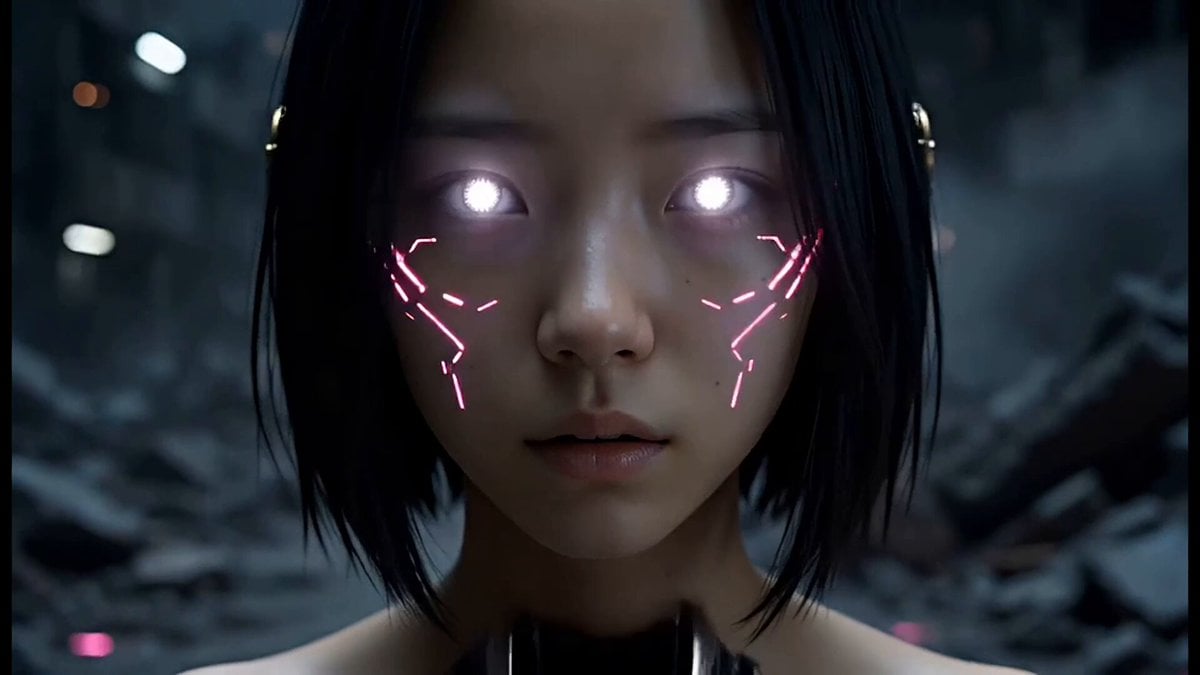
Epic Cyberpunk Aerial Combat Sequence
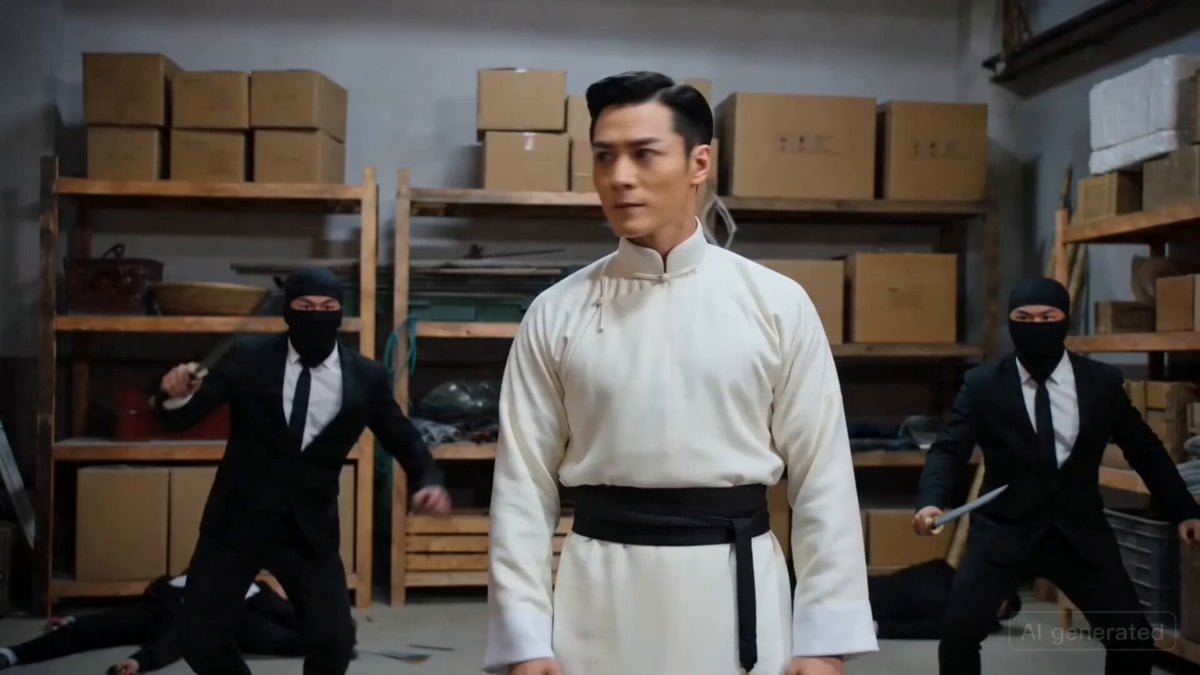
Warehouse Action Sequence Prompt
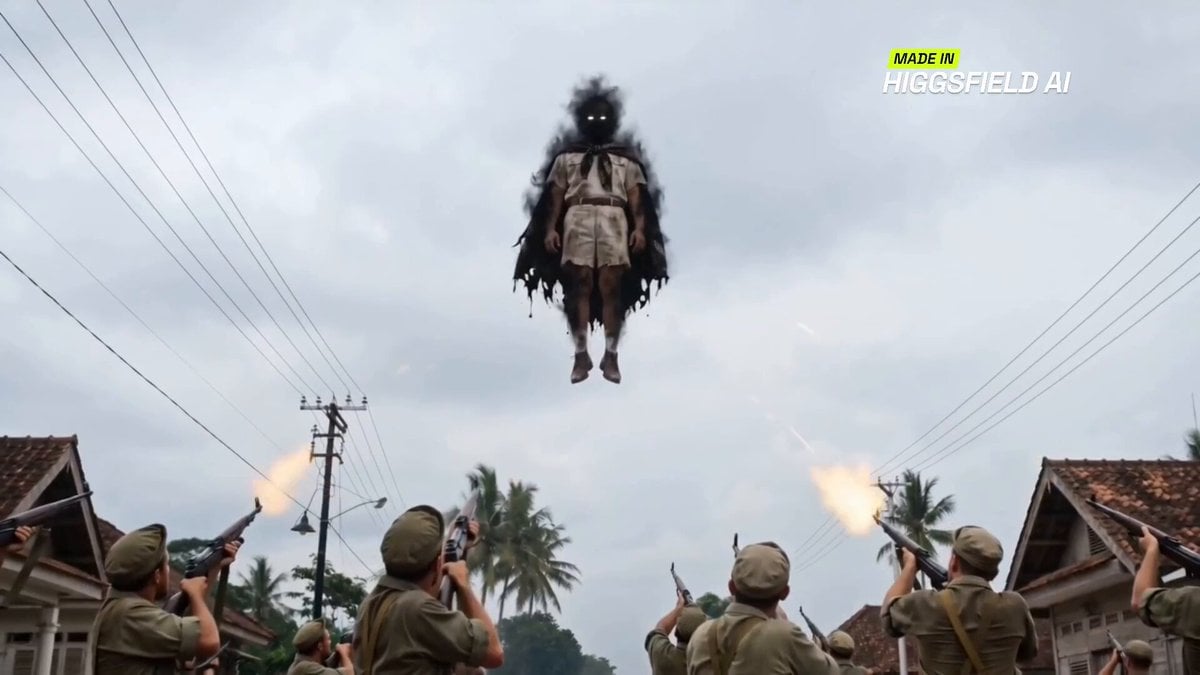
Indonesian superhero combat sequence

Floating Magic City Aerial Combat
Make it yours
Warehouse Combat Video Sequence works as-is. These are the safest ways to change it without losing the look.
Change one field
Copy a single group, rewrite it, and generate again so you can see what that field is doing.
Keep the frame, change the subject
Hold the composition and light of Warehouse Combat Video Sequence, then swap wardrobe, props or the person for a new take.
| If the result… | Why | Fix |
|---|---|---|
| The result drifts from the preview | Too many fields changed at once. | Reuse Warehouse Combat Video Sequence as-is first, then change one group — subject, light, or setting. |
| The model over-stylizes the scene | The prose prompt leaves finish and camera underspecified. | Add one camera or lighting sentence and stay on Seedance 2.0. |
More Seedance 2.0 templates
Other prompts made for Seedance 2.0.

Comical Martial Arts Punch Scene

Maglev Train Action Sequence

Martial Arts Fight Sequence

Wuxia Protection and Trust Script

Vintage Korean Arcade MiniDV Vlog

Mercedes 190 SL Luxury Ad

Rainy Night Supernatural Reverse Comedy Video Script

Amazon Civilization Discovery

Futuristic South Asian City Transformation

Cozy Luxury Cafe Commercial
More video prompts
Fresh picks from across the catalog.

Pastel Cloud Animation Prompt
Dramatic Anime Screaming Scene

FPV Camera Path Guide

Soulslike 3D Action Game Boss Introduction
Suburban Neighborhood Drone POV Video
90s Cyberpunk Anime Rogue Courier Video

Nano Banana Prompt: Pop-Up Book Manga Scene
Image-to-Video facial preservation prompt

Gentle Cinematic Portrait Motion
Sci-Fi Eternal Night Sunrise
Browse template categories
Warehouse Combat Video Sequence questions
How do I use the Warehouse Combat Video Sequence template?
Add your photo if the template asks for one, edit the prompt if you like — the template's model and format are already selected — and press Generate. Your version opens in PicX Studio.
Can I customize the Warehouse Combat Video Sequence template?
Yes. You can change the subject, setting, lighting, mood, format, and available model controls before creating your video.
Is the Warehouse Combat Video Sequence template free?
Opening and editing this template is free. Generating uses credits, shown on the Generate button when you are signed in.
Which AI model should I use?
Start with Seedance 2.0, which is the model associated with this template. You can compare another compatible model for a different finish.
Looking for something else? Browse all templates.

Your photo, any look
Thousands of ready templates for every top image and video model, from one credit balance.