How do I use the Sci-Fi Warrior Combat Sequence template?
Edit the prompt in the box under the preview — the template's model and format are already selected — and press Generate. Your version appears right on this page.
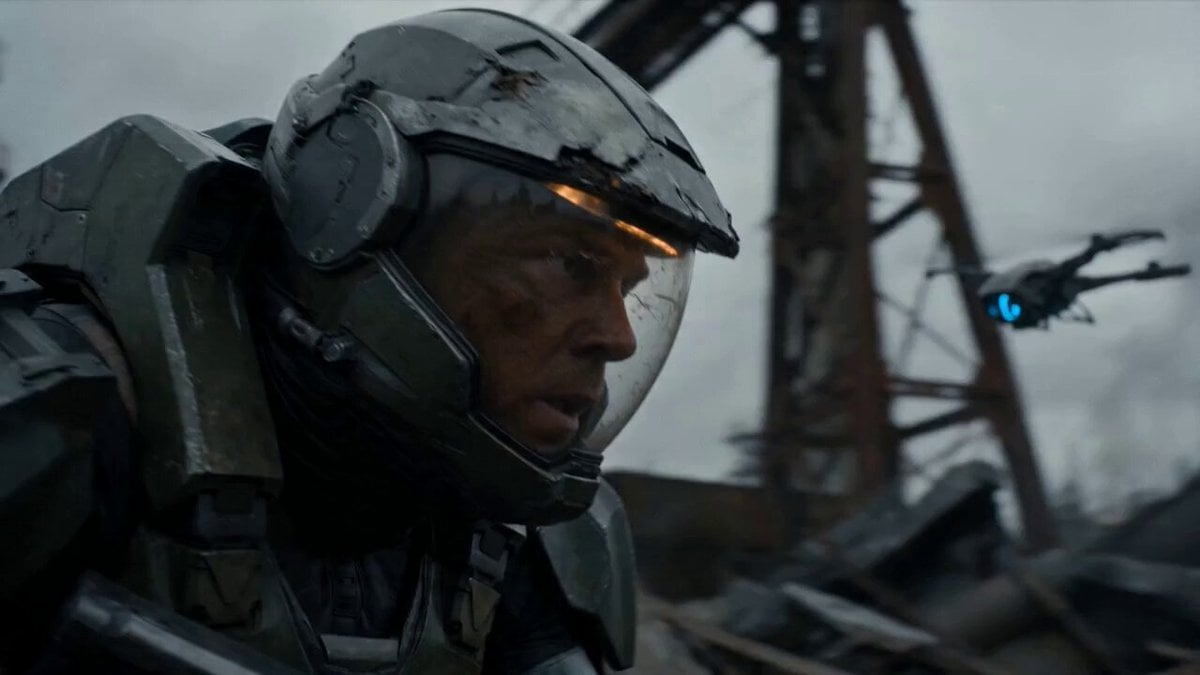
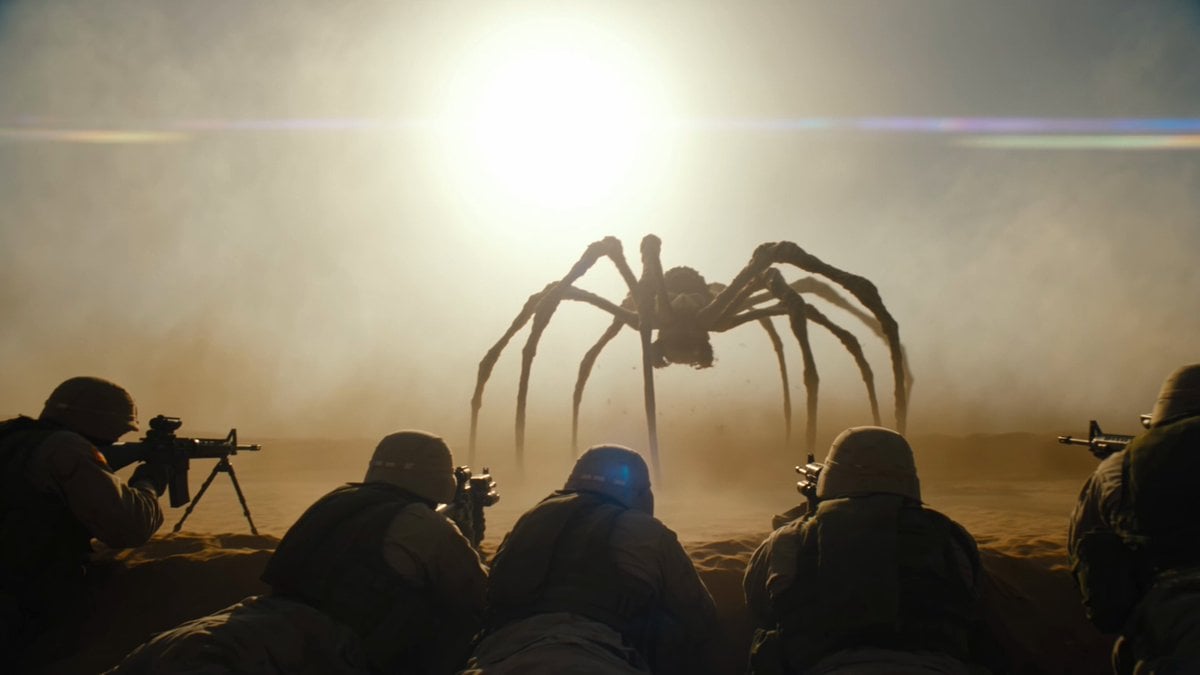
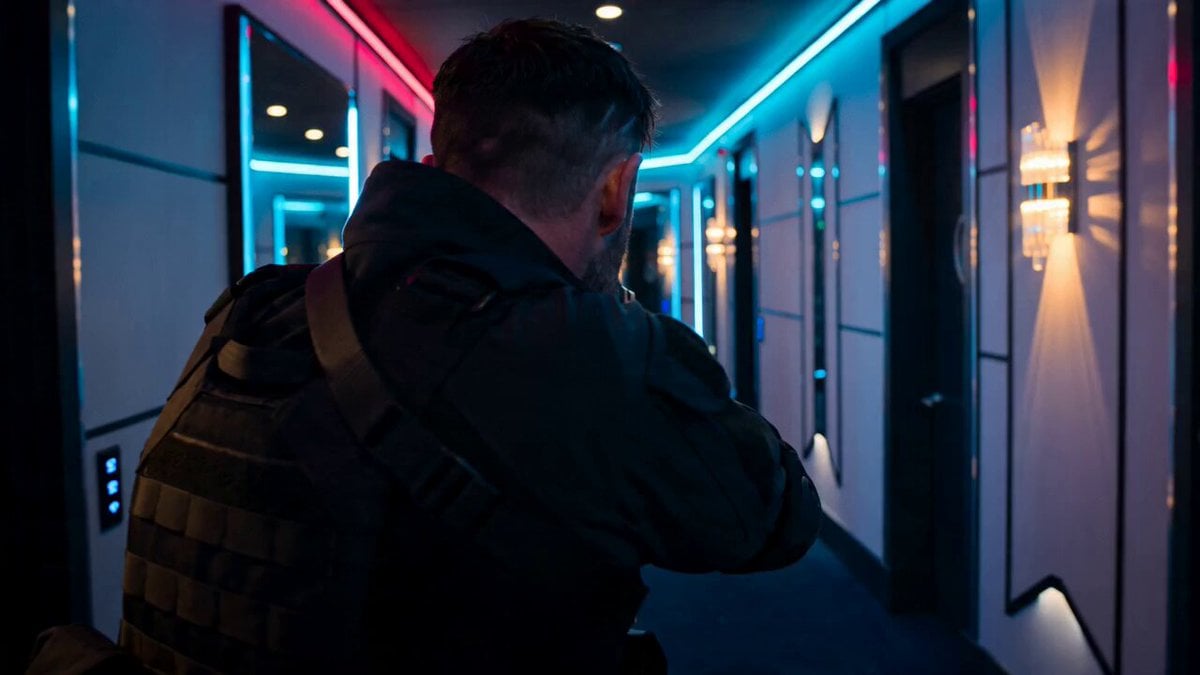
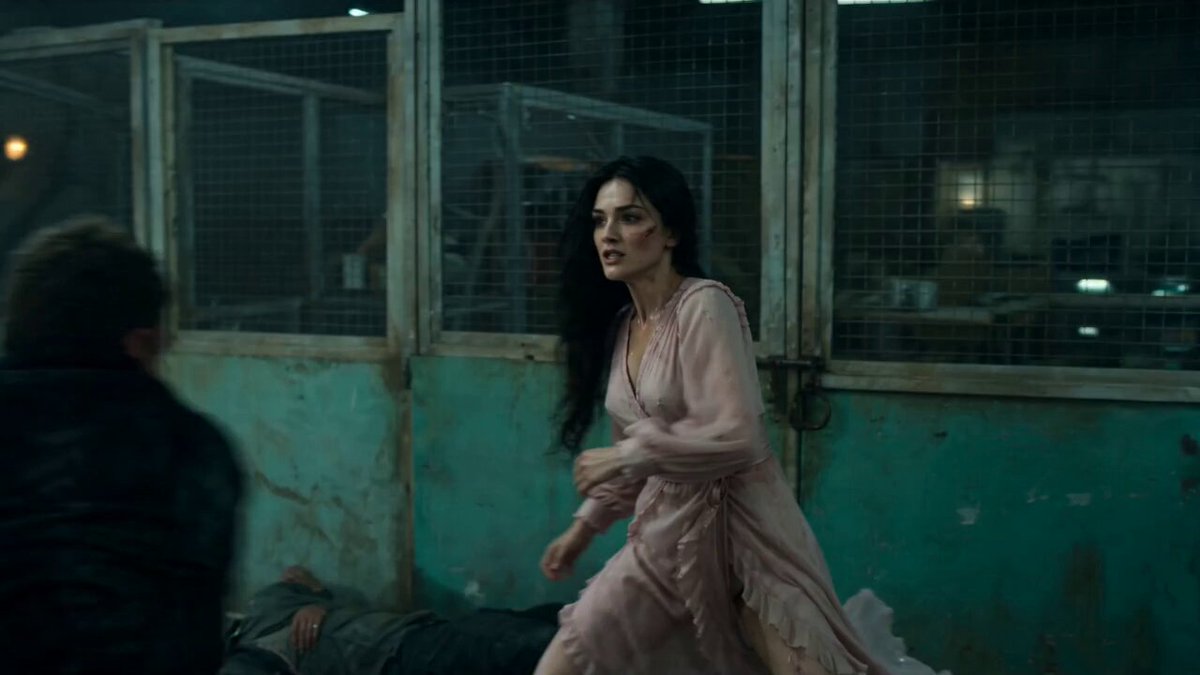
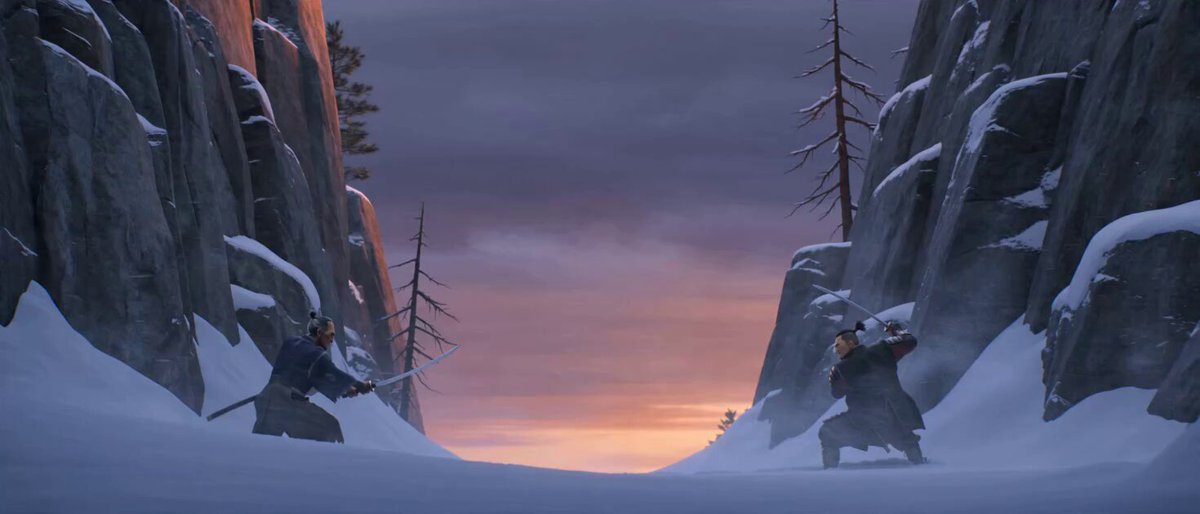
An extremely detailed, multi-scene prompt for a sci-fi action video featuring a warrior in red robotic armor fighting chitinous creatures in a dense industrial fog, specifying film texture, lens type, camera movement…
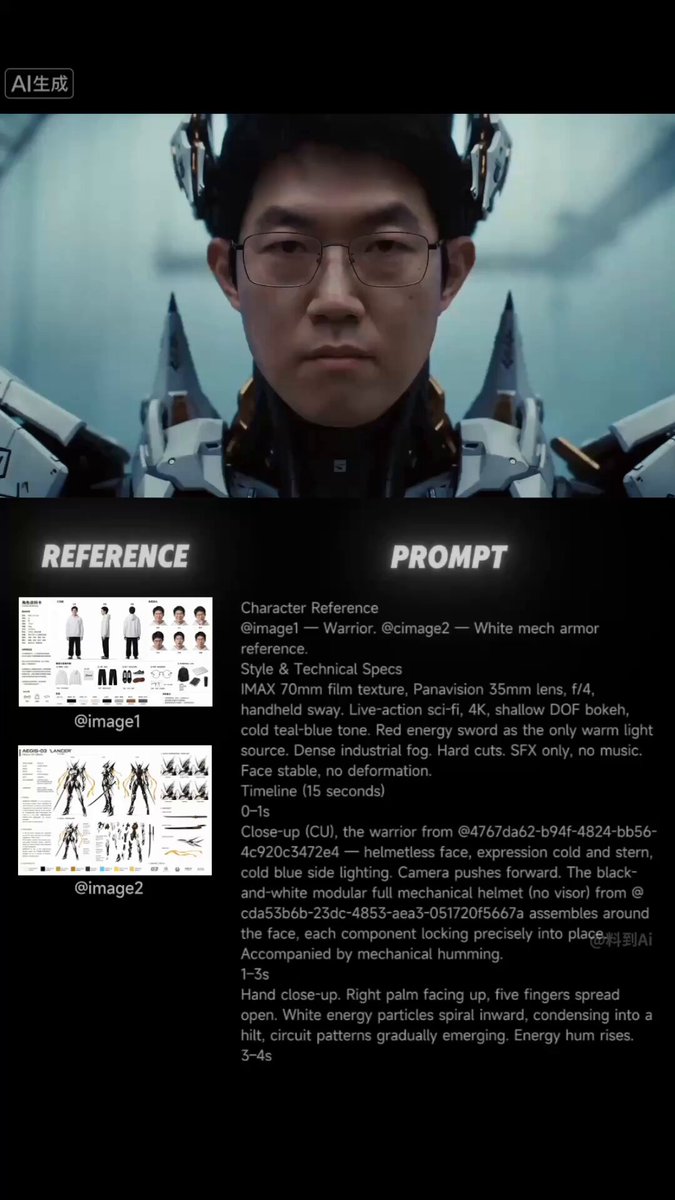
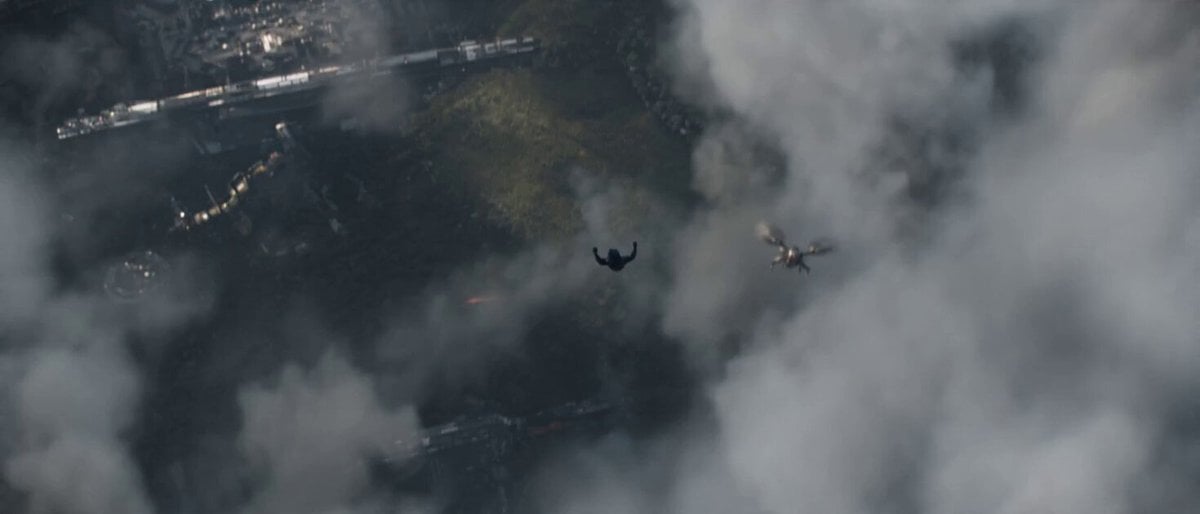
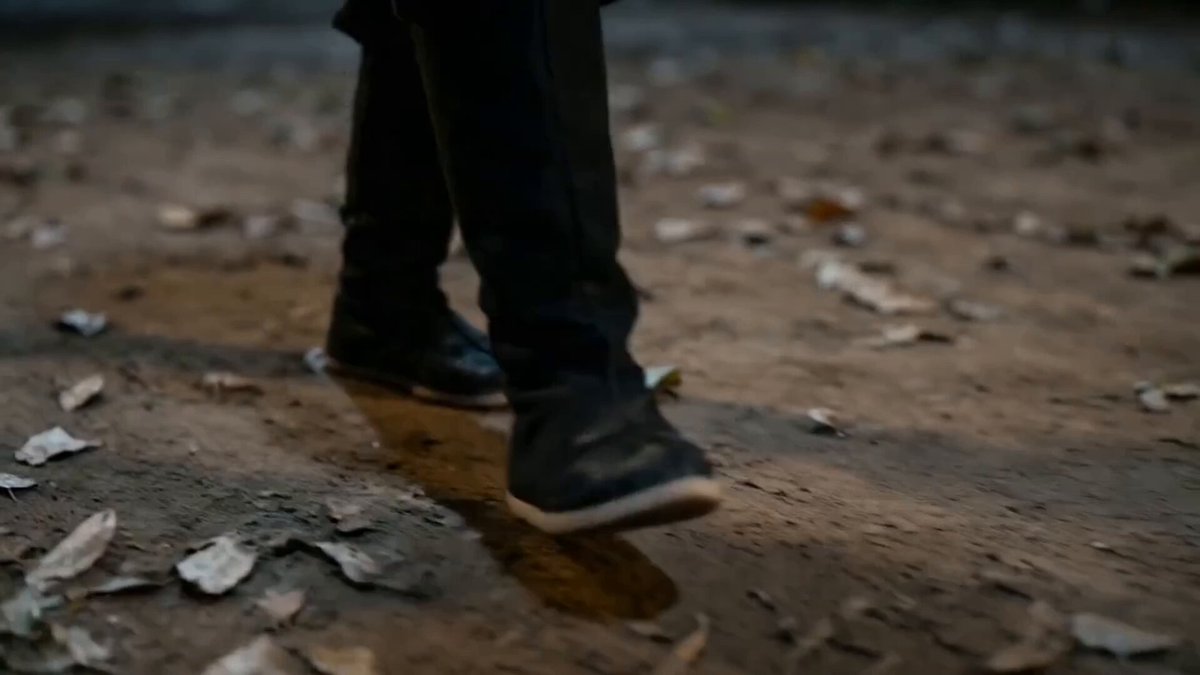
CHARACTER REFERENCE Imagen1= warrior's face. Imagen2 = red robotic armor reference. IMAX 70mm film texture, Panavision 35mm lens, f4, handheld sway. Live-action sci-fi, 4K, shallow DOF bokeh, cold teal-blue tone, red energy sword as only warm light. Dense industrial fog. Hard cuts. SFX only, no music. Face stable, no deformation. 0-1s: CU face. Imagen1 without helmet, calm, cold blue sidelight. Camera pushes in. Red modular mechanical Imagen2Element-type full helmet (no visor) assembles around face, pieces locking precisely. Mechanical hum. 1-3s: CU hand. Right palm up, fingers spread. Red energy particles spiral inward, condensing into a sword hilt, circuit textures forming. Energy hum. 3-4s: Side CU. Hand grips hilt — red blade erupts upward, particles solidifying into translucent blade. Fully armored warrior in Imagen2Element-type red suit turns forward. Explosive hum. 4-5s: Behind MS. Warrior with sword at edge of industrial platform. Six black chitinous creatures appear in fog, red eyes glowing in pairs. Camera pulls back revealing encirclement. Shrieks. 5-6s: Low angle. Warrior combat stance. Six red eye-pairs in fog. Crane frames and cables above. Boots stamp ground. Sword hum rises. 6-7s: First creature charges. Warrior meets it — horizontal slash through midsection, creature flung 3m into railing, bending it. Red arc trail lingers. Camera side-tracks full sequence. Shell tear + metal impact sounds. 7-8s: Second creature from left — backhand slash severs forelimb, red sparks trailing. Third attacks from right — warrior spin-kicks it into the fourth, both tumble off frame. Camera orbits rapidly. Severed limb + kick impact + collision sounds. 8-9s: CU Imagen2helmet faceplate splattered with black fluid. Heavy filtered breathing. Red sword light on metallic surfaces. 9-10s: Fifth creature ambushes from behind. Warrior reverse-grips sword, thrusts backward through creature's chest, red light exits its back. Spins and flings impaled creature into the sixth. Both vanish into fog. Camera tracks fling trajectory. Piercing + screech + distant collision sounds. 10-11s: Overhead FS. Battlefield — six creatures down, missing limbs, pierced. Black fluid on metal floor, bent railings. Warrior center, sword dripping red droplets. Silence. Creaking echo, droplets hissing. 11-12s: Low CU. Red armored boots stepping through black fluid, blue-red reflections. Heavy footsteps. Metal floor begins violently trembling. Warrior stops. Camera rises to helmet. Deep tremor — massive footsteps approaching like earthquakes. 12-13s: Front MS. Warrior raises head. Two enormous red lights ignite in fog — ten times wider than creatures' eyes. Massive black silhouette emerges, head reaching crane frames, 10x warrior's size. Sword hum rises. Camera ascends revealing Boss scale. Seismic thuds, cables rattling, structures groaning. 13-14s: ECU helmet faceplate — black fluid and moisture on metallic plates. Boss reflected: massive chiti
CHARACTER REFERENCE Imagen1= warrior's face. Imagen2 = red robotic armor reference. IMAX 70mm film texture, Panavision 35mm lens, f4, handheld sway. Live-action sci-fi, 4K, shallow DOF bokeh, cold teal-blue tone, red energy sword as only warm light. Dense industrial fog. Hard cuts. SFX only, no music. Face stable, no deformation. 0-1s: CU face. Imagen1 without helmet, calm, cold blue sidelight. Camera pushes in. Red modular mechanical Imagen2Element-type full helmet (no visor) assembles around face, pieces locking precisely. Mechanical hum. 1-3s: CU hand. Right palm up, fingers spread. Red energy particles spiral inward, condensing into a sword hilt, circuit textures forming. Energy hum. 3-4s: Side CU. Hand grips hilt — red blade erupts upward, particles solidifying into translucent blade. Fully armored warrior in Imagen2Element-type red suit turns forward. Explosive hum. 4-5s: Behind MS. Warrior with sword at edge of industrial platform. Six black chitinous creatures appear in fog, red eyes glowing in pairs. Camera pulls back revealing encirclement. Shrieks. 5-6s: Low angle. Warrior combat stance. Six red eye-pairs in fog. Crane frames and cables above. Boots stamp ground. Sword hum rises. 6-7s: First creature charges. Warrior meets it — horizontal slash through midsection, creature flung 3m into railing, bending it. Red arc trail lingers. Camera side-tracks full sequence. Shell tear + metal impact sounds. 7-8s: Second creature from left — backhand slash severs forelimb, red sparks trailing. Third attacks from right — warrior spin-kicks it into the fourth, both tumble off frame. Camera orbits rapidly. Severed limb + kick impact + collision sounds. 8-9s: CU Imagen2helmet faceplate splattered with black fluid. Heavy filtered breathing. Red sword light on metallic surfaces. 9-10s: Fifth creature ambushes from behind. Warrior reverse-grips sword, thrusts backward through creature's chest, red light exits its back. Spins and flings impaled creature into the sixth. Both vanish into fog. Camera tracks fling trajectory. Piercing + screech + distant collision sounds. 10-11s: Overhead FS. Battlefield — six creatures down, missing limbs, pierced. Black fluid on metal floor, bent railings. Warrior center, sword dripping red droplets. Silence. Creaking echo, droplets hissing. 11-12s: Low CU. Red armored boots stepping through black fluid, blue-red reflections. Heavy footsteps. Metal floor begins violently trembling. Warrior stops. Camera rises to helmet. Deep tremor — massive footsteps approaching like earthquakes. 12-13s: Front MS. Warrior raises head. Two enormous red lights ignite in fog — ten times wider than creatures' eyes. Massive black silhouette emerges, head reaching crane frames, 10x warrior's size. Sword hum rises. Camera ascends revealing Boss scale. Seismic thuds, cables rattling, structures groaning. 13-14s: ECU helmet faceplate — black fluid and moisture on metallic plates. Boss reflected: massive chiti
Edit the prompt in the box under the preview — the template's model and format are already selected — and press Generate. Your version appears right on this page.
Yes. You can change the subject, setting, lighting, mood, format, and available model controls before creating your video.
Opening and editing this template is free. Generating uses credits, shown on the Generate button when you are signed in.
Start with Seedance 2.0, which is the model associated with this template. You can compare another compatible model for a different finish.
Follow a topic to a crawlable collection of related PicX Studio templates.