How do I use the Multi-Shot Anime Fight Choreography Prompt template?
Edit the prompt in the box under the preview — the template's model and format are already selected — and press Generate. Your version appears right on this page.
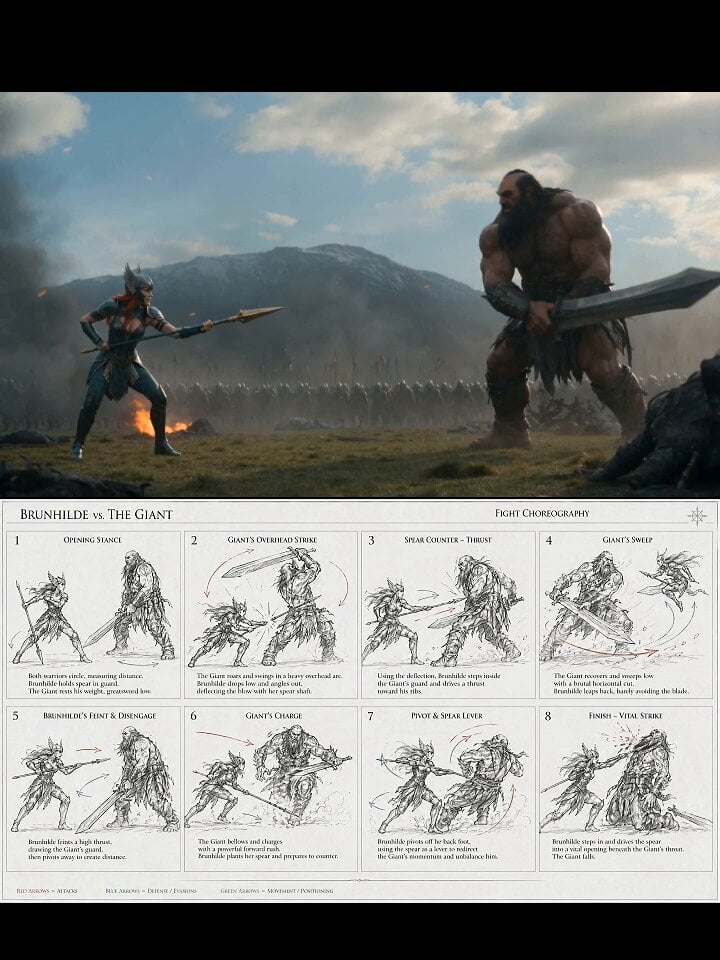
A detailed, multi-shot prompt designed for consistency across different AI video models (Sora 2, Kling AI, Seedance) that choreographs an anime martial arts fight between two characters, specifying camera angles…
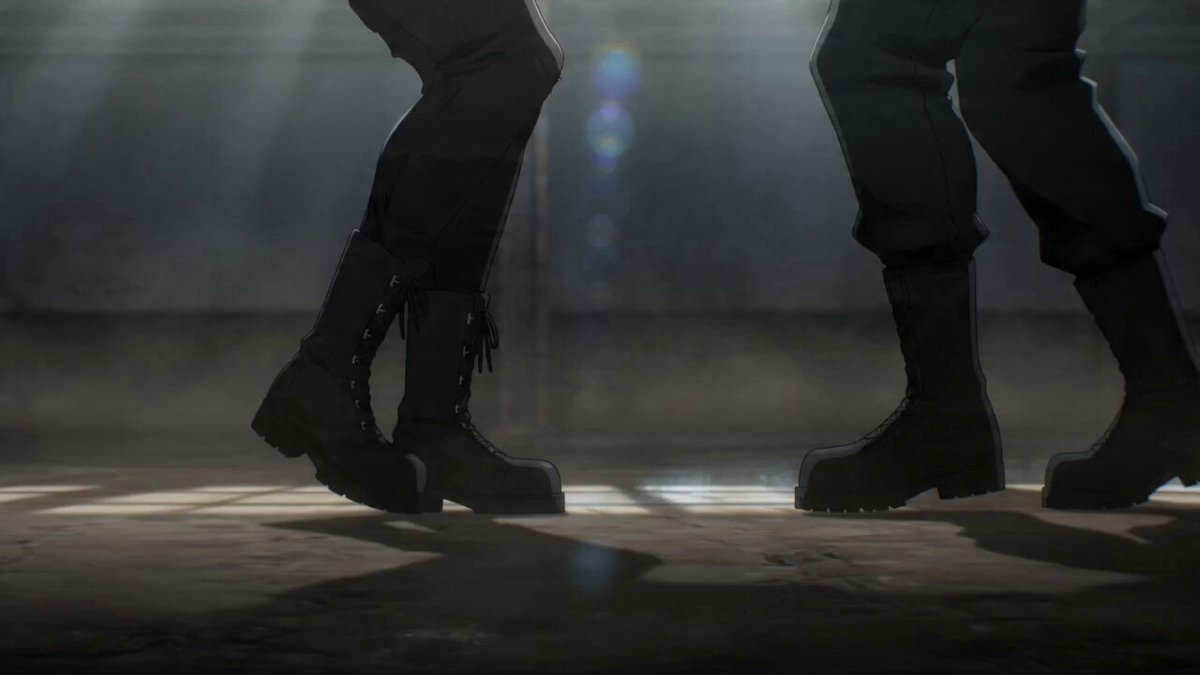
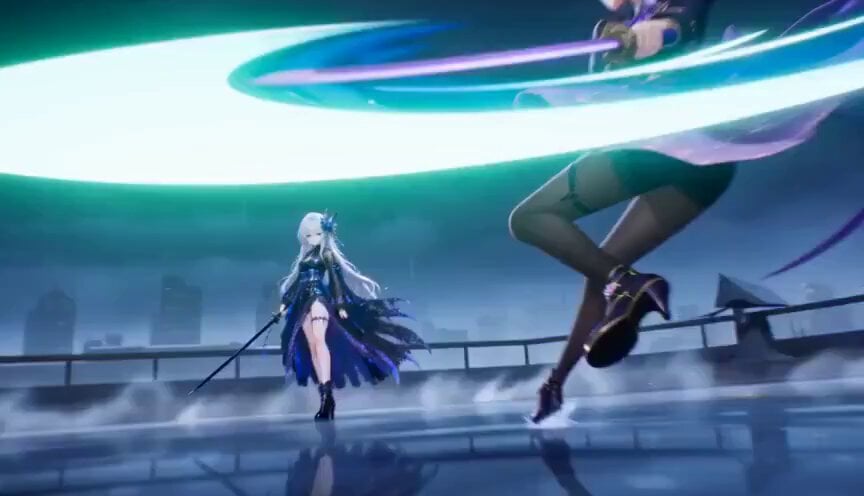
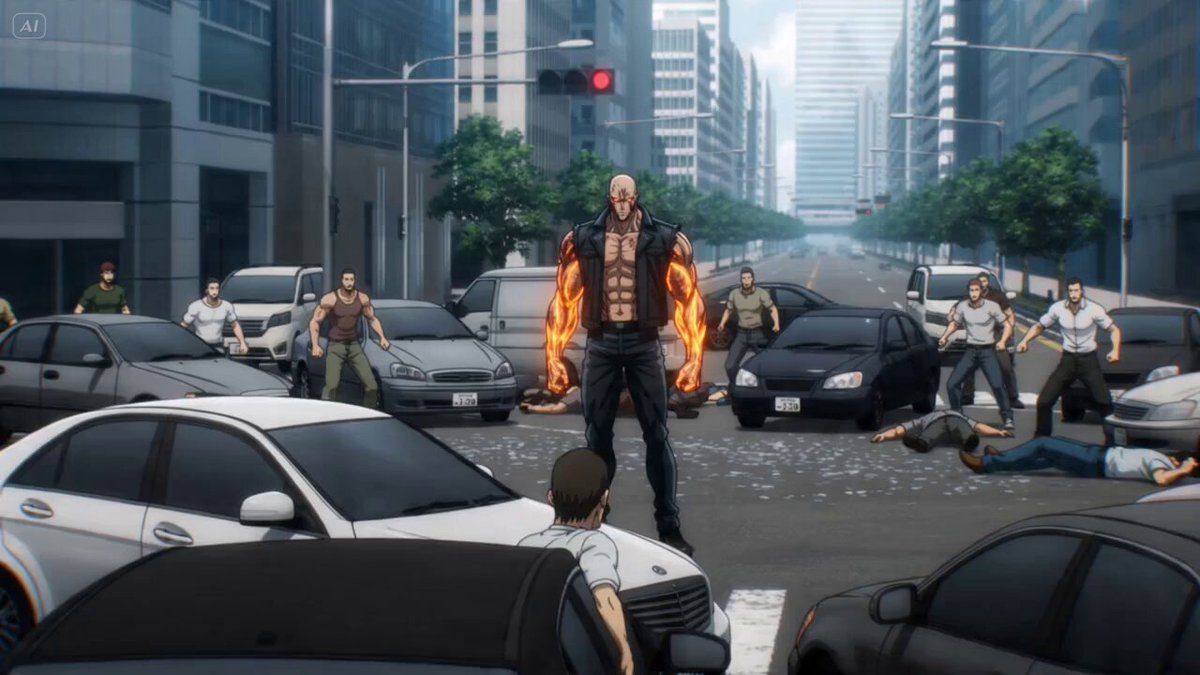
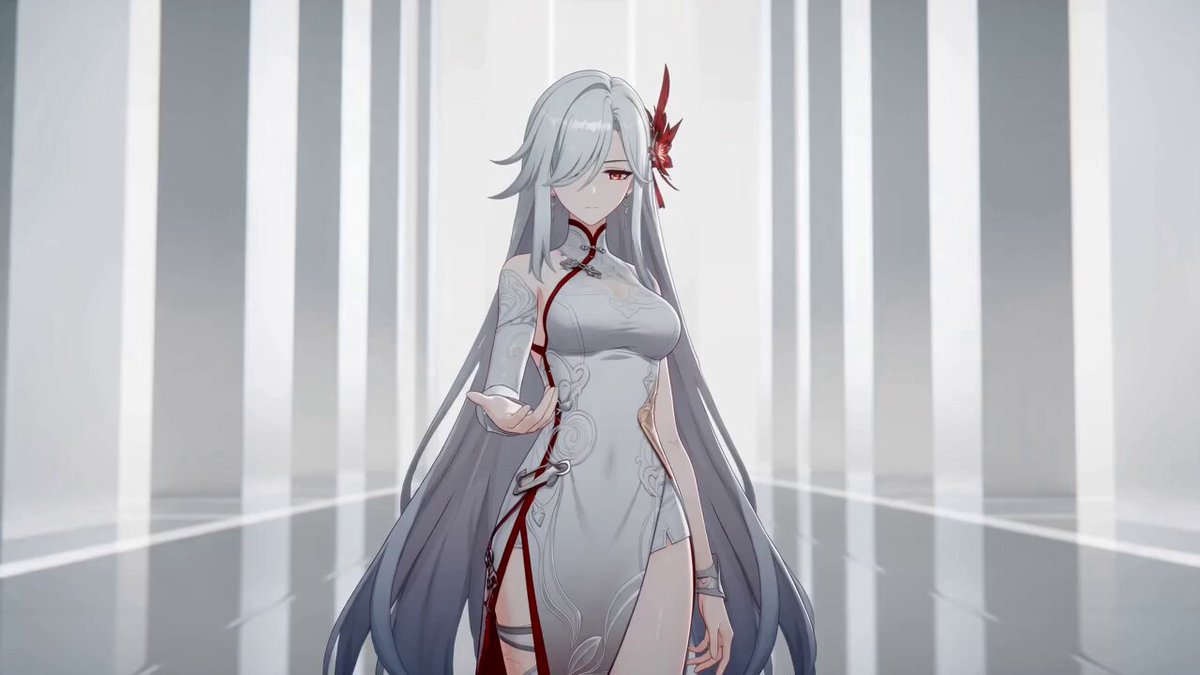
@Image1's character Kai attacks @Image2's character Master Tanaka in the @Image3 dojo. anime with motion blur on Kai's kicks and crisp movement for Tanaka. Choreography: Shot 1 (0.0-2.0s): Medium shot. Kai attacks with a high roundhouse kick. Tanaka blocks with his forearm, barely shifting. Shot 2 (2.0-3.5s): CU. Kai throws a mid-level side kick. Tanaka deflects it with a small circular hand movement. Shot 3 (3.5-5.0s): Low angle. Kai attempts a low sweep. Tanaka lifts his foot as it passes under. Shot 4 (5.0-7.0s): CU on Kai's confused face. Sound is three taiko beats, a loud THUD, a WHOOSH, a SWISH, then silence. Constraints: Contrast between speed and economy of motion is critical.
@Image1's character Kai attacks @Image2's character Master Tanaka in the @Image3 dojo. anime with motion blur on Kai's kicks and crisp movement for Tanaka. Choreography: Shot 1 (0.0-2.0s): Medium shot. Kai attacks with a high roundhouse kick. Tanaka blocks with his forearm, barely shifting. Shot 2 (2.0-3.5s): CU. Kai throws a mid-level side kick. Tanaka deflects it with a small circular hand movement. Shot 3 (3.5-5.0s): Low angle. Kai attempts a low sweep. Tanaka lifts his foot as it passes under. Shot 4 (5.0-7.0s): CU on Kai's confused face. Sound is three taiko beats, a loud THUD, a WHOOSH, a SWISH, then silence. Constraints: Contrast between speed and economy of motion is critical.
Edit the prompt in the box under the preview — the template's model and format are already selected — and press Generate. Your version appears right on this page.
Yes. You can change the subject, setting, lighting, mood, format, and available model controls before creating your video.
Opening and editing this template is free. Generating uses credits, shown on the Generate button when you are signed in.
Start with Seedance 2.0, which is the model associated with this template. You can compare another compatible model for a different finish.
Follow a topic to a crawlable collection of related PicX Studio templates.